 iOS Quick Start Guide
To view our quick start videos and more www.astech.com/quickstart
Create an asTech account
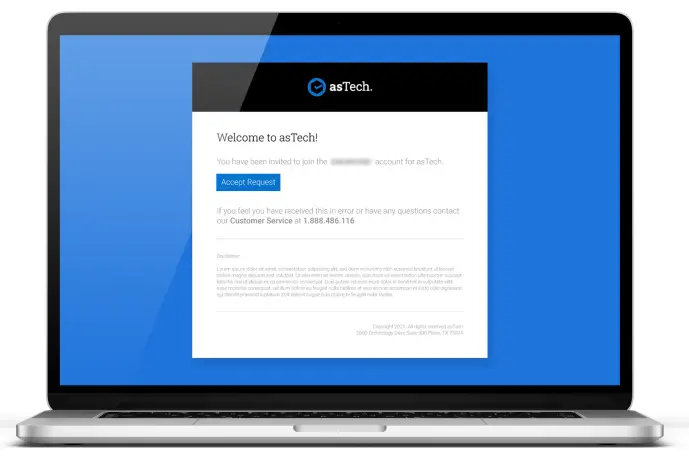
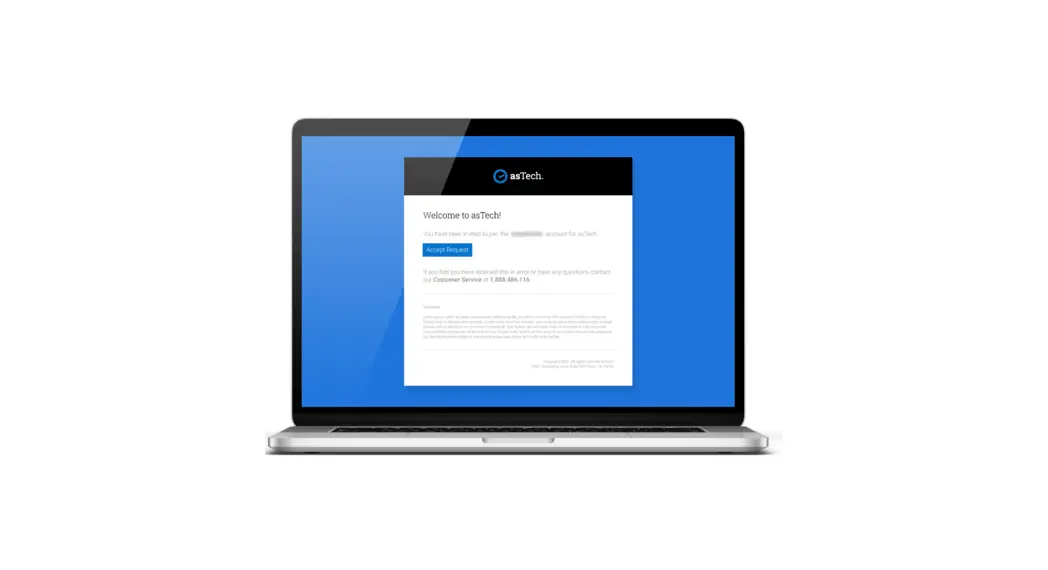
Register your asTech account via the email you received from [email protected] with the subject line “You’ve been added to an asTech account”.
Note: To request another registration email go to www.astech.com/registration.
Download the asTech Duo app
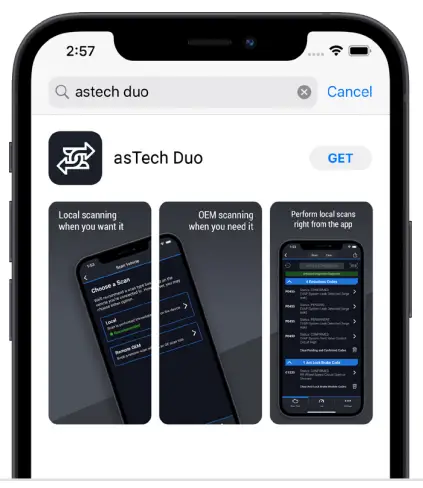
Ensure your device is connected to the internet.
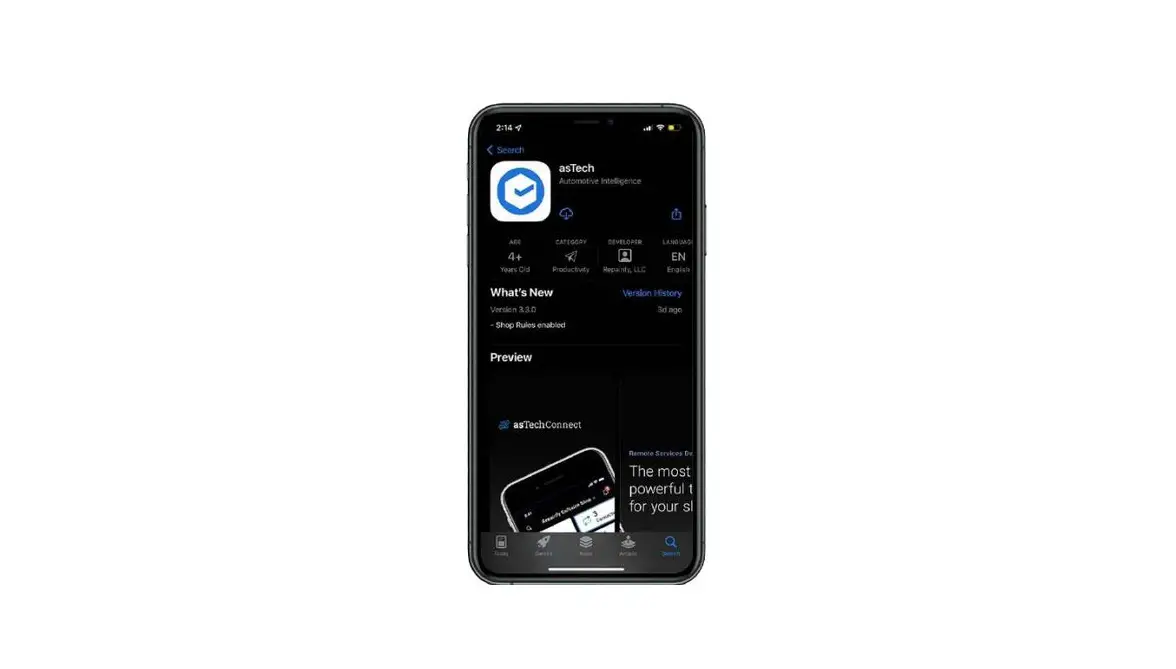
Then go to the Apple App Store. Search “asTech Duo” to find and install the app.
Plug your asTech device into a vehicle

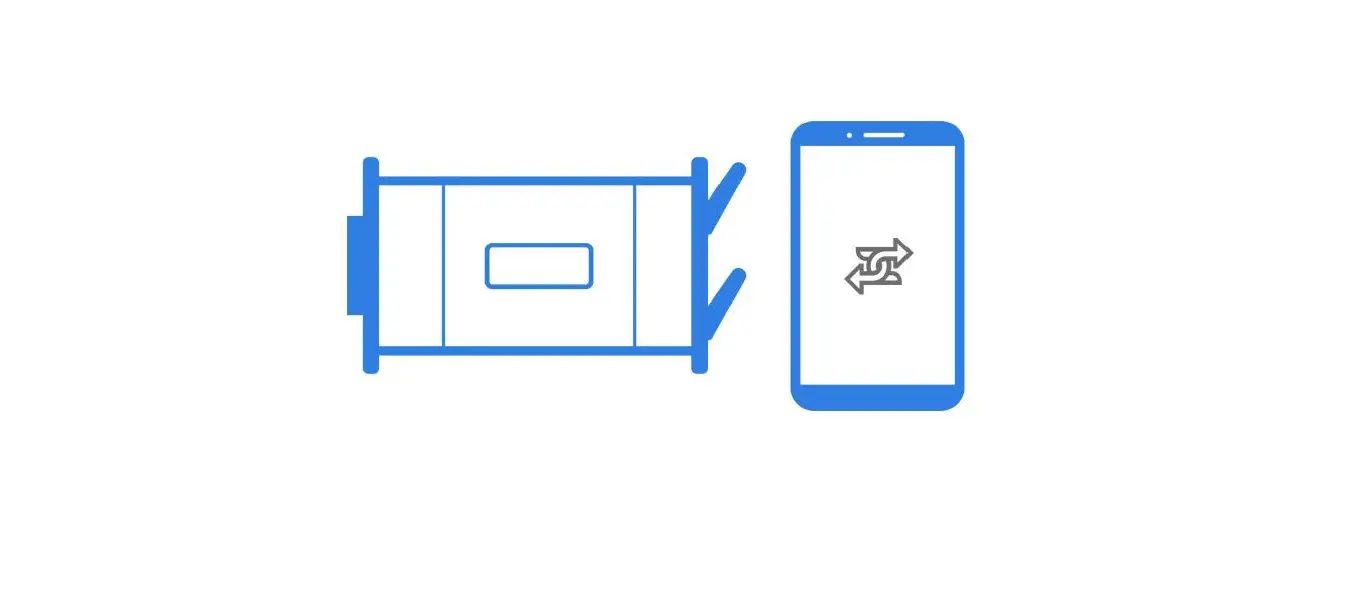
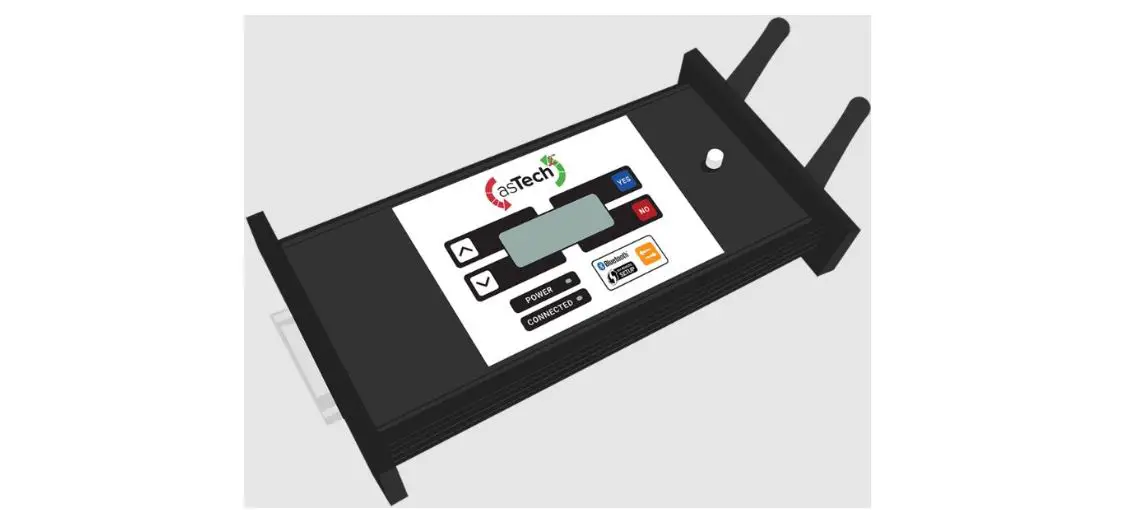
Plug your asTech Device into a vehicle with a key on, and engine off. The device will display “Waiting for APP…”.
If not, press the yellow button 8 times rapidly to switch to the Duo mode. A blue light will flash once you have successfully switched to Duo mode.
Note: The vehicle needs to be battery supported.
Connecting a battery support device to the vehicle is recommended.
Pair your phone/tablet to the asTech Device
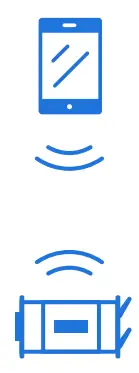
Please wait 30 seconds before pairing your phone/tablet to the asTech Device.
When launching Duo for the first time, the app will connect automatically to the asTech device via Bluetooth.
Launch the asTech Duo app
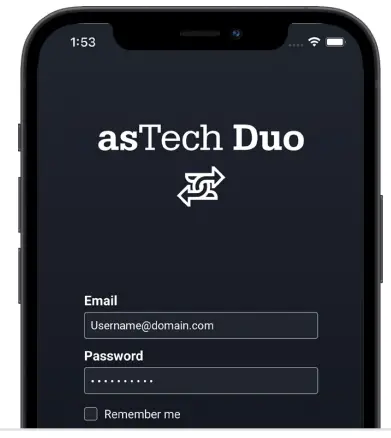
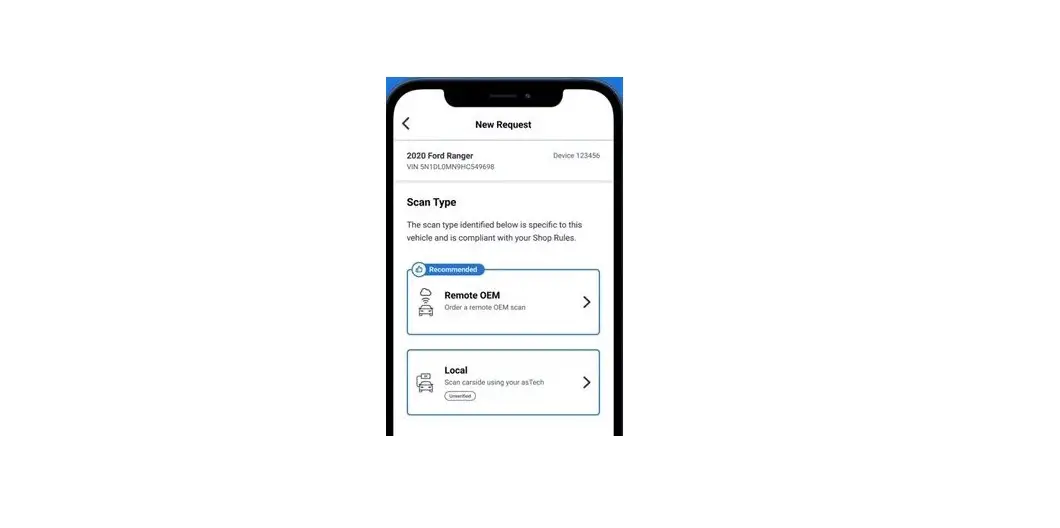
From the Duo’s home screen, tap the asTech Duo icon to launch the app. On the login screen, type your username and password created for your asTech account.
Connect the asTech device to Wi-Fi
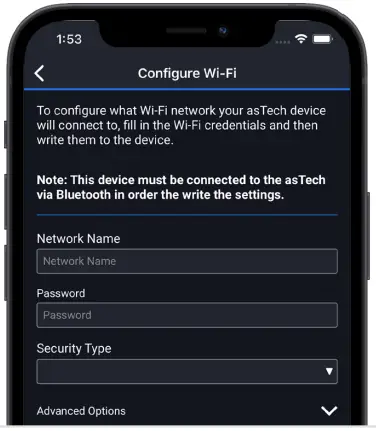
From the Duo app, tap Settings from the bottom menu. Then tap Configure Wi-Fi. Enter your shop Wi-Fi details and tap Write Settings. This will update and connect the asTech device to your Wi-Fi.
Note: An internet connection with minimum up/down speeds of 10Mbps is required.
Start using asTech Duo!
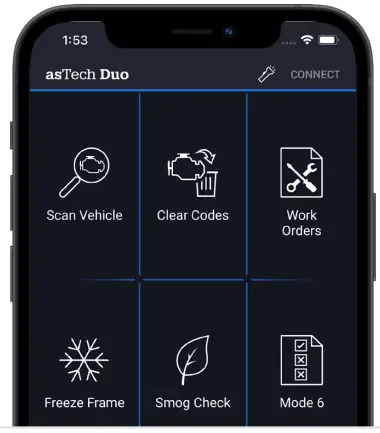
That’s it! You are ready to scan a vehicle.
You can reach Customer Service at:
1-888-486-1166 or [email protected]
 asTech | Training & Resources