
asTech Connect Application

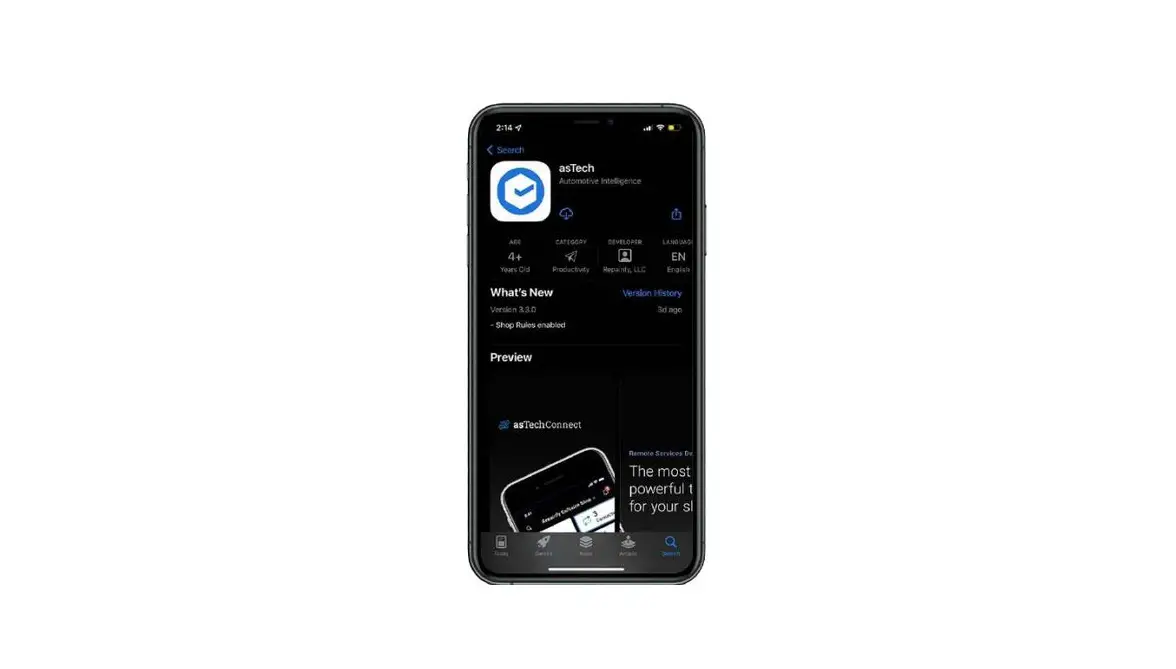
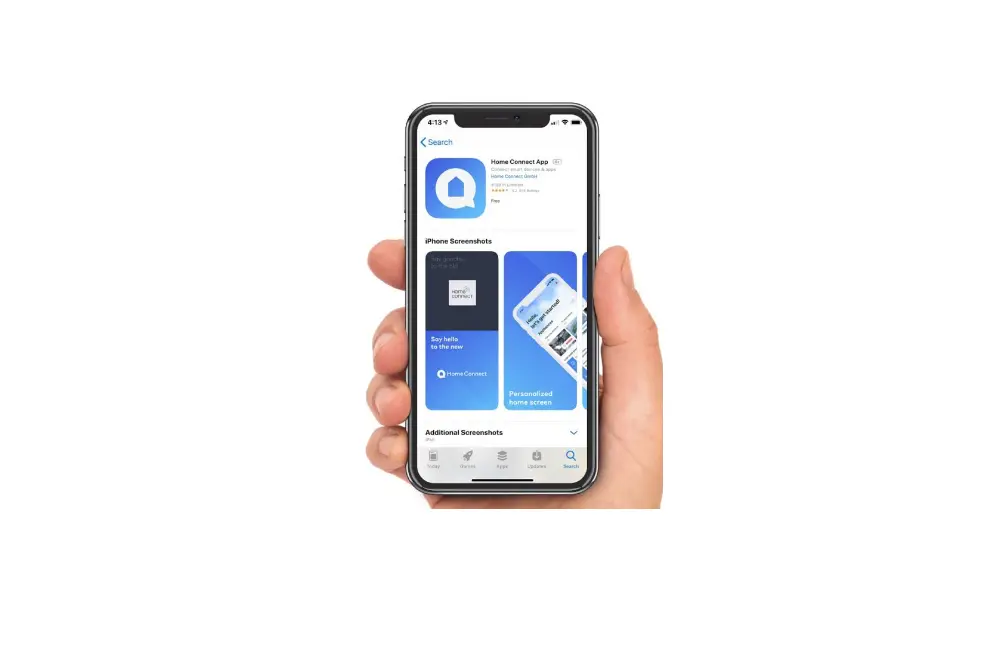
Download the new asTech App
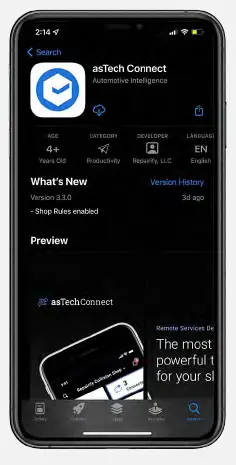
Use your mobile device’s application store to download the basTech App.
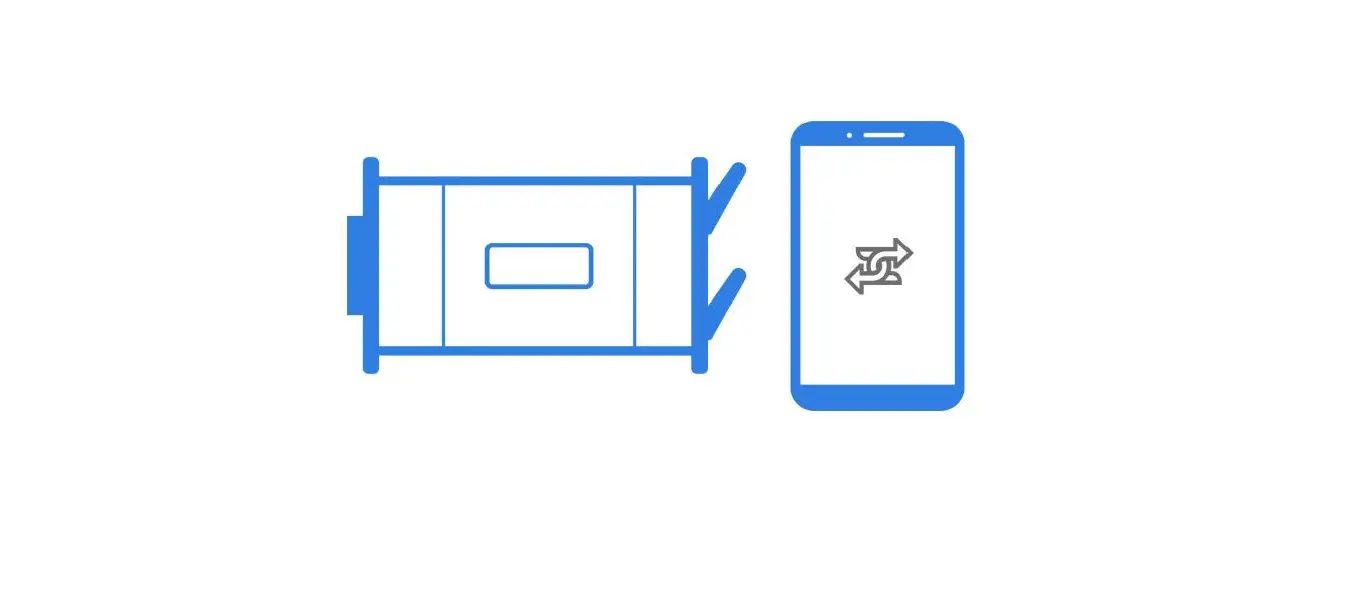
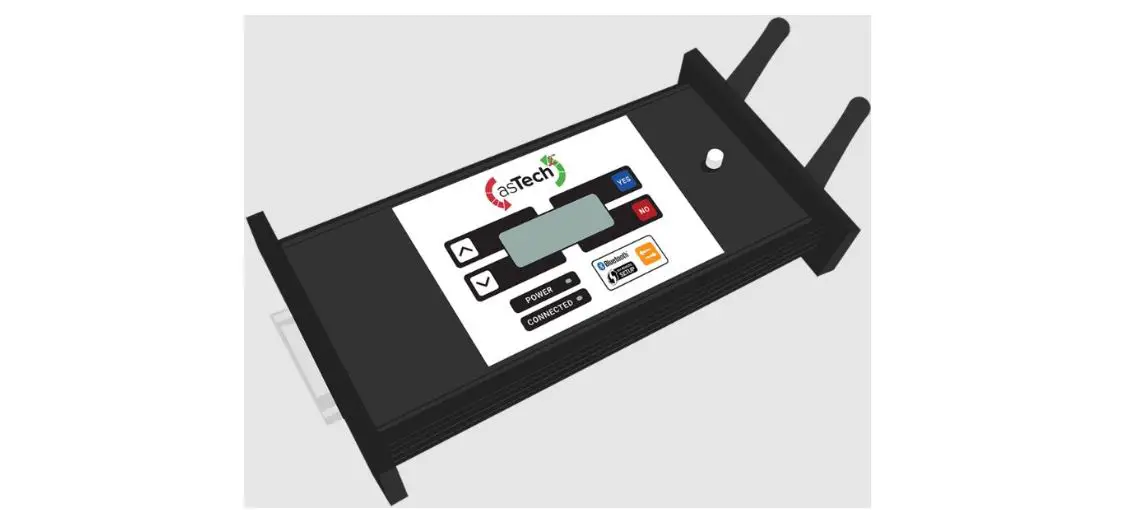
Switch modes on your asTech device
Switch modes on your asTech device by pressing the blue Bluetooth button 8 times nin rapid succession.
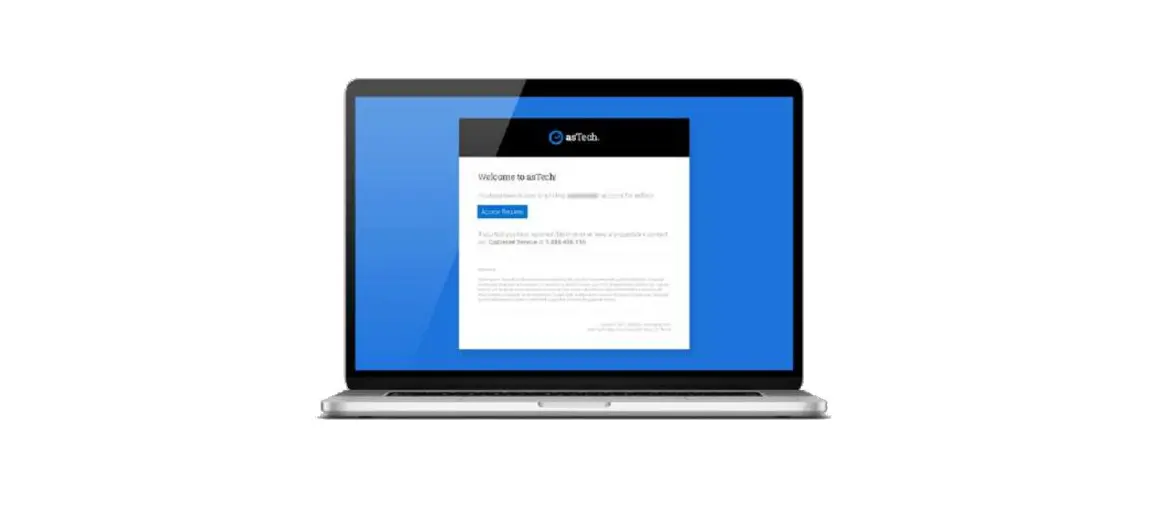
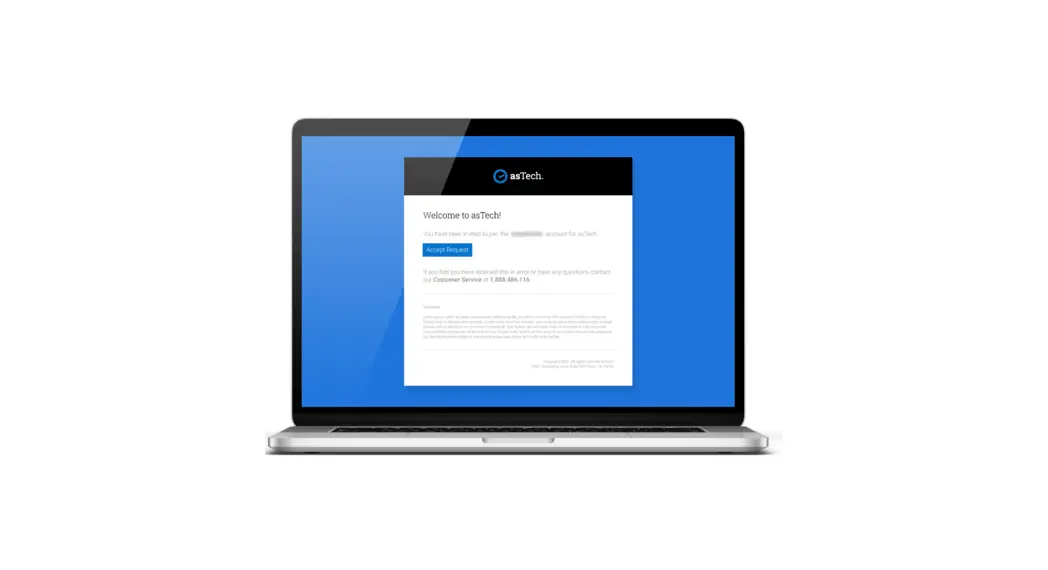
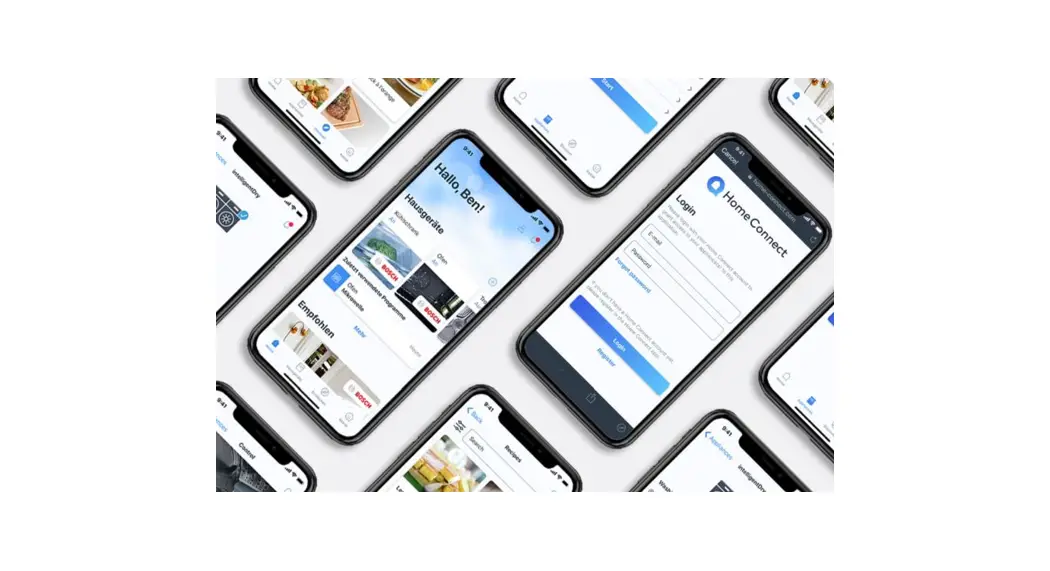
Log in using your asTech credentials
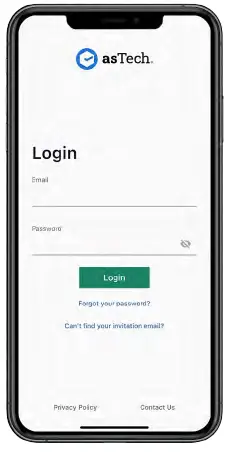
Log in to the asTech App using your existing credentials
Enable notification permissions
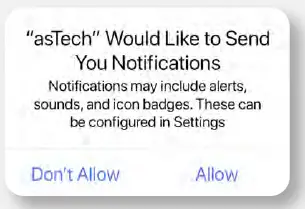
We recommend allowing notifications when prompted
Enable bluetooth
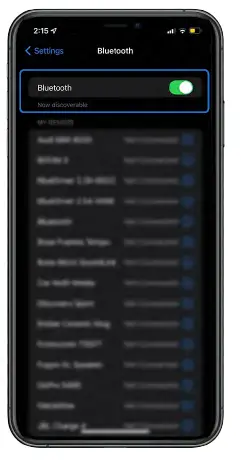 Enable Bluetooth on your mobile device Please delete the Duo app from your mobile device once you’ve set up the new asTech App.