asTech Connect App User Guide
Create an asTech account
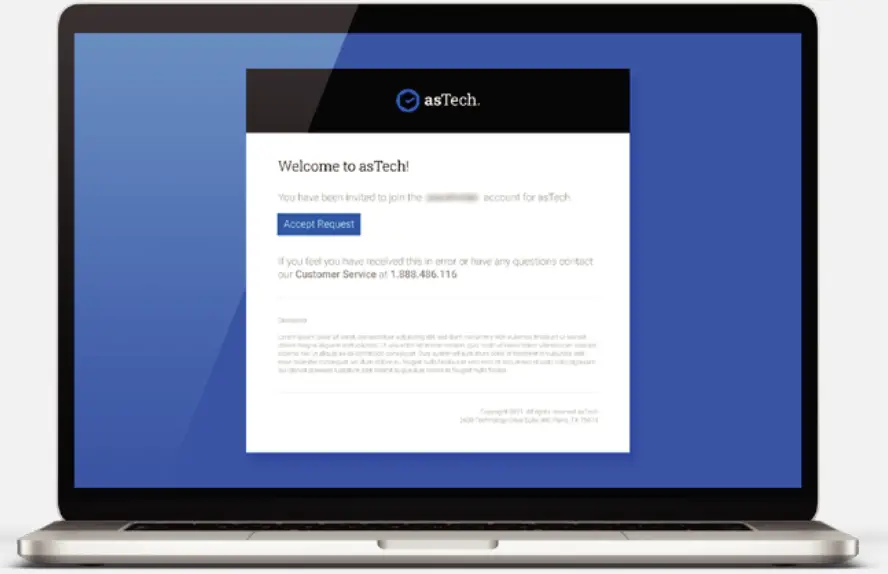
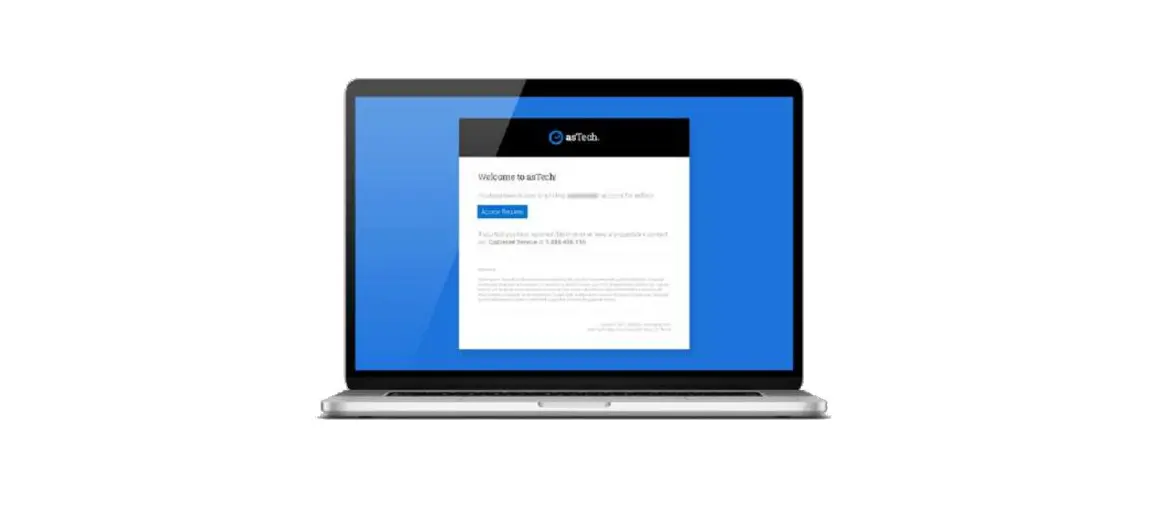
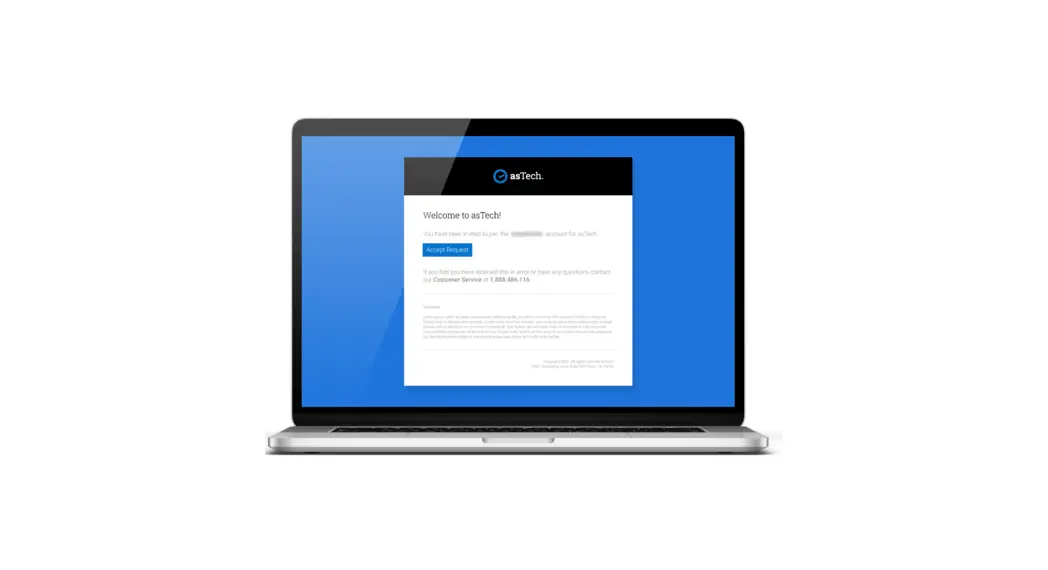
Register your asTech account via the email you received from [email protected] with the subject line “You’ve been added to an asTech account”.
Note: To request another registration email go to www.astech.com/registration.
Download the new asTech App
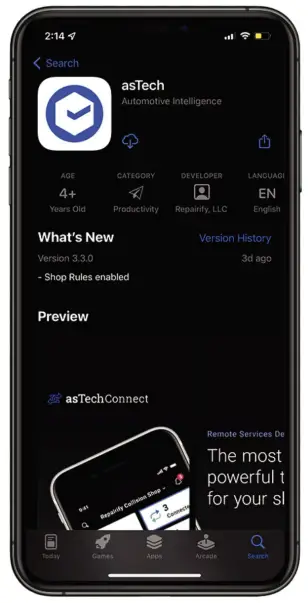
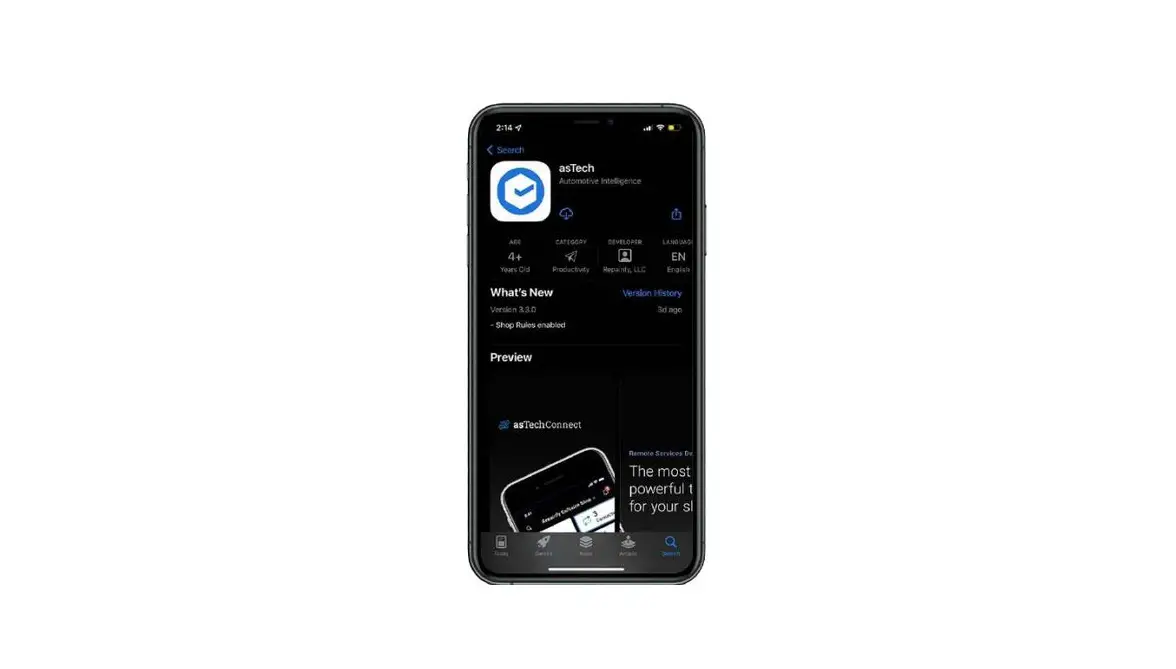
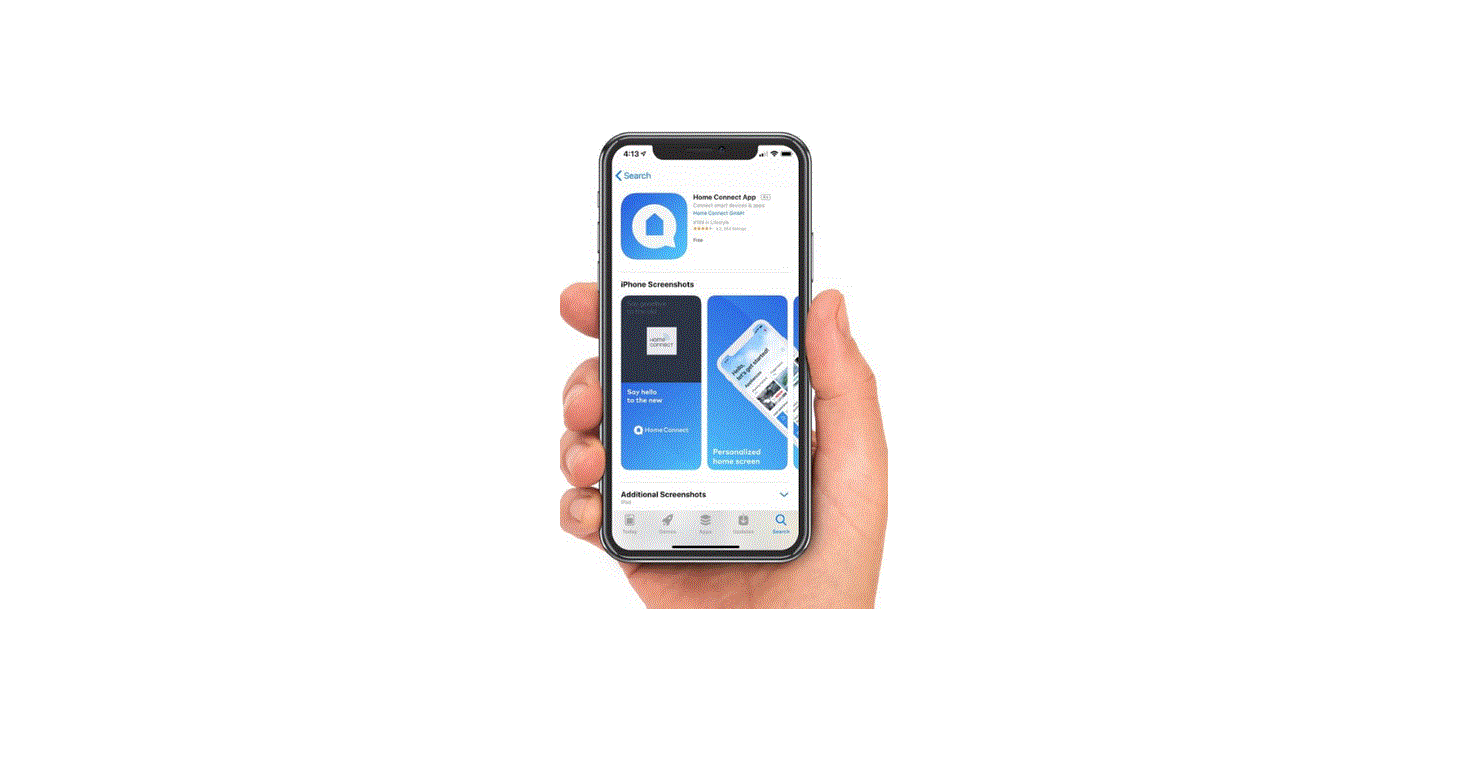
Ensure your device is connected to the internet. Then go to the app store on your device. Search “asTech” to find and install the app.
Plug your asTech device into a vehicle
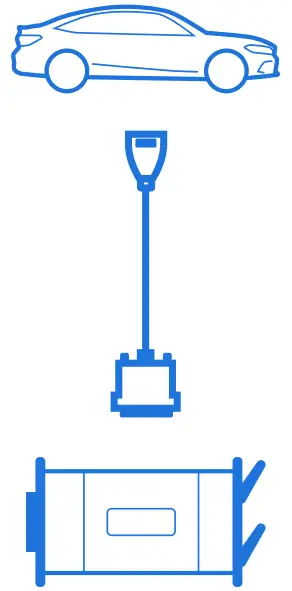
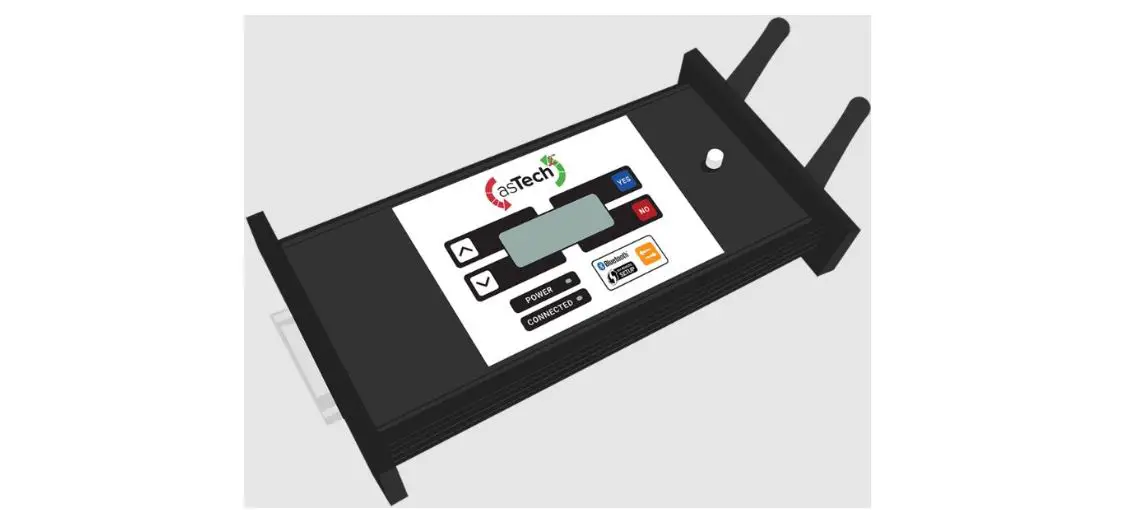
Plug your asTech Device into a vehicle and set the ignition to “on”, engine off. An IP Address, VIN and “Connected & Waiting” should appear on the device screen. The device is now ready to use.
Note: Connecting a battery support device to the vehicle is recommended.
Enable Bluetooth
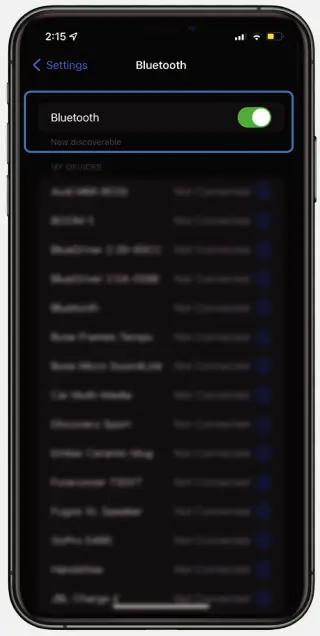
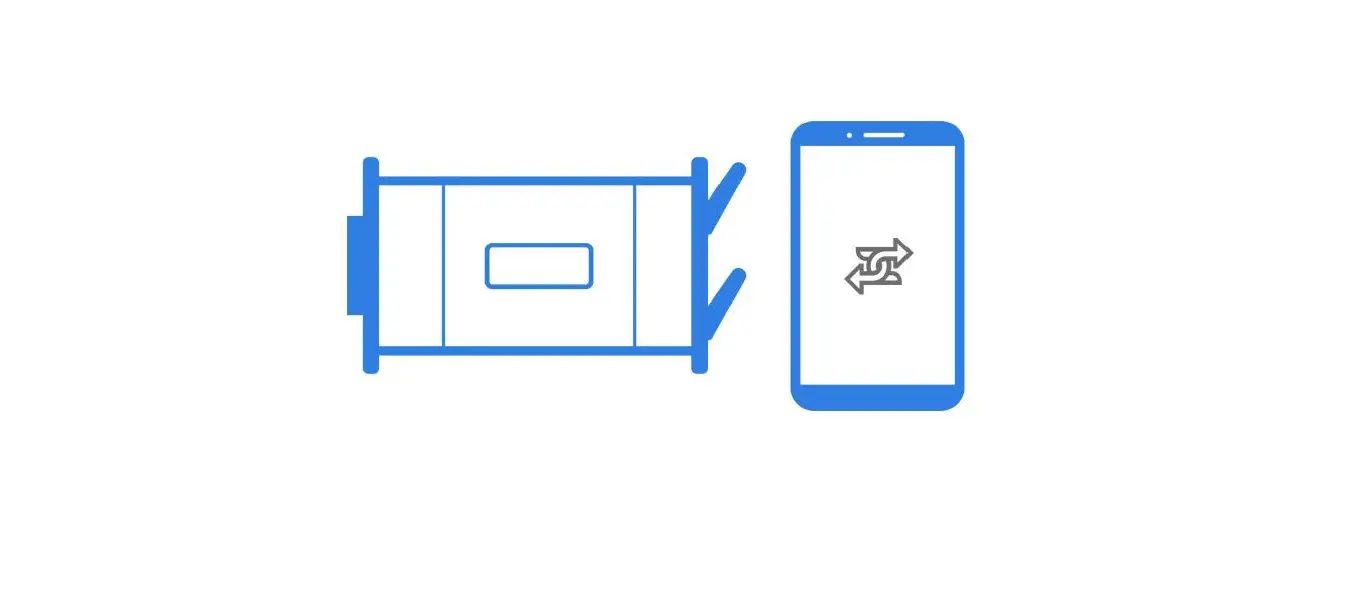
Enable Bluetooth on your mobile device.
Launch the asTech App
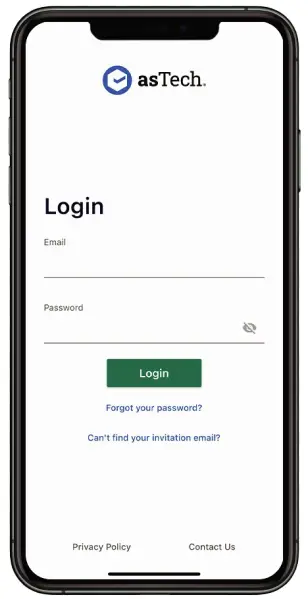
On the device, tap the asTech icon to launch the app. On the login screen, type your user name and password created for your asTech account.
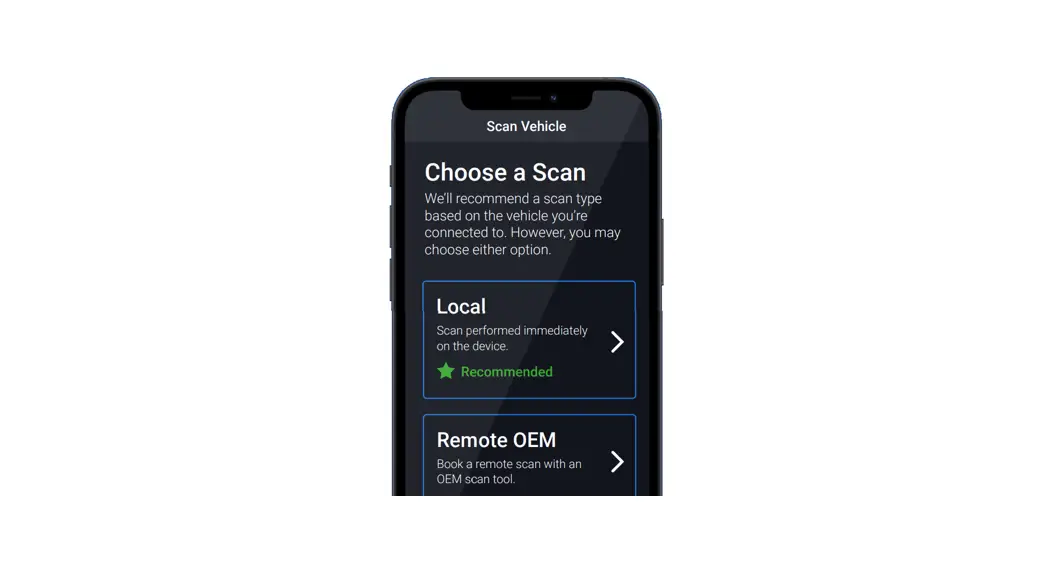
That’s it! You are ready to scan a vehicle.
You can reach Customer Service at:
1-888-486-1166 or [email protected]