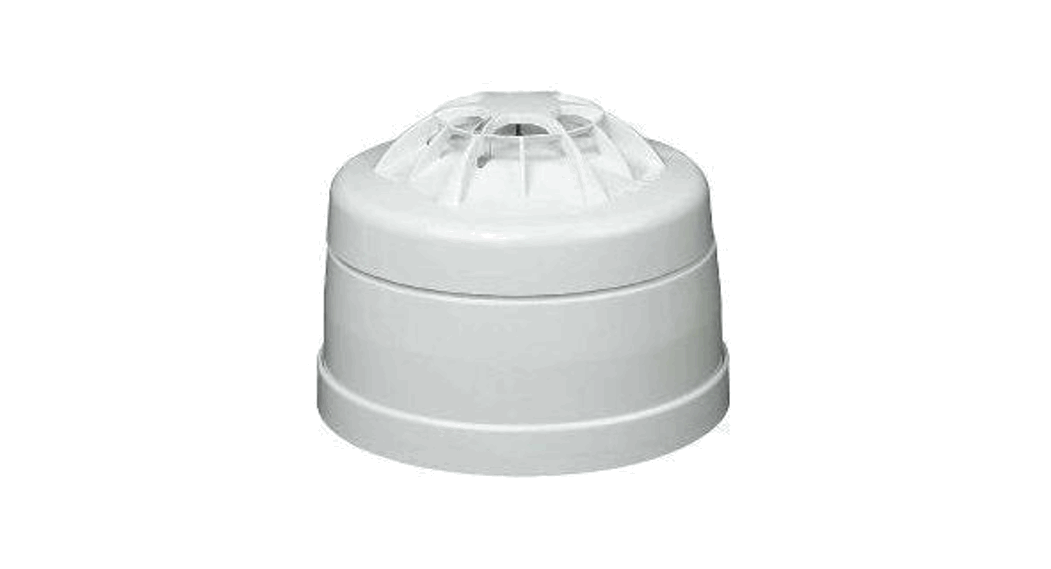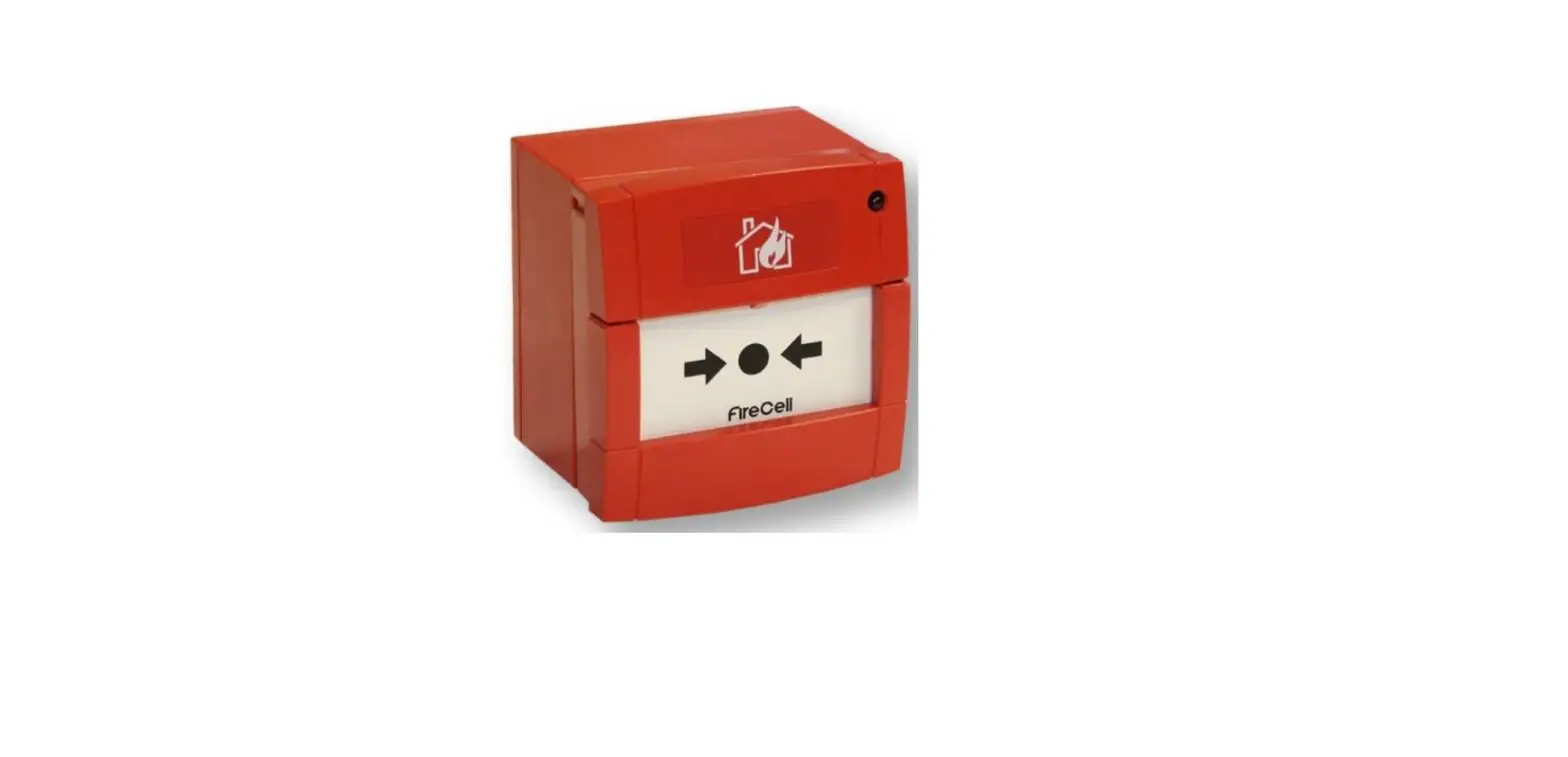


Wireless Remote Indicator Module
Installation Guide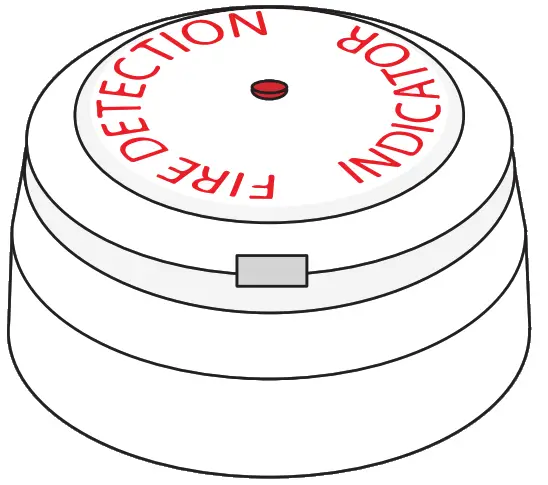
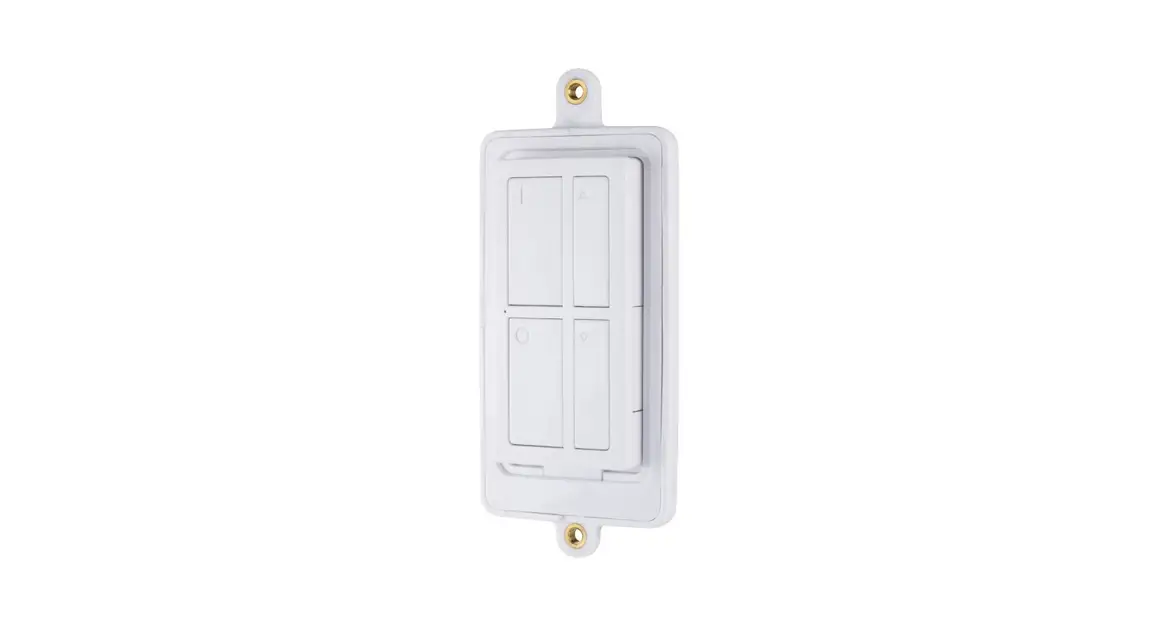
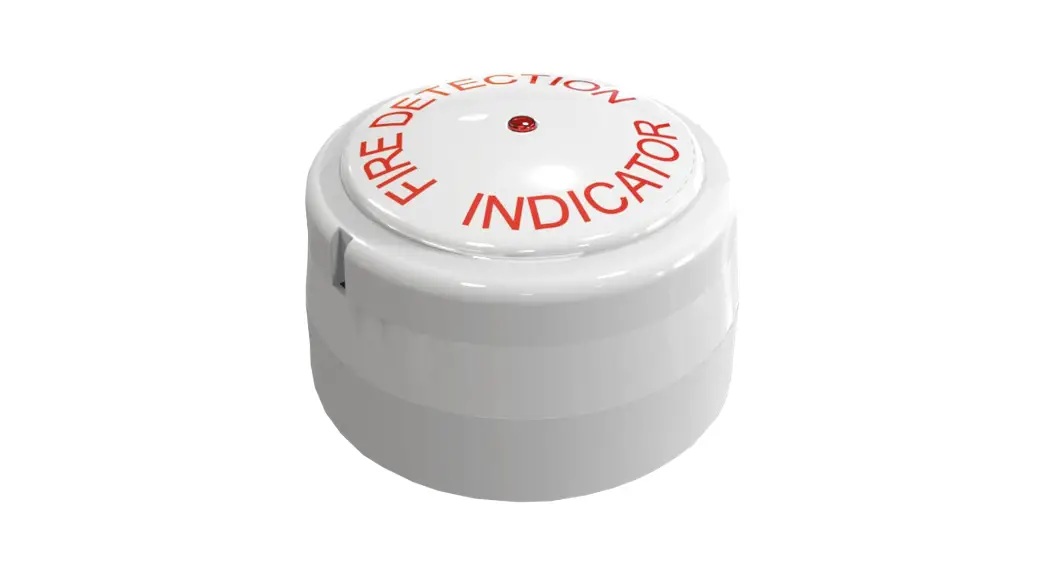
The example shown: Model FCX-178-001
| Part no | Product Description |
| FCX-178-001 | Wireless Remote Indicator Module |
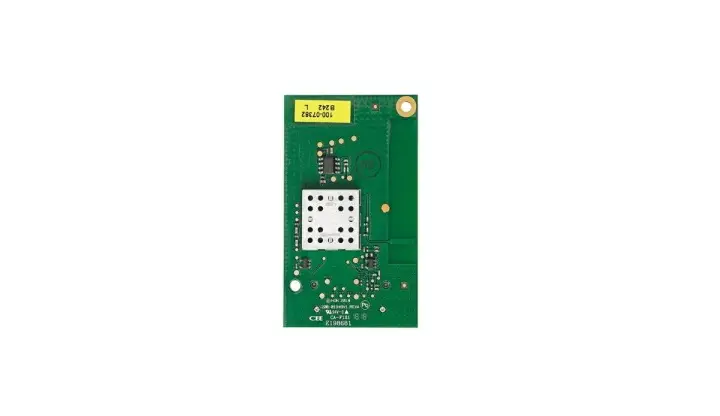
| FCZ-170-111 | Remote Indicator Wireless Module Only |
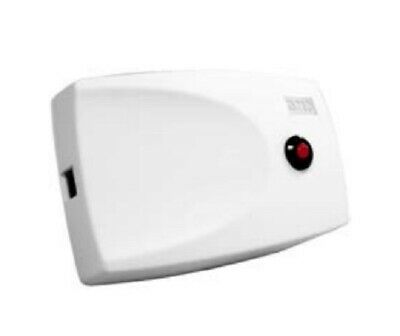
| 117261 | Remote Indicator Only |
Pre-installation
 Installation must conform to applicable local installation codes and should only be installed by a fully trained competent person.
- Ensure that the device is installed as per the site survey.
- The use of a non-metallic spacer should be considered if mounting the device onto a metal surface.
- DO NOT press the log-on button on a pre-programmed device. This will cause communication with the control panel to be lost. Should this happen, delete the device from the system and add it back on.
- This device contains electronics that may be susceptible to damage from Electrostatic Discharge (ESD). Take appropriate precautions when handling electronic boards.
Components
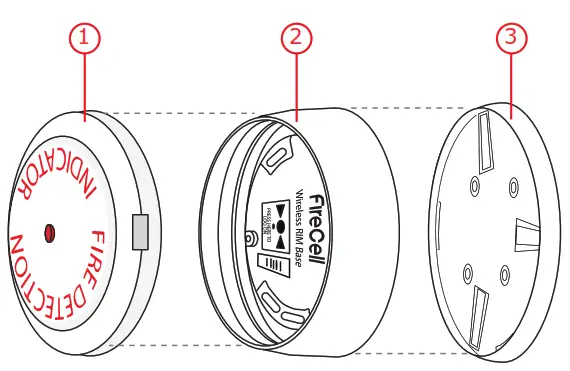
- Wireless module
- Mounting plate
- Remote indicator
Disassemble device
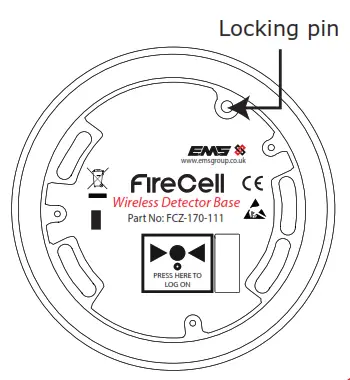
- First, disengage the remote indicator from the wireless module by turning it anticlockwise. This exposes the wireless module’s locking pin as shown.
- Disengage the mounting plate by turning the wireless module anticlockwise, whilst pressing down the locking pin.
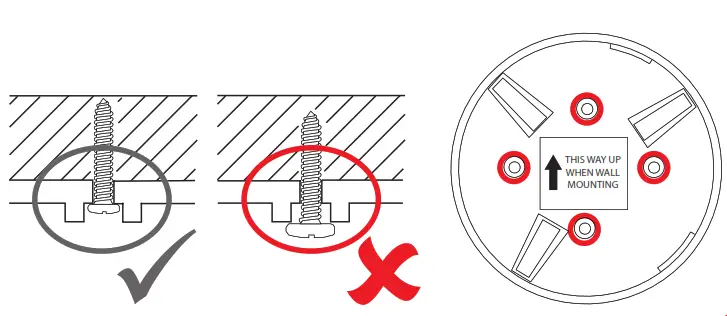
Fix mounting plate
- When wall mounting, ensure the mounting plate is fitted in the orientation shown.
- Use all four mounting holes to ensure a firm fixing.
- Use suitable fasteners and fixings.
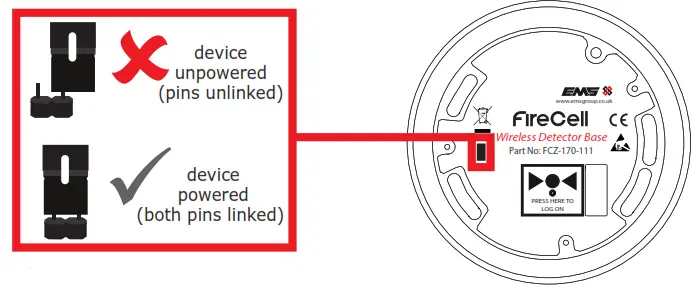
Power device
- When fitting / replacing batteries; observe correct polarity, using only specified batteries.
- Connect the power jumper across the PIN header.

- Once powered, reassemble the device.
Optional locking
- To lock the remote indicator into the wireless module, remove the cutout section as shown.
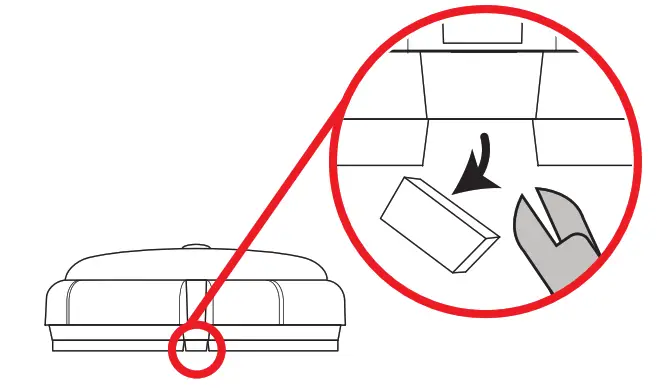
Unlocking
To unlock the device, insert a flat-bladed screwdriver into the release slot and turn the remote indicator anticlockwise to release, as shown.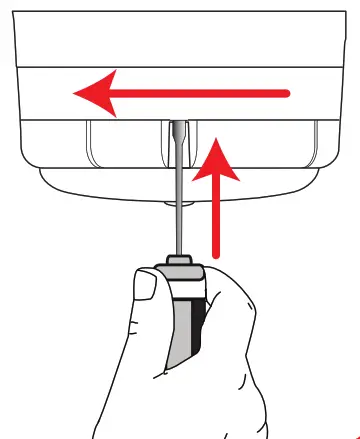
Configuration
The device’s loop address is configured within the user interface’s menu structure.
Refer to the Wireless remote indicator programming instructions (TSD115) for full programming details.
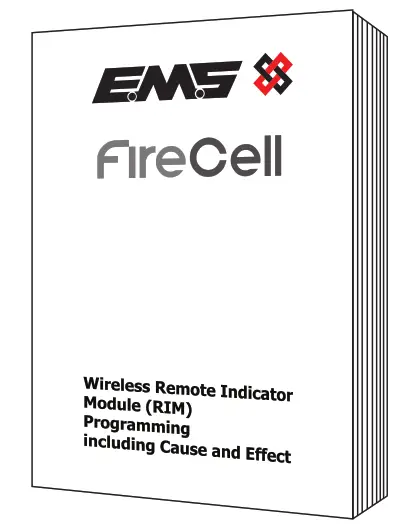 Free to download from
www.emsgroup.co.uk
Specification
| Operating temperature | -10 to +55 °C |
| Storage temperature | 5 to 30 °C |
| Humidity | 0 to 95% non-condensing |
| Supply | 6x AA alkaline (Panasonic LR6AD Powerline / Varta 4006 Industrial) |
CAUTION!
Fitting of an incorrect battery type invalidates the product certification and may result in poor performance.
| IP rating | IP23 |
| Operating frequency | 868 MHz |
| Output transmitter power | Auto adjusting 0 to 14 dB (0 to 25 mW) |
| Dimensions (Ø x D) | 113 x 81 mm |
| Weight | 0.40 |
| Location | Type A: For indoor use |
Regulatory information
| Manufacturer | Carrier Manufacturing Polska Sp. Z o.o. Ul. Kolejowa 24. 39-100 Ropczyce, Poland |
| Year of manufacture | See devices serial number label |
| Certification |  10 10 |
| Certification body | 0905 |
| CPR DoP | 0359-CPR-00127 |
| Approved to | EN54-25:2008. Incorporating corrigenda September 2010 and March 2012. Fire detection and fire alarm systems. Part 25: Components using radio links |
| European Union directives | EMS declares that this device is in compliance with Directive 2014/53/EU. The full text of the EU declaration of conformity is available at the following internet address: www.emsgroup.co.uk |
 | 2012/19/EU (WEEE directive): Products marked with this symbol cannot be disposed of as unsorted municipal waste in the European Union. For proper recycling, return this product to your local supplier upon purchase of equivalent new equipment, or dispose of it at designated collection points. For more information see www.recyclethis.info Dispose of your batteries in an environmentally friendly manner according to your local regulations. |
©2021 EMS Ltd. All rights reserved
TSD116-99 Iss 5 24/11/2021 AJM
 Leading brand of Wireless Fire alarms systems - EMS Firecell
 HOME
HOME