
True Wireless Stereo
Buds Play
FCC ID: 2AOKX-YM-T01
User Manual
Features
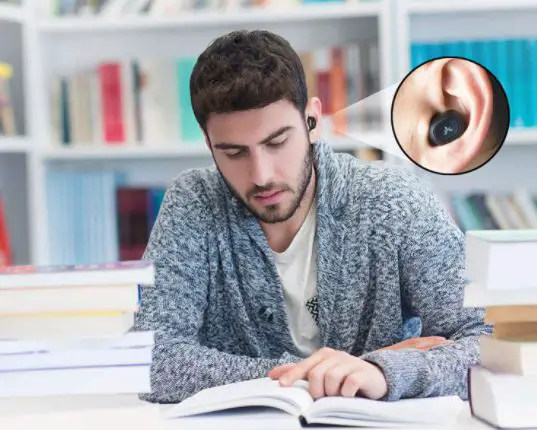
- Ergonomic in-ear wear design, comfortable and solid
- Secure connectivity, high-definition, low latency
- Improve dynamics and resolution and listen to balanced HD sound quality
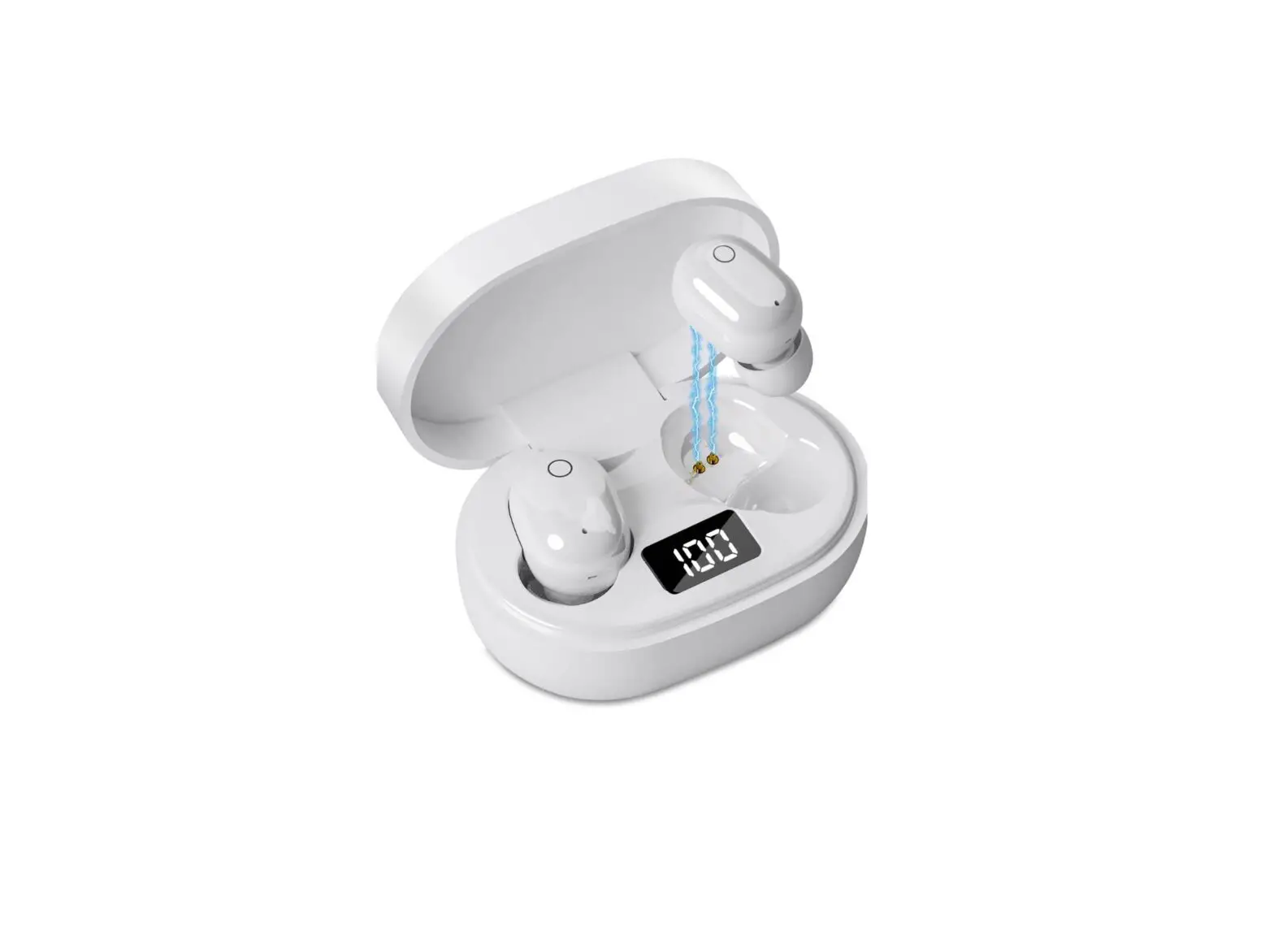
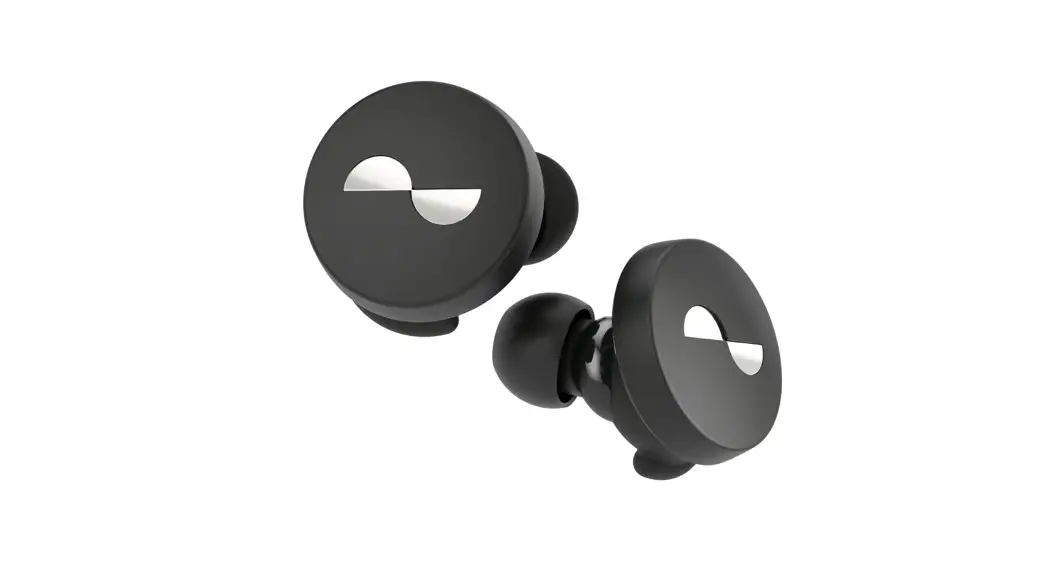
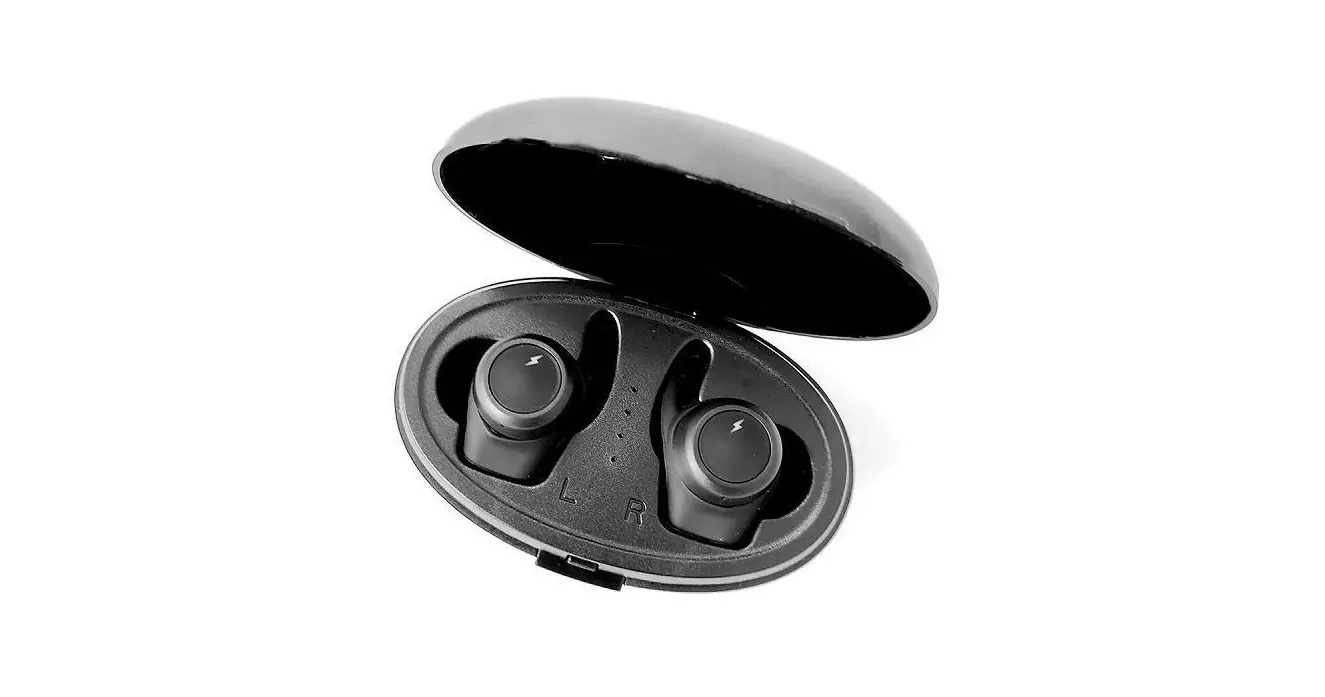
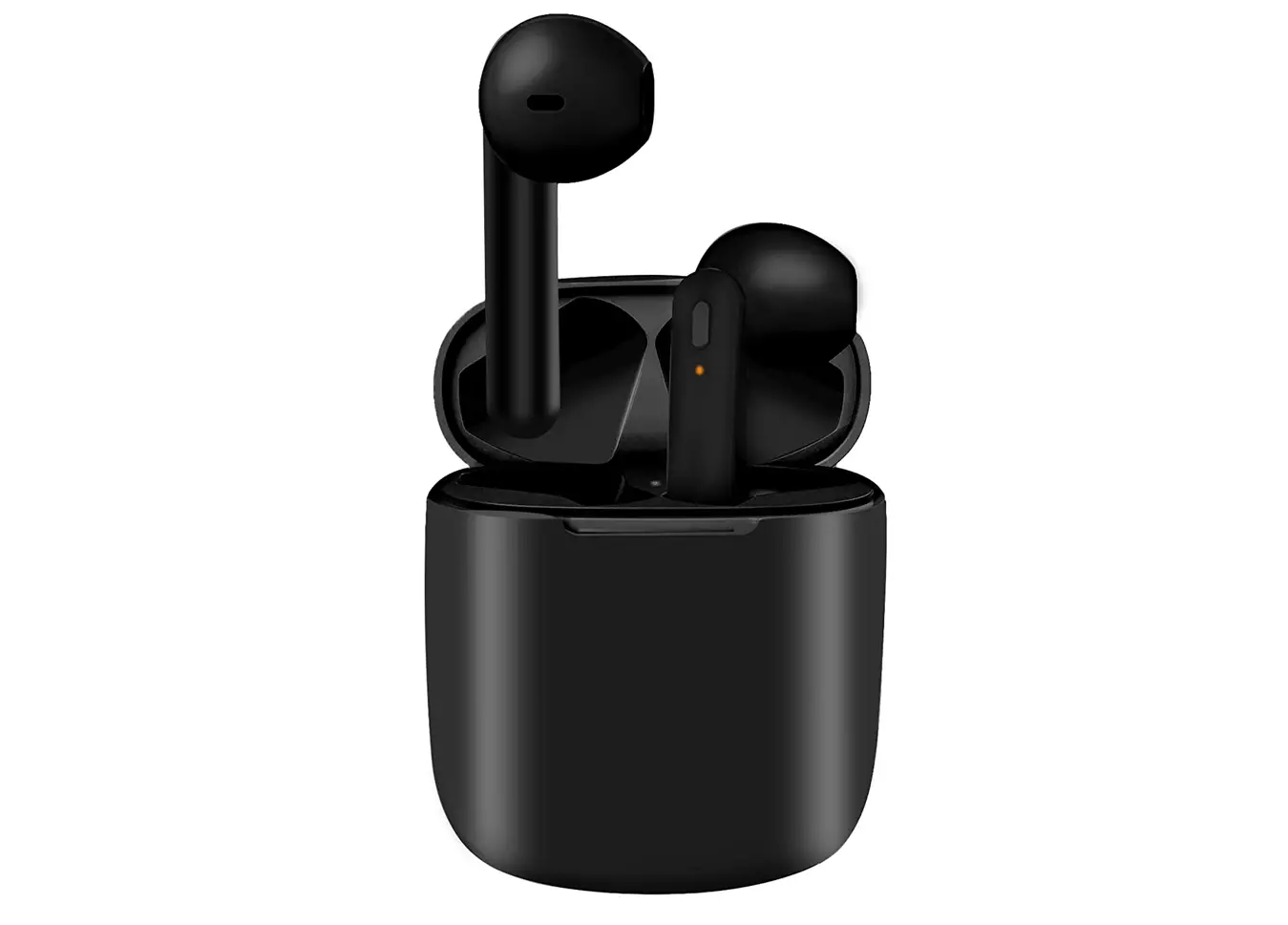
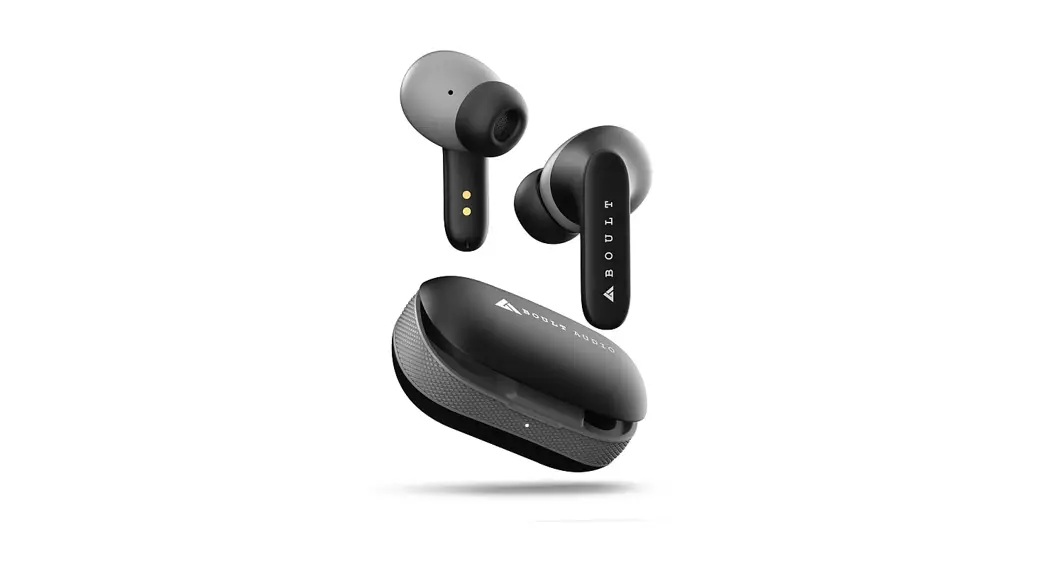
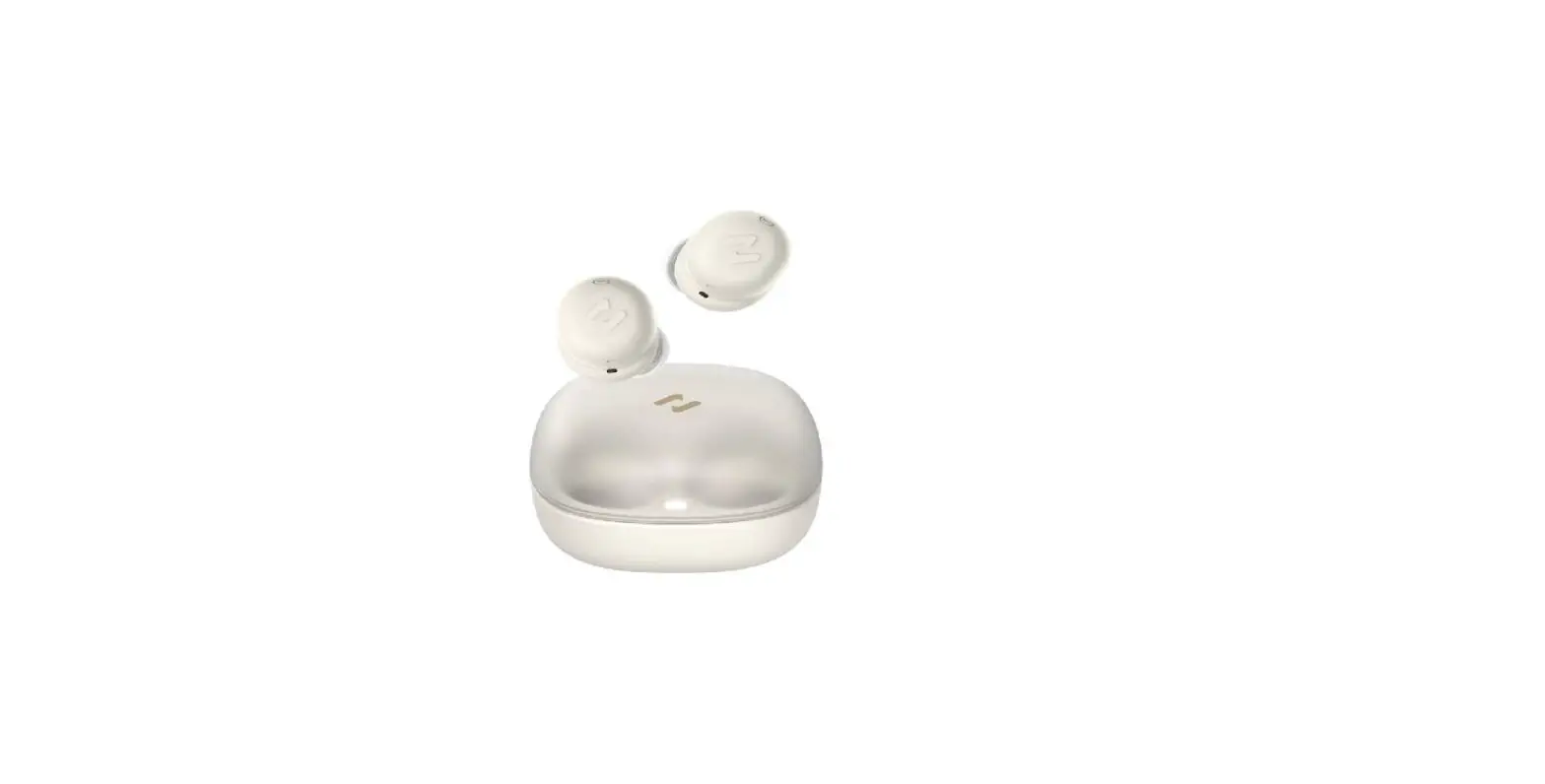
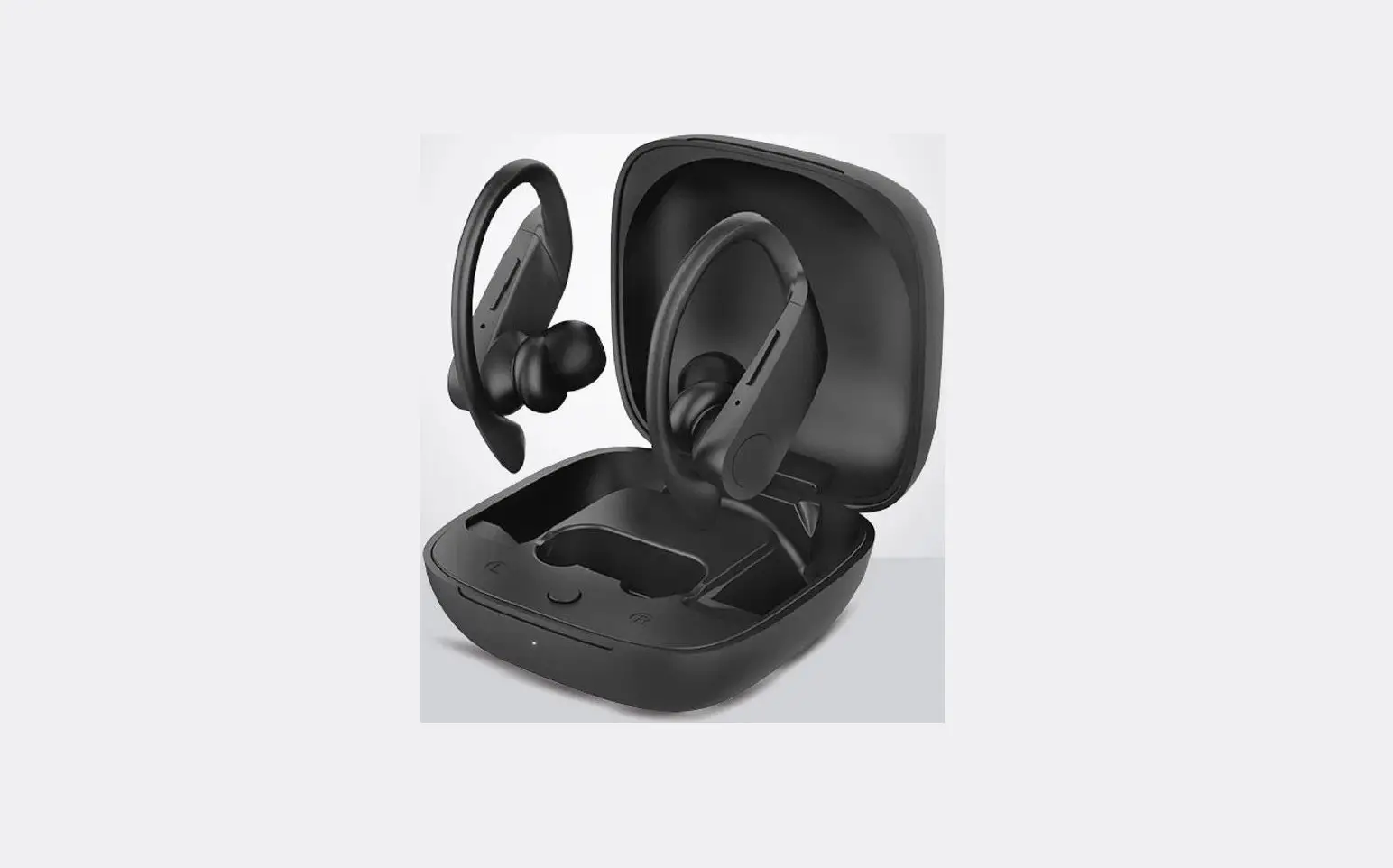
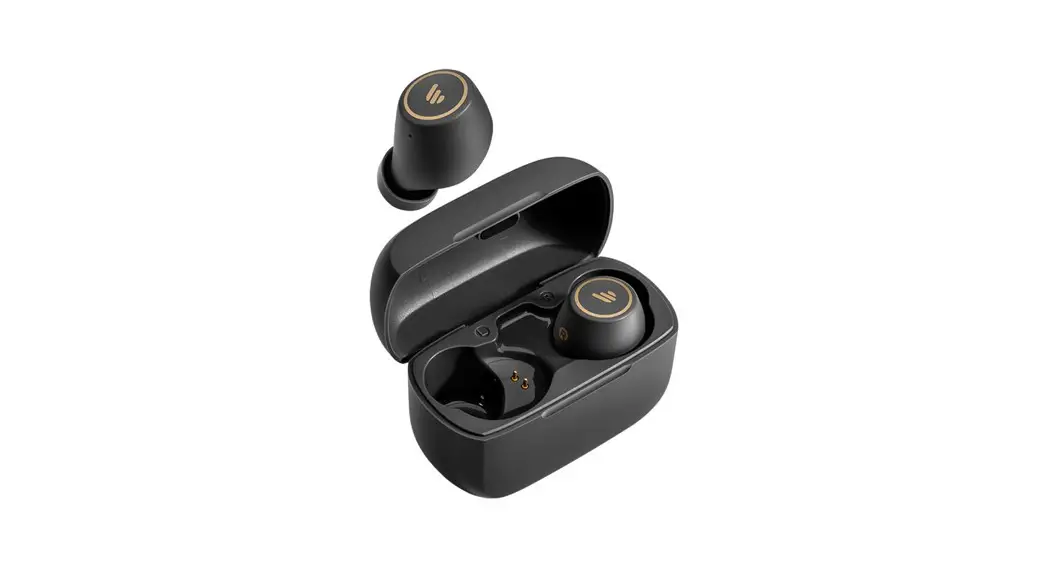
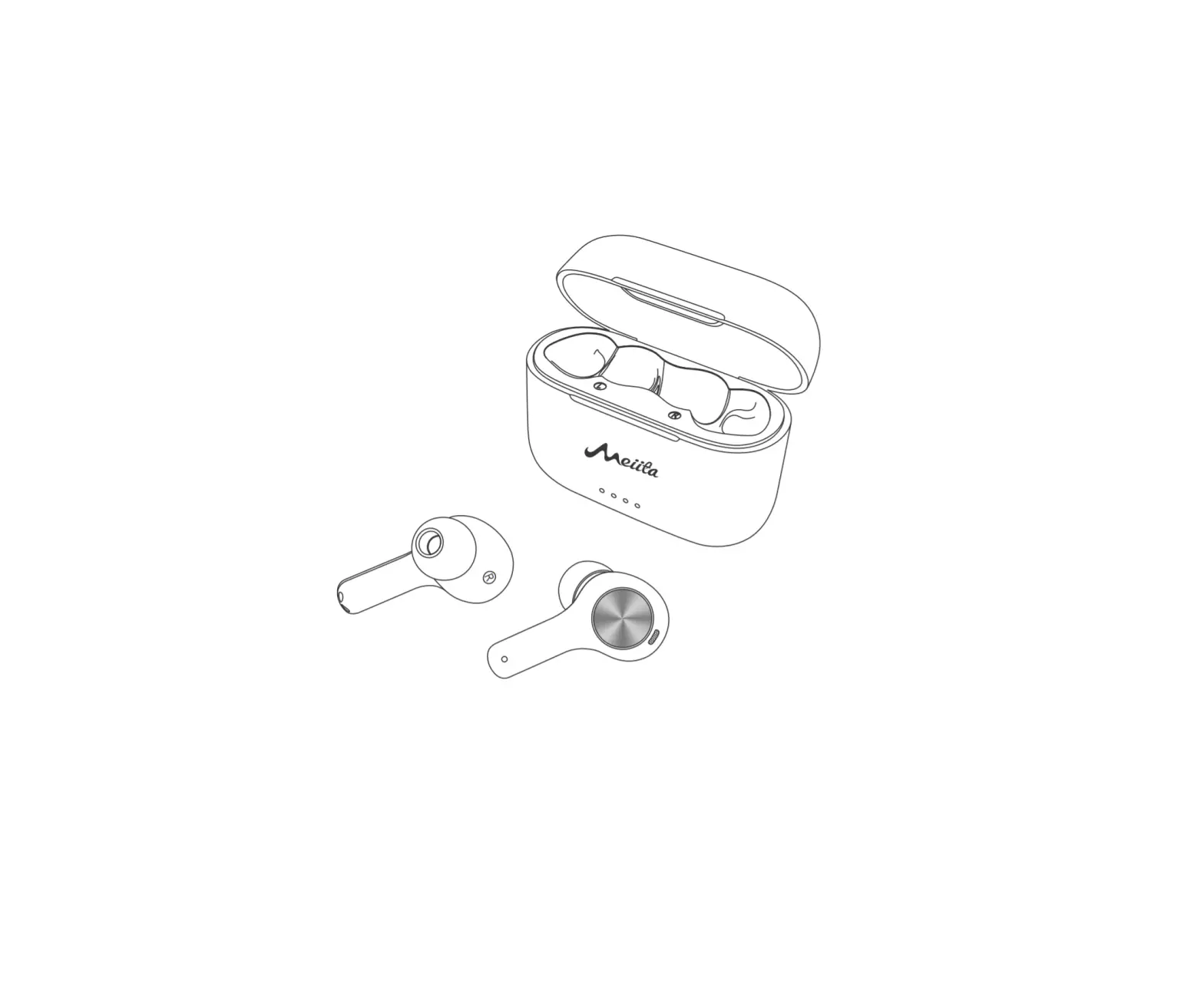
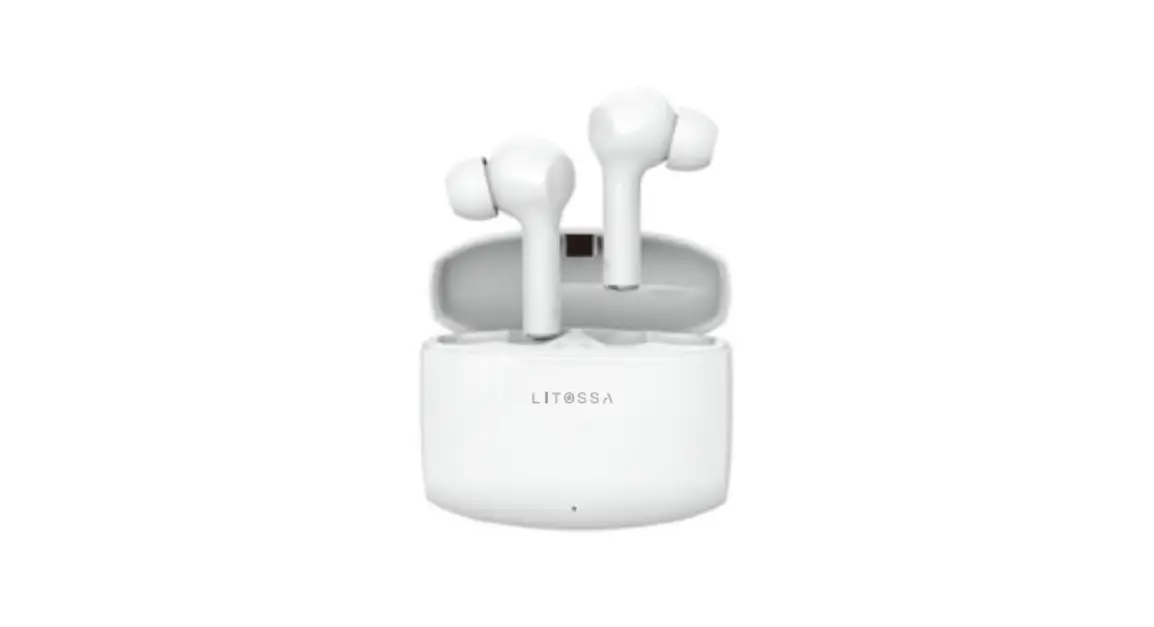
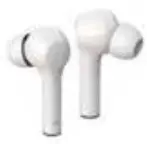
Product illustration
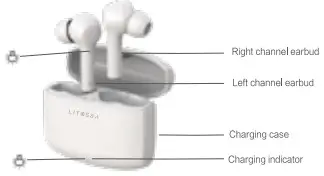
Specifications
Model: YM-T01
Bluetooth Version: 5.0
Transmission Frequency: 2.400-2.4835 GHz
Transmission Distance:10M
Earbud Battery: 40mAh*2
Charging Case Battery: 300mAh
Speaker: 010MM
Speaker Sensitivity: 93±3dB
Impedance: 220
Speaker Frequency: 20Hz-20KHz
Input Voltage/Current: DC 5V/500mA
Working Current: 10mA
Standby Current: 0.4mA
Play Time: Approx 4hrs
Talk Time: Approx 4hrs
Charging Time: Approx 1.5hrs
Connecting
Auto connection: Take the earbuds out of the charging box, wait for 2-3s for earbuds pairing.
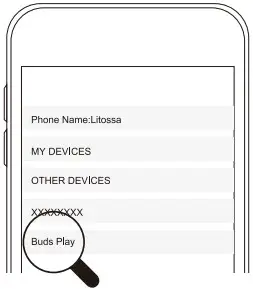
Open your Bluetooth devices and search “Buds Play”, choose and get a connection.
If connecting failed, turn off the mobile phone’s Bluetooth function and re-open again.
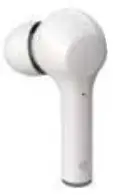
 | Play/Pause (single): Double tab |
 | Next song (single): Triple Tap |
 | Voice assistant (single): Press for 3 secs |
 | Pick up calls (single): Double tab |
 | End calls: Double tab |
 | Reject calls (single): Press for 3 secs |
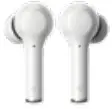
| Play/Pause Double-tap left or right side. |
 | Previous/Next song Tab left side Triple Tap for last song, tab right side Triple Tap for next song |
| Voice assistant Press L or R for 3 secs |
| End calls Double tab L or R |
| Pick up calls Double tab L or R |
 | Reject calls Press L or R for 3 secs |
Automatic switch
Turn off any side of the earphones, the other side will keep functioning. Sound notice”Power off.”
Low battery
warning when the voltage is below 3.3V
Power off when power out
Automatically power off when the voltage is 3V, Sound notice “Power off.”
Function
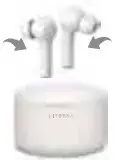
Power on
Automatically power on when the earphones are out of the charging base, White indication light flashes. Sound notice”Power on.”
Power off
Automatically power off when the earphones are in the charging base, Red indication light on. Sound notice”Power off.”
Turn on
Press for 2 secs, Red light flashes once and the white light keeps flashing. Sound notice”Power on.”
Turn off
Press for 5 secs, Red light fishes 3 times. Sound notice”Power off.”
Connection
Automatic connection when turned on, White light fishes quickly. Sound notice”Pairing mode.” Successful connection (single) Successful connection, Sound notice” Connected.”
Successful disconnection (single)
Successful disconnection, Red and white lights flash quickly. Sound notice”Disconnect.”
Successful connection (L&R)
Connect L&R, The red and white lights on the main earphone flash. Sound notice”Deedoo.”
The successful connection between earphones and phone
Successful connection, Sound notice”The main earphone: `Connected’ .”
Successful disconnection
Disconnect earphones and phone, The red and white lights on main earphone flashes, Sound notice”The main earphone: ‘Disconnect’ .”
Charging
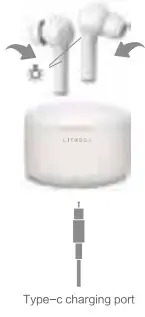
 | Recharging: Put back to the charging base, Red light on. |
 | Recharged: In the charging base, Red light fishes 3 times. |
 | Automatic power-off: In disconnection mode for 5 mins, Red light flashes 3 times. Sound notice” Power off “ |
 | Automatic sleep mode: Automatic sleep mode when not working for 30secs. |
| Recharge the charging base: Type-c input port to recharge the charging base, Red light flashes every 0.5 sec. The red light is on when fully charged. |
 | Charging base power out: The charging base will stop recharging earphones when the voltage is below 3V, Blue light flashes every 1 sec. |
FCC Statement
This equipment has been tested and found to comply with the limits for a Class B digital device, pursuant to part 15 of the FCC Rules. These limits are designed to provide reasonable protection against harmful interference in a residential installation. This equipment generates, uses, and can radiate radio frequency energy and, if not installed and used in accordance with the instructions, may cause harmful interference to radio communications. However, there is no guarantee that interference will not occur in a particular installation. If this equipment does cause harmful interference to radio or television reception, which can be determined by turning the equipment off and on, the user is encouraged to try to correct the interference by one or more of the following measures:
- Reorient or relocate the receiving antenna.
- Increase the separation between the equipment and receiver.
- Connect the equipment into an outlet on a circuit different from that to which the receiver is connected.
- Consult the dealer or an experienced radio/TV technician for help.
Caution: Any changes or modifications to this device not explicitly approved by the manufacturer could void your authority to operate this equipment. This device complies with part 15 of the FCC Rules. Operation is subject to the following two conditions:
(1) This device may not cause harmful interference, and
(2) this device must accept any interference received, including interference that may cause undesired operation.
RF Exposure Information
The device has been evaluated to meet general RF exposure requirements. The device can be used in portable exposure conditions without restriction. Email: [email protected]
Made In China
Shenzhen Mingfeng Creative Technology Co., Ltd.
407, Block A and B, Building 1, CITIC Industrial City, Xintian Community, Fuhai Street, Baoan District, Shenzhen, Guangdong Province, China