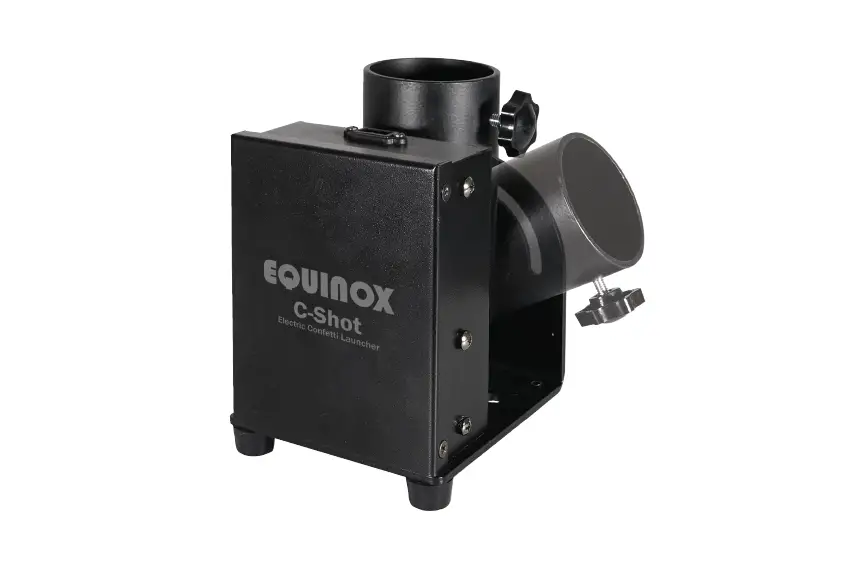
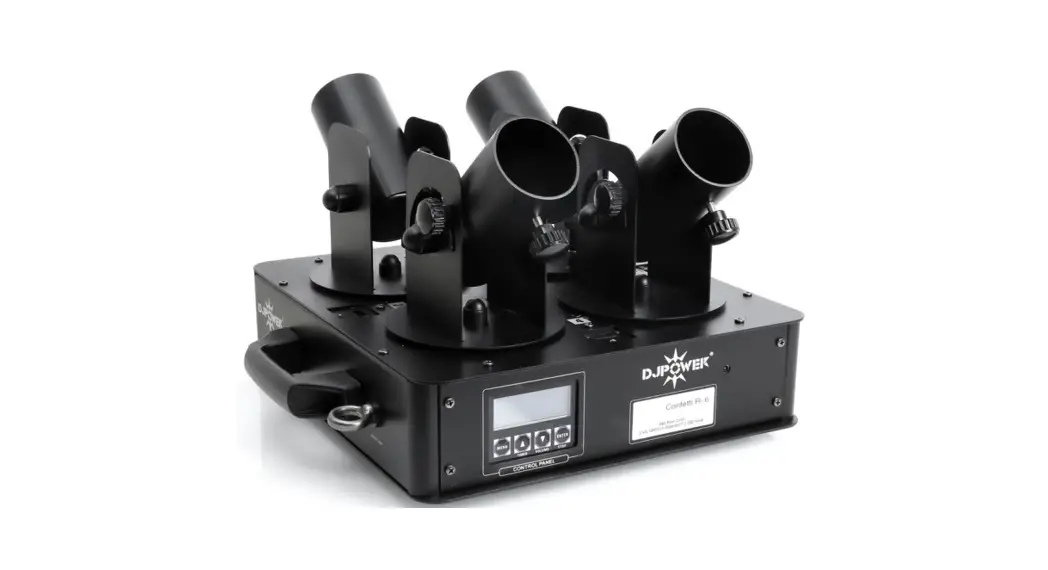
EQLED406 Twin Shot MKII Electric Confetti Launcher
Product Information:
Product Name: Twin Shot MKII Electric Confetti
Launcher
Order Code: EQLED406
Power Consumption: 60W
Power Supply: 220-240V, 50/60Hz
Fuse: F3A 250V
Dimensions: 185 x 325 x 270mm
Weight: 8.2kg
Included in the Box: 1 x fixture, 1 x power
cable & 1 x wireless remote
Product Usage Instructions:
Installation:
1. Before installing the fixture, ensure that the supporting
structure (e.g., truss) can hold a minimum of 10 times the
fixture’s weight without deformation.
2. Secure the fixture with a secondary safety attachment, such
as an appropriate safety cable, during installation.
3. Never stand directly below the fixture when mounting,
removing, and/or servicing.
4. Overhead installation requires experience and qualifications
to calculate working load limits and periodic safety inspections.
If you lack the relevant experience and/or qualifications, do not
attempt the installation yourself. The installation should be
checked annually by a qualified person.
5. The Equinox Twin Shot can be operated in various mounting
positions, including sideways on truss or upright on a flat level
surface.
6. Do not hang the Twin Shot upside-down from the ceiling or
truss. Always use a safety wire as an extra safety precaution in
case a clamp fails.
7. Never use the carry handles for secondary attachments.
8. Avoid orientating the output nozzle directly towards the
audience’s eyes. Maintain a distance of at least 5m between the
unit and the audience for the best effect.
Operating Instructions:
1. Connect the power cable to the PowerCON input on the
fixture.
2. Connect the other end of the power cable to a suitable power
outlet.
3. Use the wireless remote to control the Twin Shot MKII.
4. Refer to the LCD display and function buttons for
configuration and settings.
5. Ensure that the DMX input and output are connected correctly
if using DMX control.
Note: Read the complete user manual for detailed operating
instructions, safety precautions, and warranty
information.
Twin Shot MKII
Electric Confetti Launcher User Manual
Order code: EQLED406
Safety advice
WARNING
FOR YOUR OWN SAFETY, PLEASE READ THIS USER MANUAL CAREFULLY BEFORE YOUR INITIAL START-UP!
· Before your initial start-up, please make sure that there is no damage caused during transportation. · Should there be any damage, consult your dealer and do not use the equipment. · To maintain the equipment in good working condition and to ensure safe operation, it is necessary
for the user to follow the safety instructions and warning notes written in this manual. · Please note that damages caused by user modifications to this equipment are not subject to warranty.
CAUTION!
KEEP THIS EQUIPMENT AWAY FROM RAIN, MOISTURE AND LIQUIDS
CAUTION!
TAKE CARE USING THIS EQUIPMENT!
HIGH VOLTAGE-RISK OF ELECTRIC SHOCK!!
IMPORTANT:
The manufacturer will not accept liability for any resulting damages caused by the non-observance of this manual or any unauthorised modification to the equipment.
· Never let the power cable come into contact with other cables. Handle the power cable and all mains voltage connections with particular caution!
· Never remove warning or informative labels from the unit. · Do not open the equipment and do not modify the unit. · Do not connect this equipment to a dimmer pack. · Do not switch the equipment on and off in short intervals,
as this will reduce the system’s life. · Only use the equipment indoors.
· If the equipment has been exposed to drastic temperature fluctuation (e.g. after transportation), do not connect power or switch it on immediately. The arising condensation might damage the equipment. Leave the equipment switched off until it has reached room temperature.
· If your product fails to function correctly, stop use immediately. Pack the unit securely (preferably in the original packing material), and return it to your Pro Light dealer for service.
· Do not expose to flammable sources, liquids or gases.
· Only use fuses of same type and rating.
· Always disconnect the power from the mains when equipment is not in use or before cleaning! Only handle the power-cable by the plug. Never pull out the plug by pulling the power-cable.
· Make sure that the available mains supply voltage is between 220~240V AC, 50/60Hz.
· Make sure that the power cable is never crimped or damaged. Check the equipment and the power cable periodically.
· If the equipment is dropped or damaged, disconnect the mains power supply immediately and have a qualified engineer inspect the equipment before operating again.
· Repairs, servicing and power connection must only be carried out by a qualified technician. THIS UNIT CONTAINS NO USER SERVICEABLE PARTS.
· This fixture is for professional use only – it is not designed for or suitable for household use. The product must be installed by a qualified technician in accordance with local territory regulations. The safety of the installation is the responsibility of the installer. The fixture presents risks of severe injury or death due to fire hazards, electric shock and falls.
· WARRANTY: One year from date of purchase.
OPERATING DETERMINATIONS
If this equipment is operated in any other way, than those described in this manual, the product may suffer damage and the warranty becomes void. Incorrect operation may lead to danger e.g: short-circuit, burns and electric shocks etc. Do not endanger your own safety and the safety of others! Incorrect installation or use can cause serious damage to people and/or property.
www.prolight.co.uk
Twin Shot MKII User Manual 2
Product overview & technical specifications
Twin Shot MKII Electric Confetti Launcher
Twin Shot accepts most brands of electric confetti and streamer cartridges. Users can choose whether to launch cartridges independently or simultaneously using the supplied wireless remote control, on-board 4 button LCD menu system or DMX. Both launch pods projection angles can be independently adjusted by 180° and rotated 90°. Mounting holes are also included on the base of the unit for multiple hanging applications.
· For use with 50cm and 80cm electric cannons
· Allows 2 electric confetti/streamer cannons to be fired independently or simultaneously
· DMX channels: 3
· Manual, timer and DMX modes
· M10 rigging points for truss mounting
Specifications Power consumption Power supply
60W 220-240V, 50/60Hz
· 4 push button menu with LCD display
· PowerCON input/output · 5-Pin XLR input/output
Fuse Dimensions Weight Order code
F3A 250V 185 x 325 x 270mm 8.2kg EQLED406
325mm
01 02 03 04 05 06
DMX OUTPUT
DMX INPUT
FUSE: F3A 250V
POWER OUTPUT POWER INPUT 220-240V~50/60Hz
MKII
07 03 08
220mm
12V CANNON
FEED
270mm
In the box: 1 x fixture, 1 x power cable & 1 x wireless remote
www.prolight.co.uk
01 – 5-Pin DMX input
02 – 5-Pin DMX output
09
03 – 12V cannon feed
04 – PowerCON output
05 – PowerCON input
06 – Fuse F3A 250V
07 – LCD display
08 – Function buttons
09 – Cannon output
10
holder vertical
angle adjustment
12
10 – Channel 1 – Cartridge holder
11 – Channel 2
– Cartridge holder
13
12 – Cannon output
holder horizontal
13
angle adjustment
13 – Mounting holes
12V CANNON
FEED
03
11 12
13
Twin Shot MKII User Manual 3
Installation
Installation:
Before installing the fixture, the supporting structure (ie. truss) must be able to hold a minimum of 10 times the fixtures weight without any deformation (eg. 15kg – 150kg point load). The fixture must be secured with a secondary safety attachment when being installed (ie. an appropriate safety cable). Never stand directly below the fixture when mounting, removing, and/or servicing.
Overhead installation requires experience and qualifications to calculate working load limits, the material being used at the installation area and periodic safety inspections of the fixture and installation material. If you do not have the relevant experience and/or qualifications please do not attempt the installation yourself. The installation should be checked annually by a qualified person.
The Equinox Twin Shot can be operated in a number of mounting positions as shown in the diagram to the right, mounting sideways on truss or stood upright on a flat level surface.
DO NOT hang the Twin Shot upside-down from the ceiling or truss. Always use a safety wire as an extra safety precaution to prevent damage/injury in the event a clamp fails.
Never use the carry handles for secondary attachments.
Do not orientate the output nozzle directly in the direction of the audience’s eyes. In order to create the best effect, there should be a distance between the unit and the audience of at least 5m.
X
This unit is constructed for a free standing or hanging installation. If the unit is to be installed overhead, please follow the safety instructions below:
Rigging installation:
The installation has to be built and constructed in a way that it can hold 10 times the weight of the unit(s) to be installed for 1 hour without any deformation.
The unit must always be secured with a secondary safety attachment, e.g. an appropriate catch net or safety wire. The secondary safety attachment must be constructed in a way that no part of the installed unit can fall down if the main attachment fails.
When rigging, derigging or servicing, do not allow personnel to be directly underneath the unit.
The operator must always make sure that the safety-relating and machine-technical installations are approved by an expert before operation for the first time and after any further changes are made.
The operator has to make sure that the safety-relating and machine-technical installations are approved by a qualified person once a year.
www.prolight.co.uk
Twin Shot MKII User Manual 4
Operating instructions
Warning!
Prior to connection, isolate the power cable from any mains supply voltage, as the unit is designed to discharge immediately, when the input voltage is applied.
Do not aim the confetti tubes in the Equinox Twin shot at people, animals or any fixtures or fittings. The unit must have sufficient space to discharge its contents (cartridge dependant).
The distance between the crowd and the Equinox Twin Shot should be at least 3 meters.
Operation: 1. Place the confetti tube/s into the holder/s and tighten the confetti tube/s with the rotary knob/s. 2. Plug the connector from the confetti tube/s to the connector/s in the Equinox Twin Shot. 3. Prior to connection, isolate the power cable from any mains supply voltage, as the unit is designed to discharge immediately, when the input voltage is applied. 4. Apply power to the Equinox Twin Shot to activate the release of the confetti or streamers from the tube, or activate via DMX or the supplied wireless remote control.
www.prolight.co.uk
Twin Shot MKII User Manual 5
Operating instructions
Operation:
When the unit is powered up the display will show “READY” indicating the machine is ready to use.
DMX mode:
Channel CH1
To access the DMX address, press the “FUNCTION” button until
CH2
“DMX 512 ADD” is shown on the LCD display. Now use the “UP”
and “DOWN” buttons to set the required DMX address. CH3
Channels 1 and 2 are used to fire outputs 1 and 2, the Master (Channel 3)
must be active for these to fire. If outputs 1 and 2 are to be fired simultaneously
activate channels 1 and 2 and then use the master to fire.
Value 000-050 051-255 000-050 051-255 000-050 051-255
Function No function Output 1 No function Output 2 No function Master
Timer Mode
To set the timer interval, press the “FUNCTION” button unit “Interval Set” is shown on the LCD display. Now use the “UP” and “DOWN” buttons to adjust the interval between “1-200”.
To activate the timer mode, press the “TIMER” button, the LCD display will show “Press again to confirm”. Press the “TIMER” button again to activate this mode. If you do not press again to confirm after 5 seconds the unit will return to the home screen. Once in the Timer Mode if the “TIMER” button is pressed this will stop the timer and exit out of this mode.
Manual Mode (via the unit)
To set the channel the manual mode activates, press the “FUNCTION” button unit “WORK CH.” is shown on the LCD display. Now use the “UP” and “DOWN” buttons to select between “CH.1”, “CH.2” or “ALL”.
To activate the manual mode, press the “FIRE” button, the LCD display will show “Press again to confirm”. Press the “FIRE” button again, this will fire the pods selected, “CH.1”, “CH.2” or “ALL”. If you do not press again to confirm after 5 seconds the unit will return to the home screen.
To check which pods are activated in manual mode press and hold the “INFO” button.
Wireless Remote
To activate the wireless mode, press the “FUNCTION” button unit “Wireless” is shown on the
LCD display. Now use the “UP” and “DOWN” buttons to select between “ON” or “OFF”. To fire using the remote
To pair the wireless remote with the fixture ensure the Wireless setting is set to “ON”, Press A to fire Output 1
power off the fixture and then power it back on. The LCD display will show “Wireless
Setup”, whilst this is shown press one of the buttons on the wireless remote.
Press B to fire Output 2
The display on the fixture will flash to confirm this has been paired.
to fire
Ensure the handheld remote is fitted with a good quality battery (A23 12V Alkaline).
Press C both Outputs simultaneously
Replacing the Twin Shot fuse:
Only replace the fuse with a fuse of same type and rating. Before replacing the fuse, disconnect from the mains, see the following for procedure:
Step 1: Open the fuse holder on the rear panel with a suitable screwdriver. Step 2: Remove the old fuse from the fuse holder. Step 3: Install the new fuse in the fuse holder. (Replacement fuses should be of the same value as originally supplied) Step 4: Replace the fuse holder in the housing.
Should you need any spare parts, only use genuine parts.
If defective, please dispose of the unusable unit in accordance with the current legal regulations. Should you have any further questions, please contact your dealer.
www.prolight.co.uk
Twin Shot MKII User Manual 6
DMX setup
Setting the DMX address: The DMX mode enables the use of a universal DMX controller. Each fixture requires a “start address” from 1- 512. A fixture requiring one or more channels for control begins to read the data on the channel indicated by the start address. For example, a fixture that occupies or uses 7 channels of DMX and was addressed to start on DMX channel 100, would read data from channels: 100, 101, 102, 103, 104, 105 and 106. Choose a start address so that the channels used do not overlap. E.g. the next unit in the chain starts at 107.
DMX 512: DMX (Digital Multiplex) is a universal protocol used as a form of communication between intelligent fixtures and controllers. A DMX controller sends DMX data instructions form the controller to the fixture. DMX data is sent as serial data that travels from fixture to fixture via the DATA “IN” and DATA “OUT” XLR terminals located on all DMX fixtures (most controllers only have a data “out” terminal).
DMX linking: DMX is a language allowing all makes and models of different manufactures to be linked together and operate from a single controller, as long as all fixtures and the controller are DMX compliant. To ensure proper DMX data transmission, when using several DMX fixtures try to use the shortest cable path possible. The order in which fixtures are connected in a DMX line does not influence the DMX addressing. For example; a fixture assigned to a DMX address of 1 may be placed anywhere in a DMX line, at the beginning, at the end, or anywhere in the middle. When a fixture is assigned a DMX address of 1, the DMX controller knows to send DATA assigned to address 1 to that unit, no matter where it is located in the DMX chain.
DATA cable (DMX cable) requirements (for DMX operation): This fixture can be controlled via DMX-512 protocol. The DMX address is set on the back of the unit. Your unit requires either a standard 3-pin or 5-pin XLR connector for data input/output, see images below.
Further DMX cables can be purchased from all good sound and lighting suppliers or Prolight Concepts dealers. Please quote: 3-Pin: CABL10 2m CABL11 5m CABL12 10m
5-Pin: CABL185 2m CABL187 5m CABL188 10m
Also remember that DMX cable must be daisy chained and cannot be split.
www.prolight.co.uk
Twin Shot MKII User Manual 7
DMX setup
Notice:
Be sure to follow the diagrams below when making your own cables. Do not connect the cables shield conductor to the ground lug or allow the shield conductor to come in contact with the XLRs outer casing. Grounding the shield could cause a short circuit and erratic behaviour.
Pin Configuration
3-Pin
5-Pin
Pin 1 – Ground
Pin 2 – Negative
Pin 3 – Positive
Pin 4 – N/C
Pin 5 – N/C
DMX 512 3-Pin XLR output
1 3
2
GROUND DMX + DMX
DMX 512 3-Pin XLR input
1 3
2
3-Pin XLR male
3-Pin XLR female
1 ground 3 hot
2 cold
2 cold
1 ground 3 hot
DMX 512 5-Pin XLR output
DMX 512 5-Pin XLR input
GROUND
12
DMX
21
3
DMX + 3
54
N/C
45
N/C
5-Pin XLR male
5-Pin XLR female
1 ground 2 cold
3 hot
5 N/C 4 N/C
5 N/C 4 N/C
3 hot
1 ground 2 cold
Line termination:
When longer runs of cable are used, you may need to use a terminator on the last unit to avoid erratic behaviour.
Using a cable terminator will decrease the possibilities of erratic behaviour. (3-pin – Order ref: CABL90, 5-pin – Order ref: CABL89)
3-Pin
12 3
Termination reduces signal transmission problems and
interference. It is always advisable to connect a DMX
terminal, (resistance 120 Ohm 1/4W) between pin 2 (DMX-) and pin 3 (DMX+) of
the last fixture.
5-Pin
15 24
3
5-pin XLR DMX connectors:
Some manufactures use 5-pin XLR connectors for data transmission in place of 3-pin. 5-pin XLR fixtures may be implemented in a 3-pin XLR DMX line. When inserting standard 5-pin XLR connectors in to a 3-pin line a cable adaptor must be used. The diagram below details the correct cable conversion.
5-pin XLR (female) Pin 1: GND (screen) Pin 2: Signal (-) Pin 3: Signal (+) Pin 4: N/C Pin 5: N/C
3-pin XLR (male) Pin 1: GND (screen) Pin 2: Signal (-) Pin 3: Signal (+)
3-pin XLR (female) Pin 1: GND (screen) Pin 2: Signal (-) Pin 3: Signal (+)
5-pin XLR (male) Pin 1: GND (screen) Pin 2: Signal (-) Pin 3: Signal (+) Pin 4: N/C Pin 5: N/C
www.prolight.co.uk
Twin Shot MKII User Manual 8
WEEE notice
Correct Disposal of this Product (Waste Electrical & Electronic Equipment)
(Applicable in the European Union and other European countries with separate collection systems)
This marking shown on the product or its literature, indicates that it should not be disposed of with other household wastes at the end of its working life. To prevent possible harm to the environment or human health from uncontrolled waste disposal, please separate this from other types of wastes and recycle it responsibly to promote the sustainable reuse of material resources. Household users should contact either the retailer where they purchased this product, or their local government office, for details of where and how they can take this item for environmentally safe recycling. Business users should contact their supplier and check the terms and conditions of the purchase contract. This product should not be mixed with other commercial wastes for disposal.
www.prolight.co.uk
Twin Shot MKII User Manual 9
www.prolight.co.uk
Twin Shot MKII User Manual 10
www.prolight.co.uk
Twin Shot MKII User Manual 11
www.prolight.co.uk
Twin Shot MKII User Manual 12