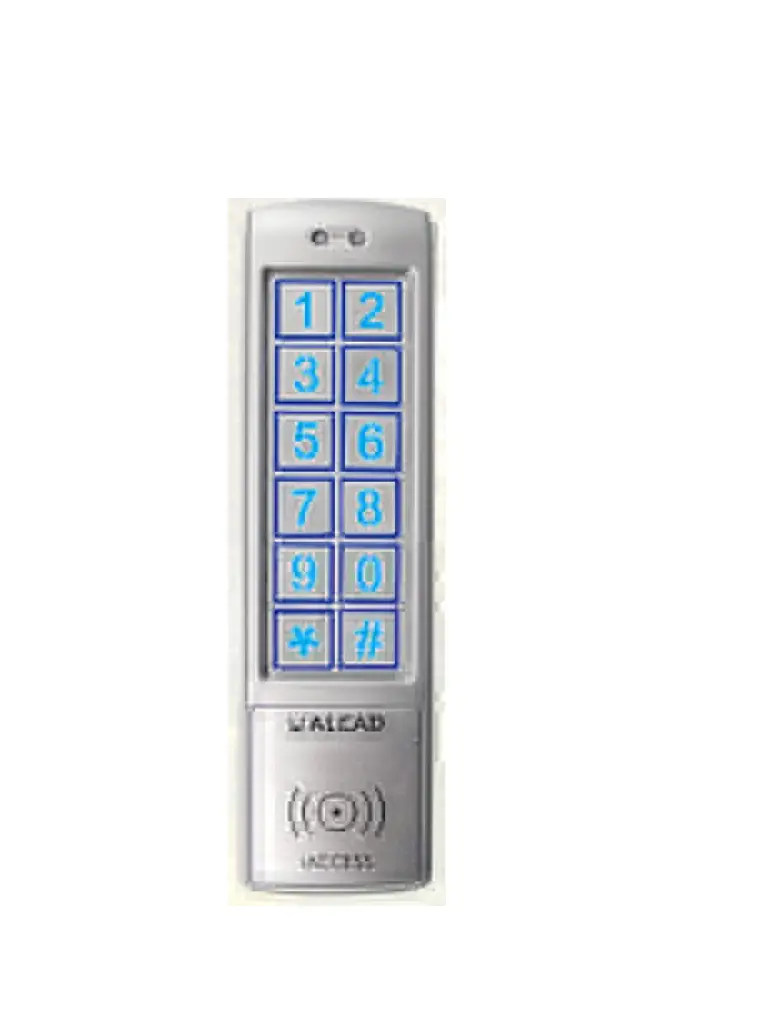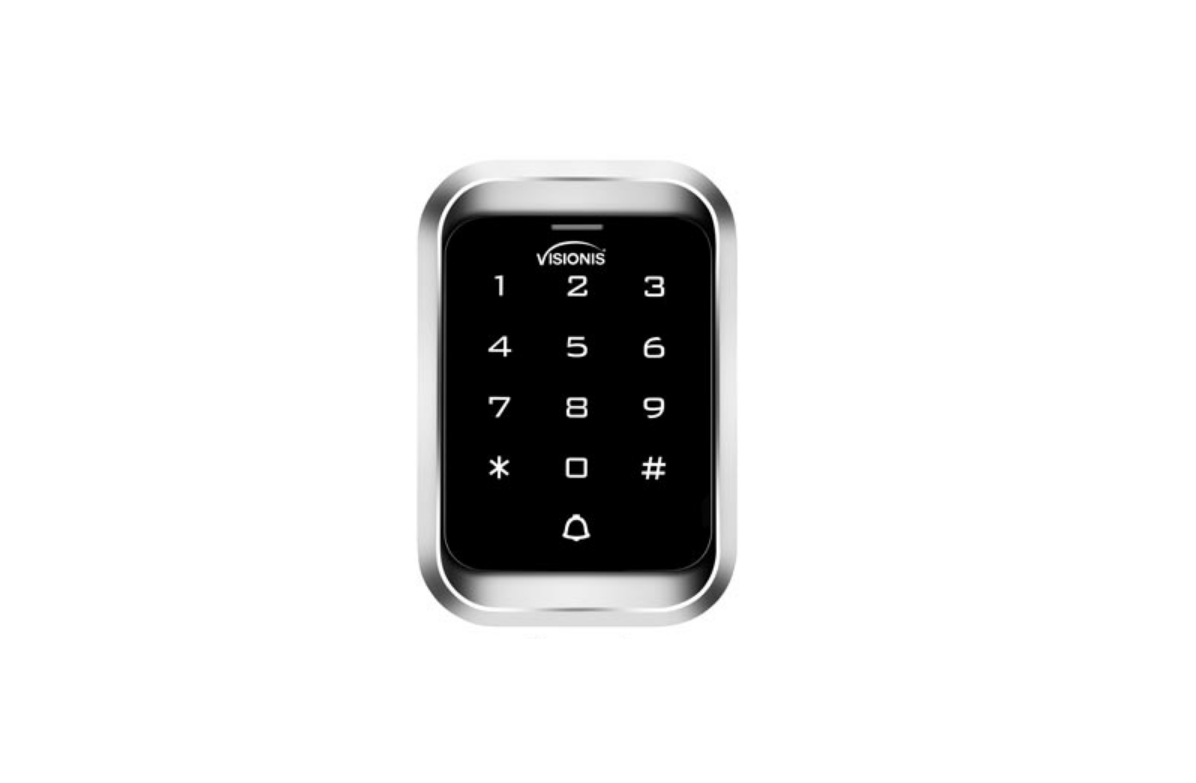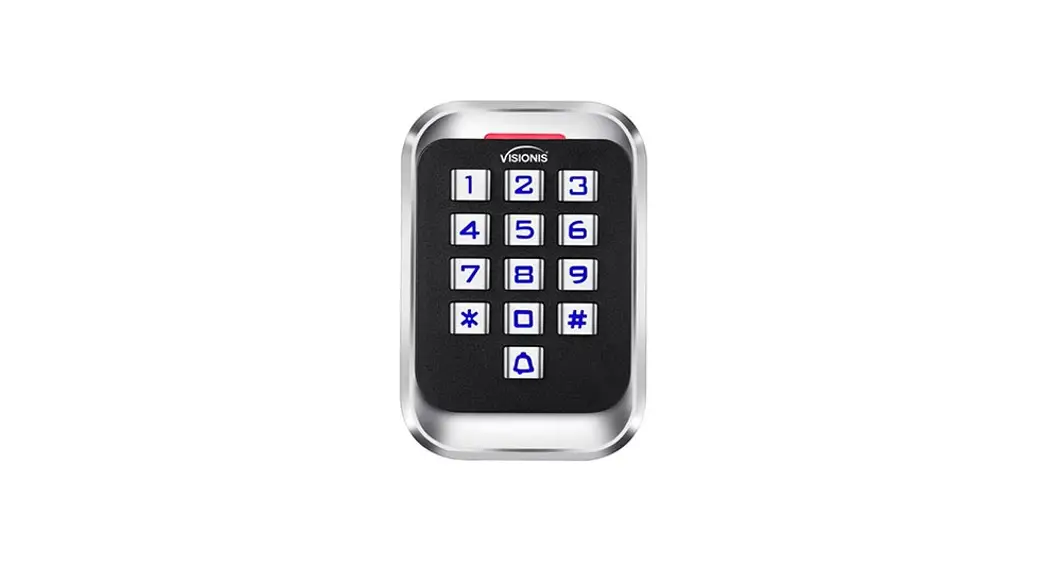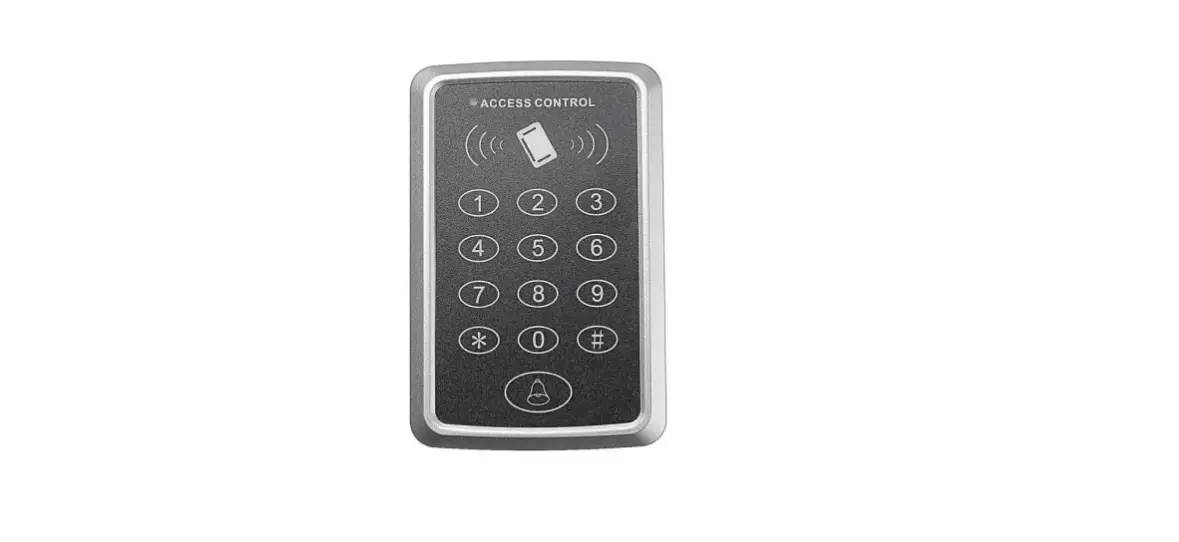

VisionNet 560877 Keypad and Proxy with Terminal Block Wiring Connection Access Control
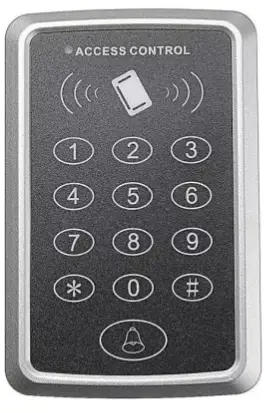
Description
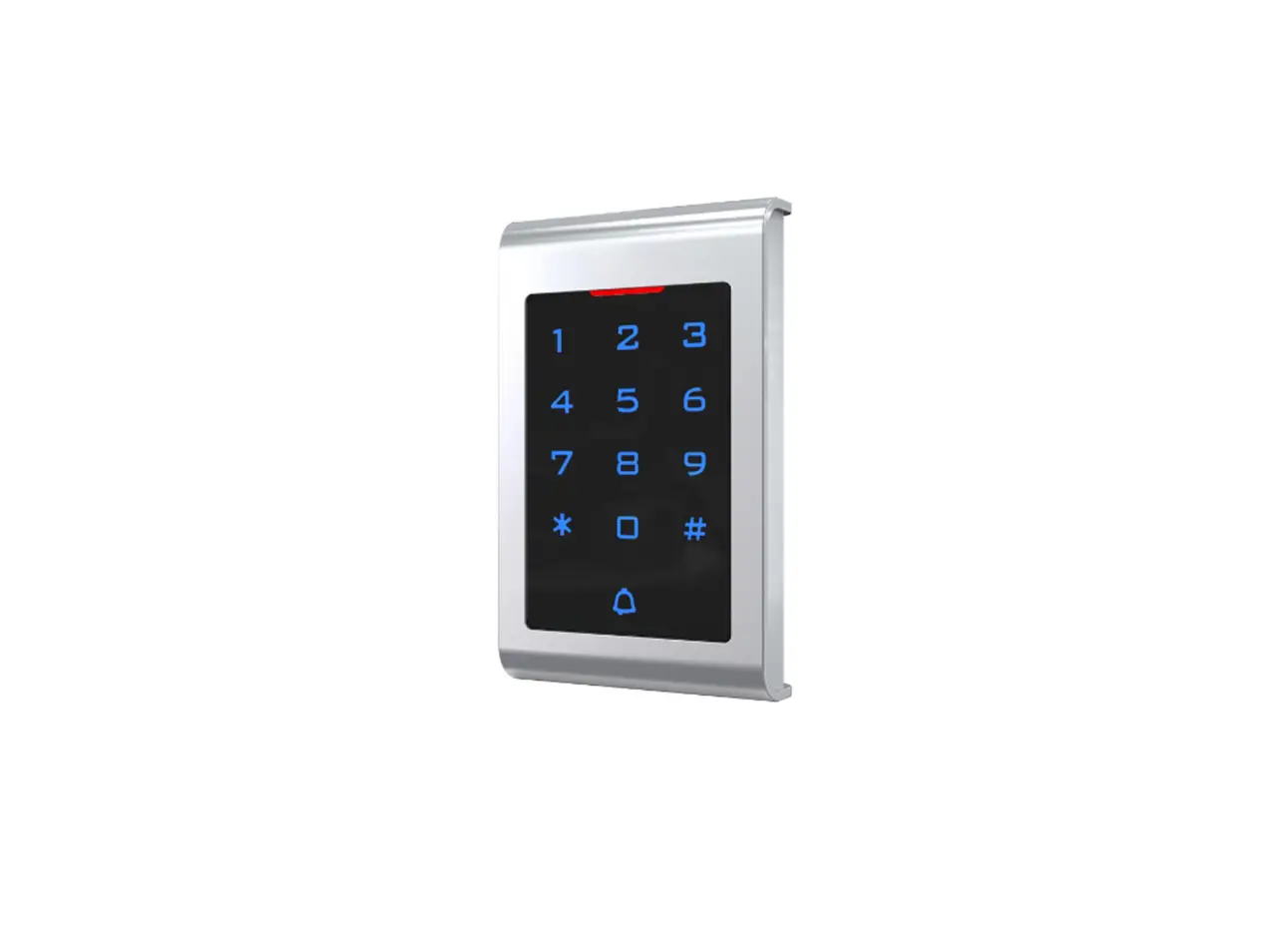
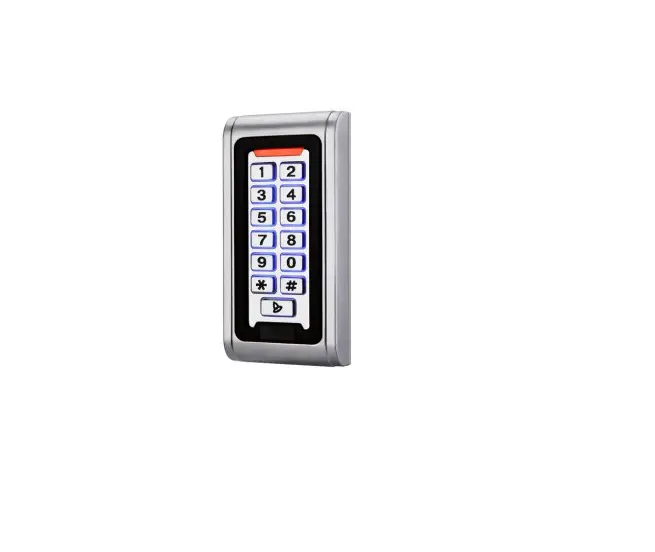
The device is a standalone access control and proximity card reader which supports EM card types. It builds-in STC microprocessor, with strong anti-interference ability, high security and reliability, powerful function and convenient operation. It’s widely used in high-end buildings, residential communities and other public places.
Features
| Ultra-low Power | Standby current is less than 30mA |
| Wiegand Interface | WG26 or WG34 input and output |
| Searching time | Less than 0.1s after reading card |
| Backlight keypad | Operate easily at night |
| Doorbell interface | Support external wired doorbell |
| Access ways | Card, Pin code, Card & Pin code |
| Independent codes | Use codes without related card |
| Change codes | Users can change codes by themselves |
| Delete users by card No. | The lost card can be delete by keyboard |
Specifications
| Working Voltage:AC&DC 12V±2V | Standby Current:≤30mA |
| Card Reading Distance:2~5cm | Capacity:2000 users |
| Working Temperature:-40°C~60°C | Working Humidity:10%~90% |
| Lock output load:≤3A | Door Relay time:0~99S (Adjustable) |
Installation
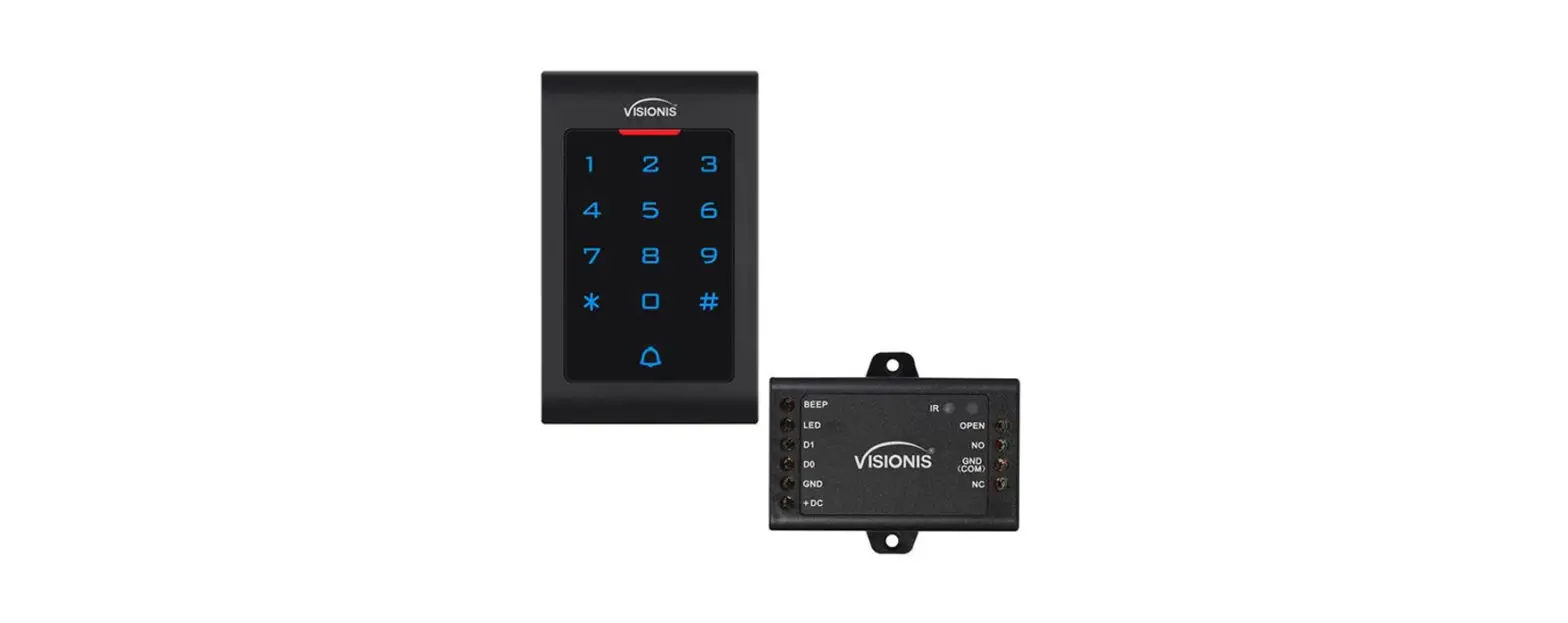
Drill hole according to the size of the device and fix the back shell with the equipped screw. Thread the cable through the cable hole. connect the wires according to your required function, and wrap the unused wires to avoid short circuit. After connecting the wire, install the machine. (as show below)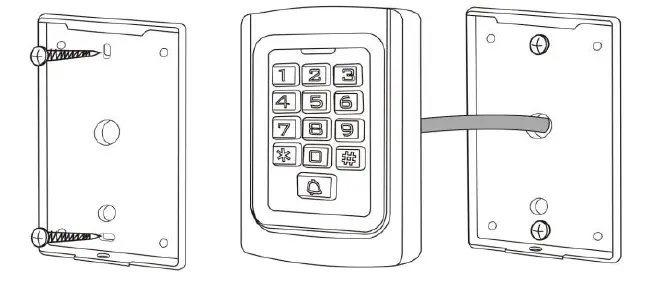
Wiring
| No. | ID | Description |
| 1 | D0 | Wiegand Input(Wiegand Output as reader mode) |
| 2 | D1 | Wiegand Input(Wiegand Output as reader mode) |
| 3 | OPEN | Exit Button input terminal |
| 4 | DC12V | 12V + DC Regulated Power Input |
| 5 | GND | 12V – DC Regulated Power Input |
| 6 | NO | Relay NO end |
| 7 | COM | Relay COM end |
| 8 | NC | Relay NC end |
| 9 | BELL | Doorbell button one terminal |
| 10 | BELL | Doorbell button to the other terminal |
| 11 | AC12V | 12V + AC Regulated Power Input |
| 12 | AC12V | 12V + AC Regulated Power Input |
Sound & Light indication
| Operate Status | LED Light Color | Buzzer |
| Standby | Red | |
| Keypad | Beep | |
| Operation Successful | Green | Beep- |
| Operation Failed | Beep-Beep-Beep | |
| Entering into Programming | Flash Red Slowly | Beep- |
| Programmable Status | Orange | |
| Exit Programming | Red | Beep- |
| Door Opening | Green | Beep- |
Advance setting

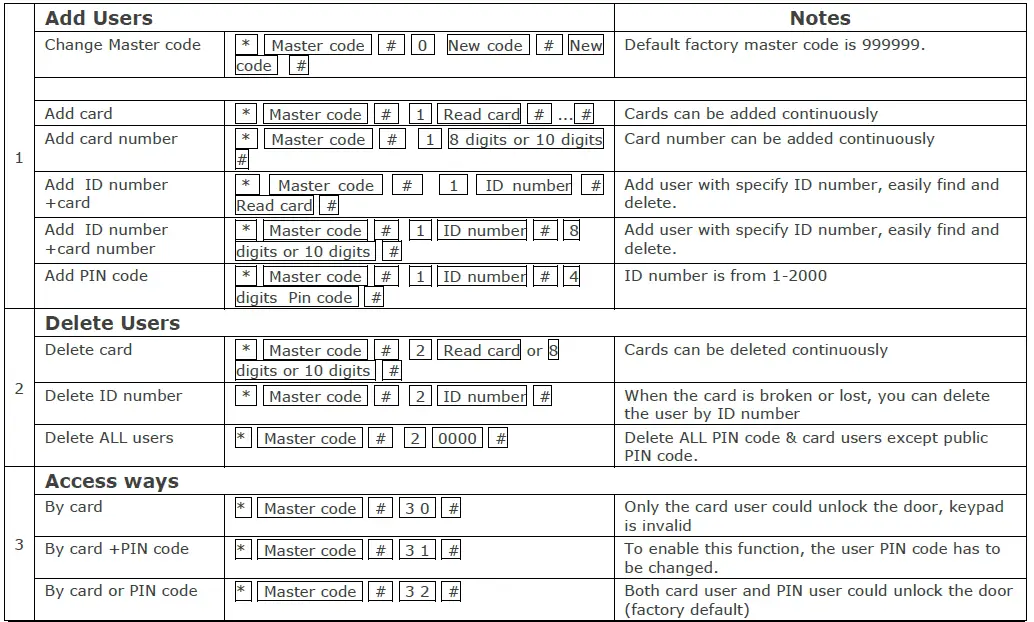
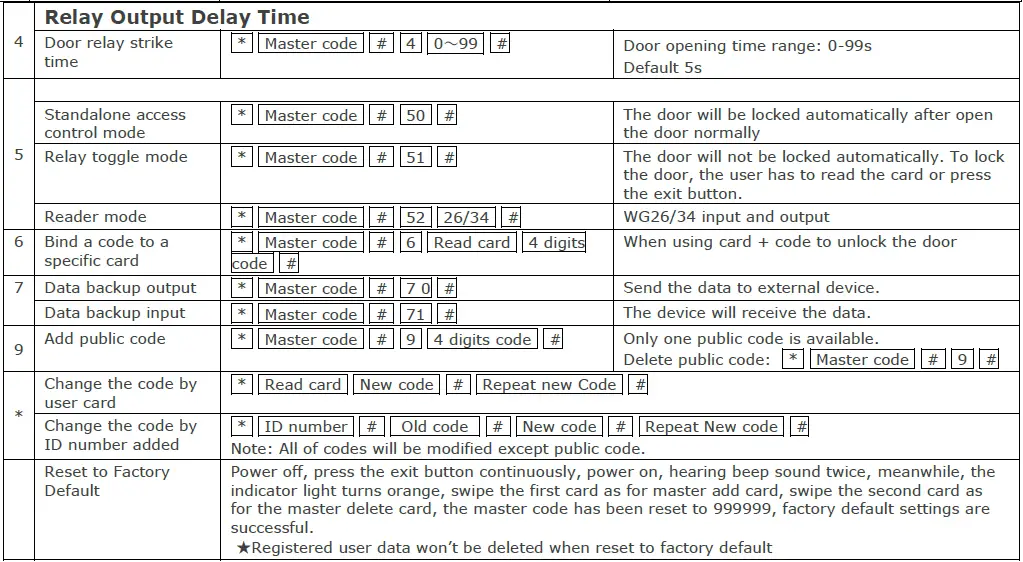
Data Backup Operation
Example: Backup the data of machine A to machine B The green wire and white wire of machine A connects with the green wire and white wire of machine B correspondingly, set B for receiving mode at first, then set A for sending mode, the indicator light turns green flash during the data backup, data backup is successful when indicator light turns red
Fax: 03-5214524
Phone: 03-5575110
[email protected]
www.telran.co.il