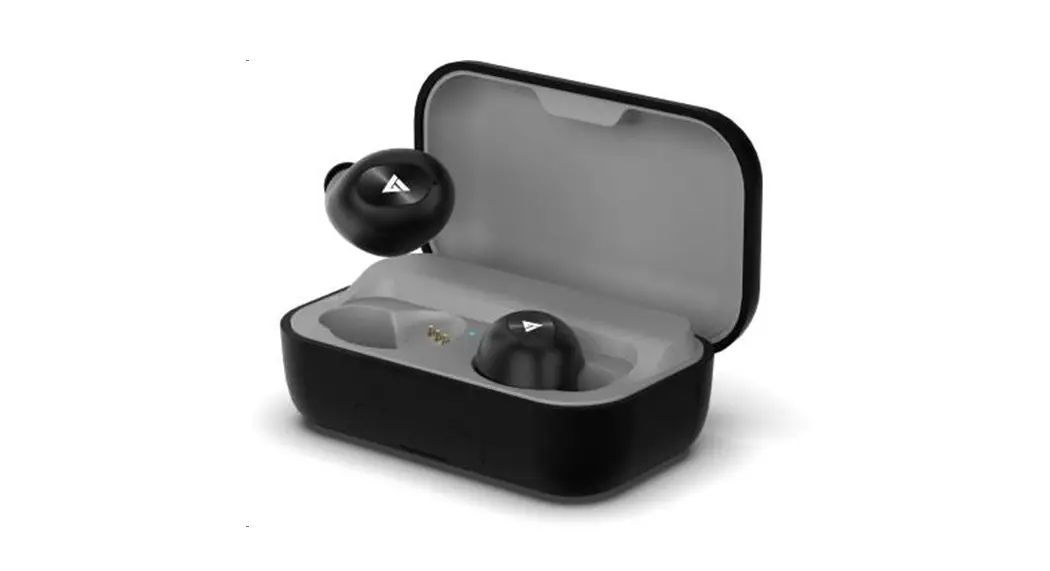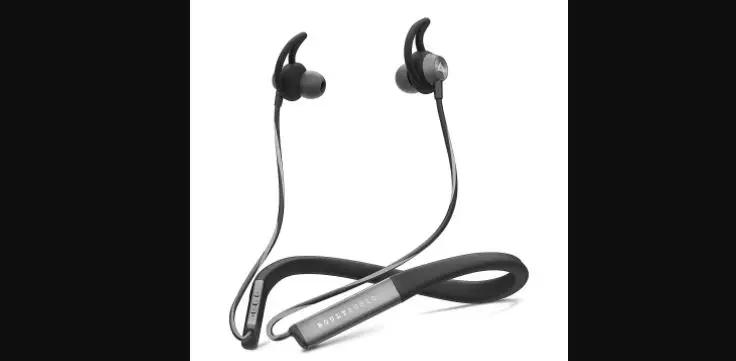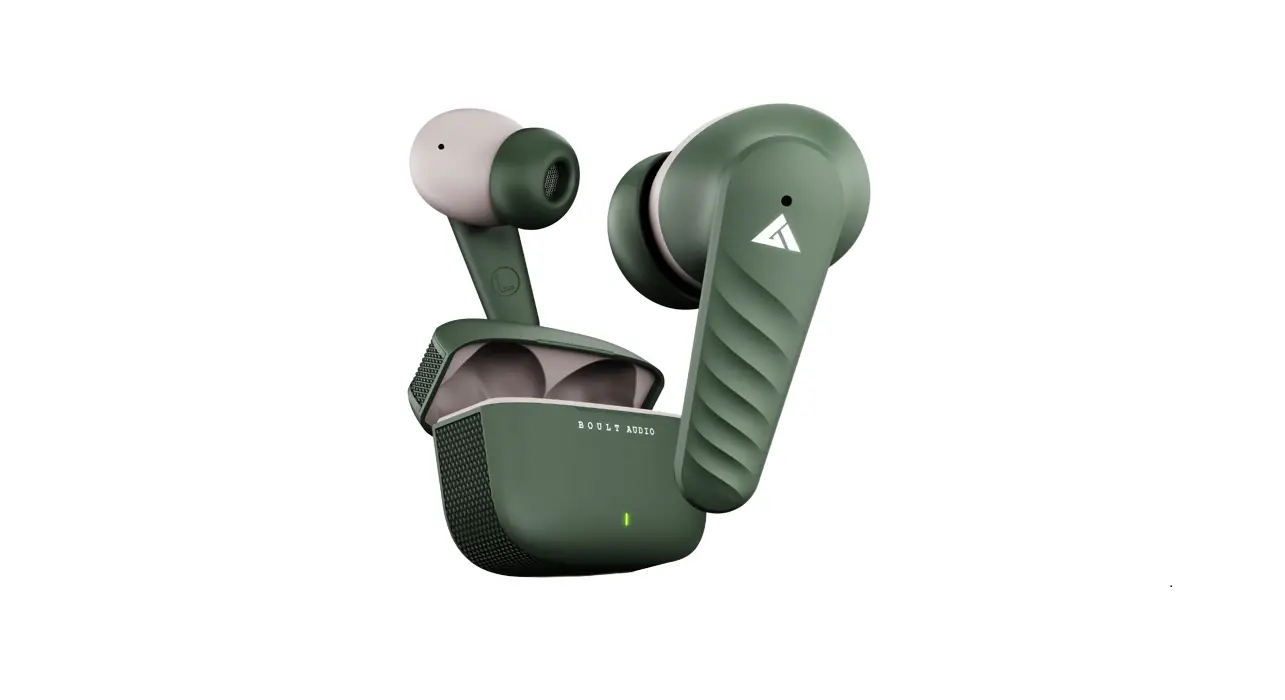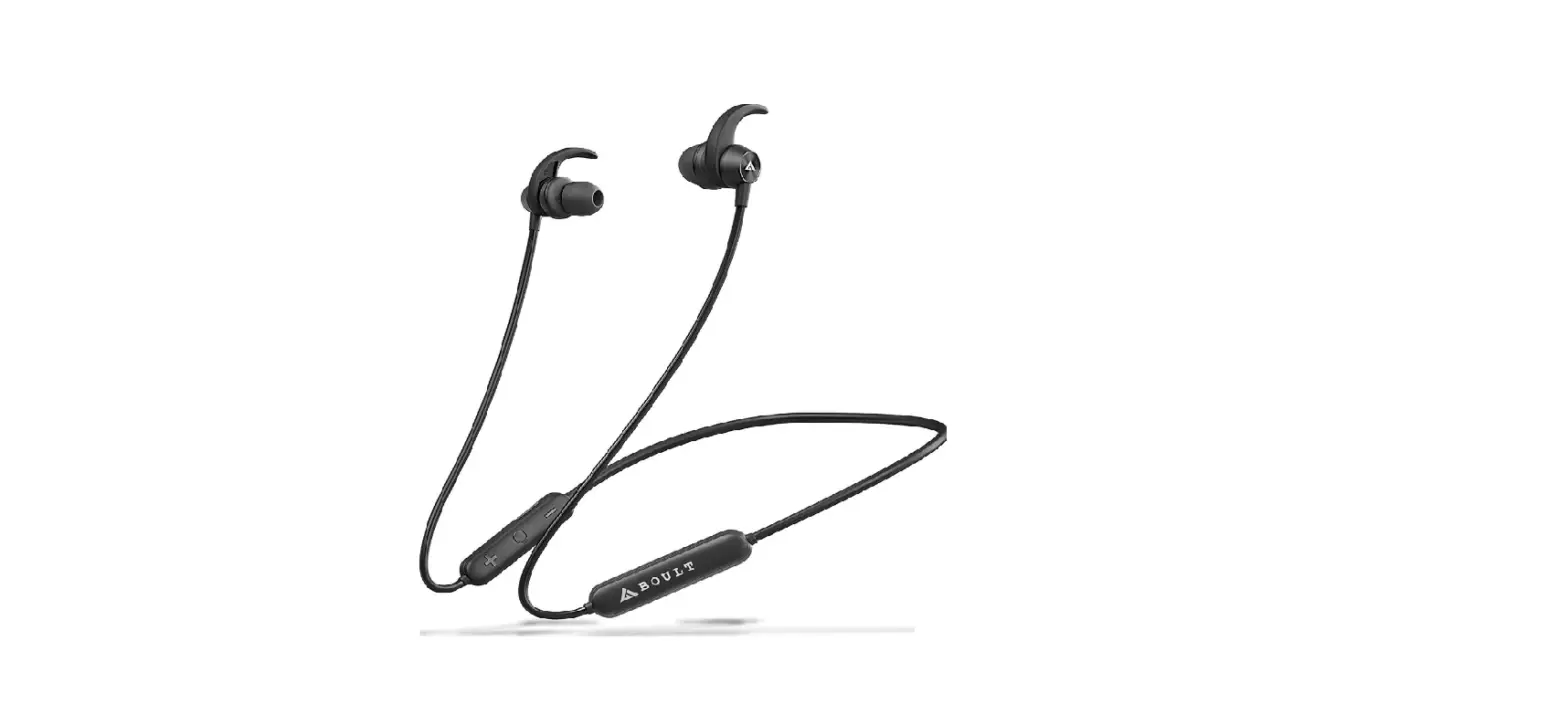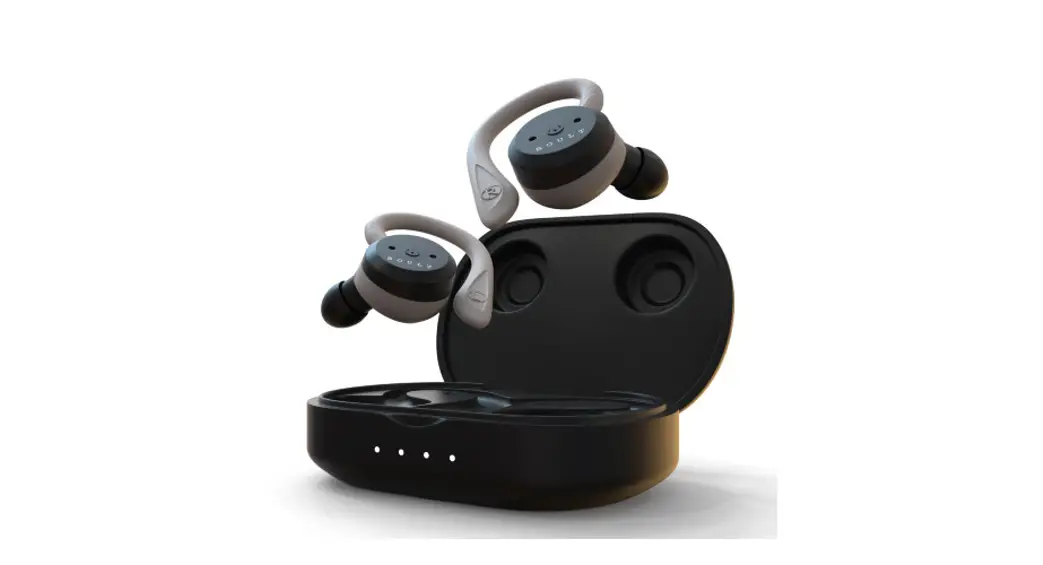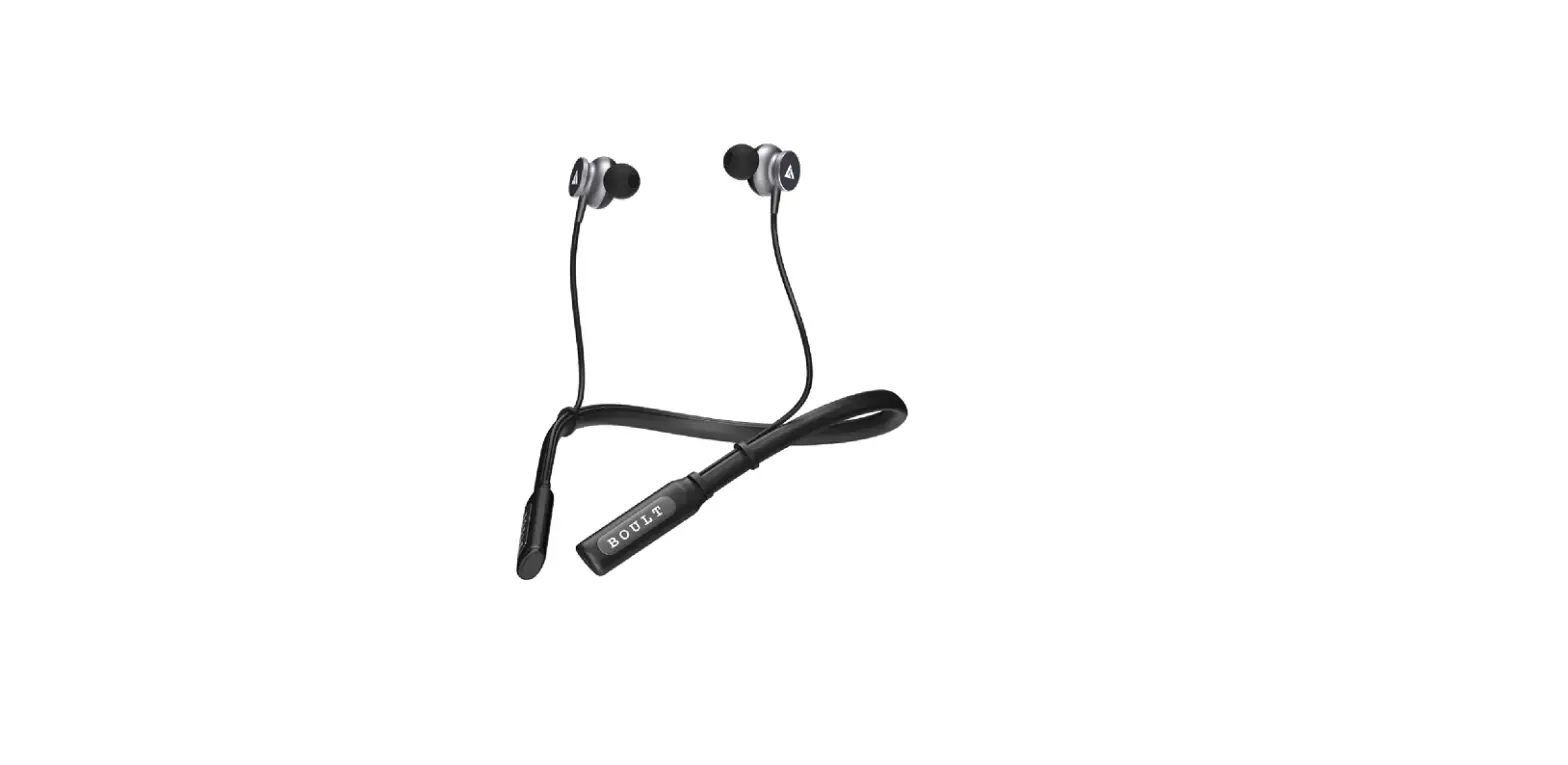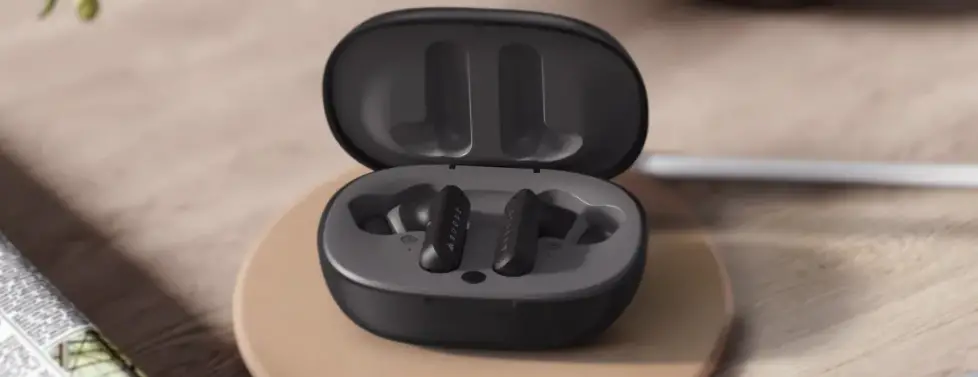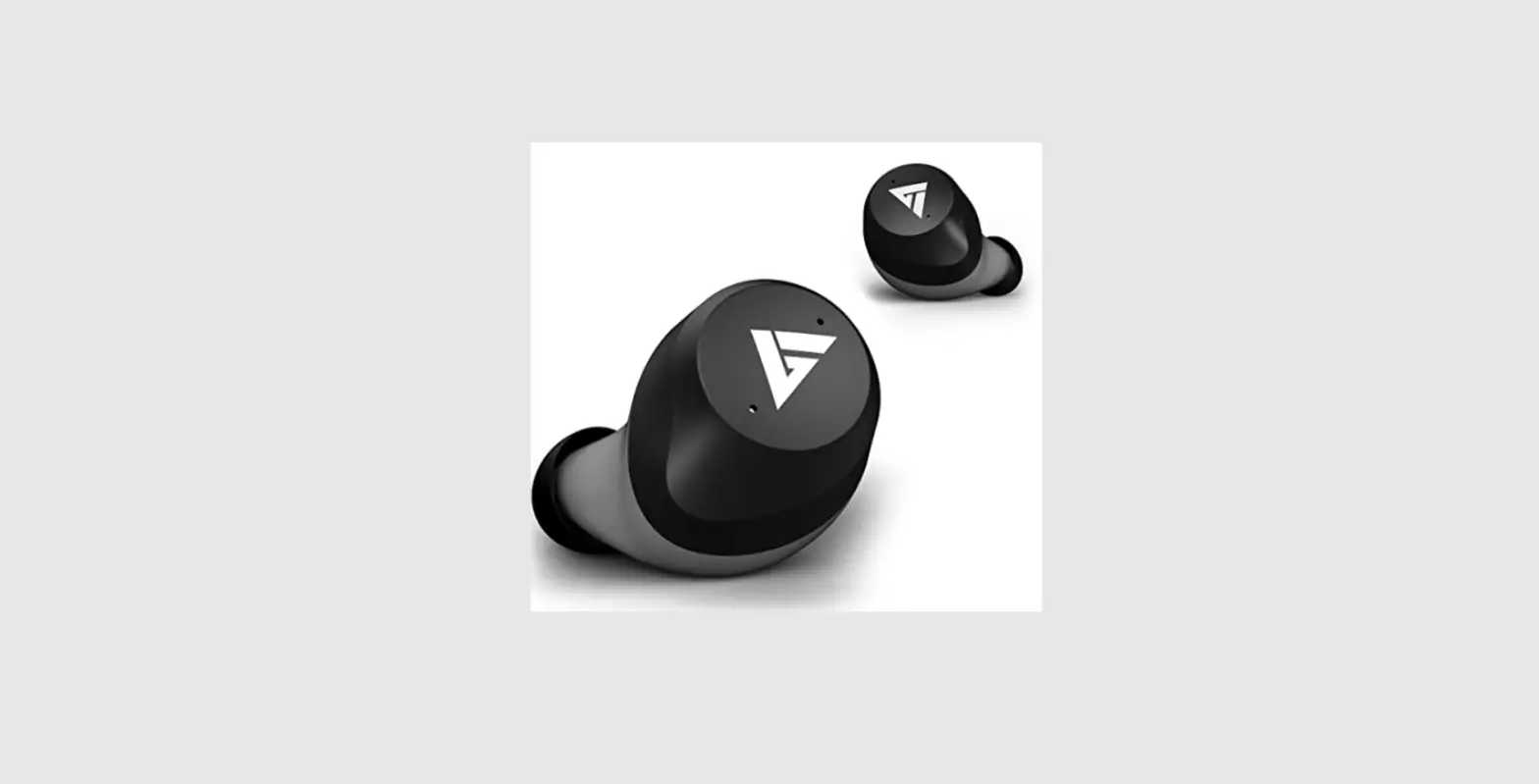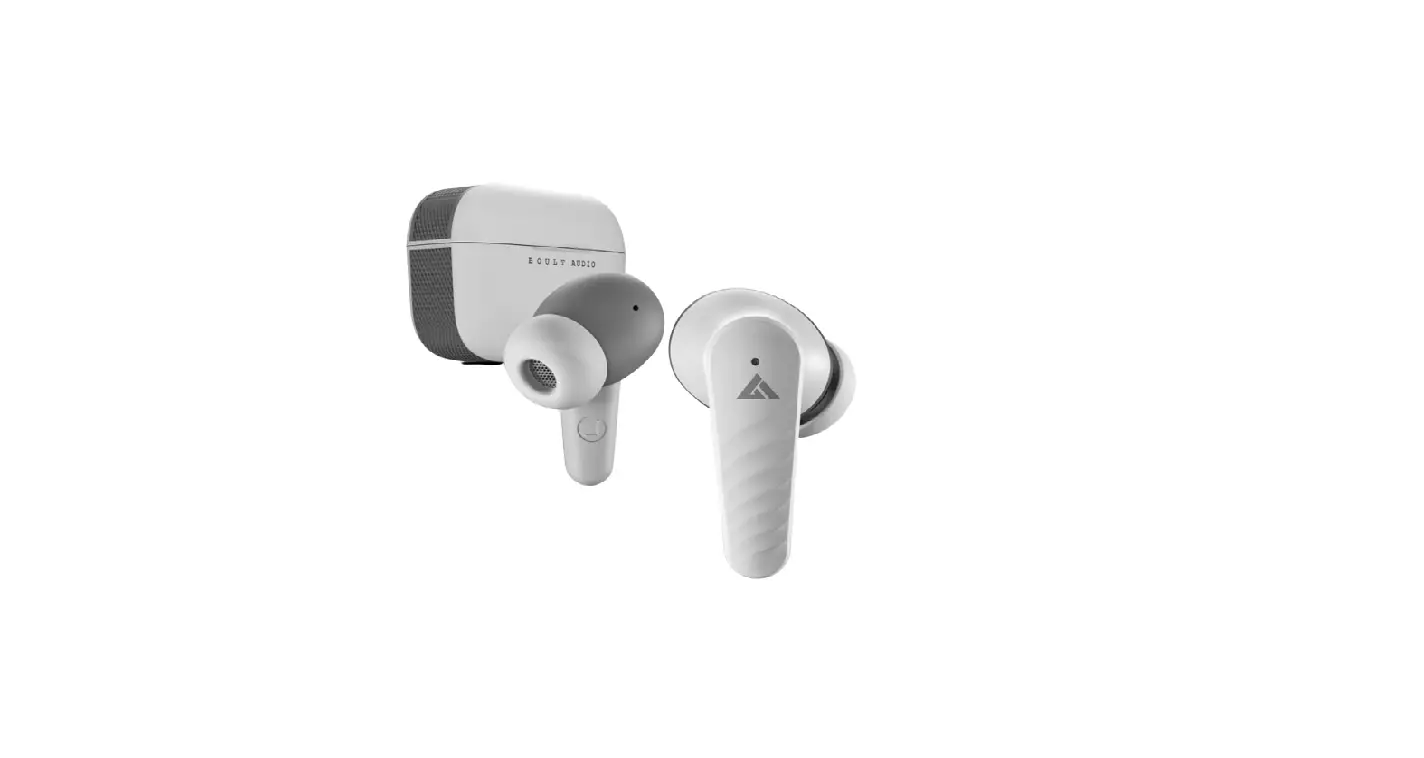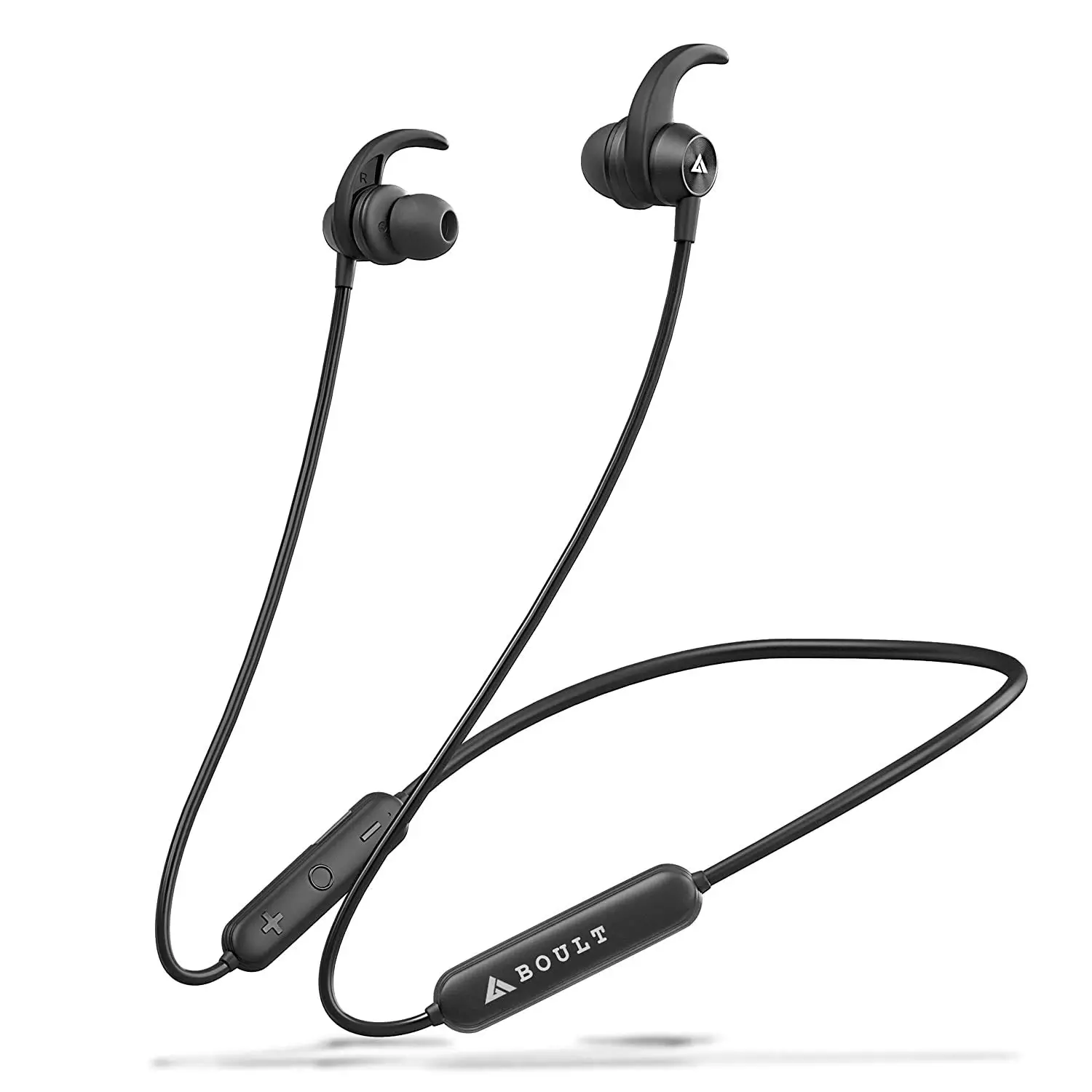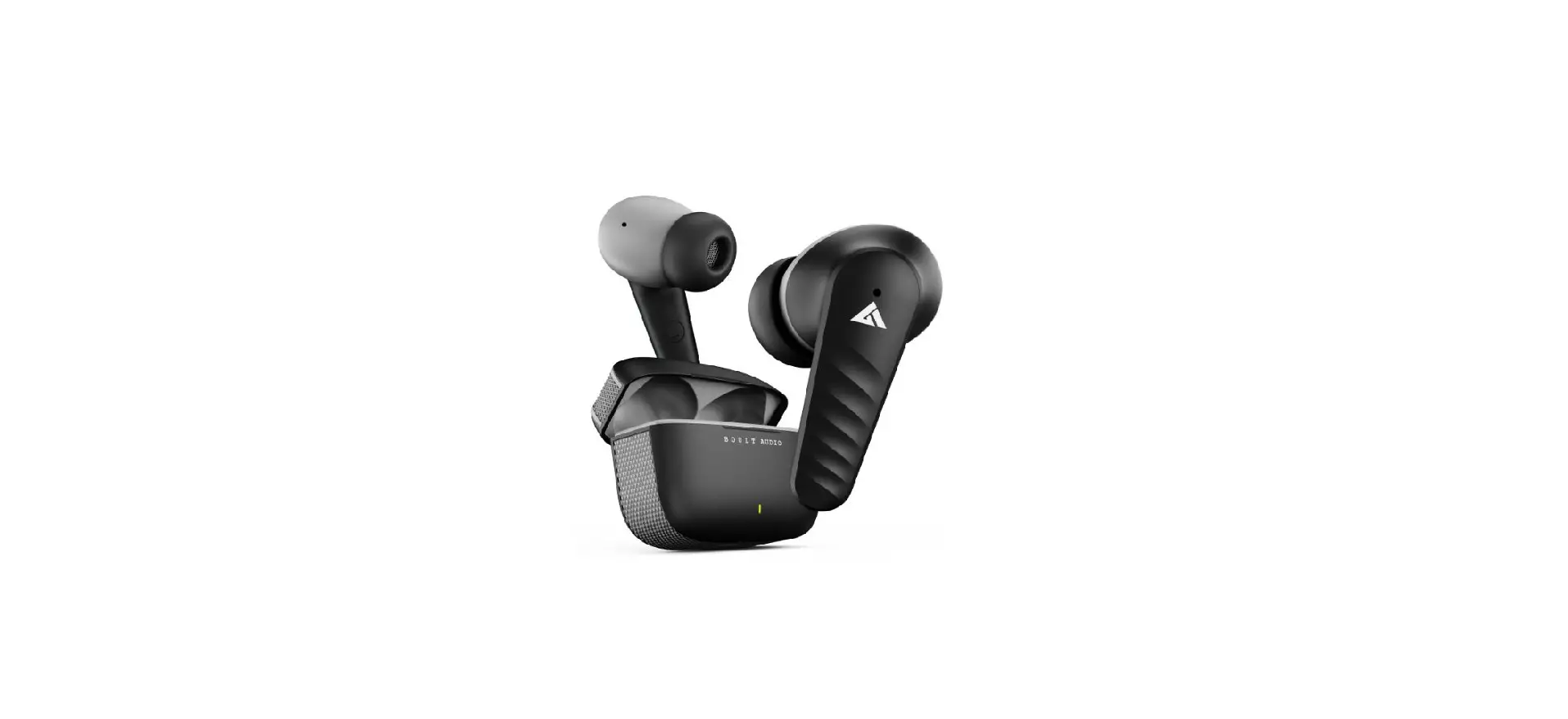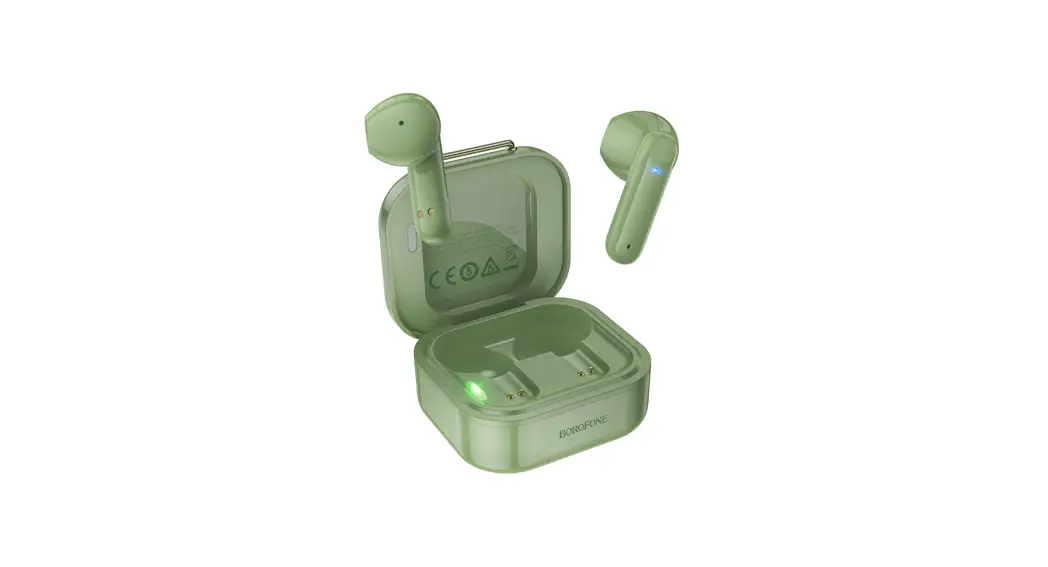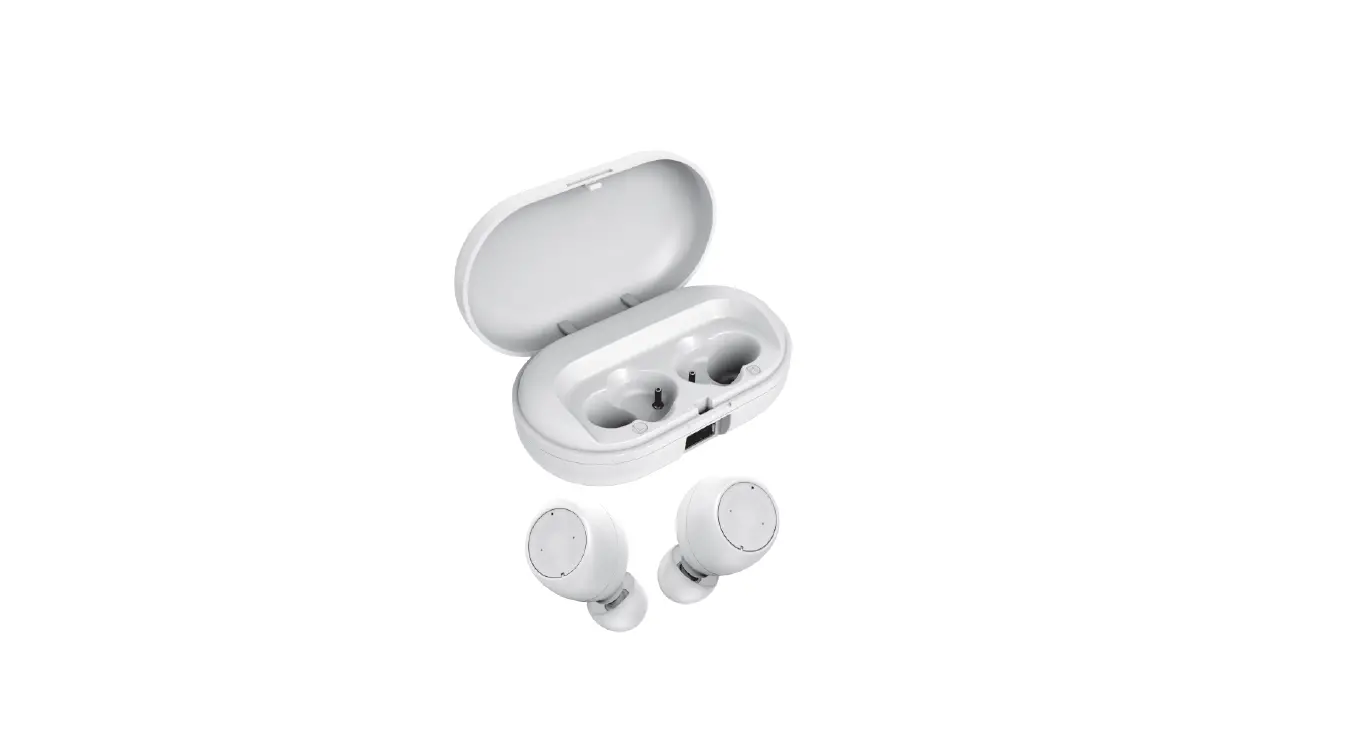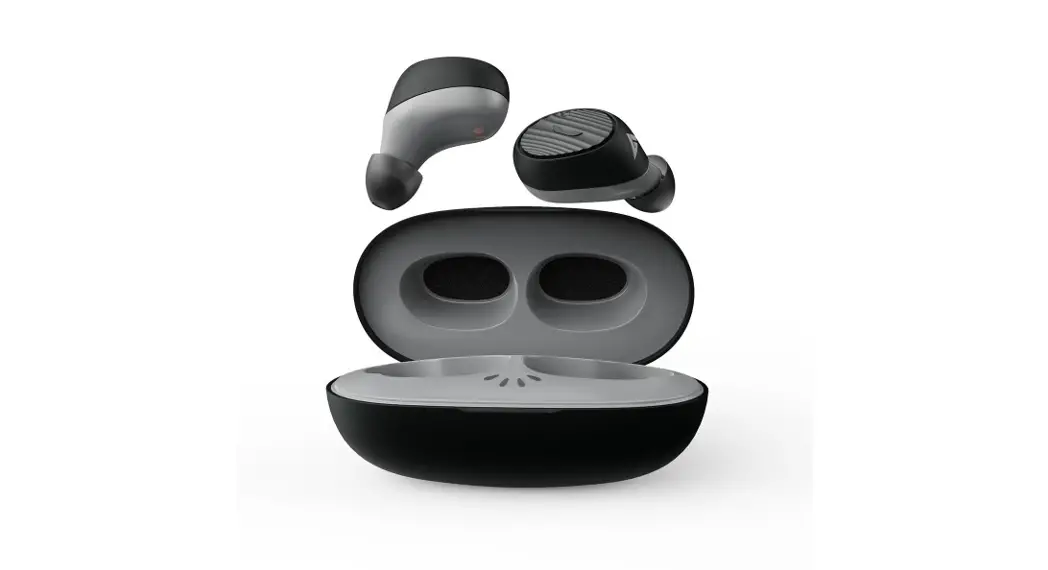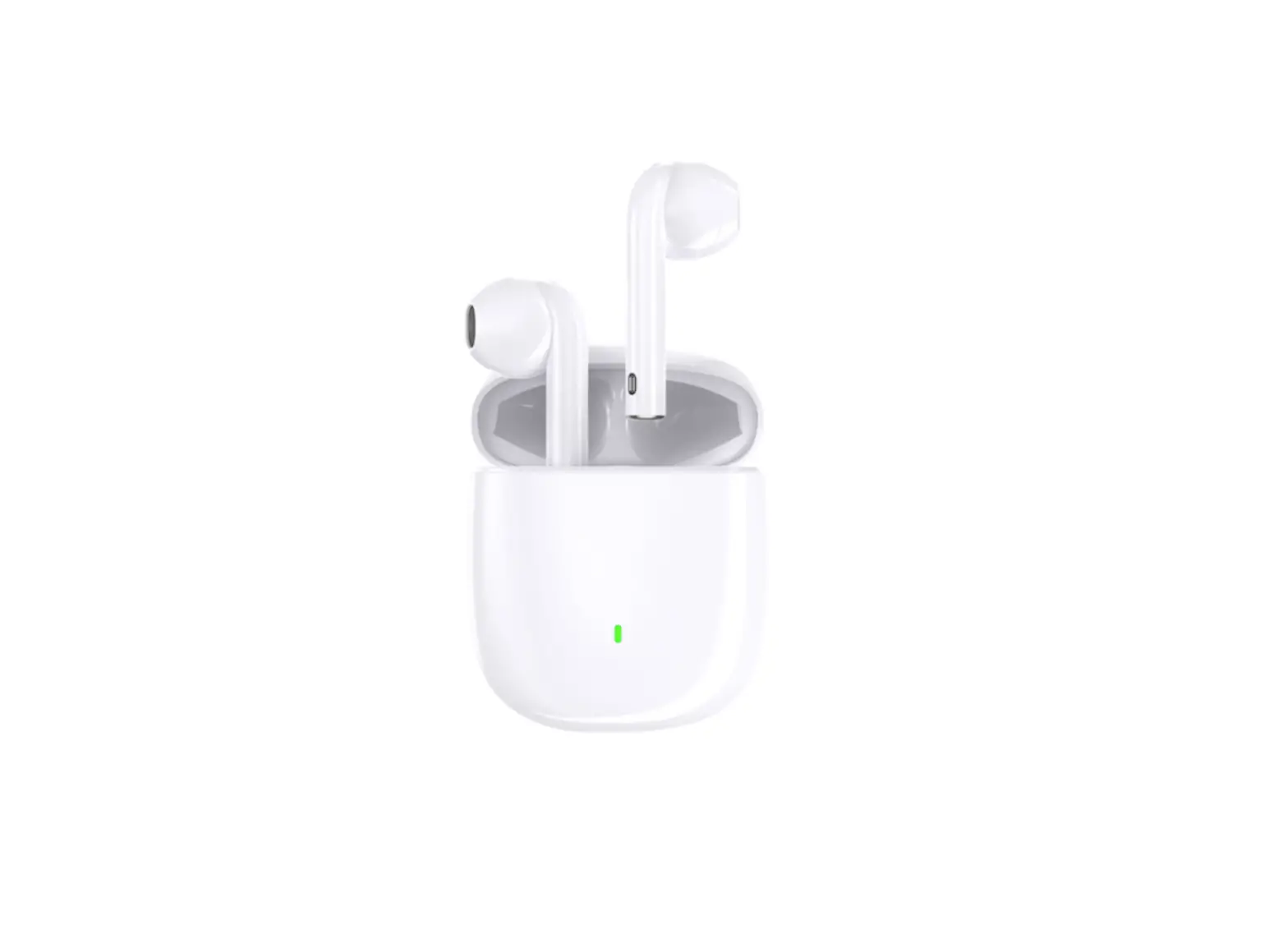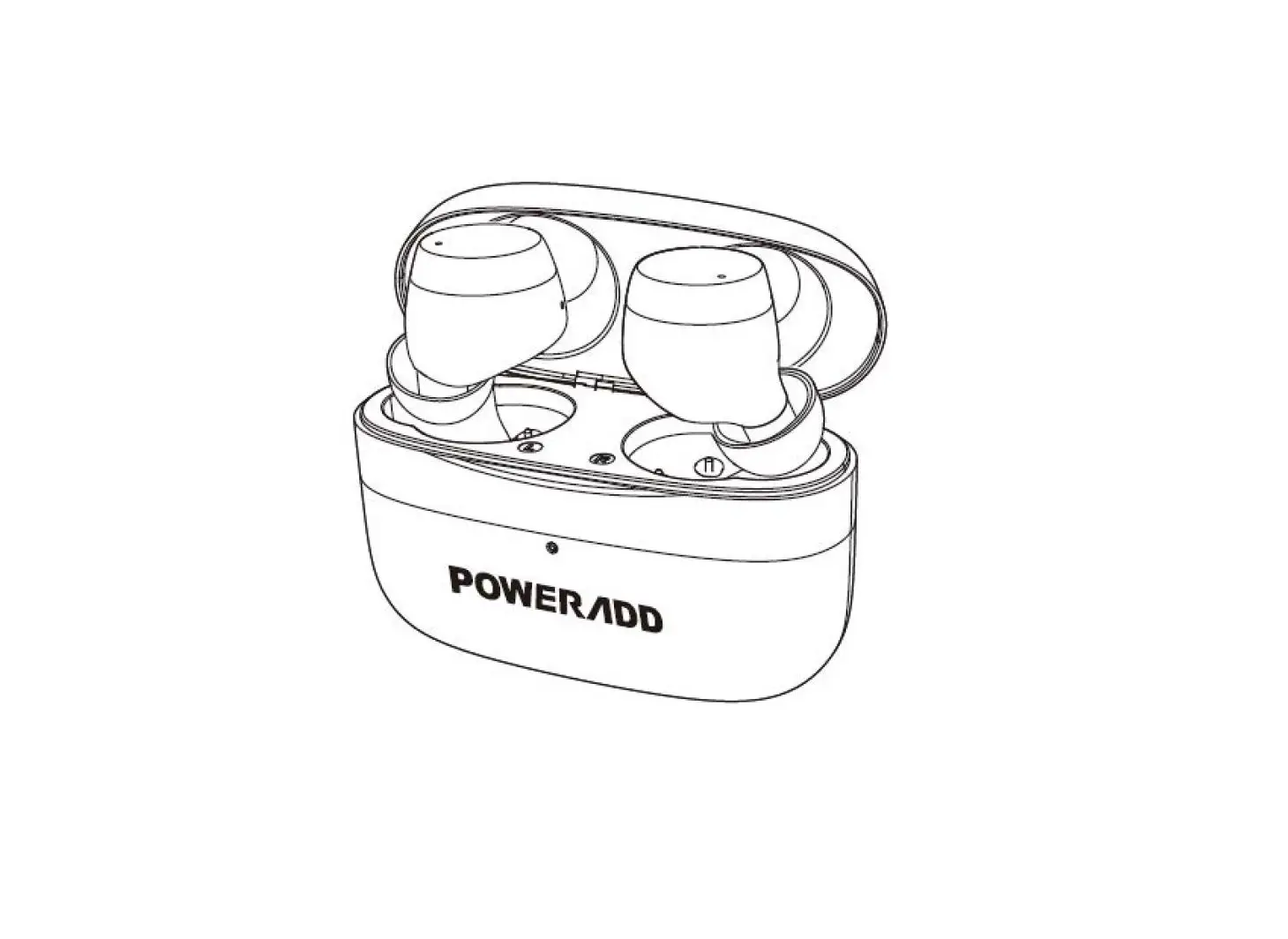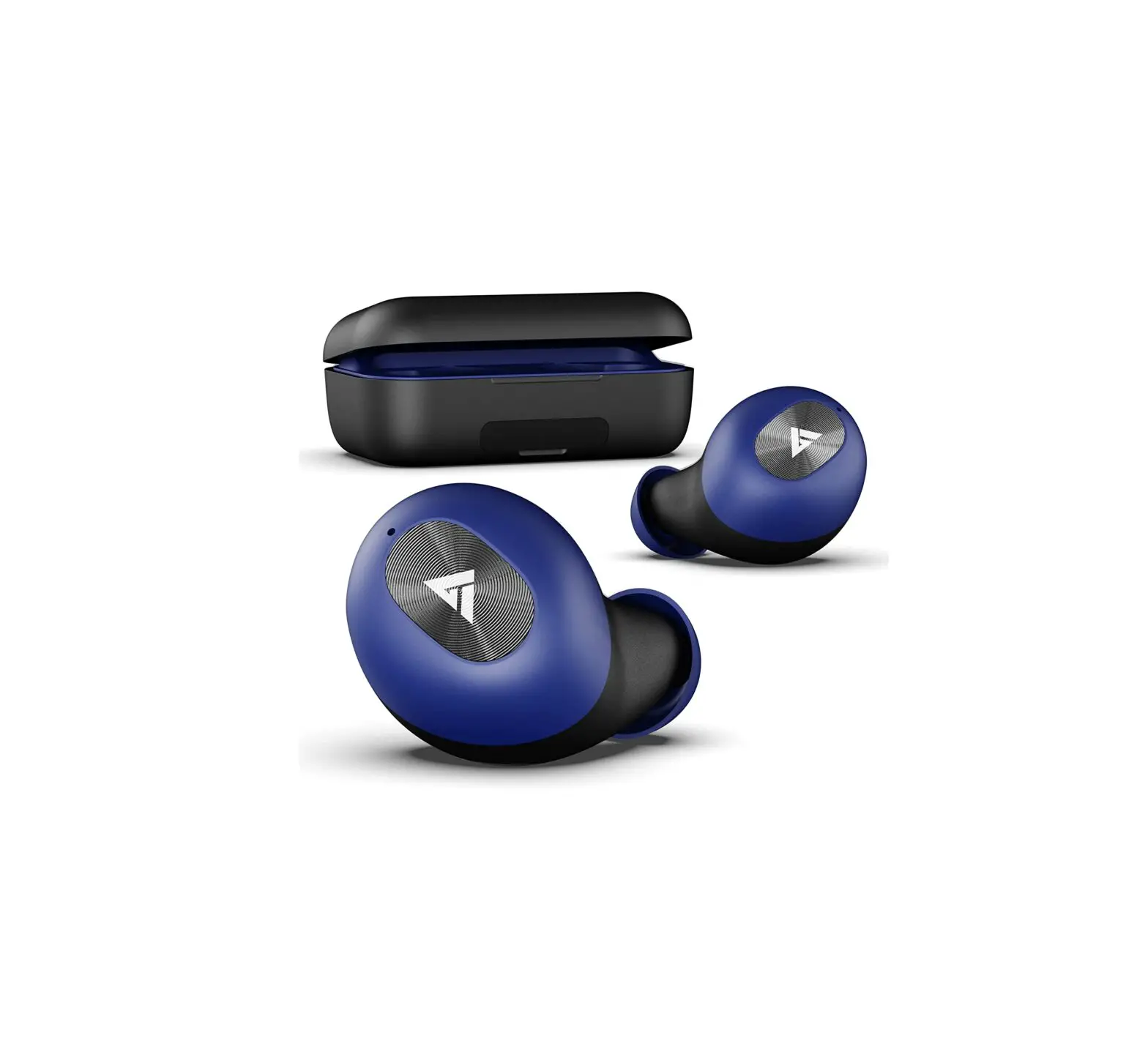
BOULT AUDIO Probass Wireless Powerbuds
For better sound quality experience, suggest use iOS 8.0/ Android 4.3 or above operating system.
First time start up connection
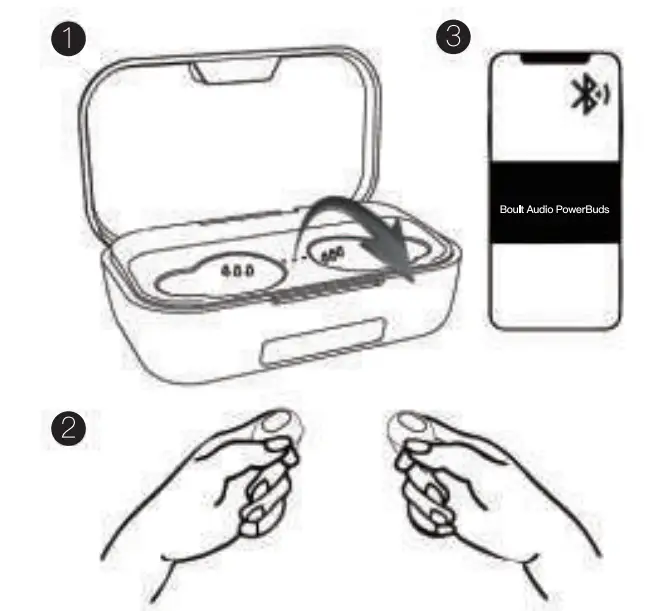
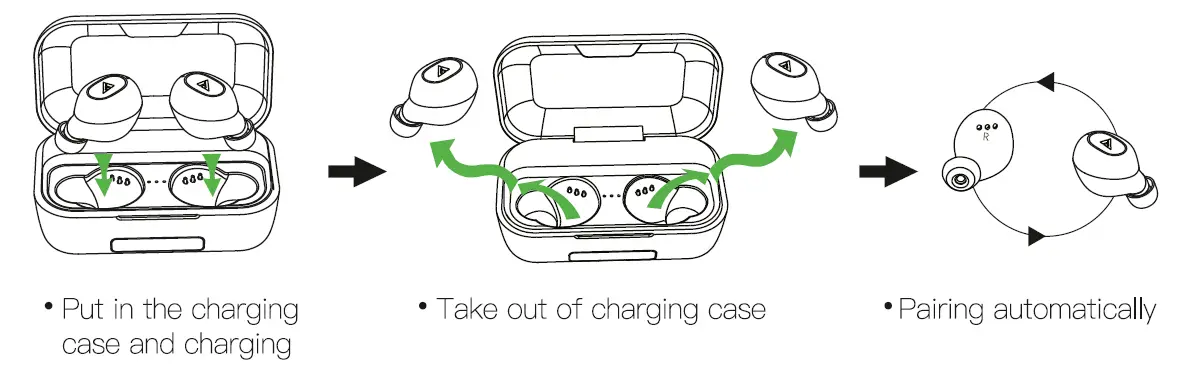
Once the earbuds take out from the charging case, they will automatically turn on and pair with each other. Turn bluetooth on your phone/listening device. Search for and connect with earbuds shown as “Boult Audio PowerBuds”.
Indicator: Blue light will be slowly ashing on the both side. Audio voice will announce “Power on””Pairing””Your Air Bass earbuds are now connected successfully”.
Regular use
Once the rst time or initial connection is made with your device, the earbuds will connect automatically when the earbuds take out from case.
Product Introduction
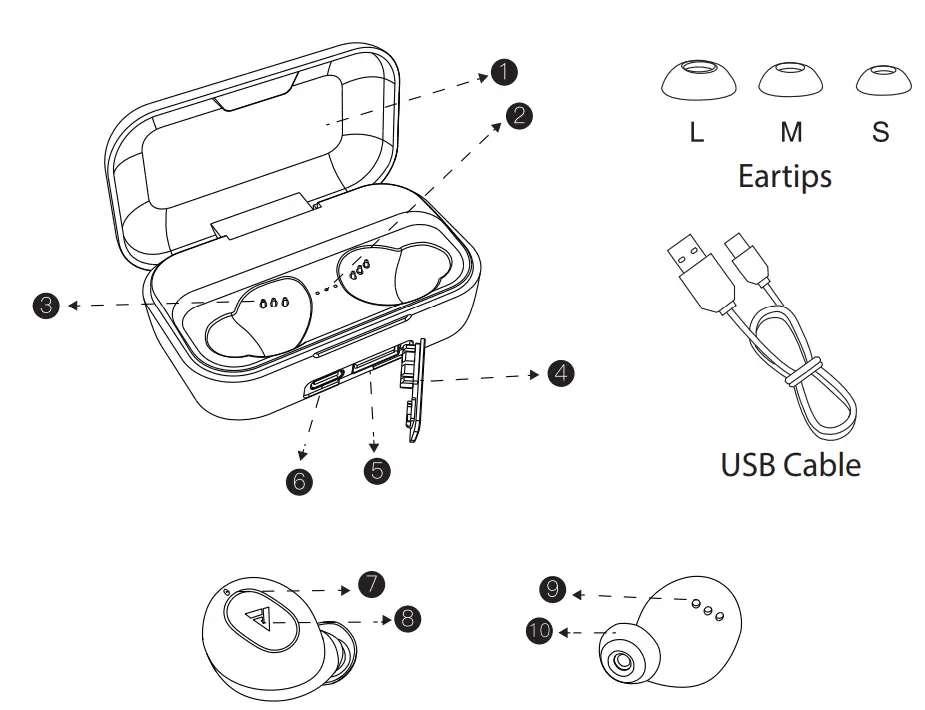
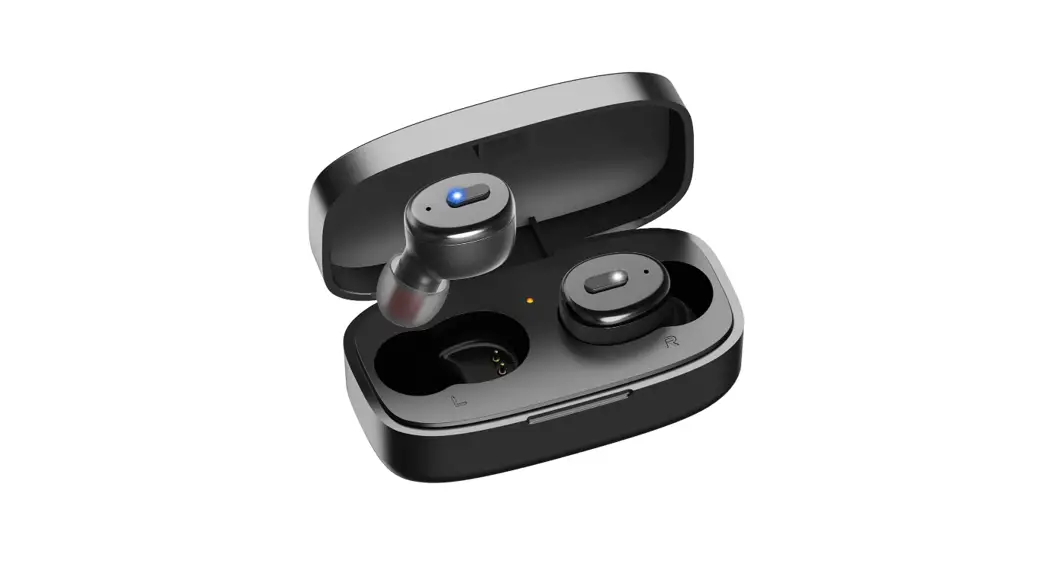
- Lid
- Charging case Indicator
- Charging pins
- Anti Dust plugs
- USB port
- Type-C charging port
- Earbuds mic
- Touch control area
- Charging contact Point
- Ear tips
Battery Charging
Earbuds Battery Charging
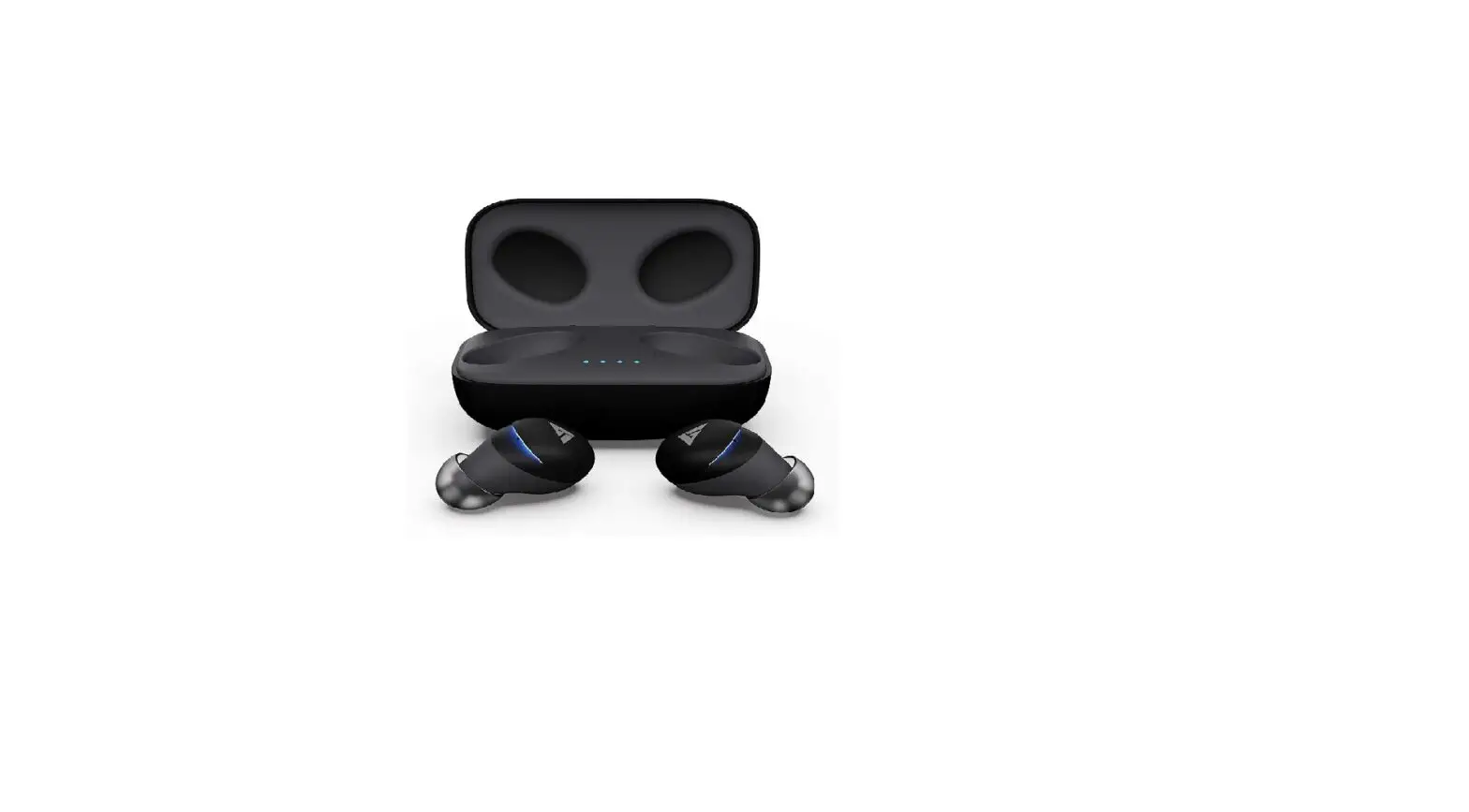
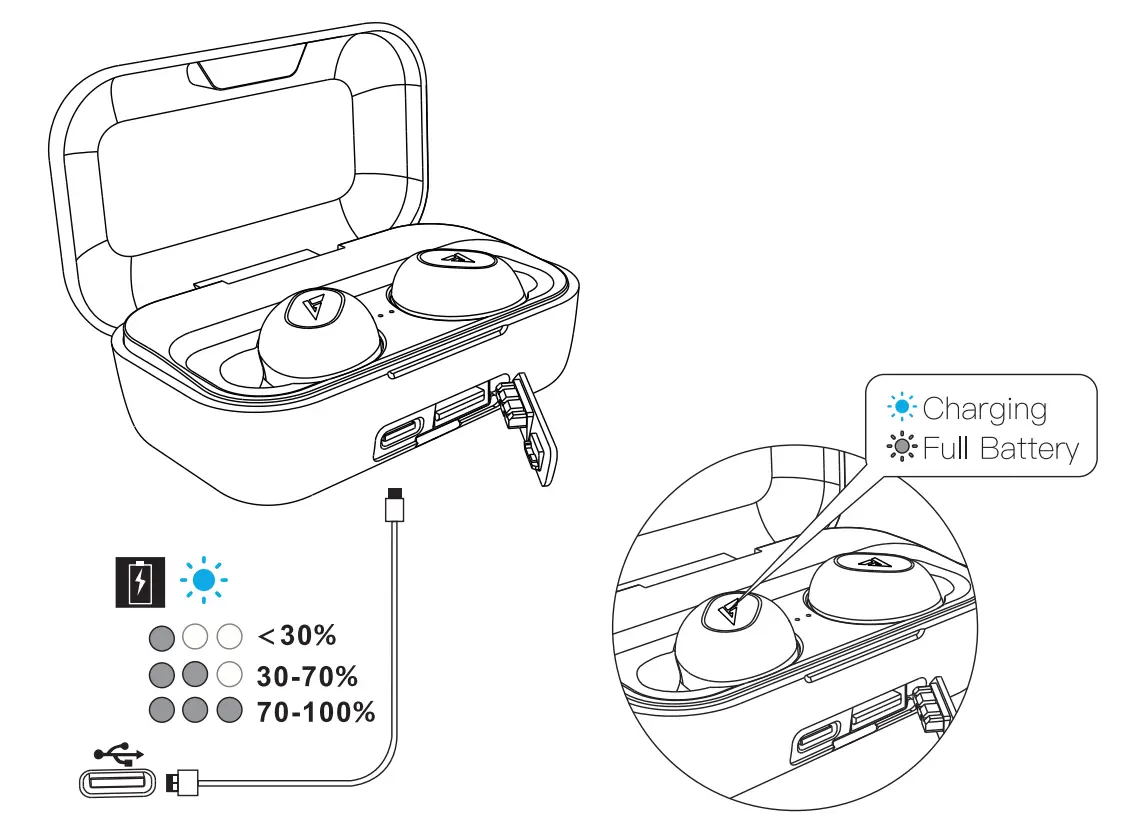
Put the two earbuds into charging case and they will automatically enter in charging mode and power off. Indicator lights on both earbuds will ash white slowly.
Charging Case Battery Charging
We suggest to use the original Type-C cable (included in package) and power supply with 5V/1A supply for optimum charging performance.
Basic Operation
 | Play/ Pause |  | Double-click |
 | Previous song | | Press 2s (Left earbud) |
 | Next song | | Press 2s (Right earbud) |
 | Answer call/Hang up | | Double-click |
 | Reject call | | Press 1s |
 | Voice assistant | | Triple-click |
 | Power on | 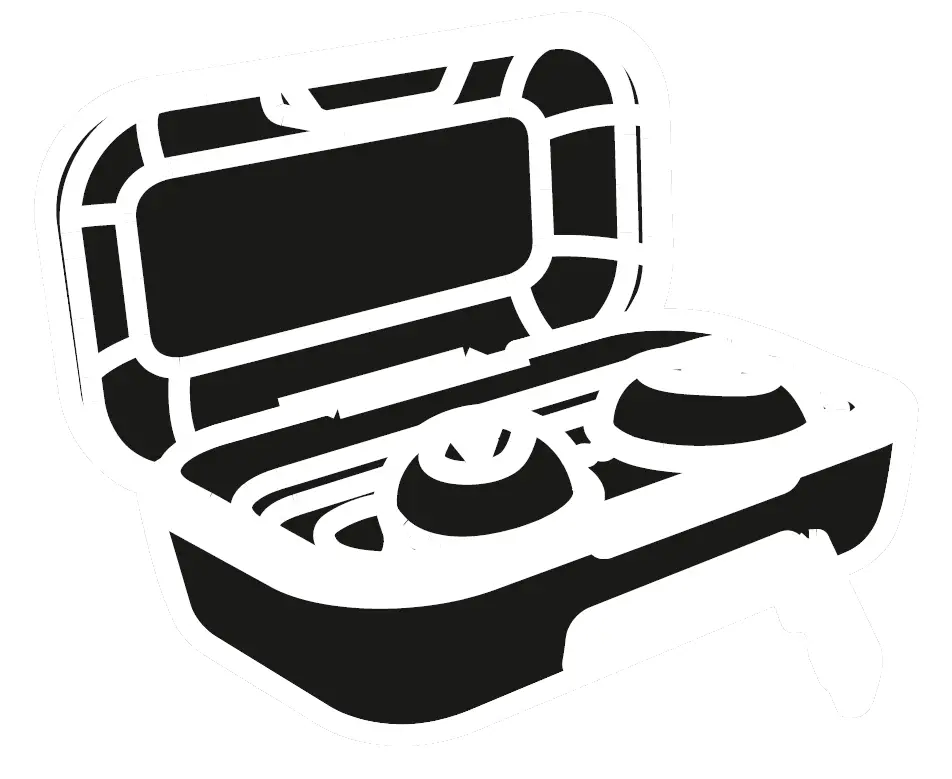 | a) Take out of the charging case· b) Long press earbuds for 2s |
| Power off | 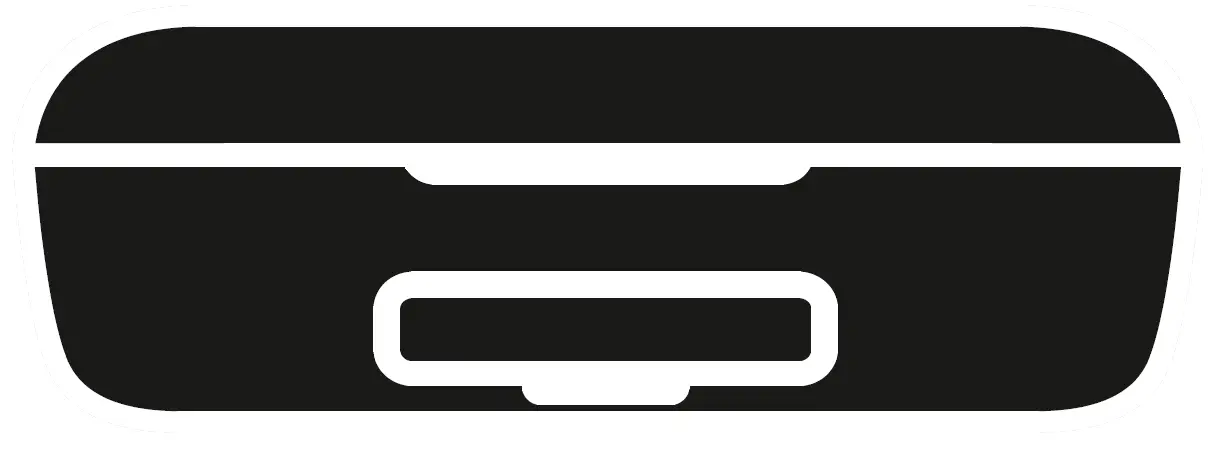 | a) Put the earbuds in the charging case for charging. b) Long press earbud for 5s when disconnected. c) Automatic power off after 3 minutes when disconnected. |
Wearing style
Our innovative design feature three sizing options (S,M,L) for great t and wearing comfort. Please use whatever size option is most comfortable for you and read the steps below.
Make sure the (R)(L) symbol is facing down (indicator light is facing down) then place earbuds into ear. Rotate the earbuds until it ts snugly and is comfortable.
Clear to pairing
Clear the pairing record of earbuds and mobile phones:
Take out the earbuds from the charging case, and touch the left and right earbud 5 times, it will clear the record of the Bluetooth device. then search for the Bluetooth name “Boult Audio PowerBuds” to pair.
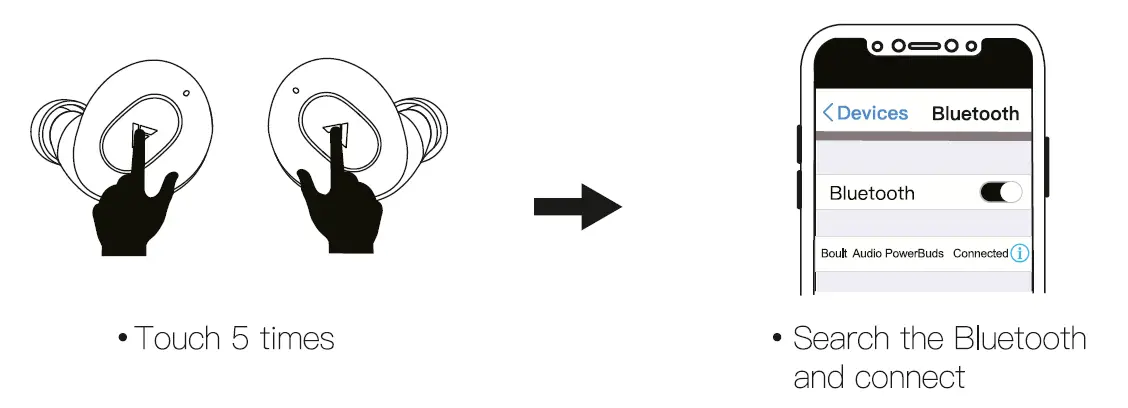
Resume pairing of left and right earphones:
Put earbuds in the charging case and charging, then take earbuds out of the charging case when they charging a few minutes. They will enter into pairing mode automatically.
Specification
| Bluetooth Standard | Ver. 5.0 |
| Battery of earbud | 45mAH Li-polymer Battery |
| Battery of charging box | 2200 mAH |
| Output Voltage of Base | 5V |
| Working distance | 10-15M |
| Support System | Android/iOS/Windows |
Troubleshooting
| Problem type | Reason | Solution |
| Doesn’t charging /Stop working | Charging case out of battery or the earbuds fail to connect the charging with case | Charge the case first Gently swing the earbuds to make it contact with the charging pins in the charging case. |
| Work individually | Left one and right one doesn’t pair | Please refer the reset option and reset them |
| Sound imbalance | Dust block | Please clean the earbuds first |