
LIVEBUDS USER MANUAL
Please refer to the safety precautions mentioned on the last page of this manual before operating this device.
Pairing for the first time
Step 1: Make sure the product is fully charged.
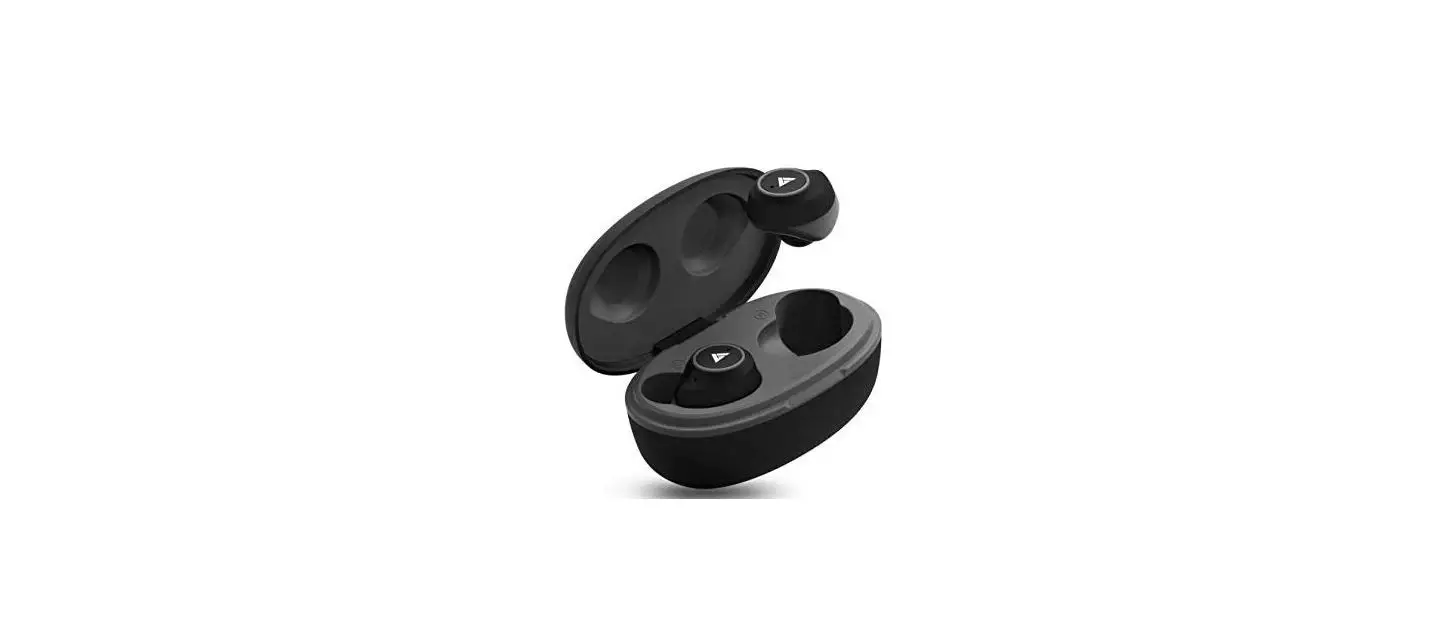
Step 2: Open the case with earbuds inside and wait for 3-4 seconds.
you will see blue LED light will start on the left earbud and red & blue LED light on the right earbud. Now, they are ready to connect with your device.
Step 3: Turn on the Bluetooth on your device & scan to see ”Boult Audio Livebuds L”.
Step 4: Click on “Boult Audio Livebuds L” to pair your device with the earbuds. Once your device is paired successfully with the earbuds, the blue LED light will start slowly. Now you can enjoy your music/calls.
Auto-pairing Mode (Re-pairing with your device)
Step 1: Turn on the Bluetooth on your same device.
Step 2: Open the case with earbuds inside and wait for 3-4 seconds.
You will see a blue LED light on the left earbud and a red & blue LED light on the right earbud. Earbuds will connect to your same device automatically and blue LED light will start ashing slowly.
Step 3: If the earbuds are not able to connect automatically with the same device, then charge the case with the earbuds inside and the lid closed. Open the case and Bluetooth settings on your device, scan, and connect to “Boult Audio Livebuds L”.
Now you can enjoy your music/calls.
Step 4: If both earbuds are red and blue LED light, then place both earbuds back in the charging case and use them after few seconds.
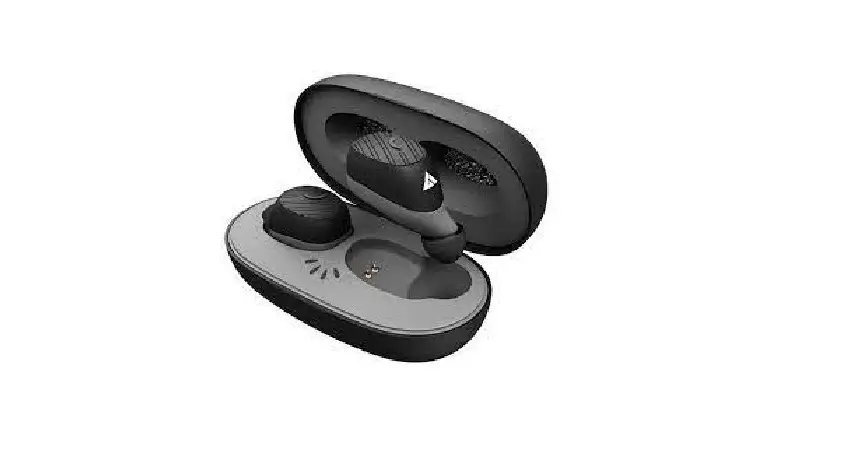
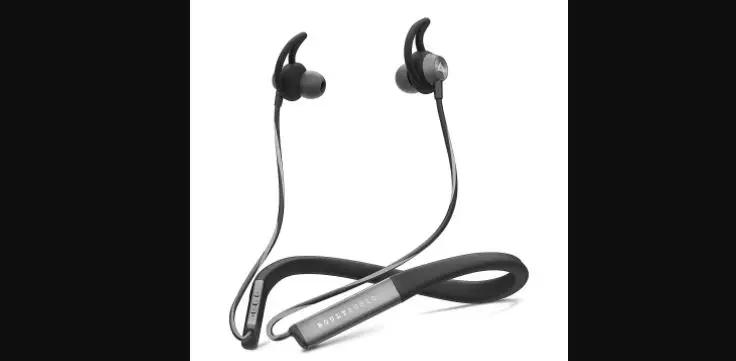
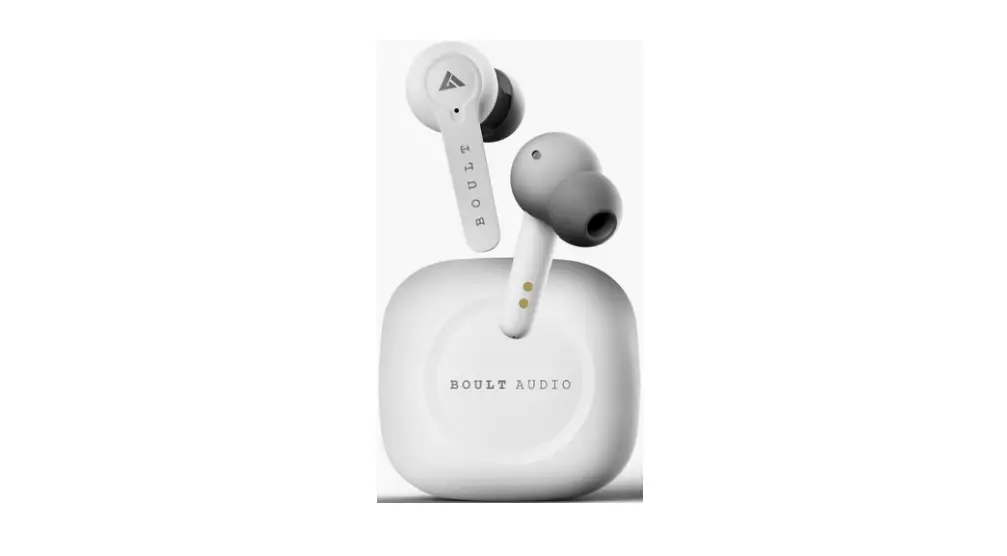
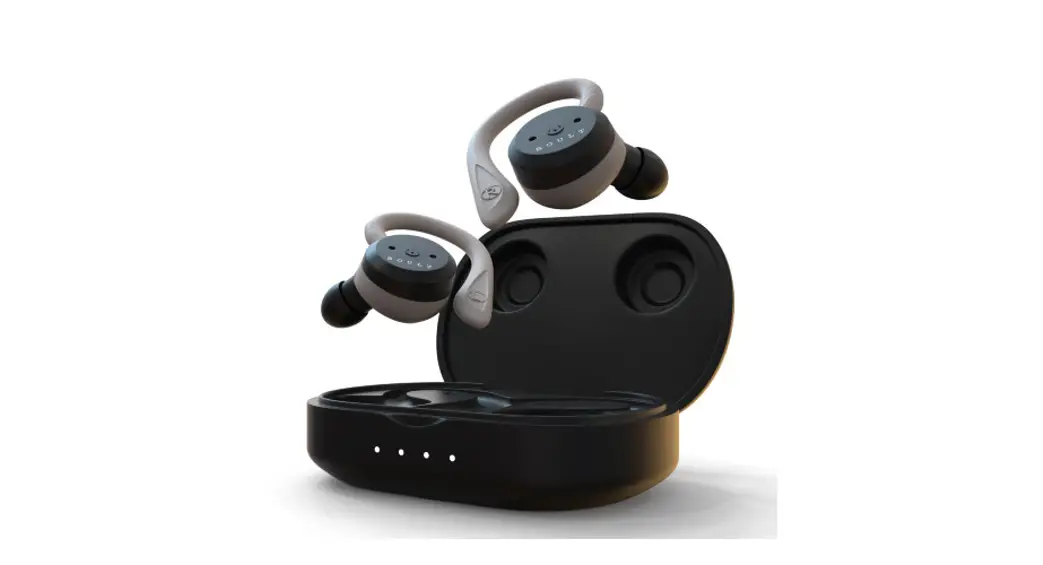
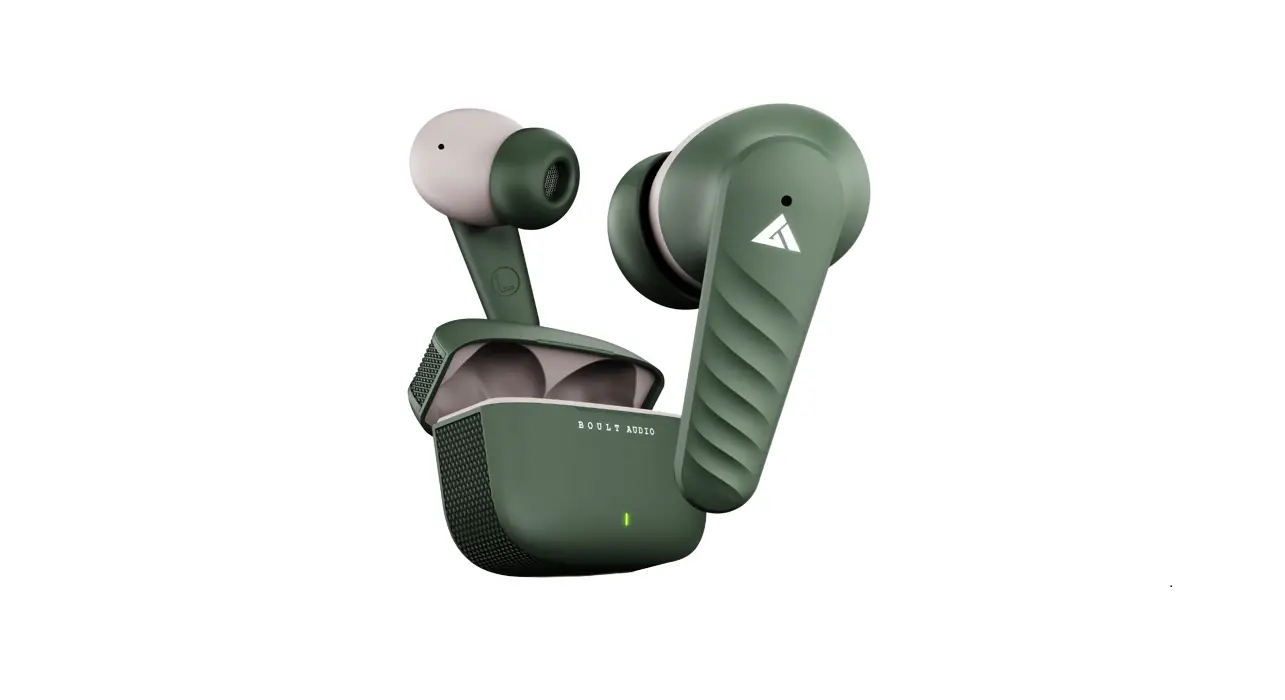
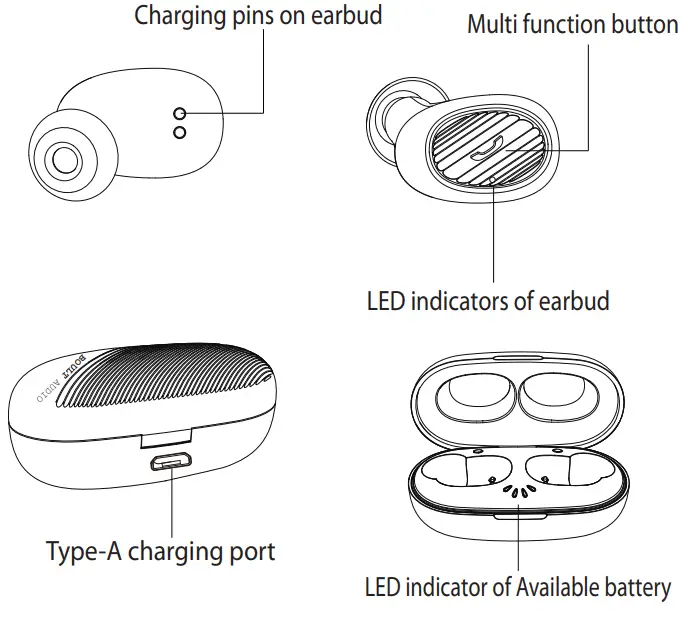
Product Introduction
Using as a Mono Headset
Step 1: Open the case with earbuds inside.
Step 2: Take one earbud which you want to use as a mono headset and close the case.
Step 3: Red & Blue LED lights will start in few seconds and will be ready to connect to your Bluetooth device. If not, close the case with both earbuds inside, charge the case and repeat all steps.
Step 4: If both earbuds need to be used as mono headsets with different devices, then first connect one earbud with your device and connect the second earbud with your second device. Please ensure that the connected earbud should be in the case with the lid closed or at least 10-15 meters away from the ted earbud or else, they will connect to each other.
Charging the case & earbuds
- Use only a 5V/1A USB charger to charge this product.
- This product or the Bluetooth function cannot be used during charging.
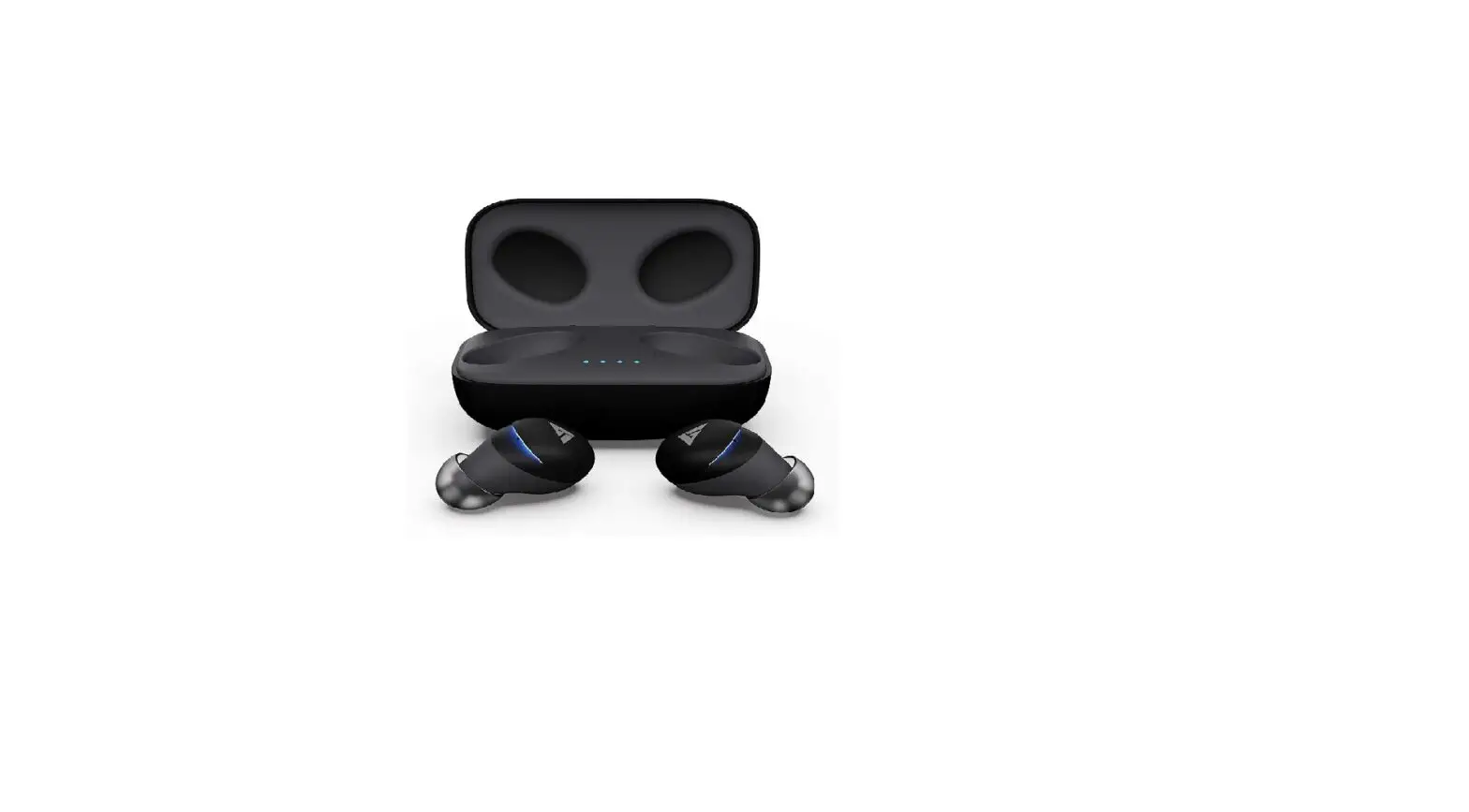
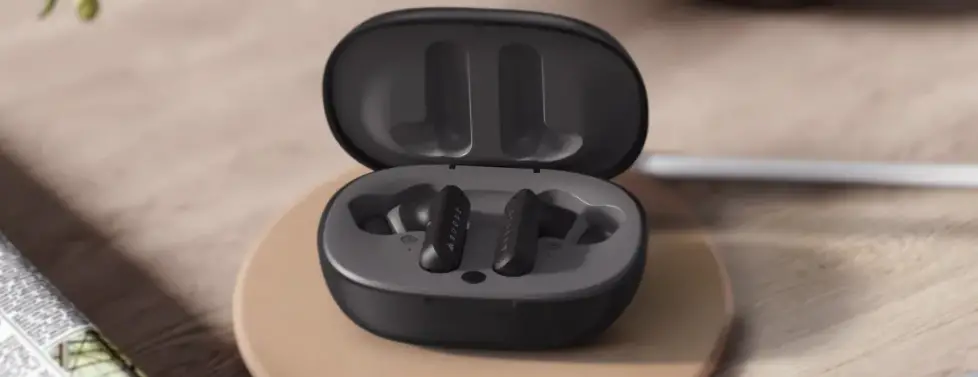
- There are 4 LED lights inside the charging case which indicates the available battery.
- Each LED light rets 25% available battery power.
- To charge the case, plug in the type-A charging cable.
- White LED light will while charging the case and all four white LED lights will be steady once charging is complete.
- The earbuds will charge while placed in the case with the lid closed.
- Earbuds will show a red LED light while charging.
- Earbuds will blue LED light for 4-5 seconds and go offonce it is fully charged.
Functions
- Switch On/Off the earbuds
Click on the multi-function button on your earbuds for one second to switch them on.
Click on the multi-function button on your earbuds for four seconds to switch then off. - Voice assistance
Click on the multi-function button 3 times on your right earbud to activate the Google Assistant/Siri.
Google Assistant/Siri will pop up on your phone screen. - Play/Pause music
A single click on the multi-function button to play/pause the music. - Answer/Reject calls
A single click on the multi-function button to answer, cancel, or hang up the calls & double click to reject incoming calls. - Change music track
Click on the multi-function button for 2-3 seconds on your left earbud to change the track to previews one.
Click on the multi-function button for 2-3 seconds on your right earbud to change the track to the next one. - Increase/Decrease volume
Double click on the multi-function button on your left earbud to decrease the volume.
Double click on the multi-function button on your right earbud to increase the volume.
Reset the product
If both earbuds fail to paired or connect with other paired or new devices, then follow the further steps to reset them.
- Switch off both earbuds by pressing the multi-function button for 10 seconds on them.
- Doing this will erase all pairing history and settings saved on both earbuds.
- Press the multi-function button for one second on both earbuds to switch them on.
- Place both earbuds back in the case and close the lid.
- Now these are ready to use just like the new ones.
- If your earbuds are still not connecting to your device, then open Bluetooth settings on your device and delete “Boult Audio Livebuds” in the paired devices.
- Now search for newly available devices and connect to “Boult Audio Livebuds” .
- Now, you can enjoy your earbuds just like a brand new headset.
Safety Precautions
Please make sure to follow the instructions provided in this manual for your safety and to extend the life of the earbuds.
- Use only a 5V/1A USB charger to charge this product.
- Please keep the device away from extreme heat, humidity, or corrosive environment.
- Please don’t over-charge the earbuds or the case, as it will decrease the battery service life.
- Please use only a good-quality phone charger or USB charging port to charge the case.
Watch the VIDEO tutorial at
boultaudio.com/howto2
OR
Call us at +91 8595516267
& enter code 02 for a personalized training session or queries