 MAVIC
MAVIC
Battery Charging Hub
User Guide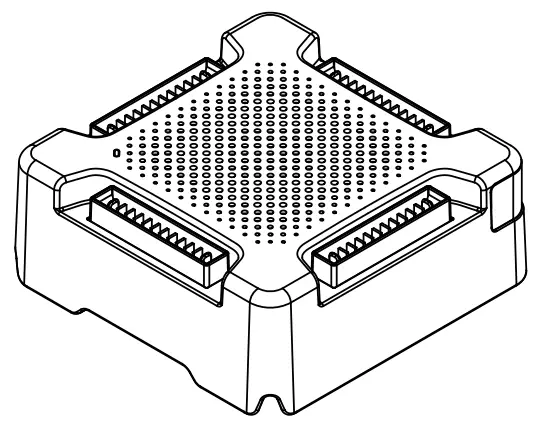 V1.0 2016.09
Disclaimer
Thank you for purchasing the MAVIC
Battery Charging Hub (hereinafter referred to as “Product”). Read this disclaimer carefully before using this Product. By using this Product, you hereby agree to this disclaimer and signify that you have read it fully. Please use this Product in strict accordance with the manual and be sure to pay attention to the Warnings. SZ DJI TECHNOLOGY CO., LTD. and its affiliated companies assume no liability for damage(s) or injuries incurred directly or indirectly from improper use of this Product. Misuse includes, but is not limited to, using unapproved chargers, charging unapproved batteries, shortcircuiting, overheating, introducing foreign materials into the Product, or touching the terminals with skin or metal. Refer to the Safety Guidelines and Disclaimer, Intelligent Flight Battery Safety Guidelines, and User Manual for applicable information not herein contained.
DJI™ is a trademark of SZ DJI TECHNOLOGY CO., LTD. (abbreviated as “DJI”) and its affiliated companies. Names of products, brands, etc., appearing in this manual are trademarks or registered trademarks of their respective owner companies. This Product and manual are copyrighted by DJI with all rights reserved. No part of this Product or manual shall be reproduced in any form without the prior written consent or authorization of DJI.
This disclaimer is produced in various languages. In the event of divergence among different versions, the Simplified Chinese version shall prevail when the Product in question is purchased in China, and English version shall prevail when the Product in question is purchased in any other region.
Warnings
- The Charging Hub is only compatible with the designated Battery Charger.Do not attempt to use the Charging Hub with any other battery charger.
- The Charging Hub is only compatible with FB1-3830mAh-11.4V Intelligent Flight Batteries. Do not attempt to use the Charging Hub with other battery models.
- Place the Charging Hub on a flat and stable surface when in use. Ensure the
device is properly insulated to prevent fire hazards. - DO NOT attempt to touch the metal terminals on the Charging Hub.
- Clean the metal terminals with a clean, dry cloth if there is any noticeable buildup.
Introduction
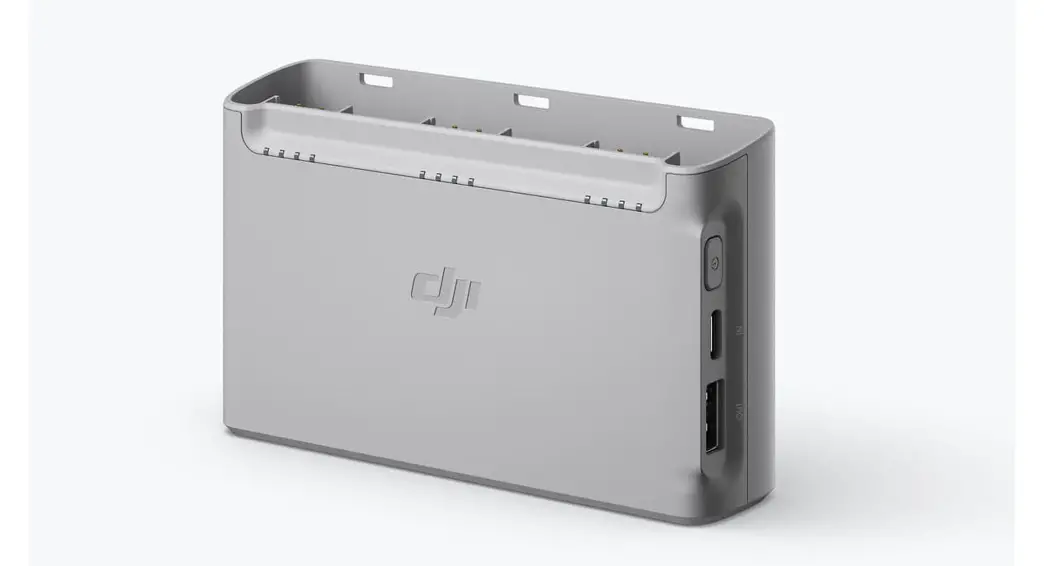
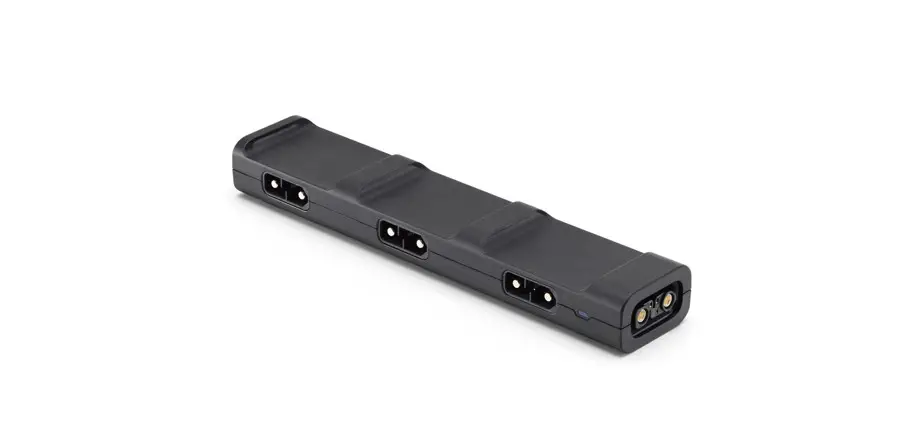
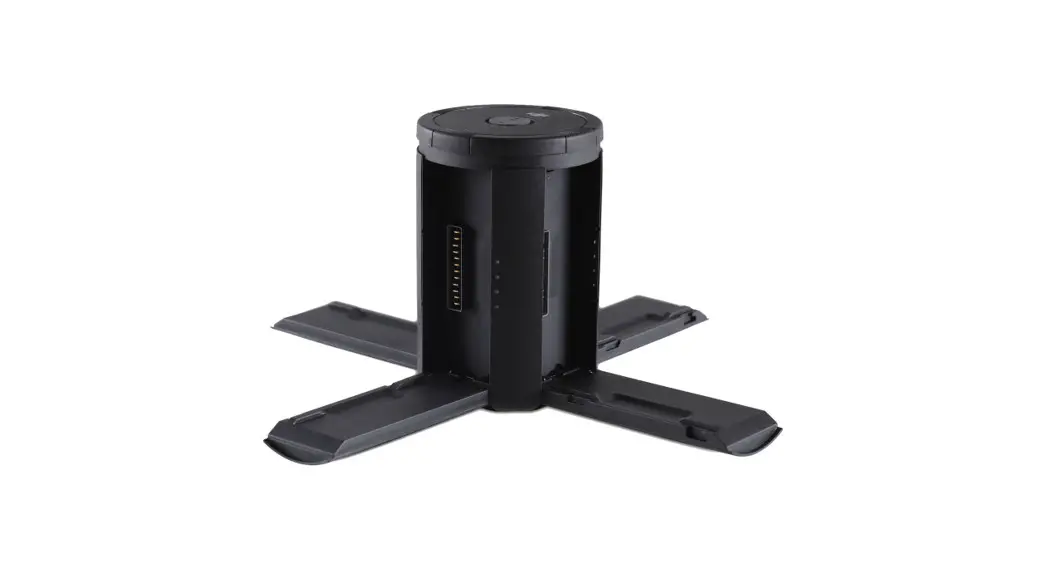
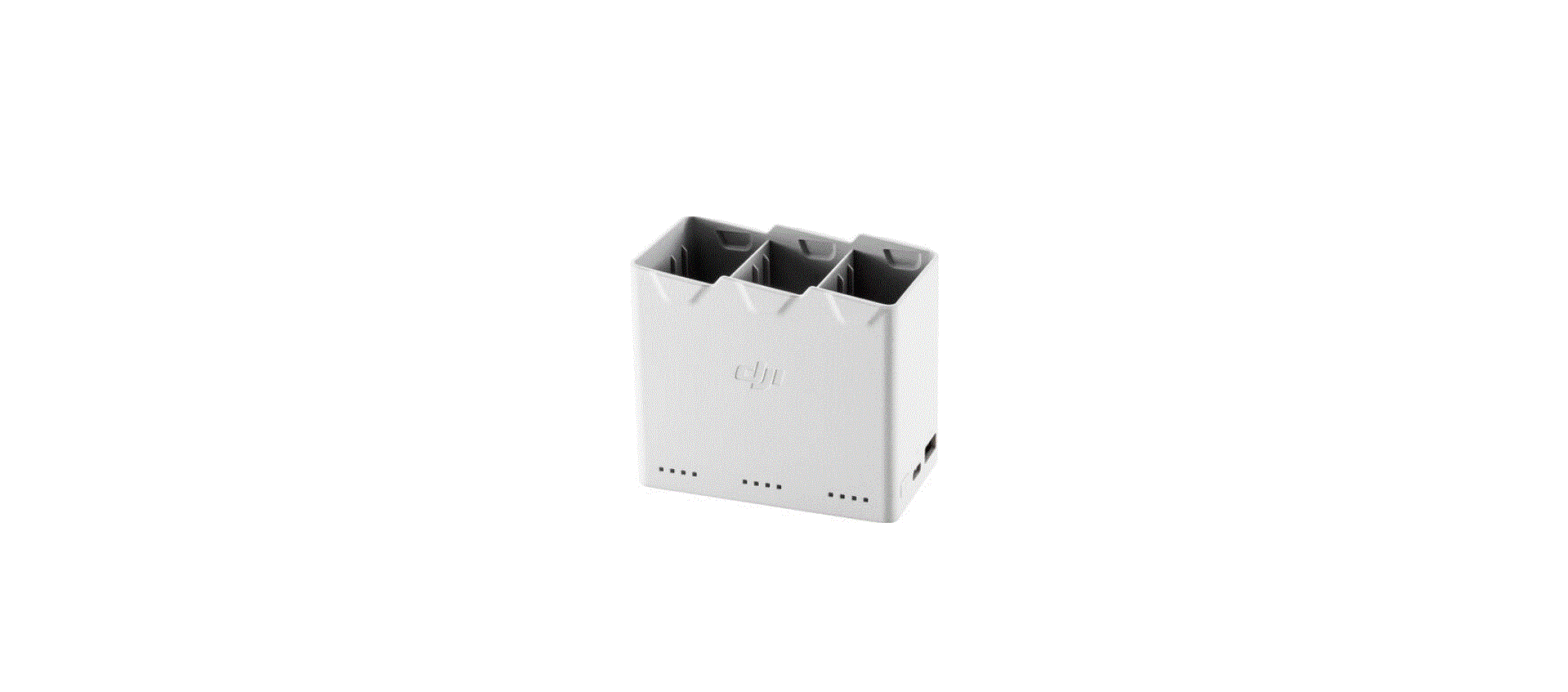
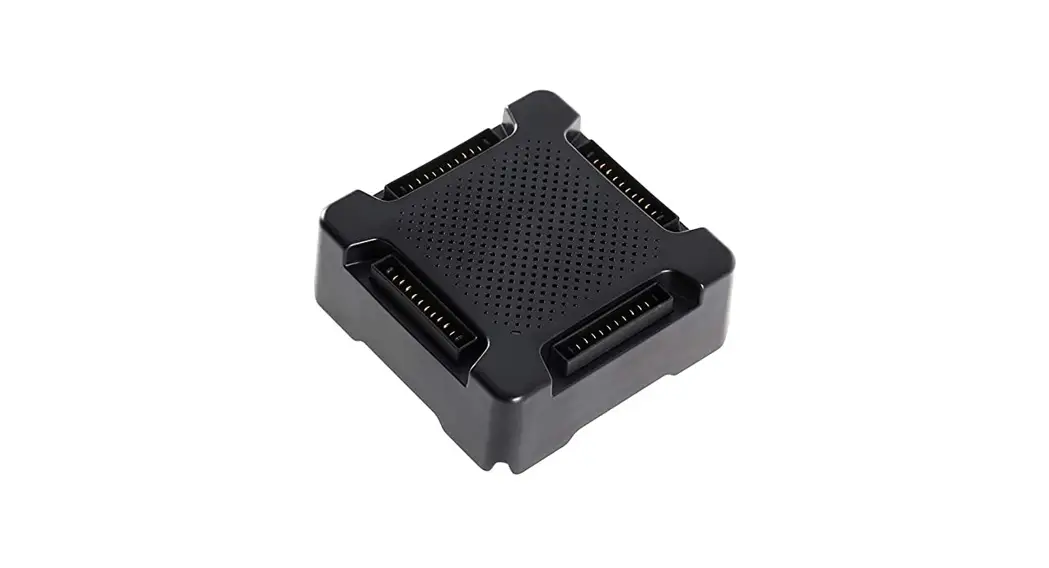
The Mavic Battery Charging Hub is designed for use with the Mavic Intelligent Flight Battery. When used with the Mavic Battery Charger, it can charge up to four Intelligent Flight Batteries. The Intelligent Flight Batteries will be charged in sequence according to their power levels, from high to low. The Charging Hub (Advanced) optimizes charging to improve efficiency. It is also Phantom 4 charger compatible, further reducing the charging time.
Overview
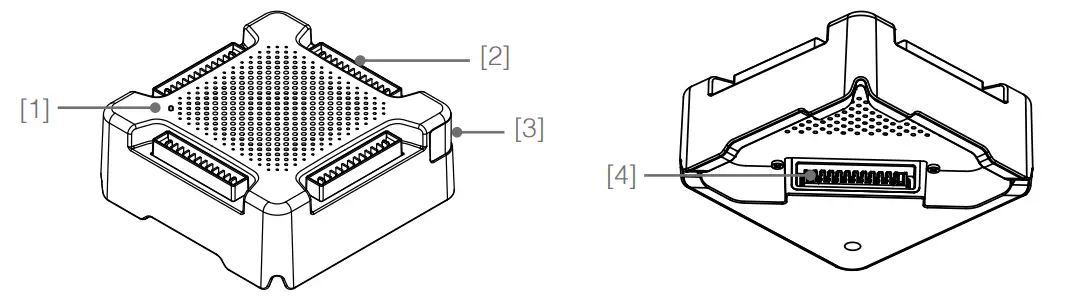
- Status LED Indicator
- Battery Port
- Firmware Update Port (Micro USB Slot)
- Power Port
Using the Charging Hub
Follow the instructions below to use the Charging Hub:
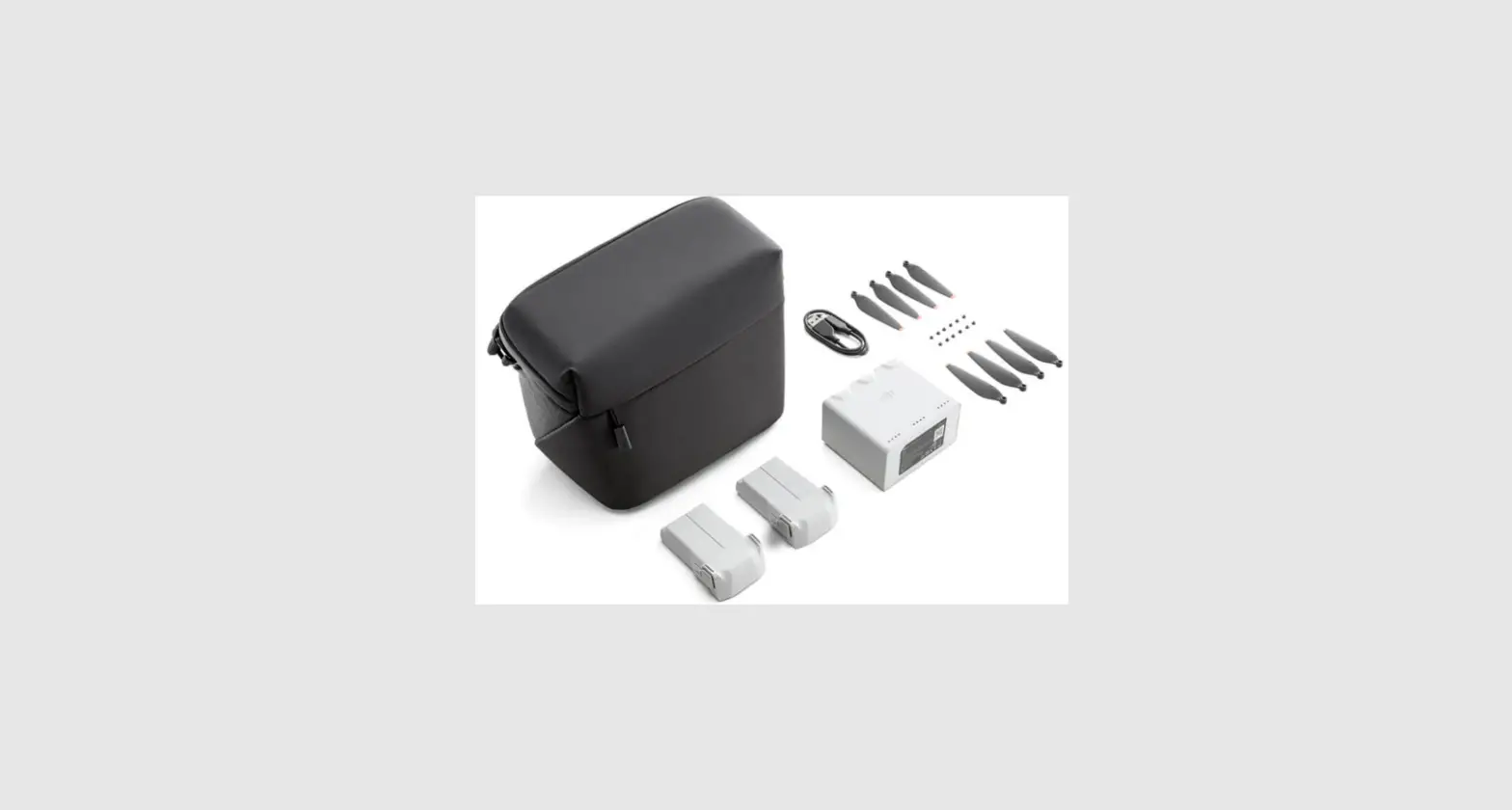
- Connecting to a Power Source Connect the Mavic Battery Charger to a power outlet (100-240V, 50-60Hz), then connect the Charging Hub to the Mavic Battery Charger.

 The Charging Hub (Advanced, model: M1CH-P) can also be connected to the Phantom 4 Charger.
 - Connecting Batteries Insert the Intelligent Flight Battery into the battery port to begin charging. The Intelligent Flight Battery with the highest power level will be charged first, then batteries will be charged in sequence according to their power levels. The Charging Hub (Advanced) charges batteries in stages, making charging multiple batteries faster. Refer to “Status LED Indicator Description” section for more information about the Status LED indicator’s blinking patterns. Unplug the batteries when they are fully charged.

 Be aware of the Charging Hub model. DO NOT connect the Charging Hub (Model: M1CH-S) to the Phantom 4 Charger.
DO NOT cover the Charging Hub during charging.
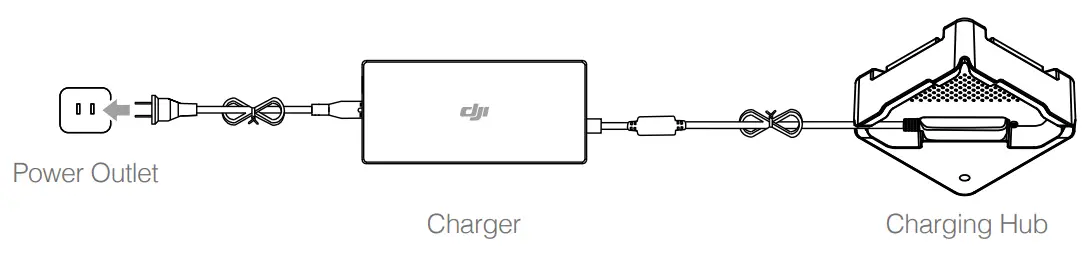
 The Charging Hub (Advanced, model: M1CH-P) can also be connected to the Phantom 4 Charger.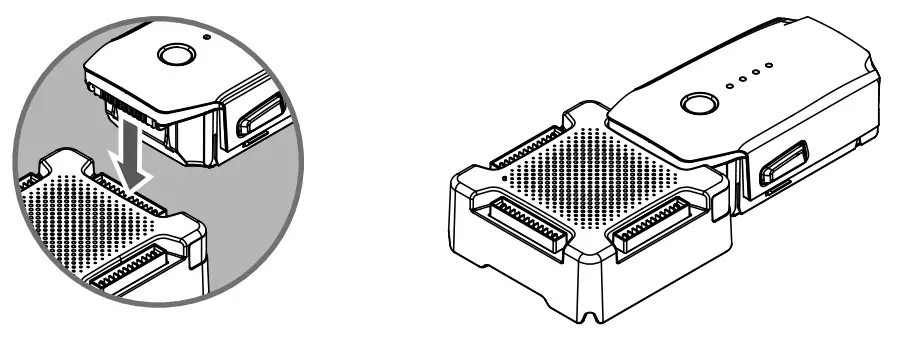
Status LED Indicator Descriptions
| Status LED Indicator | Descriptions |
 Slow Pulsing Green Slow Pulsing Green | Charging |
| Solid Green | All batteries are fully charged |
 Solid Yellow Solid Yellow | Waiting to charge |
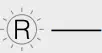 Solid Red Solid Red | Power supply or battery error. Check components |
Updating the Firmware
DJI will release firmware updates when available. Refer to official DJI website and follow the instructions below to update the firmware.
- Download the latest firmware update program from the official DJI website. (http://www.dji.com/mavic/info#downloads)
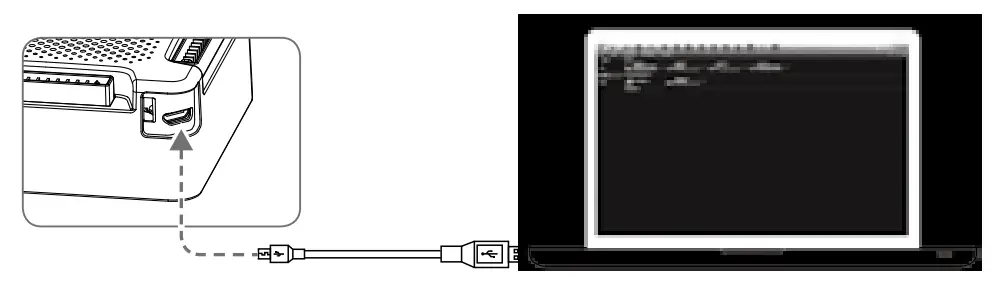
- Turn on the Charging Hub, then connect it to a computer using a Micro USB cable.

- Run the firmware update program. Press the update button and wait for the process to finish.
- The Charging Hub will automatically restart when the update has been successfully completed.
- Repeat this process if the firmware update fails for any reason.
Specifications
| Model | M1CH-S; M1CH-P (Advanced) |
| Compatible Battery Charger | Mavic Charger (F1C50) Mavic Car Charger (C3S78) Phantom 4 Charger (PH4C100, Advanced only) Phantom 4 Car Charger (C4S90-4, Advanced only) |
| Compatible Battery Model | FB1-3830mAh-11.4V |
| Operating Temperature | 41° to 104° F (5° to 40° C) |
| Operating Voltage | 13.05 V (Connected with the Mavic Charger / Car Charger) 17.4 V (Connected with the Phantom 4 Charger / Car Charger) |
| Charge Time* (Four Batteries) | Mavic Charging Hub: M1CH-S 5 hr 10 min (Mavic Charger) 4 hr (Mavic Car Charger) Mavic Charging Hub (Advanced): M1CH-P 4 hr 10 min (Mavic Charger) 3 hr 15 min (Mavic Car Charger) 2 hr 30 min (Phantom 4 Charger / Car Charger) |
| Weight | 82 g; 101 g (Advanced) |
* Charge times are tested in a lab environment at room temperature and should be used for reference only.
The content in this document is subject to change.
Download the latest version from http://www.dji.com/mavic
MAVIC™ is a trademark of DJI.
Copyright © 2016 DJI All Rights Reserved.
Compliance Information
FCC Compliance
This device complies with Part 15 of the FCC Rules. Operation is subject to the following two conditions:
- This device may not cause harmful interference, and
- This device must accept any interference received, including interference that may cause undesired operation.
Any changes or modifications not expressly approved by the party responsible for compliance could void the user’s authority to operate the equipment.
EU Compliance Statement
SZ DJI TECHNOLOGY CO., LTD. hereby declares that this device is in compliance with the essential requirements and other relevant provisions of the EMC Directive.
A copy of the EU Declaration of Conformity is available online at www.dji.com/euro-compliance
 EU contact address: DJI GmbH, Industrie Strasse. 12, 97618, Niederlauer, Germany
IC Compliance
This device complies with ICES-003 standard. Operation is subject to the following two conditions:
- this device may not cause interference, and
- this device must accept any interference, including interference that may cause undesired operation of the device.
DJI Support
http://www.dji.com/support
If you have any questions about this document, please contact
DJI by sending a message to [email protected].
Printed in China.
 EU Declaration of Conformity - DJI