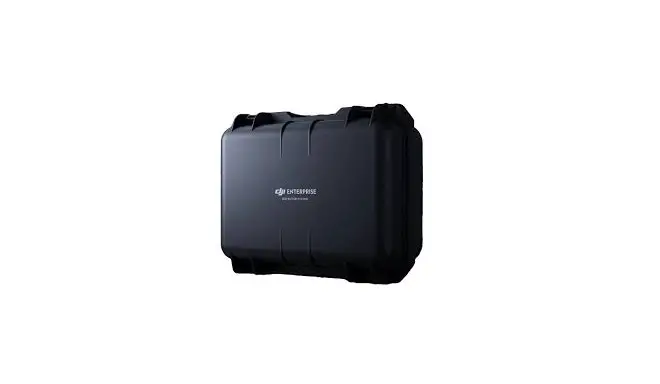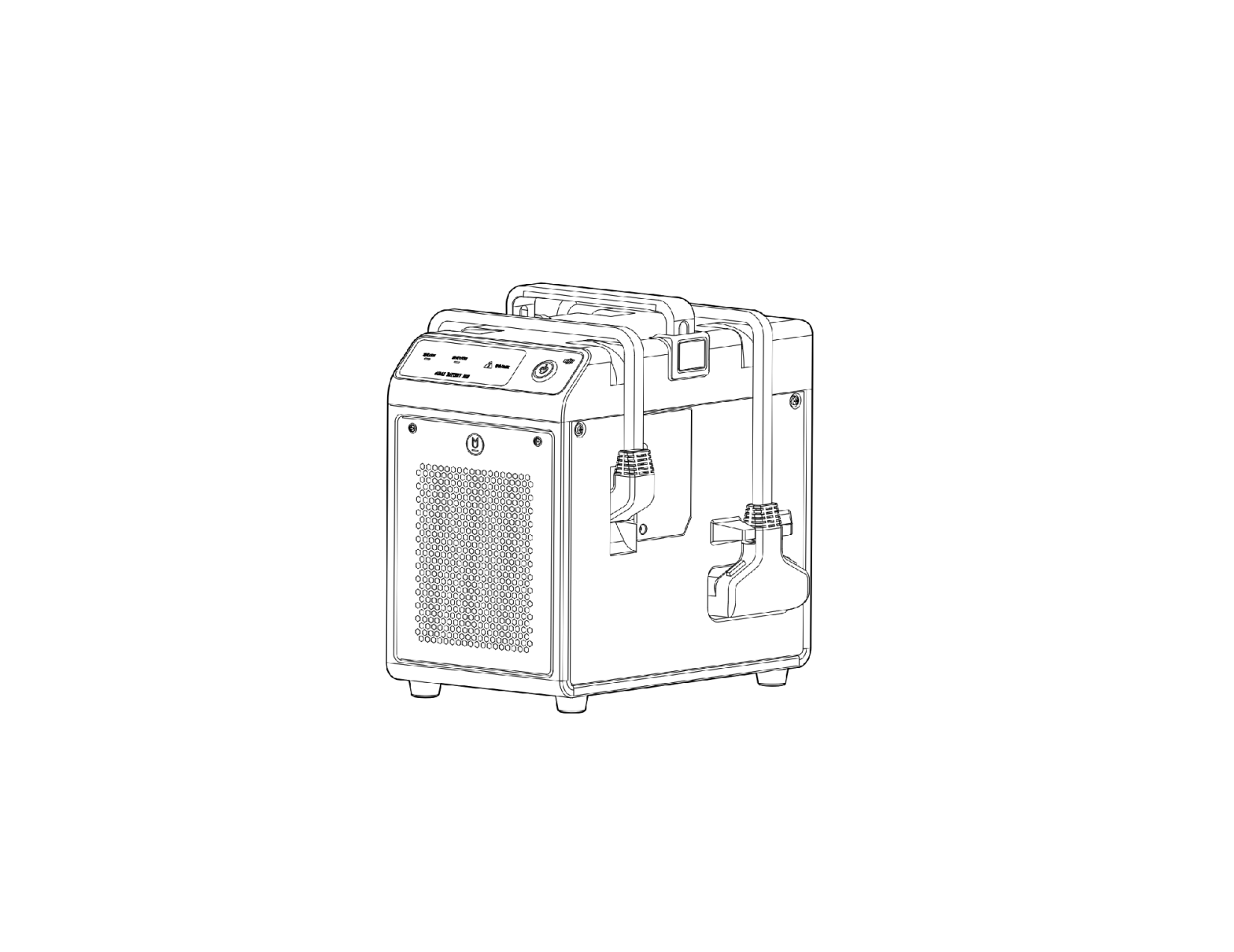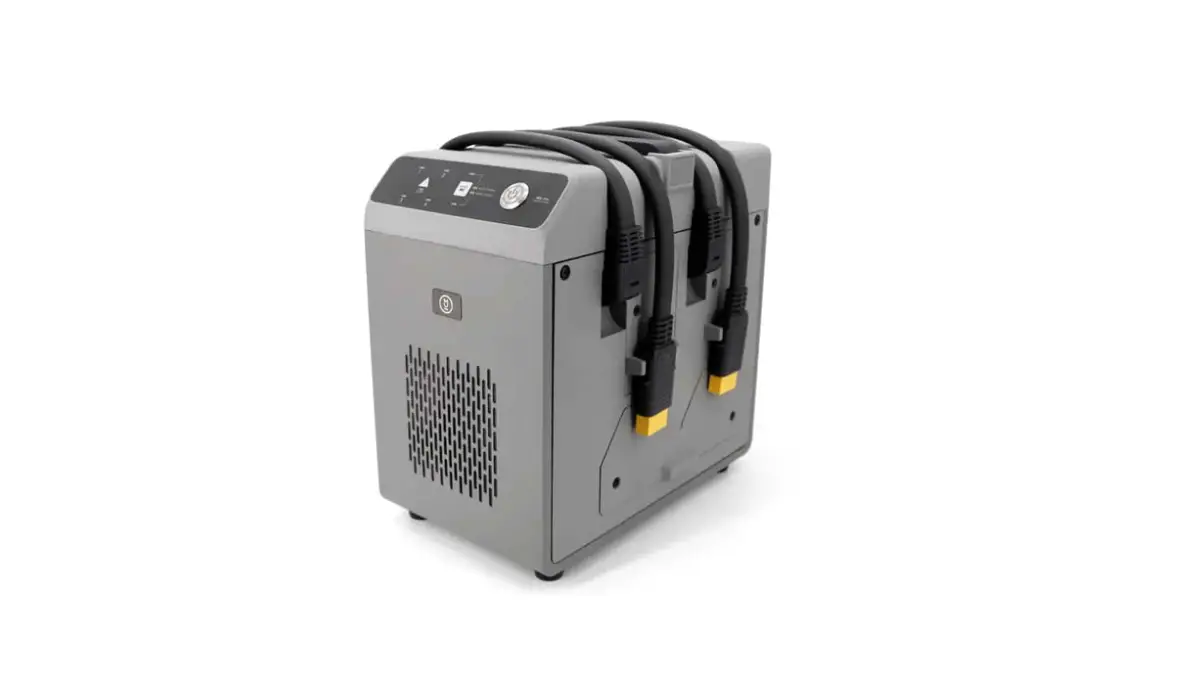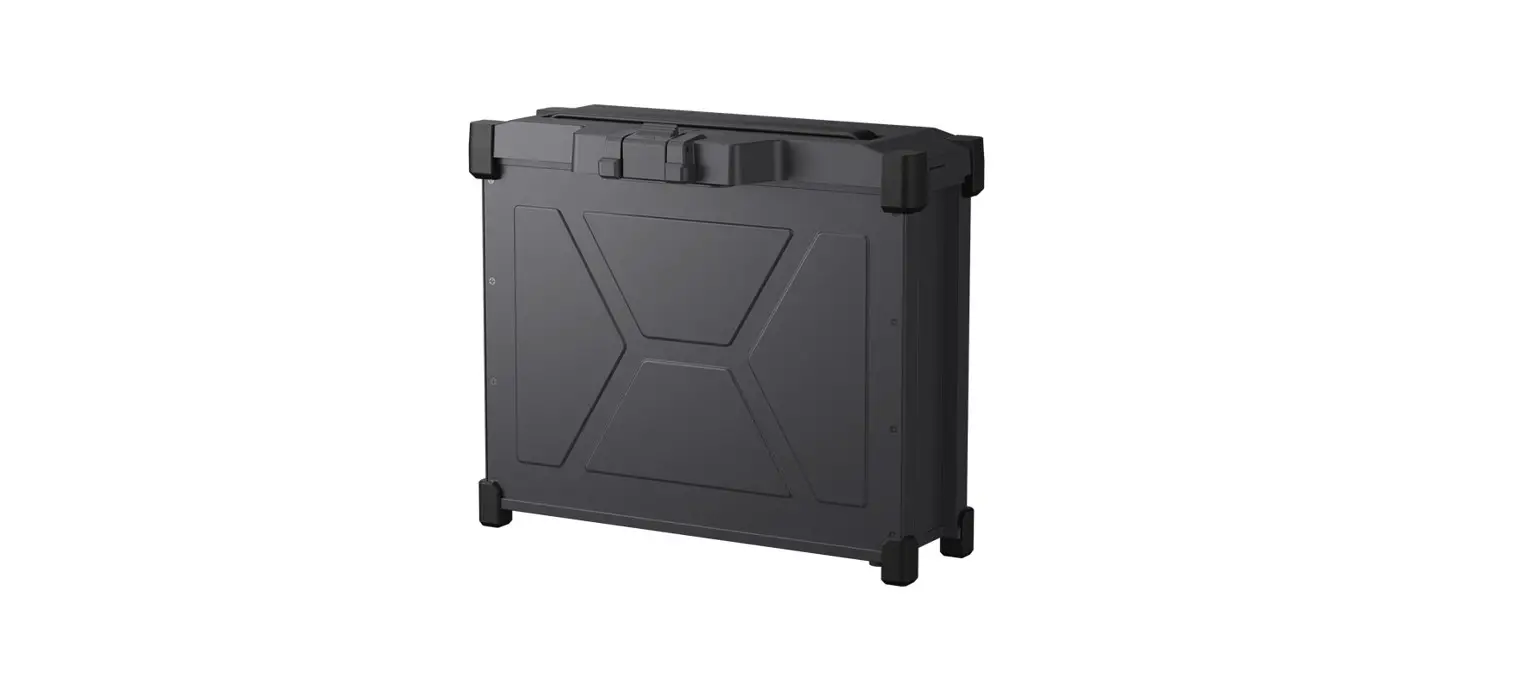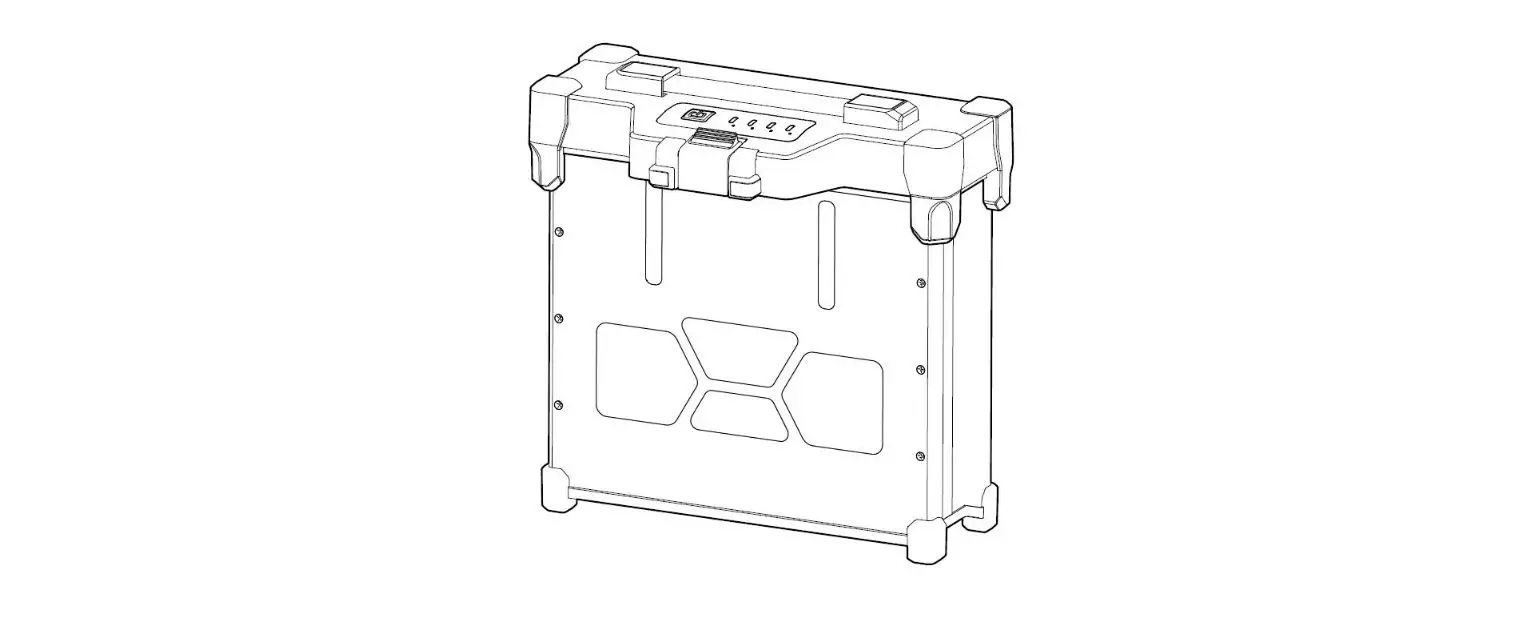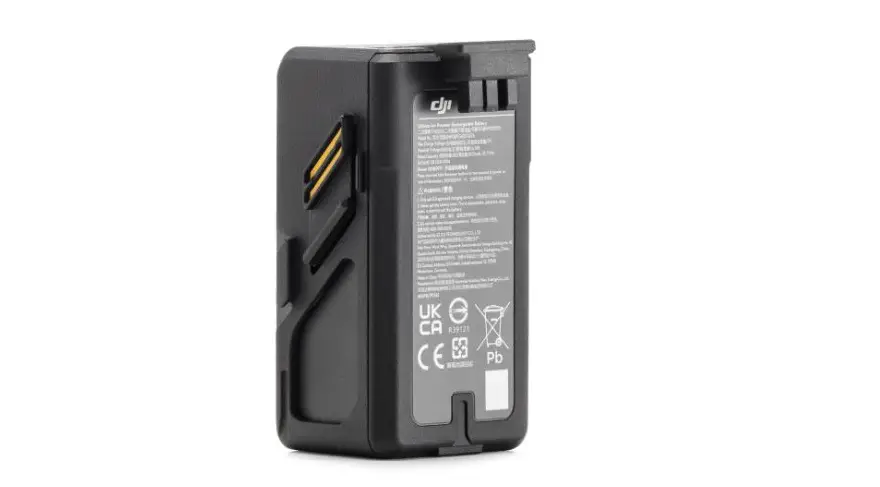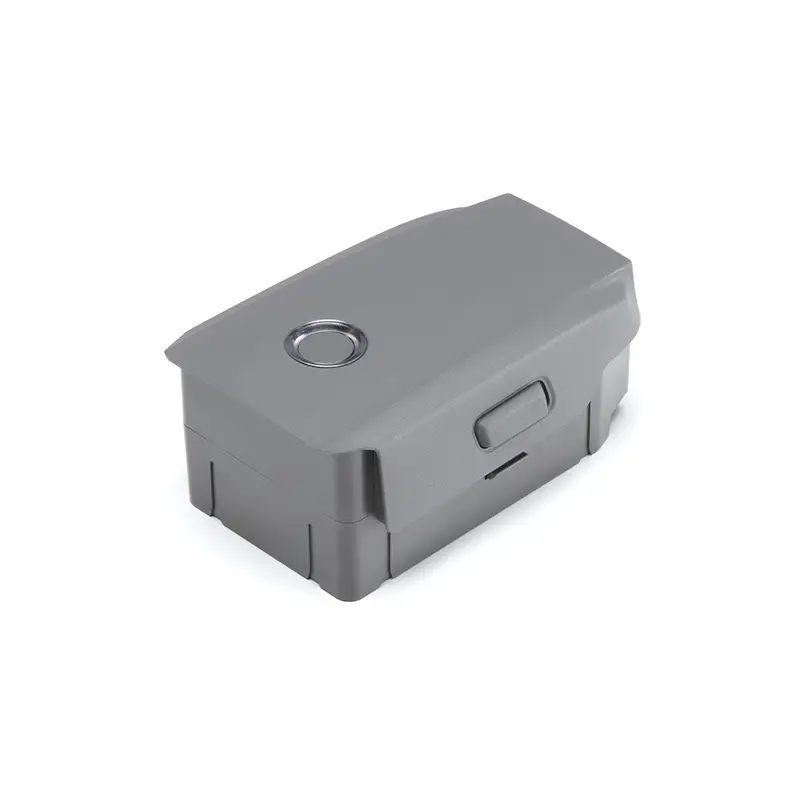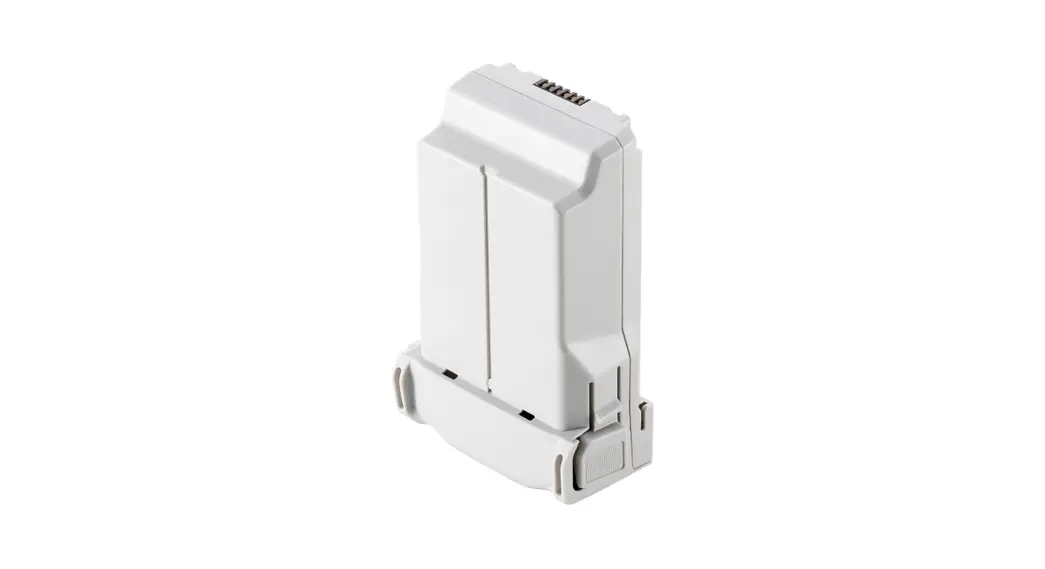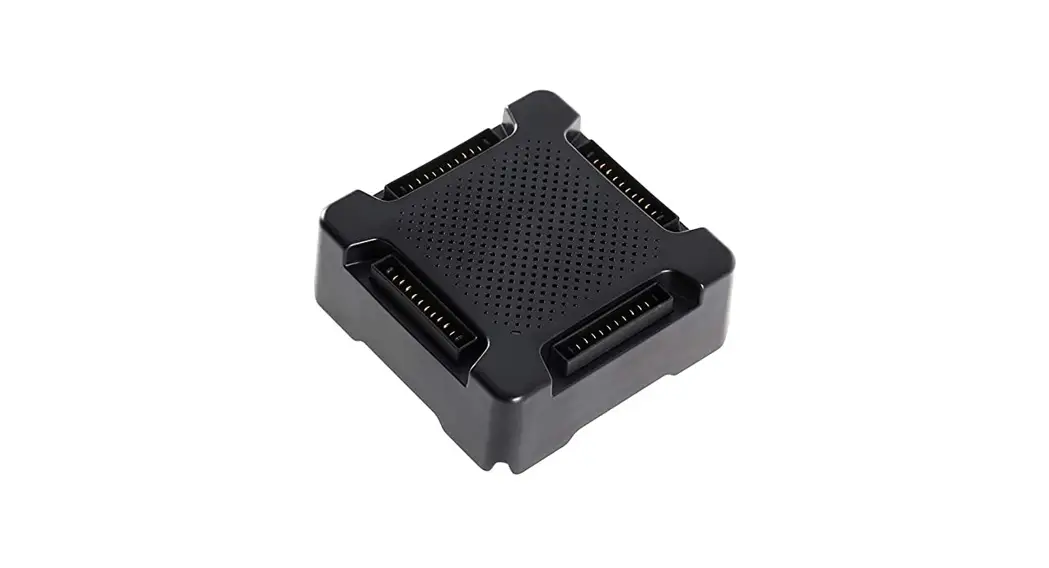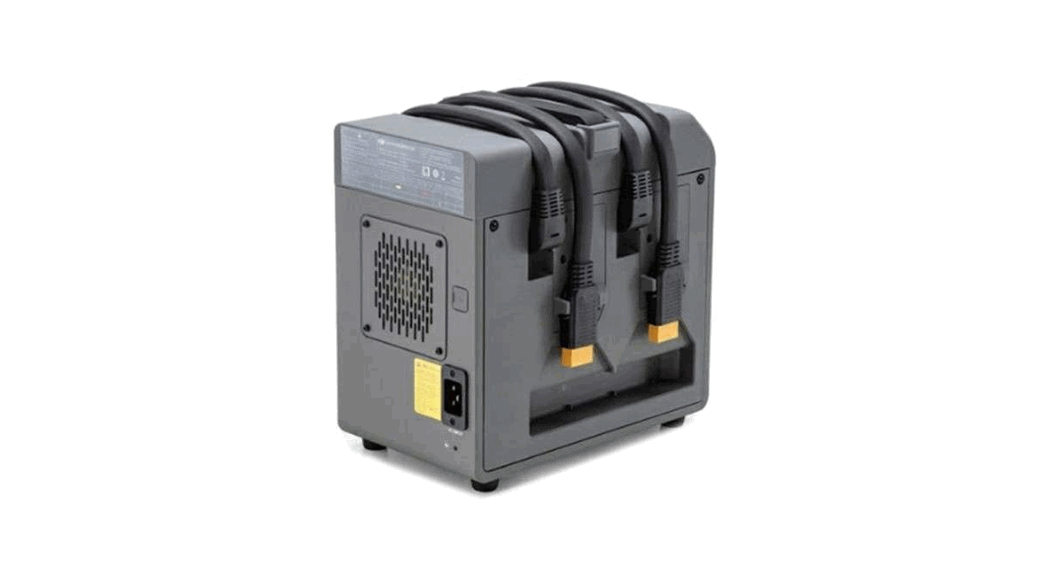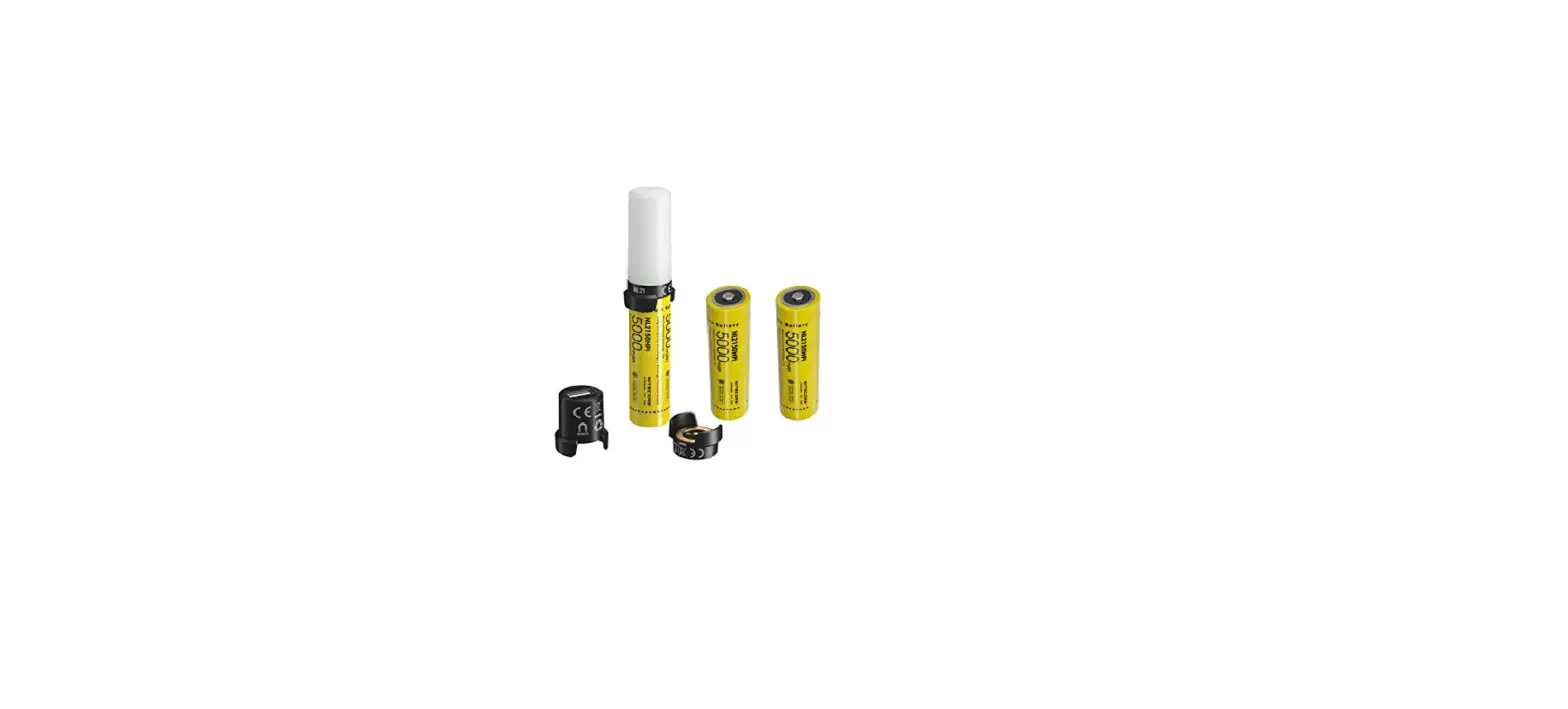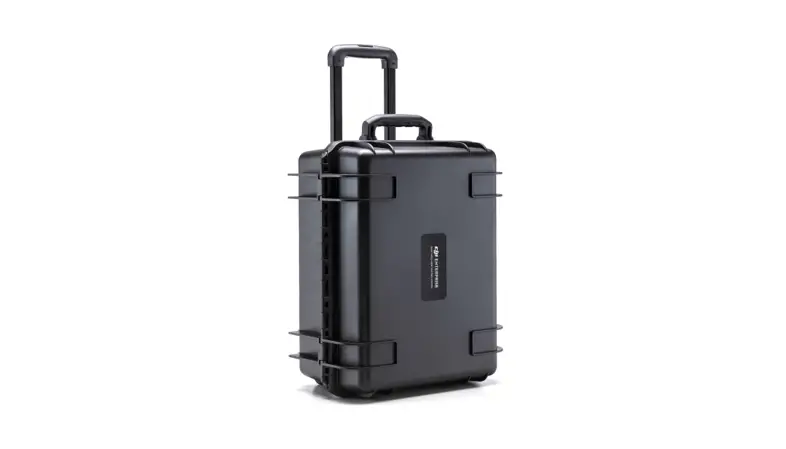
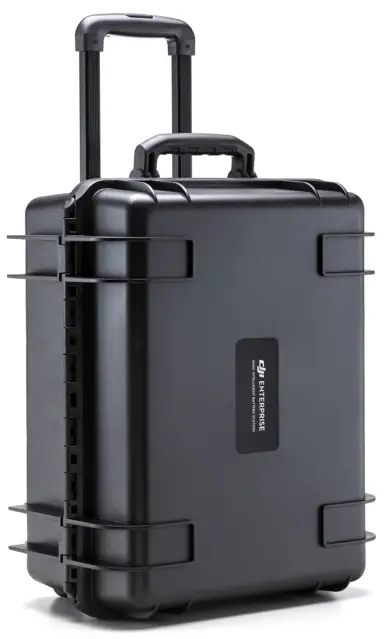
 dji Intelligent Battery Station – box
Disclaimer
Thank you for purchasing the BS60 Intelligent Battery Station (hereinafter referred to as “Battery Station”). Please read this entire document and all safe and lawful practice DJITM provided carefully, and visit the DJI official website (http://www.dji.com) to download the full version of the User Manual and carefully read all instructions and warnings therein before use. Failure to read and follow instructions and warnings or lack of strong awareness of safety during the operation may result in serious injury to yourself or others, damage to your DJI product, or damage to other objects in the vicinity. By using this product, you hereby signify that you have read this disclaimer and warning carefully and that you understand and agree to abide by the terms and conditions herein. You agree that you are solely responsible for your own conduct while using this product, and for any consequences thereof. You agree to use this product only for legitimate purposes. DJI accepts no liability for damage, injury or any legal responsibility incurred directly or indirectly from the use of this product.
DJI is a trademark of SZ DJI TECHNOLOGY CO., LTD. (abbreviated as “DJI”) and its affiliated companies. Names of products, brands, etc., appearing in this document are trademarks or registered trademarks of their respective owner companies. This product and document are copyrighted by DJI with all rights reserved. No part of this product or document shall be reproduced in any form without the prior written consent or authorization of DJI.
This document and all other collateral documents are subject to change at the sole discretion of DJI. For up to date product information, visit http://www.dji.com and click on the product page for this product.
This disclaimer is available in various languages. In the event of divergence among different versions, the English version shall prevail.
Warnings
1. Keep any liquids (oil, water etc.) away from the inside of the Battery Station.
2. DO NOT close the Battery Station during charging or discharging, and ensure it is well ventilated and able to dissipate heat.
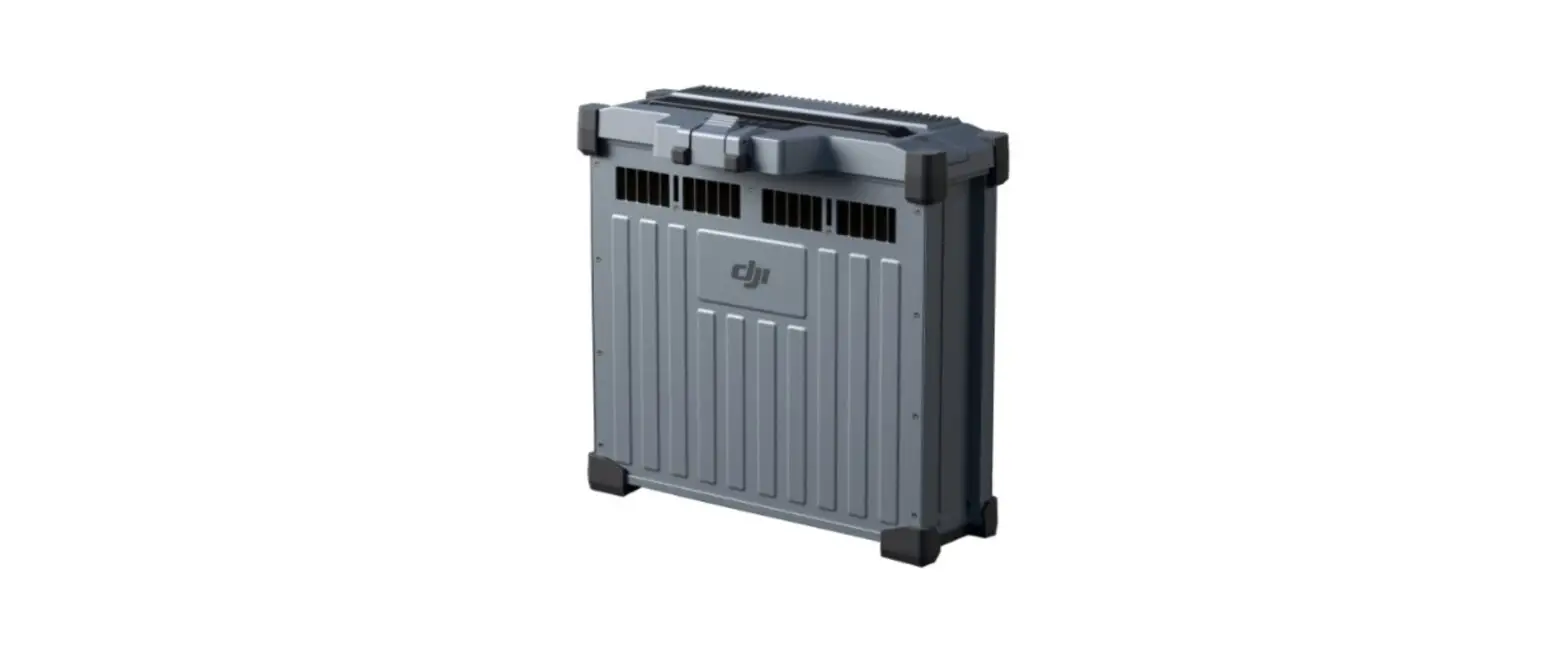
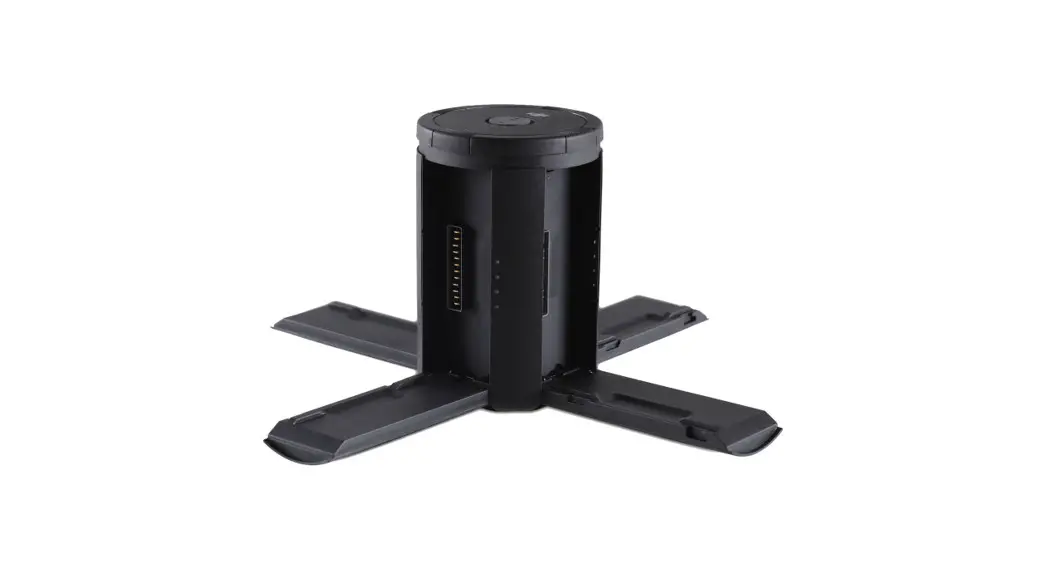
3. The Battery Station is only compatible with the TB60 Intelligent Flight Battery, and WB37 Intelligent Battery. DO NOT use the Battery Station with any other battery models.
4. Place the Battery Station on a flat and stable surface when in use. Ensure the device is properly insulated to prevent fire hazards.
5. DO NOT touch the metal terminals on the Battery Station. If there is any noticeable debris buildup, wipe the metal terminals with a clean, dry cloth.
6. Take care to avoid injuring fingers when opening or closing the Battery Station, or using the retractable trolley handle.
7. Place the batteries in the specified directions.
8. Air pressure in the Battery Station may change during air transportation or after extreme barometric pressure changes. The pressure valve knob on the side of the Battery Station will balance the air pressure automatically.
Introduction
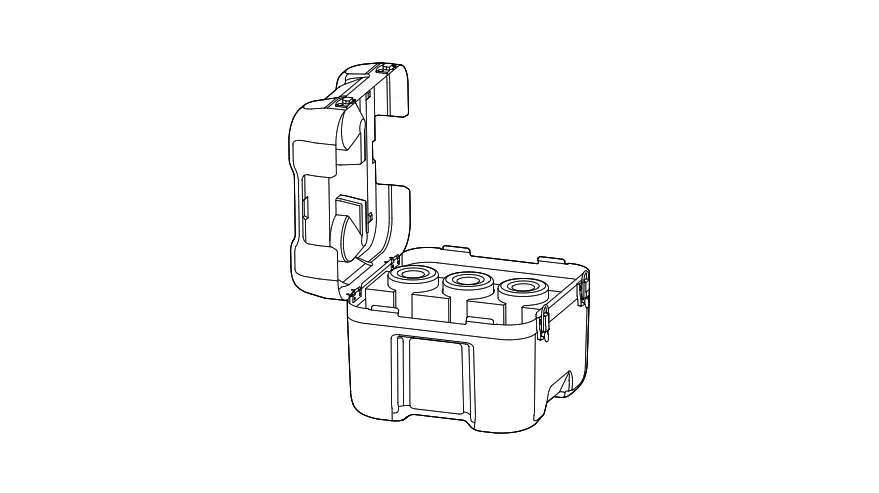
The Battery Station features a total of 12 battery ports and can charge up to eight TB60 Intelligent Flight Batteries, and four WB37 Intelligent Batteries. It also comes built-in with integrated wheels that make the Battery Station easy to maneuver from one place to another.
In the box
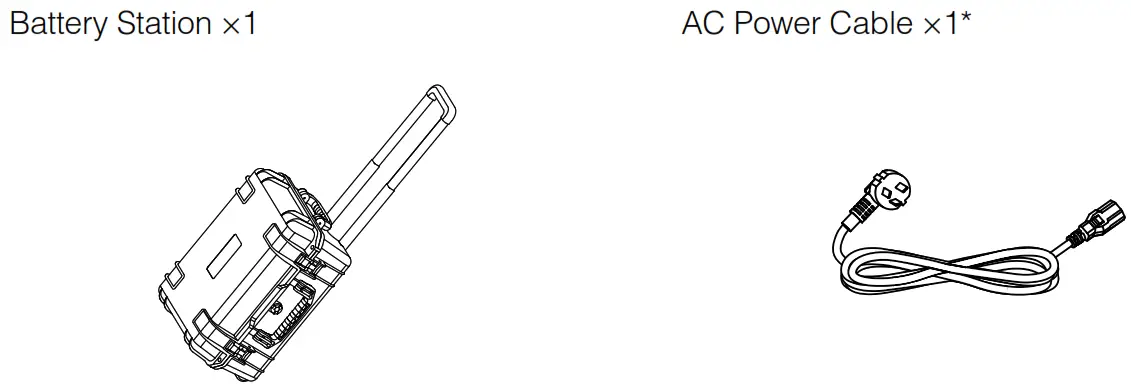
* The type and quantity vary depending on the region.
Overview
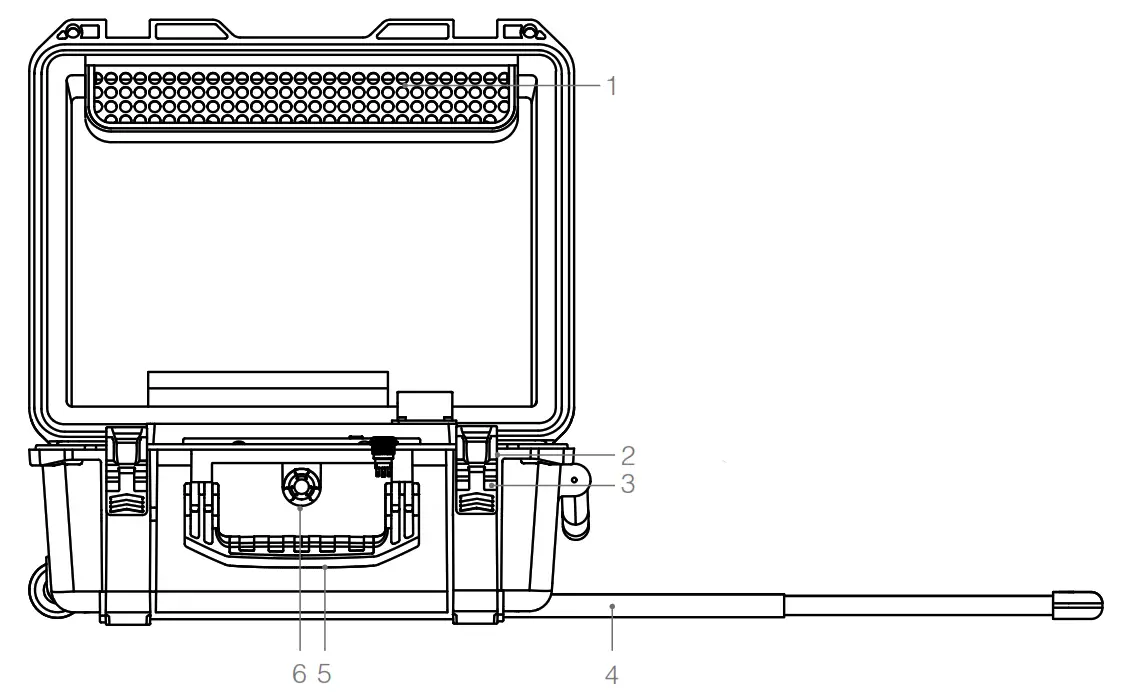
1. AC Power Cable Slot
2. Padlock Holes
3. Locks
4. Retractable Trolley Handle
5. Handles
6. Pressure Valve
7. Air Intake
8. WB37 Battery Port
9. Power Port
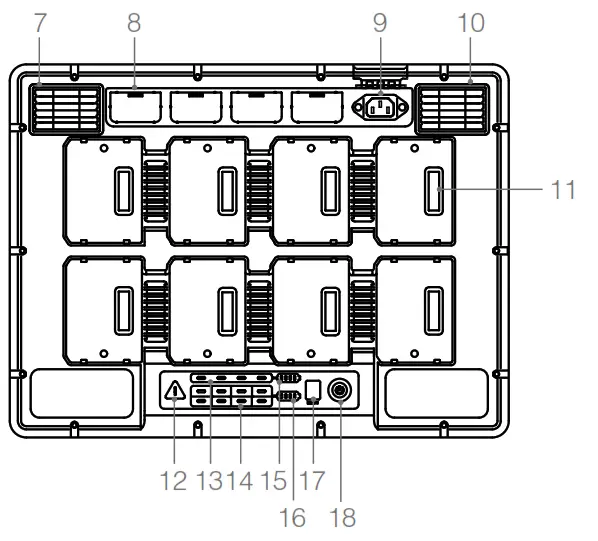
10. Air Vent
11. TB60 Battery Port
12. Warning LED
13. WB37 Battery Status LEDs
14. TB60 Battery Status LEDs
15. WB37 Charging Status LEDs
16. TB60 Charging Status LEDs
17. Firmware Update Port (USB-C)
18. Power Button / Power Indicator
Activation
Use DJI Pilot app and follow the instructions below to activate the Battery Station.
1. Connect the Battery Station to a power outlet and press the Power Button to turn on the Battery Station. Connect the Battery Station to the remote controller using a USB-C cable.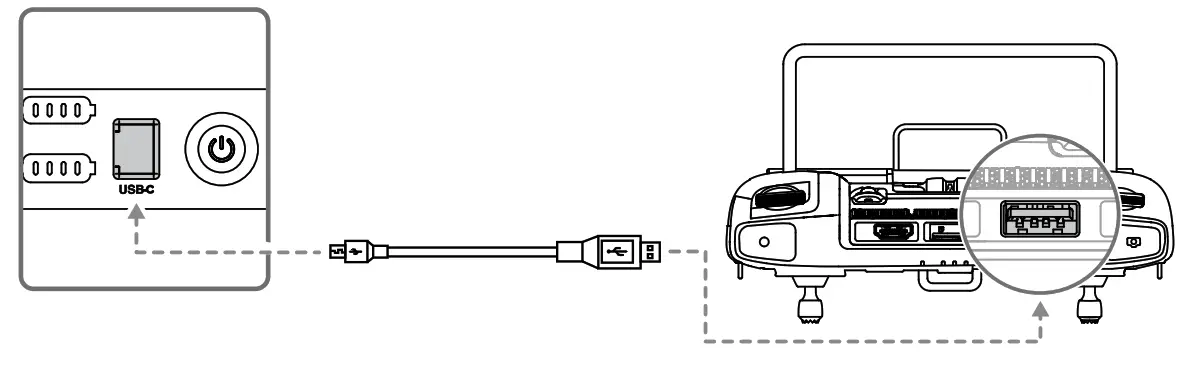 2. Turn on the remote controller and run the DJI Pilot app.
3. Follow the app instructions to activate the Battery Station.
Using the Battery Station
Charging
1. Connect the Battery Station to a power outlet (100-120 Vac, 50-60 Hz / 220-240 Vac, 50-60 Hz) via the AC power cable.
a. With a 100-120 V input, it takes about 70 minutes to fully charge the TB60 battery,
and 40 minutes to charge from 20% to 90% battery level. b. With a 220-240 V input, it takes about 60 minutes to fully charge the TB60 battery, and 30 minutes to charge from 20% to 90% battery level.
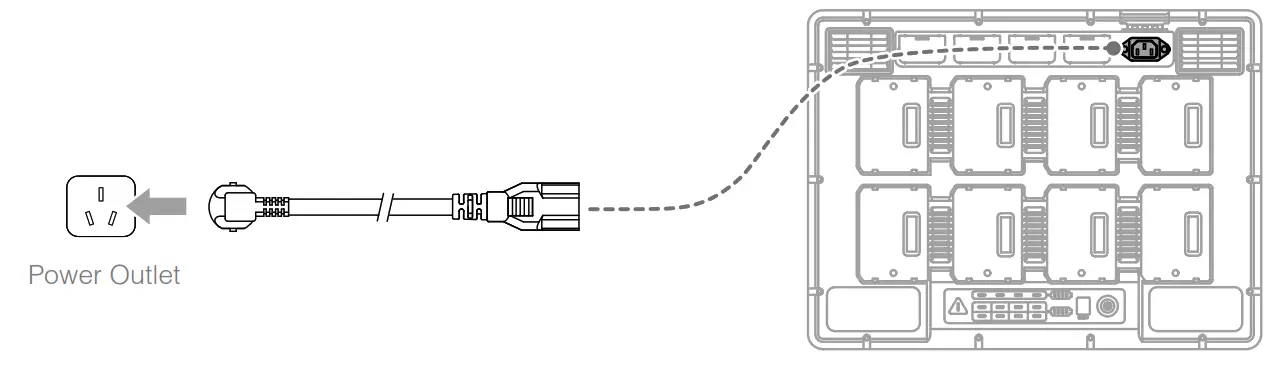
2. Press the Power Button once to turn on the Battery Station.
3. Insert the batteries into the Battery Ports to start charging.
 For TB60 Intelligent Flight Batteries, the Battery Station will charge the two batteries with the most amount of remaining battery power first. For example, if there are four TB60 batteries plugged into the Battery Station (the first two batteries have 10% remaining battery power and the second two batteries have 30% remaining battery power), the Battery Station will automatically charge the batteries with the highest remaining battery power first.
- For WB37 Batteries, the Battery Station will charge the battery with the highest remaining battery power first.
- When the temperature of the battery is too low, it will warm up automatically before charging.
 Refer to the “Battery Station LEDs Description” for more information about the various LEDs.
Battery Station LEDs Description
| LED Indicators | Descriptions |
| Power Indicator | |
| Solid green | Powered on. |
| Battery Status LEDs |  |
| Solid green | Charging completed |
| Blinks green | Charging |
| Solid yellow | Waiting for charging. |
| Blinks yellow | Warming up before charging. |
| Blinks yellow twice | Cooling down before charging. |
| Blinks yellow three times | Cannot charge the battery due to very low temperature. Please charge the battery in the place of higher temperature. |
| Solid red | Battery error. |
| Blinks red | * Battery communication warning, please try other battery ports. |
| Blinks red twice | Battery short circuit, please try other battery ports. |
| Warning LED |  |
| Blinks yellow | Battery Station is updating. |
| Solid yellow | The input voltage is too low. Please use the power supply that meets the requirements. |
| Blinks red | Power module communication error or other. * |
| Blinks red twice | Motherboard error. * |
| Blinks red three times | Fan error. * |
| Blinks red four times | Battery Station self-test error. * |
| For errors marked with the after-sales team. | *, please contact your local dealer or a representative from the DJI |
Buzzer Beeping Description
Buzzer beeping is used to indicate errors as outlined below.
1. When the Battery Status LED is red, the buzzer is beeping to indicate a battery error.
2. When the Warning LED is red, the buzzer is beeping to indicate a Battery Station hardware error.
Specifications
| Model | BS60 |
| Dimensions | 501 × 403 × 252 mm |
| Net Weight | 8.37 kg |
| Max Internal Load | 12 kg |
| Compatible Stored Items | TB60 Intelligent Flight Battery × 8 WB37 Intelligent Battery × 4 AC Power Cable |
| Input | 100-120 Vac, 50-60 Hz / 220-240 Vac, 50-60 Hz |
| Output | TB60 Intelligent Flight Battery Port: 52.8 V, 7 A×2 @100-120 V, 8.9 A×2 @220-240 V WB37 Intelligent Battery Port: 8.7 V, 6 A |
| Output Power | 100-120 V, 750.0 W 220-240 V, 992.0 W |
| Power without Load | < 8 W |
| Warming up the battery | 52.8 V, 2 A |
| Operating Temperature | -20 to 40 (-4° F to 104° F) |
| Charging Time* | 100-120 V, 70 min 220-240 V, 60 min |
| Protection Features | Anti-backflow Protection Short Circuit Protection Over Voltage Protection Over Current Protection Temperature Protection |
* Charging times are tested in a lab environment at room temperature. The values provided should be used for reference only.
Compliance Information
FCC Compliance
This device complies with Part 15 of the FCC Rules. Operation is subject to the following two conditions: (1) This device may not cause harmful interference, and (2) This device must accept any interference received, including interference that may cause undesired operation. Any changes or modifications not expressly approved by the party responsible for compliance could void the user’s authority to operate the equipment.
Supplier’s Declaration of Conformity
Product name: 8560 Intelligent Battery Station
Model Number. 8560
Manufacturer’s Name: SZ DJI TECHNOLOGY CO., LTD.
Manufacturer’s Address: 14th floor; West Wing, Skyworth Semiconductor Design Building NO.18 Gaoxin South 4th Ave, Nanshan District, Shenzhen, Guangdong, China Responsible Party: WI Technology, Inc.
Responsible Party Address: 201 S. Victory Blvd., Burbank, CA 91502
Contact person: Faila Wang
Telephone: (650)812-0559
We, WI Technology, Inc., being the responsible party, declares that the above-mentioned model was tested to demonstrate complying with all applicable FCC rules and regulations. This device complies with part 15 of the FCC Rules. Operation is subject to the following two conditions: (1) This device may not cause harmful interference, and (2) this device must accept any interference received, including interference that may cause undesired operation. Signed for and on behalf of: WI Technology, Inc.
Name: Fajia Wang
Position: Certification Manager
Date: 2020-03-12
Signature: A/41-9114

ISED Compliance
CAN ICES-3 (B)/NMB-3(B)
EU Compliance Statement: SZ DJI TECHNOLOGY CO., LTD. hereby declares that this device is in compliance with the essential requirements and other relevant provisions of the Directive 2014/35/ EU A copy of the EU Declaration of Conformity is available online at www.dji.com/euro-compliance EU contact address: DJI GmbH, Industriestrasse 12, 97618, Niederlauer, Germany
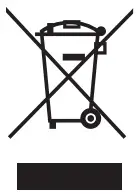

Environmentally-friendly disposal
Old electrical appliances must not be disposed of together with the residual waste, but have to be disposed of separately. The disposal at the communal collecting point via private persons is for free. The owner of old appliances is responsible to bring the appliances to these collecting points or to similar collection points. With this little personal effort, you contribute to recycling valuable raw materials and the treatment of toxic substances.
If you have any questions about this document, please contact DJI by sending a message to [email protected].
DJI and MATRICE are trademarks of DJI. Copyright © 2020 DJI All Rights Reserved.
Printed in China.
3GMDTXSM03