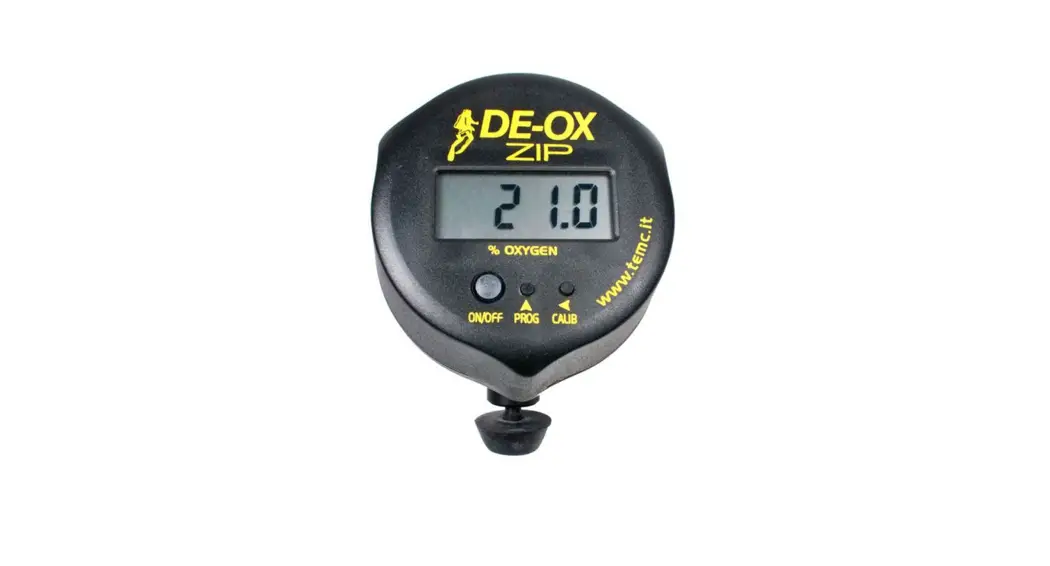
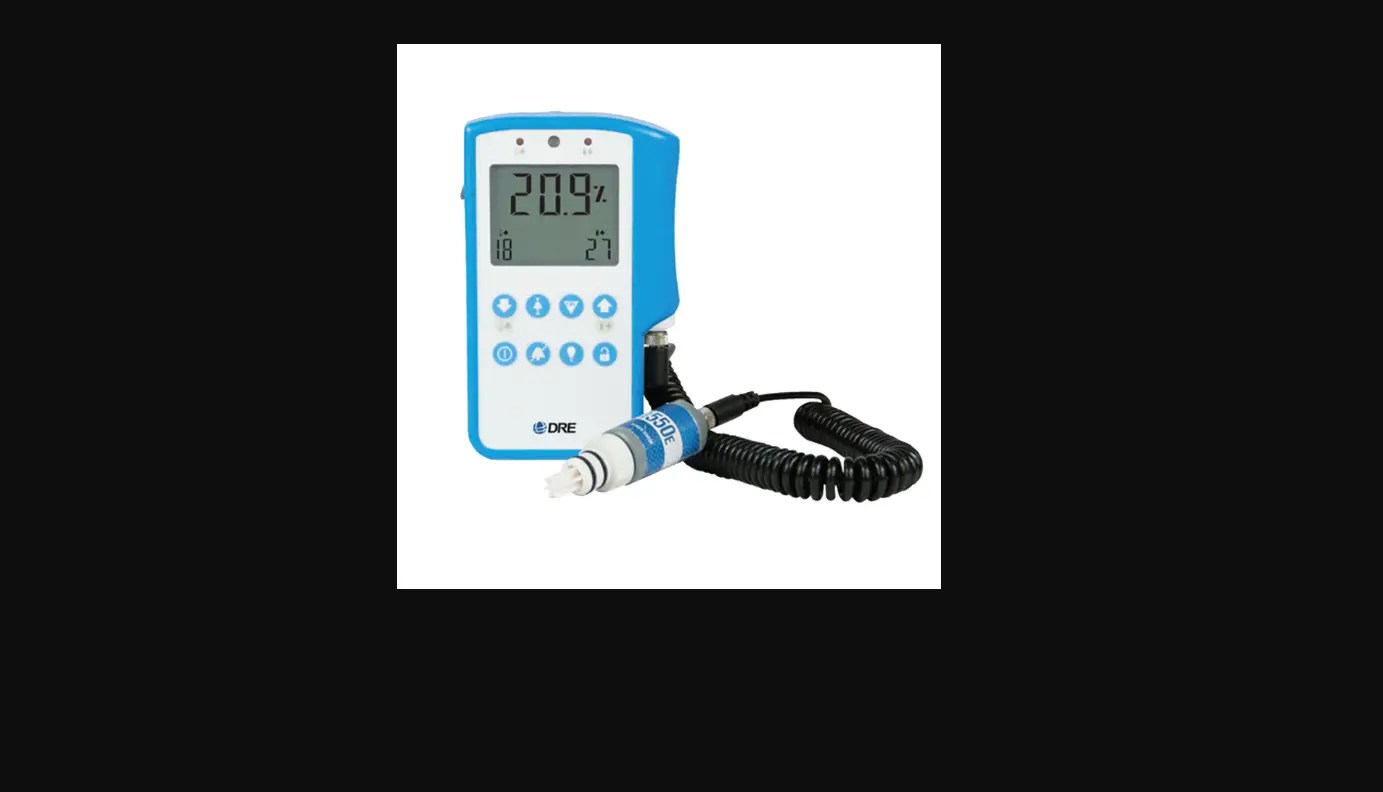
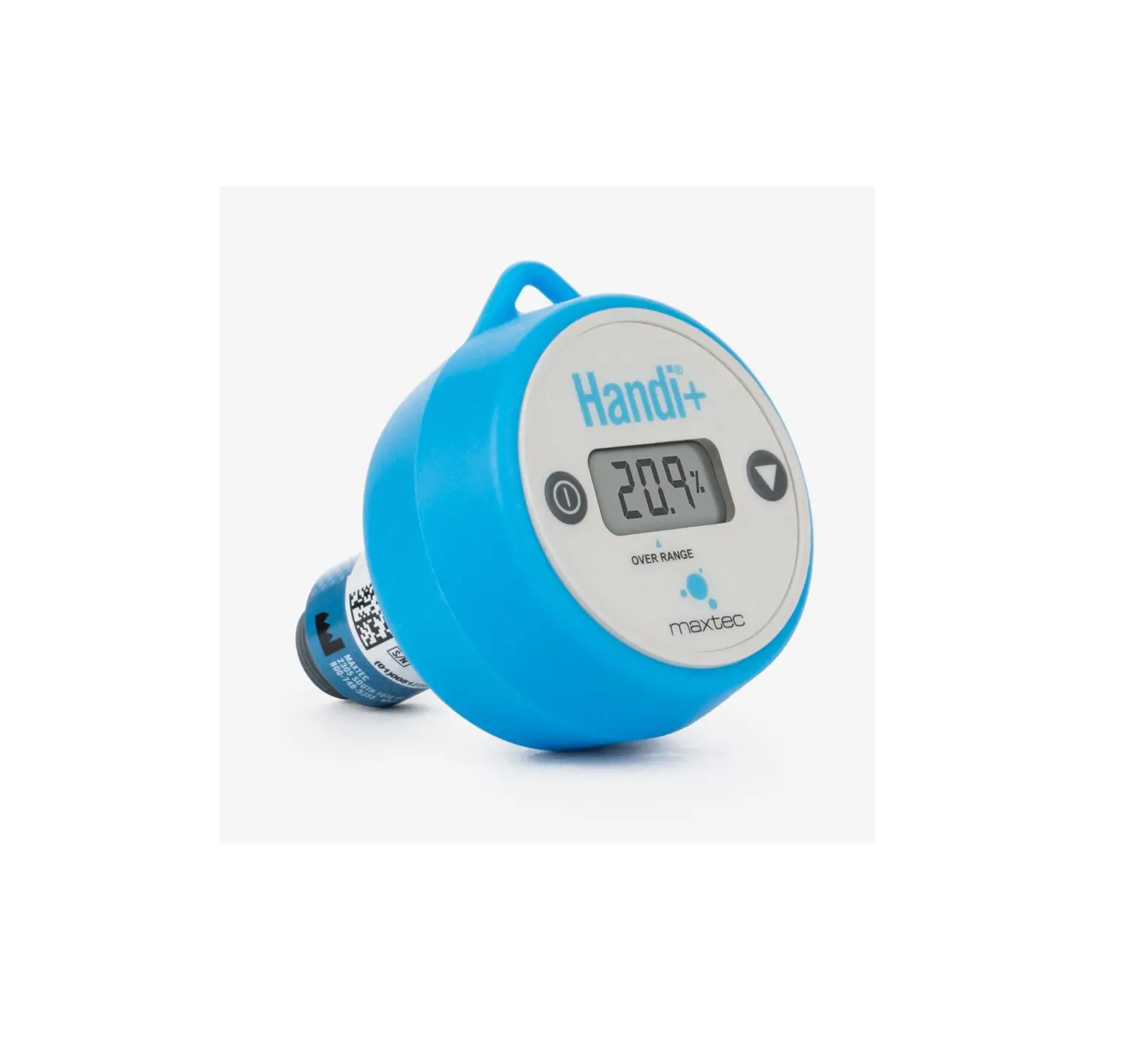
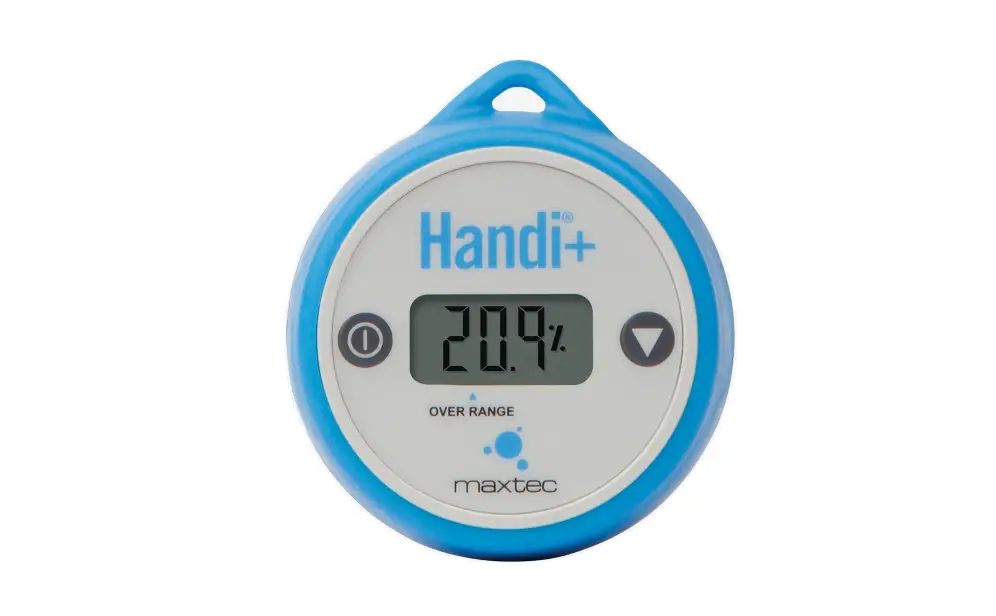
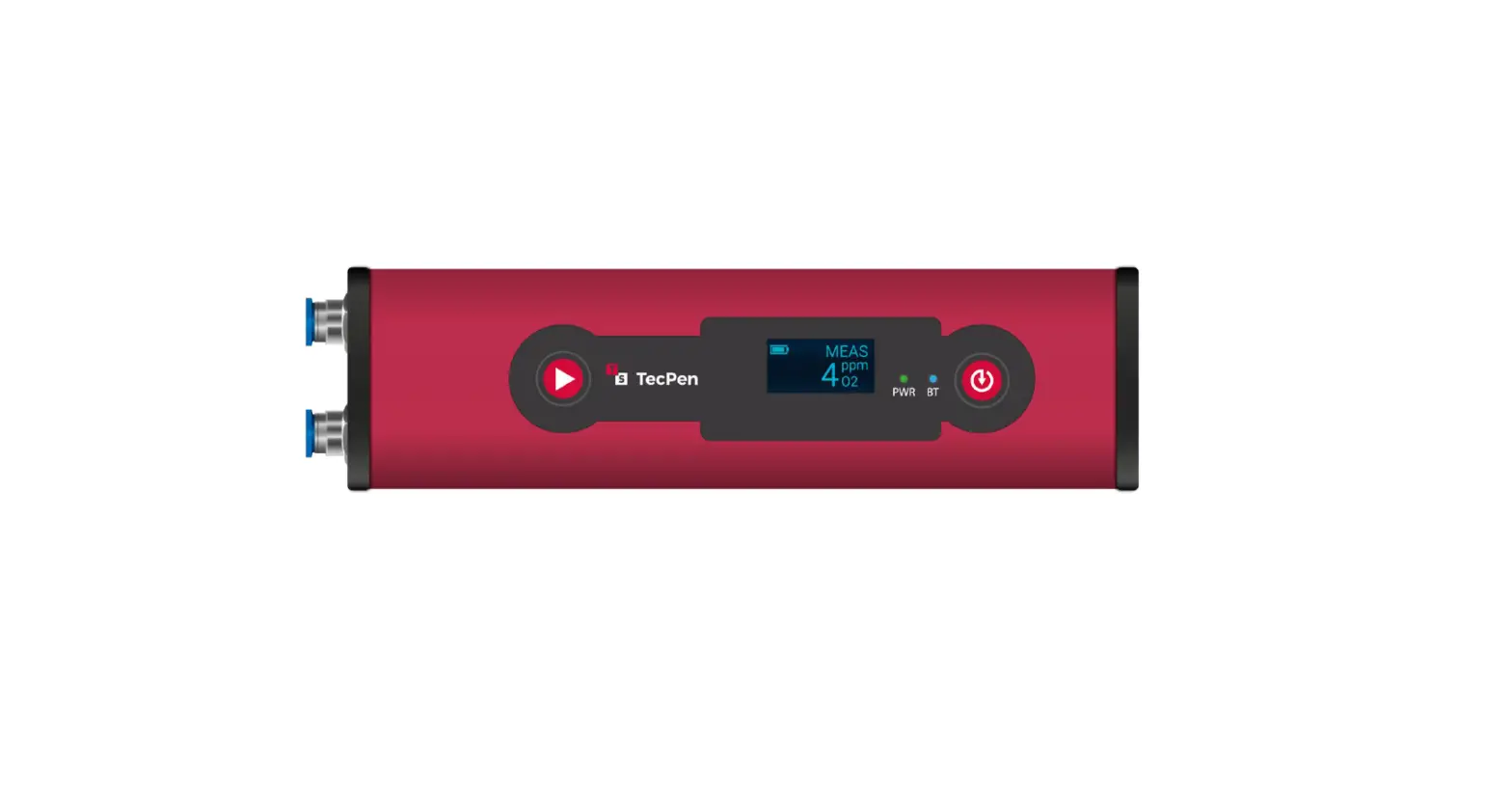
DE-OX Zip Pro Rana Digital Oxygen Analyzer
Product Information
The product is an instrument that requires careful operation. It
is essential to refer to the complete manual in electronic format
before using the instrument. This guide serves as a quick support
and should not be solely relied upon. Misusing the instrument can
result in serious injuries.
Product Usage Instructions
- To access the programming pages, press the PROG key.
- The programming pages include the following options: Alarm1,
Alarm2, Full scale value, Oxygen calibration value. - For calibrating the sensor at the oxygen set value, follow
these steps:- Connect the sensor to the calibration gas.
- Keep the sensor connected to the calibration gas for 2-3
minutes. - Wait until the reading stabilizes.
- Simultaneously press and hold the ON/OFF button for a few
seconds.
Please ensure that you follow these instructions carefully to
ensure proper usage of the instrument and accurate calibration of
the sensor.
DE-OX ® ZIP PRO RANA DIGITAL OXYGEN ANALYZER Quick reference guide:
Warning Please refer to the complete manual in electronic format before operating the instrument. This guide is just a quick support. Misuse of this instrument may lead to serious injuries.
For switching on the instrument, keep pressed the ON/OFF key for few seconds. The analyser will display the actual value based on the previous calibration in memory. The instrument reads from 0.0 to 100.0% range. Resolution is 0.1% over 10.0% and 0.01%.below 10.0%. For analyzing connect the sensor to the gas source at 0,5-1 lit/min and 1 bar. In case of extremely low change of reading cover one hole of the sensor flow adapter with tape. Pressing the CALIB key it is displayed the milli Volt sensor output (SnS) and the power supply voltage (bAt).
Pressing the PROG key you will go to the programming pages (Pr): Alarm1, Alarm2, Full scale value, Oxygen calibration value.
Alarm 1 (AL1) sets the minimum alarm. At 000.0 the alarm is off. Alarm 2 (AL2) sets the maximum alarm. At 100.0 the alarm is off. Full scale value (FSC) sets the span of the instrument for the 4-20 mA external output. Oxygen calibration value (O2c) sets the oxygen value during the calibration procedure. For changing the value into any programming page press PROG^ key. For going to the next value press CALIB< key. For saving the value and going to the next program page press ON/OFF key. At the end of the programming pages is displayed End.
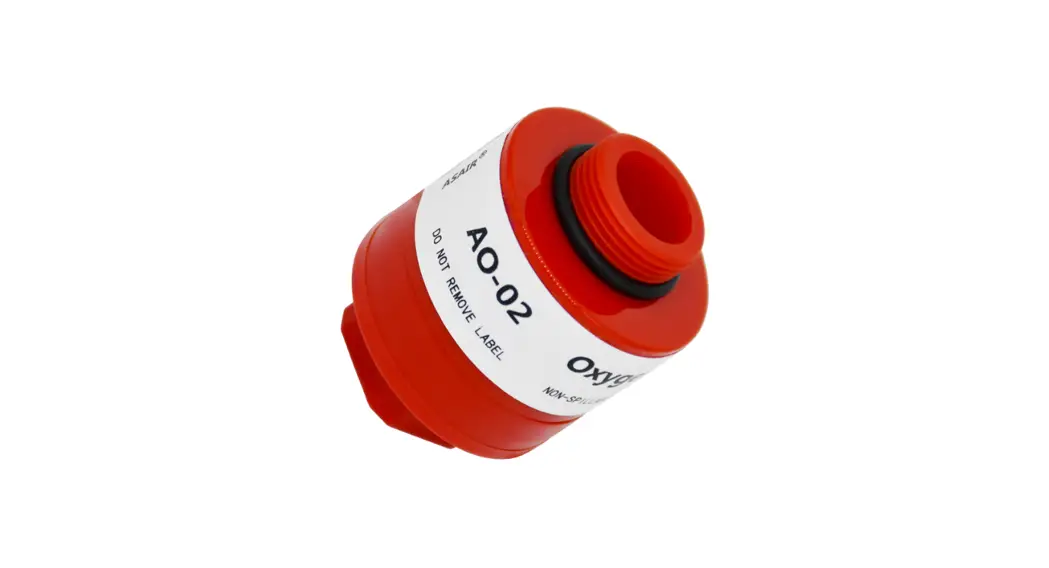
For calibrating the sensor at the oxygen set value, connect the sensor to the calibration gas for 2-3 minutes and wait until the reading is stable. Then press at the same time for few seconds ON/OFF and the <CALIB keys. For calibrating the zero, flow pure nitrogen or pure helium on the sensor for at least 1 minute or when the value reading is stable. Then press at the same time PROG and CALIB keys. For resetting the instrument to the original factory settings (rES), power on the instrument pressing at the same time for few seconds the ON/OFF and the <CALIB keys. The instrument will lose all the previous calibration and alarm settings for going to the original factory settings. For switching off the instrument keep pressed the ON/OFF key for few seconds. For replacing the battery or the sensor, unscrew the three screws on the rear, open the instrument, replace the battery or sensor with a new one, close the instrument screwing the three screws.
TEMC® Via Donna Prassede 5 A I-20142 MILANO ITALY Phone +39 02 8463648 or +39 080 4490264 E-Mail: [email protected] Website: www.temc.it
DE-OX® ZIP PRO RANA Oxygen analyzer issue n. 1.3 of 31/10/14
page1
 TEMC DE-OX® | World Class Custom Made Digital Gas Analyzers