
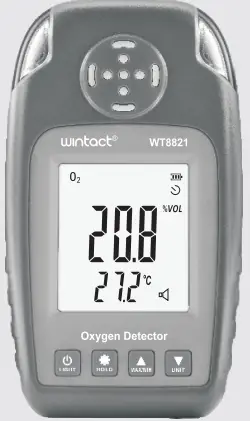
wintact WT8821 Digital Oxygen Detector
Introduction
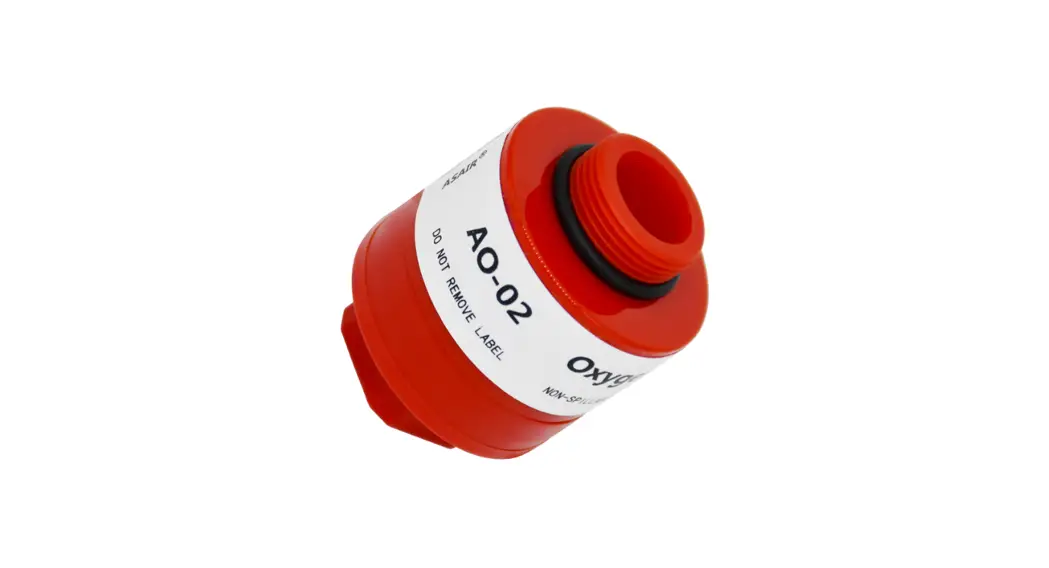
Oxygen (0,) detector is novel-looking, compact and portable, which is designed for detecting oxygen concentration. It is equipped with high-quality gas sensor to ensure accurate measurement and stable performance with safety and reliability. It meets stability requirement of industrial site safety monitoring on equipment’s high reliability, widely used in household, chemical industry, mining industry, environmental protection, gas transmission and distribution, biochemical medicine, agricultural research and so on.
Functions:
- HOLD data holding
- MAX maximum value / MIN minimum value
- Alarm setting
- Calibration
- On/Off (Timed Shutdown)
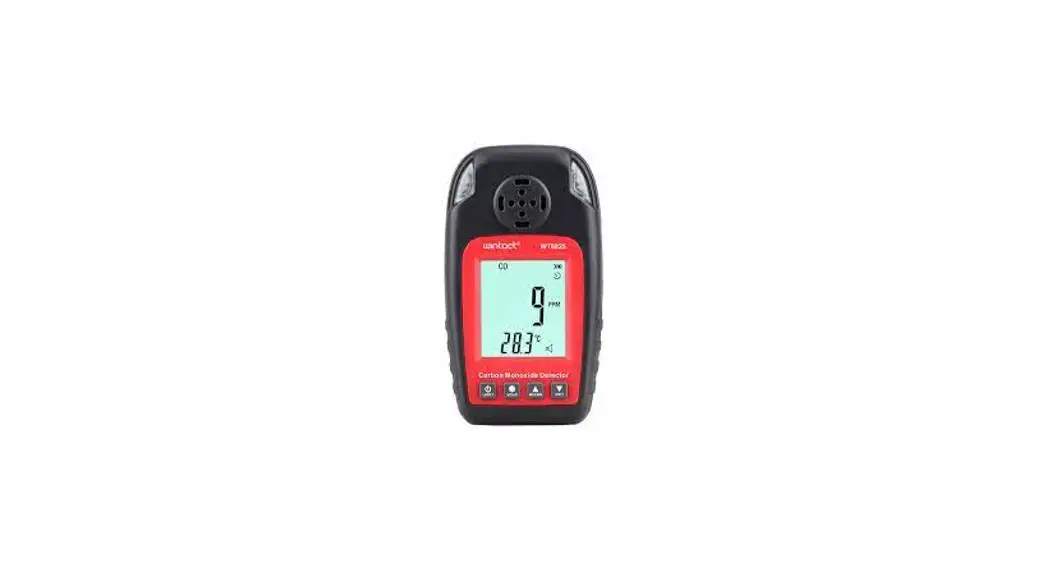
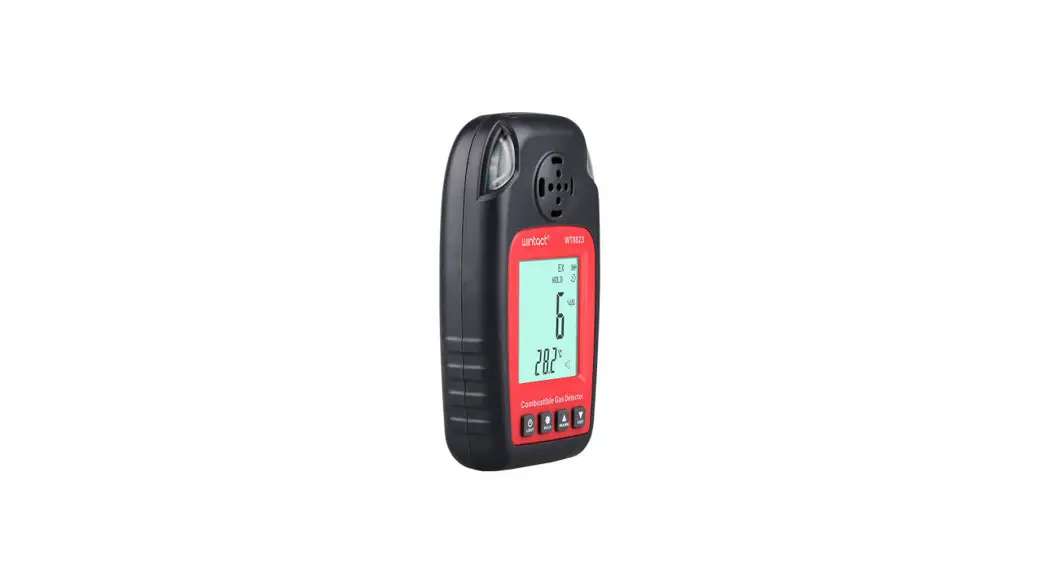
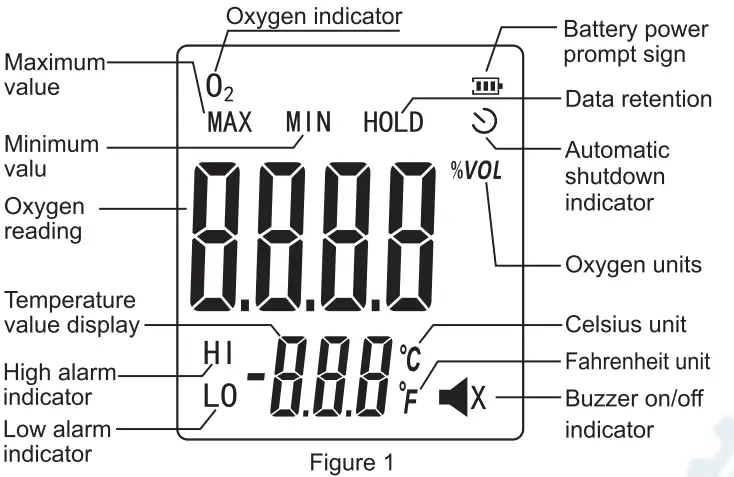
LCD Display (Figure 1)
Name of Each Component (Figure 2)
 Power on/off and backlight button.
 Measurement data holding and setting button
 Maximum/minimum value mode locking/ Up button
 Unit switch/Down button.
- LCD display
- Sensor hole
- LED alarm light
- Sticker spot for nameplate
- Battery door

 Power on/off and backlight button.
 Measurement data holding and setting button
 Maximum/minimum value mode locking/ Up button
 Unit switch/Down button.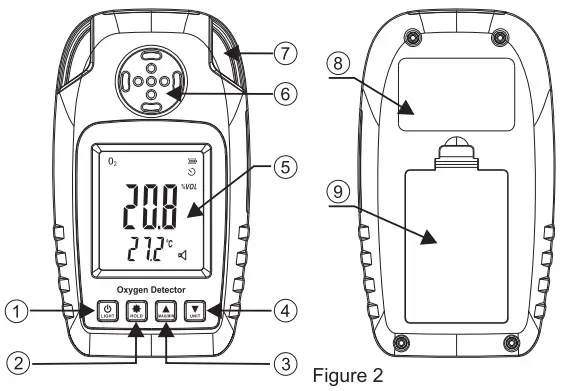
Operating Instructions
- Power on/off: Short press to turn on the instrument.long press to shut down.
- Data holding: Short press ; short press it again to exit.
- Maximum/minimum value mode: Short press for maximum value, short press it again for minimum value, short press it again to exit.
- Unit switch: No extra function.
- Setting: long press to enter setting mode, short press to switch setting items, short press and to switch on/off, long press to exit.
- “ELE” temperature unit switch
- “OFF” timed shutdown switch
- “bu2” buzzer switch
- “HI/LO” alarm value setting
- “CAL” calibration
Note:
- Temperature refers to real-time temperature of oxygen sensor.
- Timed shutdown is set as 10 minutes.
- Buzzer switch refers to button pressing sound and alarm sound.
- Alarm value setting: Short press and switch between high and low alarm point, long pres to set alarm
point value, short press to switch setting digit, short press and to set alarm value, long press to exit. High alarm point is (20.9-30.0) and low alarm point is (0.0-20.9); when alarm value is out of range, “Err” shows up and alarm value returns to default. - Calibration: User can calibrates the instrument in airy environment
by long pressing to start calibration. When calibration
is finished, “PASS” will be displayed automatically; if not,”Er be displayed. After successful calibration, long press to fine tune calibration value (by short pressing and ) and long press again to complete setting. It is recommended to calibrate the instrument once a month. - Long press to restore factory default settings
Operating Instructions
- Oxygen measurement range 0-25%VOL
- Maximum overload 30% oxygen
- Response time (T90) <15 s
- Sensor Type Electrochemical H2O sensor
- Power supply 3″1.5V AAA batteries
- Weight 111. 9g(Without battery)
- Dimensions 67.98.28.47’119.98mm
Warning: prohibit charging or disassembling batteries in an explosive environment !
Warnings and Precautions
Improper operation or environment may cause accidents.
- The instrument is strictly prohibited from collision, falling from high places or violent vibration.
- If there is gas of high concentration, the instrument may not work properly.
- Please operate and use strictly in accordance with the instructions, otherwise it may result in inaccurate test results or damage to the instrument.
- Do not store the instrument in the following environments:
- Places that may have water or heavy dust.
- The instrument must not be stored and used in environments that contain corrosive gases (such as salt or sulfur in high concentration, etc.).
- Air with other gases or chemicals.
- Places of high temperature, high humidity or direct sunlight, including environments of too high and low temperatures, high humidity, electromagnetic fields, and strong sunlight.
- Cleaning of the instrument’s surface:
- The window of the sensor must be kept clean. If ii is dirty, the measurement will be inaccurate.
- Please wipe it gently with a clean, soft cloth dampened with water (do not use alcohol, diluent, etc. to clean the case, especially for the LCD window.).
- In order to ensure accuracy, the instrument should be calibrated regularly, and the period can not exceed one year.
- If the instrument breaks down, please contact our professional personnel to repair it. Other people shall not change components and wiring.
Special Statement:
Our company shall hold no any responisibility resultingfrom using output from this product as an direct or indirect evidence.this company reserves the right of changing the product design and contents of instruction if changed the separate notice isn’t given.