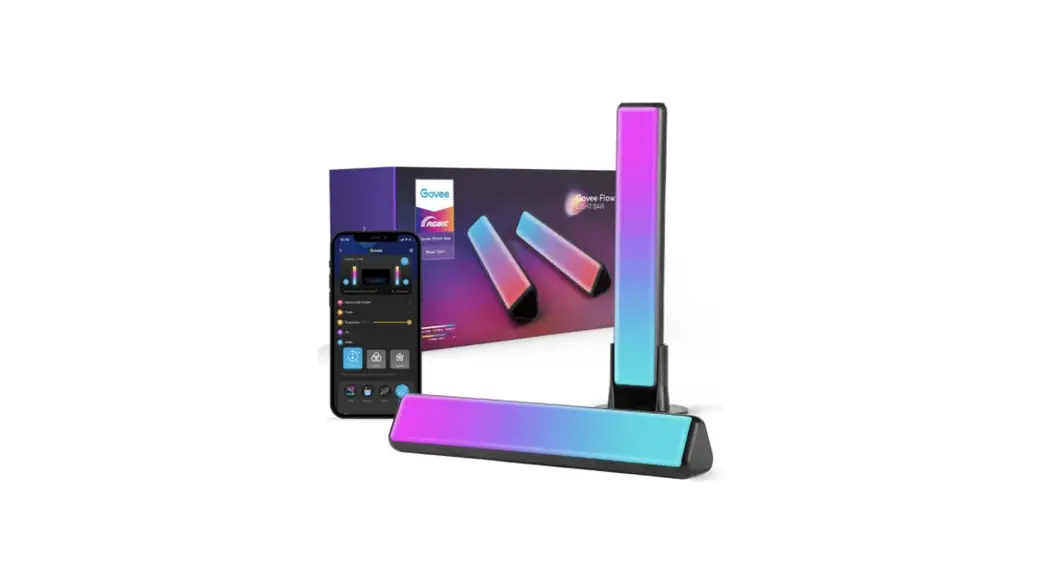
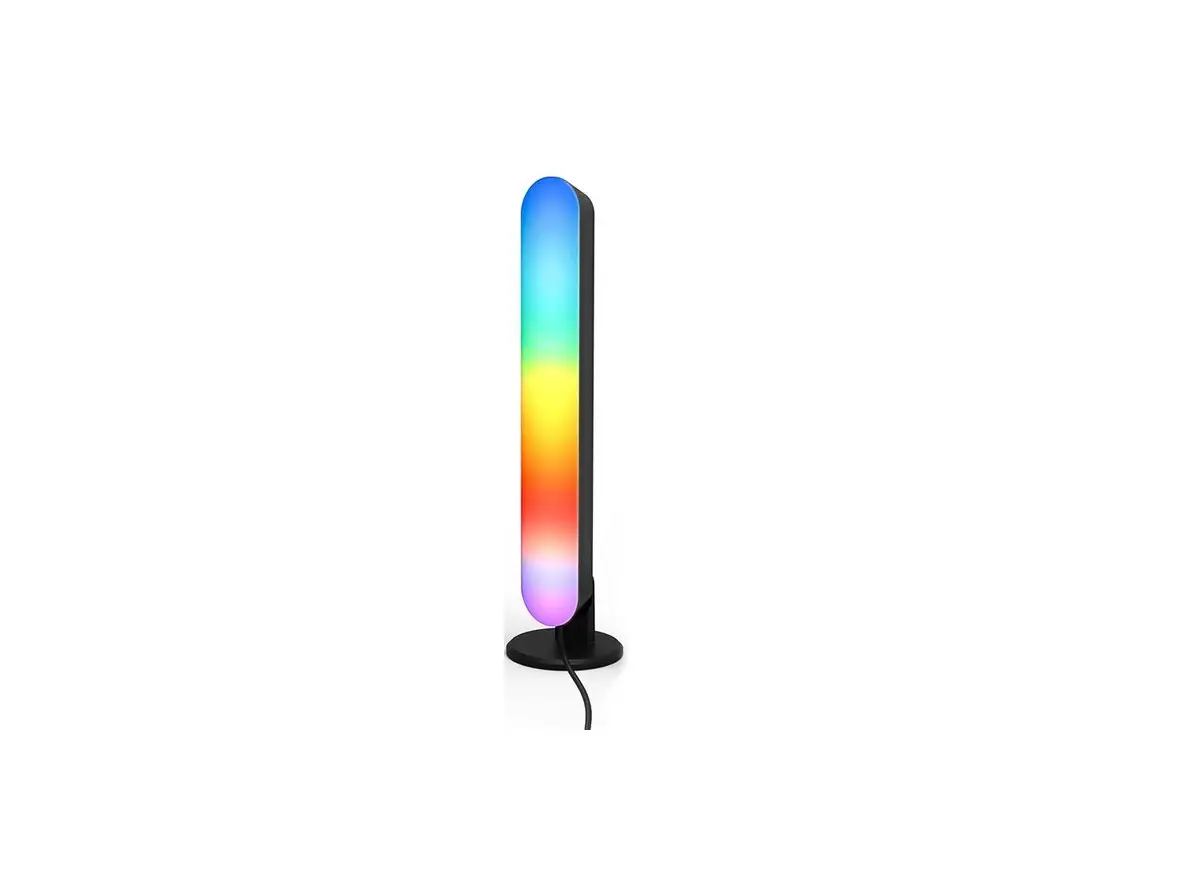
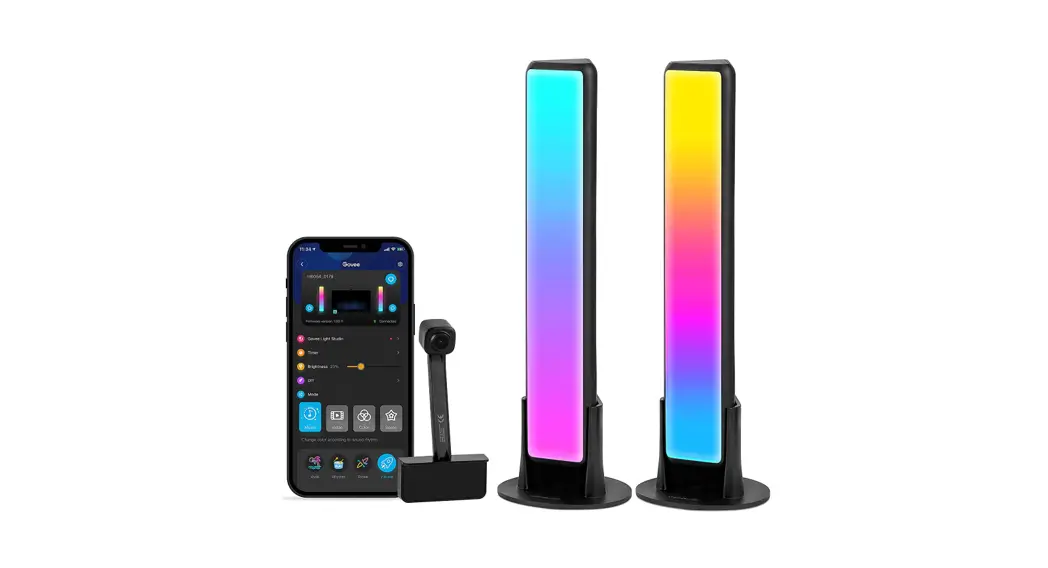
J and EL Music BAR RGB IP21 TUYA App
Product Information
- Product Name: J&EL MUSIC BAR RGB IP21 TUYA
APP - Manufacturer: Namron AS
- Address: Nedre Kalbakkvei 88, N-1081 Oslo,
NORWAY - Power Interface: USB-DC5V
- Shell Material: Aluminum alloy+PC+ABS
- Product Height: 1.22m
- Product Net Weight: 1.15kg
- Product Gross Weight: 1.69kg
Product Usage Instructions
Remote Control Instructions
- Power on/off
- Dimming
- 6 Color modes
- 3 Dynamic modes
- 6 Kinds of rhythm models
- White light / warm white switch
- Timing mode
APP Device Connection Guide
Step 1:
Scan the QR code with your mobile phone to download the Smart
Life APP, or search for the name in the application store to
download the APP.
Step 2:
Clink to add device.
Step 3:
Device connection:
- Add device
- Enter WIFI password
- Connect successfully
Installation Steps
Step 1:
Connect the lamp post 1 to the base, and fix it with the lock
screw.
Step 2:
Tighten the 4 screws with the supplied screwdriver.
Step 3:
Insert the connecting piece 1 into the middle of the lamp post 1
and fix it, and insert the lamp post 2 into the middle of the
connecting piece 1 in the direction of the arrow and fix it.
Note: When the connector is inserted, the bump must be pressed
down before it can be fixed in the aluminum hole.
Step 4:
Then insert the connecting piece 2 into the middle of the lamp
post 2 and fix it, and insert the lamp post 3 into the middle of
the connecting piece 2 in the arrow direction and fix it.
Note: When the connector is inserted, the bump must be pressed
down before it can be fixed in the aluminum hole.
Step 5:
Plug the DC power cord (standard voltage 5V, standard current
2A).
J&EL MUSIC BAR RGB IP21 TUYA APP
Namron AS – Nedre Kalbakkvei 88, N-1081 Oslo- NORWAY
Remote control instructions
1. Power on/off
1
2. Dimming 3. 6 Color modes
2
6
4. 3 Dynamic modes
5. 6 Kinds of rhythm models
6. White light / warm white switch
3
7. Timing mode
7
4
5
Product specifications
Product Name: Power Interface: Shell Material: Product Height: Product Net Weight: Product Gross Weight:
Music Melody Light Metal shell USB-DC5V Aluminum alloy+PC+ABS
1.22m 1.15kg 1.69kg
Included in the packing
1. Music Rhythm Lamp main body*3+ connector*2+base
2. 20-key wireless radio frequency remote control
3. USB-DC power cord 4. Product manual 5. Screwdriver*1+screw*5
APP device connection guide
Step 1
Scan the QR code with your mobile phone to download the “Smart Life” APP, or search for the name in the application store to download the APP.
170mm
Step 2
Open the “Smart Life” APP, and turn on the Bluetooth and WiFi of the mobile phone. Enter the network distribution mode: 1. After the rhythm light device is powered on, it can automatically connect when the red light flashes. 2. The rhythm light device is turned off ¹ press and hold the power button for more than 3 seconds ¹ the rhythm light turns into a red light flashing, enters the configuration Net mode.
1220mm
130mm
Namron AS – Nedre Kalbakkvei 88, N-1081 Oslo- NORWAY
C lick to ad d de vice
Step 3
Device connection: 1. Add device —- 2. Enter WIFI password —- 3. Connect successfully
1
2
3
Click add
Click “Finish” to add successfully
Enter WIFI name and password
Page introduction
Main interface
Add equipment / create scene
Modify device information
Switch
Enter the interface to control the rhythm light
Bright adjustment
Color adjustment
Scene function, rhythm function
Timing function
Night mode Selection of color
Lighting, Scene, Rhythm, Timing
Theme mood: preset 5 flashing modes Colorful life: preset 4 light modes
6 preset rhythm modes: Rhythm light device built-in microphone to recognize sound
Create the scene
You can create usage scenarios for any device connected to the “Smart Life” APP, and the device will be based onThe set related conditions trigger changes.
Set the power-on color and brightness of the rhythm light
Namron AS – Nedre Kalbakkvei 88, N-1081 Oslo- NORWAY
Installation steps
Step 1
Connect the lamp post 1 to the base, and fix it with
the lock screw.
1. Base
Step 2
Tighten the 4 screws with the supplied screwdriver.
Screwdriver
2. LED lamp post 1
Step 3
Insert the connecting piece 1 into the middle of the lamp post 1 and fix it, and insert the lamp post 2 into the middle of the connecting piece 1 in the direction of the arrow and fix it. (Note: When the connector is inserted, the bump must be pressed down before it can be fixed in the aluminum hole)
4. LED lamp post 2
Step 4
Then insert the connecting piece 2 into the middle of the lamp post 2 and fix it, and insert the lamp post 3 into the middle of the connecting piece 2 in the arrow direction and fix it. (Note: When the connector is inserted, the bump must be pressed down before it can be fixed in the aluminum hole)
6. LED lamp post 3
3. Connector 1
5. Connector 2
Step 5
Plug the DC power cord (note: standard voltage 5V, standard current 2A)
Precautions 1. Please use a 5V/2A output power adapter from a regular manufacturer and certified by the national CCC. 2. Do not use over-voltage, and prohibit the use of mobile phone chargers with fast charging function for power supply. (Rhythm light is designed for 5V low voltage components, too high voltage will damage electronic components) 3. Do not use oil and other volatile liquids to wipe the product. 4. Please tear off the skin care film of the lamp post shell after installation, the effect will be better.
DC-5V
Namron AS – Nedre Kalbakkvei 88, N-1081 Oslo- NORWAY