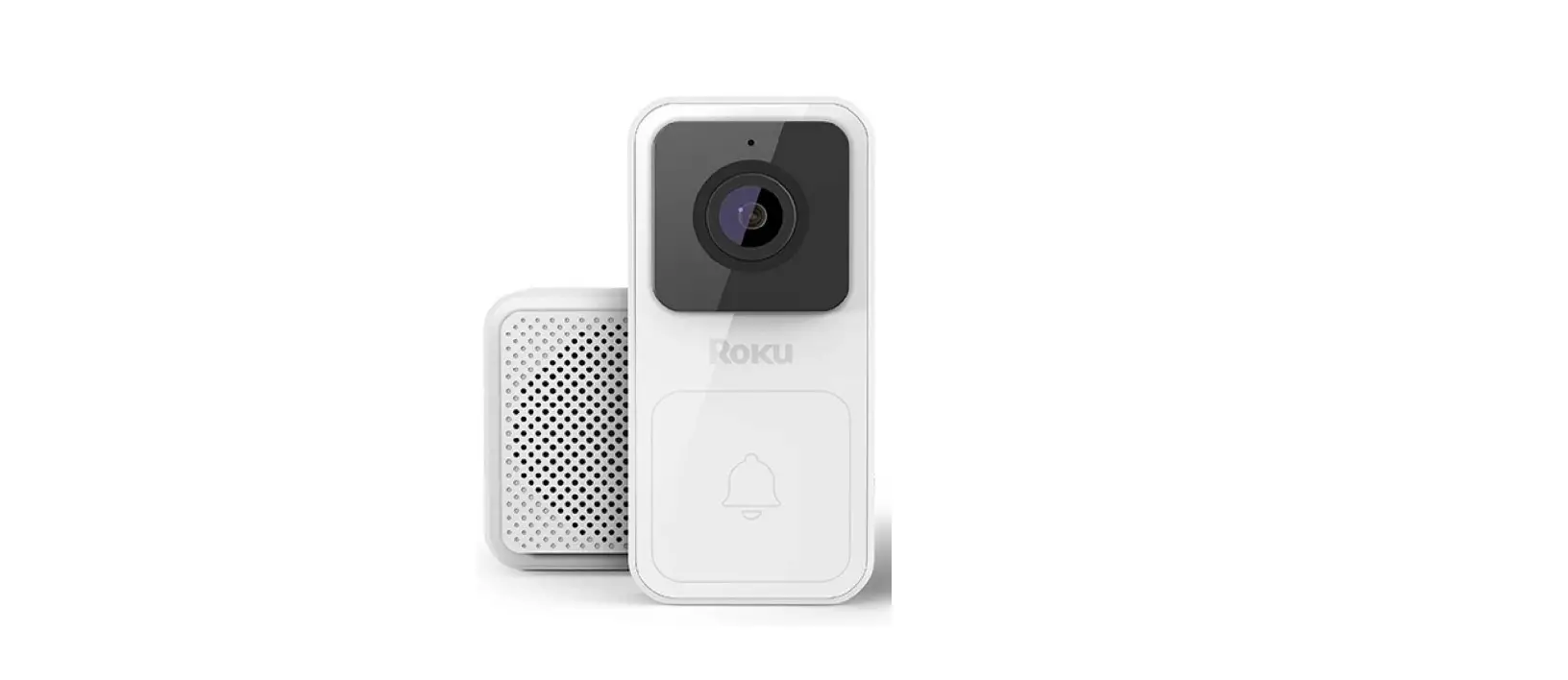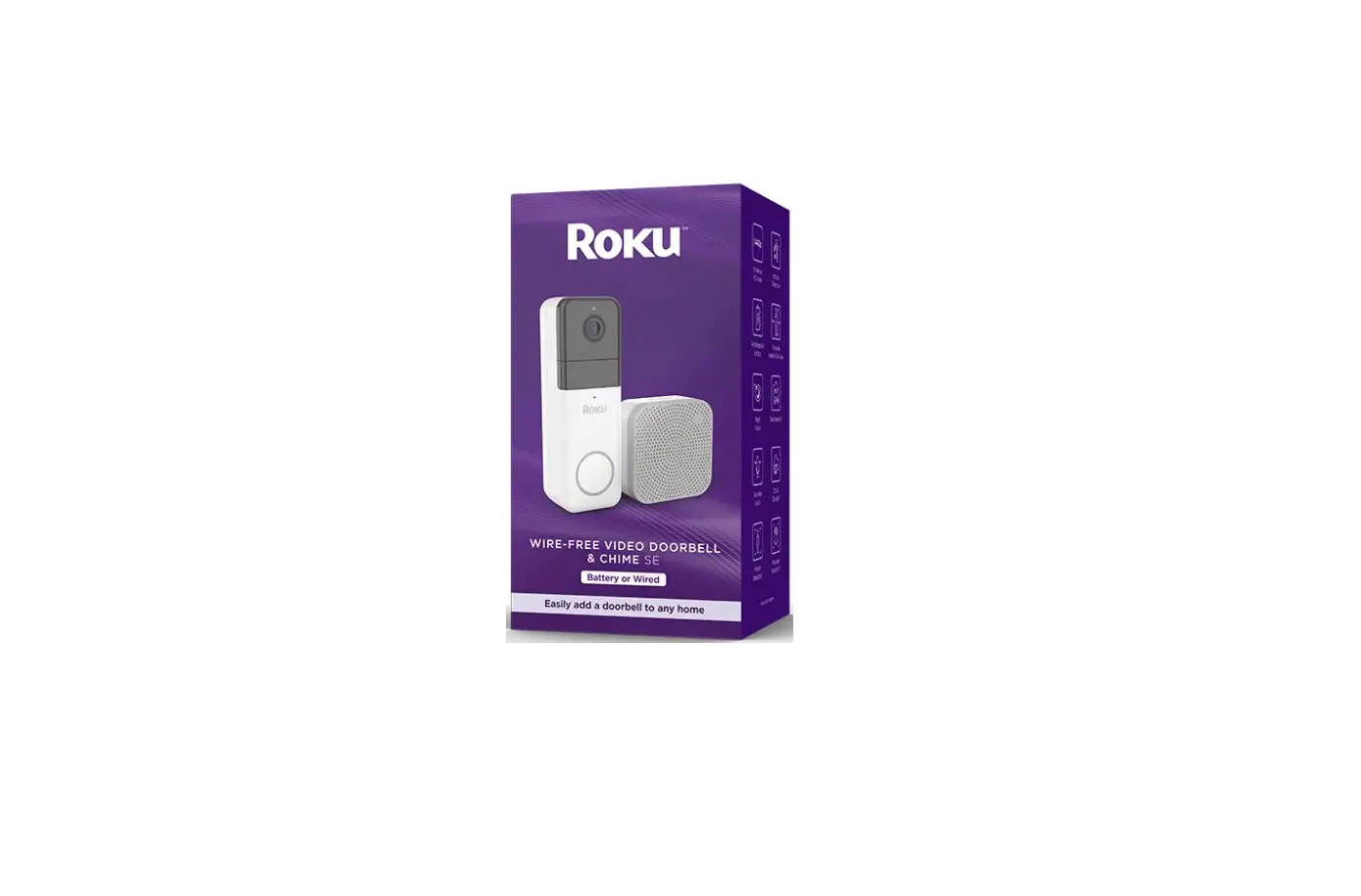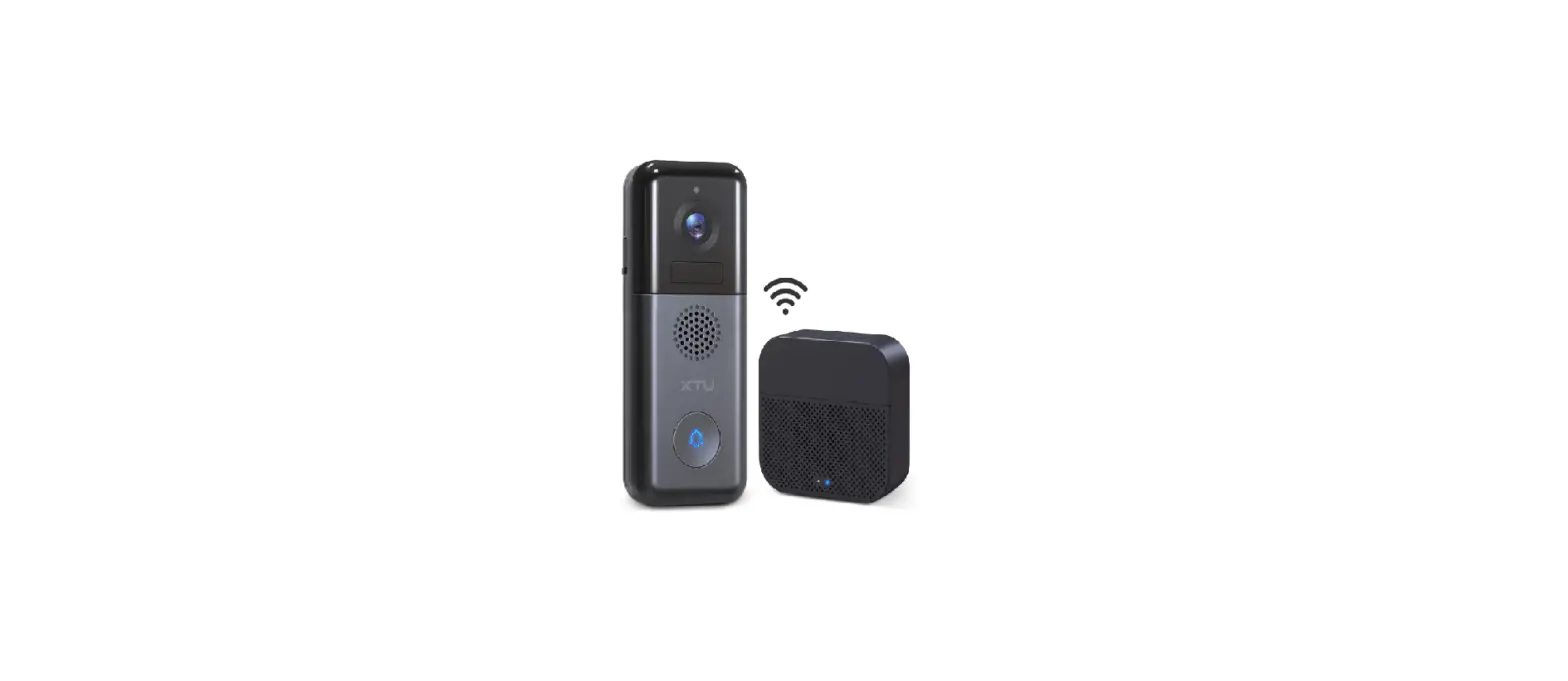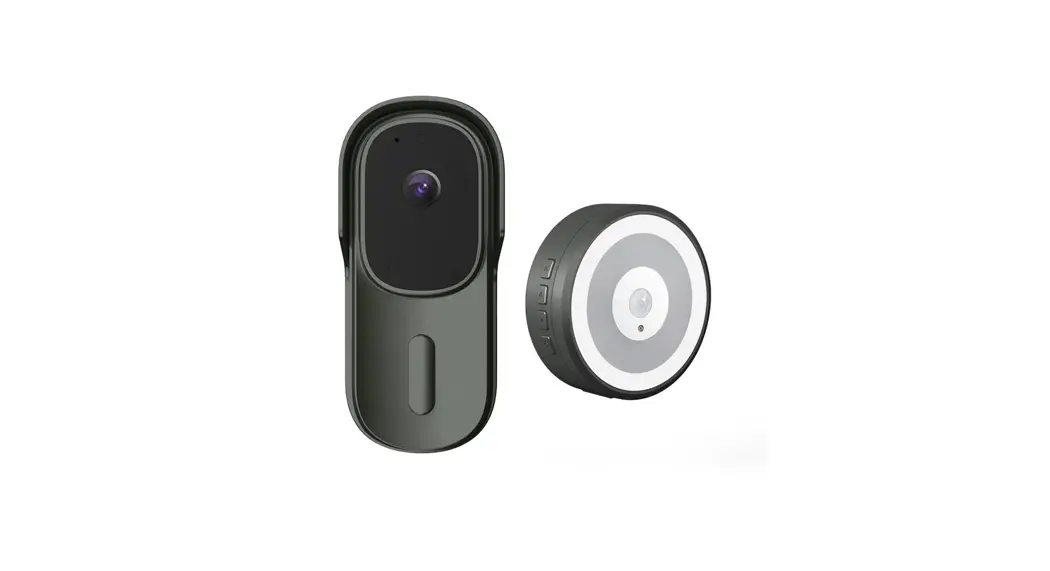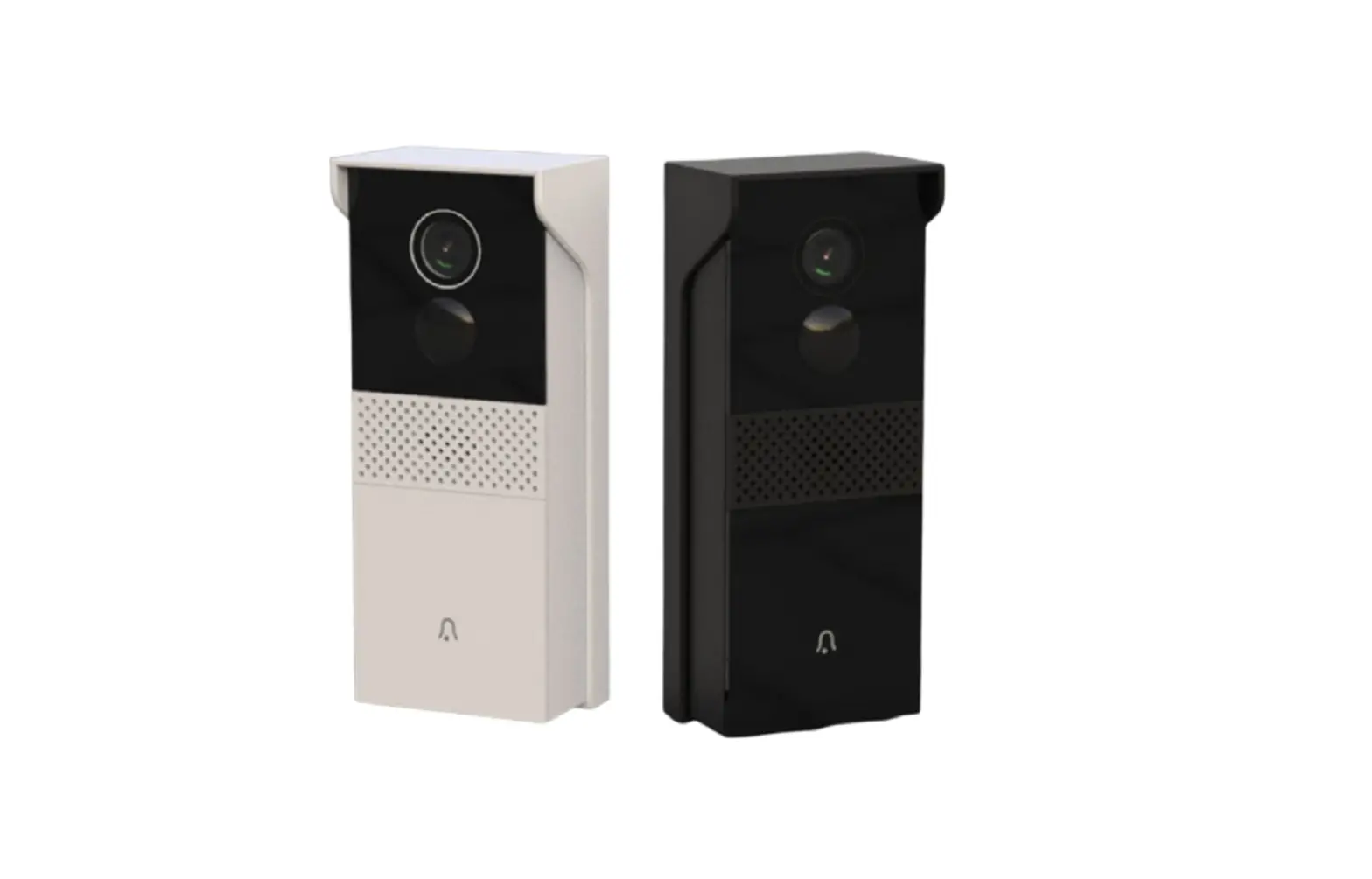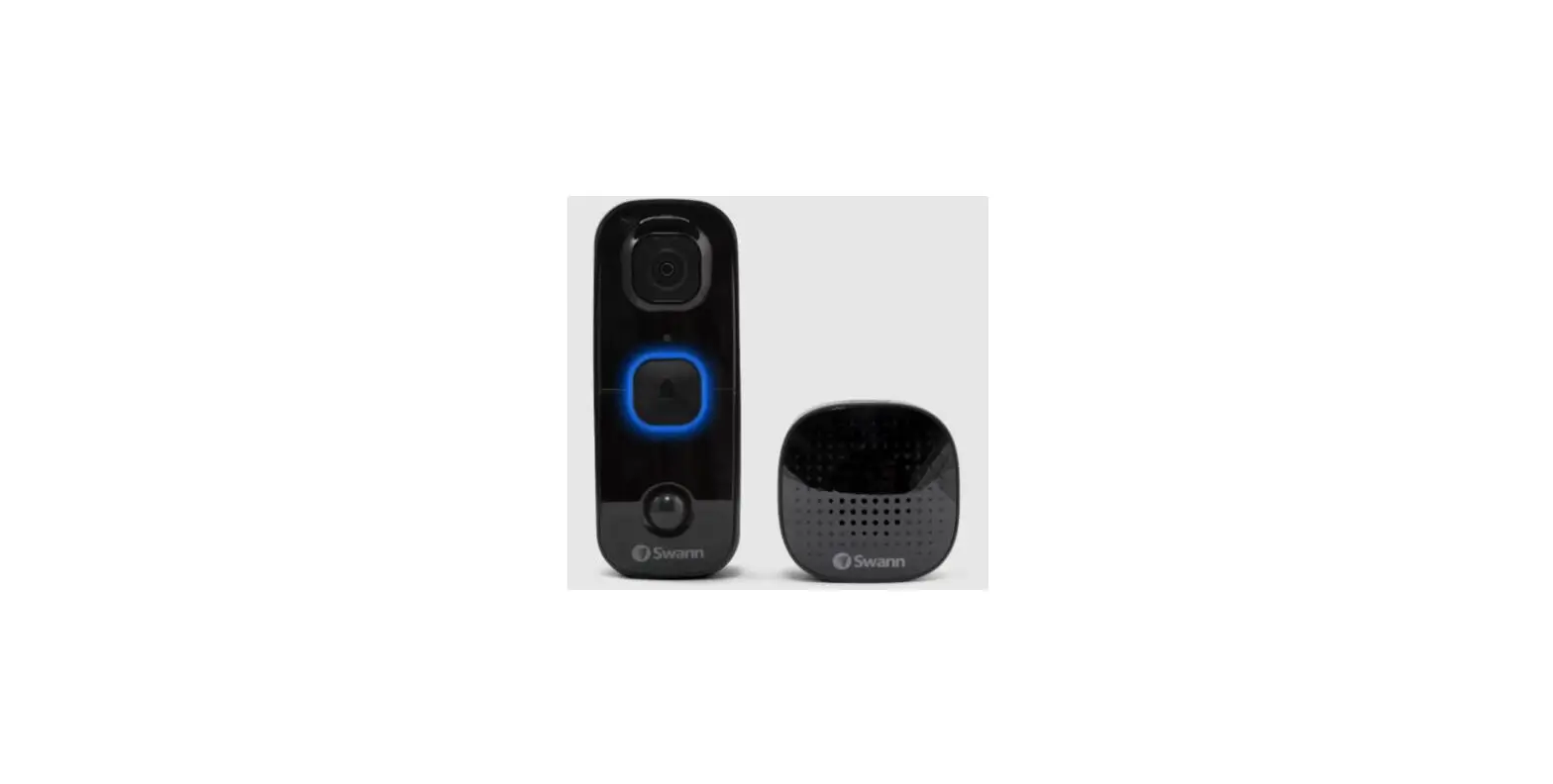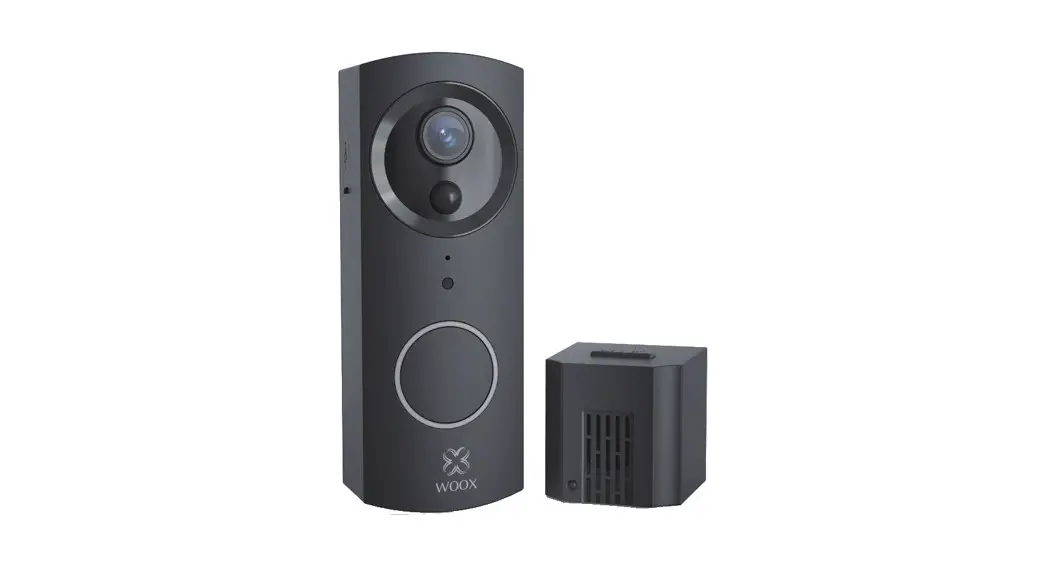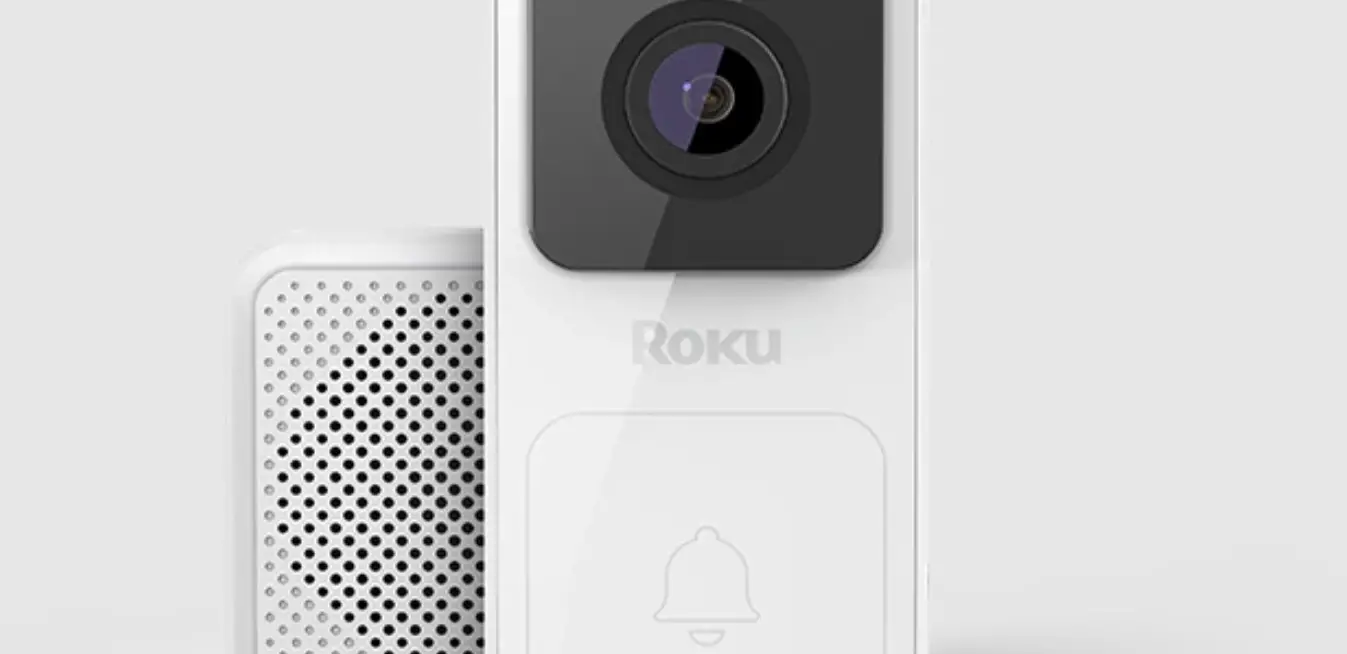

ROKU Video Doorbell and Chime Se
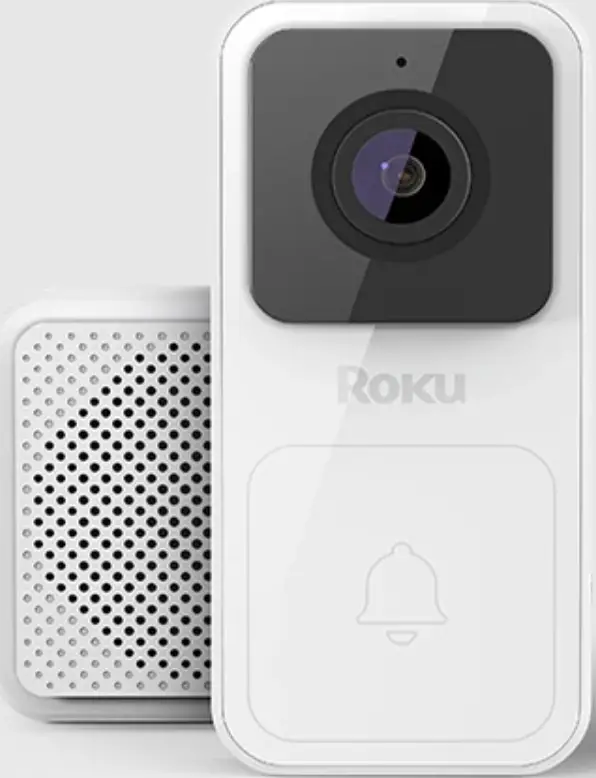
What’s included
- A Roku Video Doorbell SE
- B Roku Chime SE
- C Wall plate
- D Wedge kit
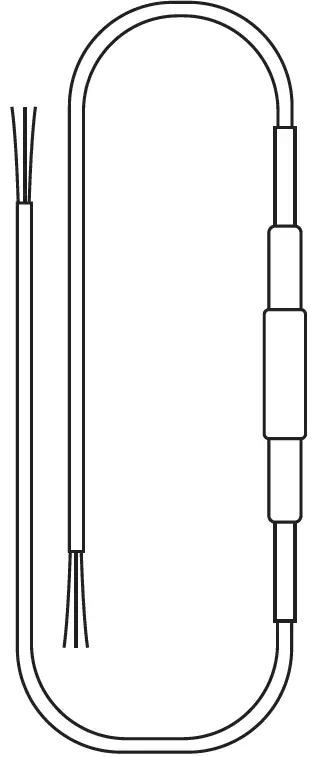
- E Extension wires (x2)
- F Fuse
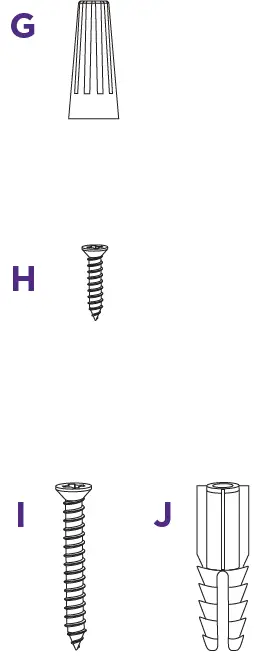
- G Wire caps (x4)
- H Bracket screws (x2)
- I Screws (x2)
- J Plastic anchors (x2)
What you’ll need
- Phillips screwdriver
- Your smartphone


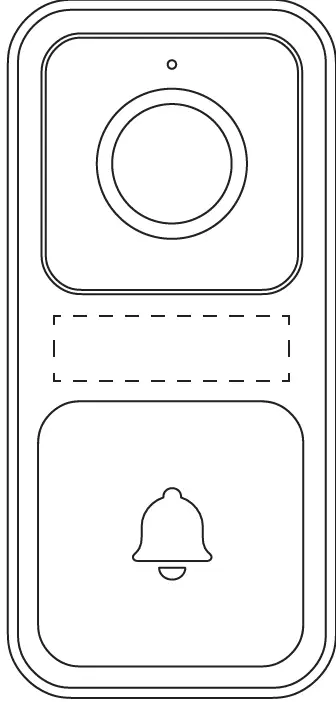
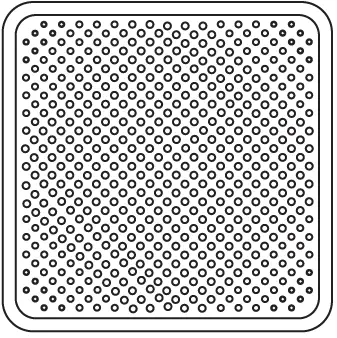
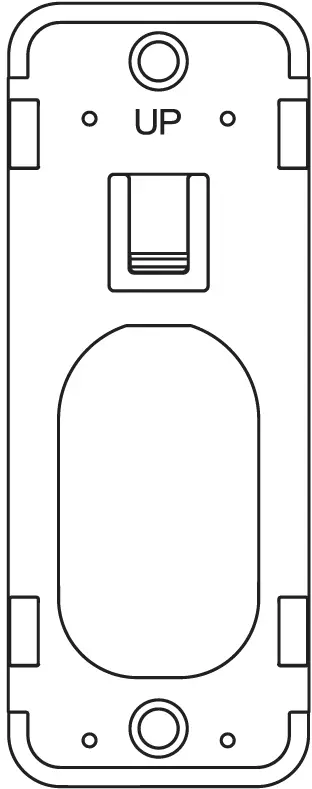
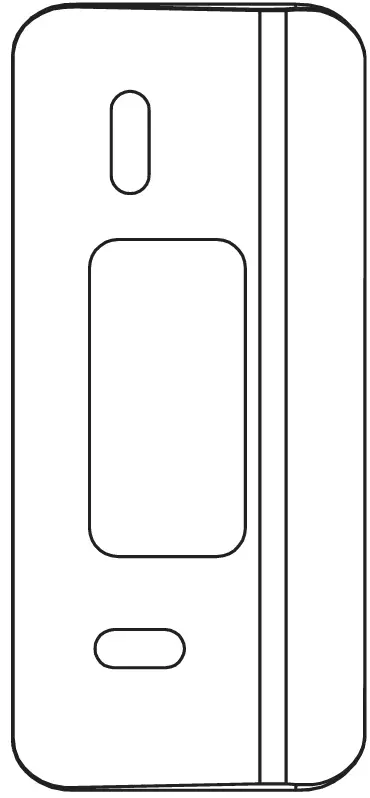
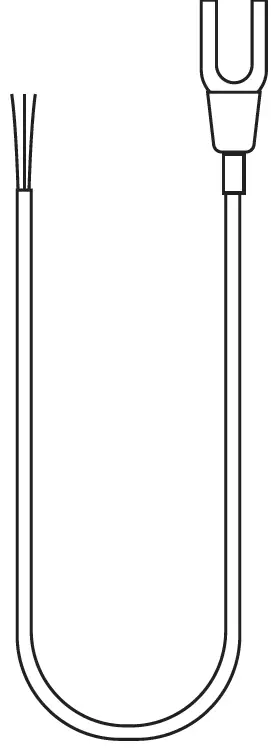
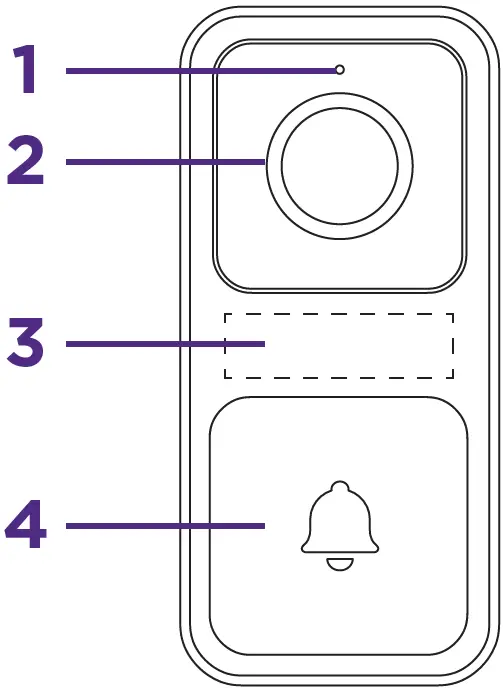
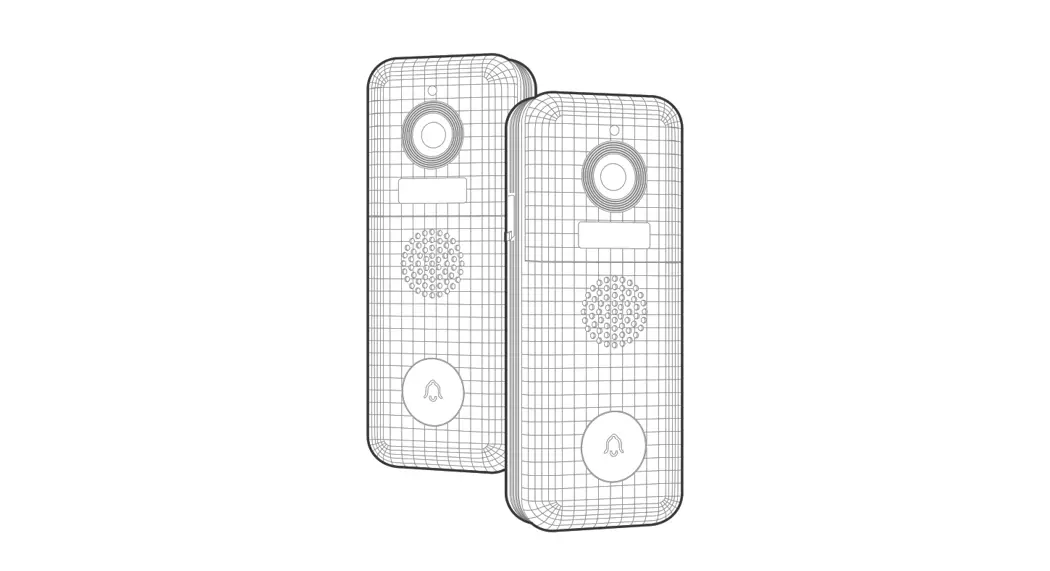
Doorbell – FRONT
- Microphone
- Lens
- Fill light
 Doorbell – BACK
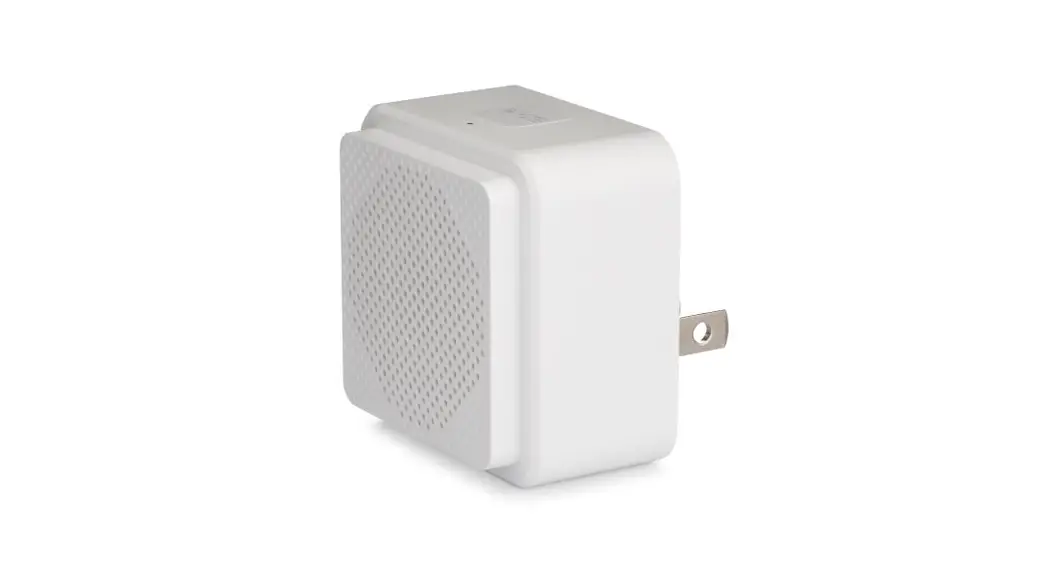
  Chime
Chime - Doorbell button
- Reset button
- Screw terminals
- Setup button
- Status light
- Speaker
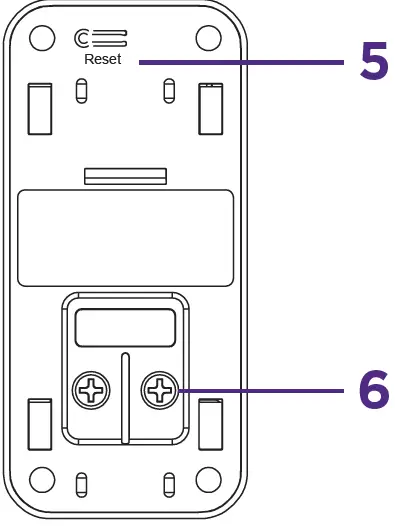 Doorbell – BACK
 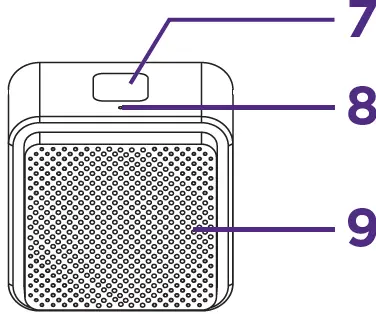 Chime
ChimeLet’s get started
- Download the Roku Smart Home app
Scan the QR code below to download the Roku Smart Home app on your smartphone. Sign in with your Roku account or create one.
 Message & data rates may apply.
 - Install your doorbell & chime
In the Roku Smart Home app, tap the “+” button, then “Add Device” to find “Video Doorbell.” Follow the instructions to finish setup.
 Message & data rates may apply.
What’s that light mean?
| Doorbell | State |
| YELLOW – Solid | Powered |
| YELLOW – Flashing | Waiting for connections |
| YELLOW and BLUE – Flashing | Connecting to router |
| BLUE – Flashing | Connected to external network |
| BLUE – Solid | Connected and working |
| Chime | State |
| YELLOW – Solid | Powered |
| BLUE – Flashing | Connected to network |
| BLUE – Solid | Connected and working |
FCC WARNING
Any change or modifications not expressly approved by the party responsible for compliance could void the user’s authority to operate the equipment. This device complies with part 15 of the FCC Rules. Operation is subject to the following two conditions:
- This device may not cause harmful interference, and
- this device must accept any interference received, including interference that may cause undesired operation.
FCC RADIATION EXPOSURE STATEMENT
This equipment complies with FCC radiation exposure limits set forth for an uncontrolled environment. This equipment should be installed and operated with minimum distance 20 cm between the radiator and your body. This transmitter must not be co-located or operating in conjunction with any other antenna or transmitter.
WARNING
Do not use the battery near a heat source. Do not use the battery near fire or an oven, or in an ambient temperature exceeding 80°C. Over-heating may cause an internal short-circuit, heat generation, smoking, deformation or burning. Wall mount (mounting height < 2m), tma is 50°C.
 Getting to know your Roku Video Doorbell and Chime SE|Learn about video doorbells