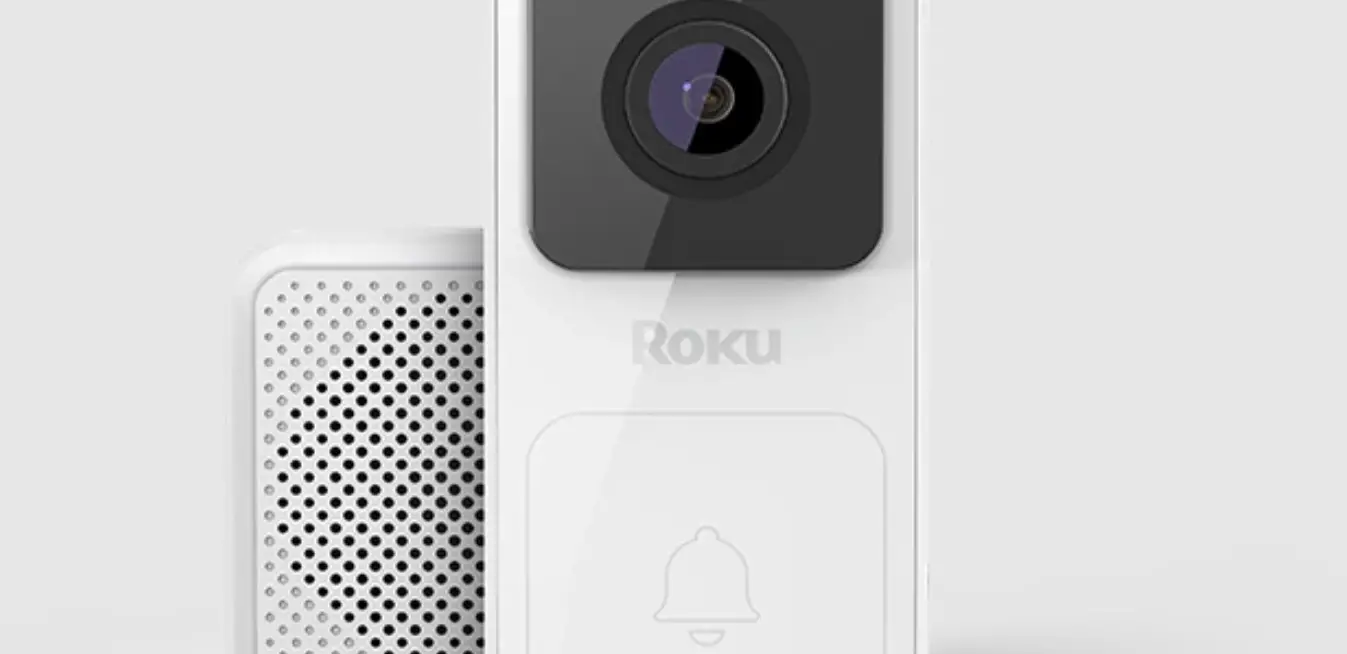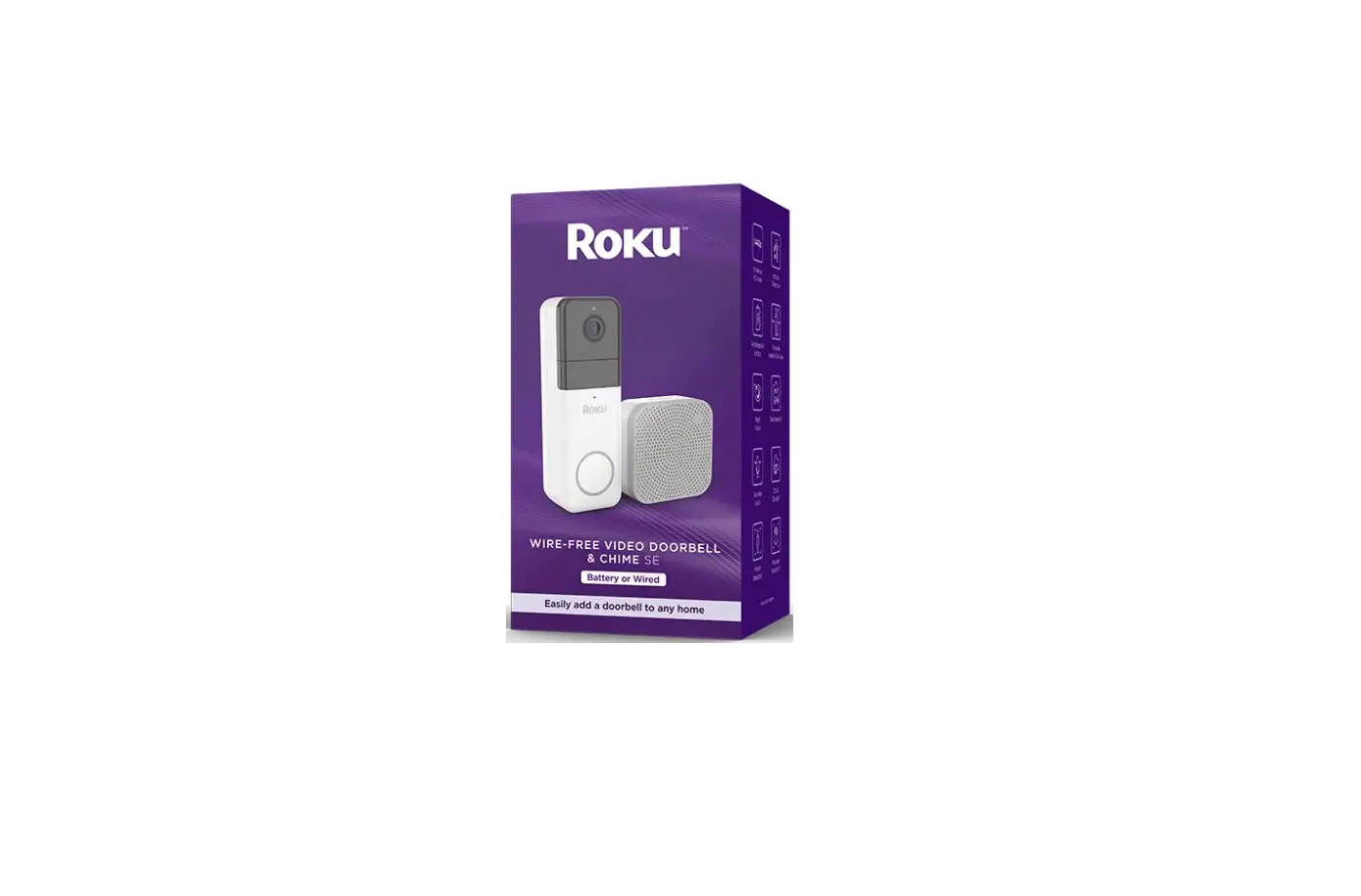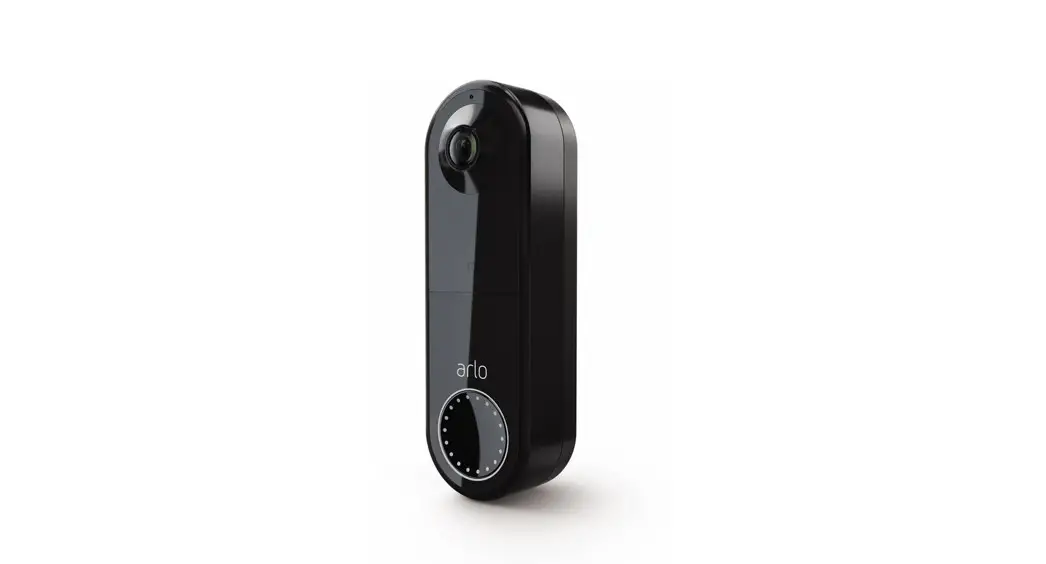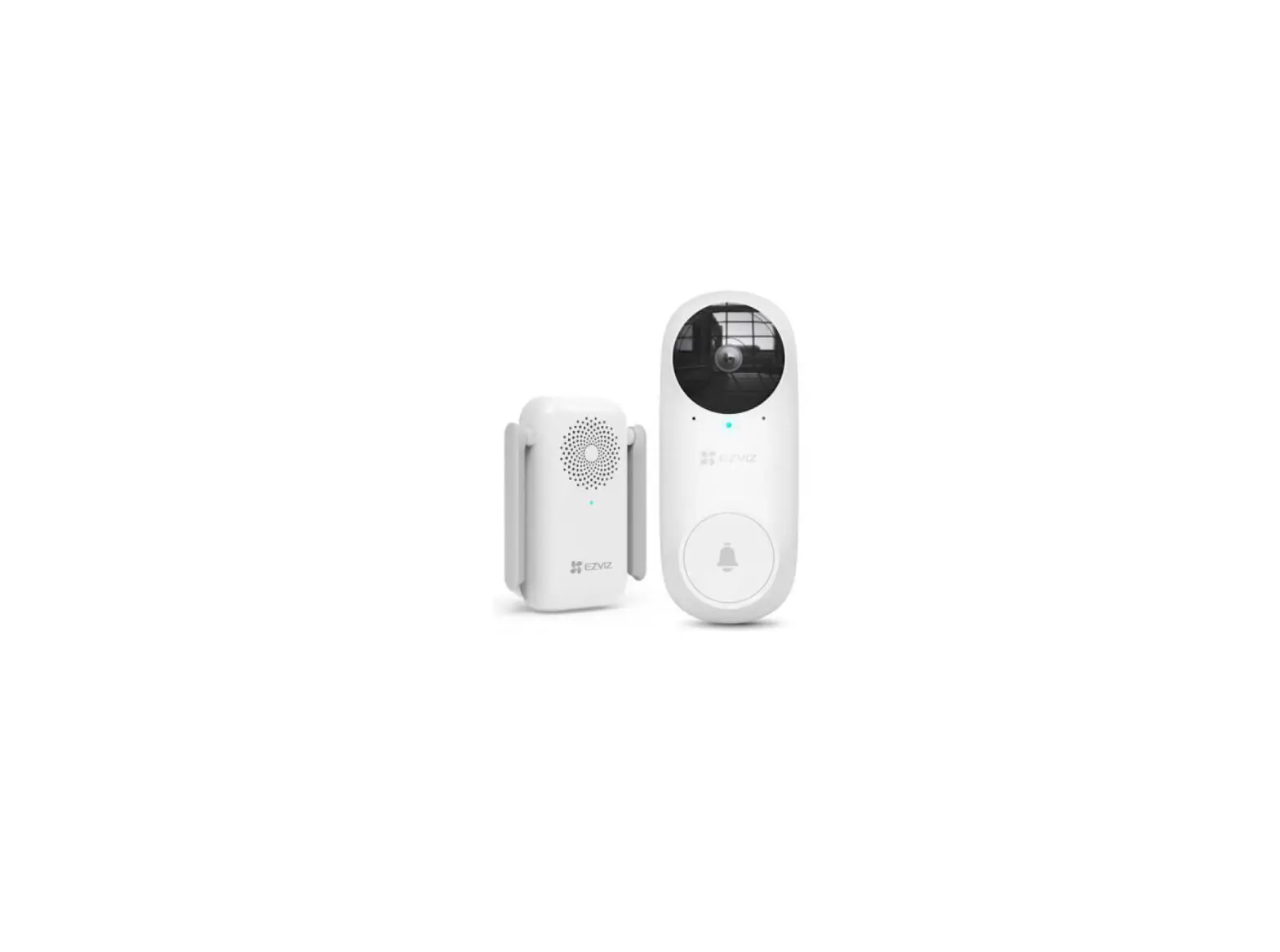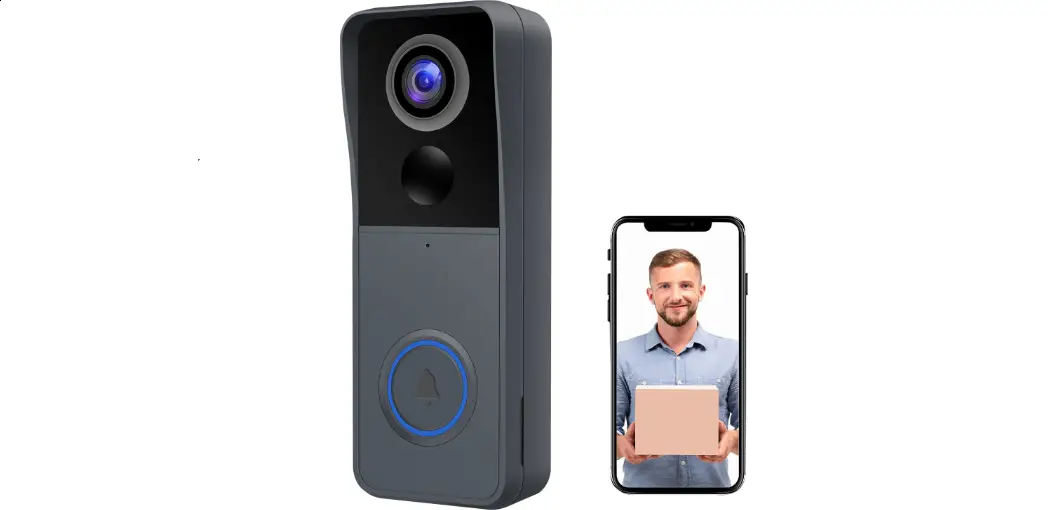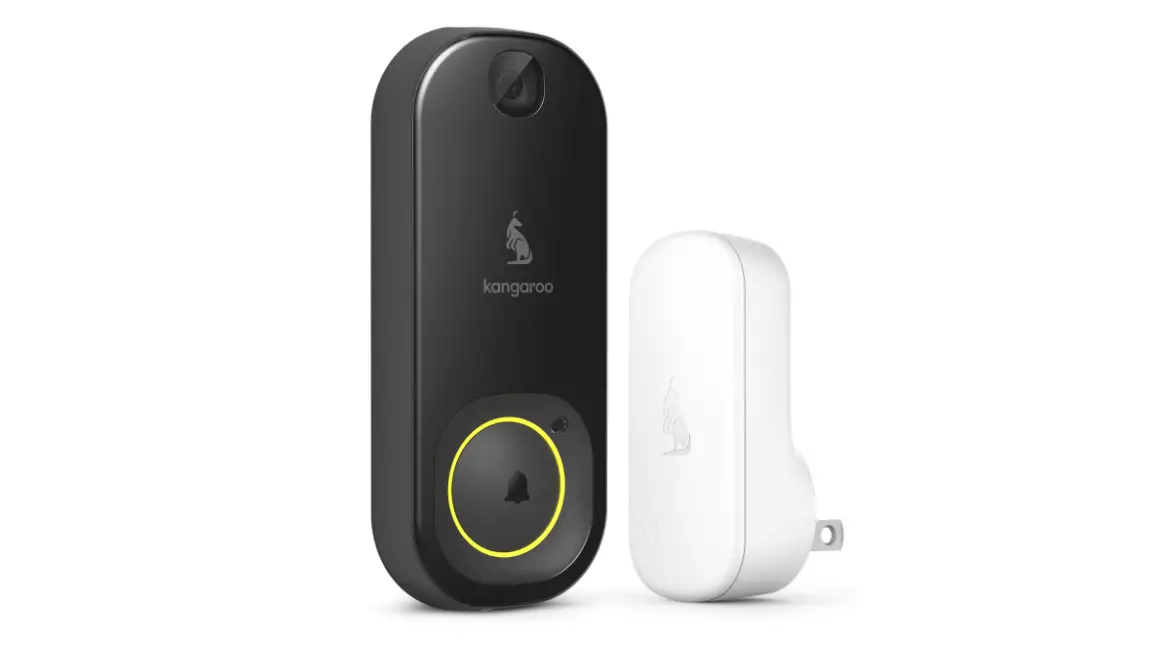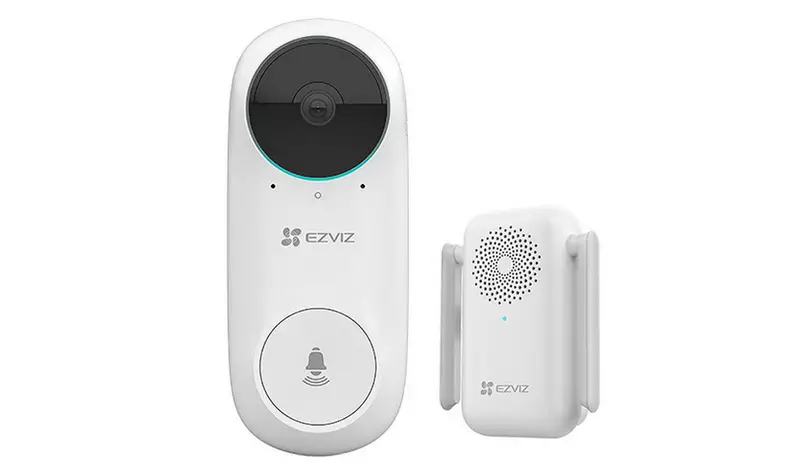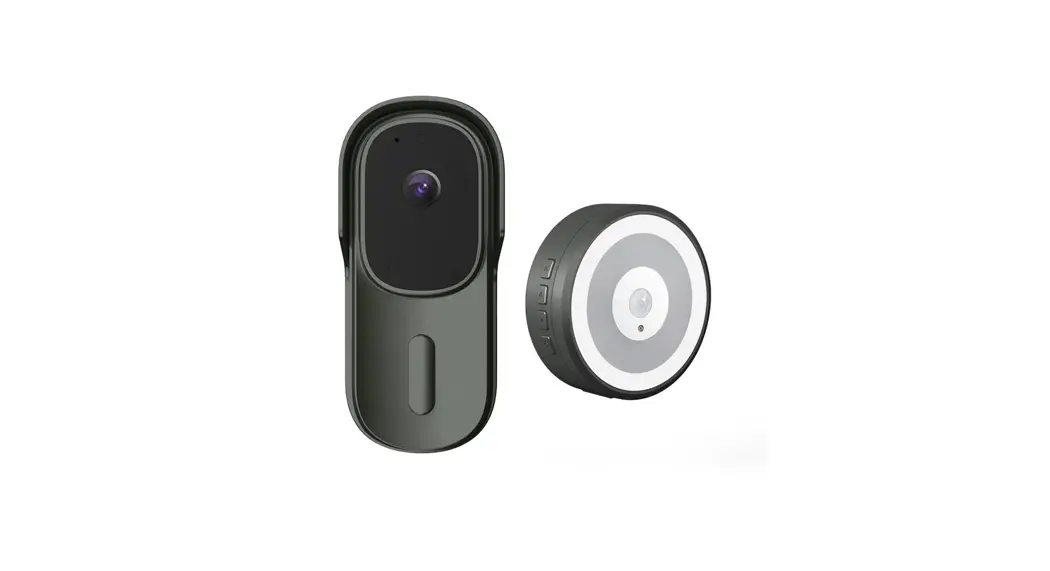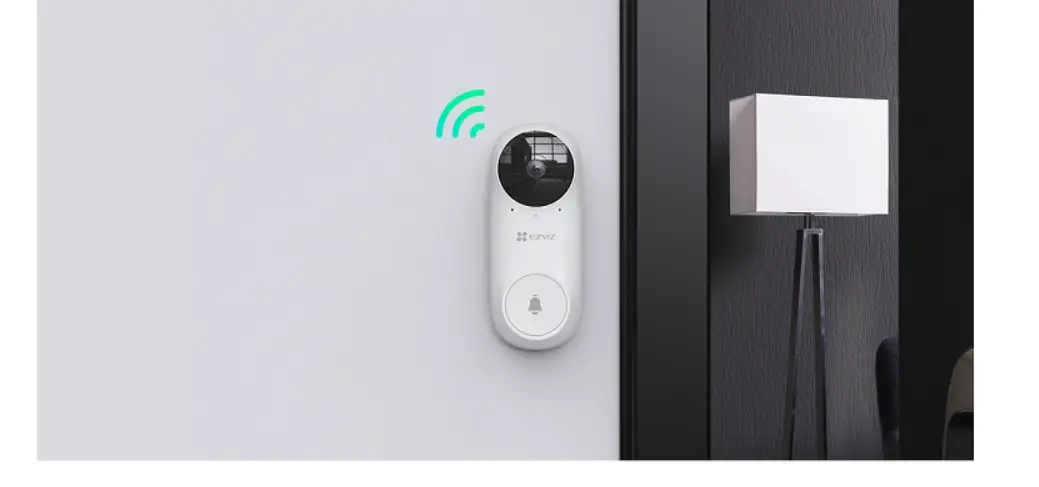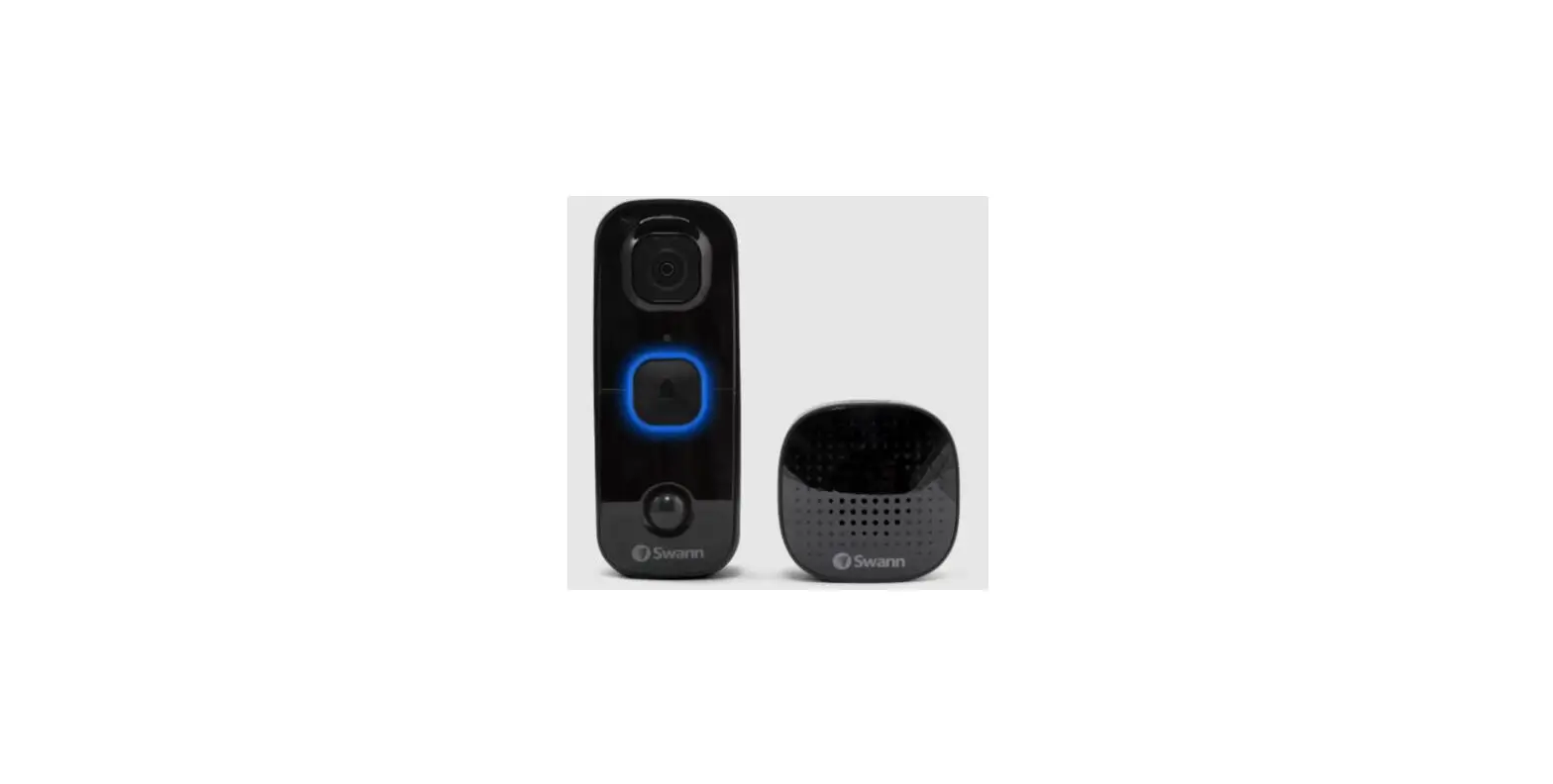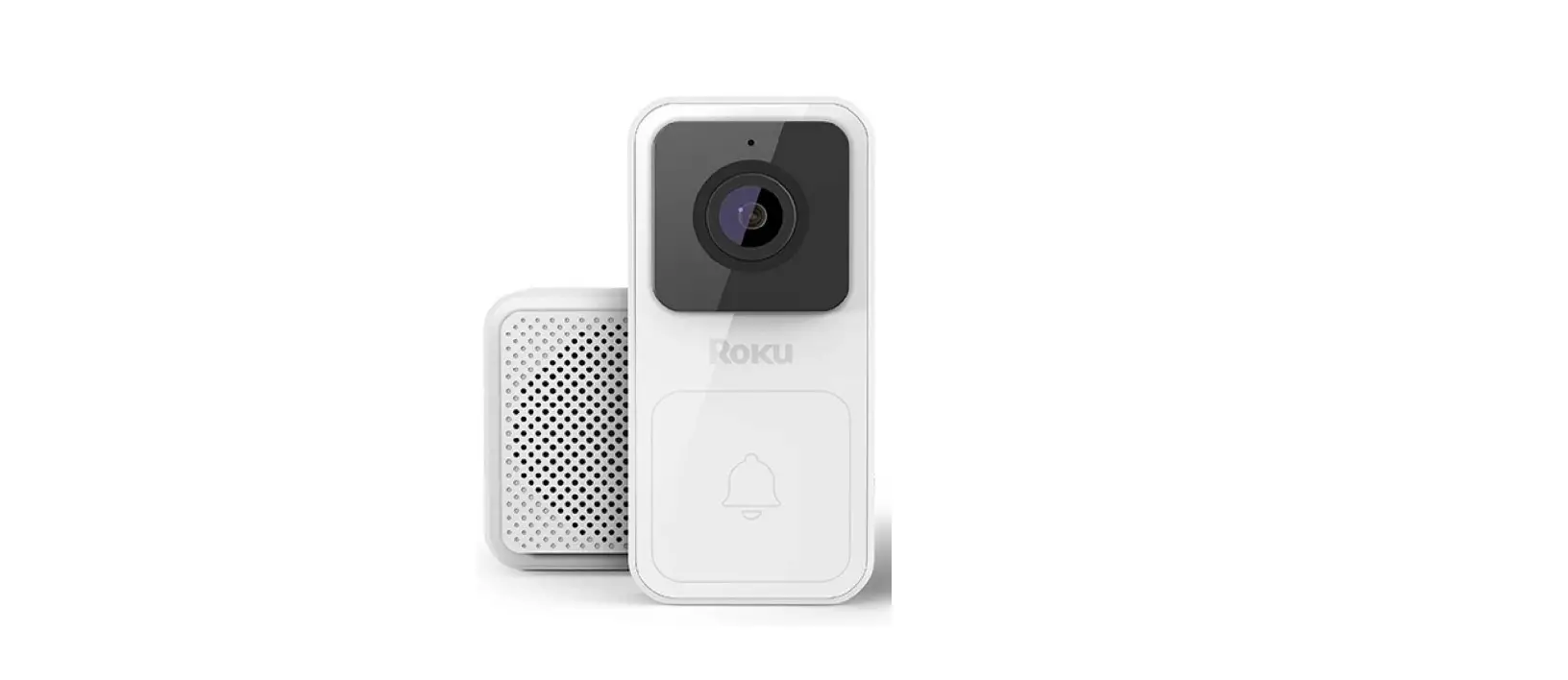

Roku DB1000R Wire-free Video Doorbell and Chime SE
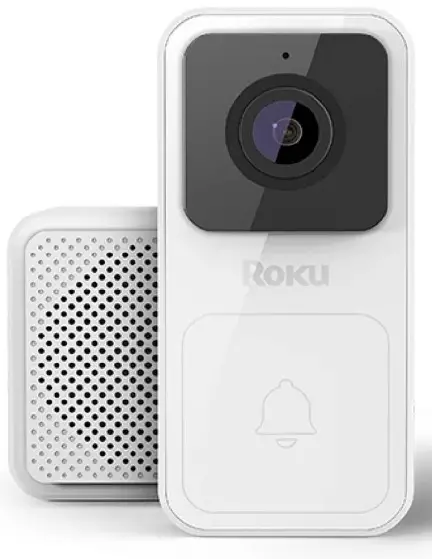
For the best experience, charge your doorbell before setup
To charge doorbell: Plug one end of the charging cable into the micro USB port on the back of your doorbell. Connect the other end to a standard USB power adaptor (like your phone charger).
What’s included
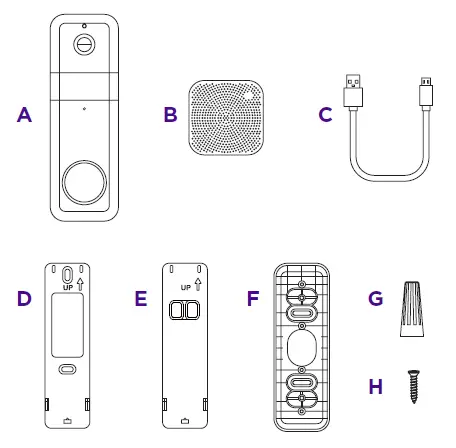
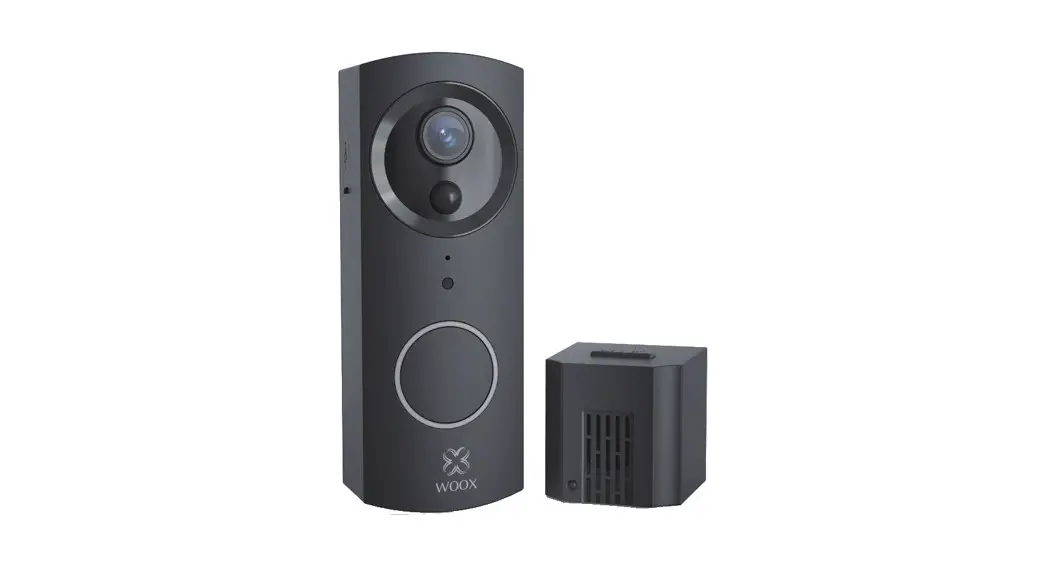
- A Roku Wire-free Video Doorbell SE
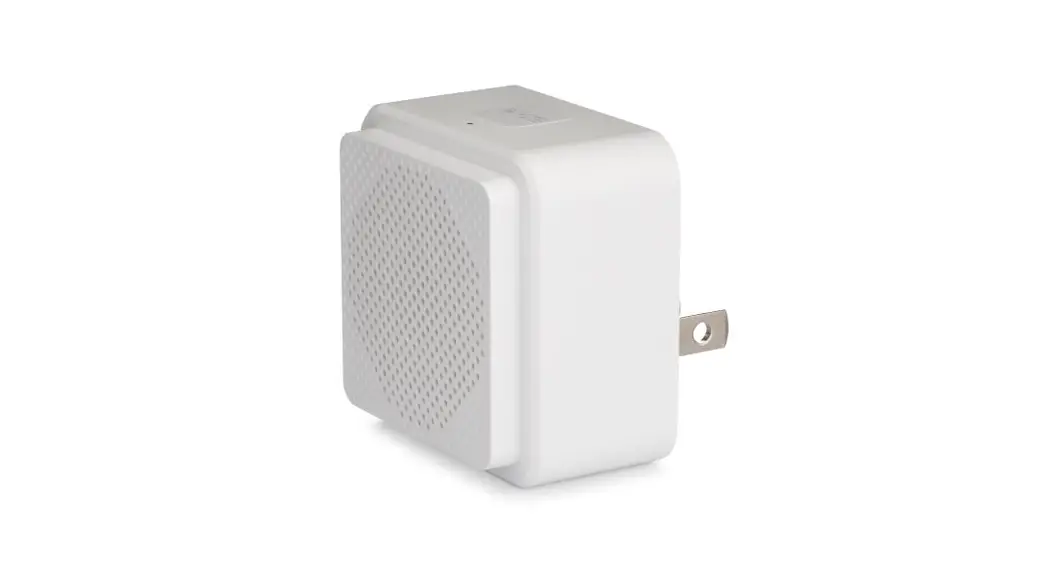
- B Roku Enhanced Chime SE
- C USB charging cable
- D Screw back plate
- E Backplate
- F Corner kit
- G Wire caps (x3)
- H Short screws (x3)
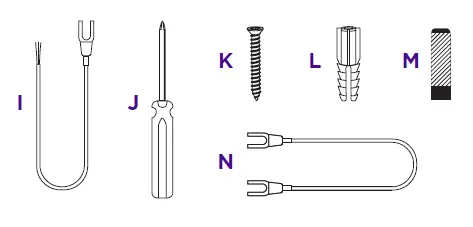
- I Extension wires (x2)
- J T8 screwdriver
- K Long screws (x3)
- L Plastic anchors (x3)
- M Adhesive strip
- N Jump wire
What you’ll need
- Your smartphone
INSTALLATION INSTRUCTION
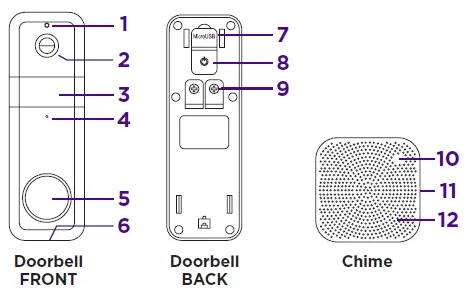
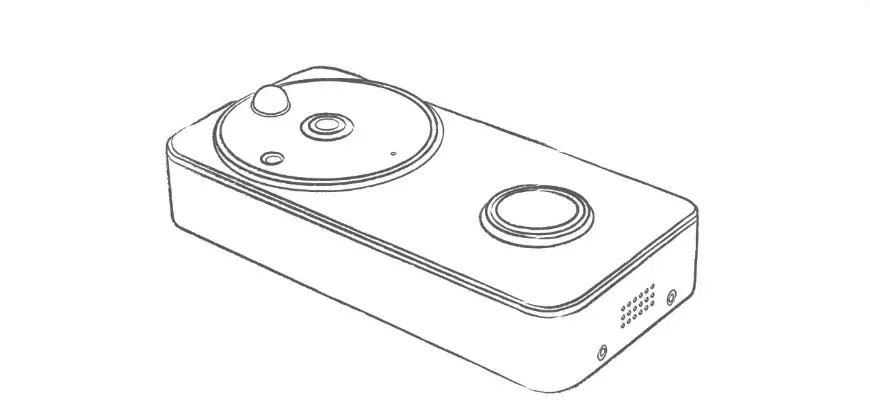
- Light sensor
- Lens
- Motion sensor
- Microphone
- Doorbell button
- Speaker
- Micro USB charging port
- Power button
- Screw terminals
- Status light
- Setup button
- Speaker
Let’s get started
STEP 1: Download the Roku Smart Home app Scan the QR code below to download the Roku Smart Home app on your smartphone. Sign in with your Roku account or create one.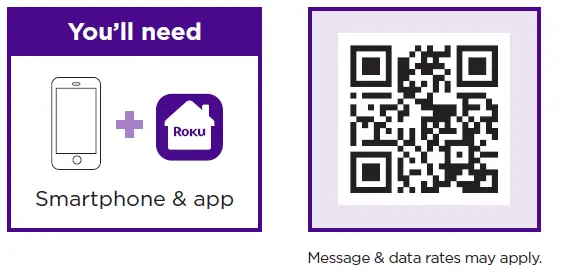
STEP 2: Install your doorbell & chime In the Roku Smart Home app, tap the “+” button, then “Add Device” to find “Wire-free Video Doorbell.” Follow the instructions to install your camera and complete setup.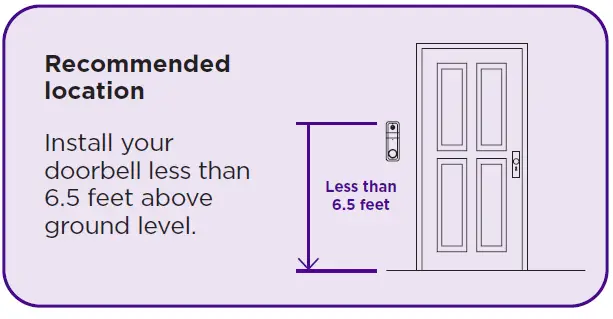
What’s that light mean?
| Doorbell | State |
| WHITE – Solid | Charging |
| BLUE – Solid | Fully charged |
| Chime | State |
| RED – Flashing | Connecting to doorbell |
| YELLOW – Flashing | Waiting for connections |
| BLUE – Flashing | Connecting to network |
| BLUE – Solid | Connected |

More features are waiting
Unlock the full potential of your doorbell with a Roku Smart Home Subscription.
- Learn more at go.roku.com/rokusmarthome
Need help?
- Visit go.roku.com/doorbells
2023 Roku, Inc. All rights reserved. Roku, the Roku logo, Roku Smart Home, and the Roku Smart Home logo are the trademarks or registered trademarks of Roku, Inc.