 JXBS-3001-EC-RS
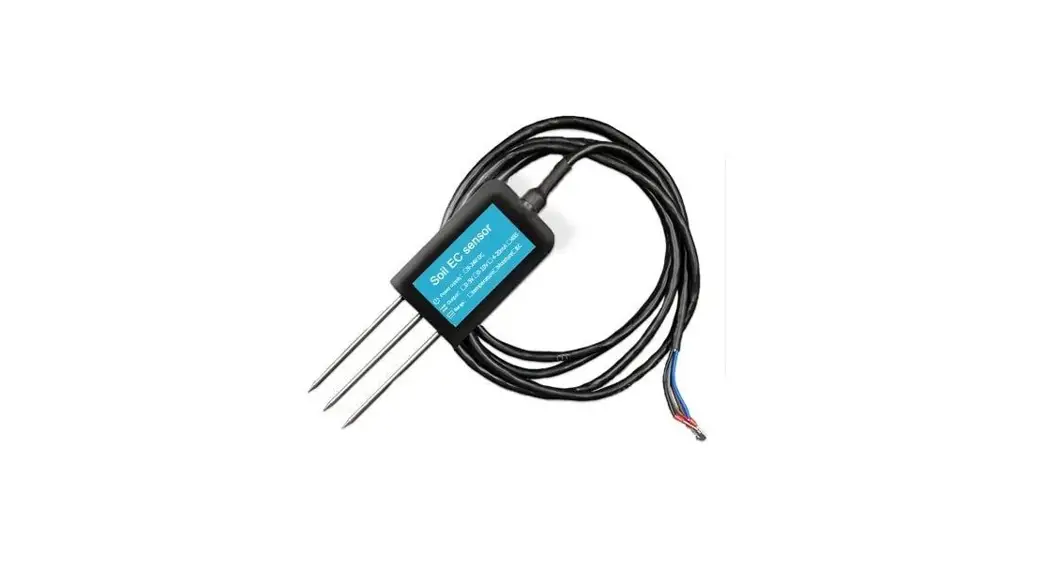
3in1 Soil EC Temperature Humidity Sensor
User Manual
RS485 Modubus
Version: 2.0
Date: 2020-10-24
Status: Released
www.jxct-iot.com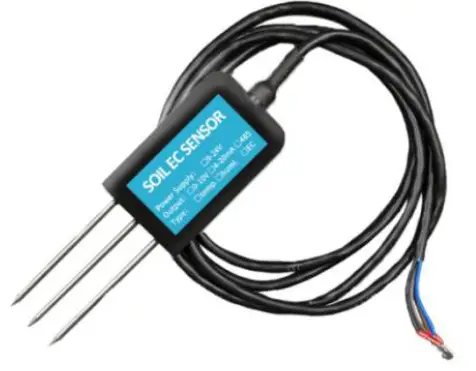
BRIEF INTRODUCTION
1.1 Product Overview
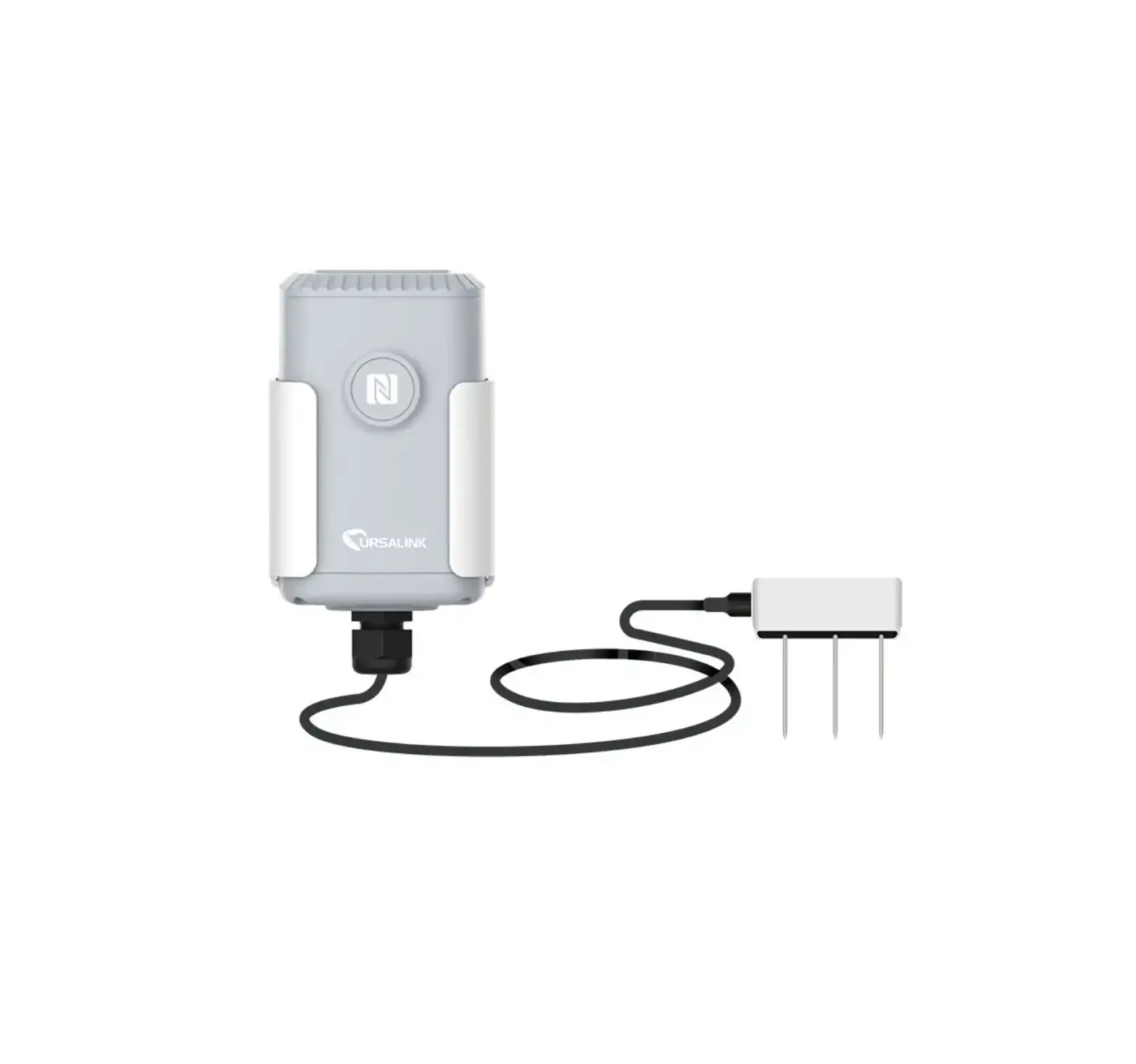
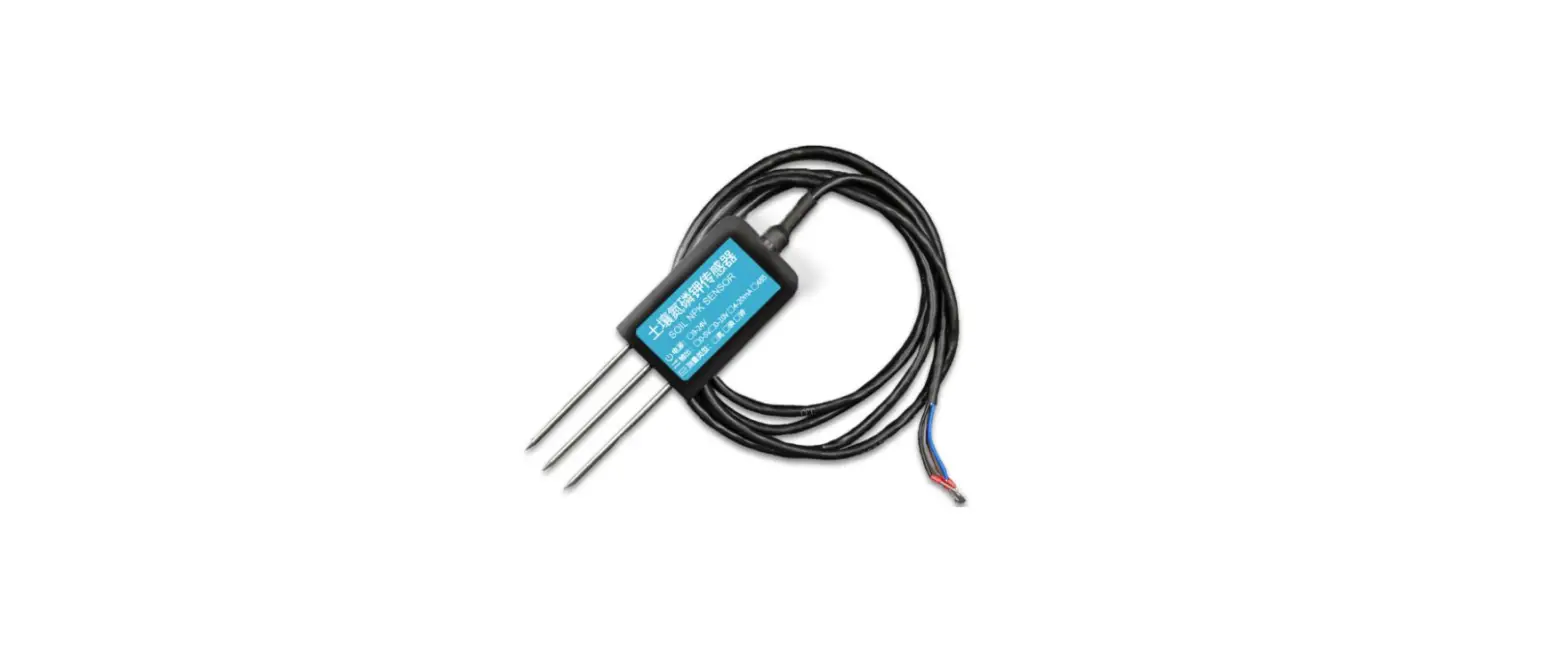
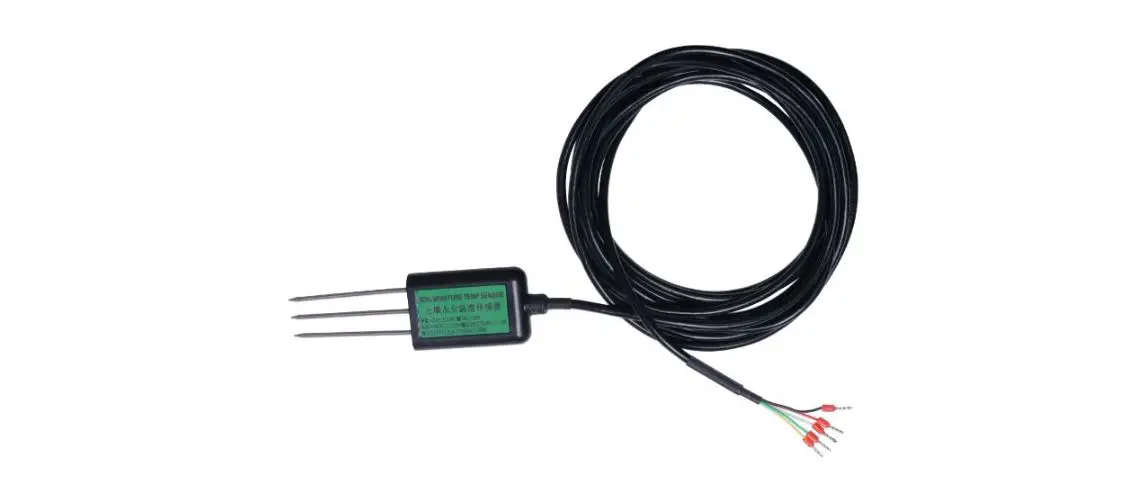
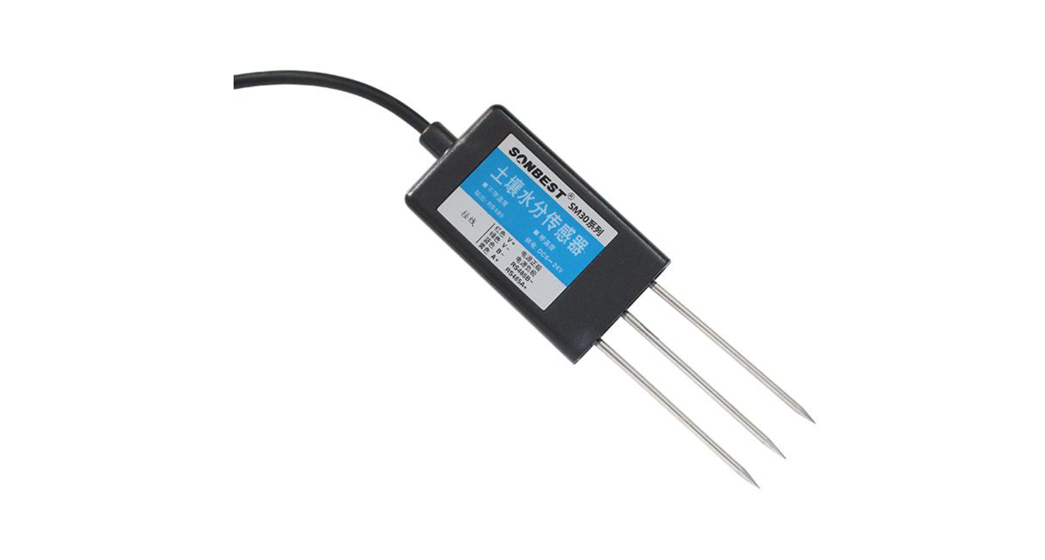
The soil EC moisture temperature triple sensor is suitable for soil temperature and moisture measurements and total soil salt (electrical conductivity). The three-in-one sensor of the soil creatively measures salinity, moisture, and temperature, which greatly facilitates the evaluation of soil conditions by the customer’s system.
Compared with the German original high-precision sensor and the actual soil drying and weighing method calibration, high precision, fast response, and stable output. Less affected by soil salt content, suitable for all kinds of soil. Can be buried in soil for a long time, resistant to long-term electrolysis, corrosion resistance, vacuum potting, and completely waterproof.
1.2Measurement Specs and Hardware Parameters
| Parameters | Content |
| Power supply | 12-24V DC |
| Output signal | RS485 |
| Temperature range | -40°C-80°C |
| Temperature accuracy | ±0.5°C |
| Temperature resolution | 0.1K; |
| Water measurement range | 0-100% |
| Moisture accuracy | ±3% Within 0-53%; ±5% within 53-100% |
| Water resolution | 0.10% |
| Electrical conductivity measurement range | 0-10000us/cm |
| Conductivity resolution | lOus/cm |
| Storage environment | -20°C -60 QC |
| Working Pressure Range | 0.9-1.1atm |
| Response Time | <1s |
| Protection Level | IP68 |
1.3 System Frame Diagram
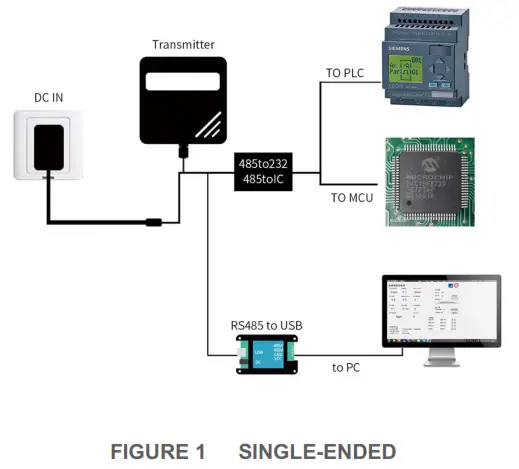
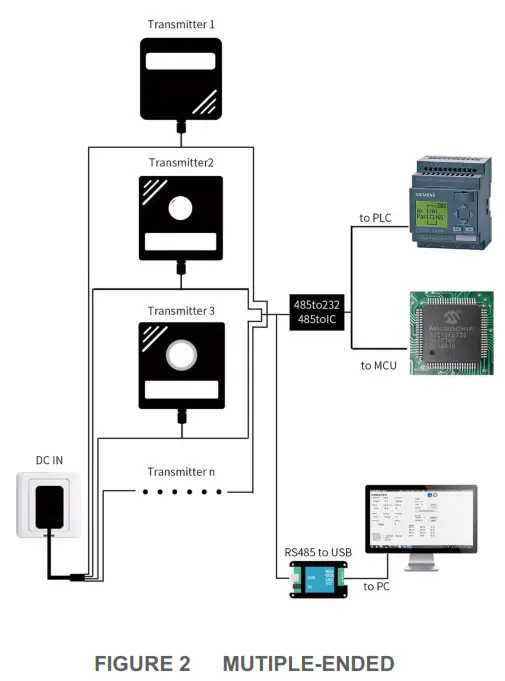
HARDWARE CONNECTIONS
2.1 CHECKING BEFORE INSTALLATION
Check the list of devices before installation:
TABLE 1 List of Devices
| Name | Number |
| THE SENSOR DEVICE | 1 |
| 12V POWER ADAPTER(Optional) | 1 |
| WARRANTY CARD / CERTIFICATE | 1 |
| THE USBTO 485 DEVICE(Optional) | 1 |
2.2 Interface Description
Before you wiring and use it, please read this article in detail, Improper use may result in irreversible damage to the product.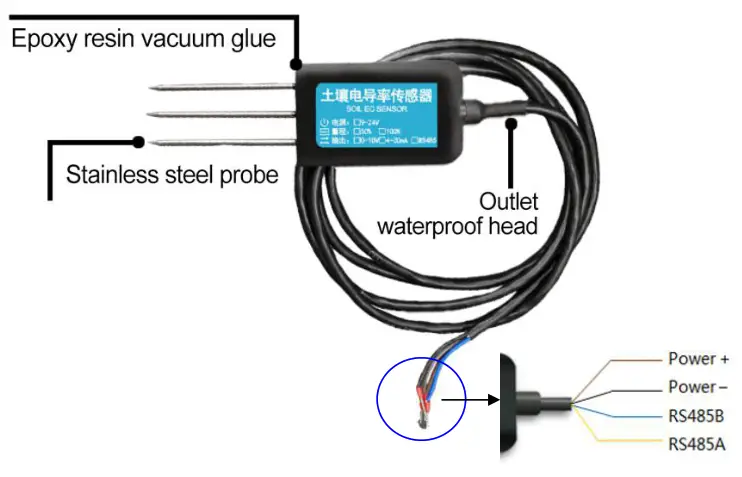
| Function | Cable Color | Specs |
| Power | Brown | Power supply + |
| Black | Power supply – | |
| Communication | Yellow (grey) | 485-A |
| Blue | 485-B |
We provide a default cable length of 1.5 meters, you can extend the cable yourself according to your needs.
2.3 Speed measurement method
Select a suitable measurement site, avoid the stones, ensure that the steel needle does not hit a hard object, throw the topsoil at the required depth of measurement, keep the underlying soil tight, grip the sensor vertically into the soil, and insert It is not allowed to shake right and left. It is recommended to measure multiple times within a small range of a measurement point to obtain the average value.
2.4 Buried method
Dig a pit with a diameter of >20 cm vertically and insert the sensor steel needle horizontally into the pit wall at a given depth. After the pit is buried tightly and stable for a period of time, measurement and recording can be performed for days, months, or even longer.
2.5 Precautions
- Steel needles must be fully inserted into the soil.
- Avoid direct sunlight on the sensor and cause excessive temperature. Use caution in the field against lightning strikes.
- Do not violently bend the steel needle, do not force pull the sensor leads, and do not beat or violently hit the sensor.
- The sensor protection grade IP68, the sensor can be soaked in water.
- Due to the presence of radiofrequency electromagnetic radiation in the air, it should not be in a state of power in the air for a long time.
CONFIGURATION TOOL INSTALLATION AND USE
We provide CONFIGURATION TOOL, which can be easily used to test our sensor device.
3.1 Sensor Access Computer
The transmitter can be connected to the PC with the RS485 to USB adapter. You can check the COM port number through Device Manager (right-click My Computer).
3.2 HOW TO USE THE CONFIGURATION TOOL
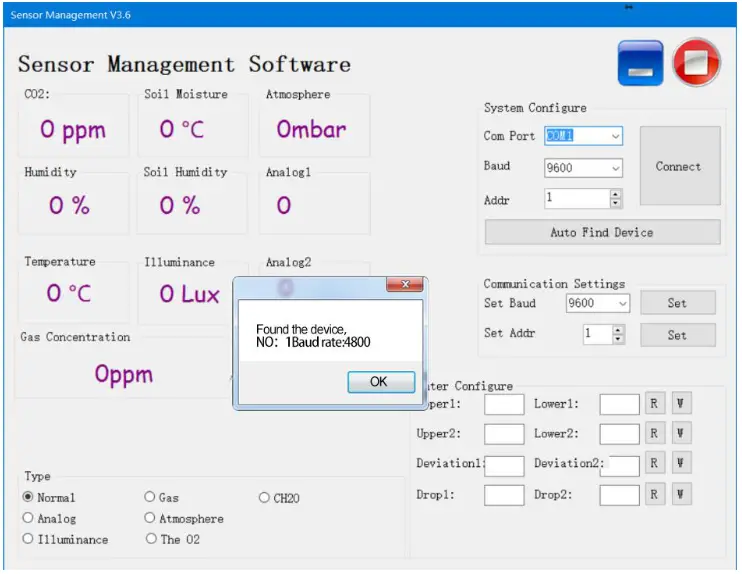
Please note that this software can only test one device at the same time. After connecting the physical device, click the CONNECT button to read the information. In the
CONNECT state, you can modify BAUD and ADDR in COMMUNICATION SETTINGS.
Under the software, different checkboxes can be selected according to different situations.
For example, you can choose the GAS option to test the RS485 OXYGEN SENSOR, you can choose the NORMAL option to test the RS485 TEMPERATURE AND HUMIDITY SENSOR.
COMMUNICATION PROTOCOL
4.1 Communication Basic Parameters
TABLE 3 Communication Basic Parameters
| PARAMETERS | CONTENT |
| Protocol | Modbus RTU |
| Data bits | 8 bit |
| Parity bit | No |
| Stop bit | 1 bit |
| Error checking | CRC (redundant loop code) |
| Baud rate | 2400 bps/ 4800 bps/ 9600 bps can be set factory defaults to 9600 bps |
For more information about MODBUS RTU please visit the website”www.modbus.org “.
4.2 Register Address
| Register Address | Plc Configuration Address | Content | Operation |
| 0002H | 40003 | Soil humidity(unit 0.1%RH) | Read-Only |
| 0003H | 40004 | Soil temperature(unit 0.1℃) | Read-Only |
| 0012H | 40013 | Soil humidity(unit 0.1%RH) | Read-Only |
| 0013H | 40014 | Soil temperature(unit 0.1℃) | Read-Only |
| 0014H | 40015 | Soil salt(unit 1mg/L) | Read-Only |
| 0015H | 40016 | Soil conductivity(unit 1us/cm) | Read-Only |
| 0100H | 40101 | Device Address (0-252) | R/W |
| 0101H | 40102 | Baud Rate (2400/4800/9600) | R/W |
TABLE 4 Register Address
4.3 Communication example
4.3.1 Read Device Address 0x01’s Soil Temperature And
Humidity
TABLE 5 Inquiry Frame
| Address Code | Function Code | Start Address | Data Length | Check Code Low | Check Code High |
| Ox01 | 0x03 | Ox00 0x02 | Ox00 0x02 | 0x65 | OxCB |
TABLE 6 Answer Frames
| Address Code | Function Code | Number Of Valid Bytes | Humidity Value | Temperature Value | Check Code Low | Check Code High |
| Ox01 | 0x03 | 0x04 | 0x02 0x92 | OxFF Ox96 | Ox5A | Ox3D |
Soil temperature:
FF9BH ( hexadecimal ) =-101=> temperature =-10.1℃
Soil humidity:
292H( hexadecimal ) =658=>humidity =65.8%RH
4.3.2 Read Device Address 0x01’s Soil Humidity Value
TABLE 7 Inquiry Frame
| Address Code | Function Code | Start Address | Data Length | CRC_L | CRC_H |
| 0x01 | 0x03 | 0x00,0x02 | 0x00,0x01 | 0X25 | 0xCA |
TABLE 8 Answer Frame
| Address Code | Function Code | Number Of Bytes | Humidity Value | CRC_L | CRC_H |
| Ox01 | 0x03 | 0x02 | Ox00, Ox4A | 0x39 | OxB3 |
Soil humidity: 4AH( hexadecimal ) =74=>humidity =7.4%RH
4.3.3 Read Device Address 0x01’s Soil salinity
TABLE 9 Inquiry Frame
| Address Code | Function Code | Start Address | Data Length | CRC_L | CRC_H |
| 0x01 | 0x03 | 0x00, 0x14 | 0x00,0x01 | 0XC4 | 0x0E |
TABLE 10 Answer Frame
| Address Code | Function Code | Number Of Bytes | Salt | CRC_L | CRC_H |
| 0x01 | 0x03 | 0x02 | 0x00,0x69 | 0x78 | 0x6A |
Soil salt: 69H( hexadecimal ) =105=>salt =105mg/L
4.3.4 Read Device Address 0x01’s Soil Conductivity
TABLE 11 Inquiry Frame
| Address Code | Function Code | Start Address | Data Length | CRC_L | CRC_H |
| 0x01 | 0x03 | 0x00, 0x15 | 0x00, 0x01 | 0X95 | 0xCE |
TABLE 12 Answer Frame
| Address Code | Function Code | Number Of Bytes | Conductivity | CRC_L | CRC_H |
| 0x01 | 0x03 | 0x02 | 0x05, 0xDC | 0xBA | 0x8D |
Soil Conductivity: 5DCH( hexadecimal ) =1500=>Conductivity =1500us/cm