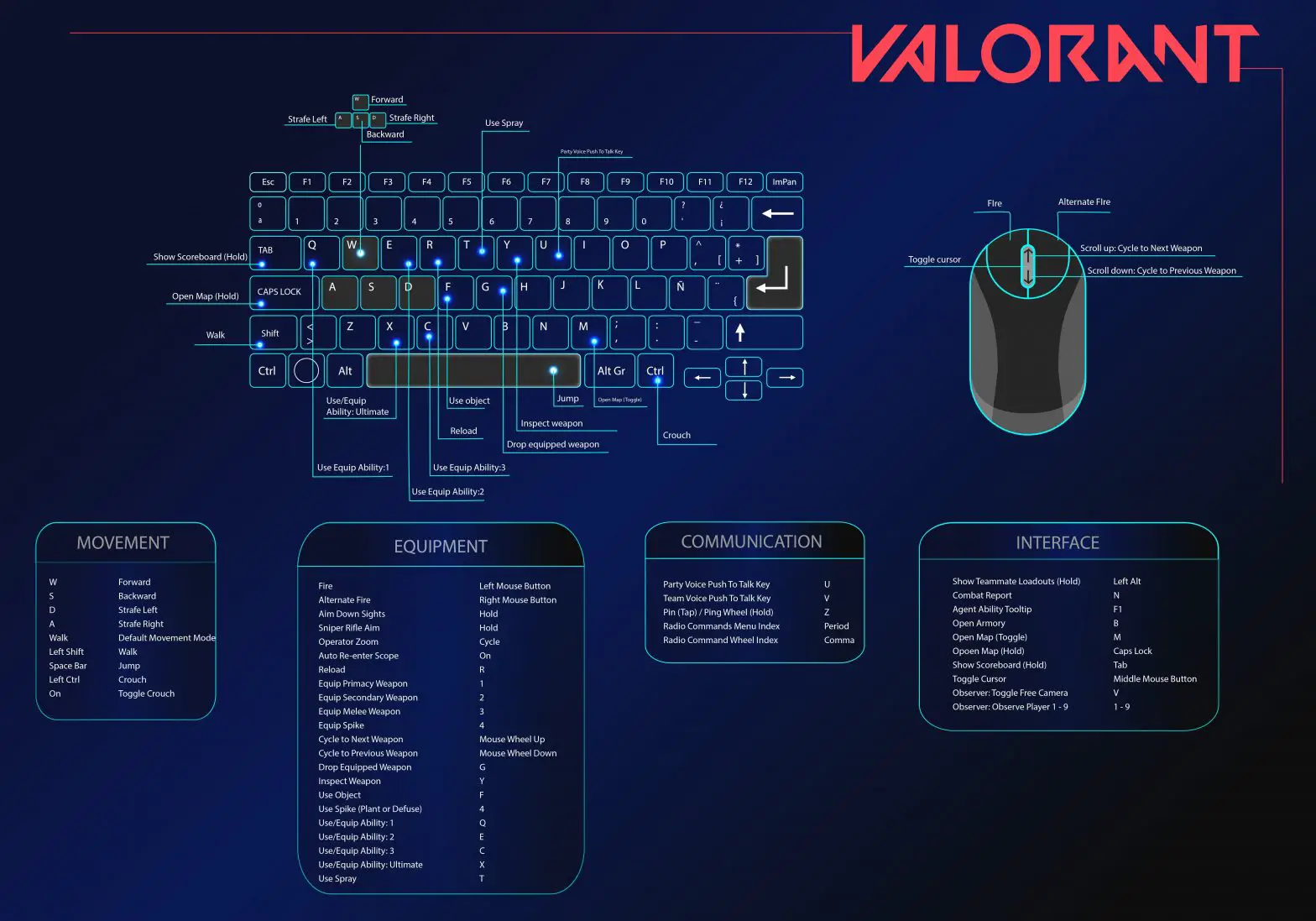

Valorant Keyboard Control Guide
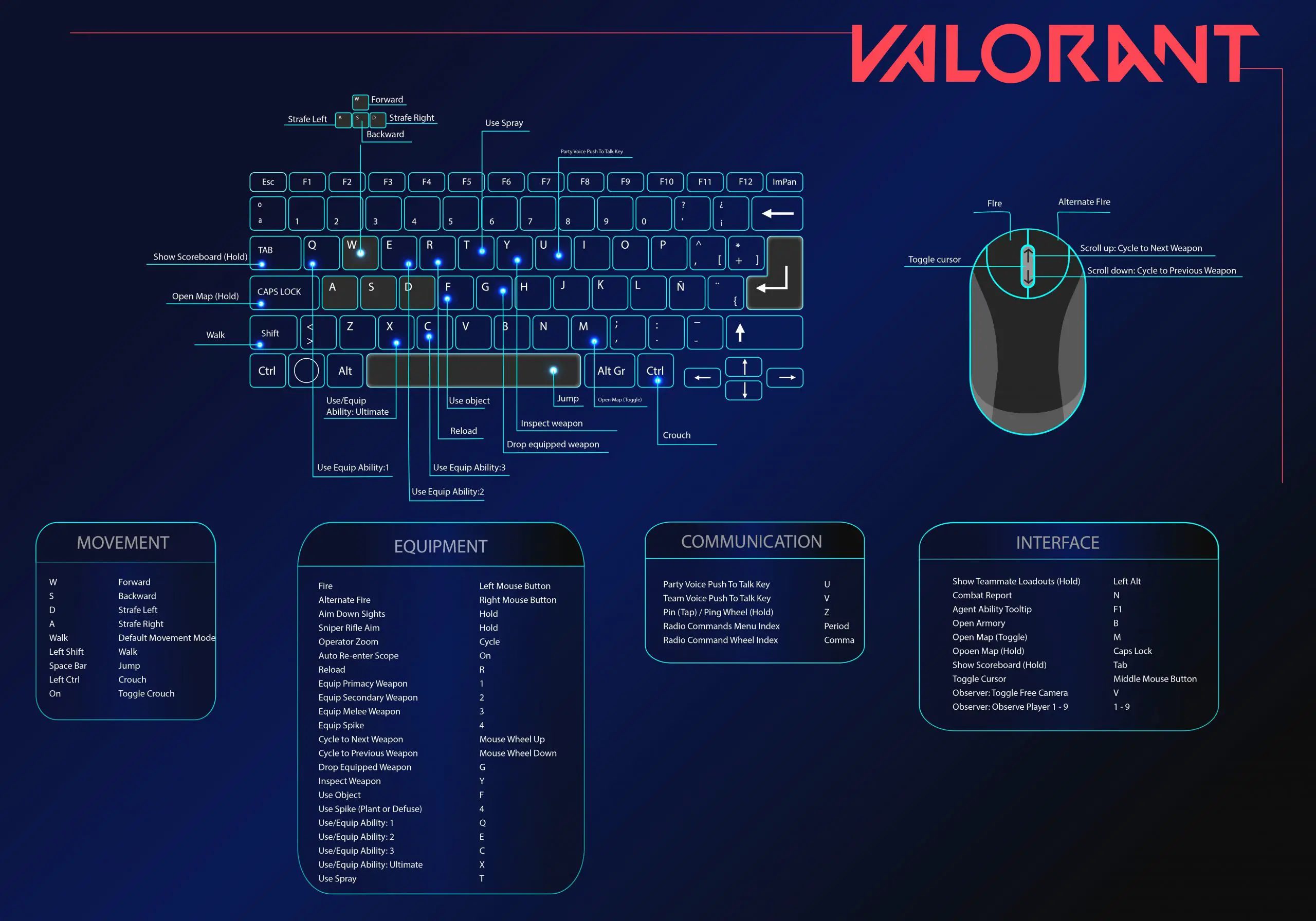
Valorant Keyboard Control Guide
| Keyboard controls | |
| Command | Key |
| Movement | |
| Forward | W |
| Backward | S |
| Strafe Left | A |
| Strafe Right | D |
| Default Movement Mode | Walk |
| Walk | Left Shift |
| Jump | Space Bar |
| Crouch | Left Ctrl |
| Toggle Crouch | On |
| Equipment | |
| Fire | Left Mouse Button |
| Alternate Fire | Right Mouse Button |
| Aim Down Sights | Hold |
| Sniper Rifle Aim | Hold |
| Operator Zoom | Cycle |
| Auto Re-enter Scope | On |
| Reload | R |
| Equip Primacy Weapon | 1 |
| Equip Secondary Weapon | 2 |
| Equip Melee Weapon | 3 |
| Equip Spike | 4 |
| Cycle to Next Weapon | Mouse Wheel Up |
| Cycle to Previous Weapon | Mouse Wheel Down |
| Drop Equipped Weapon | G |
| Inspect Weapon | Y |
| Use Object | F |
| Use Spike (Plant or Defuse) | 4 |
| Use/Equip Ability: 1 | Q |
| Use/Equip Ability: 2 | E |
| Use/Equip Ability: 3 | C |
| Use/Equip Ability: Ultimate | X |
| Use Spray | T |
| Communication | |
| Party Voice Push To Talk Key | U |
| Team Voice Push To Talk Key | V |
| Pin (Tap) / Ping Wheel (Hold) | Z |
| Radio Commands Menu Index | Period |
| Radio Command Wheel Index | Comma |
| Interface | |
| Show Teammate Loadouts (Hold) | Left Alt |
| Combat Report | N |
| Agent Ability Tooltip | F1 |
| Open Armory | B |
| Open Map (Toggle) | M |
| Opoen Map (Hold) | Caps Lock |
| Show Scoreboard (Hold) | Tab |
| Toggle Cursor | Middle Mouse Button |
| Observer: Toggle Free Camera | V |
| Observer: Observe Player 1 – 9 | 1 – 9 |