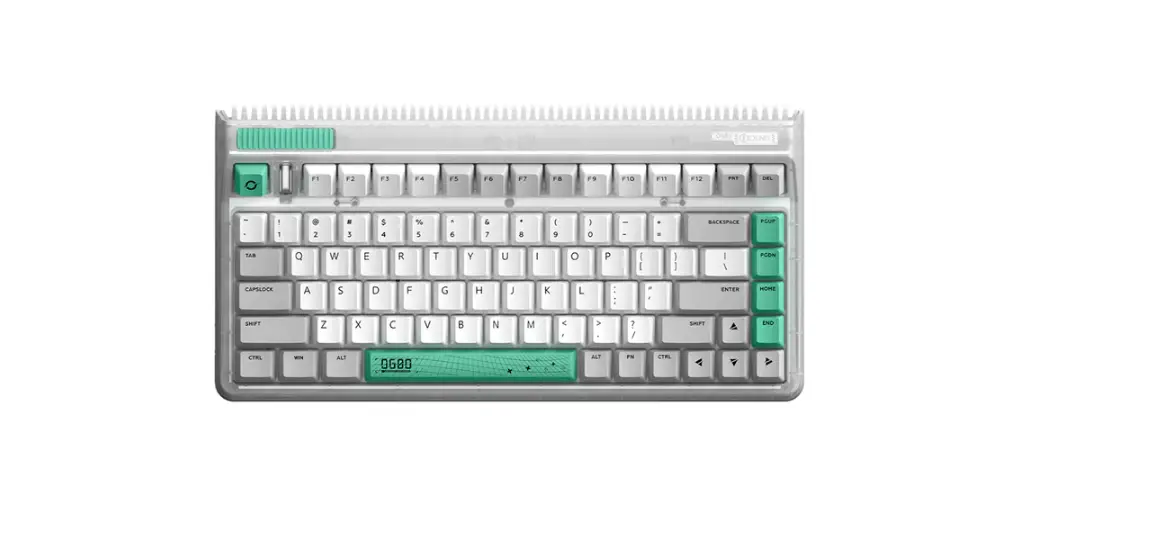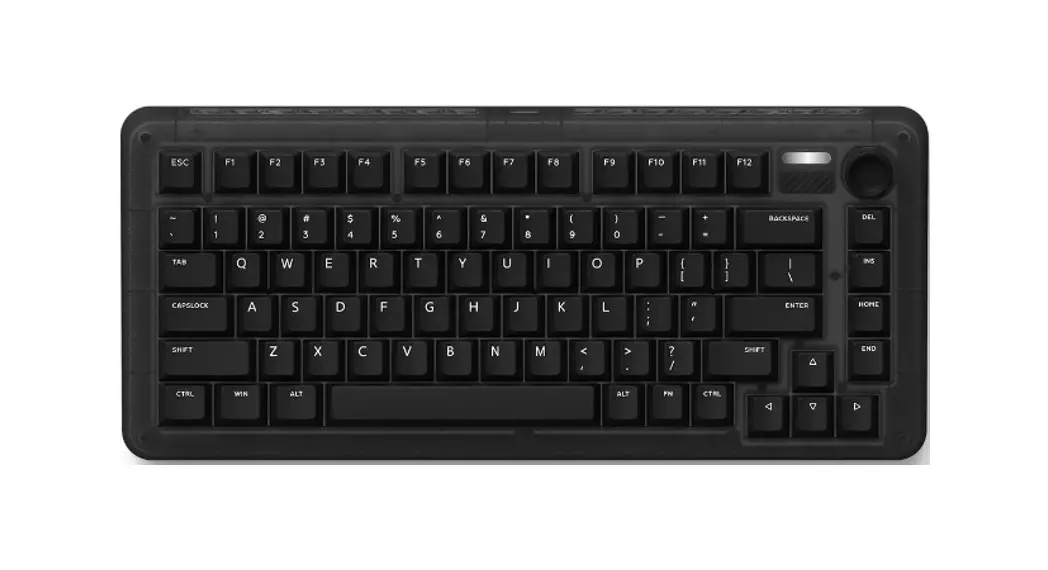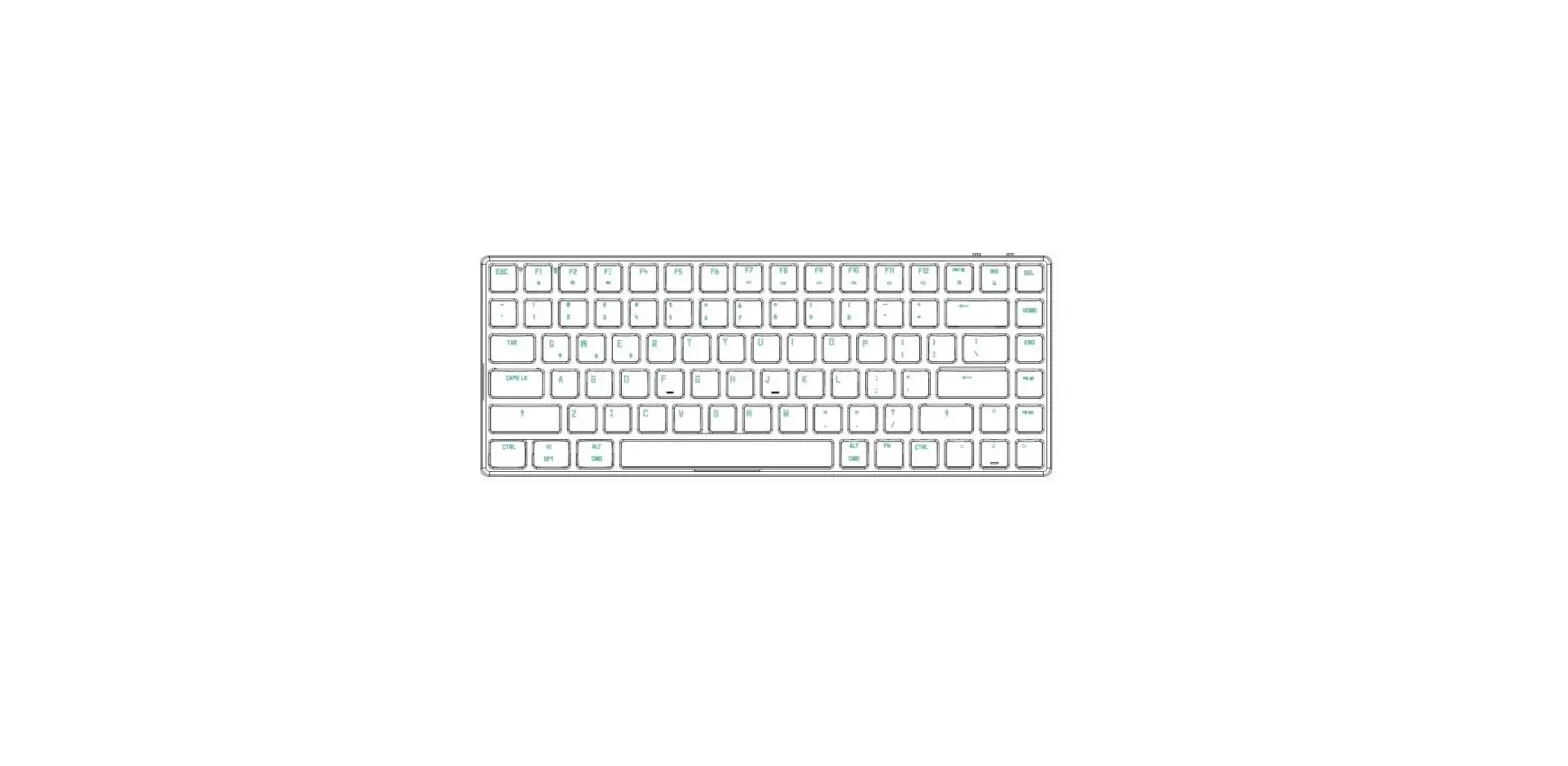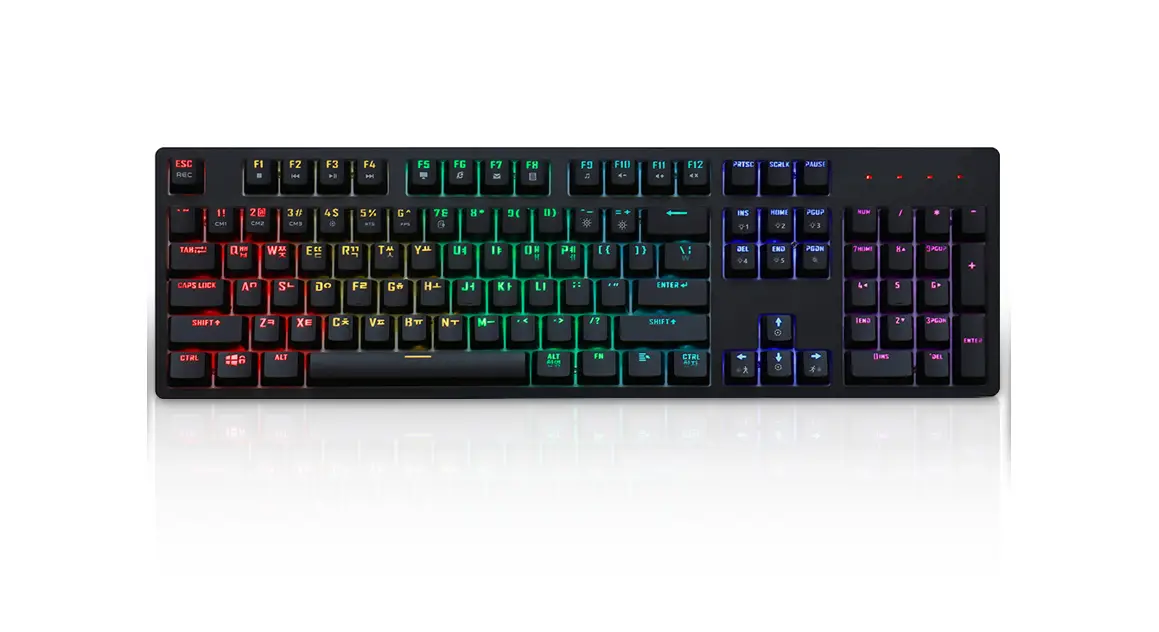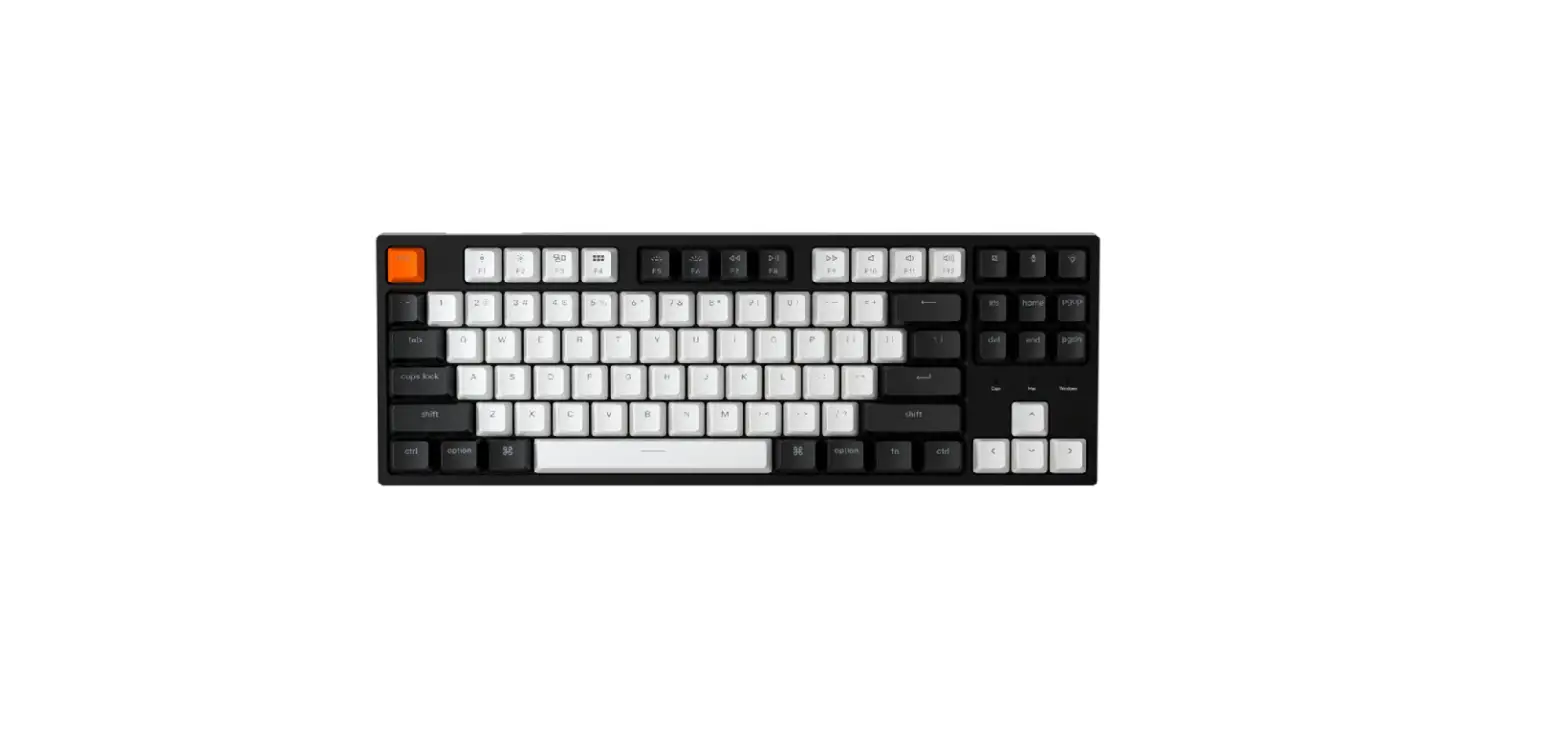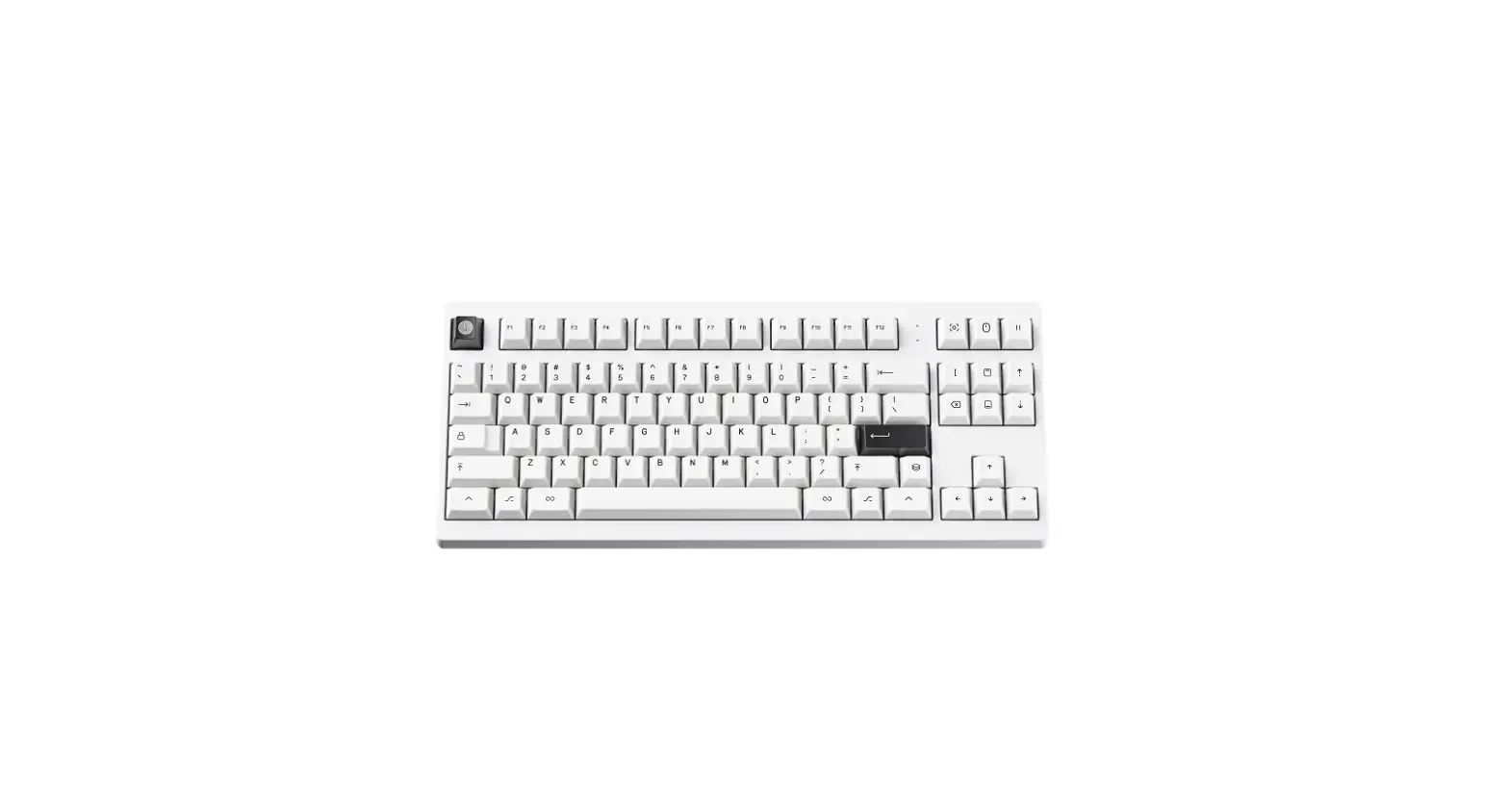

MONOKEI 201 Standard Keyboard
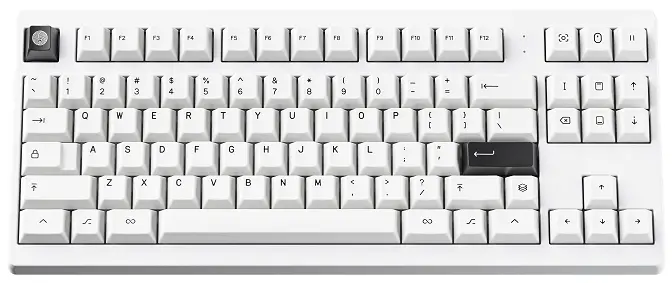
What’s Included
These accessories come with every Standard keyboard.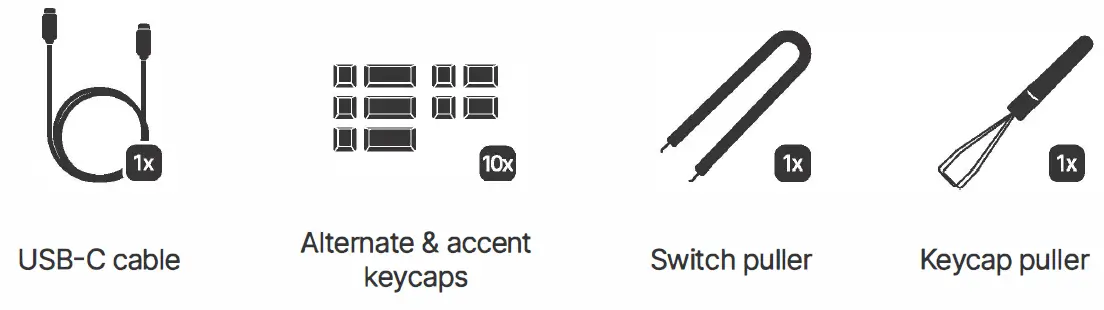
Connecting Your Keyboard
Turning your device on
Turn on the Standard by flipping the switch located on the bottom of the keyboard.
Wired
Connect the Standard using the provided USB-C cable to your device.
Wireless
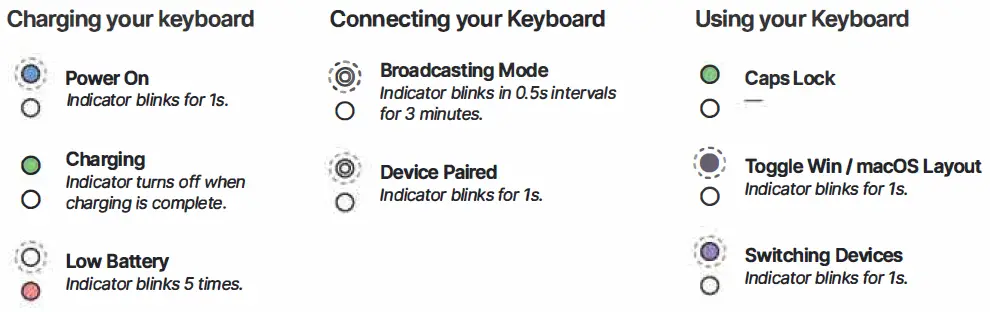
Press + P to initiate the pairing process. LED 1 will display a blinking white indicator during the pairing process.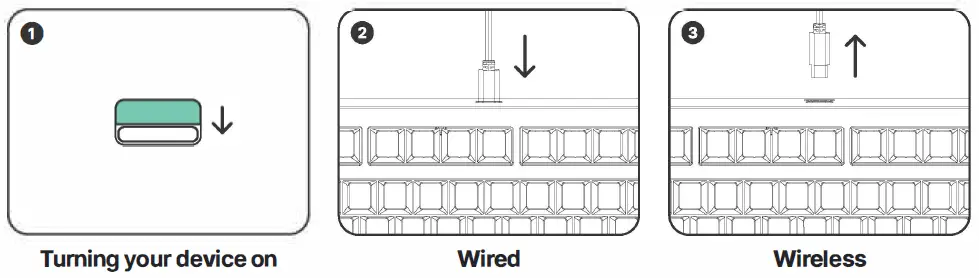
Status Indicators
Windows Hotkeys
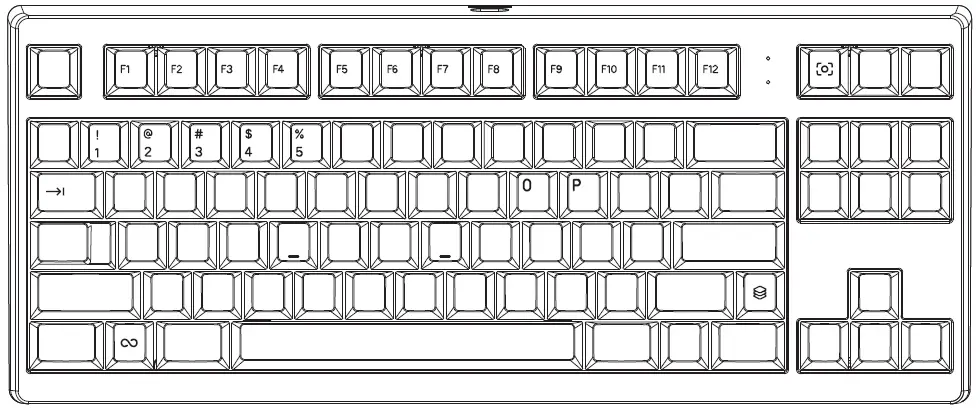
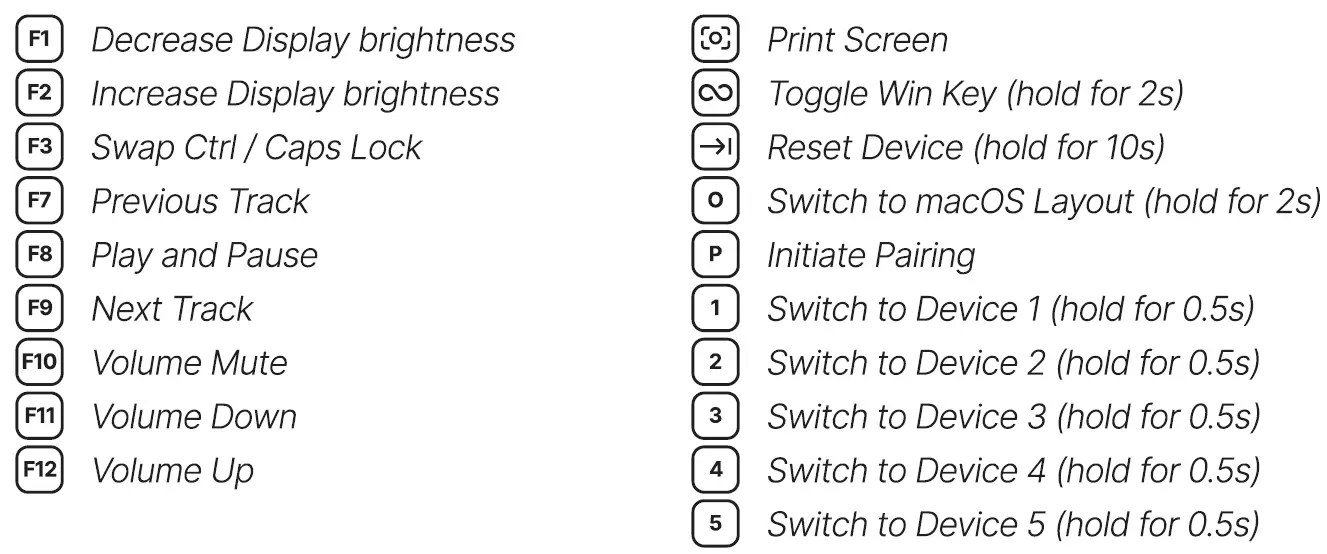
Press with any of these keys: