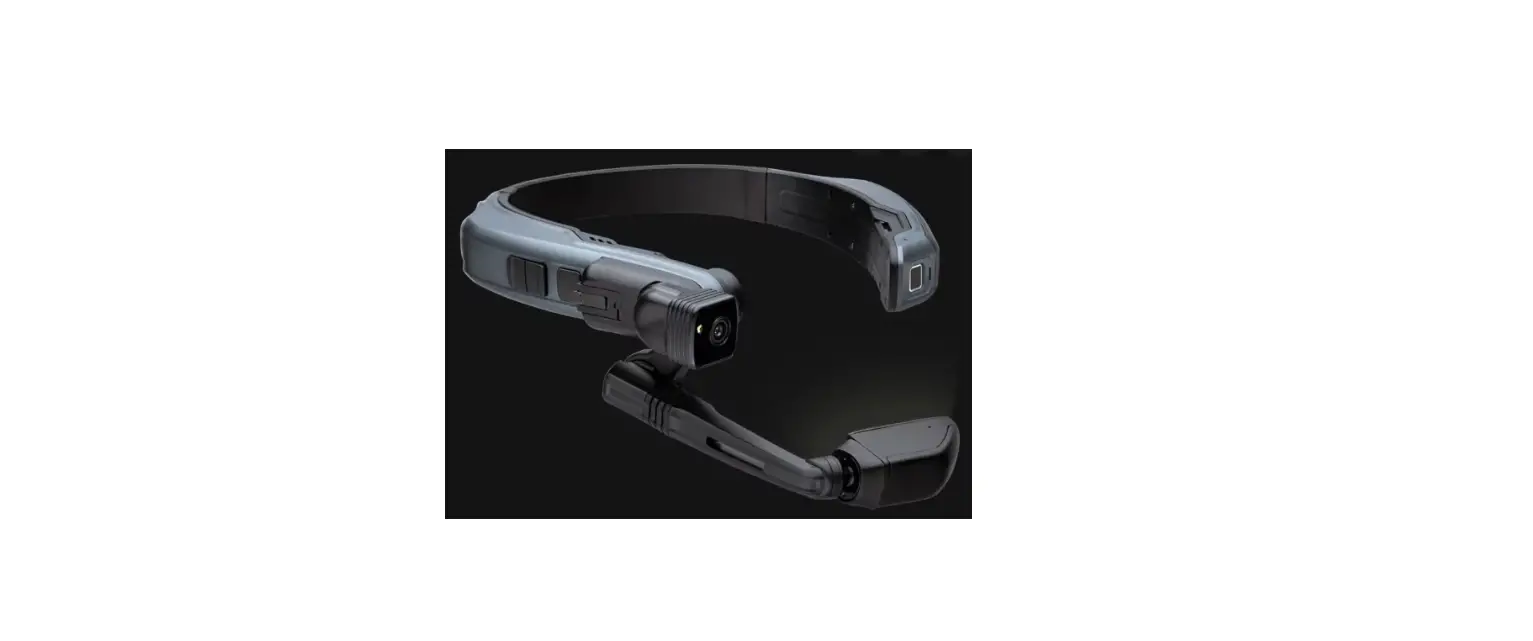

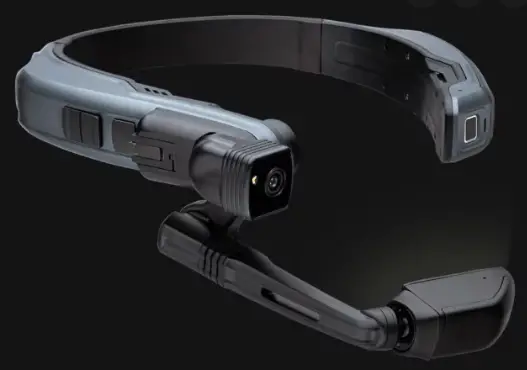
ATTENTION: Before using the Navigator 500 for the first time, visit
https://www.realwear.at/en/support from another device (phone or computer).
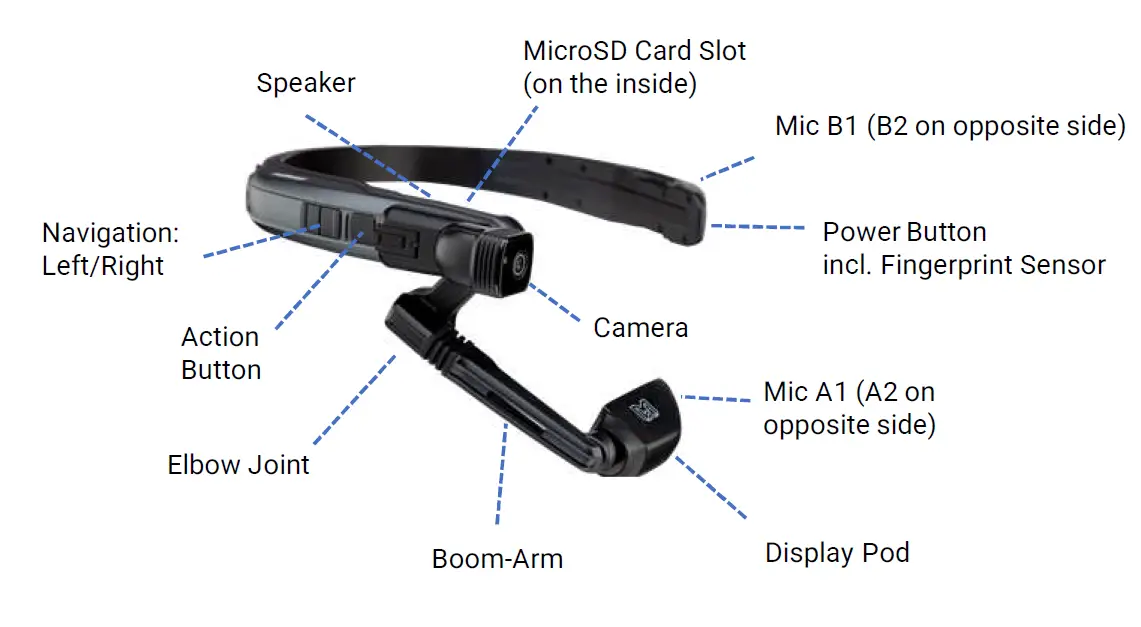
Front View
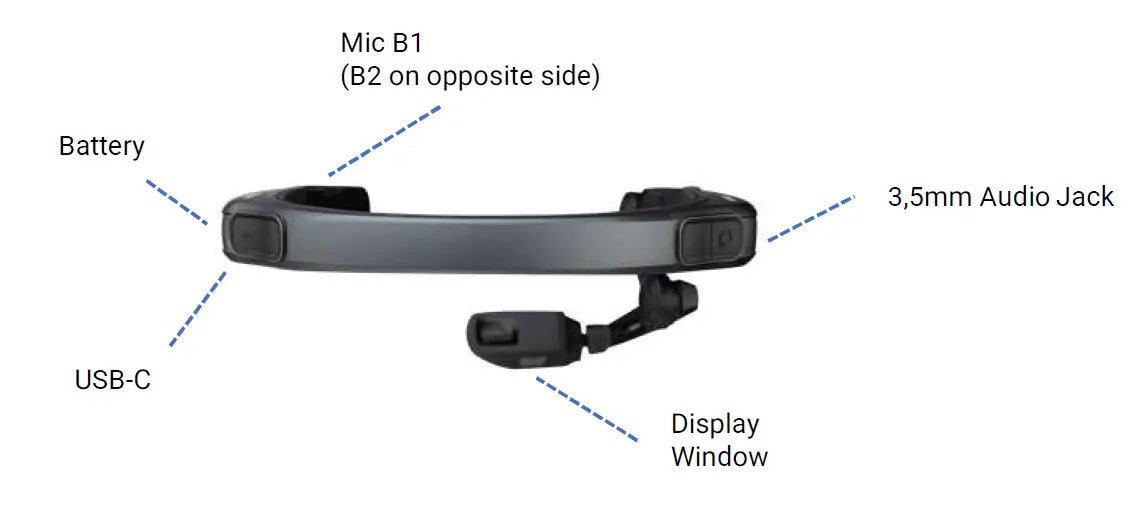
Rear View
Switching on and Adjusting
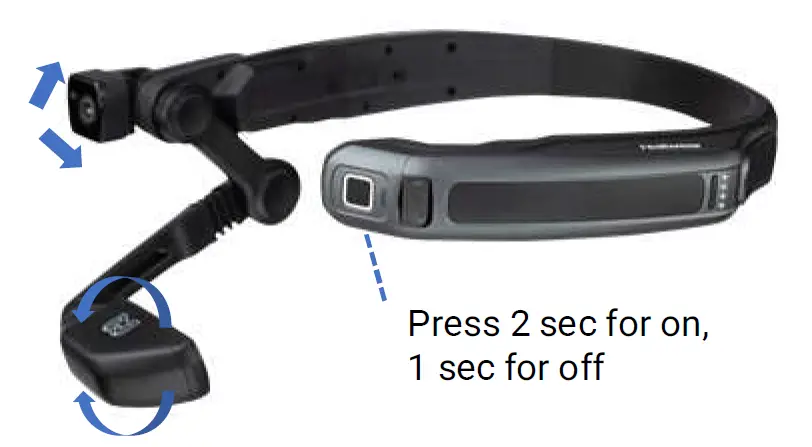
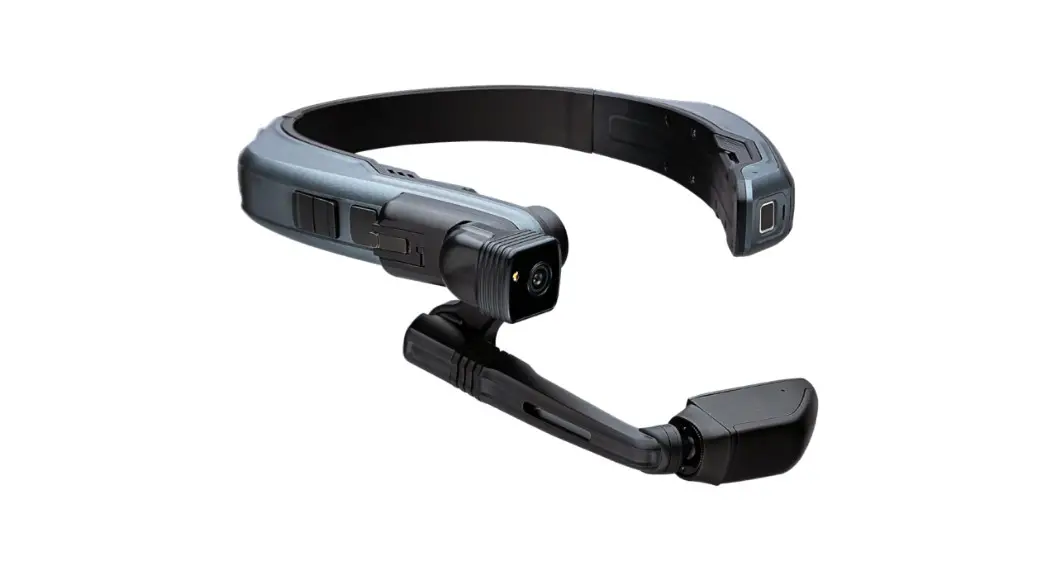
Adjust camera position by rotating up / down for the best view
Adjust the Display so you can see all 4 corners of the display and then lock it into position using the locking ring
Setting up the Display
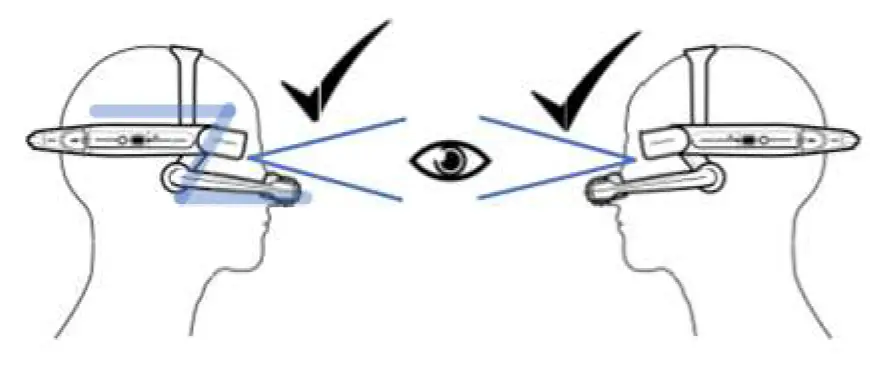
Adjust the working band so that the HMT-1 rests horizontally, and the display slightly below the line of sight
Position the boom arm and elbow joints into a “Z” shape, below the line of sight, left or right eye.
Do not extend the display too far from your eye. Keep the display as close to the eye as possible for the best view.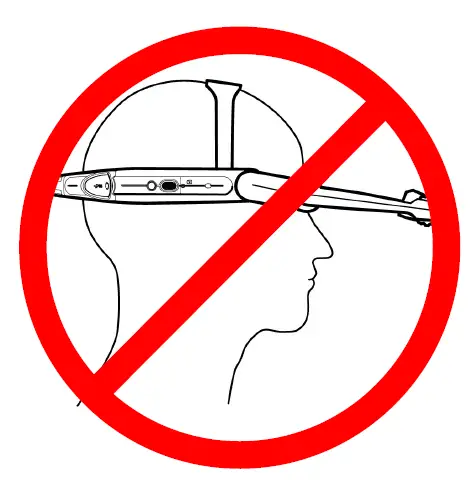 NOTE: Your Navigator 500 is shipped partially charged from the factory. If the battery level is too low, please see charging instructions below
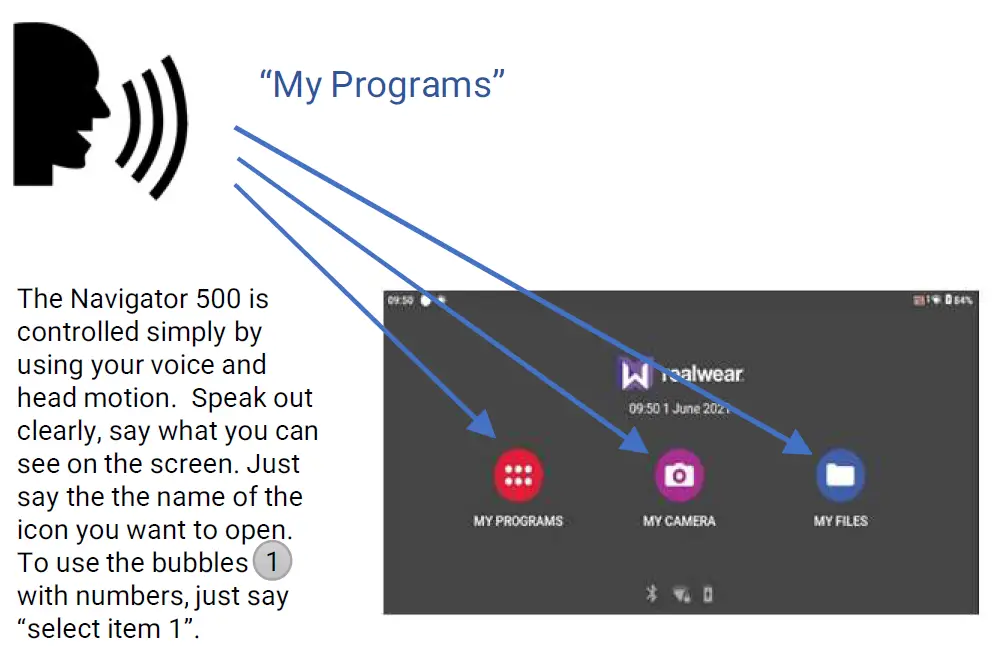
Voice Input
Charging the Navigator 500
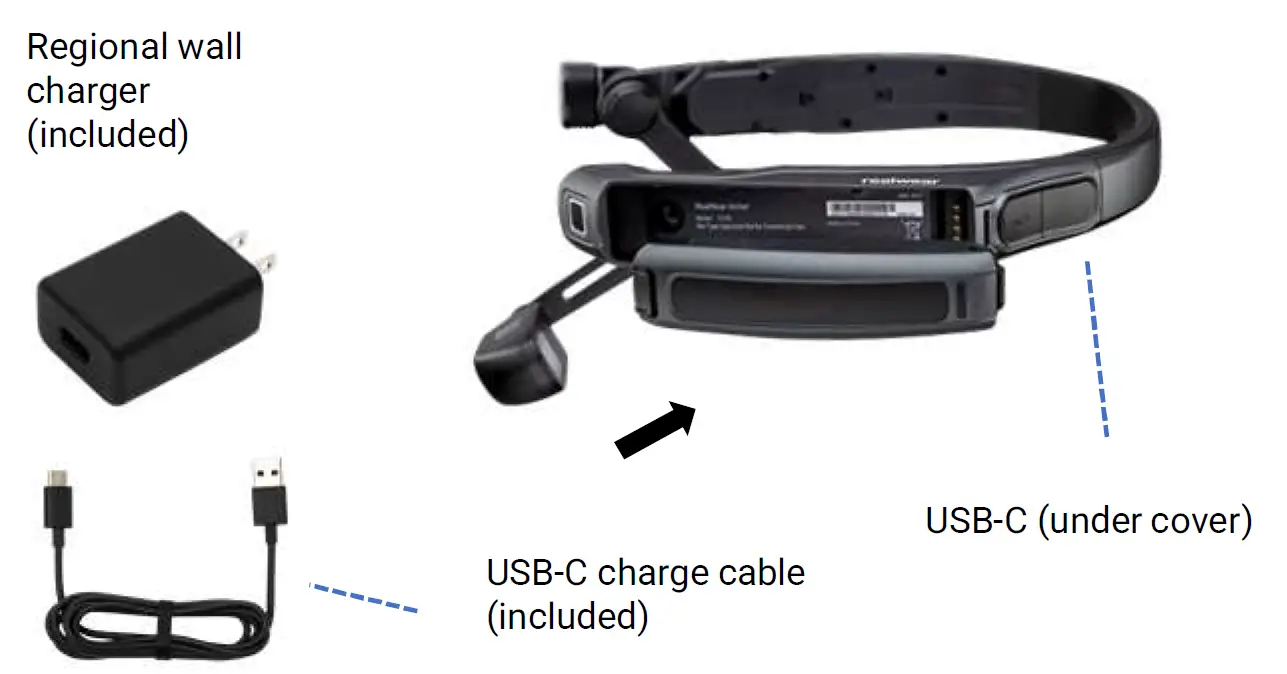
Charging the Navigator 500
- Connect the USB-C charging cable to the USB-C port located under the rear cover on the same side as the boom arm.
- Connect the charging cable to the wall charger and plug the charger into a wall socket. The power button lights up ORANGE while charging. The Power button will light up GREEN, once it reached 90% battery status.
Rechargeable Battery
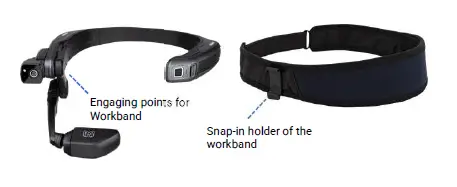
Workband
Barcotec Support Kontakt Mail: [email protected] Phone: +43 1 786 39 40
Barcotec GmbH, Julius Welser Straße 15 5020 Salzburg https://www.realwear.at/support
 Support - RealWear