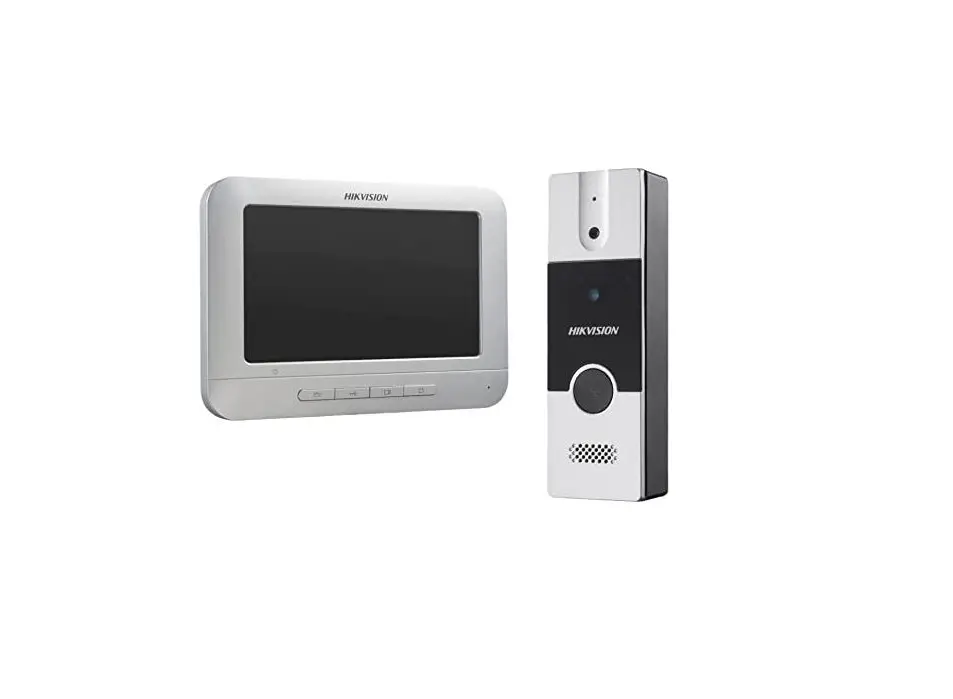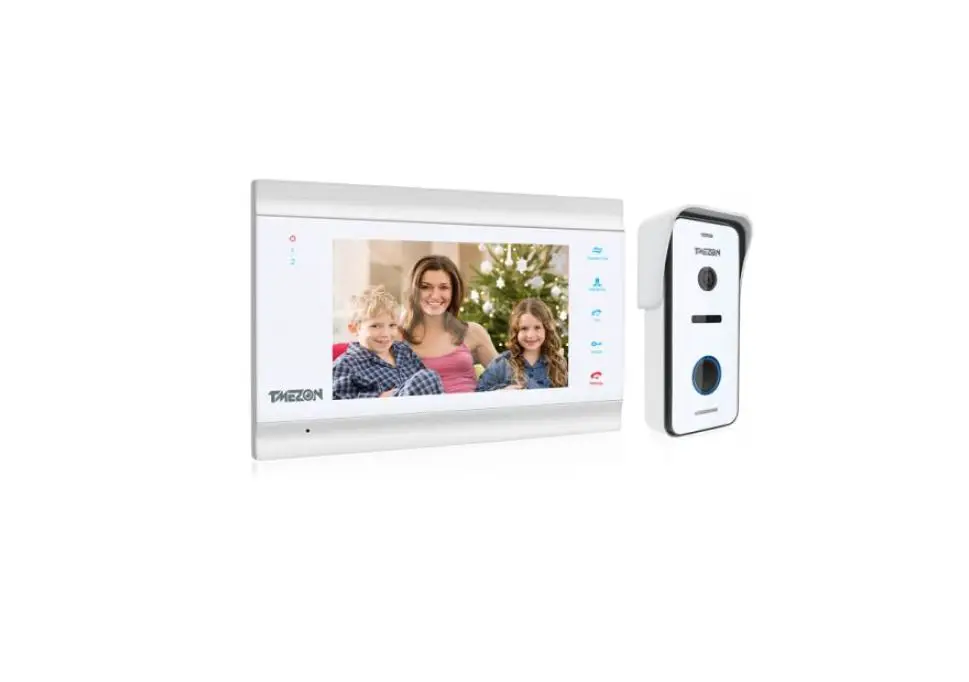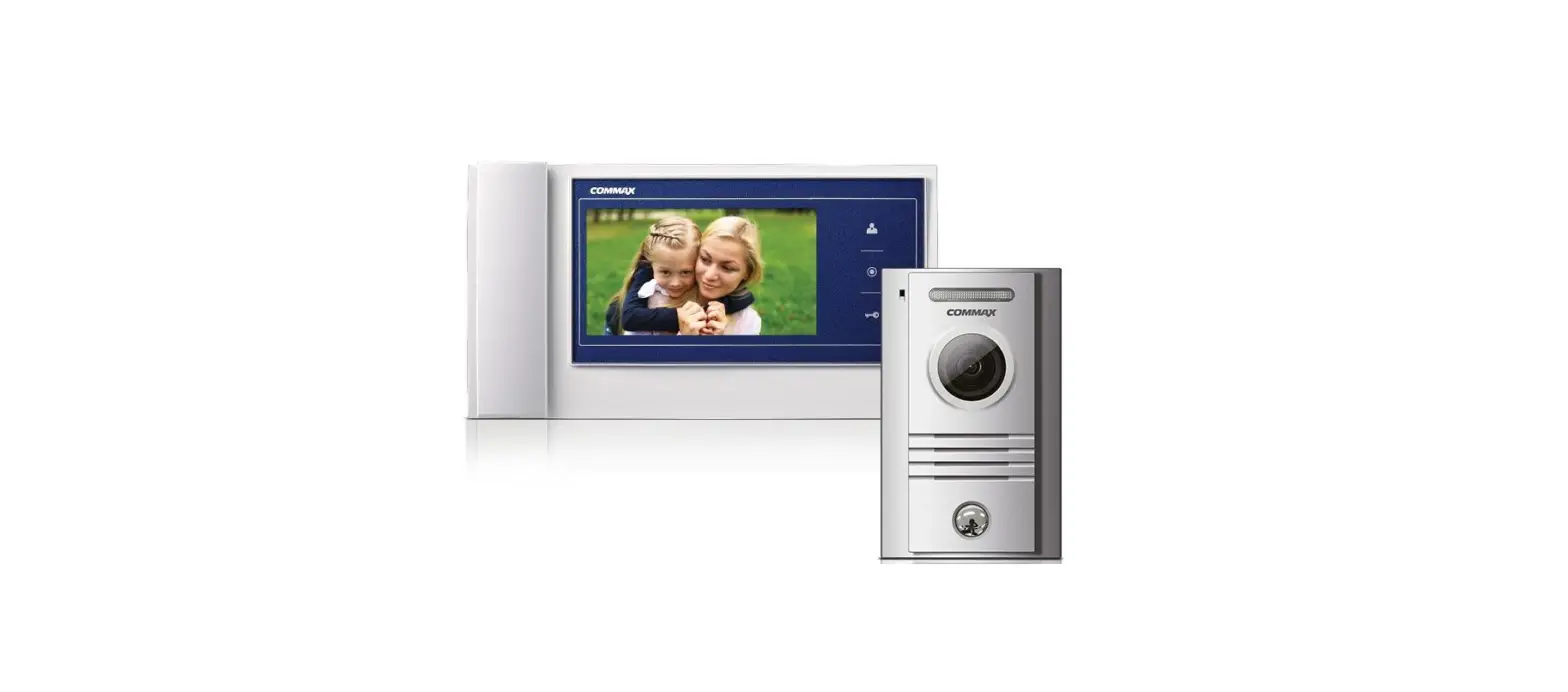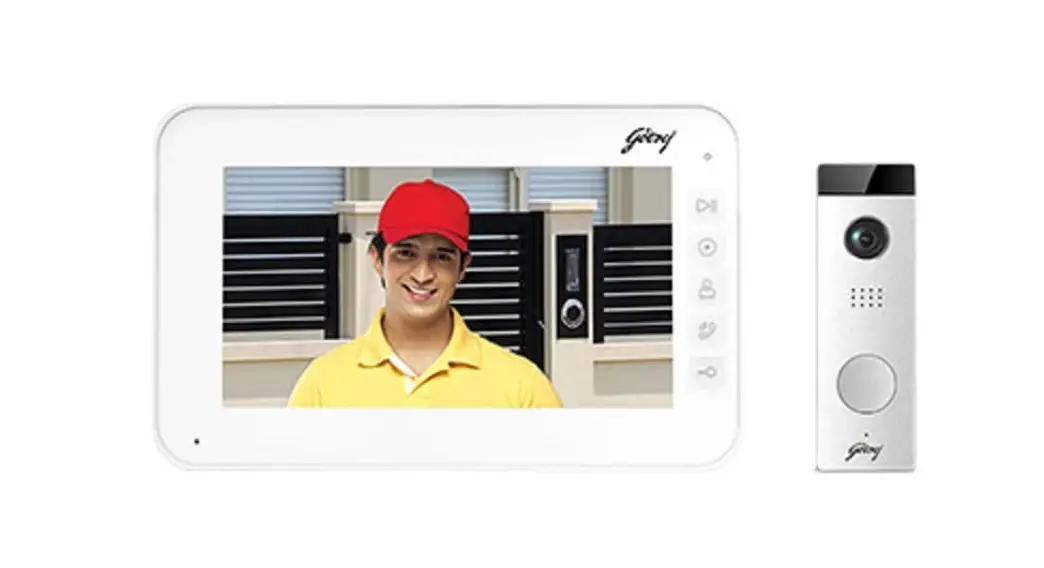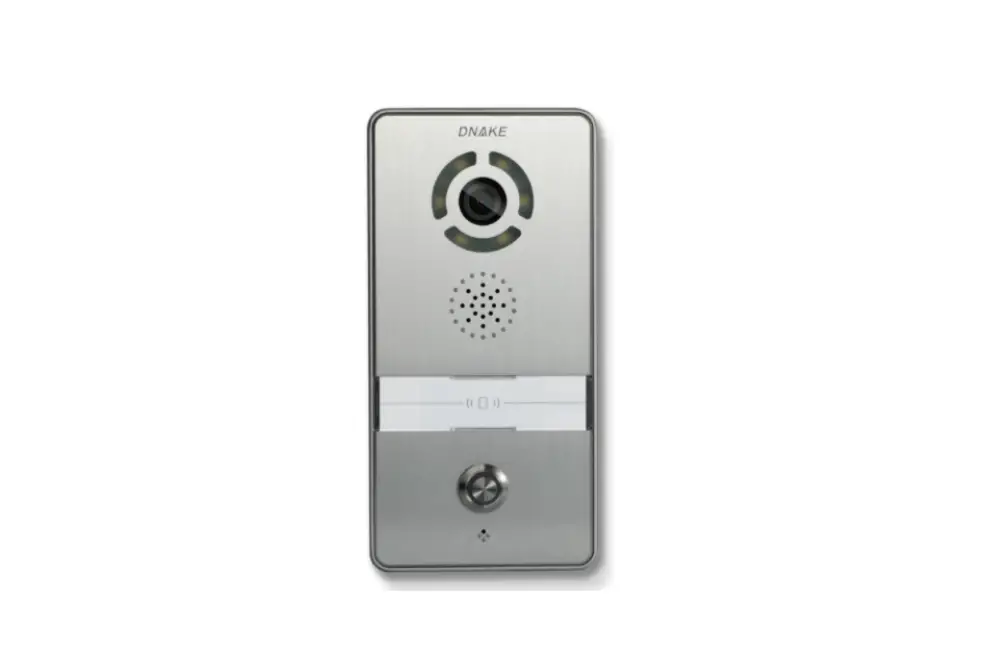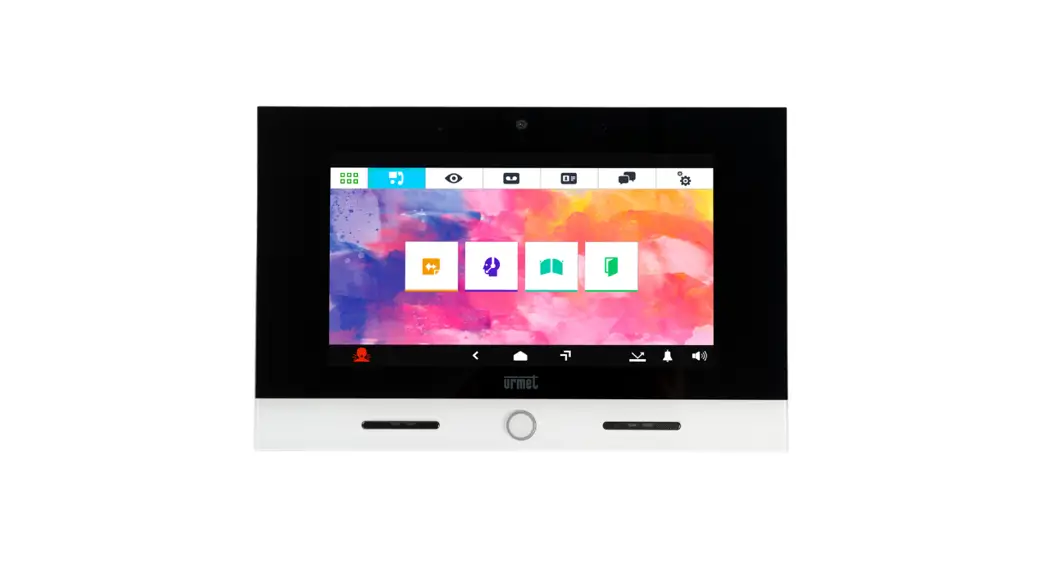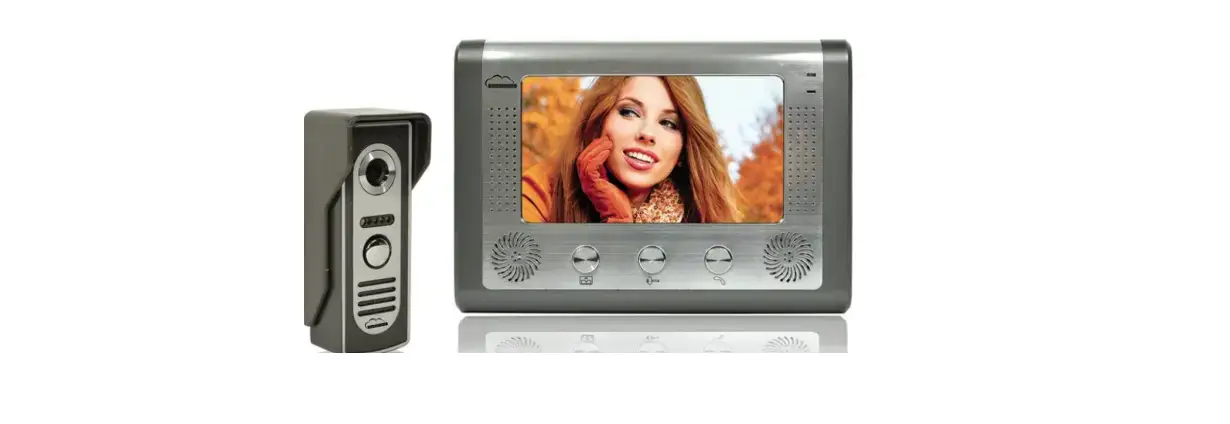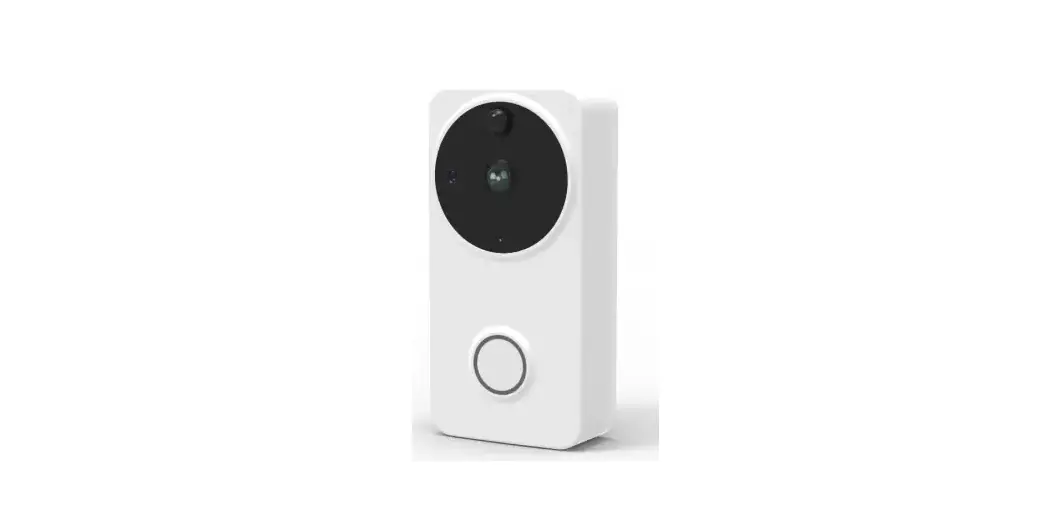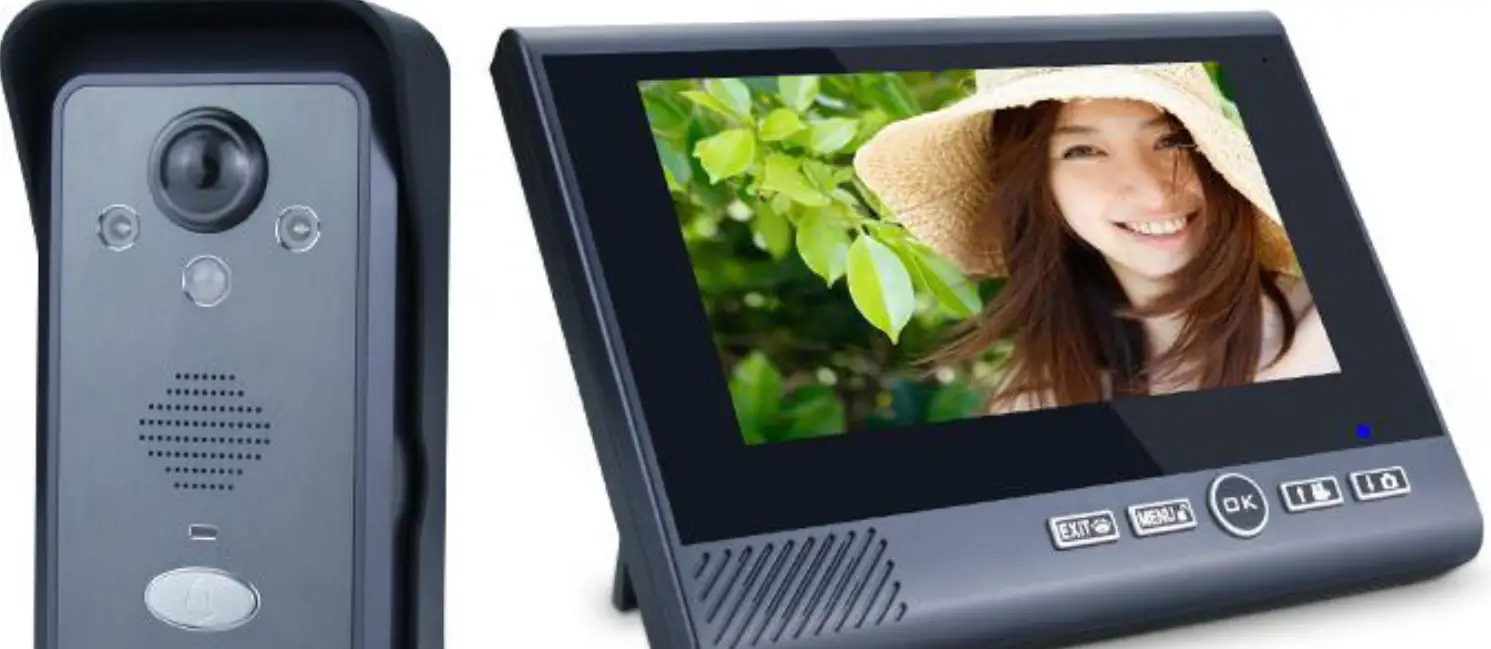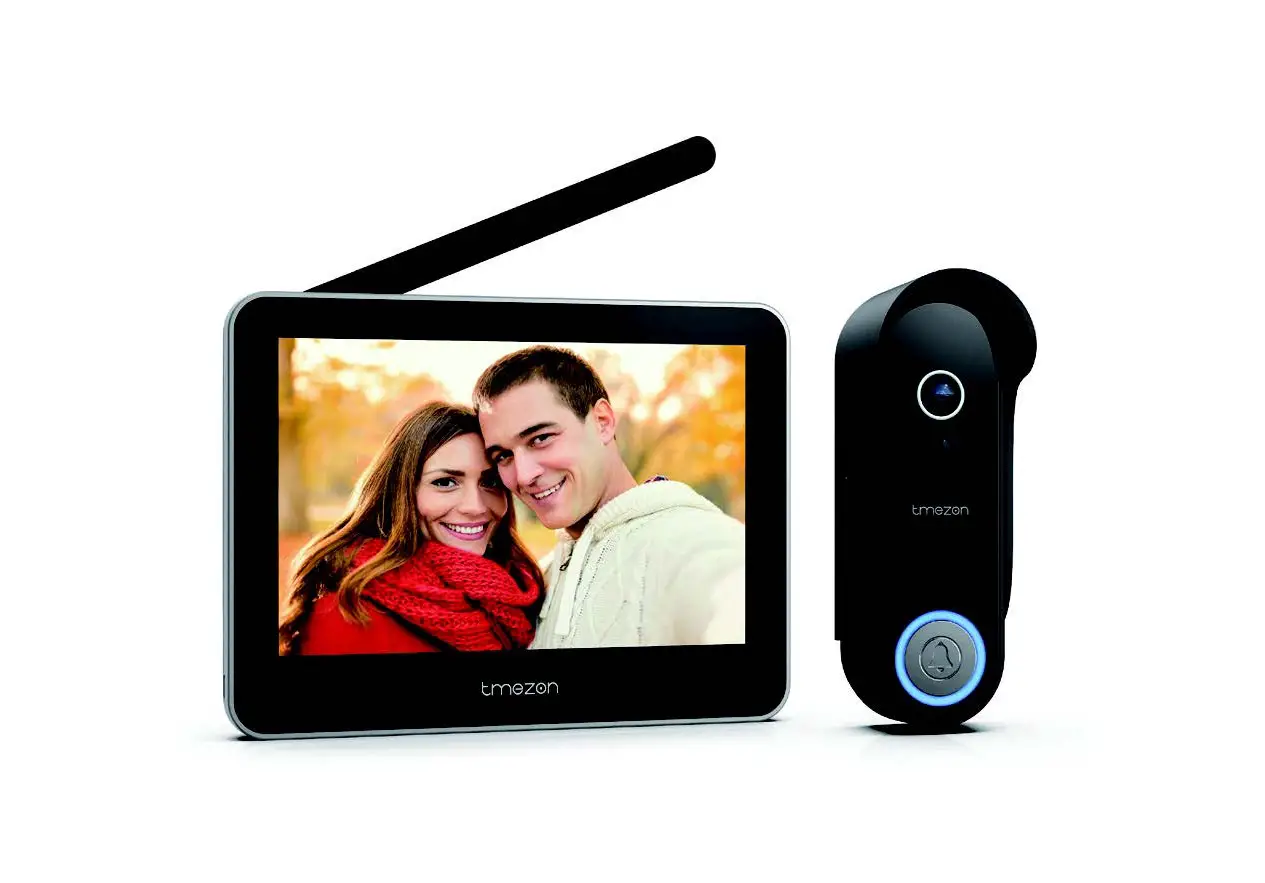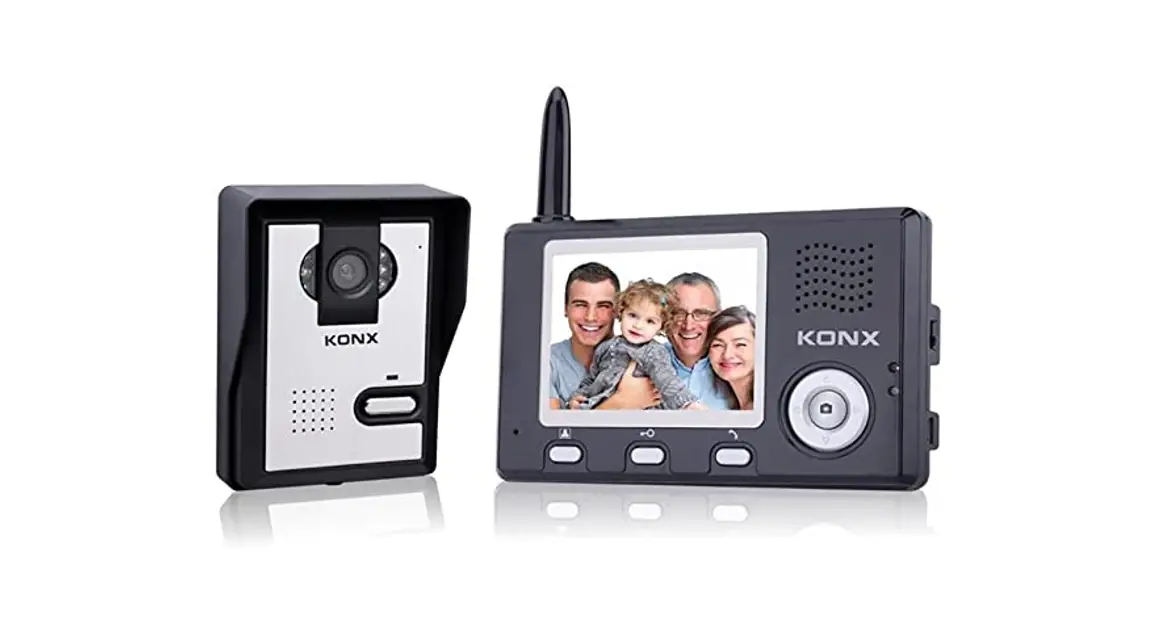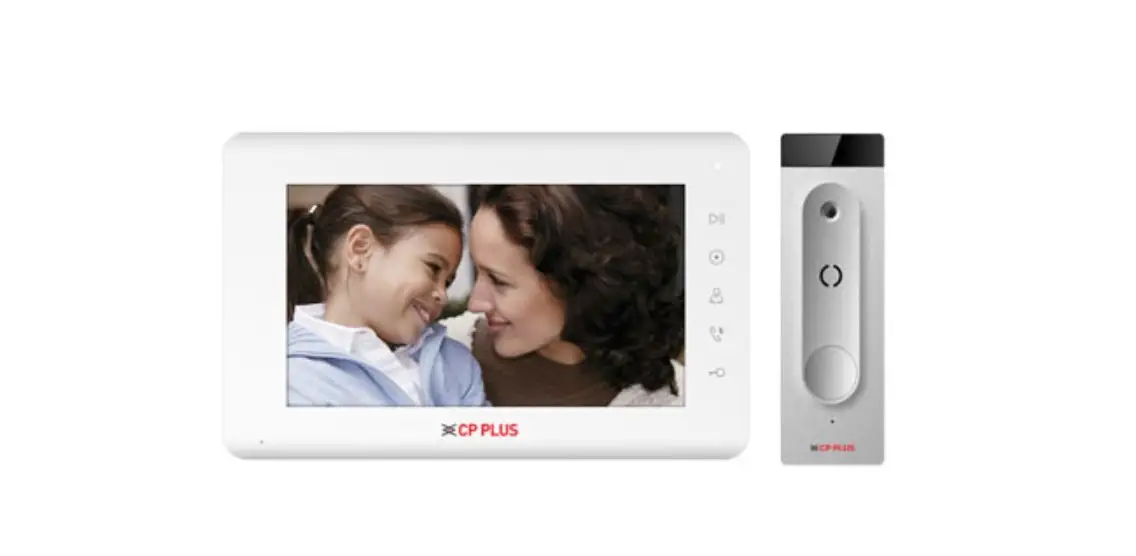
CP PLUS CP-PVK-70MTH1 Video Door Phone User Manual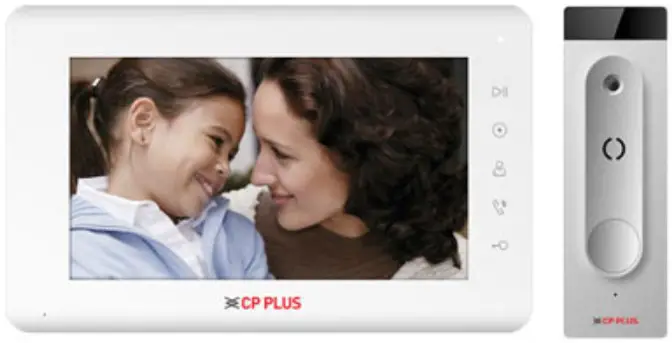
Welcome
Thank you for purchasing CP PLUS Video Door Phone!This user’s manual is designed to be a reference tool for VDP system. Please open the accessory bag to check the items one by one in accordance with the list below. Contact your local retailer ASAP if something is missing or damaged in the bag.
Introduction
Video Door Phone is an intercom system that is used to make calls from the entrance of a building to communicate with visitors without any physical interaction and engage with them only if you wish to. Video Door Phones not only increase home security, but also provide convenience.
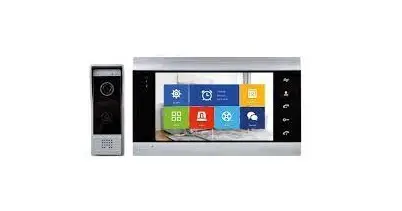
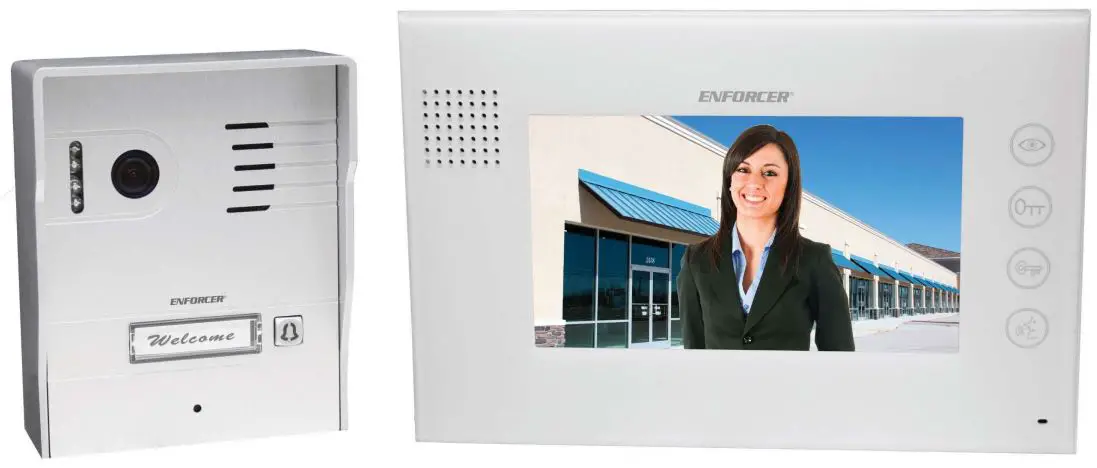
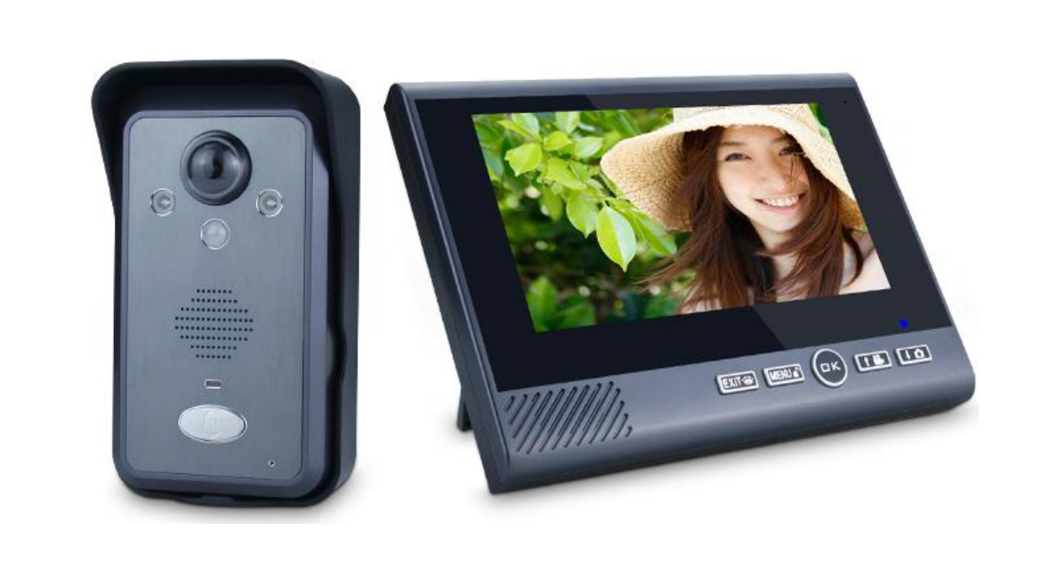
The VDP system has and outdoor unit for visitors and indoor monitor for residents. It provides audio and video connection between the residents and visitors. Release electric door. Higher safety and comfort for residents.
Features & Functions
Monitor
a) 7” color indoor monitor
b) Support 2 door stations and 3 monitors
c) Brightness, color, and contrast adjustable
d) Ring volume adjustable
e) Hands-free
f) Support DC 12V power input
g) Support 5 touch buttons
h) Support intercom network
ib) Support 2 CCTV input and 1 video-out to TV or DVR
j) OSD menu and 6 melodies adjustable
k) Door lock release
l) Do not disturb function
m) Automanual picture recording
Outdoor Panel
a) Pinhole color camera
b) 4 Wires in polarity
c) Door lock release
d) IR LED for night vision
e) Surface mounted
Specifications Monitor unit
| Category | Specification |
| TFT LCD | 7-inch digital TFT LCD |
| LCD resolution | 800(RGB)*480 |
| Connection with camera | Support two 4-wire outdoor stations and two 2-wire CCTV |
| Input power | DC:12V/2A |
| Power consumption | Max:7W Standby:1.5W |
| Dimensions(mm) | 205(W)×128(H)×18(D) |
Specification Outdoor Panel
| Category | Specification |
| Camera Resolution | 700 TVL |
| IR LED | 4 nos. |
| Wiring | 4 Wire Monitor/2 Wire Electronic lock |
| Operation temperature | 205(W)×128(H)×18(D) |
| Dimension (mm) | 124(H)×40(W)×25(D) |
VDP (Video Door Phone) Content
- Outdoor Panel

- Monitor
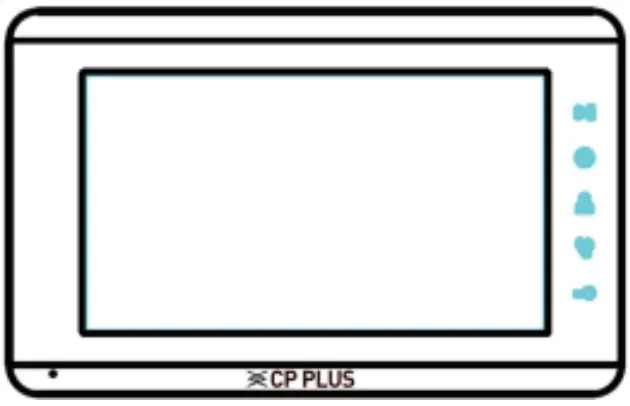
- Power Adapter

- User Manual
Hardware Description
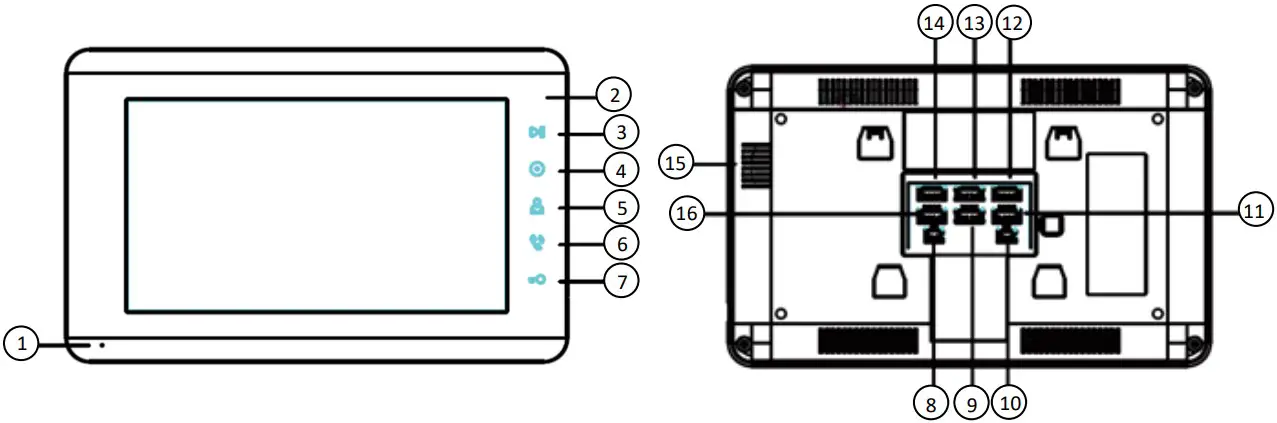
| No. | Part Name | Description |
| 1 | MIC | Microphone |
| 2 | Power Indicator | Power LED Light for different functions |
| 3 | Menu/Storage Button | Monitoring interface used for menu; standby interface usedfor storage photo/video browsing |
| 4 | Intercom Button | Intercom Button between indoor monitors |
| 5 | Monitor Button | Button for monitoring outdoor panel and CCTV camera |
| 6 | Talk Button | Button for talking with visitor |
| 7 | Unlock Button | Button for unlocking the door |
| 8 | CCTV-OUT | Used for connecting to TV or DVR |
| 9 | Intercom Connector 1 | Intercom connector for another monitor |
| 10 | DC Power Input | 12V DC input |
| 11 | Intercom Connector 2 | Intercom connector for another monitor |
| 12 | CAM2 Connector | To connector outdoor panel |
| 13 | CAM1 Connector | To connect 2nd outdoor panel |
| 14 | CCTV1 Connector | To connect analog CVBS camera |
| 15 | Speaker | Speaker |
| 16 | CCTV2 Connector | To connect 2nd analog CVBS camera |
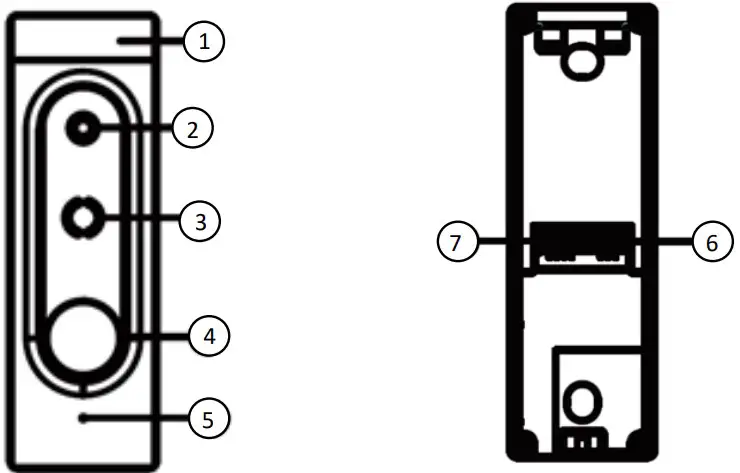
| No. | Part Name | Description |
| 1 | IR LED Light | For night vision |
| 2 | Camera | 700TV high quality camera |
| 3 | Speaker | To get the audio from Indoor monitor |
| 4 | Call Button | To ring call in indoor monitor |
| 5 | Microphone | To send audio to Indoor monitor |
| 6 | Terminal for Electronic Lock | To connect electronic lock |
| 7 | Terminal for Indoor Monitor | To connect indoor monitor with outdoor panel |
Operation of the video door phone
a) Visitors press the call button of the outdoor panel to call the monitor. To accept the call, press Talk button on the video monitor. Talking time lasts for 60s.
b) Below is the button description for indoor monitors
c) To talk between the monitor and camera unit, please press
- To Intercom with the slave monitor, please press
- To monitor the outdoor panel, please press
- To control an electric door release, please press
Installation
Indoor Monitor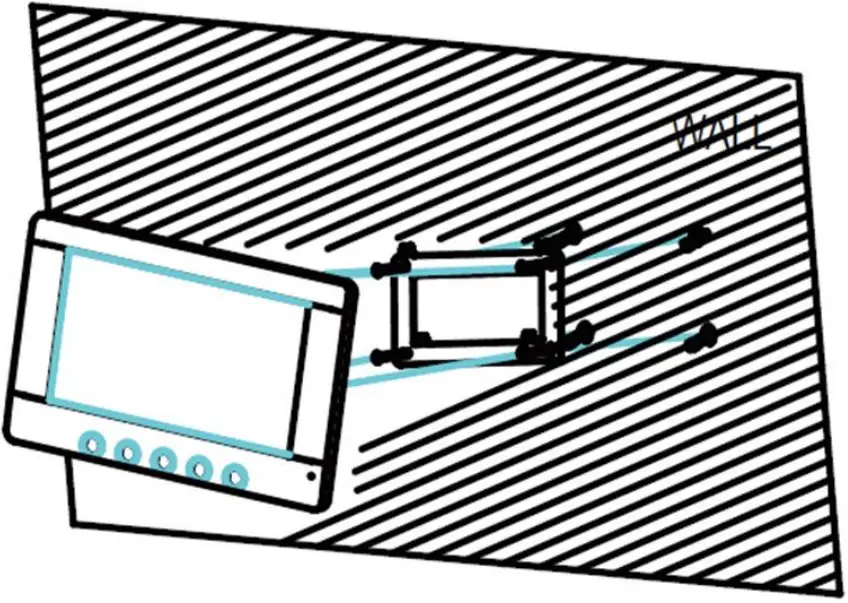
Outdoor Panel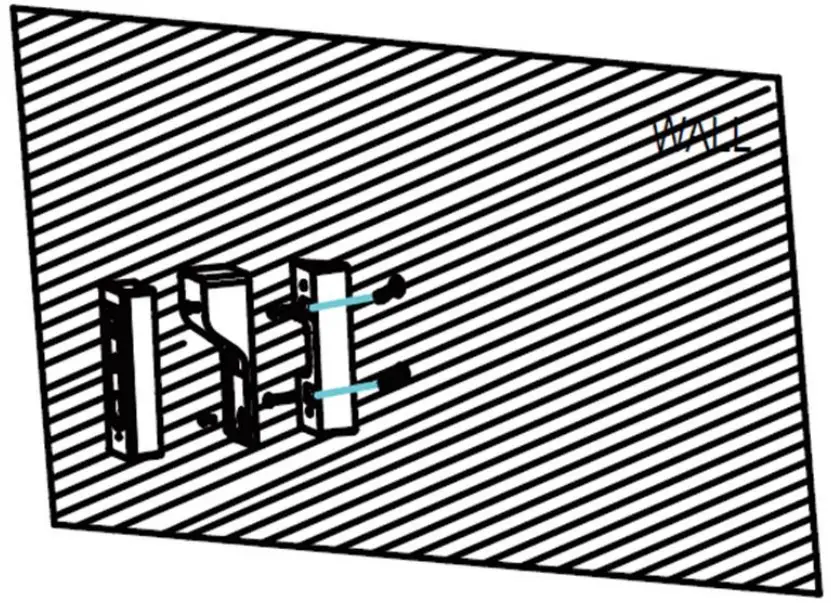
a) Choose a suitable location to install the system, it is recommended to fix the monitor at the user-eyes height between 145cm and 160cm.
b) Mark the holes of the frame on the wall and drill the holes.
c) Drill the hole into the wall in the center of the bracket for cables go through the wall.
d) Fix the bracket with extension pipe and screws.
e) The outdoor panel should be mount at eye level of a person.
Cabling Requirement
a) Video door phone system uses 4 core cables. Cable should be used according to different distance requirement from outdoor panel to indoor monitor. In the areas with high possibility of interference it is recommended to use a 75ohm coaxial for connection for better video signal.
| RVV4 (mm) | 0.3 | 0.5 |
| Distance (mm) | 30 | 50 |
Precautions
a) Do not place the monitor to the TV-set or into environment with high temperature and damp place.
b) Do not take apart outdoor unit or any parts of the video system.
c) Protect the lens of outdoor camera unit from direct sun light to avoid pale picture on the monitor.
d) Do not use the equipment when with vibrations environment. Protect the equipment from falls.
Website: – www.cpplusworld.com
Email id: – [email protected]; [email protected]

 CP Plus: Advanced Security & Surveillance Solutions