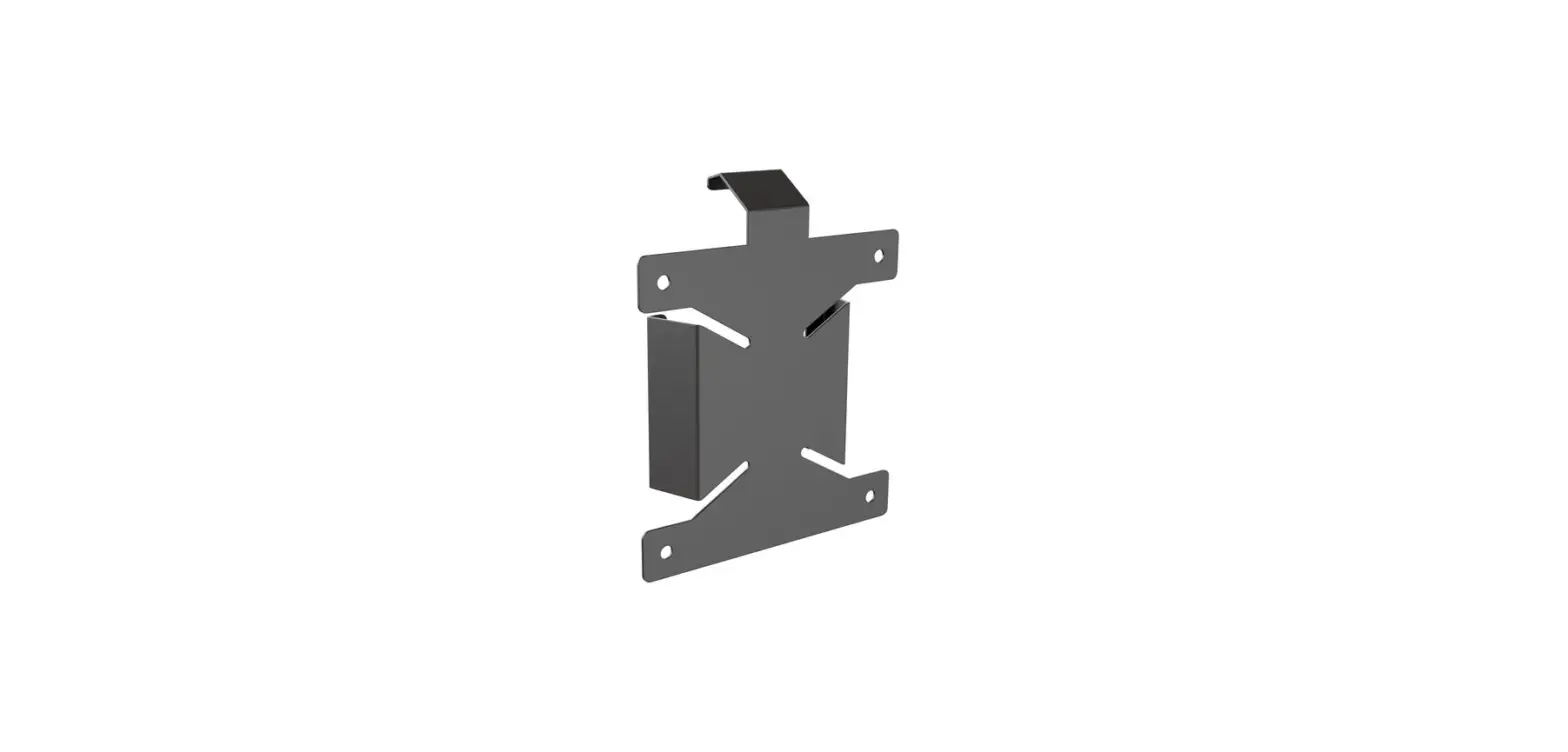

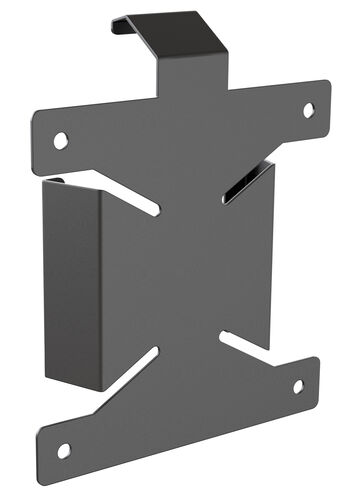
iiyama MD BRPCV07 Bracket
OVERVIEW
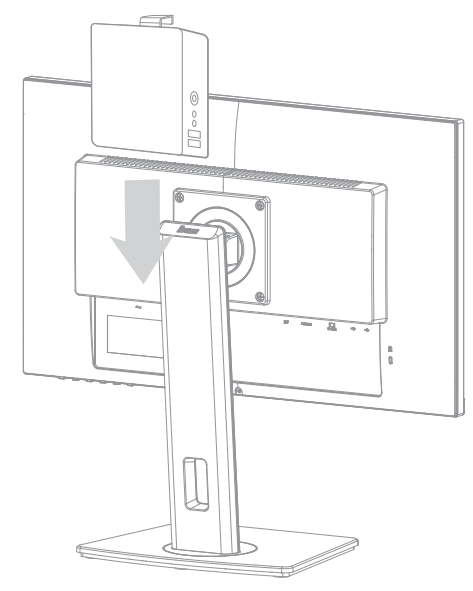
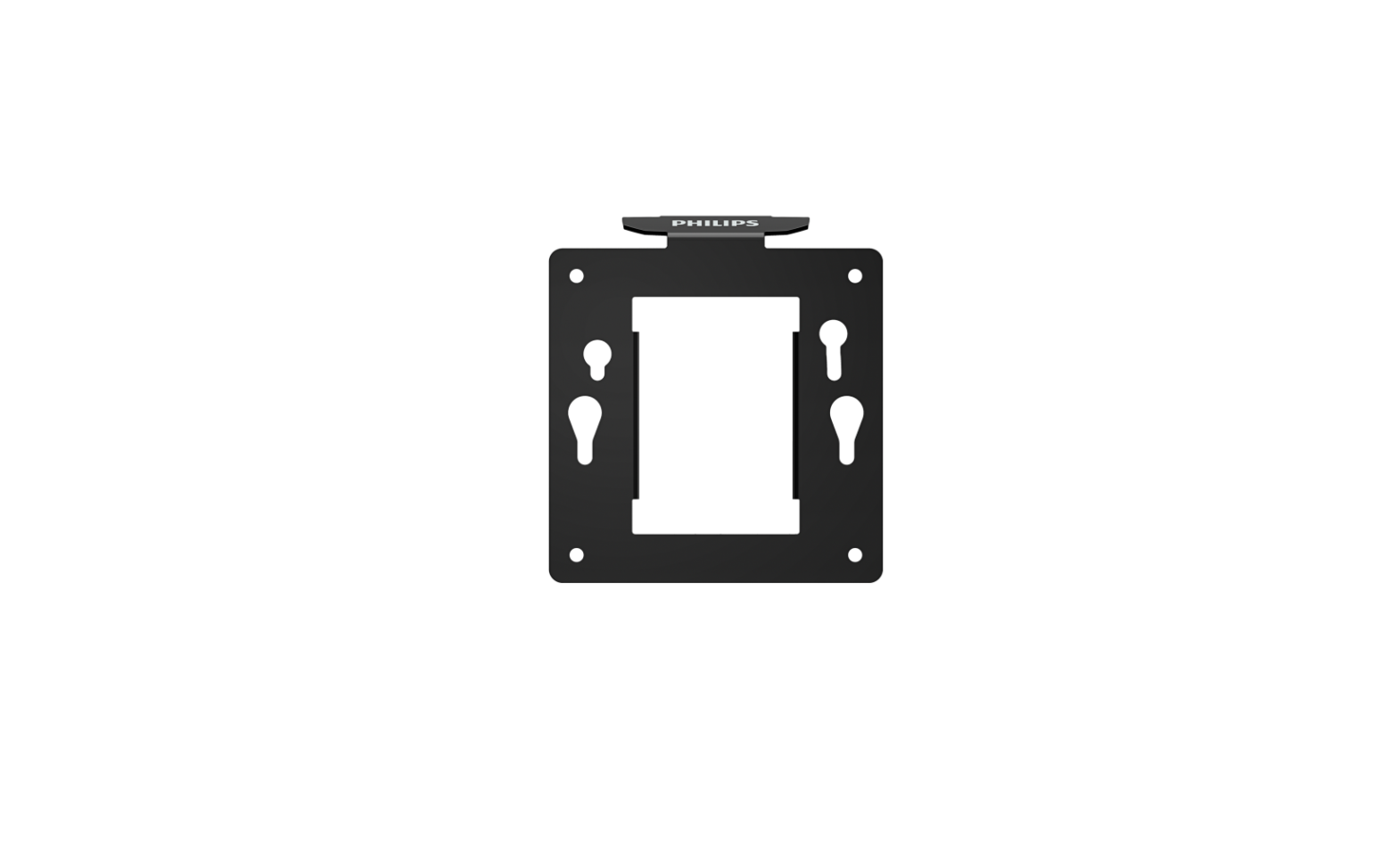
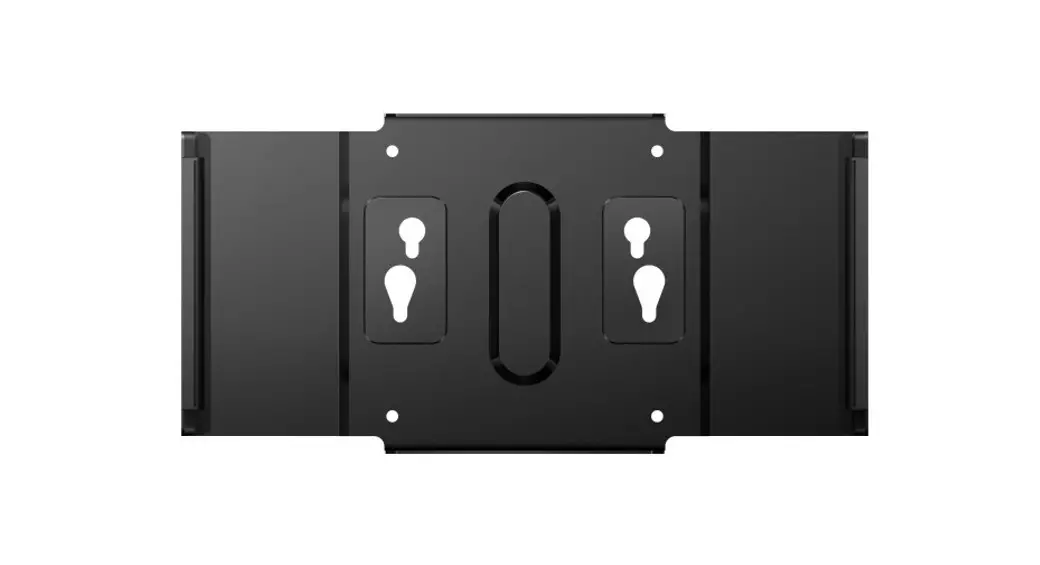
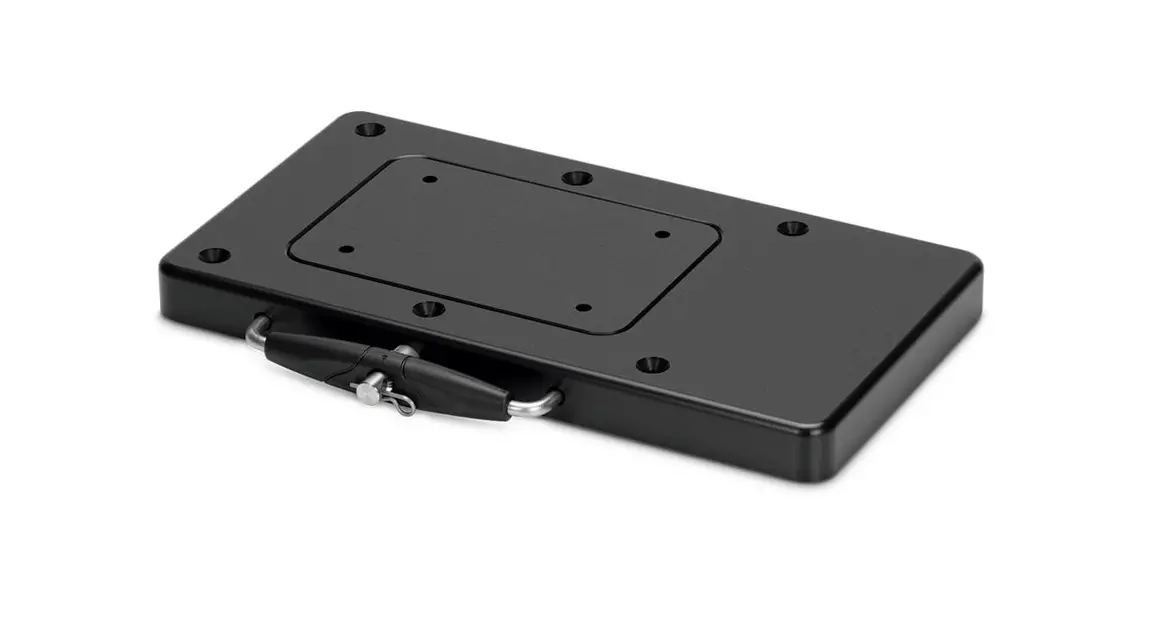
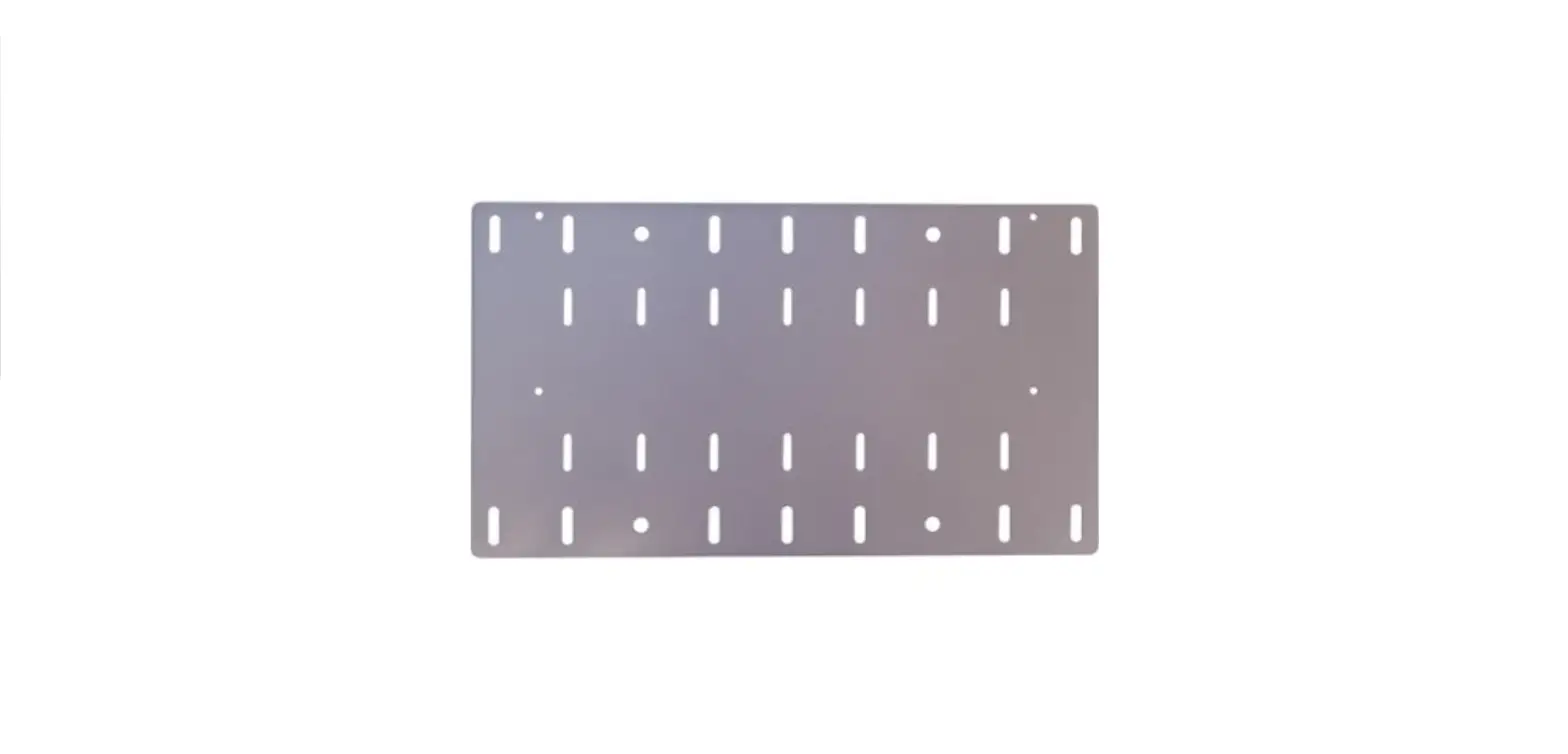
The MD BRPCVO7 bracket allows for easy installation of a small form factor device to the back of a compatible height adjustable iiyama monitor Your device can be mounted either directly to the bracket (option 1) or requires the use of an additional plate/bracket which is mounted to the MD BRPCv07 bracket (option 2).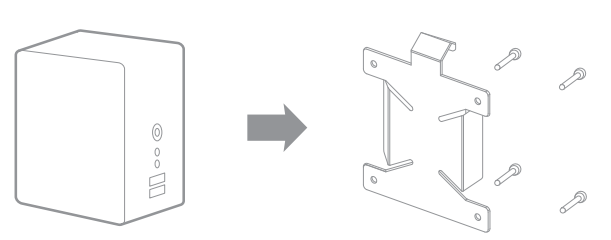
Option 1: For VESA* compatible devices.
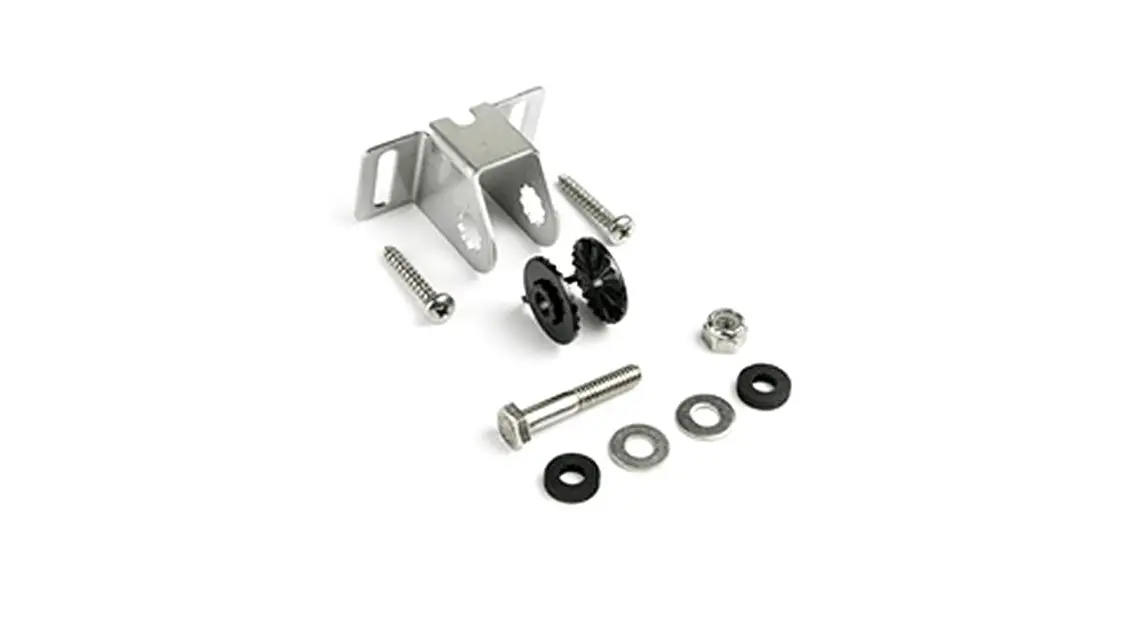
Put the device and the bracket together, aligning the positions of the holes. Screw the two together using the screws supplied.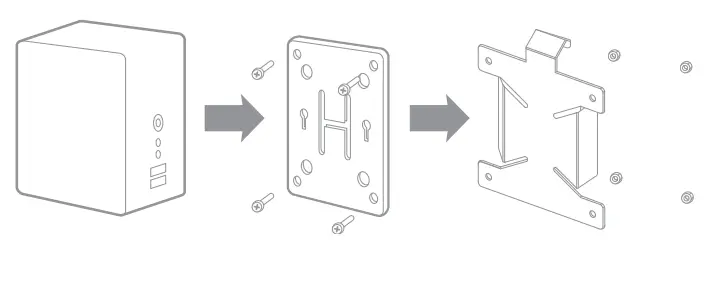
Option 2: For devices supplied with VESA* compliant bracket.
Mount your VESA-compliant bracket to the MD BRPCV07 bracket and then attach your device to the set.