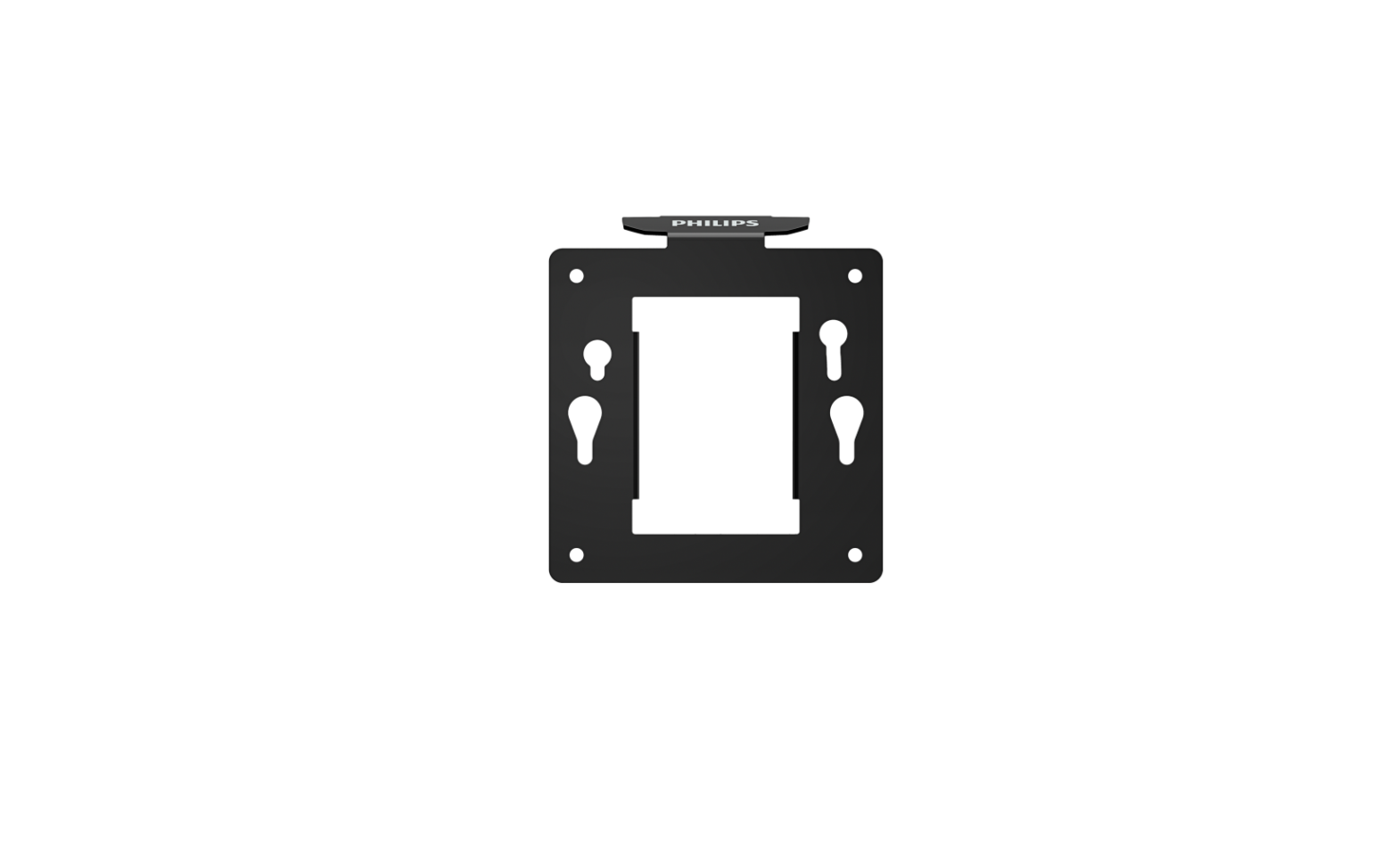
PHILIPS BS8B2325B VESA Bracket User Guide
What’s in the Box
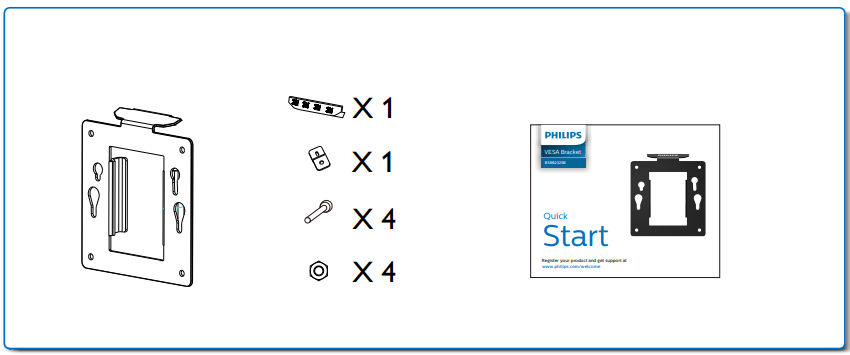
Option
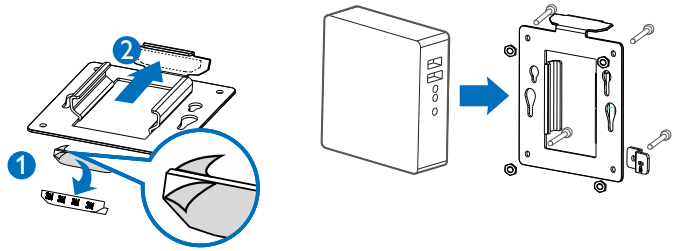
Paste the adhesive foam strip to the VESA bracket under the top side and attach it on the monitor stand.
This is an optional step.
If you don’t want to stick VESA bracket to the monitor stand, go to next step.
Align holes of VESA compliant device with those of bracket and screw up with the screws provided.
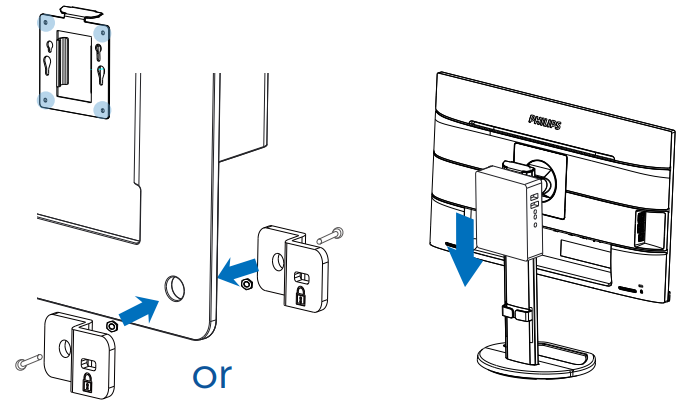
Kensington Lock.
Slide down the bracket with mounted device into Philips Height Ajustment base.
Register your product and get support at
www.philips.com/welcome
 Product registration | Philips