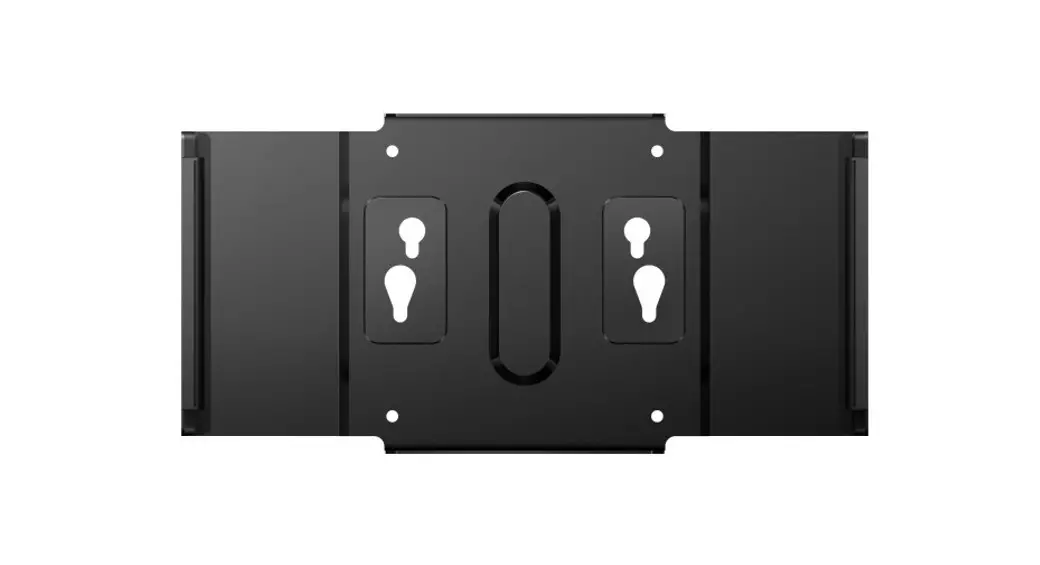
 BS9B2224TB VESA Bracket
User Guide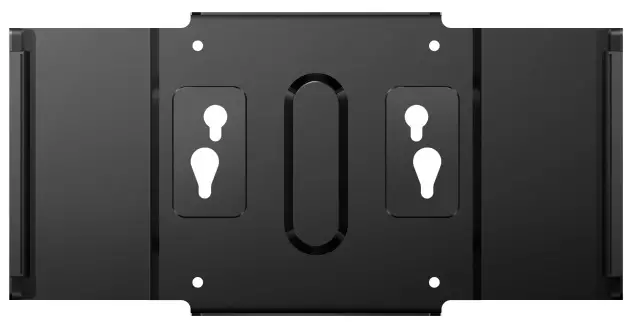
BS9B2224TB VESA Bracket
Register your product and get support at
www.philips.com/welcome
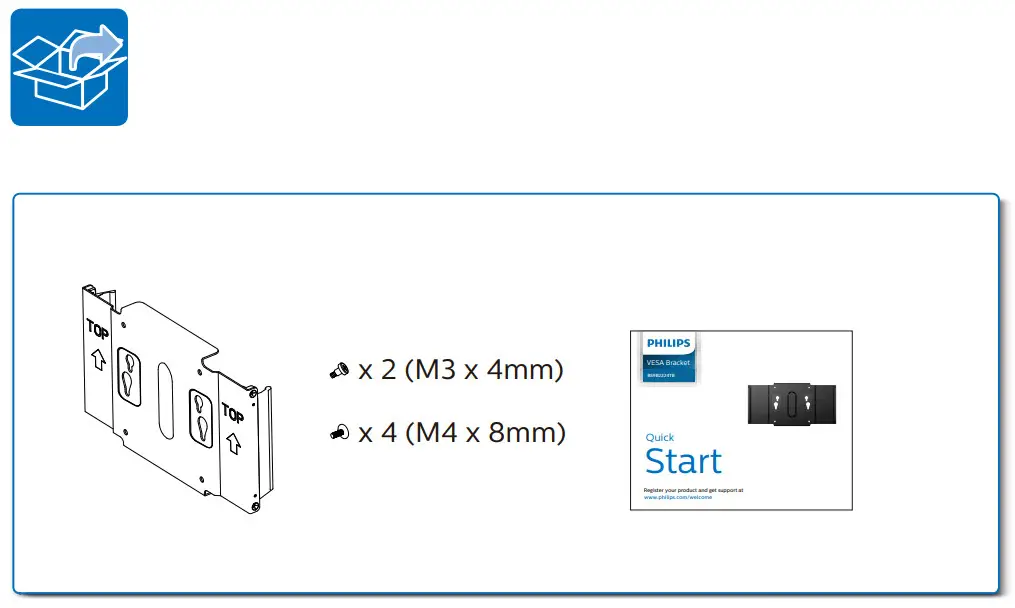
PC:
- Align the holes of VESA compliant device with those of the bracket and screw up with the screws provided.

- Clip the assembled VESA onto the bracket.

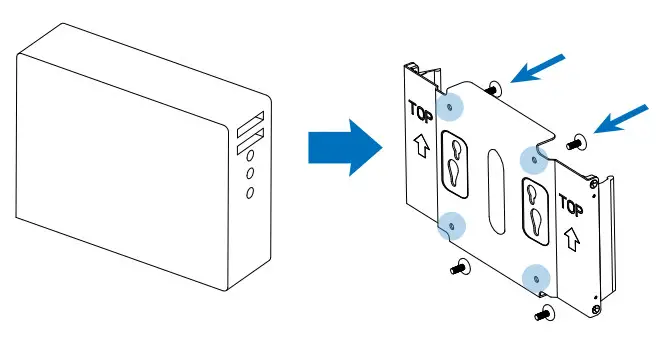
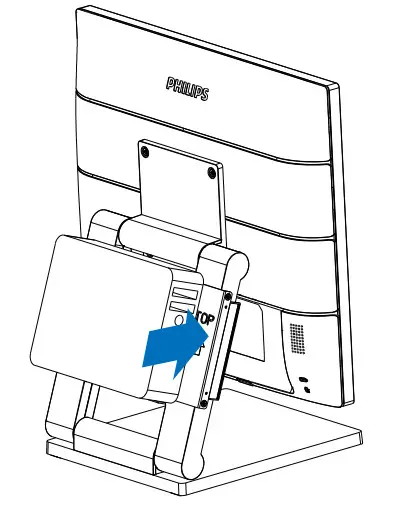
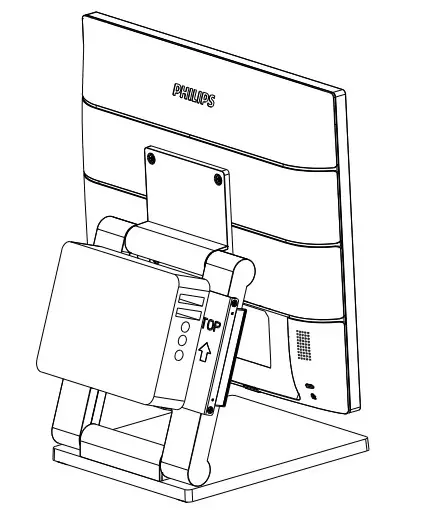
NUC:
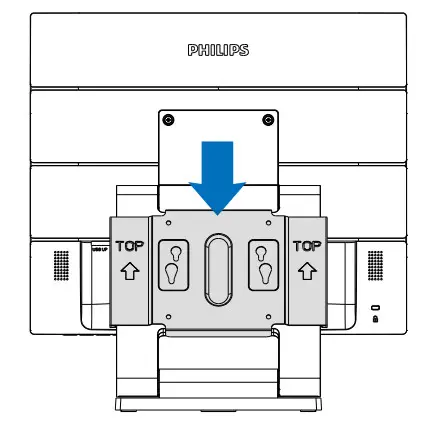
- Follow the arrows indicated on the bracket, then slide the bracket on the stand until it’s fixed.

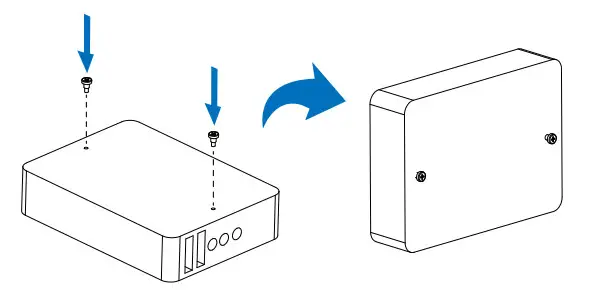
- Secure two screws to the rear cover of the NUC.

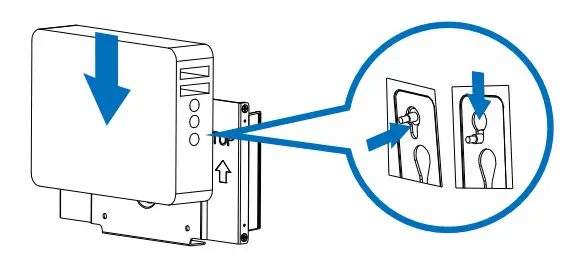
- Slide the screws from up to down.


Version: M9BS9B2224Q1T
 Product registration | Philips