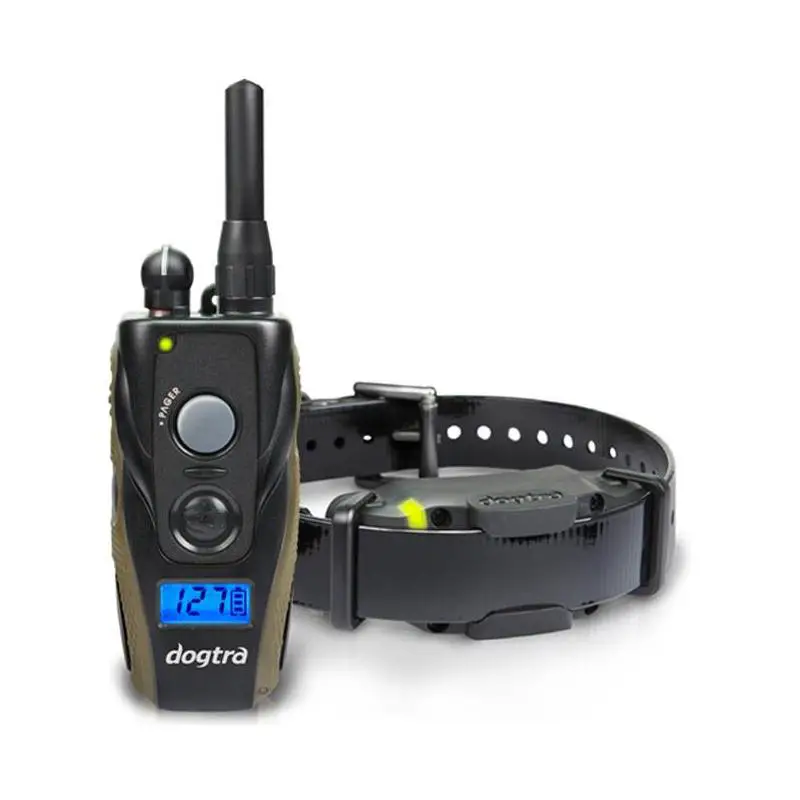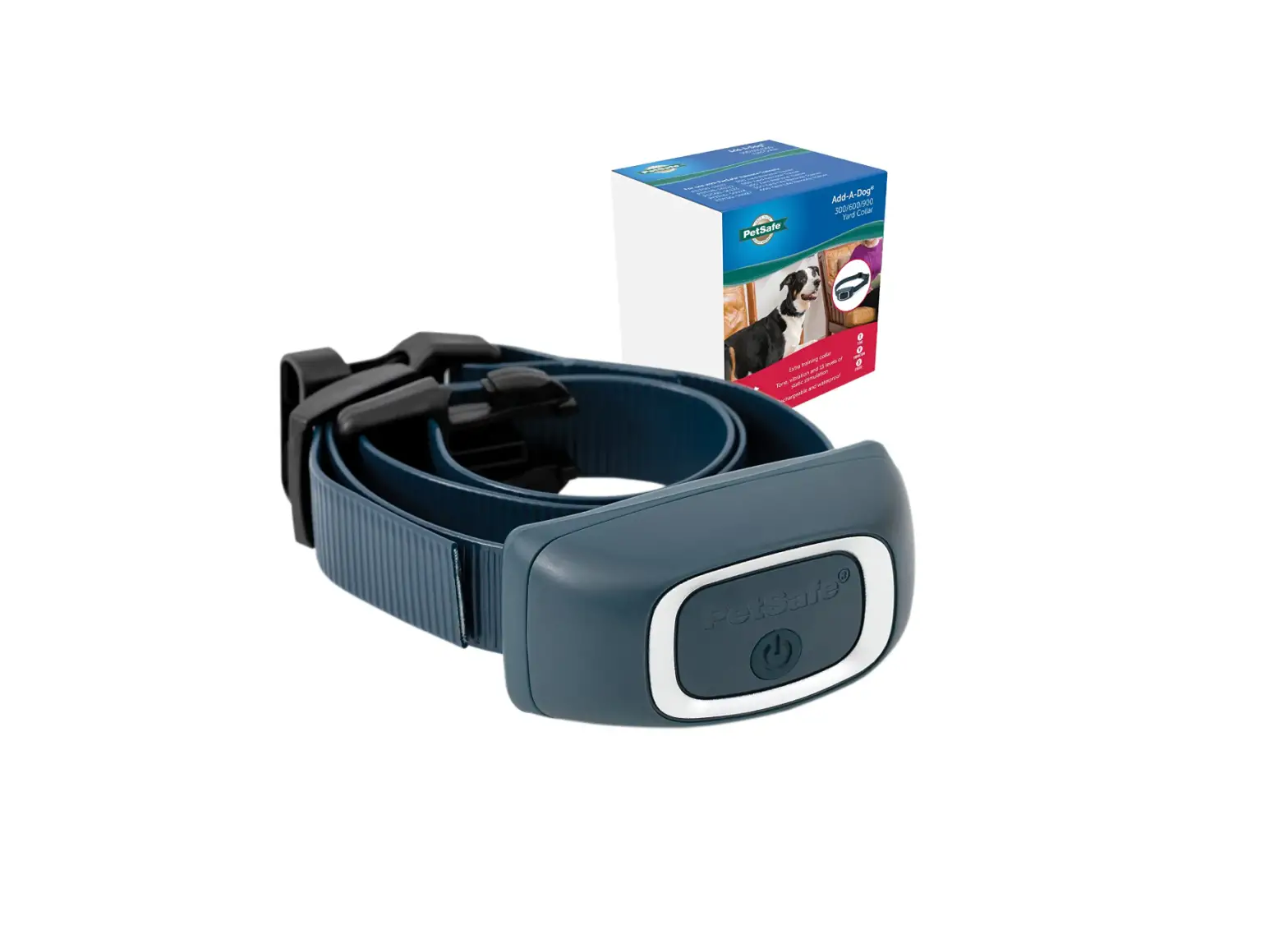
 PetSafe PAC00-16163 Add-A-Dog Remote Training Collar
 PetSafe PAC00-16163 Add-A-Dog Remote Training Collar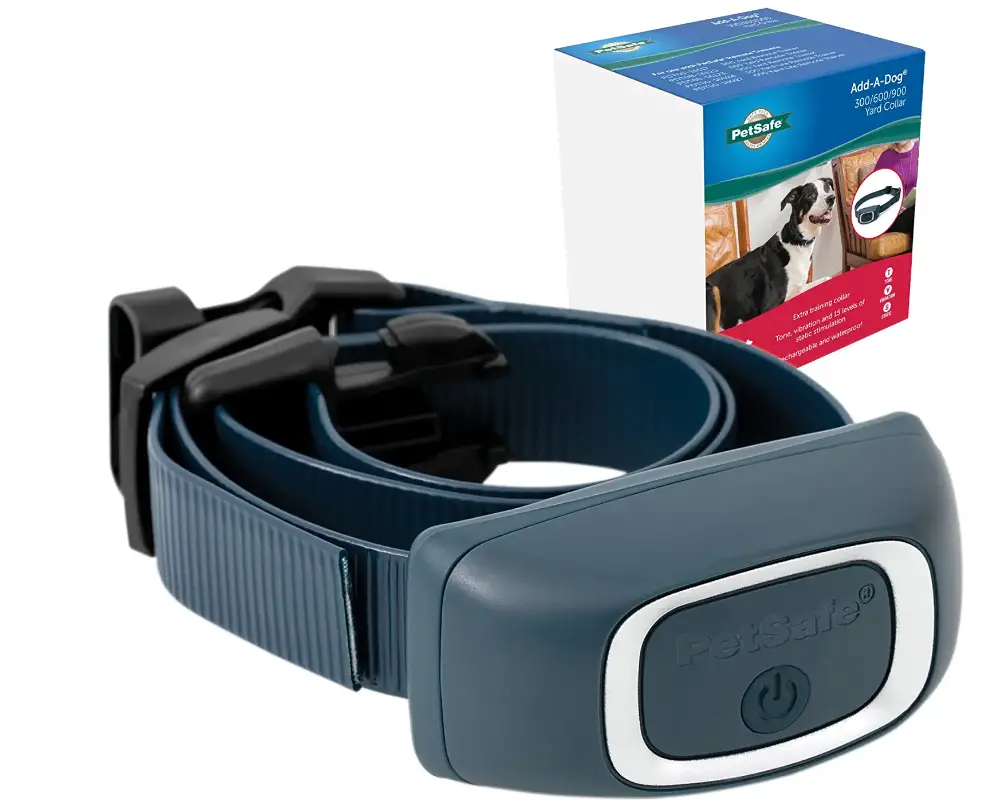
SPECIFICATION
- BRAND: PetSafe
- TARGET SPECIES: Dogs
- PRODUCT DIMENSIONS: 11.25 x 1.38 x 2.67 inches; 1.44 Ounces
- ITEM MODEL NUMBER: PAC00-16163
- BATTERIES: 1 Lithium Ion battery
- COLOR: Blue
- WATERPROOF: submersible up to 5 feet
- NECK SIZE: up to 28″
- RANGE: 300 yard
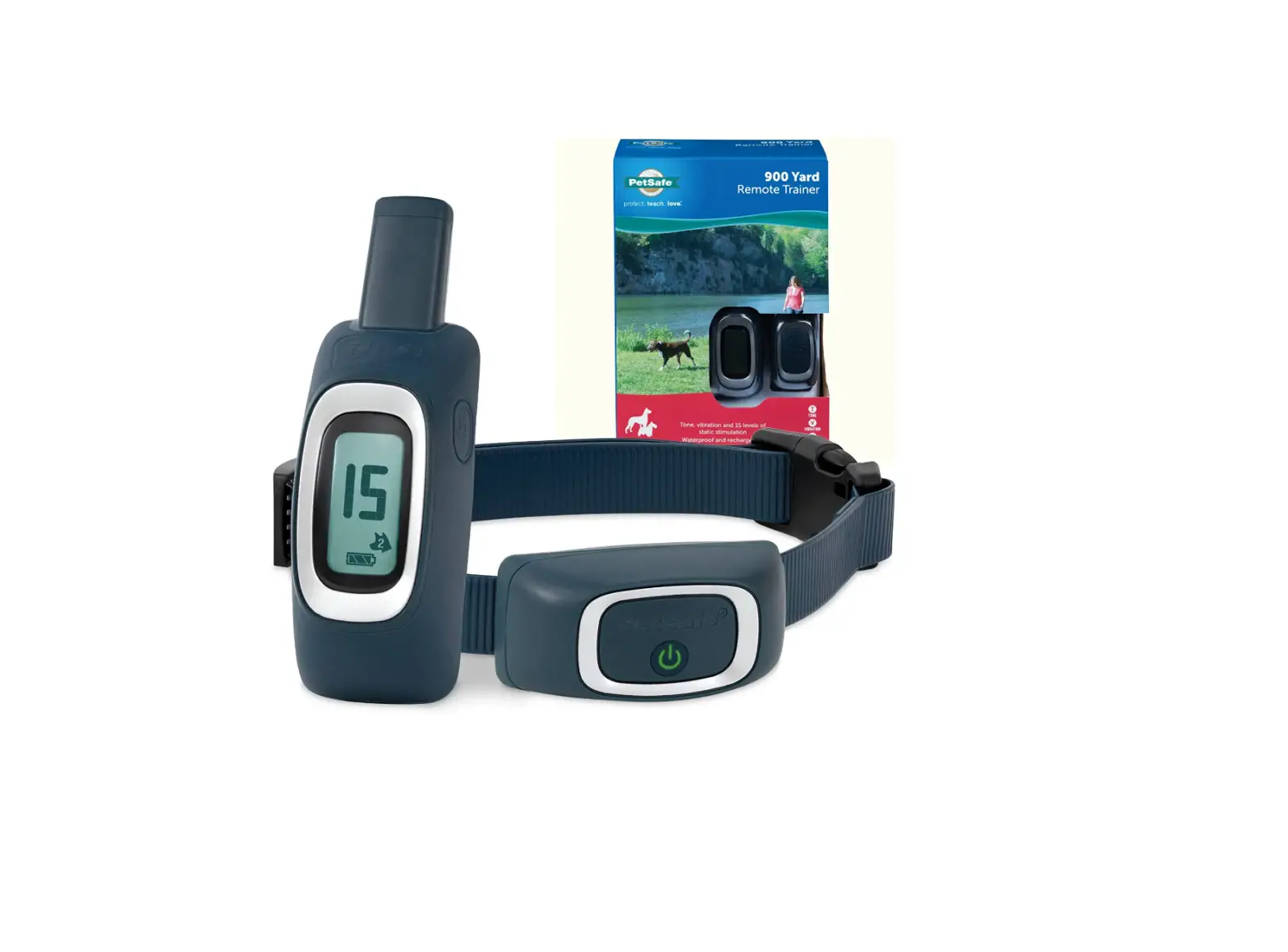
Compatible with the PDT00-16117, PDT00-16120, PDT00-16123, PDT00-16024, and PDT00-16027 PetSafe Remote Trainers. includes tone (beep), vibration, and 1–15 levels of static stimulation, making a total of three separate stimulation kinds. utilizes a USB cord to charge (included). Not for puppies younger than six months old. waterproof up to five feet. has a quality coated strap that adjusts to fit neck sizes up to 28″. If you have any questions, our pet product experts are accessible by phone, email, or chat to assist you and your pet. Since 1998, the PetSafe brand has earned a reputation as a reliable global leader in advancements in pet behavior, containment, and lifestyle.
IMPORTANT SAFETY INFORMATION
EXPLANATION OF ATTENTION WORDS AND SYMBOLS USED IN THIS GUIDE
This is the safety alert symbol. It is used to alert you to potential personal injury hazards. Obey all safety messages that follow this symbol to avoid possible injury or death.
WARNING indicates a hazardous situation which, if not avoided, could result in death or serious injury.
CAUTION, used with the safety alert symbol, indicates a hazardous situation which, if not avoided, could result in minor or moderate injury.
CAUTION, used without the safety alert symbol, indicates a hazardous situation which, if not avoided, could result in harm to your pet.
WARNING:
- Do not use this product if your dog is prone to aggressive behavior. Aggressive dogs can cause severe injury and even death to their owner and others. If you are unsure whether this product is appropriate for your dog, please consult your veterinarian or a certified trainer.
CAUTION:
- It is vitally important that you and your pet remain safe while learning during on-leash training. Your pet should be on a strong leash, long enough for him to attempt to chase an object, but short enough for him not to reach a road or other hazard. You must also be physically strong enough to restrain your pet when he tries to chase.
- This pet training device is not a toy, keep away from children.
- A collar worn for too long or made too tight on the pet’s neck may cause skin damage ranging from redness to pressure ulcers. This condition is commonly known as bed sores.
- Avoid leaving the collar on the dog for more than 12 hours per day.
- When possible reposition the collar on the pet’s neck every 1 to 2 hours.
- Regularly recheck the fit to prevent excessive pressure; follow the instructions in this quick start guide
- You may need to trim the hair in the area of the contact points. However, never shave the dog’s neck; this may lead to a rash or infection.
- Never connect a leash to a collar with contact points. It will cause excessive pressure on the contact points.
- When connecting a leash to a separate collar, do not allow it to put pressure on the training collar.
- Wash the dog’s neck area and the contacts of the collar weekly with a damp cloth.
- Examine the contact area daily for signs of a rash or a sore. If a rash or sore is found, discontinue the use of the collar until the skin has healed.
- If the condition persists beyond 48 hours, see your veterinarian.
- For additional information on bed sores and pressure necrosis, please visit our website.
This product is only for use with healthy pets. If you’re not certain that your pet is in good health, we recommend that you take your pet to a veterinarian before using this product.
CHARGE THE TRAINING COLLAR AND REMOTE
Excessive charging can shorten battery life. Only charge your remote or collar when the batteries are low.
- Plug in and fully charge the remote and receiver collar. This can take up to 5 hours.
- When fully charged, the green LED on the collar will turn off, and the battery meter on the remote will stop cycling and appear full.
- When the collar and remote are charged, replace their rubber covers.
TO TURN THE TRAINING COLLAR ON
- Press and hold the on/off button until you hear a low to high beep and the green LED appears, and then release.
NOTE: The handheld remote is always on, and the display will appear when any button is pressed.
TO TURN THE TRAINING COLLAR OFF
- Press and hold the on/off button until the collar beeps high to low, and then release. The red LED will be illuminated during the button press and will turn off when the collar turns off.
QUICK TIP: When you’re not using the collar, you’ll want to turn it off to increase the battery life.
TEST THE REMOTE TRAINER
We recommend you experience firsthand how static stimulation functions. Always begin at the lowest level, and increase the intensity up to your personal comfort level.
- Place one finger over both contact points of the training collar.
- Hold your remote approximately 2 ft. from the training collar. Starting at level 0, press the vibration button continuously for 1 to 2 seconds. You should feel continuous vibration. There is only one level of vibration.
- Increase the level to 1 for static stimulation. At this level you may not feel the stimulation. NOTE: Continuous stimulation will transmit for no more than 10 continuous seconds. To reactivate, release and repress the button.
- Increase the level until the sensation begins to feel uncomfortable.
SYMBOL
TONE SYMBOL: Delivers a tone with non-adjustable volume to the collar.
VIBRATION SYMBOL: Sends 1 non-adjustable level of vibration stimulation to the collar.
STATIC SYMBOL: Delivers up to 15 levels of static stimulation to the collar that can be adjusted with the side button.
LOCK SYMBOL: Indicates static stimulation levels 8-15 are locked or unlocked.
BATTERY INDICATOR: Indicates the amount of battery remaining in the remote.
PAIRING A SECOND COLLAR WITH THE REMOTE
NOTE: available on the 300 Yard trainer or higher.
- Use the Dog 1/2 button on the remote to select Dog 2. With the remote turned on and the collar turned off, press and hold the on/off button on the collar.
- After about 5 seconds the LED on collar will turn off indicating that it is ready for pairing.
- Press either of the top 2 stimulation buttons. The collar LED will blink 5 times to indicate successful pairing.
FIT THE TRAINING COLLAR
IMPORTANT: The proper fit and placement of your training collar is important for effective operation. The contact points must have direct contact with your dog’s skin on the underside of his neck.
- Start with the collar turned off and your dog standing comfortably, not sitting (A).
- Place the collar on your pet so that the PetSafe® logo is right side up and the collar is directly under your dog’s chin. Center the contact points underneath your dog’s neck, touching the skin (B). NOTE: It is sometimes necessary to trim the hair around the contact points to make sure that contact is consistent.
- Check the tightness of the collar by inserting one finger between the end of a contact point and your dog’s neck (C). The fit should be snug but not constricting.
- Allow your dog to wear the collar for several minutes, then recheck the fit. Check the fit again as your dog becomes more comfortable with the collar.
CAUTION: Do not shave the pet’s neck as this may increase the risk of skin irritation. The collar should not be worn for more than 12 hours out of every 24-hour period. Leaving the collar on too long could lead to skin irritation.
FIND THE BEST STIMULATION LEVEL FOR YOUR PET
IMPORTANT: Always start at the lowest level and work your way up.
The Remote Trainer has 1 tone, 1 vibration, and 15 static stimulation levels. This allows you to choose the stimulation level that is best for your pet. We recommend training with tone and vibration, or the lower levels of static correction when needed. In most cases static levels 1–7 will be adequate for your training needs. Levels 8–15 are locked as a reminder that you are moving to higher stimulation levels.
Once you have placed the training collar on your pet, it is time to find the “recognition level”. The “recognition level” is the stimulation level that your dog begins to notice. It should not make your pet uncomfortable. Your pet should not vocalize or panic when receiving stimulation. If this happens, the stimulation is too high and you need to go back to the previous level.
Follow the steps below to find your pet’s recognition level:
- Choose level 0, and press the upper right button continuously for 1 to 2 seconds.
- If your pet shows no reaction, repeat this several times before moving to static stimulation.
- Choose level 1 and press the upper right button continuously for 1 to 2 seconds.
- If your pet shows no reaction, repeat this stimulation level several times before moving up to the next level.
- Move up through the static stimulation levels until your pet reliably responds to the stimulation. NOTE: The Remote Trainer is preset with the levels 8-15. To unlock, press and hold both the up and down buttons on the left simultaneously.
- If your pet continues to show no response at Level 15, check the fit of the training collar. See “Fit the Training Collar”. You might also want to test it on your hand at a lower level to ensure the collar is working.
If all of these steps have been done and your pet continues to show no reaction to the stimulation, please contact our Customer Care Center.
For troubleshooting, videos on how to train your dog using your PetSafe® Brand training collar, or to download a complete product manual visit PetSafe.com.
OTHER IMPORTANT INFORMATION
Use of this product implies acceptance of any and all terms, conditions and notices related to this product including, but not limited to, those found in this guide and the complete product manual available at PetSafe.com. Please see the complete product manual for important regulatory compliance information. For a list of patents protecting this product, please visit radiosystemscorporation.com/patents.
FAQs
Do you know if the import of this product to Israel is standard or if a special permit is required from the Customs Department due to the use of remote
To see if this item is available in your region, we would recommend reaching out to PetSafe® Customer Care representatives for Israel directly.
can I purchase a handheld remote rather than using only the app on my phone?
This particular collar is designed for use with a handheld remote rather than a phone app. It is fully compatible with the PDT00-16117, PDT00-16120, PDT00-16123, PDT00-16024 and PDT00-16027 PetSafe remote trainers.
Can you get the add on in the nylon not the rubber? I have the rubber I want an add on but don’t want it to be the rubber.
You may use a 3/4″ nylon collar strap with the PetSafe Add-A-Dog Receiver Collar. The model number for this strap option is RFA-264.
At what age can you start using it? I have a 3 month old puppy
We do not recommend the use of any type of e-collar until a dog is at least 6 months of age. This ensures the pet has developed enough cognitively to understand the training and the purpose of the corrections.
Does anyone know if this will work with the Sport Dog brand systems?
This collar is not compatible with any SportDOG products.
How long do I need to charge it right out of the box? No instructions.
The receiver collar needs a full two-hour charge straight out of the retail packaging.
what are the dimensions and weight of the lite receiver?
The Lite version of the Add-A-Dog Collar is 2.16″ x 1.19″ x 1.13″ (55mm x 31mm x 29mm), and it weighs 1.4 ounces (39.7 grams)
Is this compatible with Pdt00-13625
receiver collar is not compatible with your Elite Big Dog Remote Trainer PDT00-13625. The receiver collar you need is found here: https://www.amazon.com/PetSafe-Trainer-Stimulation-Waterproof-Electronic/dp/B007VB9EKI
I need a new charger for the pet safe smart dog 75 yard do you have one ?
I have a charger but use it for the original collar and the add-a-dog
I currently have the petsafe pdt00-16126. the collar unit got destroyed. will the remote for that model connect to this collar unit?
This receiver collar will work with your PetSafe 100 Yard Remote Trainer.
Will it go off if your dog goes a certain distance away?
The collar will not automatically correct if your dog reaches a certain distance. Activation of the receiver collar is always manually controlled by a handheld remote.
Is this collar compatible with the Petsafe wireless system? Especially as an add on of a second dog
This collar is for use with our several of our remote trainer products. It is not compatible with our wireless fence systems. For any additional compatibility questions please feel free to reach out to us directly. We are always happy to help you and your pets.
Does this work with the 300-yard remote?
Yes, this collar would be fully compatible with the handheld remote included with the 300 Yard Remote Trainer.
I have a rfa 573 remote. will this work with that as an add-on?
This receiver collar is a suitable Add-A-Dog Collar for your 300 Yard Remote Trainer.
This did not include the longer contacts for thicker coats like collars that came with the entire system. Should it have
The Add-A-Dog receiver collar does not come with longer contact points, but they can be ordered separately. For further product assistance, please feel free to reach out to us.