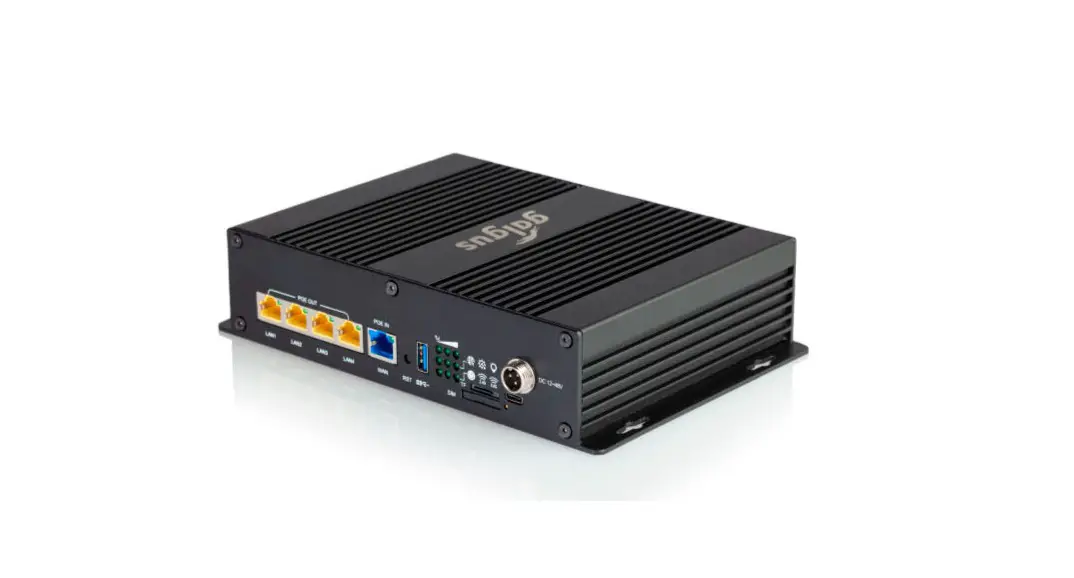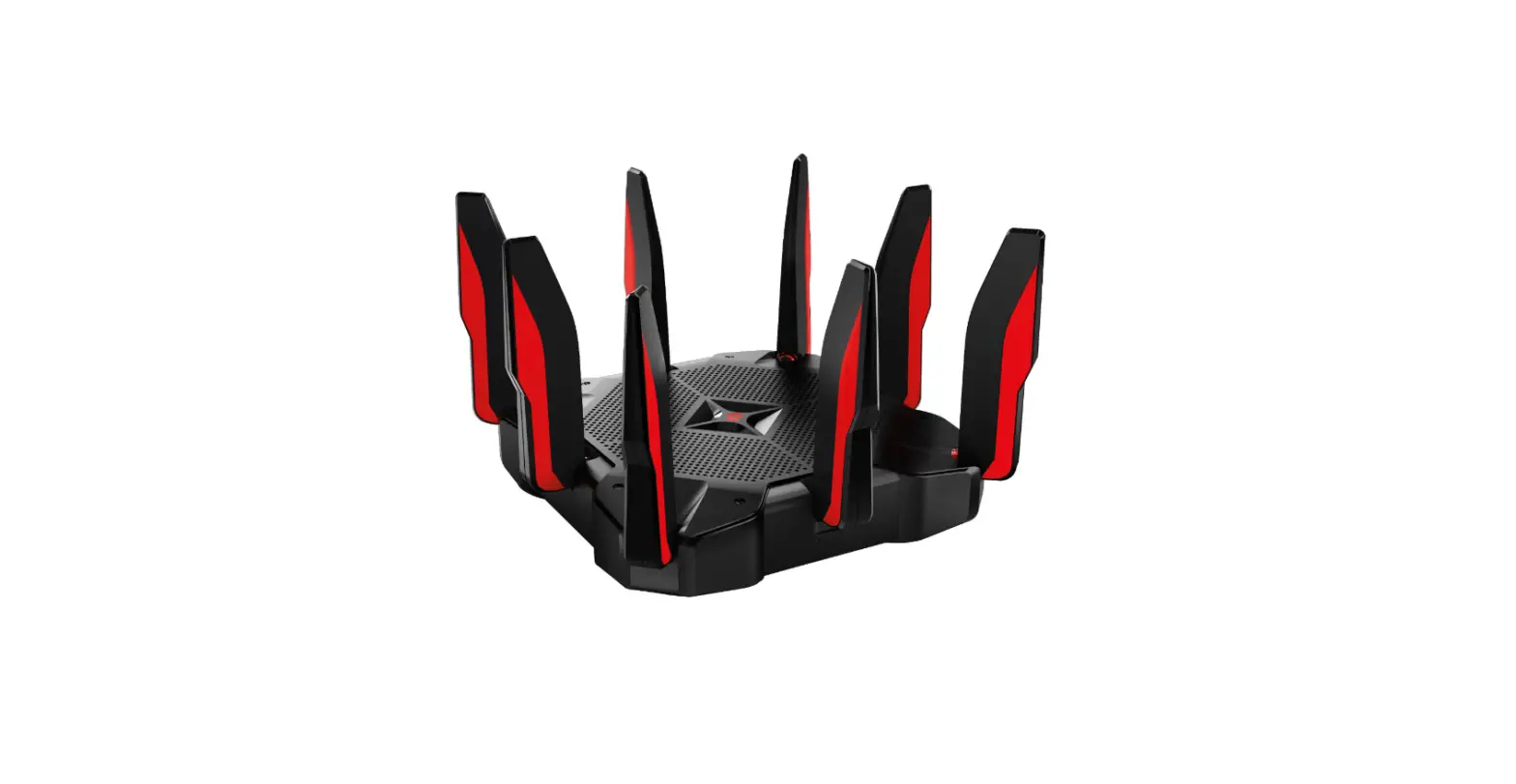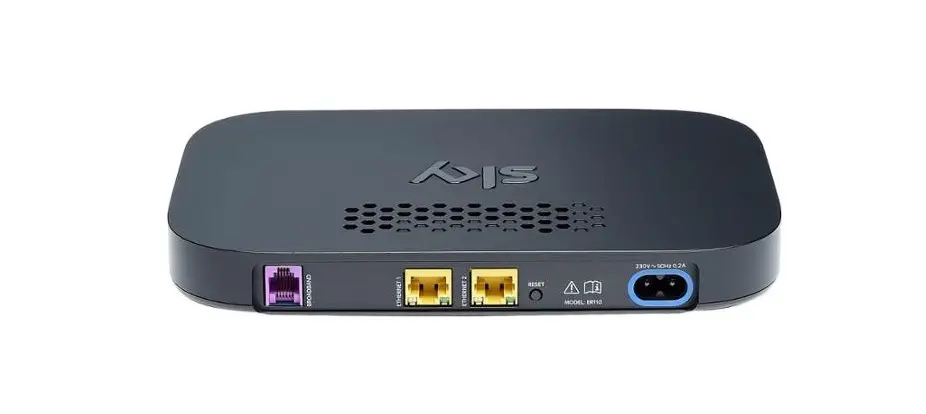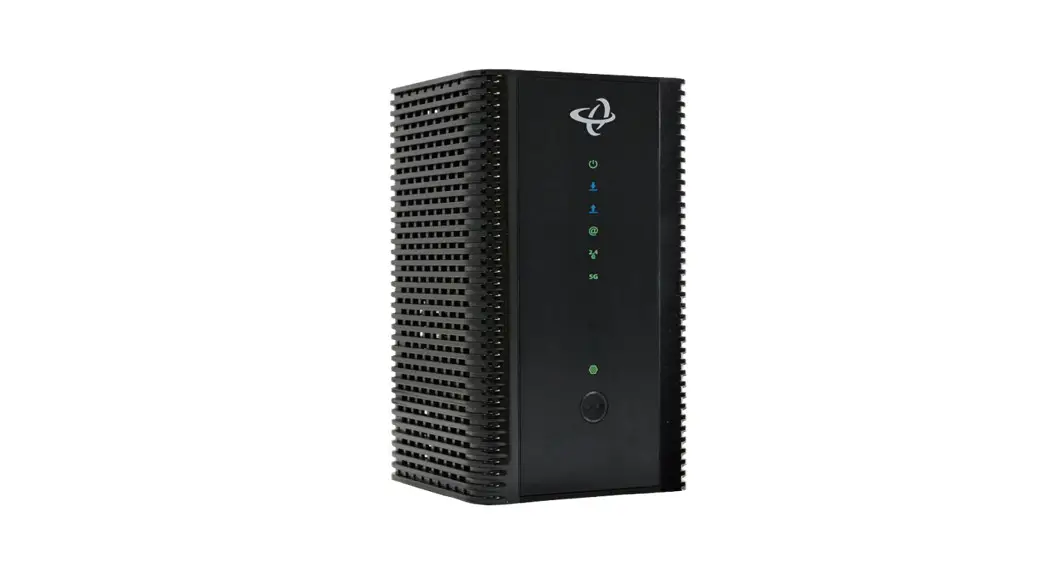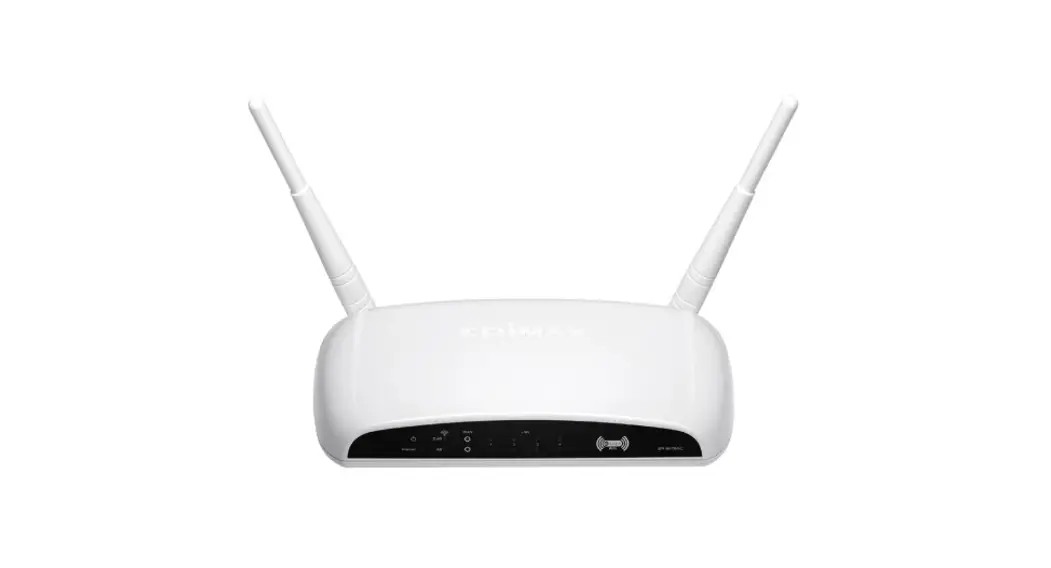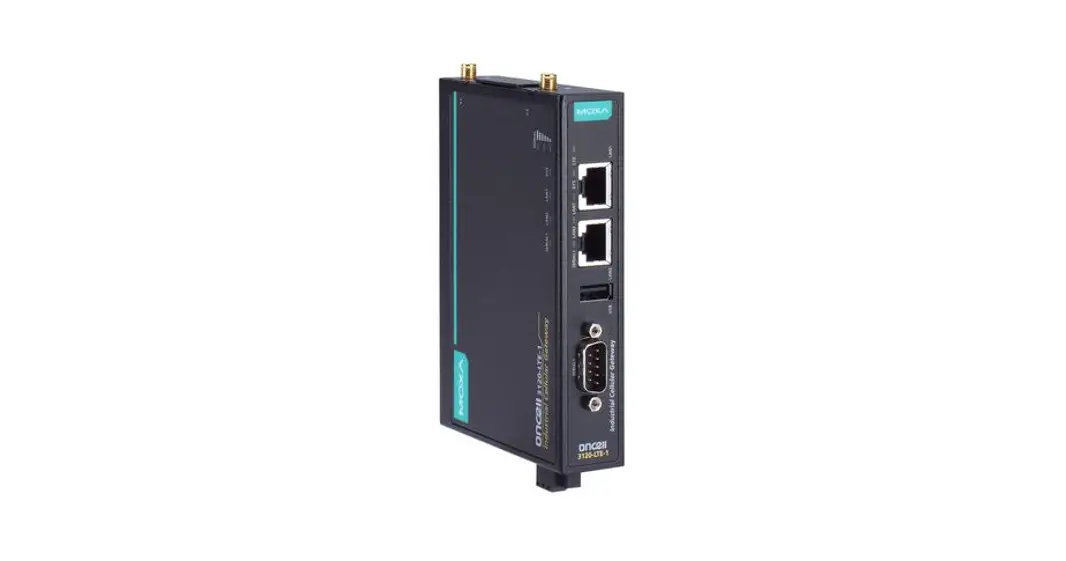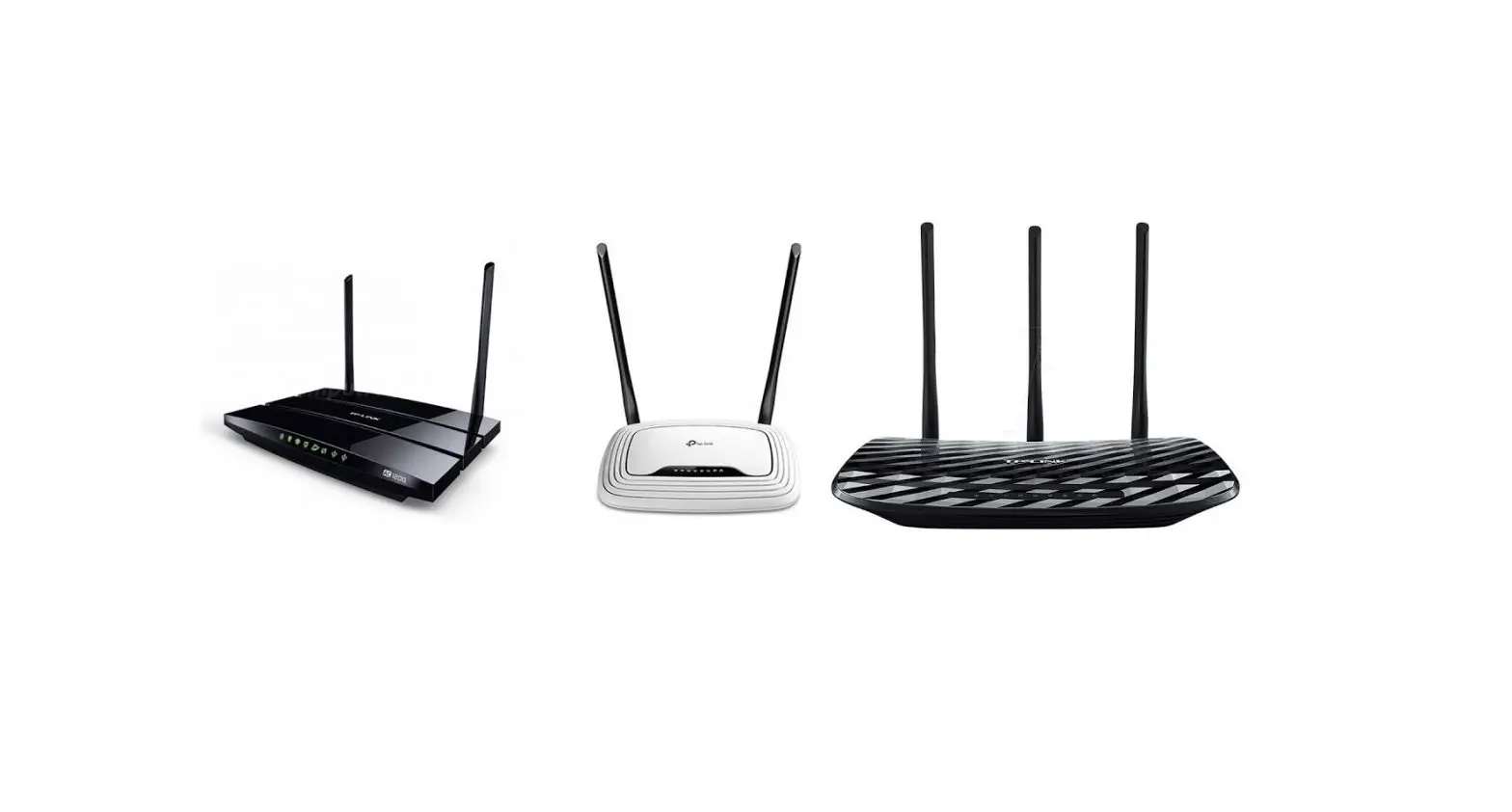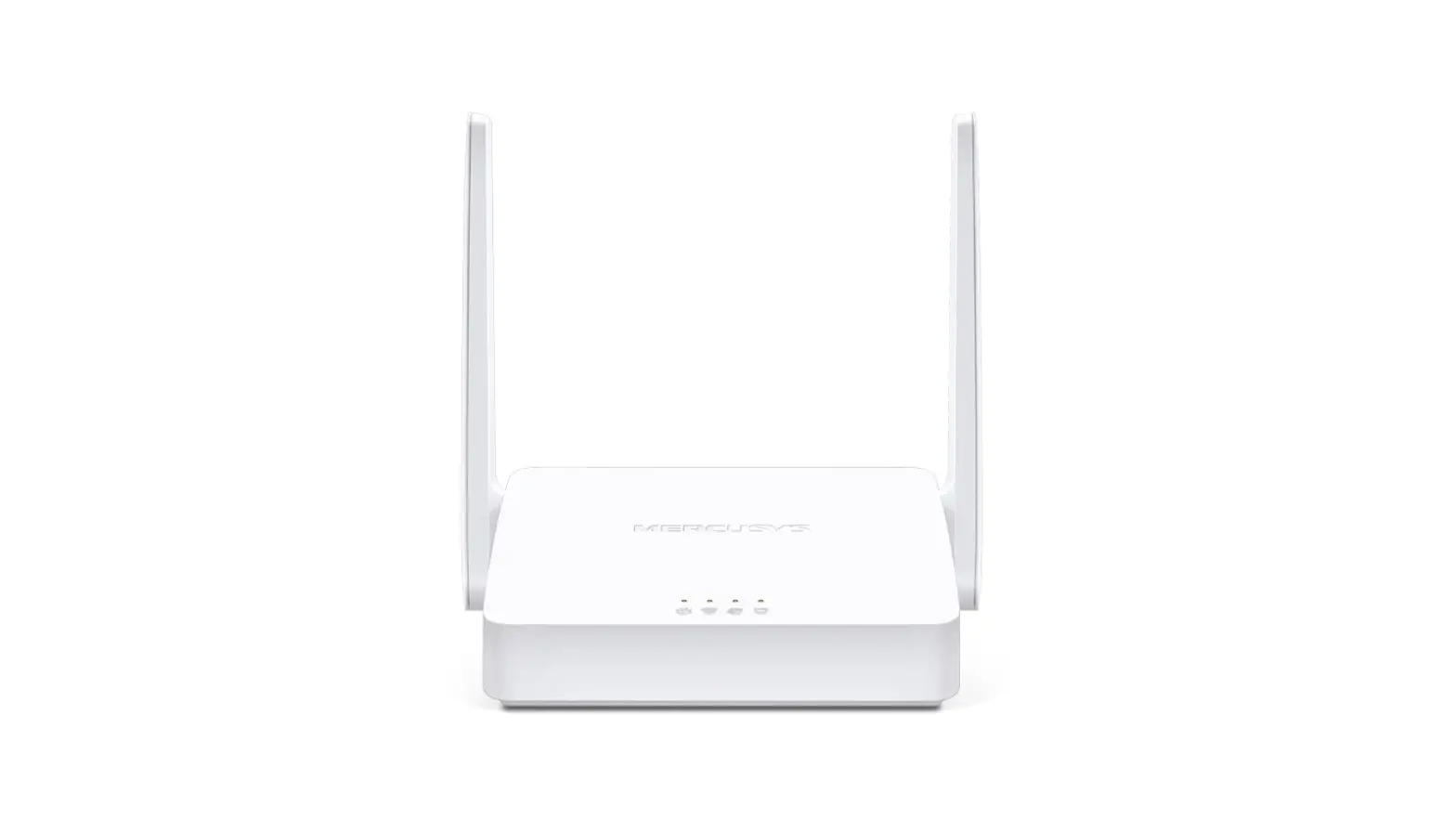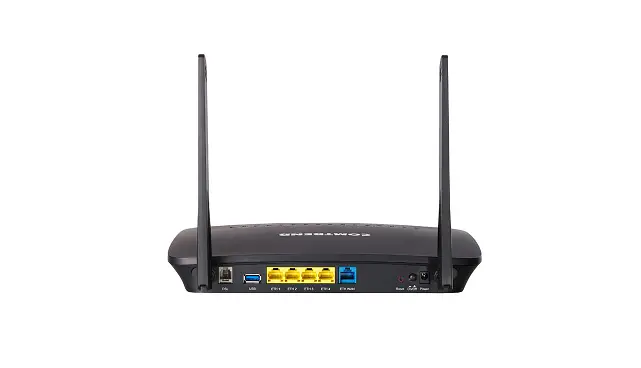

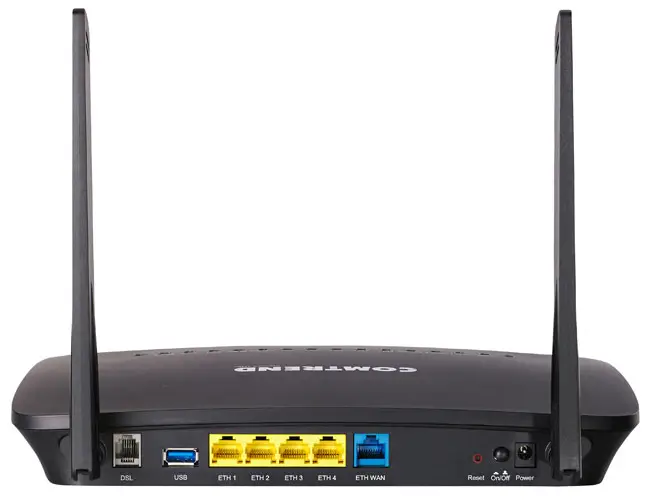
LCI NL-3120 Comtrend Wireless Router
Items included in the box
(Please use supplied equipment as shown below)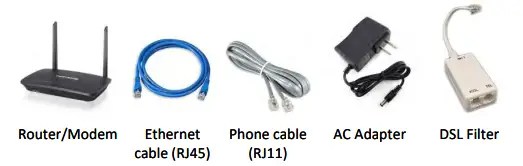
Modem/Router DSL Installation & Setup
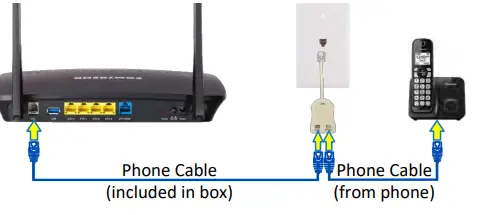
- Connect the modem to the DSL network and phone:

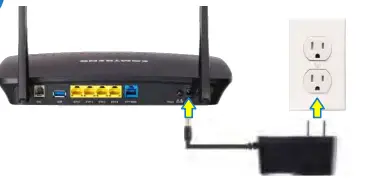
- Connect the modem to the power outlet:

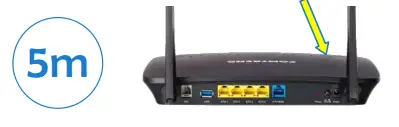
- After all connections have been made, press the power on/off button to turn power on. Wait about 5 minutes for the connection to be established.

- Once the connection has been established, the following lights should be on:

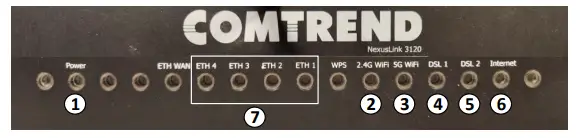
- Power
- WiFi: 2.4 GHz Network, SSID & password on the bottom of the modem
- WiFi: 5 GHz Network, same password as 2.4 GHz
- DSL 1: Must be solid green
- *DSL 2: Used for bonded service may not apply in all cases
- Internet: must be solid green
- ETH 1 – 4: Will only have a light if a device is connected to the corresponding port on router
Warning: Please Remember Unplug your modem and computer from power and phone lines during storms or if you plan to be away from home for an extended period of time.
Installation & Setup
Items included in the box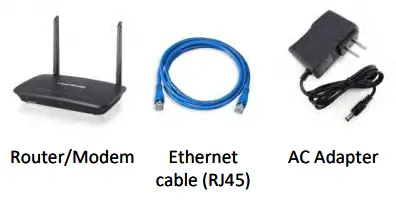
Broadband Router Installation & Setup
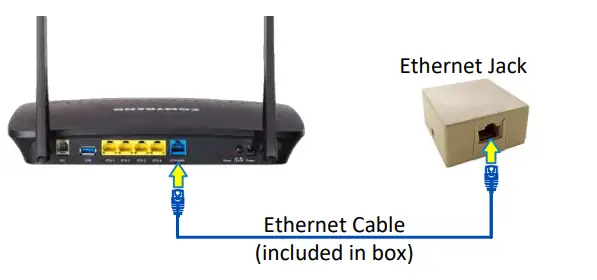
- Connect the modem to the ethernet jack that was installed at the wall, as well as the blue ETH WAN port on the back of the router:

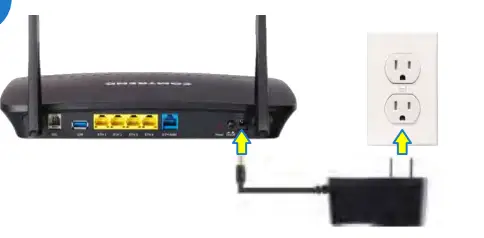
- Connect the modem to the power outlet:

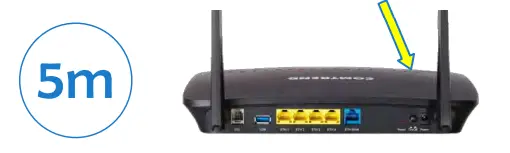
- After all connections have been made, press the power on/off button to turn power on. Wait about 5 minutes for the connection to be established:

- Once the connection has been established, the following lights should be on:

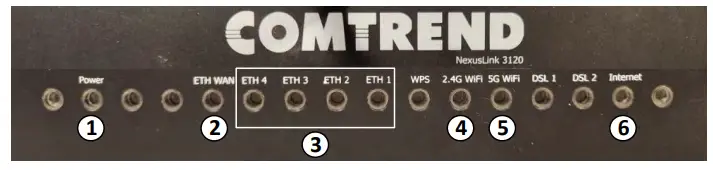
- Power
- ETH WAN
- ETH 1-4 – Will only have a light if a device is connected to the corresponding port on router
- WiFi – 2.4 GHz Network, SSID & Password on bottom of modem
- WiFi – 5 GHz Network, same password as 2.4 GHz
- Internet – Must be solid Green
Warning: Please Remember to Unplug your modem and computer from power and phone lines during storms or if you plan to be away from home for an extended period of time.
 LCIFiber.net - Fast Internet in Midcoast Maine! - LCIFIber.net - Bringing Maine to the Future!
 Lintelco.net - Fast Internet in Midcoast Maine! - Lintelco.net - Connecting Maine to the Future
 Tidewater.net - Fast Internet in Midcoast Maine!!! - Tidewater.net - Connecting Maine to the future!