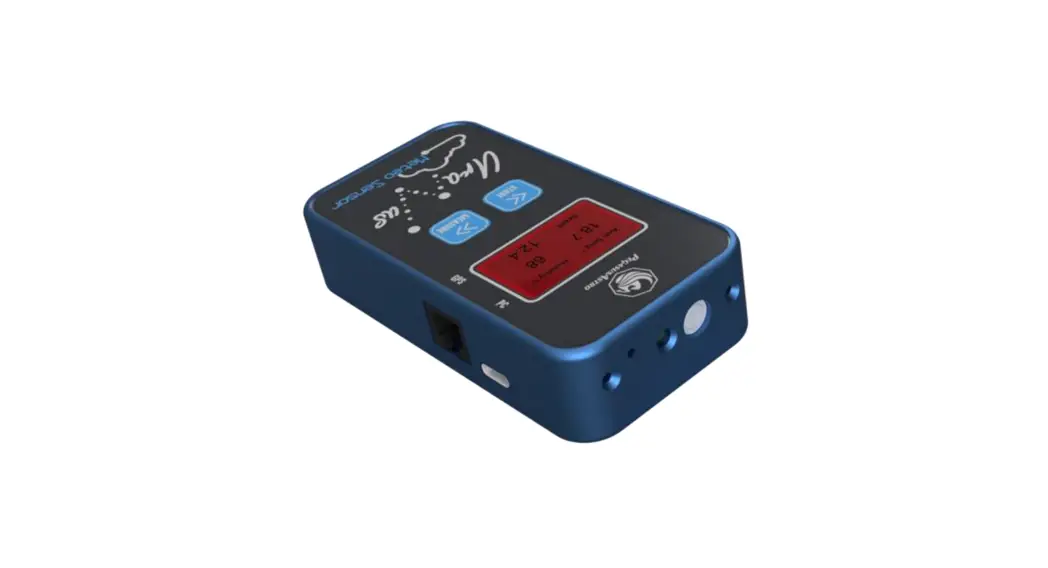
 Uranus Meteo Sensor
COMMAND PROTOCOL
COMPATIBLE WITH FIRMWARE ≤ V1.2
VERSION HISTORY
| Version # | Implemented By | Revision Date | Reason |
| 1.1 | Evans Souglakos | 01/11/2022 | Initial Document |
INTRODUCTION
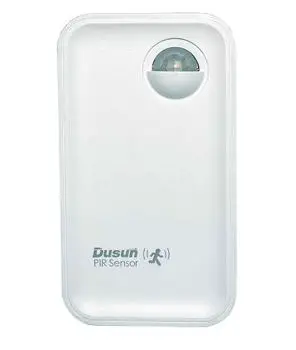
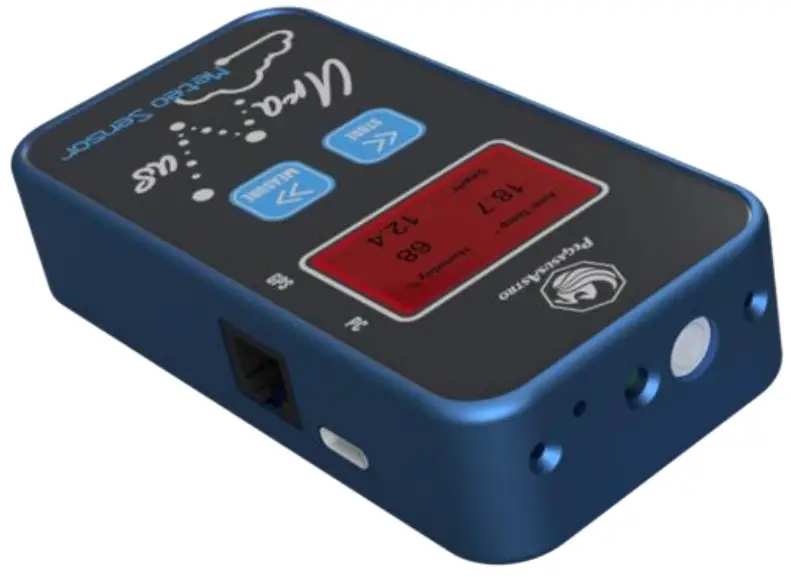
Thank you for purchasing the Uranus Meteo Sensor. This pocket-sized device is an all-around astronomer, astroimager companion. Smaller than the size of a cigarette box, and equipped with a variety of digital sensors, can precisely report the ambient temperature, humidity, pressure, cloud height, cloud coverage, astronomical dawn, twilight time, and the night sky brightness.
COMMUNICATION CHANNEL
A USB to Serial interface allows communication with the device. Plug in the USB-C cable to discover the device.
Note1: The device remains open and ignores any configured sleep time when the USB cable is plugged in.
Note 2: Display turns off during Sky Quality measurements.
Device USB Name is: Uranus Meteo
Device USB discovery ID is:
| VID | 03EB |
| PID | 204A |
Serial connection parameters are:
| Speed | 115200 |
| Data Bits | 8 |
| Parity Bit | N |
| Stop Bit | 1 |
COMMANDS
- All commands are case-sensitive.
- Each command is a string of characters. The beginning command string consists of two ASCII characters plus ‘:’ followed by the message.
- Command ends with a CRLF.
E.g.:
Send: => GO
Receive: <= GO:[value]:CRLF
UNIT SYSTEM
All units outputted from the USB to Serial channel are in the metric system.
ABBREVIATIONS
| interger | n |
| decimal number | n.n |
| x | Char |
| b | boolean (0 or 1) |
COMMAND LIST
1.1 General
| M# | Get the health status of the device – Acknowledgment that the device is operational. Returns: MS_OK |
| MV | Get the firmware release Returns: (double) MV:n.n |
| MQ: | Device MCU reset Returns: Nothing |
| SR | Serial Number of the device Returns: (16 char hex string) SR:xxxxxxxxxxxxxxxx |
1.2 Sensors
| MA | Combined sensor report Returns: MS_OK:value:value:value:… |
| 1 | Ambient temperature in °C | n.n |
| 2 | Relative Humidity % | n |
| 3 | Dew Point in °C | n.n |
| 4 | Absolute (Station) Pressure (hPa) [300-1250 hPa] | n.n |
| 5 | Relative (Sea Level) Pressure (hPa) [300-1250 hPa] | n.n |
| 6 | Barometric Altitude (m) When GPS fix is 0, altitude is barometric altitude When GPS fix is 1, altitude is real GPS altitude | n.n |
| 7 | Sky temperature in °C | n.n |
| 8 | Infrared sensor temperature in °C | n.n |
| 9 | Battery usage – ignore 0 is battery, 1 is USB cable (As the device is on USB power it always reports 1) | b |
| 10 | Battery voltage (in volts) – ignore (e.g 4.60) As the device is on USB power it reports USB channel voltage. | n.nn |
| SQ:1 | Initiates a Sky Quality Sensor Measurement Returns: (string) SQ:MSR |
| SQ | Reports last Sky Quality measurement values Returns: SQ:value:value… |
| 1 | MPSAS (mag/arcsec2) | n.n |
| 2 | Naked Eye Magnitude limit (NELM in mags) | n.n |
| 3 | Full spectrum raw value | n |
| 4 | Visual spectrum raw value | n |
| 5 | Infrared spectrum raw value | n |
BR
Reset Bosch BME Sensor
Returns:
Nothing
CI
Cloud Index Report
Returns:
CI:value:value…
| 1 | Temperature Difference [ambient – sky] in °C | n.n |
| 2 | Cloud Index % [the higher the index, the more the clouds in the sky] | n |
| 3 | Sky temperature in °C | n.n |
| 4 | Ambient temperature in °C | n.n |
| 5 | Infrared emissivity calculation value in double format [value from 0.00 to 1.00] The default configured value is 1.00, Human Body is 0.98 The setting is saved in the sensor’s memory A device restart is recommended in case of wrong values from the sensor. | n.n |
1.3 GPS
GP
GPS Information
Returns:
GP:value:value:value:…
| 1 | GPS fix status 0 = no fix 3 = 3d fix | n |
| 2 | GPS time (in UNIX time epoch) | n |
| 3 | Timezone offset (should include daylight savings) | n |
| 4 | Latitude (in degrees) | n.n |
| 5 | Longitude (in degrees) | n.n |
| 6 | Satellite Number [how many satellites are fixed] [ requires at least 4 satellites for a 3d fix position] | n |
| 7 | GPS speed (in kph) | n |
| 8 | Bearing (in degrees) | n (0-359) |
GO
GPS NMEA Output (RJ12 output at the side of Uranus device)
Returns: (boolean)
GO:n [0 is disabled, 1 is disabled]
1.4 Astronomical Calculations
MP
Moon information
Returns:
MP:value:value:value
| 1 | Moon Phase | n.n |
| 2 | Moon Type 1 is waxing, 2 is waning | n |
| 3 | Moon Visibility Percentage | n.n |
AS
Astro Sunrise and Sunset
Returns:
AS:value:value:value
| 1 | Sunrise time astronomical sunrise in fractional minutes past midnight (in local time) | n.nn |
| 2 | Sunset time (in seconds after midnight) astronomical sunset in fractional minutes past midnight (in local time) | n.nn |
| 3 | Moon Phase | n |
1.5 Config
CF
Config Read
Returns:
CF:value:value..
| I | Units (metric = 0 or imperial = 1) | b |
| 2 | NMEA RJ12 output (0 is off, 1 is on) | b |
| Keep OLED ON during polling (0 is off, 1 is on) | b | |
| 4 | Reserved for future usage- ignore | b |
| Sleep after minutes | n | |
| 6 | SQM calibration offset | n |
| 7 | Time zone offset (includes daylight savings hour) | n |
| 8 | Reserved for future usage- ignore | n |
| 9 | Last unique id | n |
| 10 | Dotnet time zone id | n |
| C1 | Config – Imperial Units This has an effect only to the device display, all serial units are metric Returns: (boolean) C1:n 0 is metric, 1 is imperial |
| C2 | Config – Sleep after n minutes [0-30] 0 is disabled, any other value is in minutes Returns: (int) C2:n |
| C3 | Config – UTC offset Shows the configured UTC offset. Offset is required for GPS local time calculation and astronomical calculations. Always include extra daylight-saving hour when you set this offset. Returns: C3:n 0 is metric, 1 is imperial |
| C4 | Config – Sky Quality MPSAS Calibration offset Returns: C4:n 0 is metric, 1 is imperial |
| C5 | Config – Time zone id This is for the Unity Platform Dotnet time zone identification – ignore for any other usage Returns: C5:n 0 is metric, 1 is imperial |
| C6 | Config – OLED On / Off Returns: C6:n 0 is metric, 1 is imperial |
| CE: | Get Infrared Sensor Emissivity From 0-100. Returns: (integer) CE:n |
| CE:n | Set Infrared Sensor Emissivity 100 for sky measurement (default) 98 for human skin measurement Returns: (integer) CE:n |
1.6 Memory Banks
| MW | Memory Write Stores latest sensor value readout to the next available memory bank Returns: MW:n 0 is fail, 1 is success |
| MN | Memory Number Reads how many bank records are used and what is the increased (last) record since the first operation of the Uranus device. Returns: (long) MN:n |
| MZ | Memory Banks Erase This command practically erases all memory banks and starts from bank number 1 Returns: MZ:n 0 is fail, 1 is success |
| MR | Memory Banks Read Returns: MR:value:value:value:…. |
| 1 | Record count of readout list (long) | n |
| 2 | Unique id (long) | n |
| 3 | Timezone | n |
| 4 | GPS fix | n |
| 5 | Unix_time (epoc unixtime) | n |
| 6 | Latitude (in decimal format) | n.n |
| 7 | Longitude (in decimal format) | n.n |
| 8 | Temperature °C | n.n |
| 9 | Humidity % | n |
| 10 | Altitude (m) | N |
| 11 | Pressure (station) in hPa | n.n |
| 12 | Sky quality (MPSAS) in mag/arcsec2 | n.n |
| 13 | Cloud index % | n |
Pegasus Astro
DOCUMENT VERSION 1.1 – 2022-NOV-01