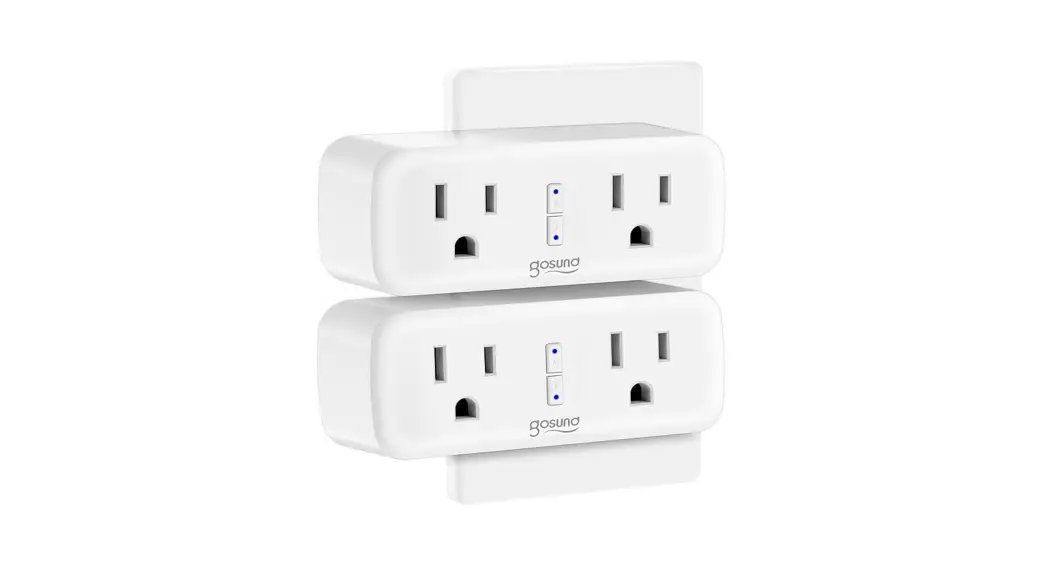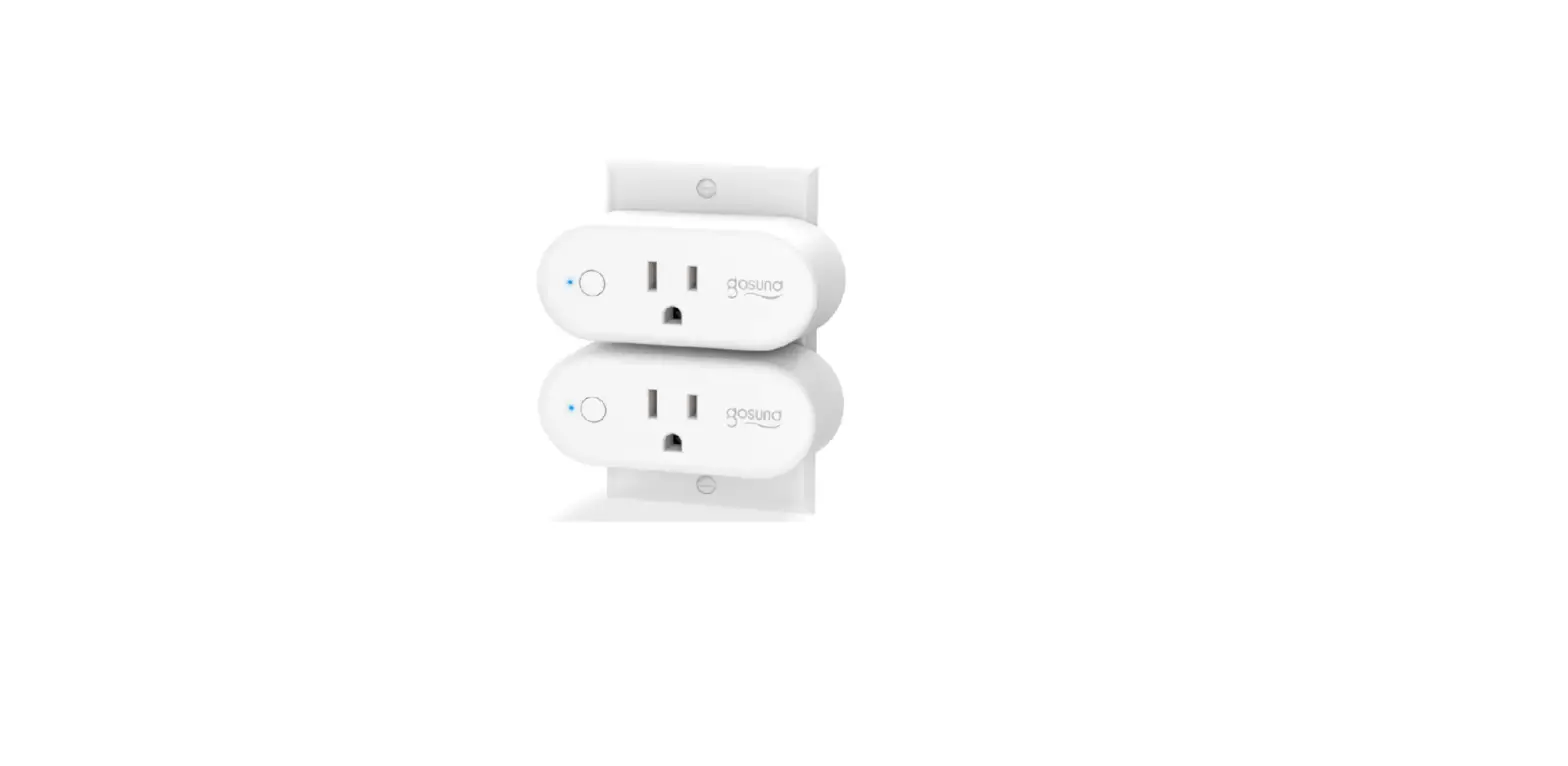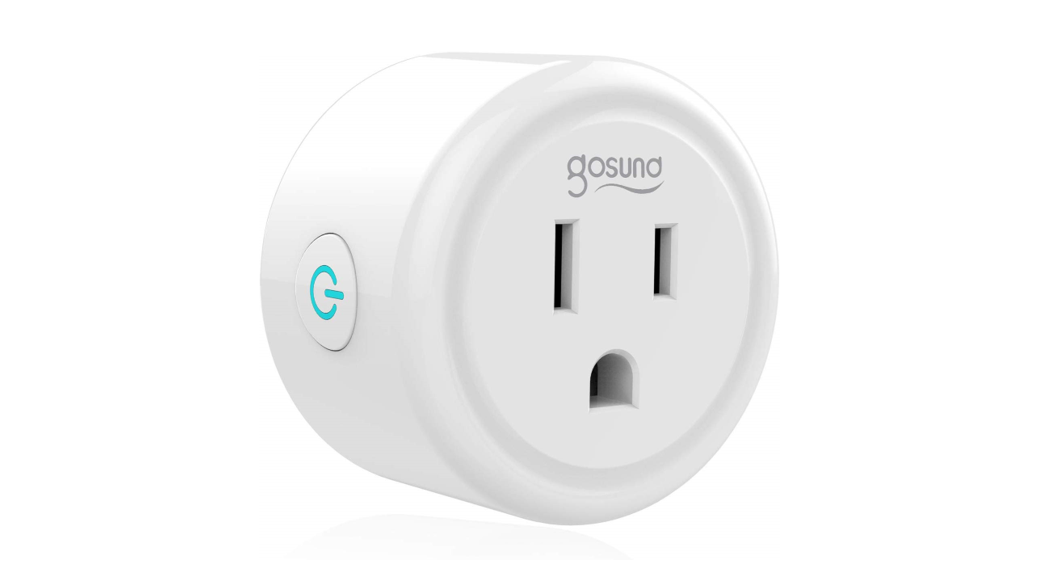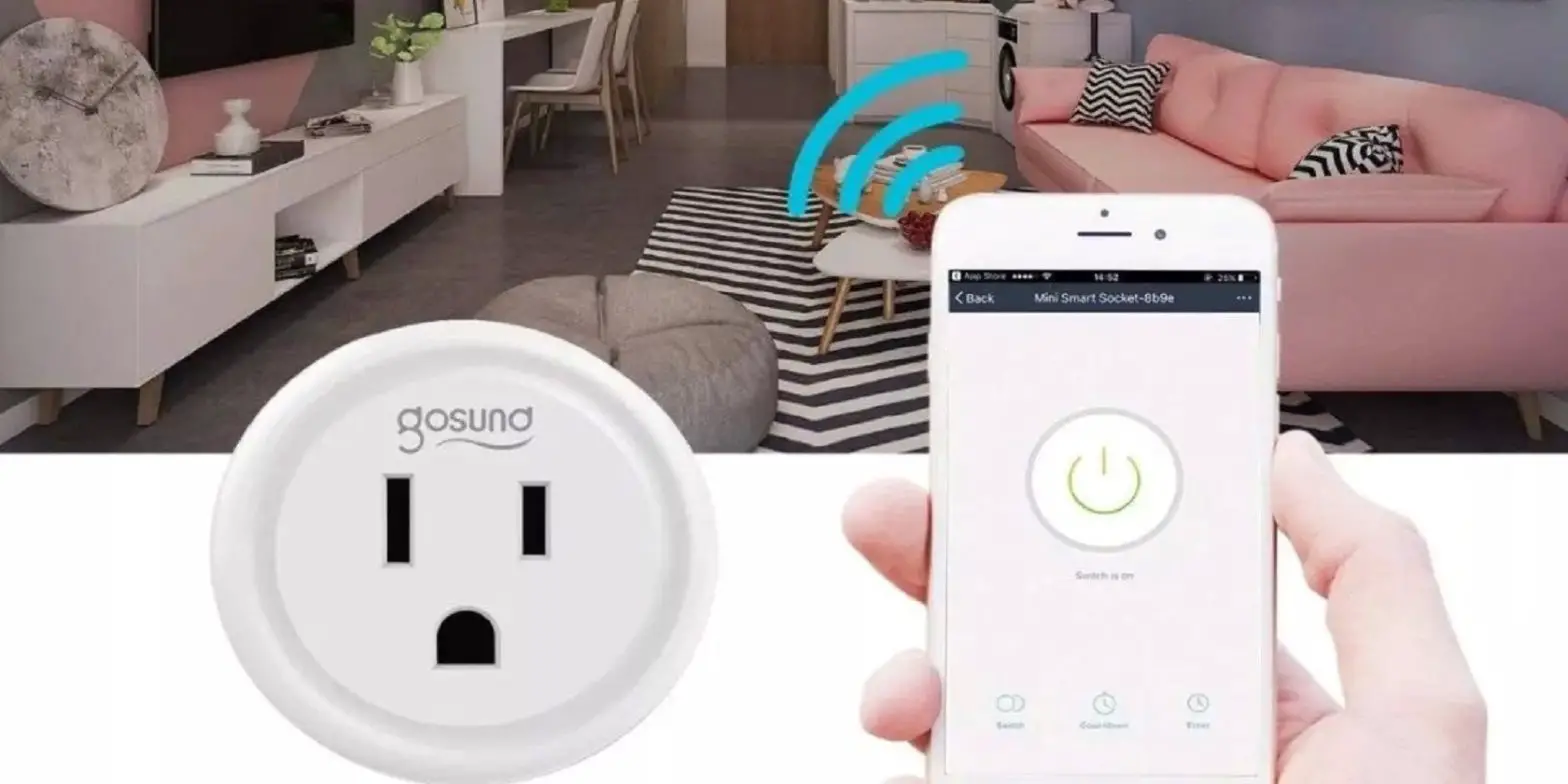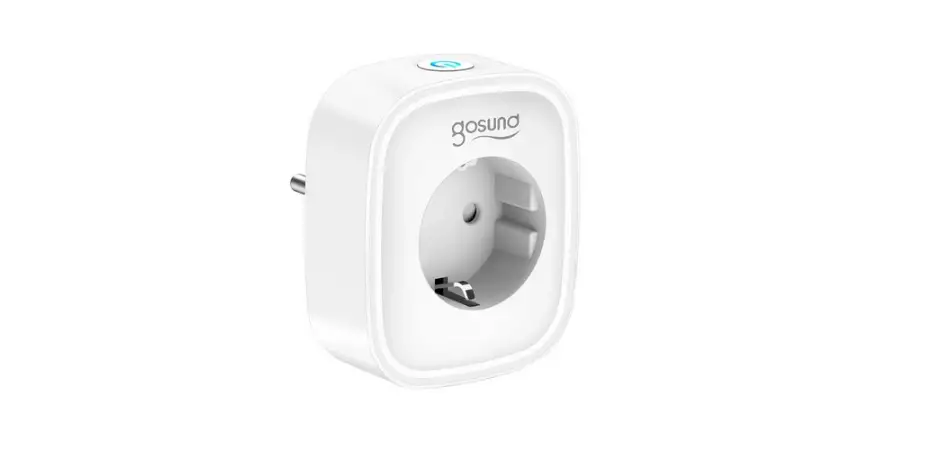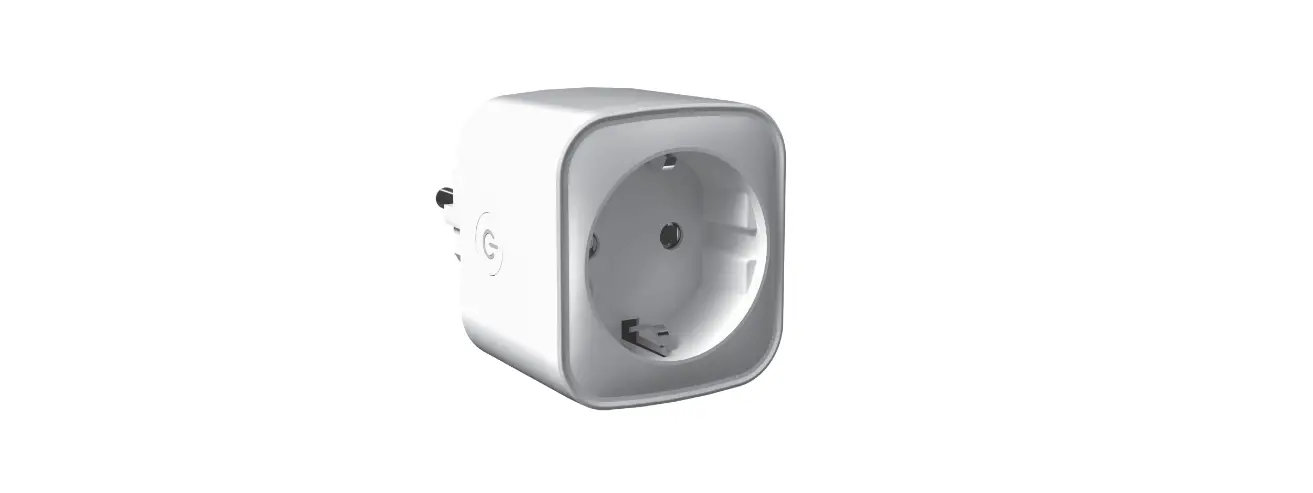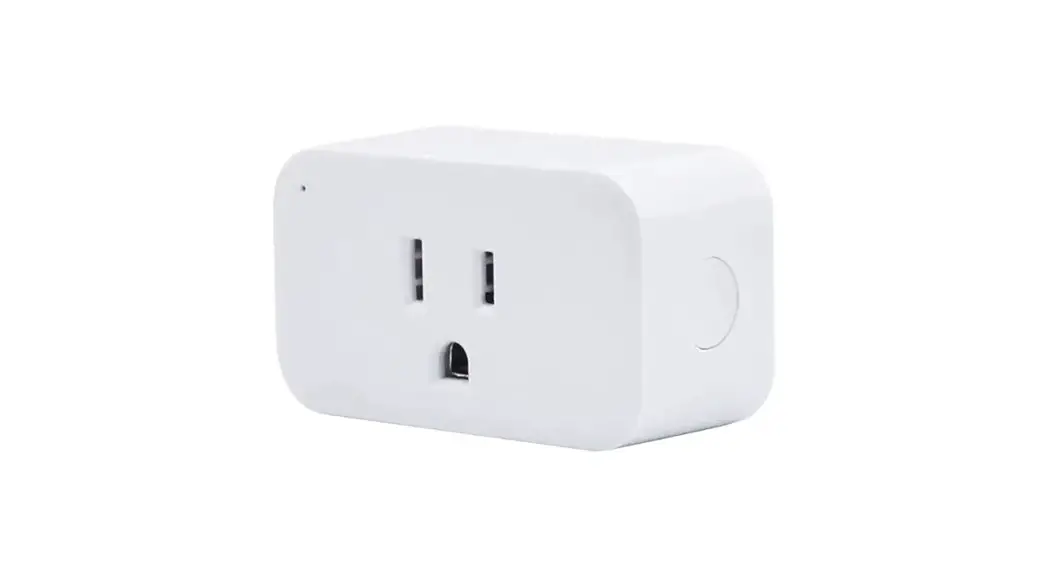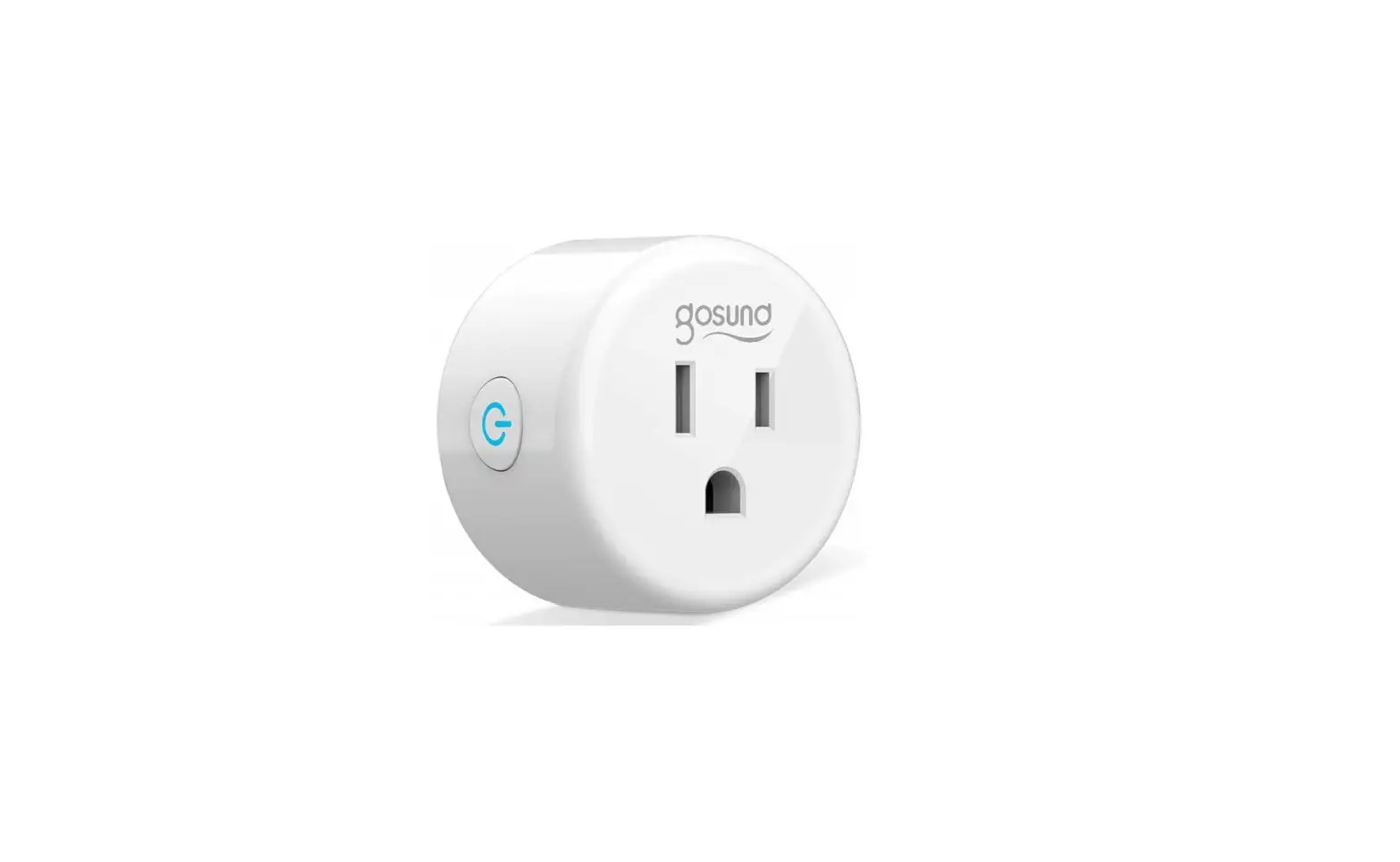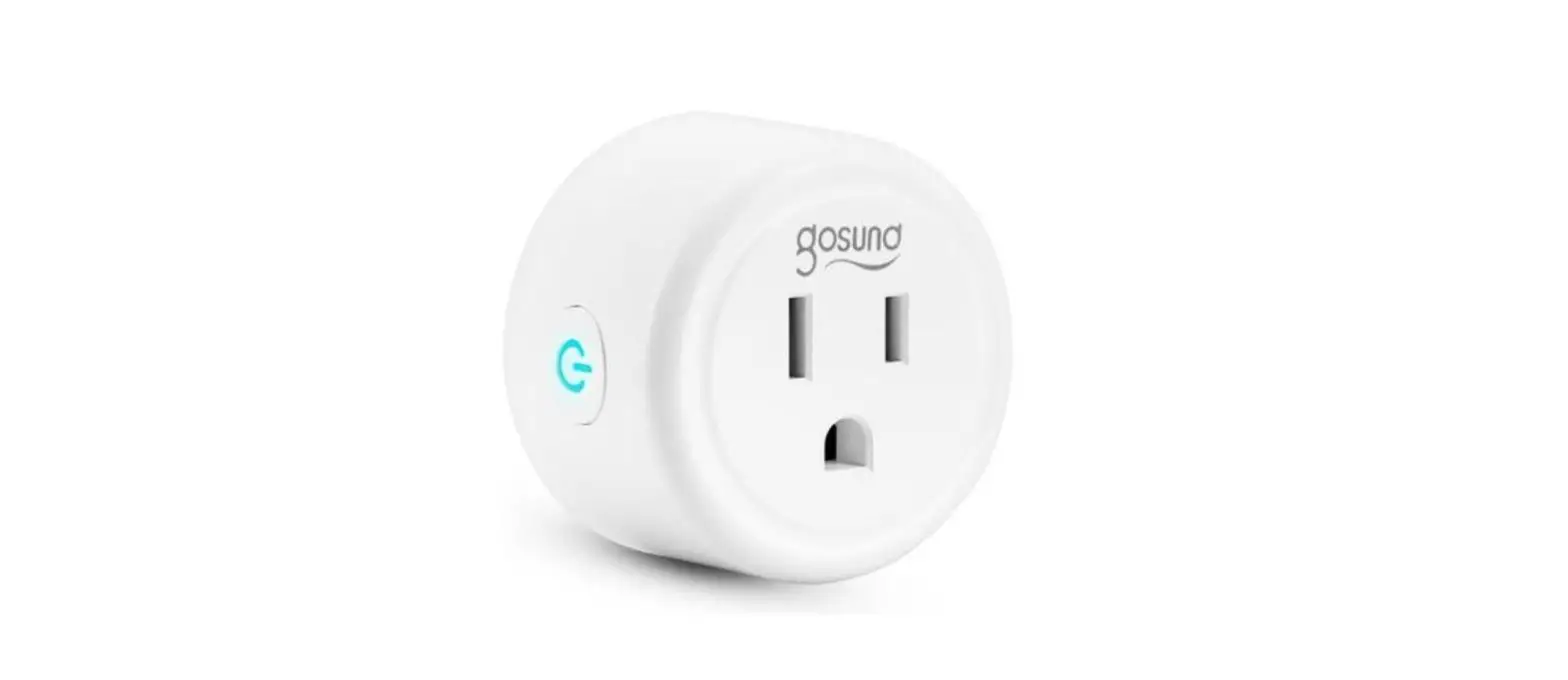

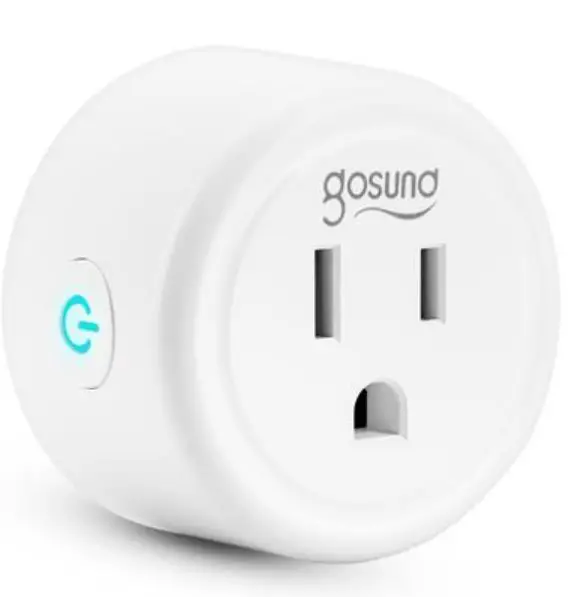
gosund WP3 Smart Plug
How to Pair with the Gosund APP
- Download the Gosund app from the APP Store/Google Play or via the QR code.
- Open the “Gosund” APP and make sure your device is powered on
- Create your Gosund account.
- Tap the “+” icon in the upper right corner and select “Socket (Wi-Fi )”.
- Follow on-screen instructions to complete the connection.
Note: Support 2.4GHz Wi-Fi only.
Pairing Mode
- EZ mode
- Open the “Gosund” APP.
- Select the icon “+”.
- Select “Socket (Wi-Fi )”.
- Follow the APP guide to complete the pairing operation.
- AP mode
- Just click the upper right corner to freely switch to AP mode when in EZ mode..
How to Connect Gosund Devices to Alexa
Note: Support 2.4GHz Wi-Fi only.
- Make sure your Alexa device is powered on and connected to a Wi-Fi network.
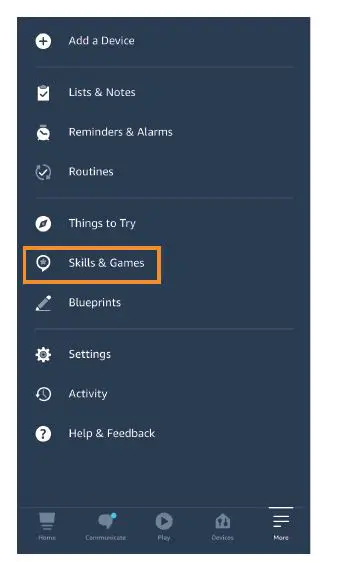
- Open Amazon Alexa APP and select “skills & Games”, as shown in the figure below.

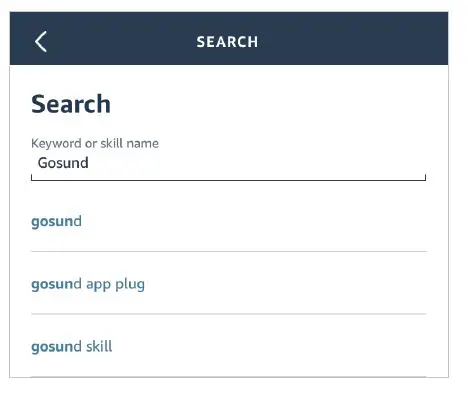
- Click the “Search” icon and enter “Gosund”, as shown in the following figure.

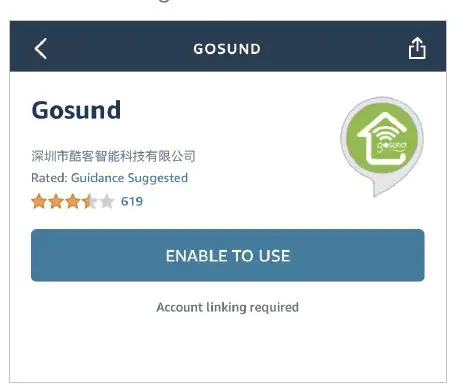
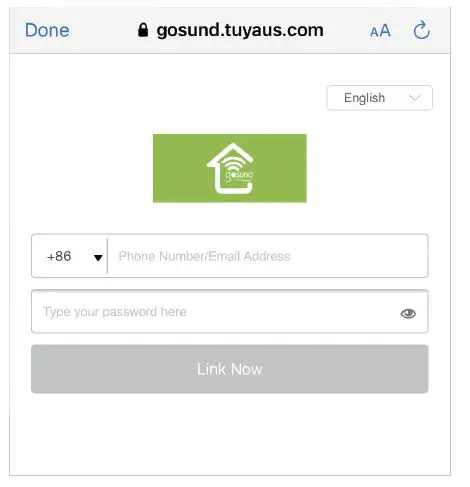
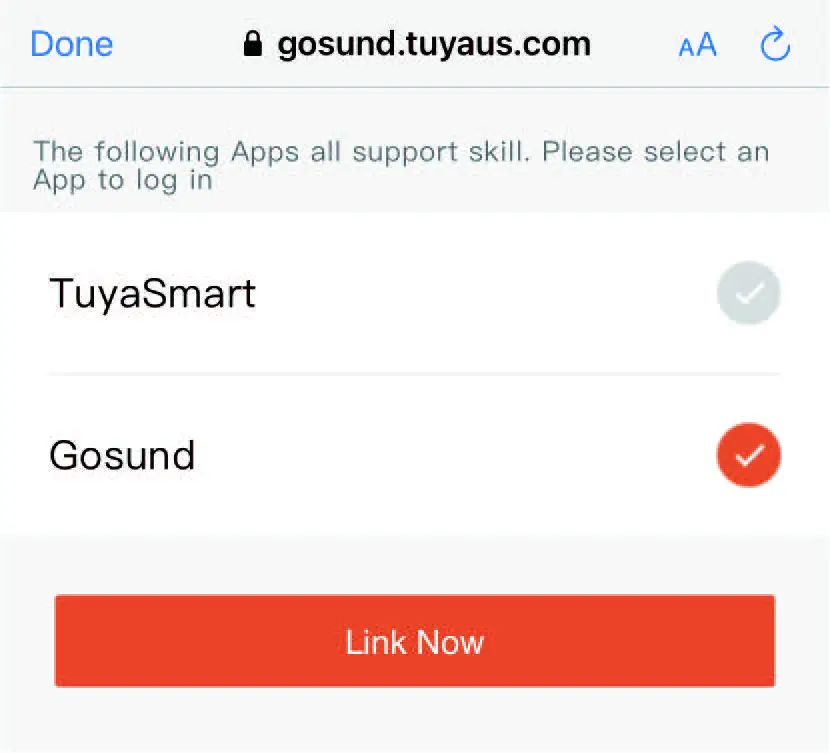
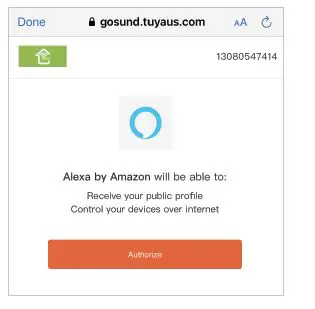
- Find “Gosund”, click “enable” and contact your Gosund account to enable the skill. As s- hown in the figure below:


- Then the device can be controlled through Alexa.

- Now you can begin your smart home journey.
How to Connect Gosund Devices to Google Assistant
Note: Support 2.4GHz Wi-Fi only.
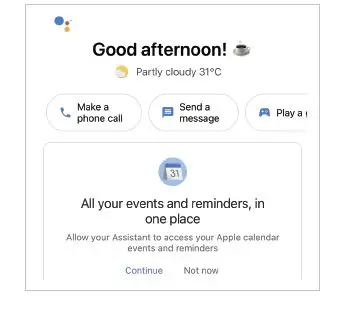
- Open the Google Assistant APP and login in.
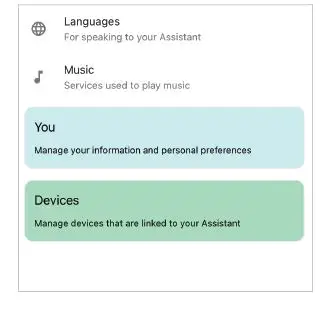
- Tap your account name of the upper right corner.

- Click “Devices” to add devices.

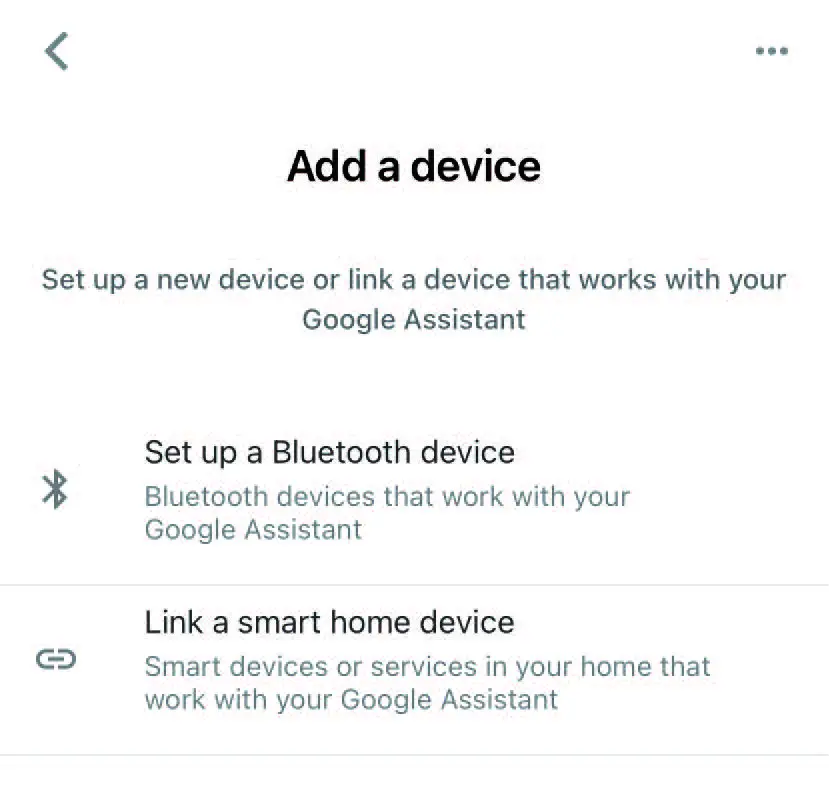
- Find “Link a smart home device” and click it.

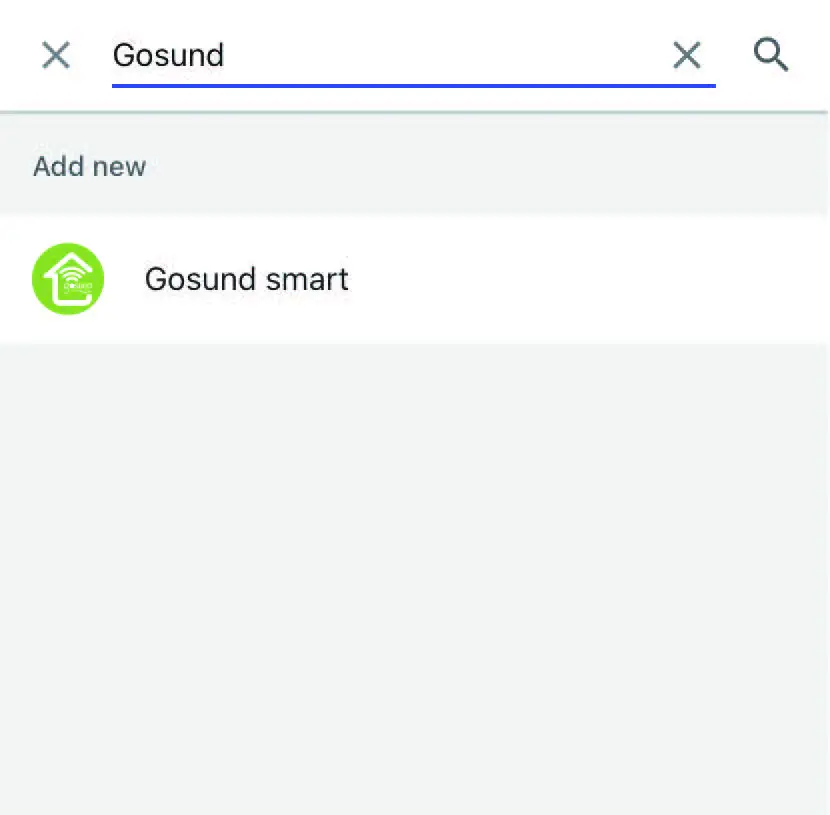
- Enter “Gosund” to search and click the “Gosund smart”.

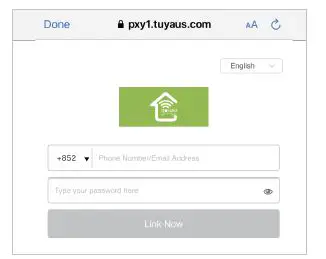
- Enter your Gosund APP account and passwo- rd, then tap “Link Now”.

- Now you can begin your smart home journey.