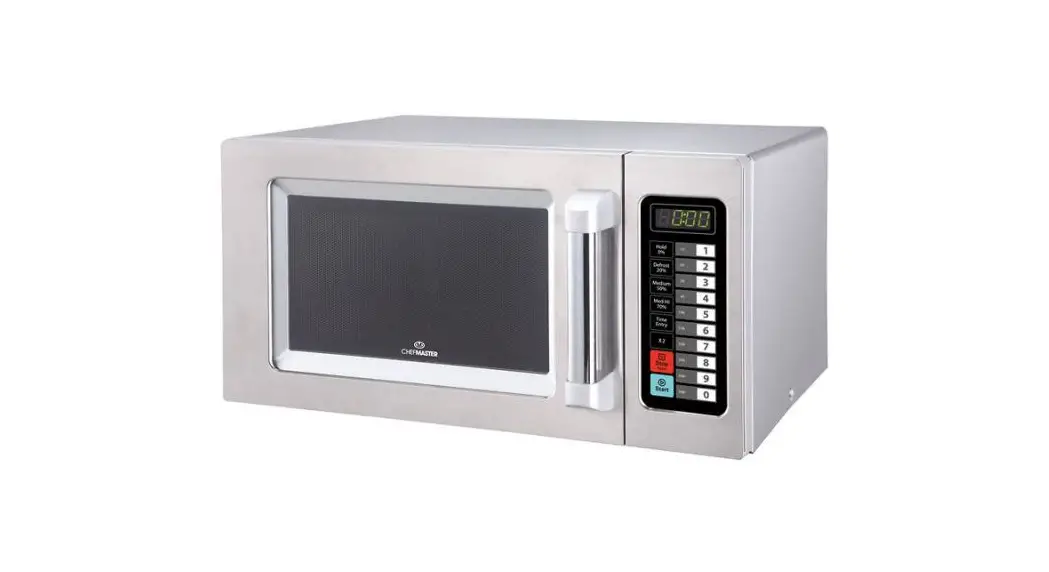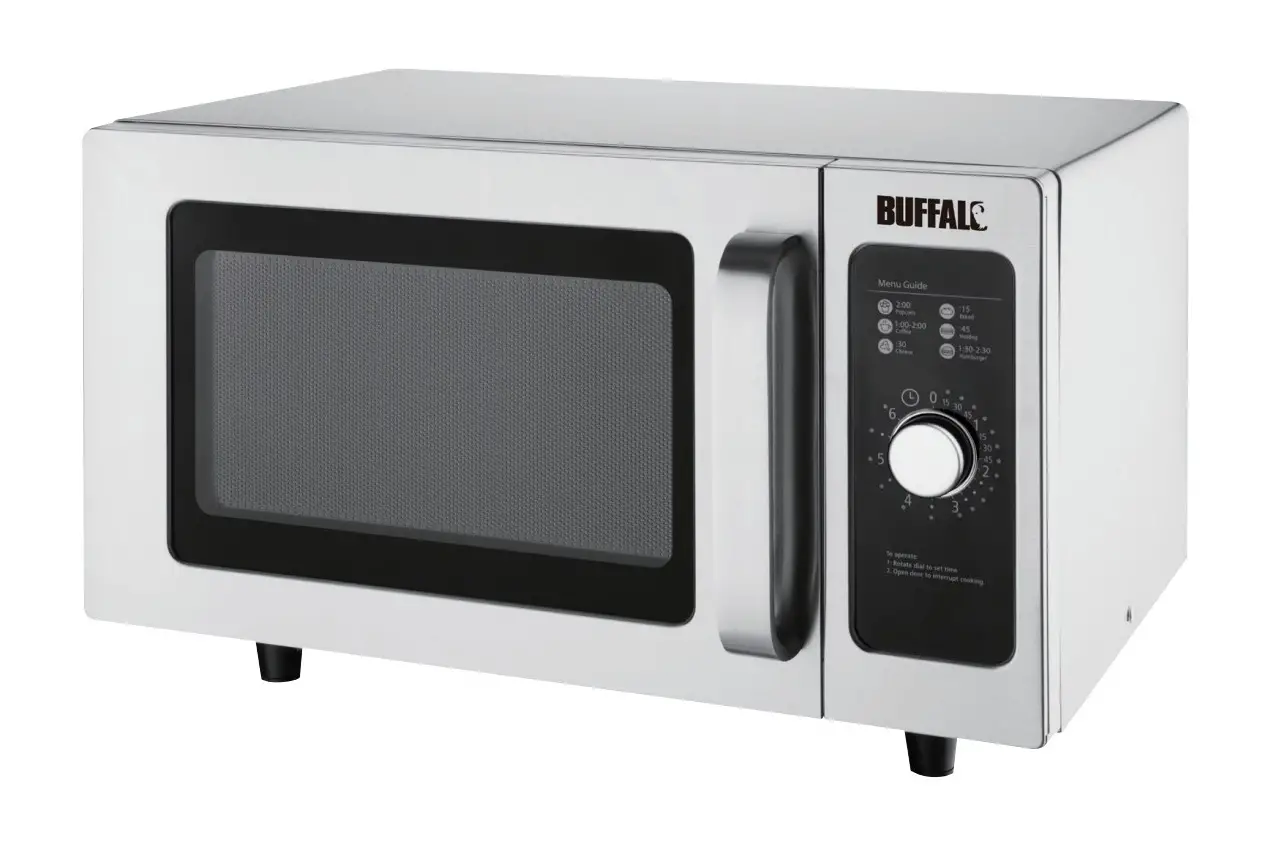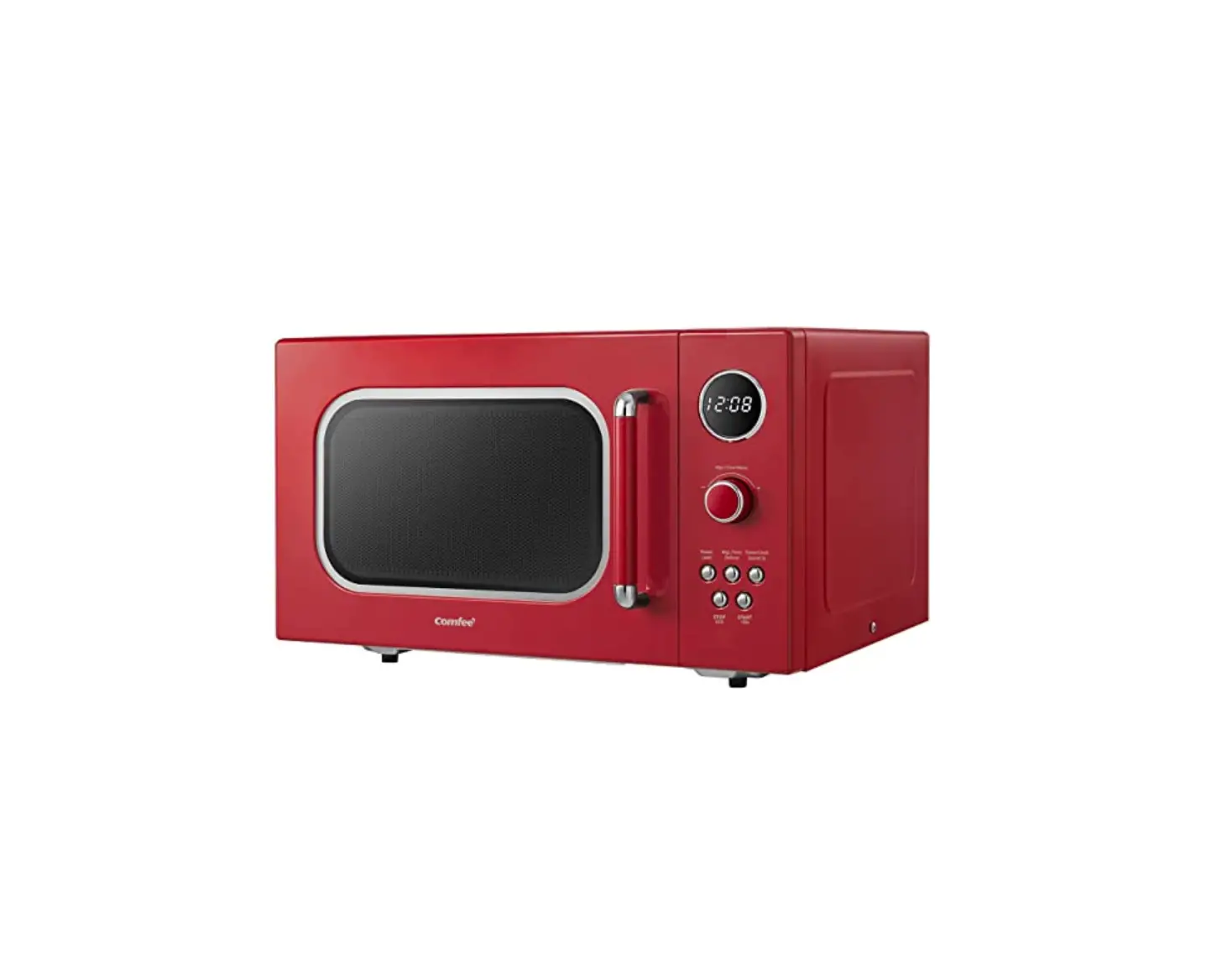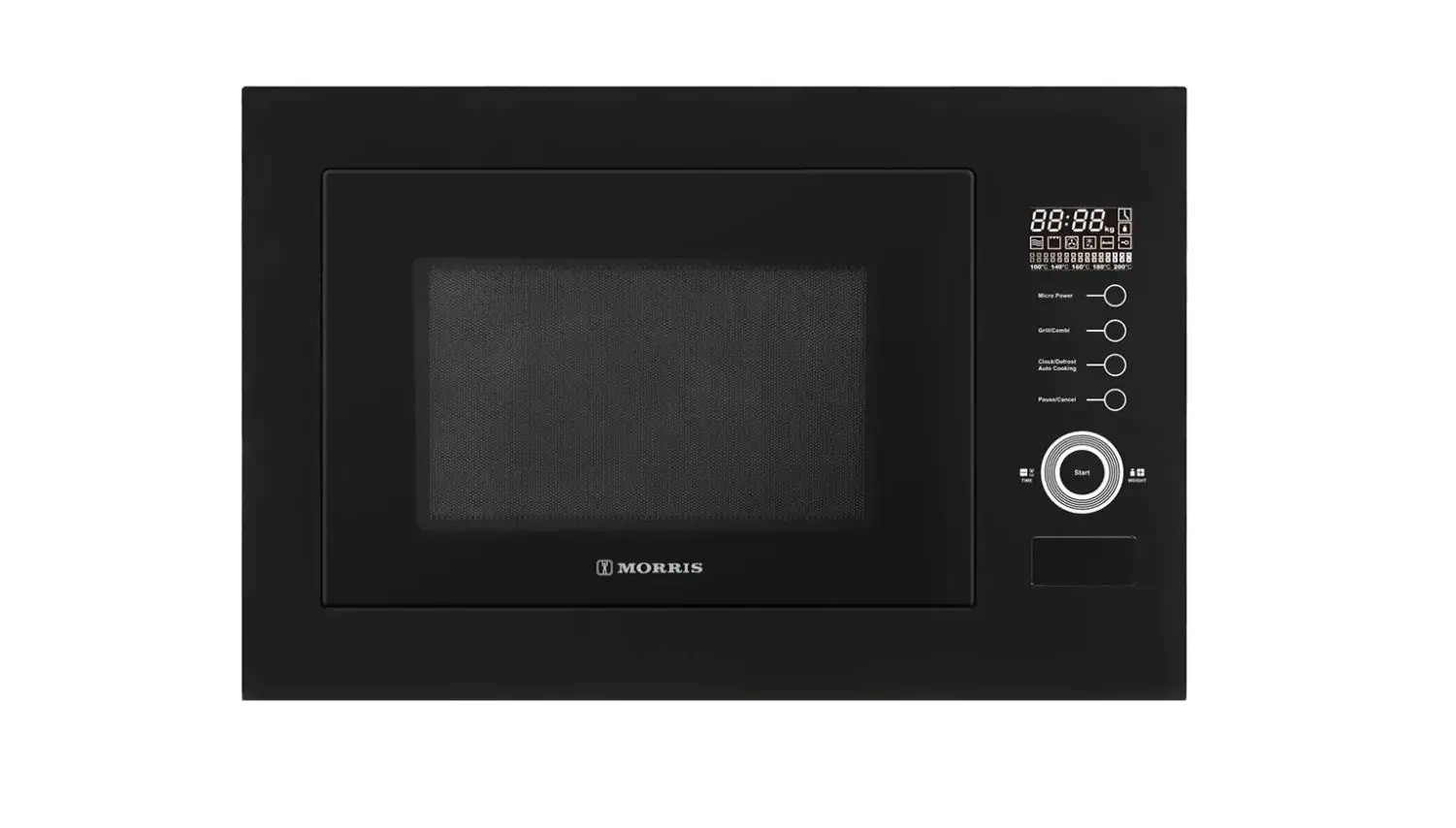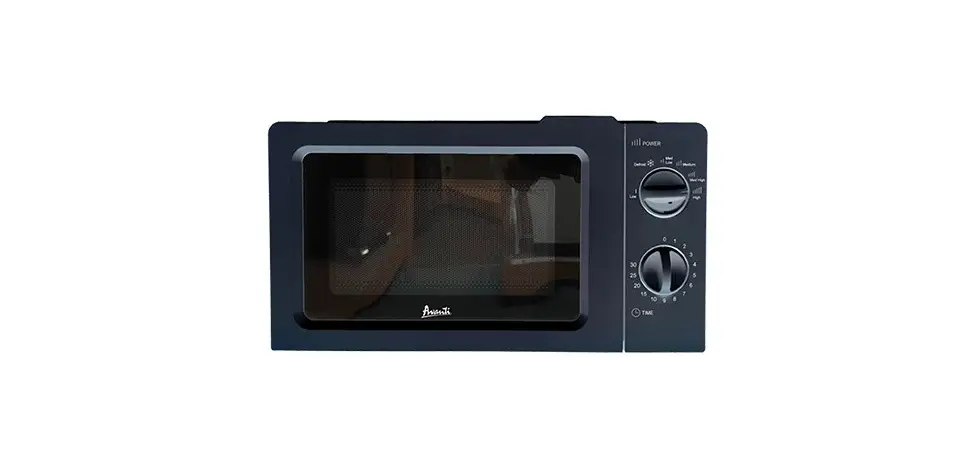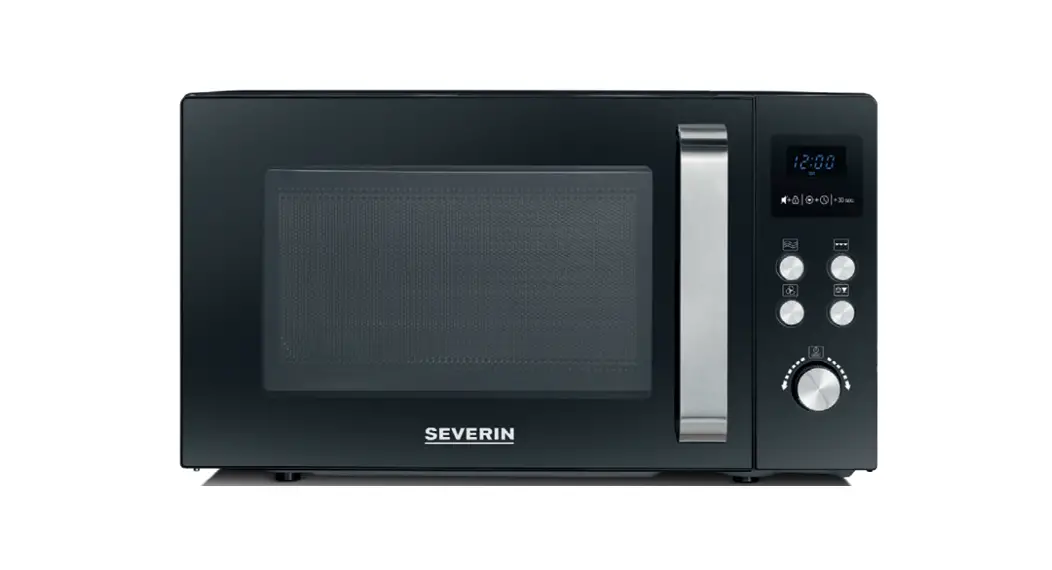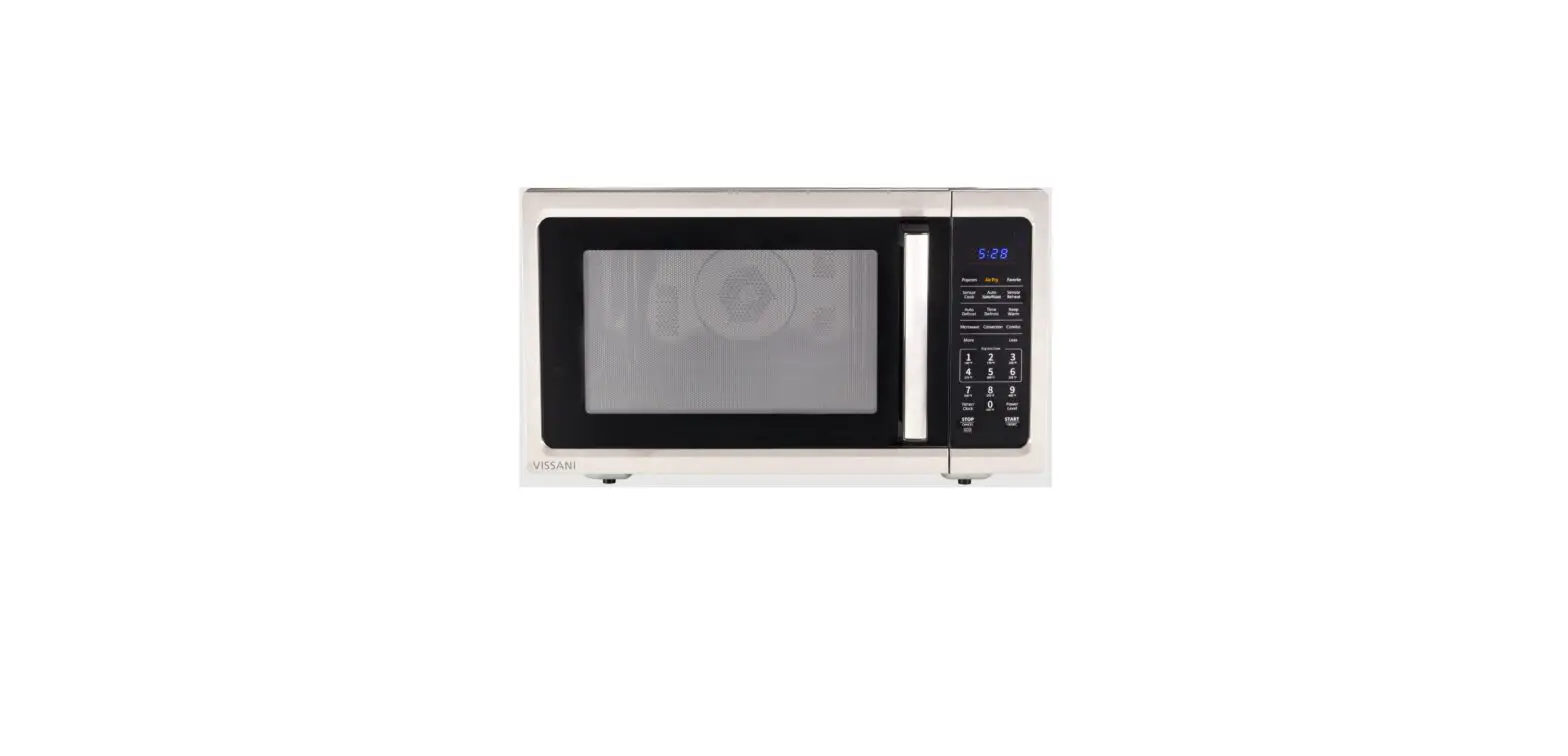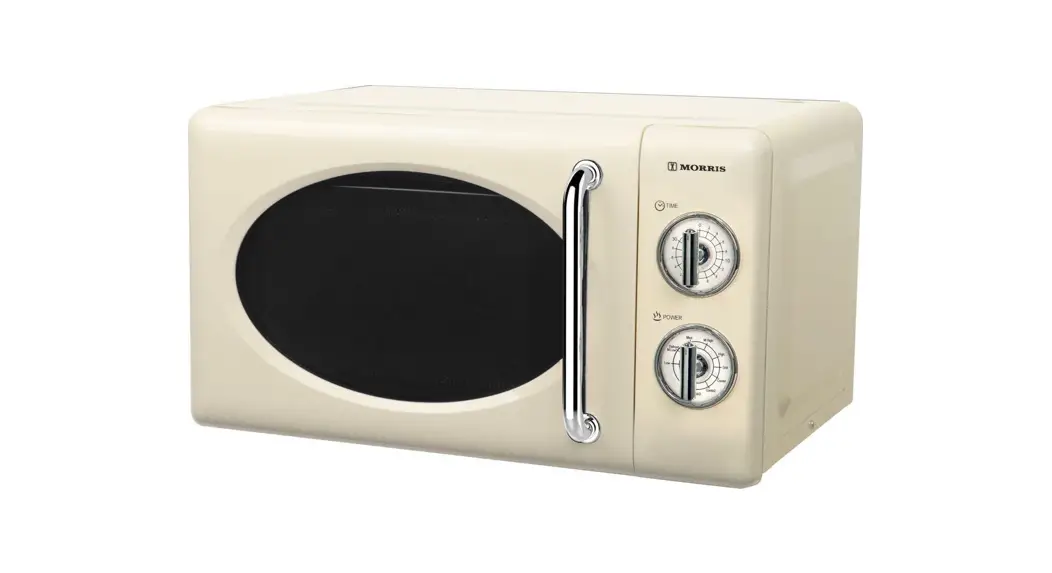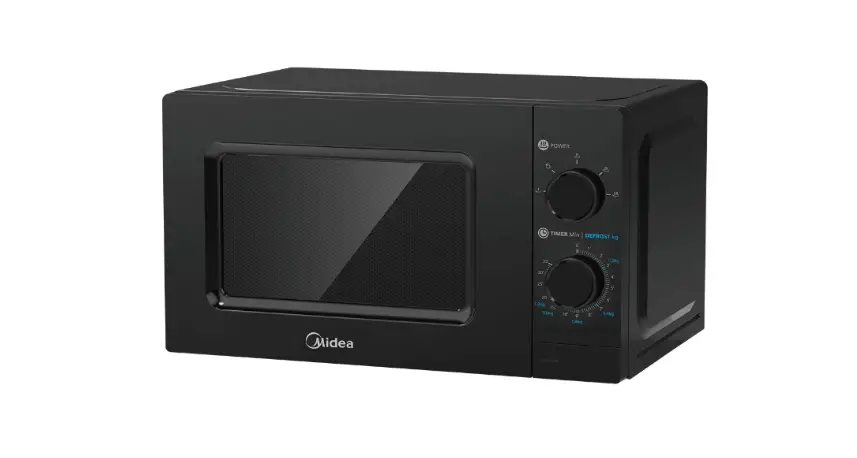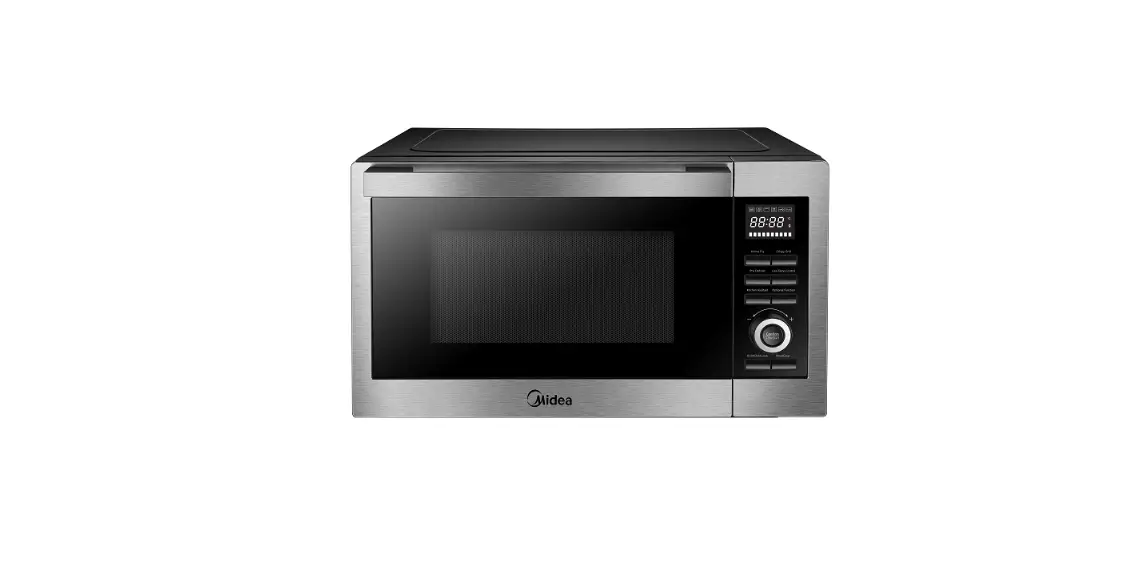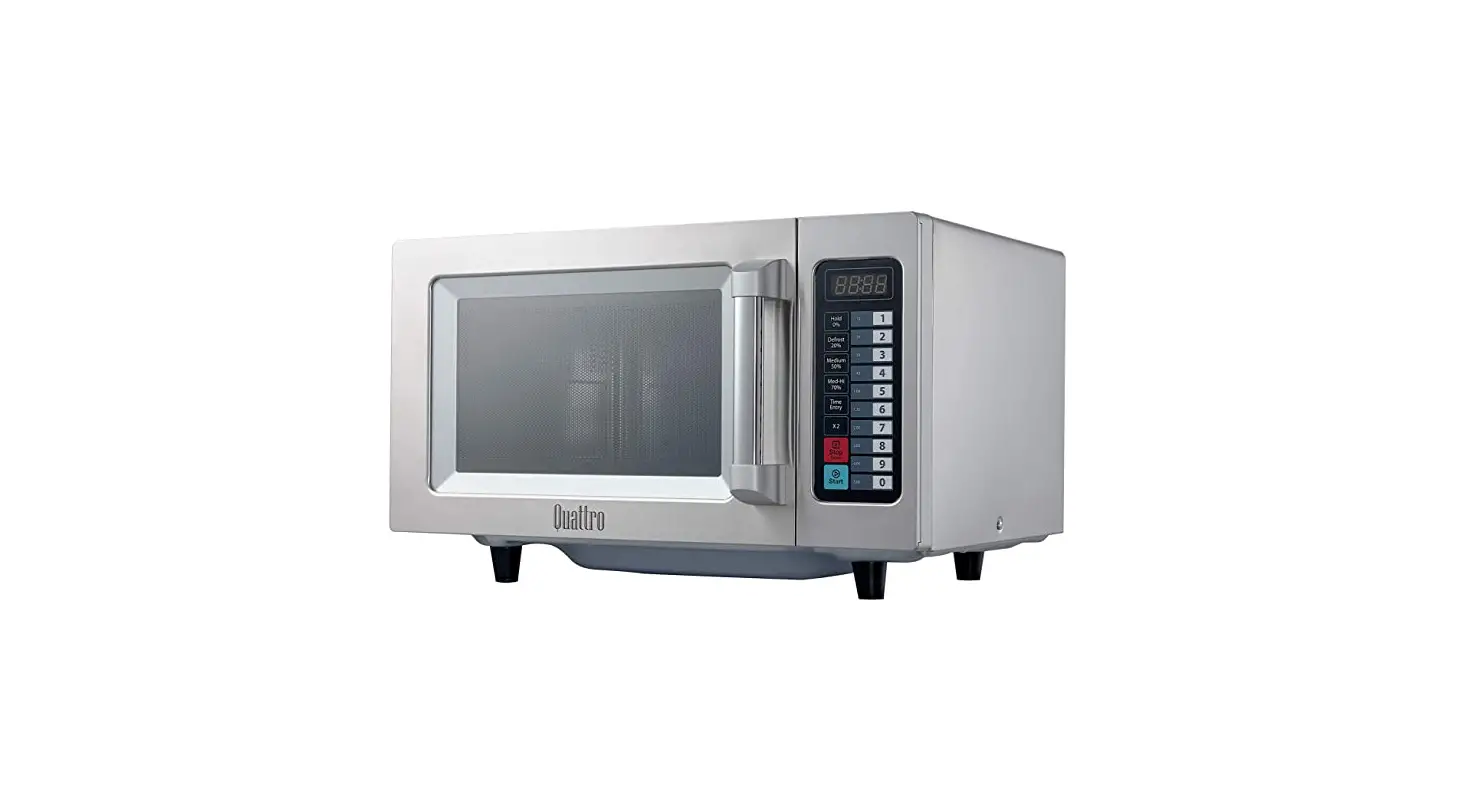

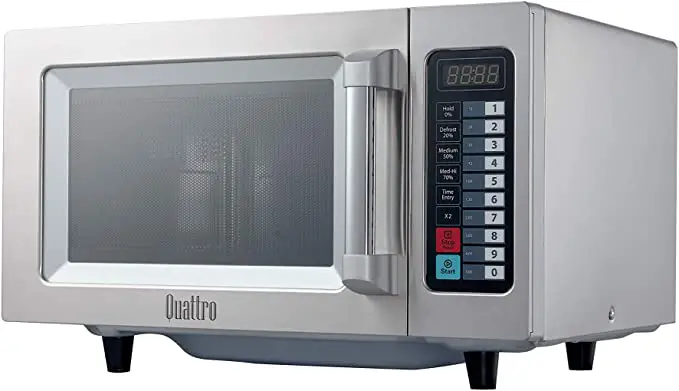
CHEADMASTER HEB082 1000watt Microwave oven
Thank you for purchasing your Chefmaster Microwave. To make full use of the product please read this manual carefully before using the product and keep it safe for future reference.
Safety Tips
- If you find any damage when the product is unpacked, contact your Chefmaster supplier within 24 hours of receipt of goods
- Always position on a flat stable surface
- Repairs should always be carried out by a qualified technician
- Do not use this product outside
- Do not carry when hot
- Always switch off and unplug the unit before cleaning
- Move by holding the product by the base
- Always store flat and do not store products on top of it
- If the power cord becomes damaged it must be replaced by a qualified technician
- This product is not designed to be used by persons with reduced physical or mental capabilities, lack of experience or knowledge, unless they are given suitable supervision, this includes children.
Pack Contents
1 x Chefmaster Microwave
Before Use
- Remove all packaging including all protective plastic, from your Chefmaster Microwave
- Position on a flat, stable surface
- Clean with warm water and a soft cloth
- Plug your Chefmaster Microwave into the mains
- The microwave will now be ready to turn on
Cookware
- Heat resistant glass – Yes
- Heat resistant ceramics – Yes
- Microwave safe cookware – Yes
- Kitchen paper – Yes
- Metal tray/rack – No
- Aluminum foil/foil containers – No
- Non heat resistant glass – No
Oven Parts & Controls
Names of Oven Parts and Accessories
Remove the oven and all materials from the carton and oven cavity. Your oven comes with the following accessories: 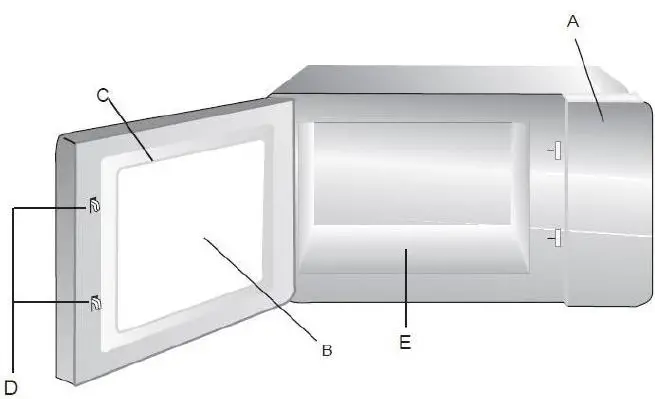
- Control panel
- Observation window
- Door assembly
- Safety interlock system
- Ceramic board Door Safety Lock System
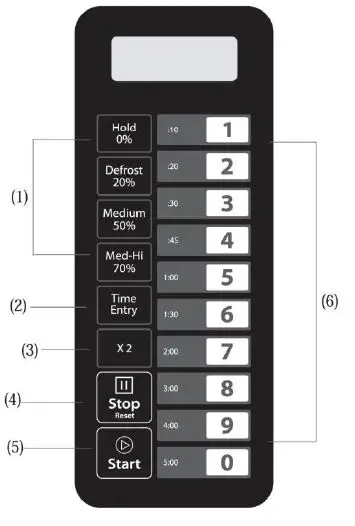
Control Panel and Features
- Power Buttons
- Time cook Button
- X2 Button
- Stop/Cancel Button
- Start Button
- Number Button
Countertop Installation
Remove all packing material and accessories. Examine the oven for any damage such as dents or broken door. Do not install if oven is damaged.
Cabinet: Remove any protective film found on the microwave oven cabinet surface.
Installation
Select a level surface that provides enough open space for the intake and/or outlet vents (Figure1). 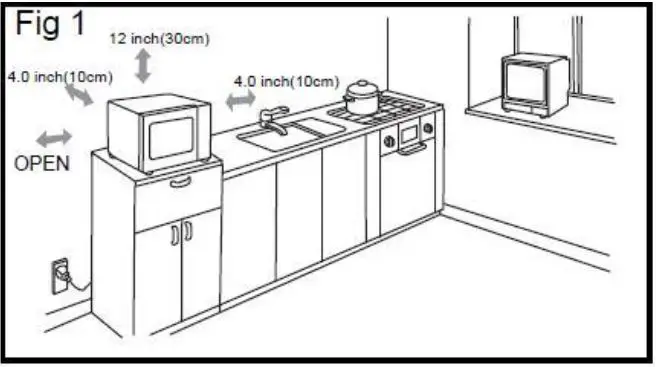
A 10-cm spacing should be kept between the appliance and right and back walls, and a 30-cm spacing kept on the top. Never dismantle the appliance’s feet, nor block the air intake and exhaust opening. The left side must be open.
- Blocking the intake and/or outlet openings can damage the oven.
- Place the oven as far away from radios and TV as possible. Operation of microwave oven may cause interference to your radio or TV reception.
- Plug your oven into a standard household outlet. Be sure the voltage and the frequency is the same as the voltage and the frequency on the rating label.
- Warning: The plugs socket, electric appliances or the appliance which are liable effected by heat and moisture should be kept away from any vents on the oven.
Operation Instruction
Five power levels are available
| Level | High | M. High | Med. | Defrost | Hold |
| Power | 100% | 70% | 50% | 20% | 0% |
| Display | PL10 | PL7 | PL5 | PL2 | PL0 |
Appendix. (A) User Options
Items bolded below are the default values
| Option | Setting | Discription |
| 1 EOC Tone | OP:10 | 3 seconds beep |
| OP:11 | Continuous beep | |
| OP:12 | 5 quick beeps,Repeating | |
| 2 Beeper Volume | OP:20 | Beeper Off |
| OP:21 | Low | |
| OP:22 | Medium | |
| OP:23 | High | |
| 3 Beeper On/Off | OP:30 | Keybeep Off |
| OP:31 | Keybeep On | |
| 4 Keyboard Window | OP:40 | 15 seconds |
| OP:41 | 30 seconds | |
| OP:42 | 60 seconds | |
| OP:43 | 120 seconds | |
| 5 On the Fly | OP:50 | On-the-Fly Disable |
| OP:51 | On-the-Fly Enable | |
| 6 Door Reset | OP:60 | Door reset Disable |
| OP:61 | Door Reset Enable | |
| 7 Max time | OP:70 | 60 Minute Maximum Cook Time |
| OP:71 | 10 Minute Maximum Cook Time | |
| 8 Manual Programming | OP:80 | Manual Programming Disable |
| OP:81 | Manual Programming Enable | |
| 9 Double Digit | OP:90 | Single Digit Mode-10 programs |
| OP:91 | Doule Digit Mode-100 programs |
Appendix. B Default Cook Times
The oven shall ship with the following Preset Cook Times unless otherwise noted in the product specification.
| Button | Display (Time) | Power | Cook Factors |
| 1 | 0:10 | 100% | 80% |
| 2 | 0:20 | 100% | 80% |
| 3 | 0:30 | 100% | 80% |
| 4 | 0:45 | 100% | 80% |
| 5 | 1:00 | 100% | 80% |
| 6 | 1:30 | 100% | 80% |
| 7 | 2:00 | 100% | 80% |
| 8 | 3:00 | 100% | 80% |
| 9 | 4:00 | 100% | 80% |
| 0 | 5:00 | 100% | 80% |
- Power Up
_ _ ” displays when the oven is electrified for the first time. If the ” button is pressed, the oven will change to idle mode. Note: Under idle mode, no button can be pressed.
 - Idle Mode
- The oven shall enter idle mode after a set of seconds have expired in Ready Mode without a keyboard press or a door open and close. The number of seconds is determined by the keyboard Timeout Window, set by User Option 4.
- During idle mode, LED is blank. And there shall be no oven activity.
- Opening and then closing the oven door, the oven will exit the idle mode and into ready mode.
- Ready Mode
- Opening and closing the door while the oven is in Idle Mode will put the oven into Ready Mode.
- During Ready Mode, “0:00” displays.
- From the Ready Mode, the oven can go to almost all of the other modes.
- Only the fan and lamp work.
- Door Open Mode
- While the door of the oven is open, the oven shall be in Door Open Mode.
- During this mode, LED is blank. And the fan and oven lamp work.
- When the door is closed, if User Option OP: 60 is selected and the oven was running a manual or preset cook cycle, the oven shall enter Pause Mode. In all other cases, the oven shall return to Ready Mode with User Option OP:61 set. Opening and closing the door will clear out any information about a Manual or Preset Program which was running.
- Pause Mode
- While in Manual Cook Mode or Preset Program Cook Mode, if the door is open or closed, or if the pad is pressed, the oven will enter ” Pause Mode.
- While paused, LED will display the remaining cooking time.
- Only the fan and lamp work.
- Pause Mode will expire back to Idle Mode in the exact fashion as Ready Mode, dependent on User Option 4. Additionally, if the ” ” button is pressed, the oven shall immediately enter Ready Mode. OR if press
 button, the oven will go into working mode.
- While in Manual Cook Mode or Preset Program Cook Mode, if the door is open or closed, or if the
- Manual Cook Entry Mode
- While the oven is in the Ready Mode, pressing the “
 ” pad on the keyboard will put the oven into Manual Cook Entry Mode.
 - During this mode, “00:00” displays
- If you press
 button to select power level, LED will display the related power. If the same button pressed twice, the power will change to PL10. If no power chosen, “PL10” is default.
 - Only the fan and lamp work.
- During setting process, press ” ” to enter Manual Cook Mode.
- Press ” ” to enter Ready Mode.
- While the oven is in the Ready Mode, pressing the “
- Manual Cook Mode
- Pressing the “ pad will cause to the oven to begin Manual Cook Mode.
- During this mode, remaining cooking time displays. The fan and oven lamp will work.
- When cooking program finish, the oven will enter End of Cook Cycle Mode. If you press ” ” button under this mode, the oven will enter Pause Mode.
- Pressing the “
- End of Cook Cycle Mode
- After the time has expired in a Manual Cook Mode, or a Preset Program Cook Mode, the oven shall go into The End of Cook Cycle Mode.
- During this mode, “End” displays.
- If either User Option OP:11 or “OP:12″ is selected, the oven shall continue to sound until the user acknowledges this by either opening and closing the door or pressing the ” “pad. If User Option OP:10 is selected, after the 3 seconds beep, the oven shall go into Ready Mode
- .Preset Program Cook Mode
- This mode allows cooking of food items through a one pad touch operation. While in Ready Mode, pressing one of ten digit keys on the keyboard will cause the oven to run the Preset Program associated with that key.
- When cooking program finish, the oven will enter End of Cook Cycle Mode. If you press ” ” button under this mode, the oven will enter Pause Mode.
- LED displays the remaining cooking time. If it is multi-stage cooking, the total remaining cooking time displays not a particular stage cooking time.On the Fly Cooking
- While the oven is cooking or under Pause Mode, if User Option OP:51 is selected, press number buttons, the preset cooking program will start automatically.
- LED displays the remaining cooking time.
- When cooking program finish, the oven will enter End of Cook Cycle Mode. If you press “ ” button under this mode, the oven will enter Pause Mode.
- Programming Mode
- This mode allows the user to assign cook times and power levels to the once touch button.
- Open the door and press “1” for 5 seconds, the buzzer will sound once and enter to Programming Mode.
- “ProG” displays.
- Press any number, 0 to 9, and the LED will display the saved time, then you can input the time you need.
- Press to input the power level. LED will display the related power. If the same button pressed twice, the power will change to PL10. If no power chosen, “PL10” is default.
- To change the cooking factors: If press “X2”, LED will display “CF:XX”. The default factor is 80%. “CF:80” displays. If you need to change the cooking power, just press one of the number buttons to set
- After setting the time and power, press “ ” in 30s, the cooking program will be saved. When the program saved, “ProG” displays.
- If all the cooking time exceeds the MAX. time User Option 7, when press ” ” to save the program, the buzzer will sound three times briefly to tell you the time is no use. And then LED turns back to show “ProG”. The time set before will have no change.
- Close the door, the oven will turn back to Ready Mode. If press “ ” button during setting process, the oven turn to Door Open Mode. The program that not saved will be lost. If there is program saved as memory procedure, press the related number button, the saved program will start. If no saved program, the buzzer will alarm when pressing number button and it will not work.
For example: set the program as memory cooking.
Program: Power level PL7 and cooking time 1 minute and 25 seconds.
 button is pressed, the oven will change to idle mode. Note: Under idle mode, no button can be pressed.
 button to select power level, LED will display the related power. If the same button pressed twice, the power will change to PL10. If no power chosen, “PL10” is default.
Step 1: In ready state, press number button “1” for 5 seconds,”ProG” displays.
Step 2: Press number button “3”, the program will be saved in “3”.
Step 3: Press number buttons “1”, “2” and “5” to input the cooking time.
Step 4: Press ”  ” button,” PL7″ displays. Setting finished.
Step 5: Press ” ” to save. When use the program next time, just press “3”, the related program will start.
Note:
- If the electricity is cut off, the saved program will not lost. (2). If the program need to reset, just repeat the above steps.
- If press “ ” at the last step, it will turn back to Ready Mode. The setting will be no use.
Double Quantity cooking
- Under ready state, press “X2” button and then press number buttons 0- 9 in 5 seconds, the oven will start cooking with the quantity preset cooking time.
- Press “X2”, “doub” displays. When press number buttons, LED will display the quantity preset time. For example, number button “5” and its preset time is 1 minute. Then press “X2”, then time will change to 1:00*(1+0.8)=1:48.
- When cooking program finish, the oven will enter End of Cook Cycle Mode.
Stage Cooking Programming
This allows the user to cook food items at combination of various Power Levels
Three stages can be set at most under cooking mode or memory mode. After setting the power and time for the first stage, press ”  ” to set the second stage. And the same step to set the third stage..
When setting the second or the third stage, press ” displays. “, “S-2” or “S-3”
Press “ ” button to start cooking.
Example: To set three stages as memory mode. The first stage is PL7 and time is 1 minute 25 seconds. The second stage is PL5 and 5 minutes and 40 seconds. The steps are:
- Ready state, press “1” for 5 seconds, LED displays “ProG”.
- Press number buttons “3” to save the program in “3”.
- Press “1”, “2”, “5” to input the cooking time. “1:25” displays.
(d). Press ” “, “PL7” displays.
The first stage is finished.
- Press ” “, LED displays “S-2”.
- Press “5”, “4”,”0″ button, “5:40” displays.
The second stage is finished.
(h). Press “ ” to save the program.
User Option Mode
- Open the oven door and press “2” for 5 seconds. The buzzers sound once and enter this mode.
- LED displays “OP: – -“.
- Press any number button to enter related mode setting. For example: to set the voice of the buzzer to medium. Press ” 2 “, “OP:22” displays. If you want to change, keep pressing “2”, LED displays “OP:20″,”OP:21″,”OP:22″,”OP:23”, “OP:20” …..in cycle.
- During setting process, press ” the door will enter “ to enter Door Open Mode. Close Ready Mode.
Service Mode
- Open the oven door and press “3” for 5 seconds to enter service mode.
- LED displays “SErU”.
- To check the times of closing or opening the door, just press number button “1”, LED will display the times.
- Press ” ” and then press number button “4” in 3 seconds, the message will be cancelled. “4-CL” displays.
- Press ” Ready Mode.” to enter Door Open Mode. Close the door will enter
Inquiry Function
- During microwave cooking process, press ” ” to check the power level. LED display the power for 3 seconds then turns back to previous state. It is available for multi-stage cooking.
Factory-default setting
In power up and ready mode, press “” and ” o ” to factory–defauct setting.
Cleaning & Maintenance
- Before cleaning, disconnect the Microwave from the electricity supply.
- Once the unit has cooled completely, wipe with a damp & soapy cloth.
- DO NOT submerge the Microwave in water or use water sprays to clean it
- Always clean your Chefmaster Microwave daily
- Use a vacuum cleaner to clean the air intake & exhaust vents
Troubleshooting
Transportation and Storage
Please handle your Microwave with care to prevent any damage to the unit and internal parts. The Microwave should be stored somewhere which is ventilation and non-corrosive gas.
Do not store any flammable objects near the equipment.
Technical Information
HEB082 – Microwave oven
Voltage: 230v~50Hz
Power: 1000watt
Weight : 14.7 Kgs
Dimensions : 511x432x311mm
- Chefmaster Microwave are supplied with a 3 pin plug and lead with a 13 amp fuse
- appliance must be earthed
- If in doubt contact a qualified electrician or your Chefmaster distributor
Disposal
Under WEEE regulations this product must not be disposed of as household waste. To prevent damage to the environment and humans this product must be disposed of in an approved and environmentally friendly recycling process. For more information on how to dispose of this correctly please contact your Chefmaster distributor or local authority responsible for waste disposal.
Compliance.
All Chefmaster parts and products have undergone a stringent testing process to ensure that comply with all European standards and specifications.
All Chefmaster products carry the CE approval symbol.