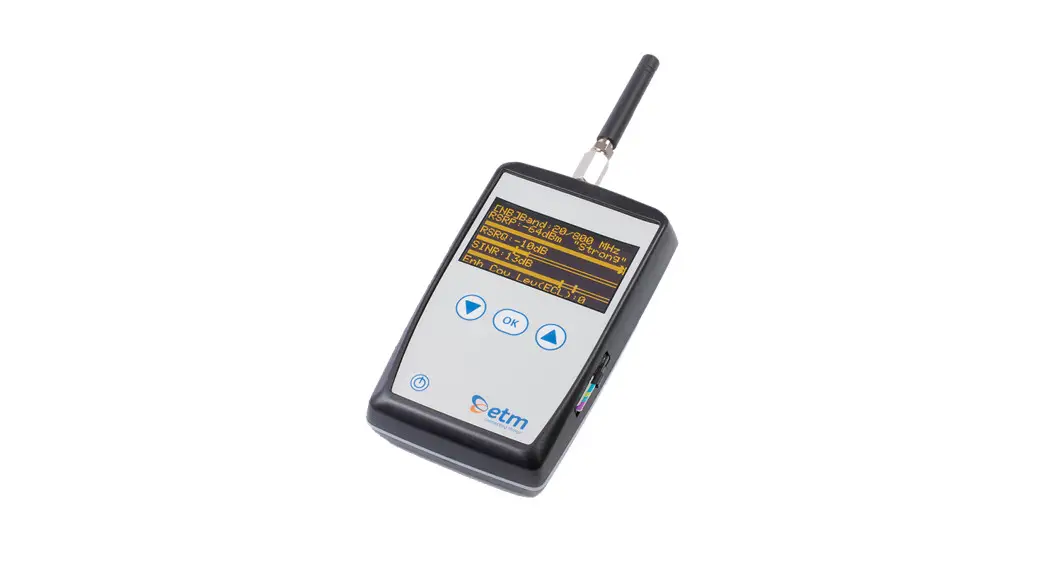

ETM770
CELLULAR SIGNAL ANALYZER
Quick Start Guide
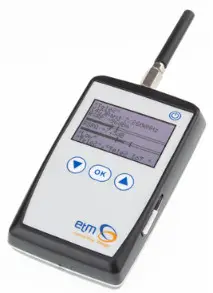
Welcome to your ETM Product
Get started: This guide helps with the initial product setup. Need more? Find additional product information by simply scanning the QR code.

http://www.connectingthings.com/produkt/etm770-network-monitoring-tool/
Support: ETM offers multiple support options to help you get the most out of your product.
You can go onto www.etmiot.com or e-mail [email protected]
If urgent, please call us using the numbers below.
ETM Mätteknik AB (HQ)
Ekbacksvägen 32, 168 69, Bromma, Sweden
Tel: +46 (0)8 25 28 75 E-mail: [email protected]
www.etmiot.se
ETM Pacific Pty Ltd (APAC)
Suite 6, 273 Alfred Street, North Sydney NSW 2060, Australia
Tel: +61 (0)2 9956 7377 E-mail: [email protected]
www.etmiot.com.au
INTRODUCTION
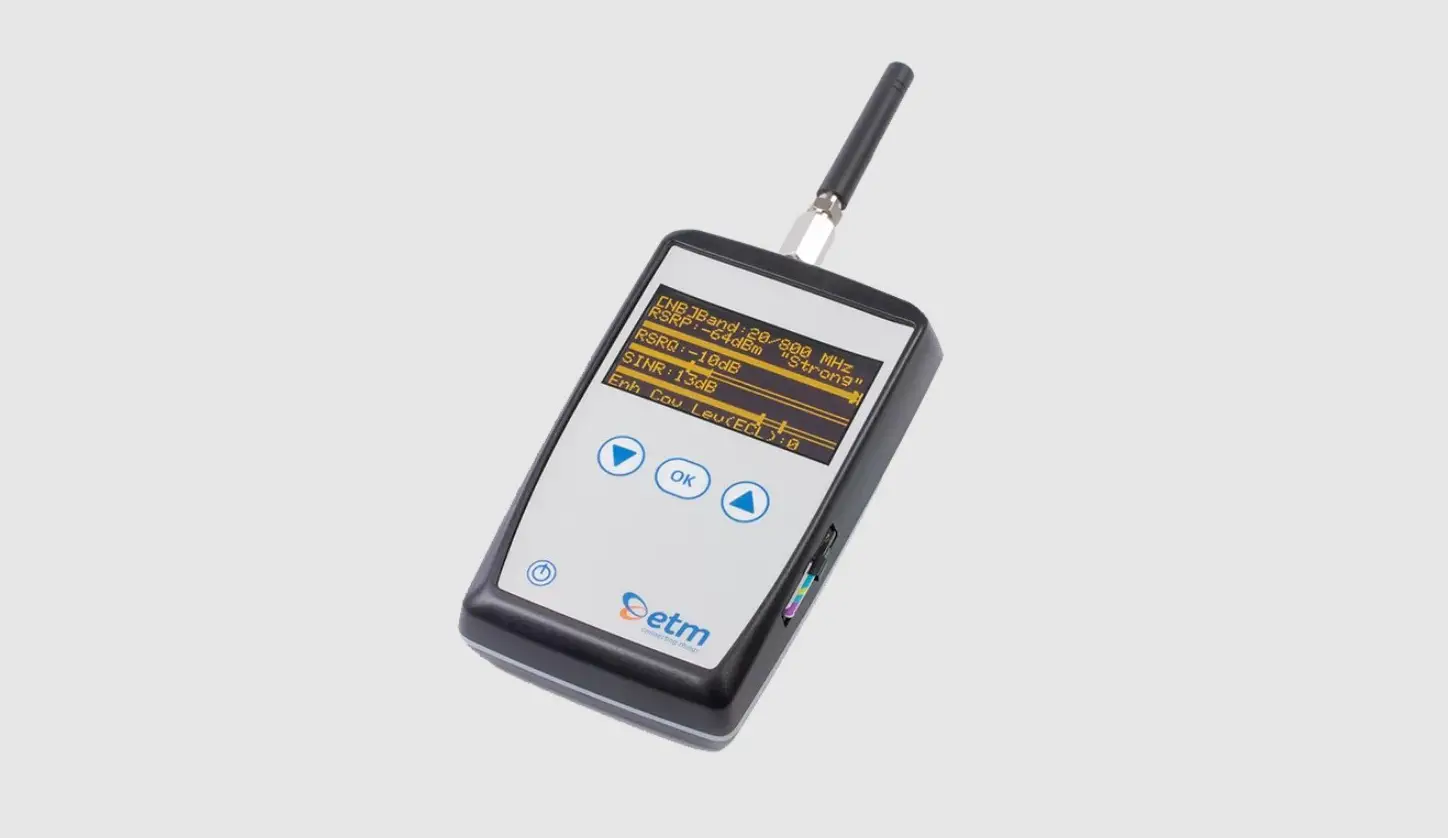
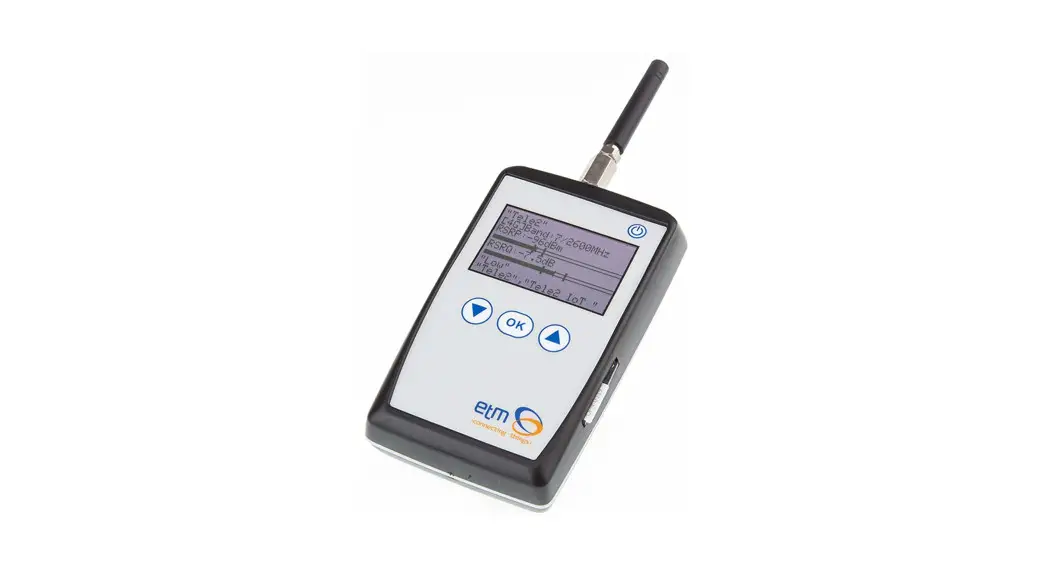
ETM770 is a handheld signal analyzer for cellular 2G/3G/4G or 2G/Cat M1/Cat NB2 network measurements.
Common applications include:
- Determine the best operator
- Check signal strength & coverage
- Send measured data to the server
- Check working IP connection
- Select the best antenna
- Check parameters like Lac, cell
FEATURES
- 2G/3G/4G or 2G/LTE Cat M1/LTE Cat NB2 coverage
- Monochrome OLED display
- Rechargeable battery
- Mini USB for programming and charging
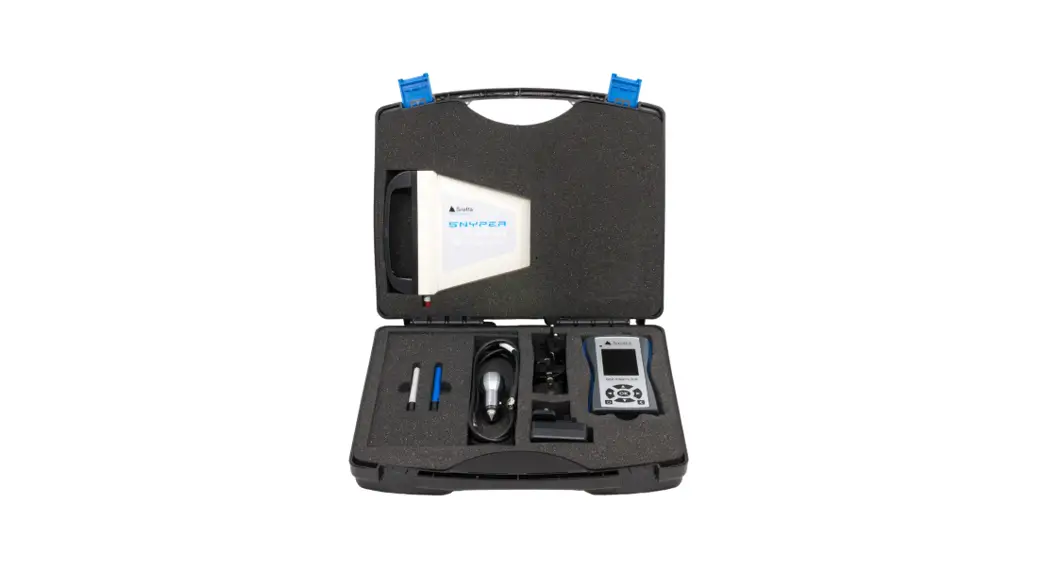
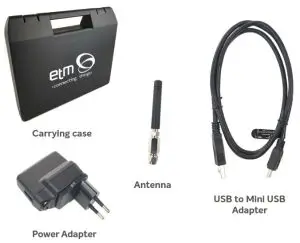
- Includes antenna, hard case, and charger
ACCESSORIES
NETWORK COVERAGE
| Model | ETM770-7 | ETM770-10 |
| Part.no | 20543 | 20591 |
| Module | Cinterion PLS62-W | Quectel BG95-M3 |
| GNSS | – | GPS/GLONASS/BeiDou/ Galileo/QZSS |
| 2G | 850/900/1800/1900MHz | 850/900/1800/1900MHz |
| 3G | 800/850/900/AWS/1800/1900/2100 Mhz (B1/B2/B4/B5/B8/B9/B19) | – |
| LTE 4G | 700/800/850/900/AWS/1800/1900/2100/ 2600 MHz (B1/B2/B3/B4/B5/B7/B8/ B12/B18/B19/B20/B28) | – |
| Cat M1 | – | B1/B2/B3/B4/B5/B8/B12/ B13/B18/B19/B20/B25/ B26/B27/B28/B66/B85 |
| Cat NB2 | – | B1/B2/B3/B4/B5/B8/B12/ B13/B18/B19/B20/B25/ B28/B66/B71/B85 |
WANT A VIDEO USER GUIDE?
There is an ETM770 user guide available on Youtube, use the link or scan the QR code to watch:
https://www.youtube.com/watch?v=kGrbhHnXsos&t=117s

https://www.youtube.com/watch?v=kGrbhHnXsos&t=116s
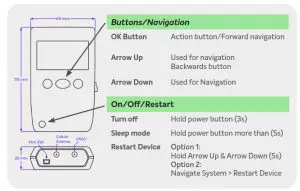
SCANNING A SIGNAL
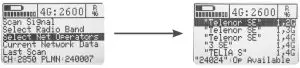
- Choose the radio band/bands that you wish to scan.

- Search and select a network operator that is using one or more of your selected radio bands.

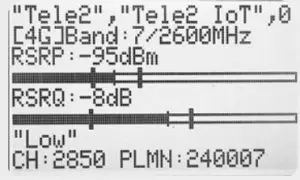
- When radio bands and network operators are selected, you can proceed to scan a signal by navigating to ”Scan Signal”.

ADDITIONAL FUNCTIONS
SEND DATA TO SERVER
- Navigate the main menu > Send Data to Server > Send Last Scan
- To change the IP-Address for sending, please see ”4. Configuring the ETM770”
COMMUNICATION TEST
- Navigate main menu > Communication Test > PING ”IP-Adress”
- This will send three tests to the selected server. It shows ”success” or ”fail”. Ping round trip time in milliseconds.
- To change the PING address, please see ”4. Configuring the ETM770”
SIGNAL ANALYSIS EXPLANATION
| RSSI (dBm) | Received Signal Strength Indicator |
| RSRP (dBm) | Reference Signal Received Power |
| RSRQ (dB) | Reference Signal Received Quality |
| SINR (dB) | Signal to Interference plus Noise Ratio |
SYSTEM
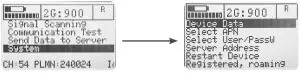
Device Data
Page 1: SIM card number, software version, hardware number, IMEI number
Page 2: Date/time, internal temperature, supply voltage, battery voltage
Select APN
Select which APN you wish to use for uploading scanned data to a server
Select User/PassW
Some APNs require a username/password. Add and select the right user in this tab.
Server Address
Displays the added server addresses and ports
Restart Device
Restart the device without using the buttons.
CONFIGURING THE ETM770
When it comes to configuring the ETM770 there are two options:
- Using the Configuration Tool to configure with a computer via the provided USB Cable. Please see ETM770 User Guide available on our website etmiot.com
- Configuring the unit wirelessly using the SMS commands:
SMS COMMANDS
An easy way to configure the ETM770 unit is by using SMS Commands. Simply send an SMS with the following syntaxes to the device’s cellular number.
| Change PING address Example | ET-IP3=” IP Address”:” Port” ET-IP3=8.8.8.8:80 (Google’s server) |
| Change server address Example | ET-IP1=” IP Address”:” Port” ET-IP1=54.77.219.177:7162 (EWO server) |
| Change APN list Example | ETSAPN=” List position”, ”APN name” ETSAPN=1, m2m.tele2.com |
| Change User/password Example | ETSUP=” List position”, ”Username”, ”Password” ETSUP=1,username1,password1 |
EWO (ETM WEB OFFICE)
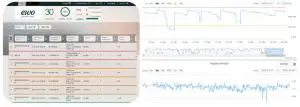
- Log in using the provided login credentials
- Manage your account, units, and organization in the settings.
- Under settings > configuration choose which data you want to be presented
- Enjoy your ETM product
ETM PRODUCTS
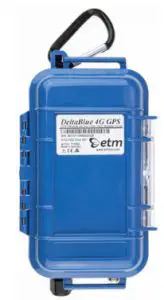
DeltaBlue
Outdoor and battery-powered remote monitoring, alarming & logging solution
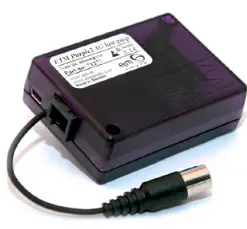
 ETM-Purple
Intelligent cellular 2G/3G/4G with ”last gasp”
DeltaBlack
Industrial cellular remote monitoring, alarming & logging solution
ETM-770
Cellular Network Monitoring tool Cat M1/Cat NB2 2G/3G/4G
To access the ETM IoT Cloud Dashboard, please visit the website or scan the QR Code.www.etmweboffice.com/EWO/pages/login.jsp