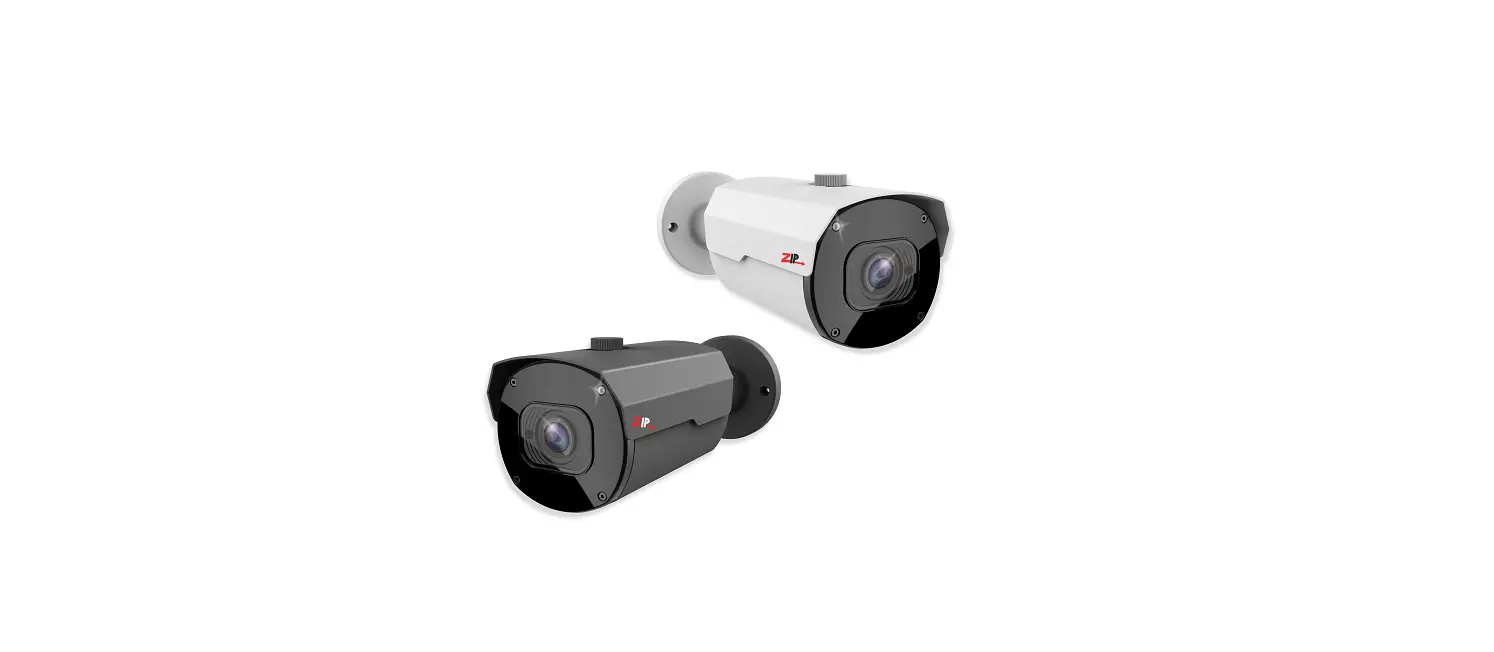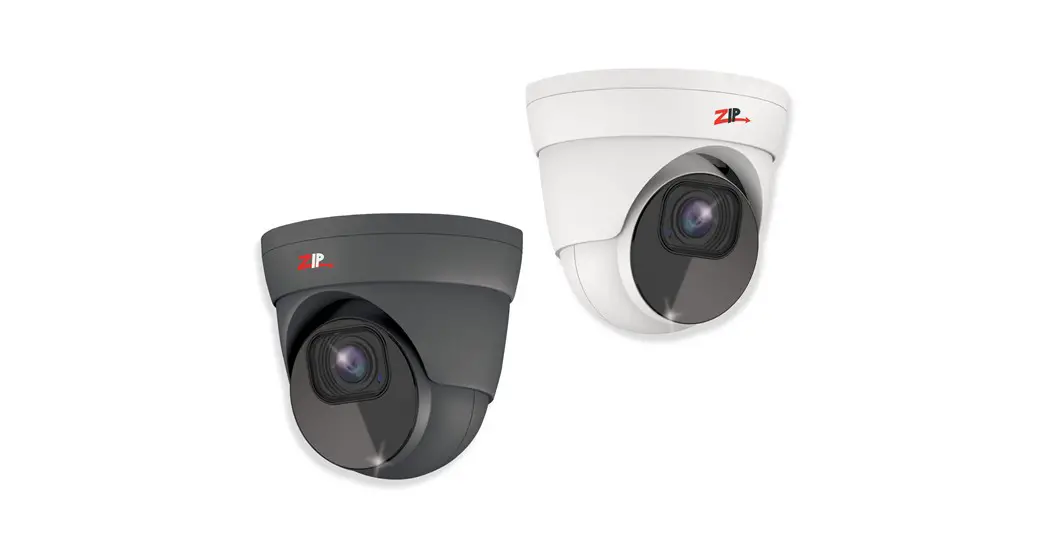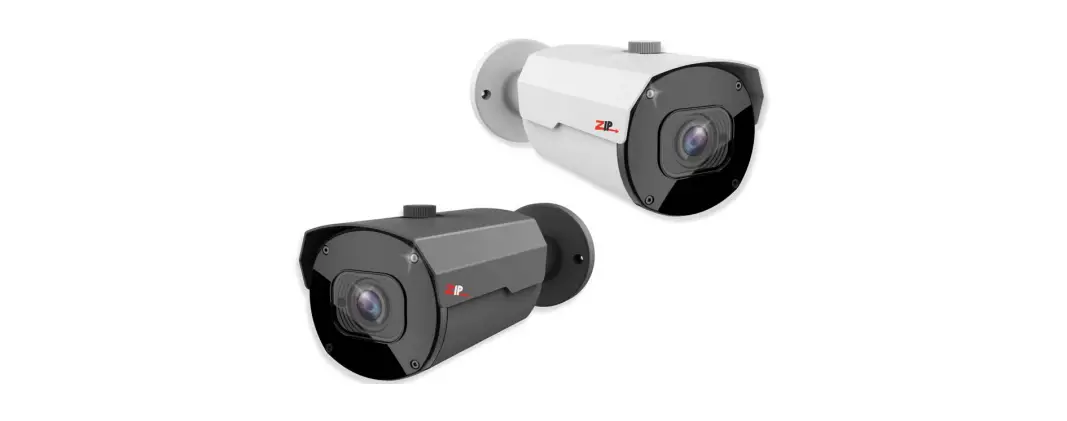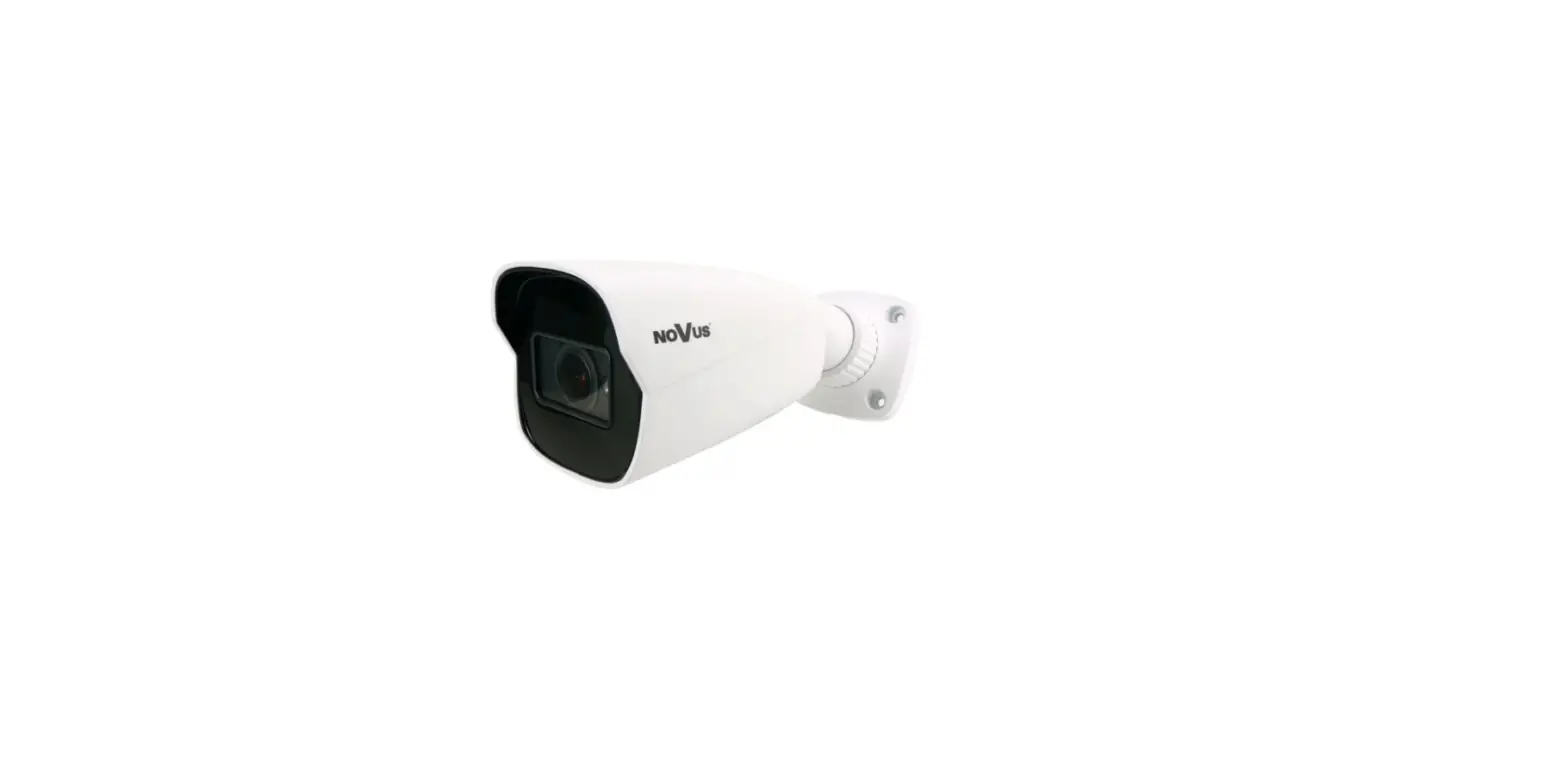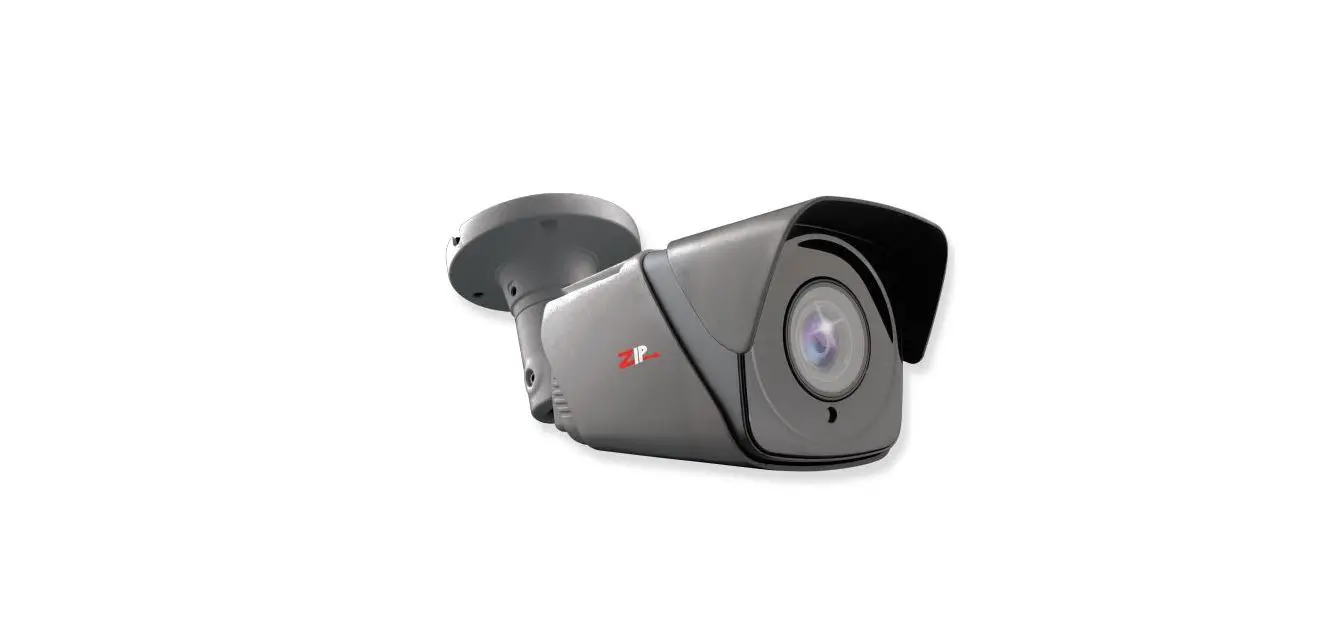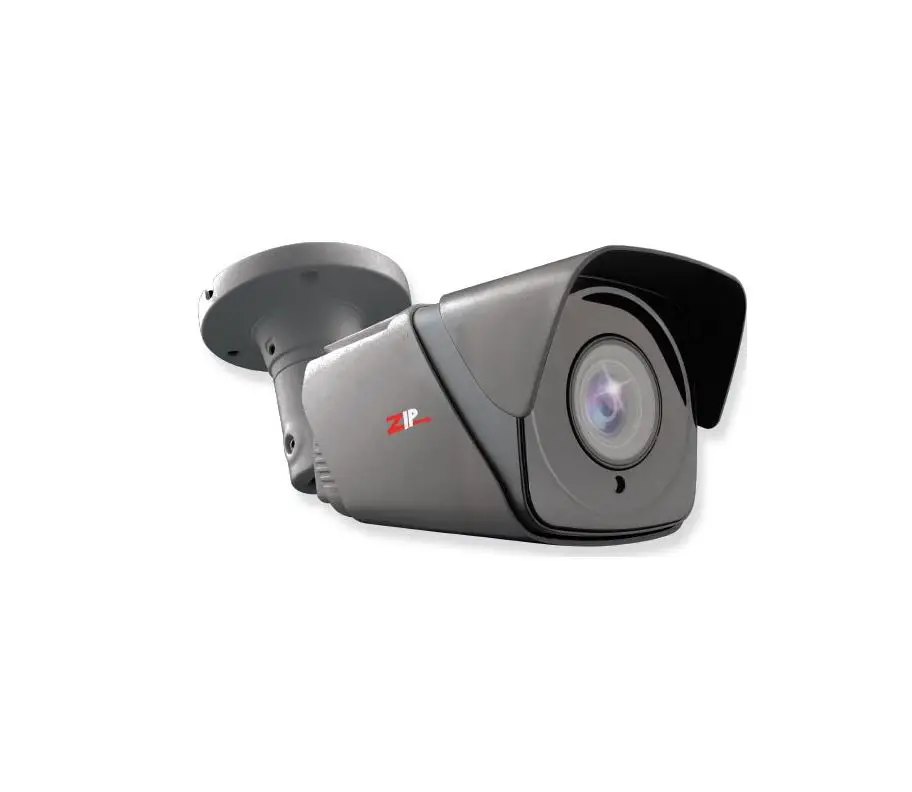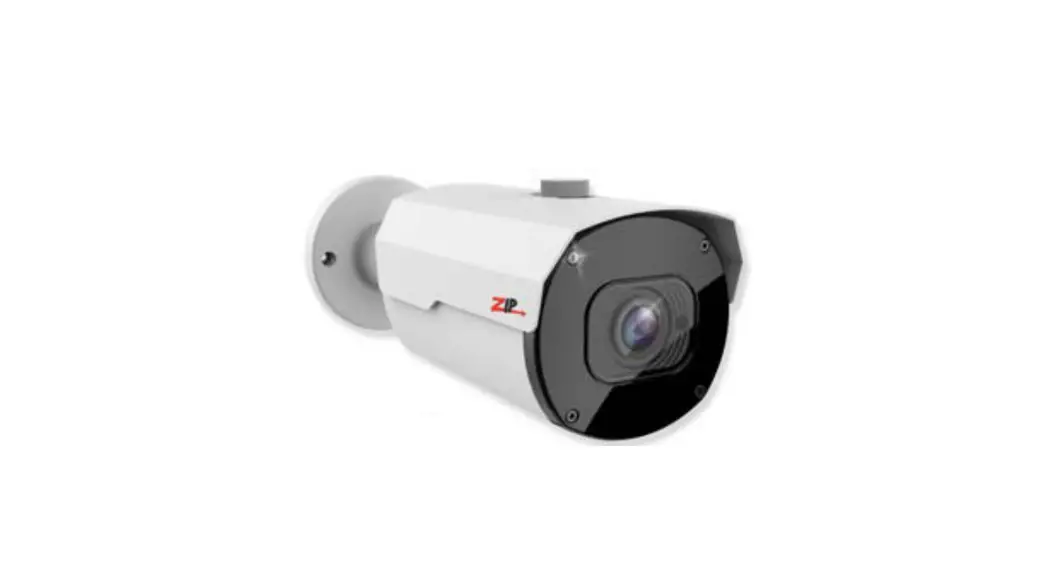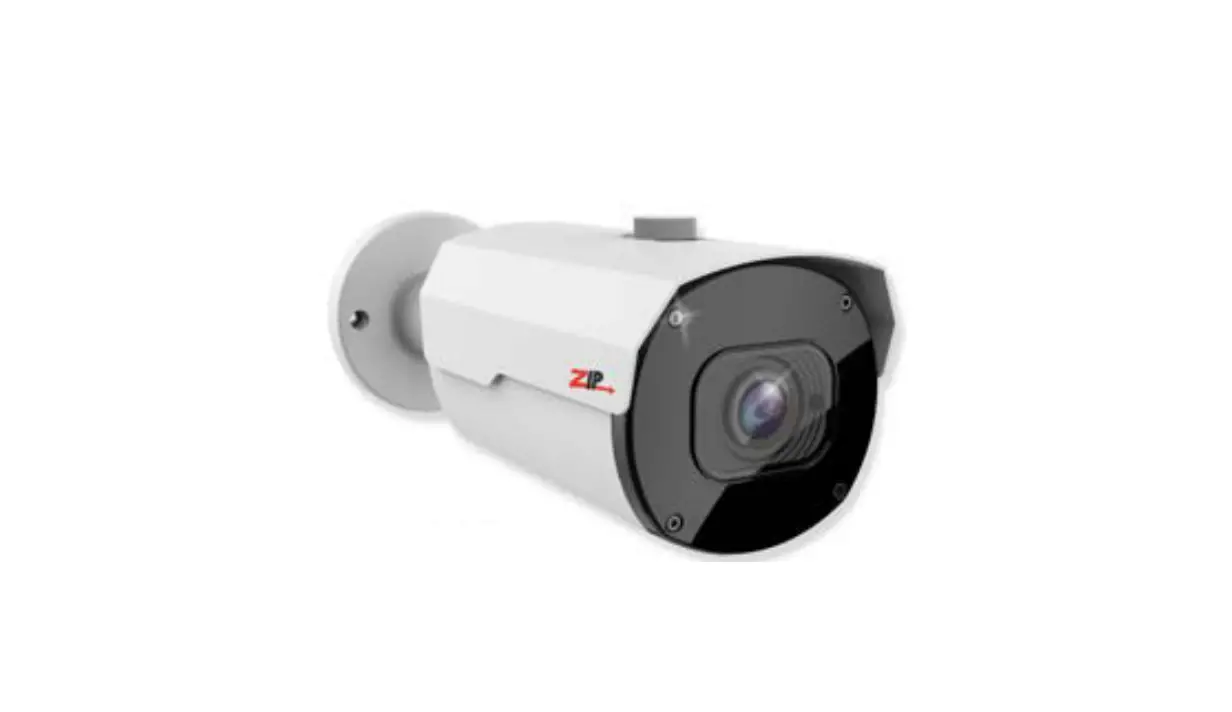
Zip SEE618 4K Bullet 2.8-12mm Motorised Lens Camera User Guide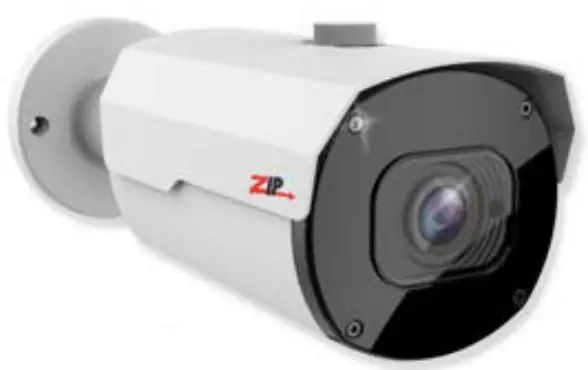
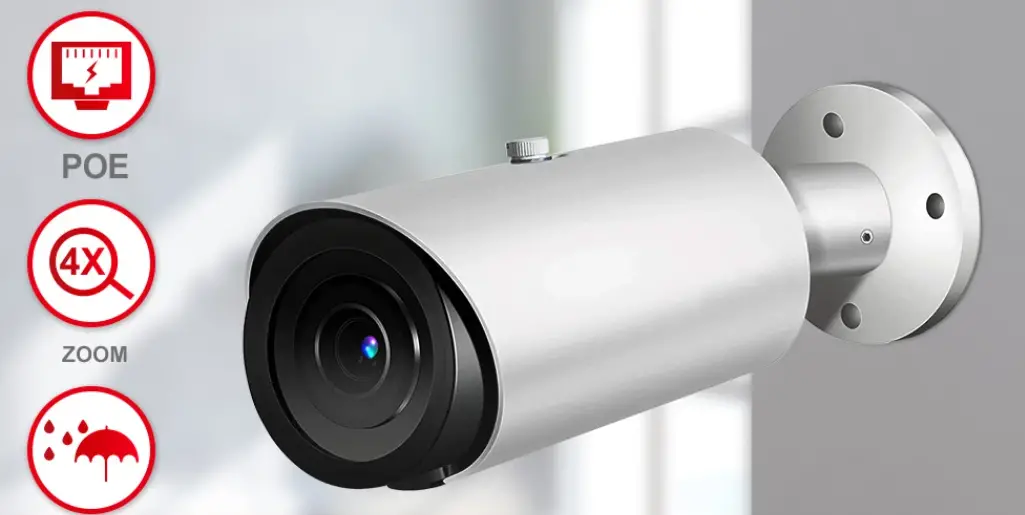
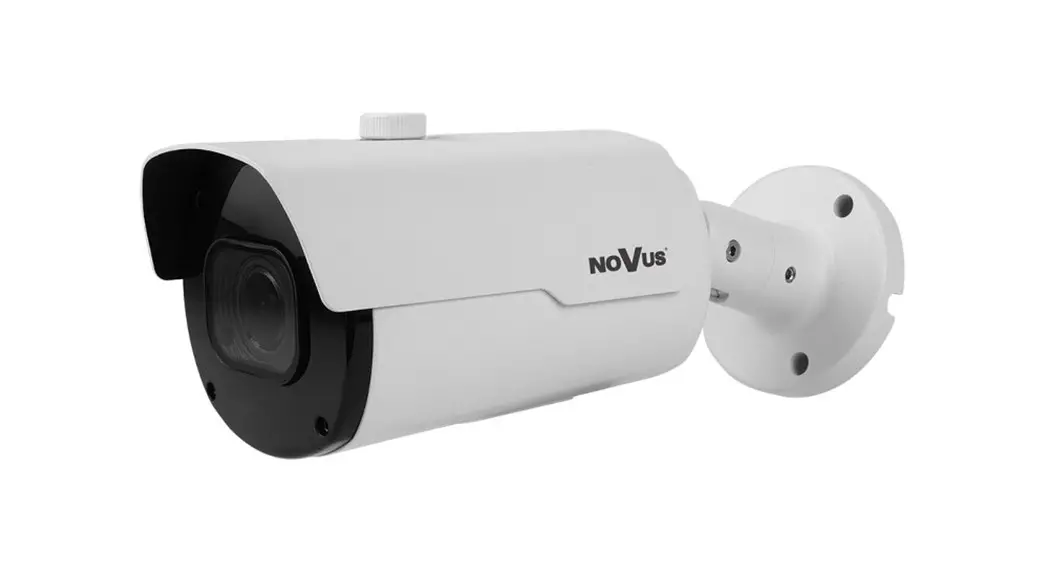
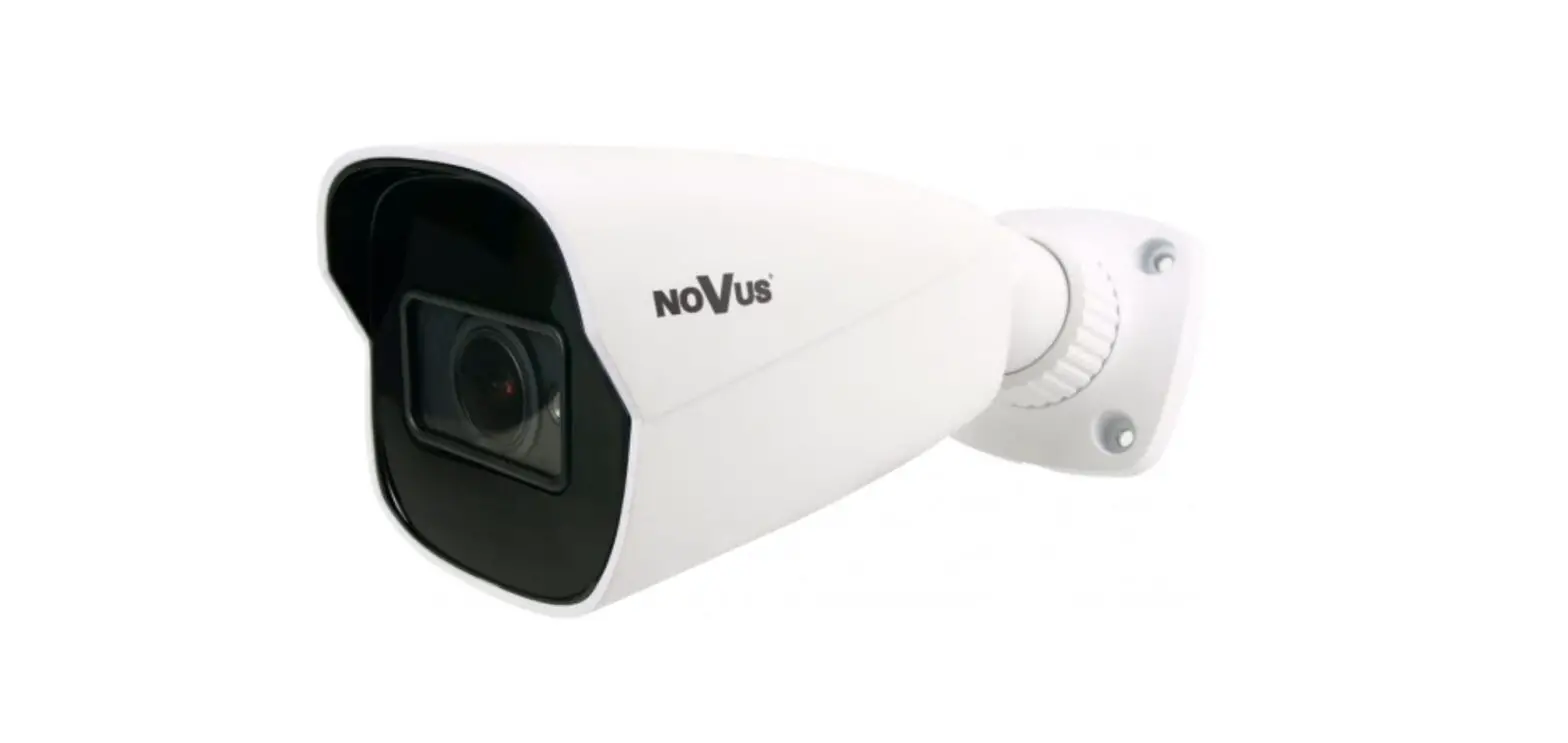
The SEE618 bullet style camera has a tough metal exterior, ideal for both outdoor and indoor uses with multi format output modes including; TVI, AHD, CVI and CVBS. IR range up to 40m (true day/night filter).
Powering the camera
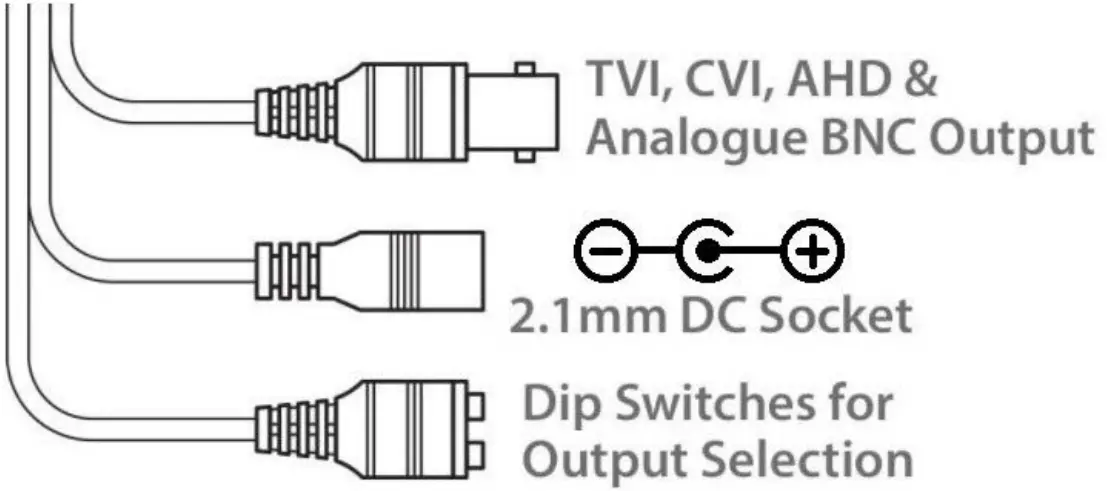
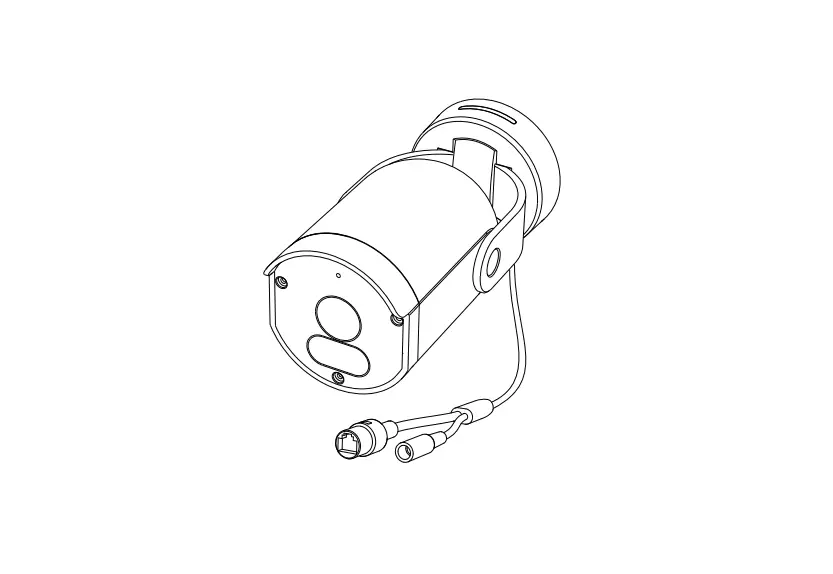
The camera has a 2.1mm socket which requires 12V DC and the current consumption is 500mA, so use a regulated power supply rated at 750mA or above.
The camera is polarity sensitive so connections must be correctly made.
The camera has a standard BNC connector for the 4-in-1 video output. As default the output is set to HD-TVI 8MP which will work with the ZipXtreme DVR, however the output can be changed to AHD, CVI or CVBS if required.
Via an DVR with a monitor & mouse direct to access the Cameras menu via coaxitron:-
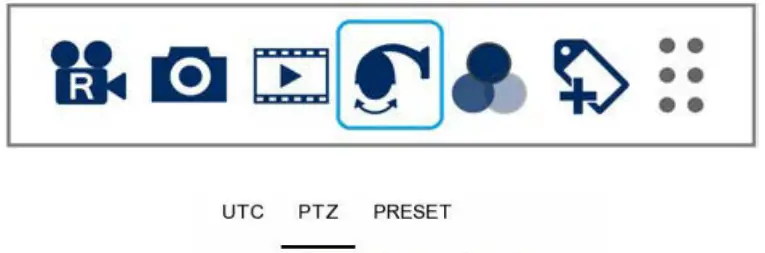
- Click on the image in Live view
- Click on the PTZ button at the bottom of the screen
- Click on the IRIS + button to display the menu
Use the directional arrows to move up and down through the menu.
Use the directional arrows left and right to change the option.
Use IRIS + to select and enter that menu option.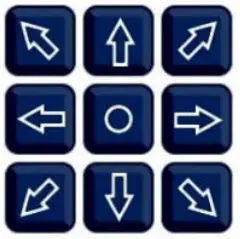
Motorised Lens Control
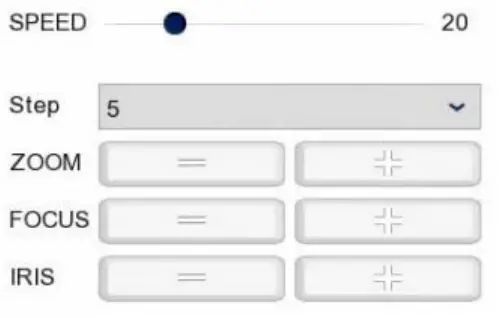
Use Zoom + and – to zoom in and out
The camera should automatically focus when Zoom +/- is released
A template is provided in the box for marking the hole positions for the fixing screws.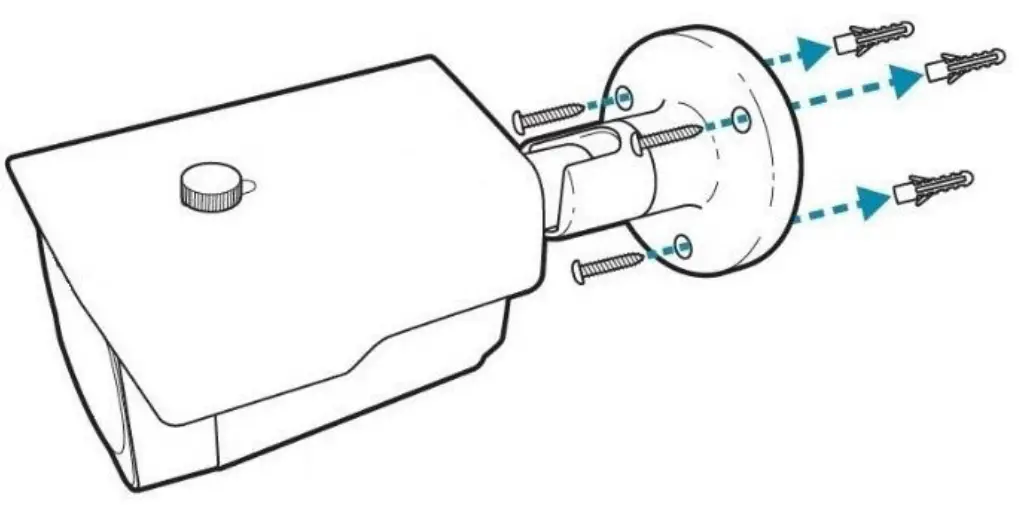
| Resolution | 4K (8MP) |
| Lens Type | 2.8-12mm Varifocal |
| Image Output | 1 Volt Peak-Peak 75 ohm |
| Min.Illumination | 0 Lux IR On |
| Day/Night | Mechanical (True Day-Night) |
| InfraRed LEDs | 4 High Powered LEDs |
| IR Range | 40M |
| Input Voltage | 12V DC |
| Current Consumption | 500mA (IR On) |
| IP Rating | IP66 |
| Video Connection | BNC Socket |
| Power Connection | 2.1mm DC Socket |
| Finish | White/ Grey |
| Build | Metal |
| Dimensions | 90mm (Diameter) x 151mm (Length ex bracket) |
All specifications are approximate. System Q Ltd reserves the right to change product specifications or features without notice. Whilst every effort is made to ensure that these instructions are complete and accurate, System Q Ltd cannot be held responsible for any losses, no matter how they arise, from errors or omissions in these instructions, or the performance or non performance of the equipment refered to.
 This symbol indicates that equipment must not be mixed with general household waste. For treatment, recovery and recycling please return to your local designated WEE/CG0783SS collection point as defined by your local council.

www.systemq.com/PDF/manual/xSEE618.pdf