13/05/2023 04:11
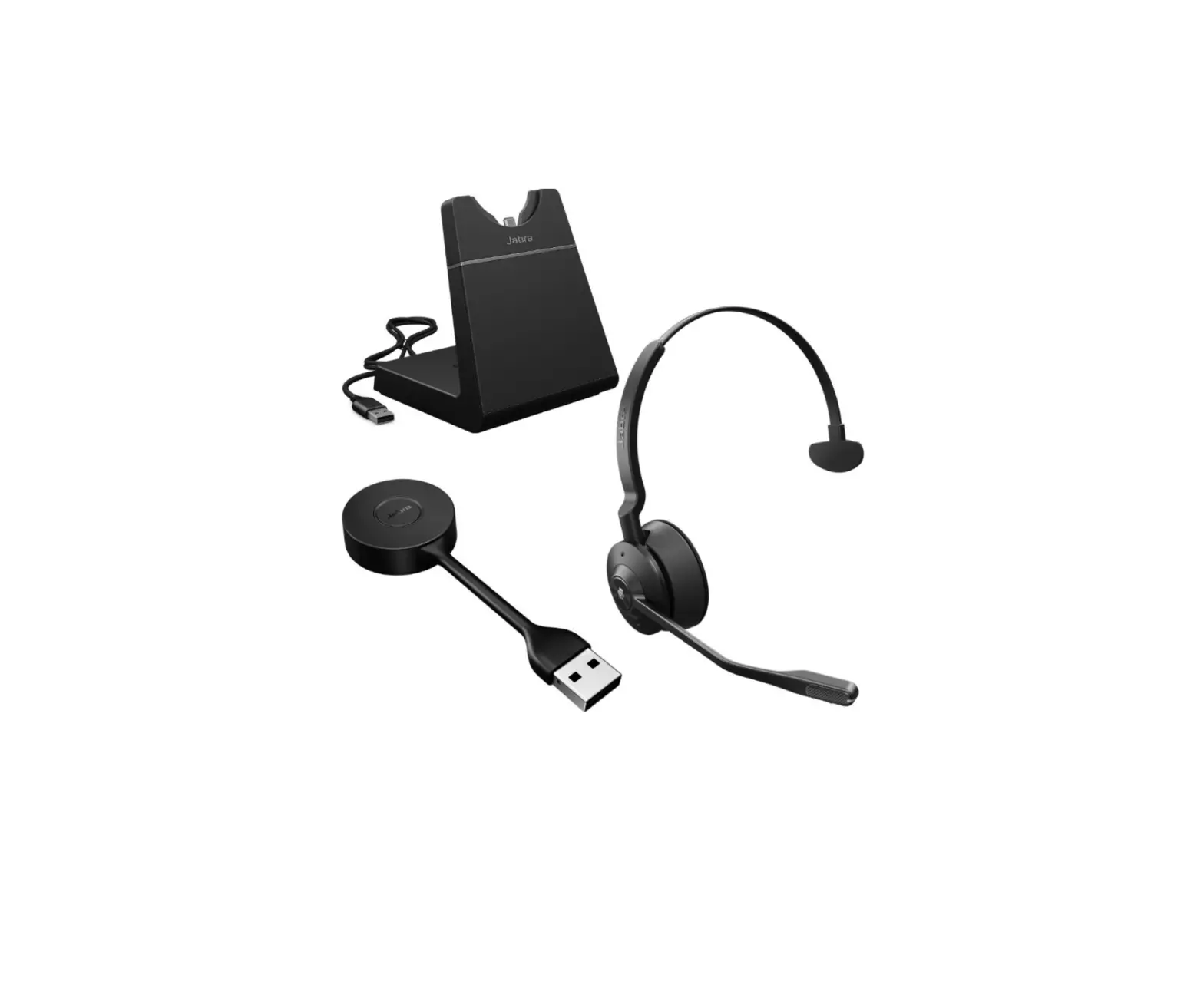
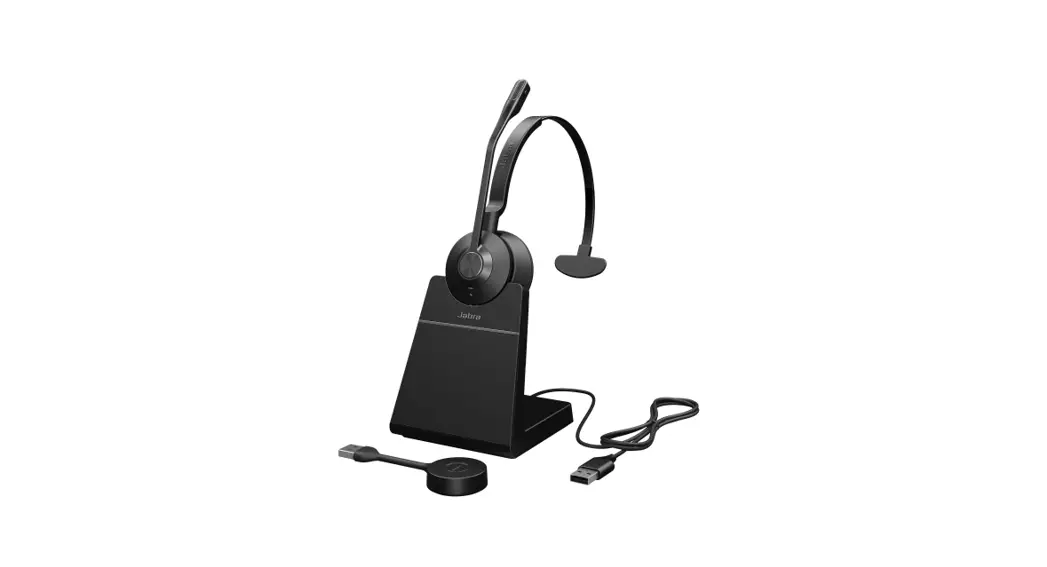
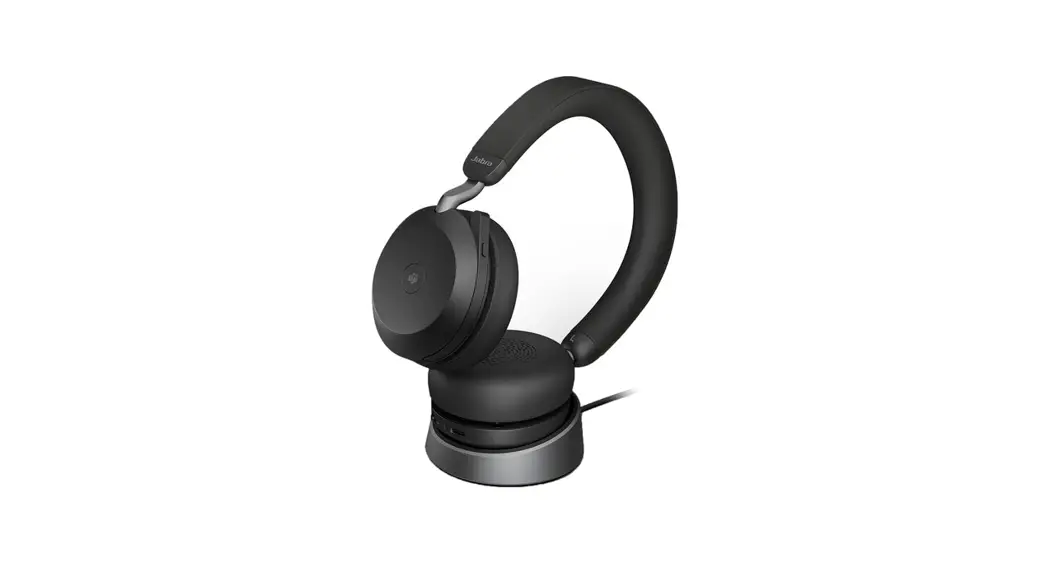
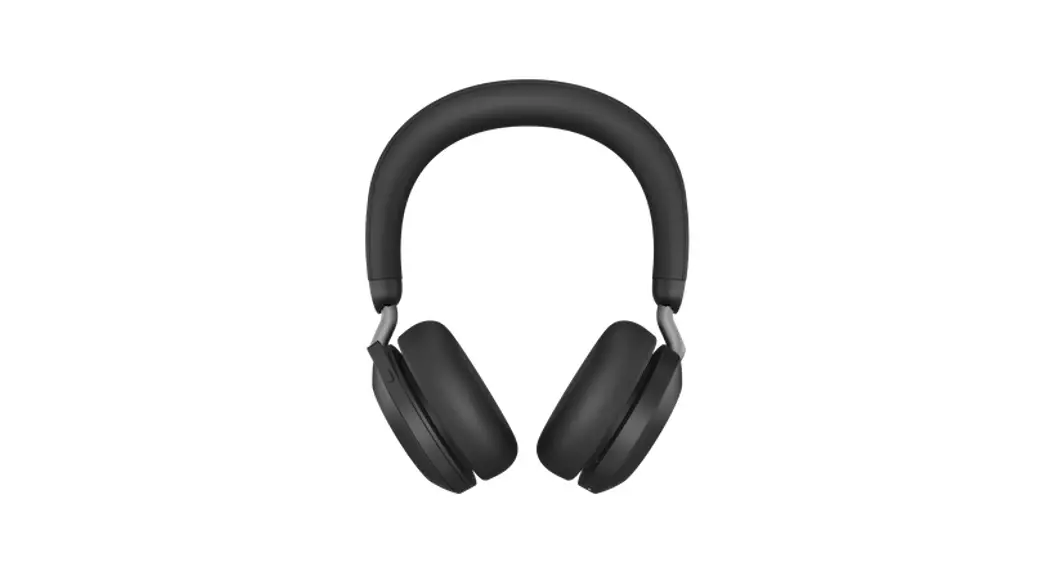
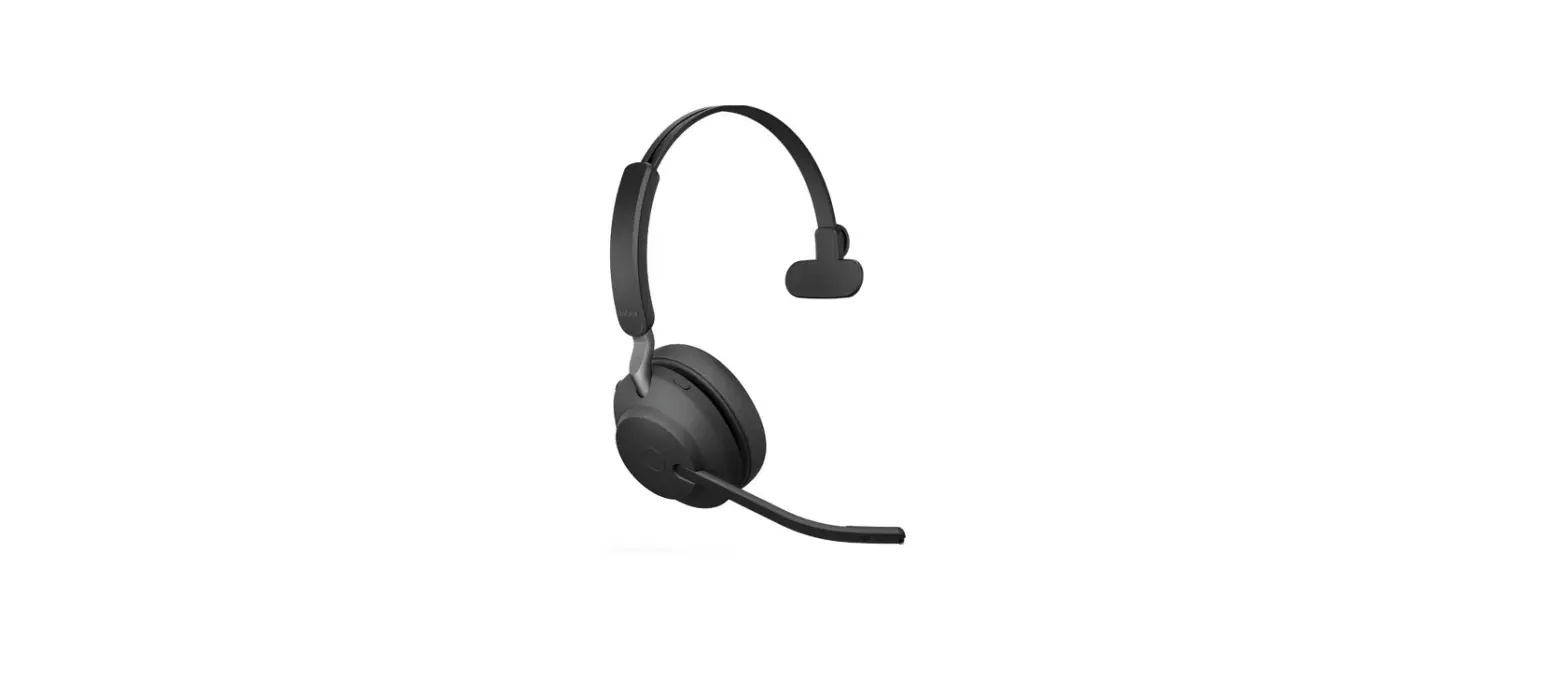
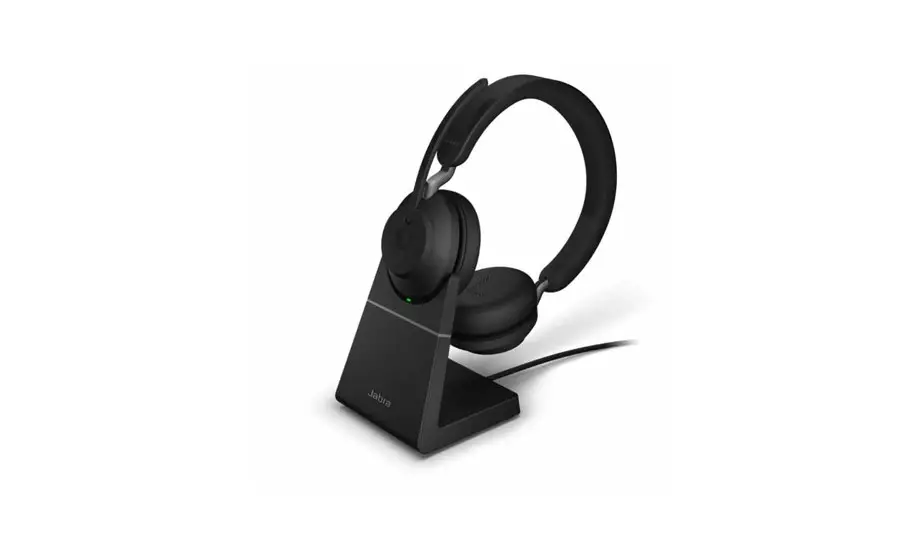
Jabra Evolve 65 SE – MS Mono with Charging Stand
What do the LEDs on my Jabra Evolve 65 mean?
Here is an explanation of the LED colors and behaviors.
Note:
The following explanation is in English. For translated versions check the available languages of the user manual in the Product documents section.
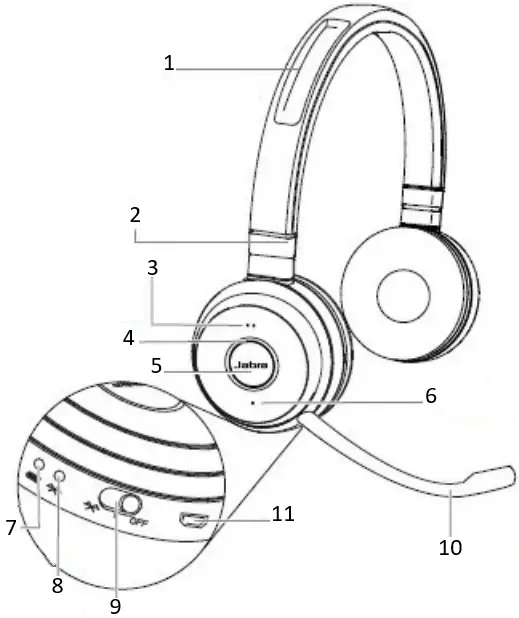
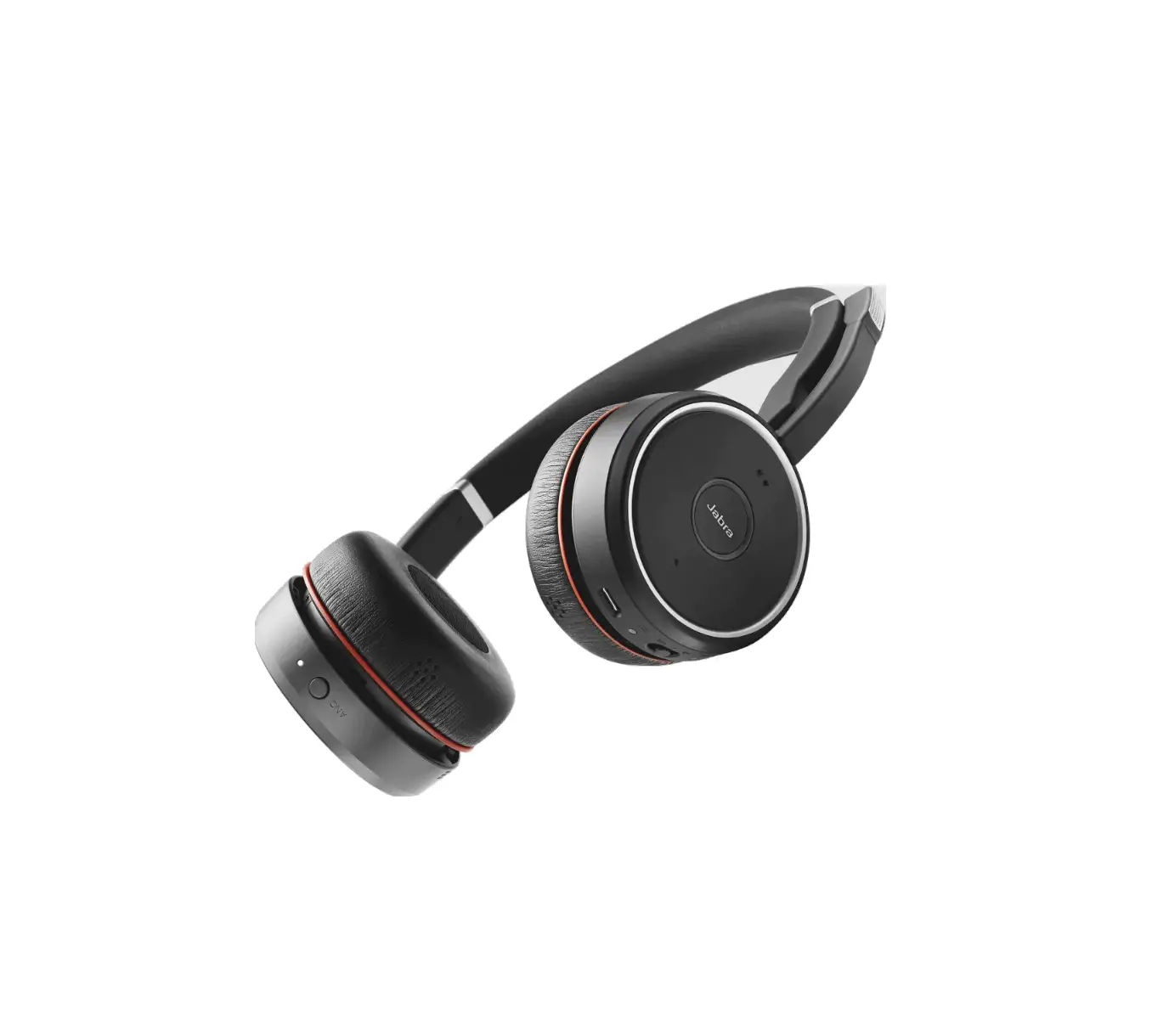
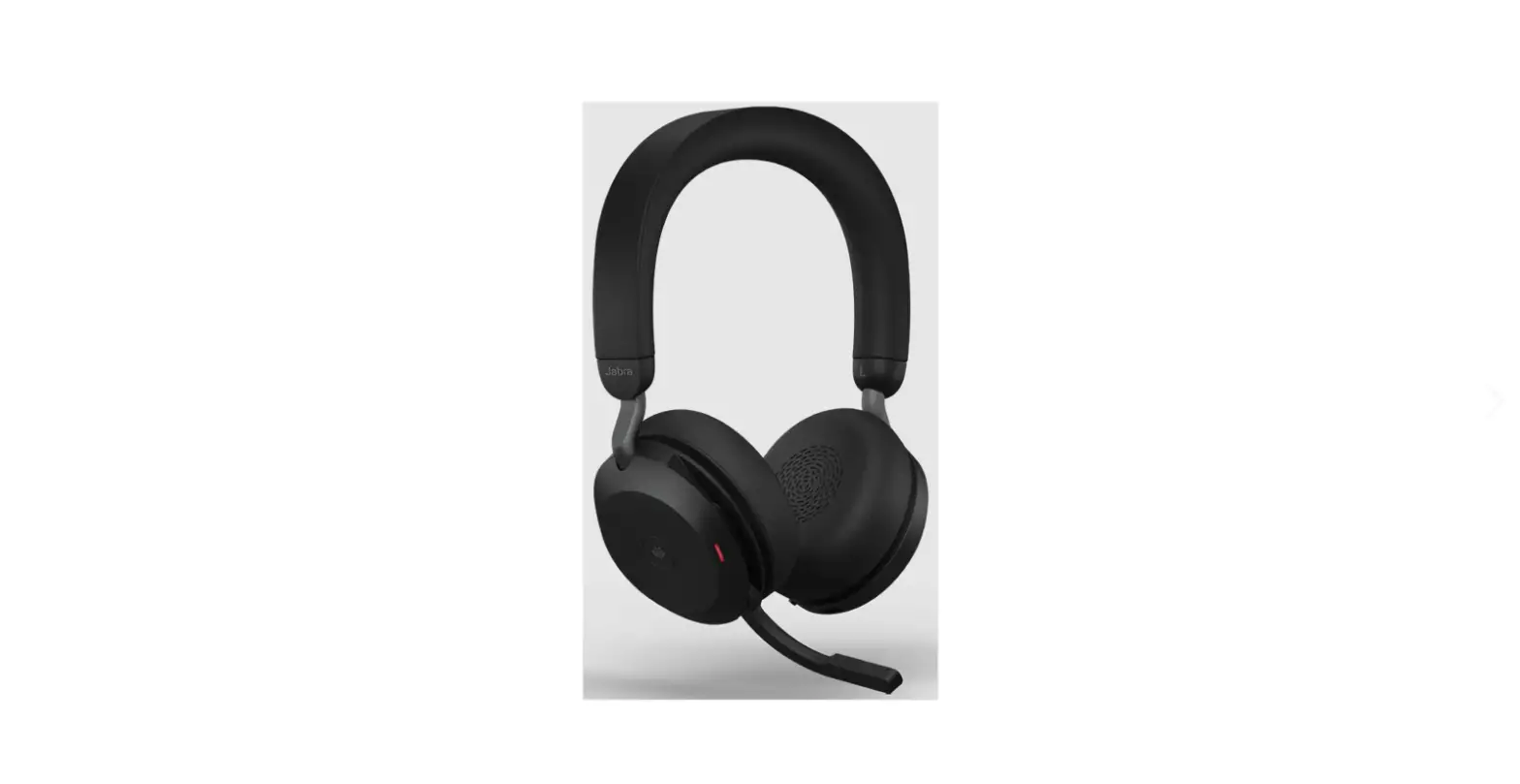
- Magnetic microphone groove
- Adjustable headband
- Volume up
- Busy light indicator
- Multi-function button
- Volume down
- Battery indicator
- Bluetooth indicator
- On/off/connect switch
- Microphone boom-arm
- USB connect & charging port
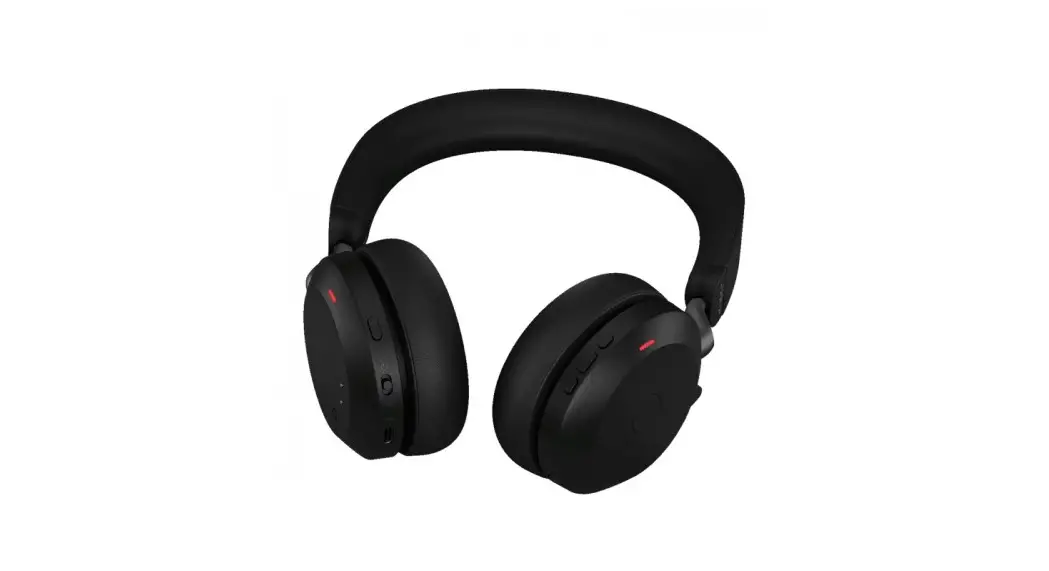
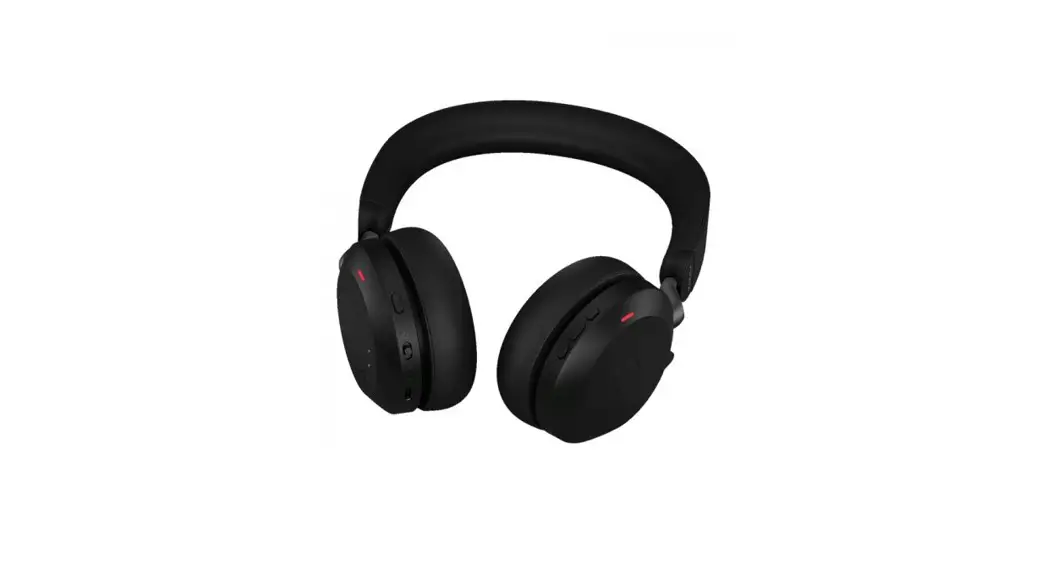
Battery indicator on bottom of right earcup
Red - low battery
Green - full battery
Bluetooth indicator on bottom of right earcup
Blue flashing - pairing mode
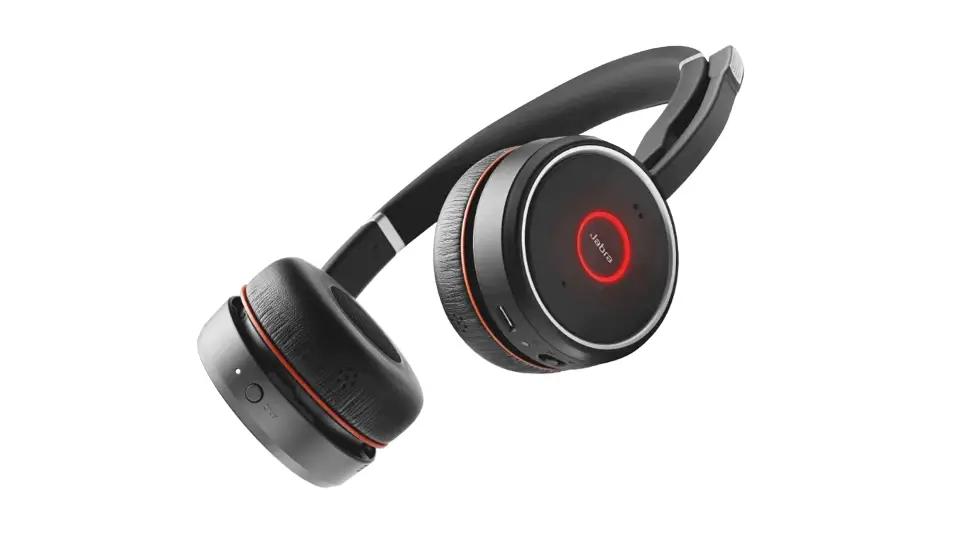
Busy light indicator encircling the Jabra button on right earcup
Amber - busy light on
Applicable products
 |  | 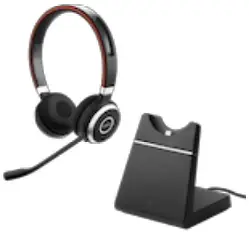 |  |
| Jabra Evolve 65 SE – UC Stereo with Charging Stand | Jabra Evolve 65 SE UC Stereo | Jabra Evolve 65+ UC Stereo | Jabra Evolve 65 SE MS Mono |
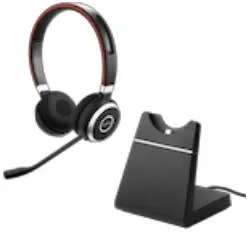 | 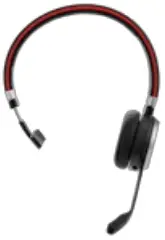 |  | 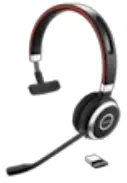 |
| Jabra Evolve 65+ MS Stereo | Jabra Evolve 65 SE – MS Mono with Charging Stand | Jabra Evolve 65 SE – MS Stereo with Charging Stand | Jabra Evolve 65 SE UC Mono |
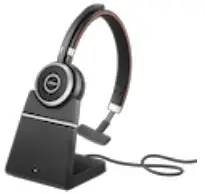 |  |  |  |
| Jabra Evolve 65+ UC Mono | Jabra Evolve 65+ MS Mono | Jabra Evolve 65 UC Mono | Jabra Evolve 65 MS Stereo |
 |  | 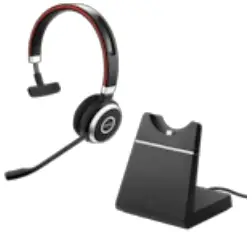 |  |
| Jabra Evolve 65 MS Mono | Jabra Evolve 65 UC Stereo | Jabra Evolve 65 SE – UC Mono with Charging Stand | Jabra Evolve 65 SE MS Stereo |