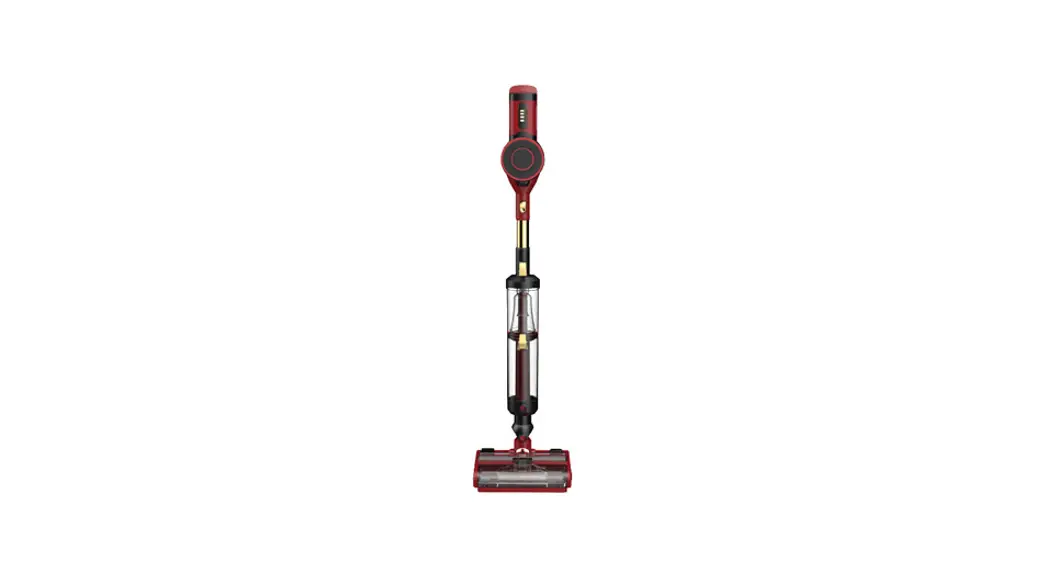
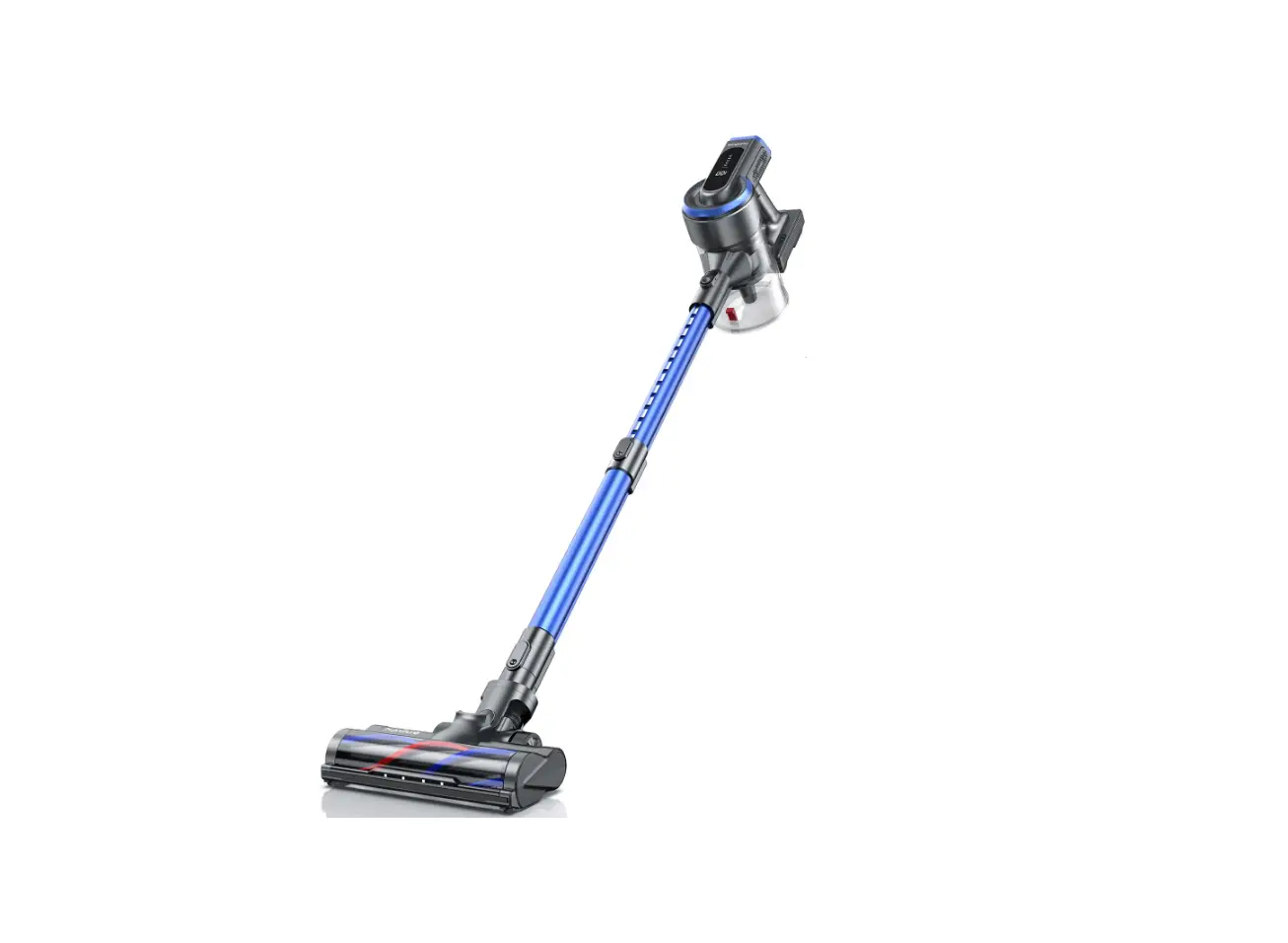
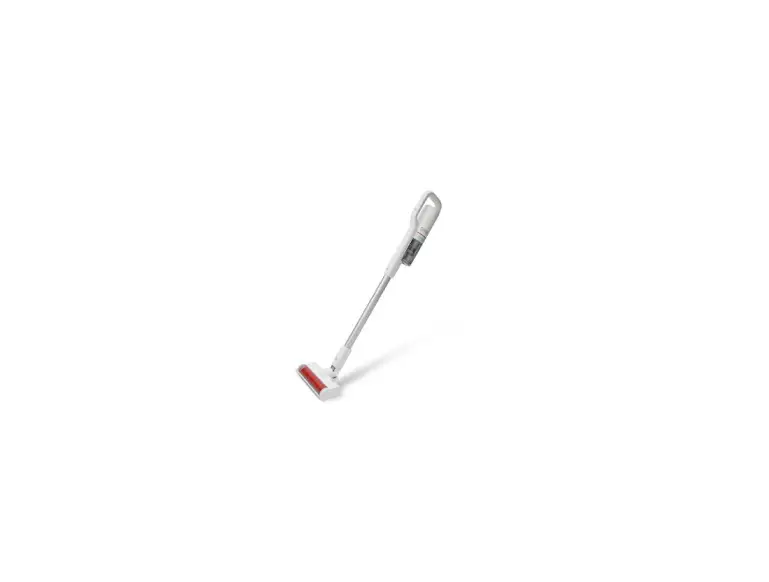
SC211G Cordless Vacuum Cleaner
Product Information
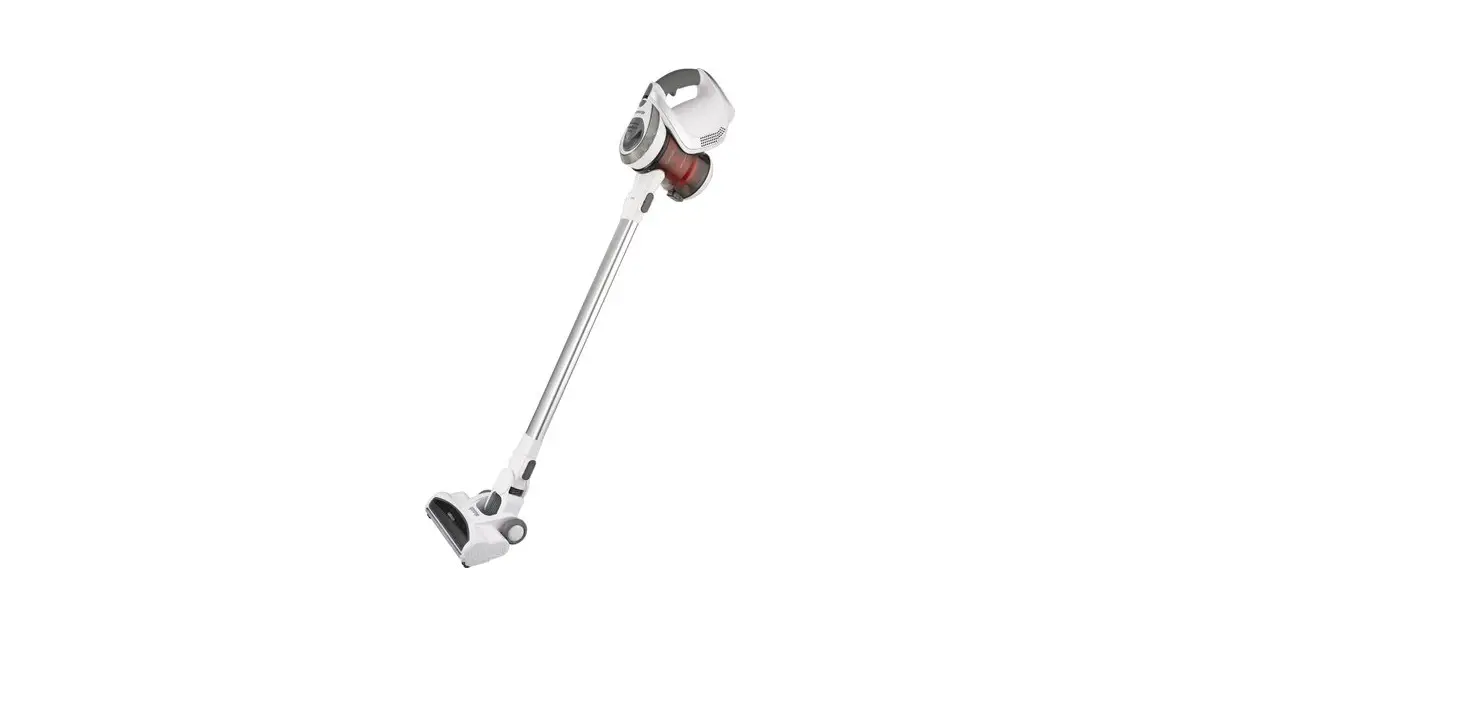
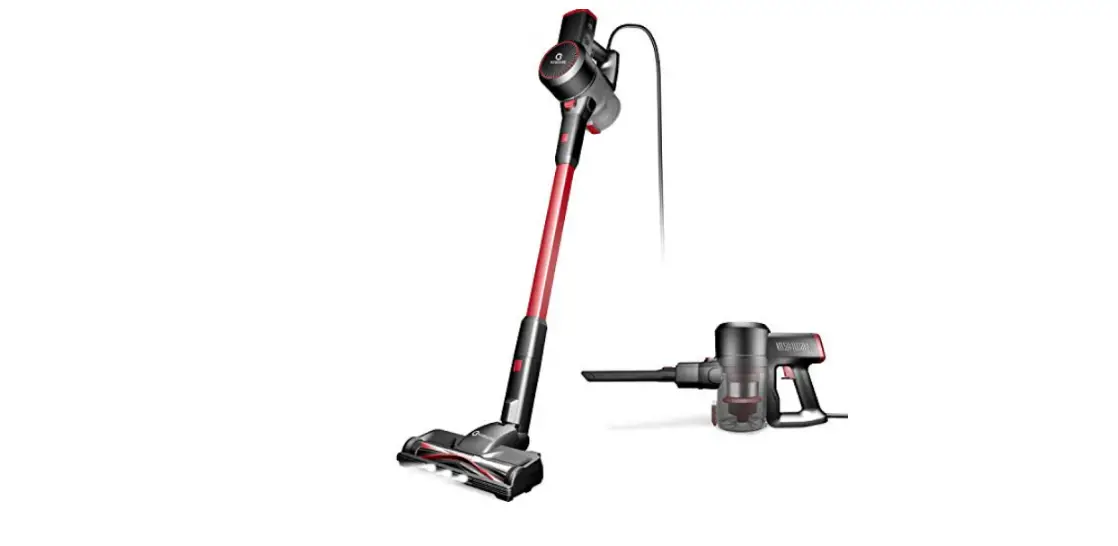
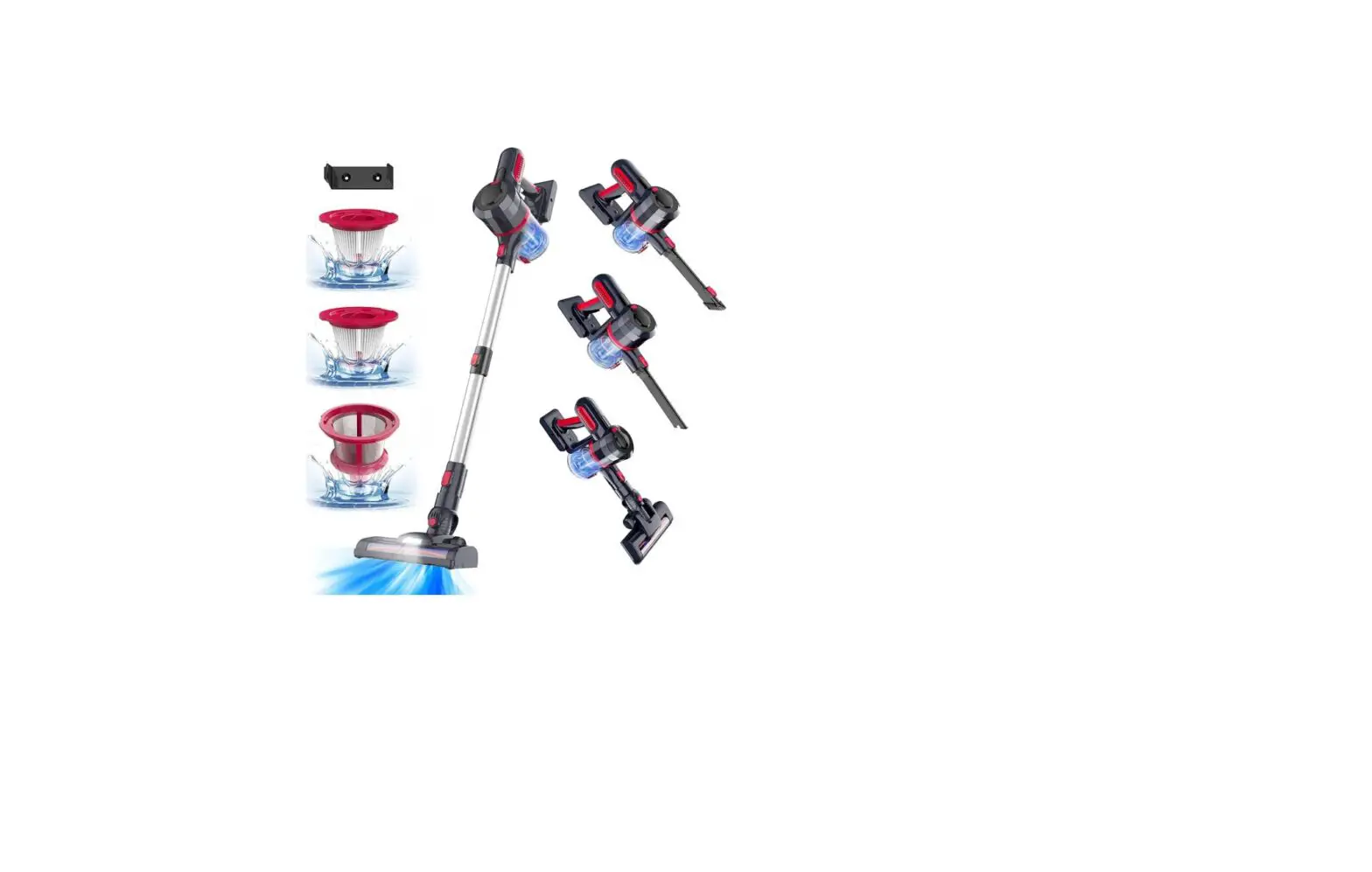
The Cordless Vacuum Cleaner model SC211G is a portable and
rechargeable vacuum cleaner that comes with a non-replaceable
battery. The appliance is designed to be used with the power supply
unit provided by the manufacturer. The vacuum cleaner has three
power modes – Middle, High, and Low. It also comes with a wall
bracket for easy storage.
Product Usage Instructions
- Only use batteries and charger supplied by the manufacturer.
The appliance is only to be used with the power supply unit
provided with the appliance. - This appliance is not intended for use by persons (including
children) with reduced physical, sensory or mental capabilities, or
lack of experience and knowledge, unless they have been given
supervision or instruction concerning use of the appliance by a
person responsible to their safety. - Children should be supervised to ensure that they do not play
with the appliance. - Assemble the battery pack to the main body until you hear a
click sound. - To turn on the vacuum cleaner, press the switch button once for
Middle power mode. - For storage, tear the 3M isolation paper on the back of the
wall bracket and stick it about 1020mm from the ground. - To turn off the vacuum cleaner, disassemble the battery pack
from the main body. - For battery charging on the main unit, connect the charger to
the power supply and the charging port. It is in charging while
lights keep flashing. The battery is full while indicator lights
are always on. - For battery charging separately, it is in charging while the
light of the battery pack is red, and charging finished while the
battery pack indicator turns blue. - This appliance contains batteries that are non-replaceable. For
the purposes of recharging the battery, only use the detachable
supply unit provided with this appliance.
Cordless Vacuum Cleaner
SC211G
2. This appliance is not intended for use by persons (including children) with reduced physical, sensory or mental capabilities, or lack of experience and knowledge, unless they have been given supervision or instruction concerning use of the appliance by a person responsible to their safety.
3. Children should be supervised to ensure that they do not play with the appliance.
1. Only use batteries and charger supplied by the marufacturer;The appliance is only to be used with the power supply unit provided with the appliance.
8.This appliance contains batteries that are non-replaceable.
WARNING: For the purposes of recharging the battery, only use the detachable supply unit <CZH013265050BSWH> provided with this appliance.
2
3
4
5
Assemble the battery pack to mainbody until hear click sound.
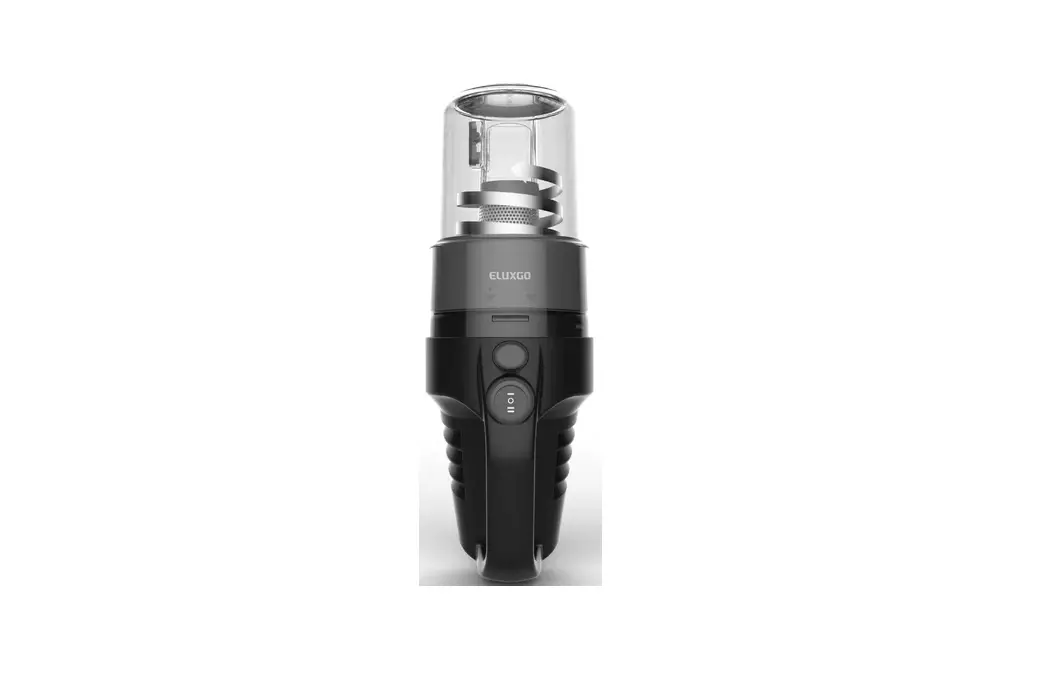
Middle Power: It’s Middle power when you press the switch button first time.
High power: It’s high power when you press the speed control button first time. Low power: It’s Low power when you press the speed control button second time. Again, back to Middle power.
Disassemble the battery pack from main body.
Storage method
Tear the 3M isolation paper on the
back of the wall bracket and stick it
6
about 1020mm from the ground.
7
1.Battery charging on main unitWhen the last indicator light on screen is plashing, it indicates that the power is insufficient and needs to be charged. Coneect the charger to the power supply and the charging port.lt is in charging while lights keeping flashing.The battery is full while indicator lights are always on.
2. Battery charging separatelyIt is in charging while light of battery pack in red, and charging finished while battery pack indicator turns blue.
8
9
10