
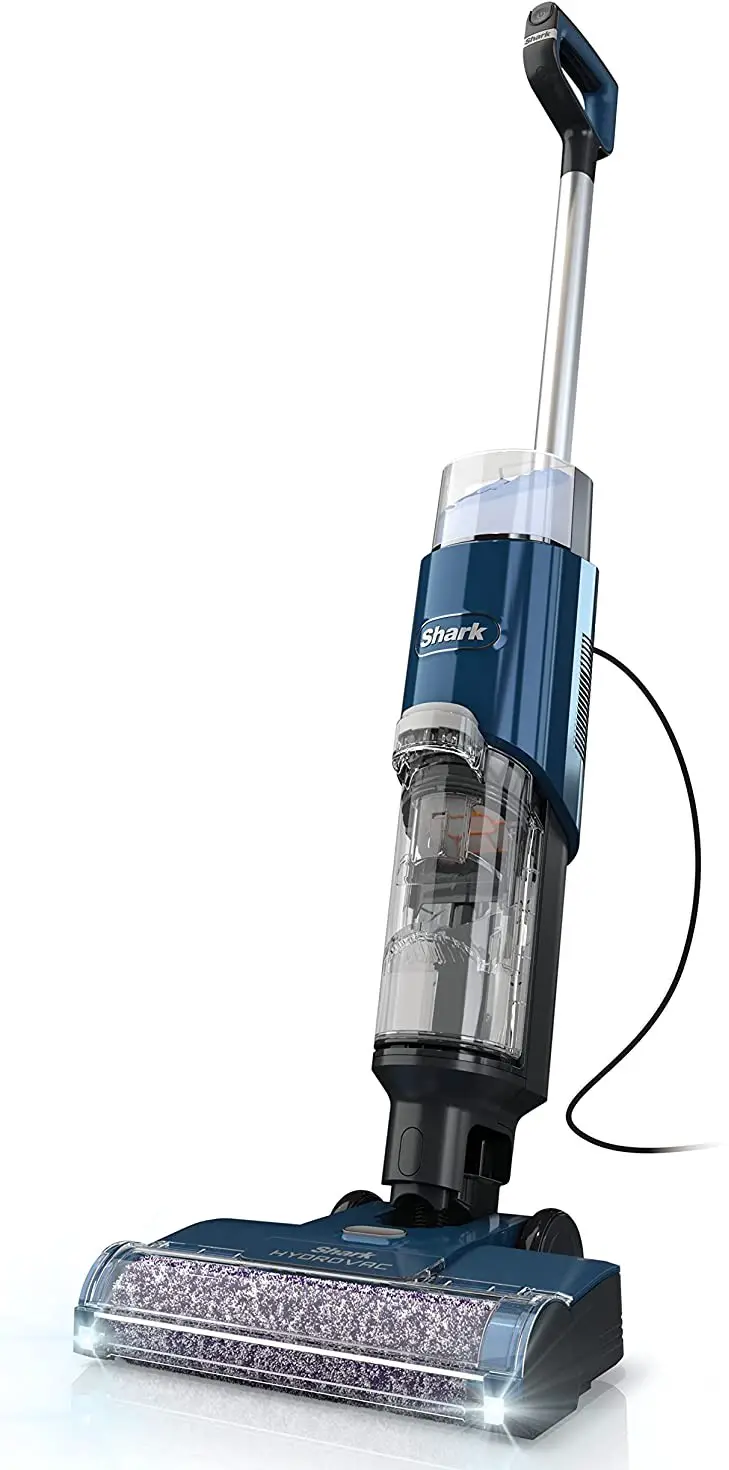
PRODUCT INFORMATION
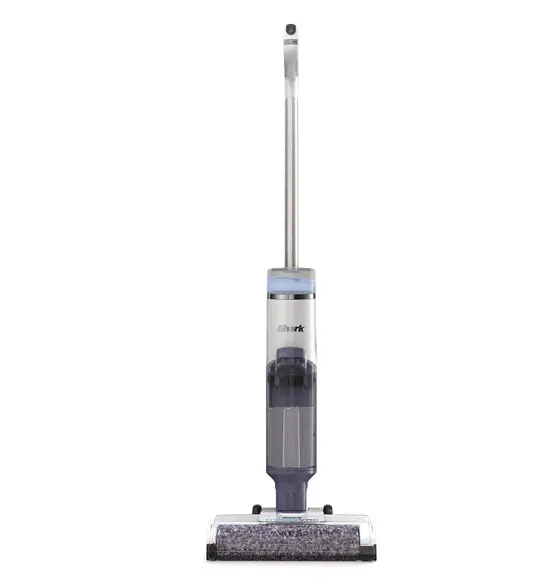
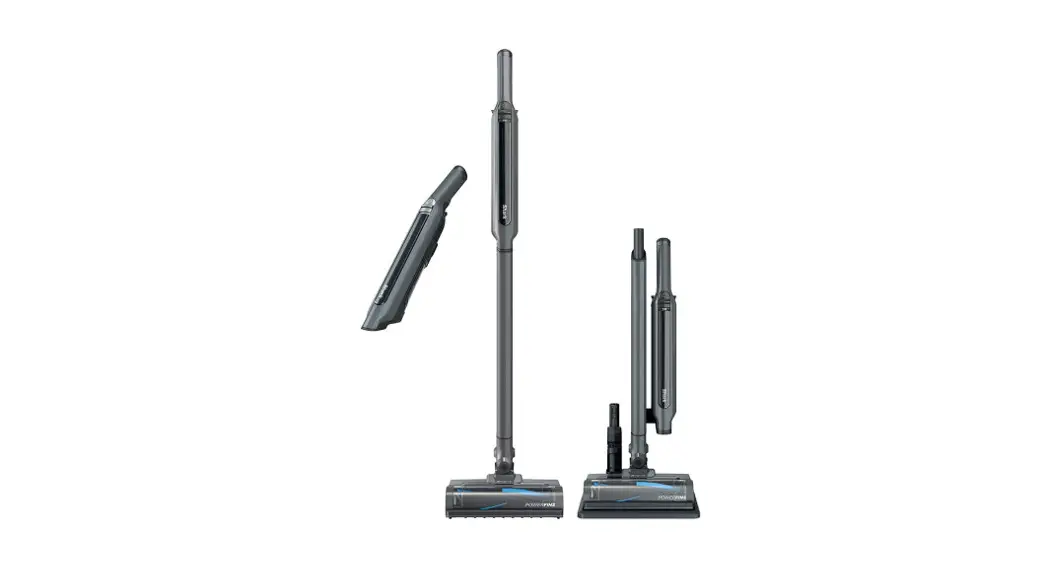
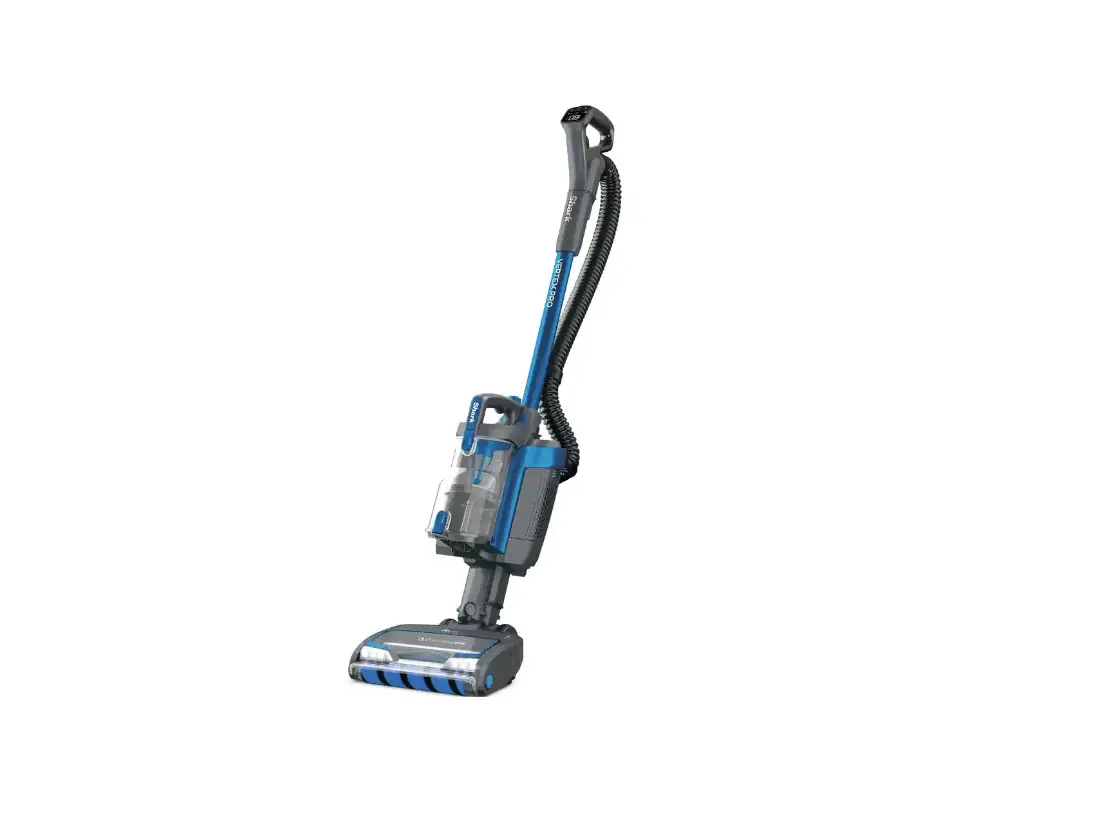
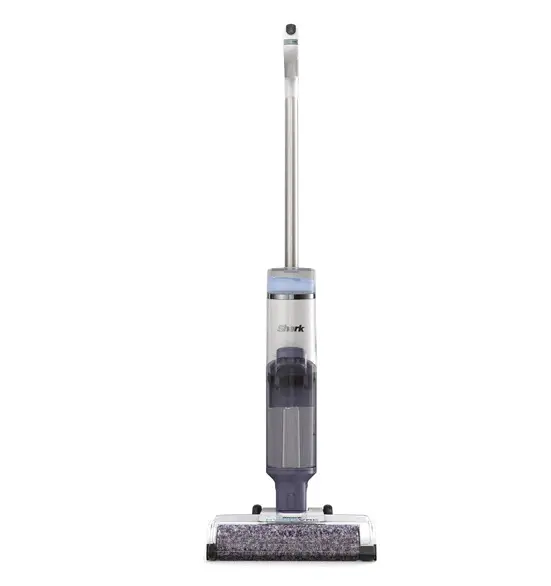
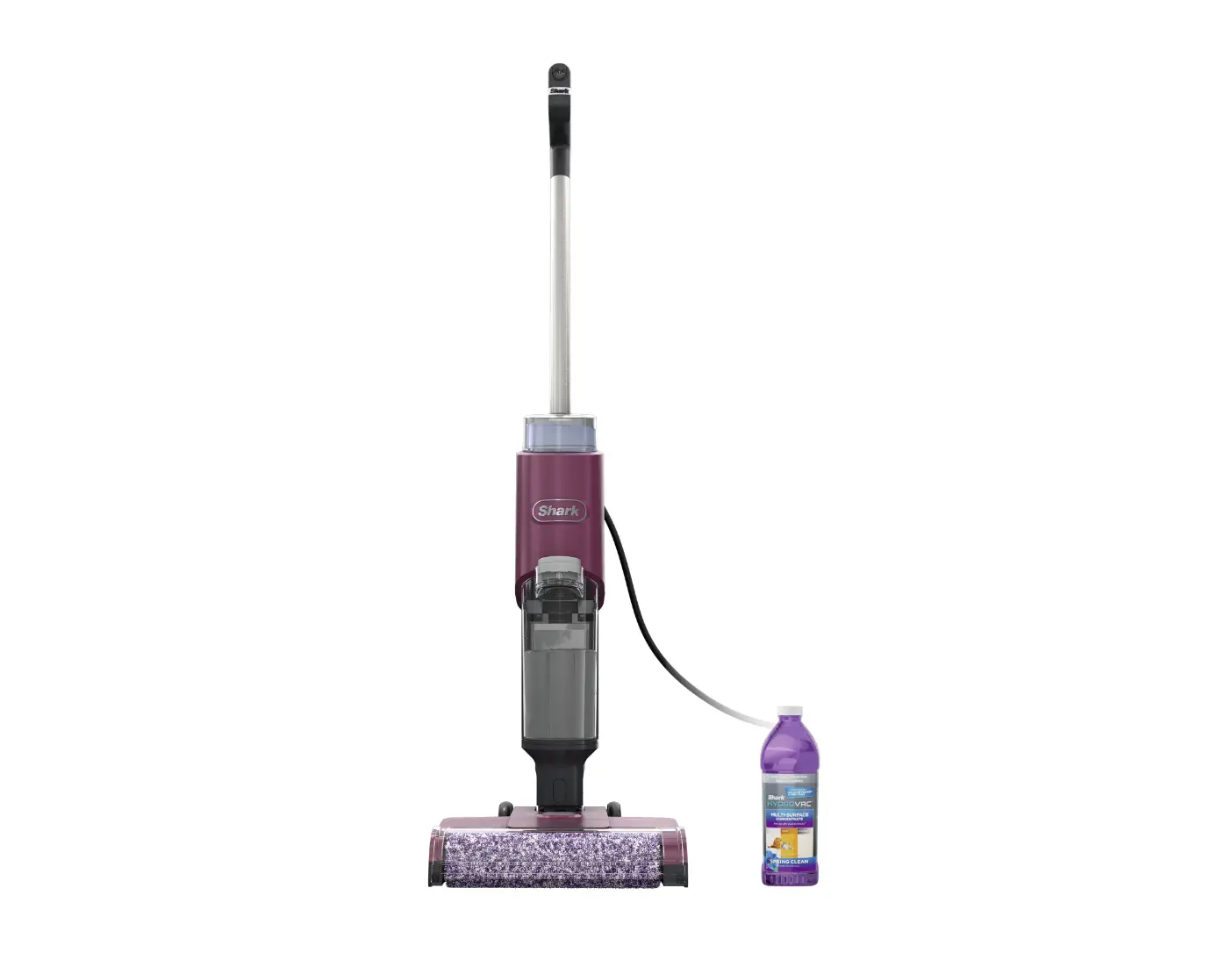
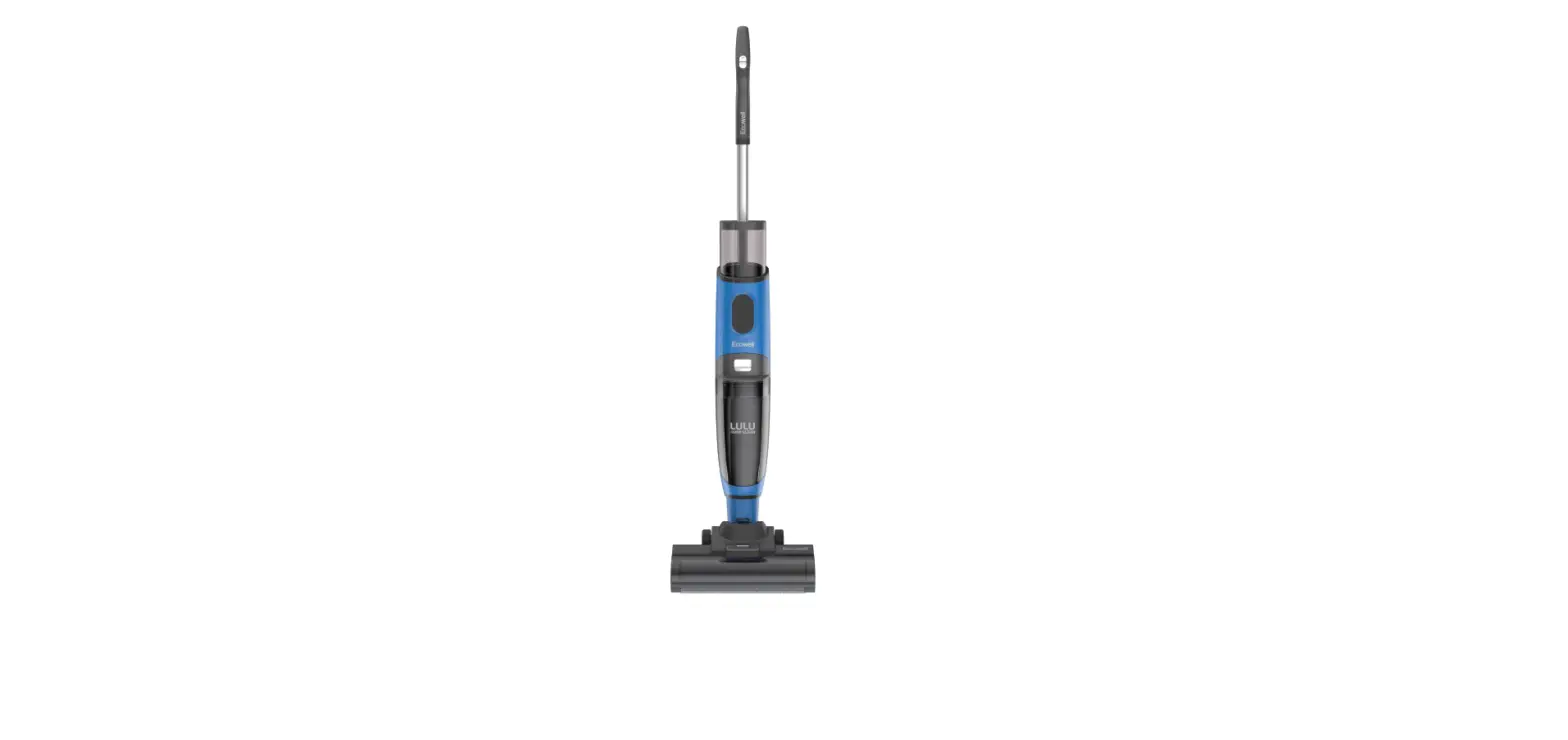
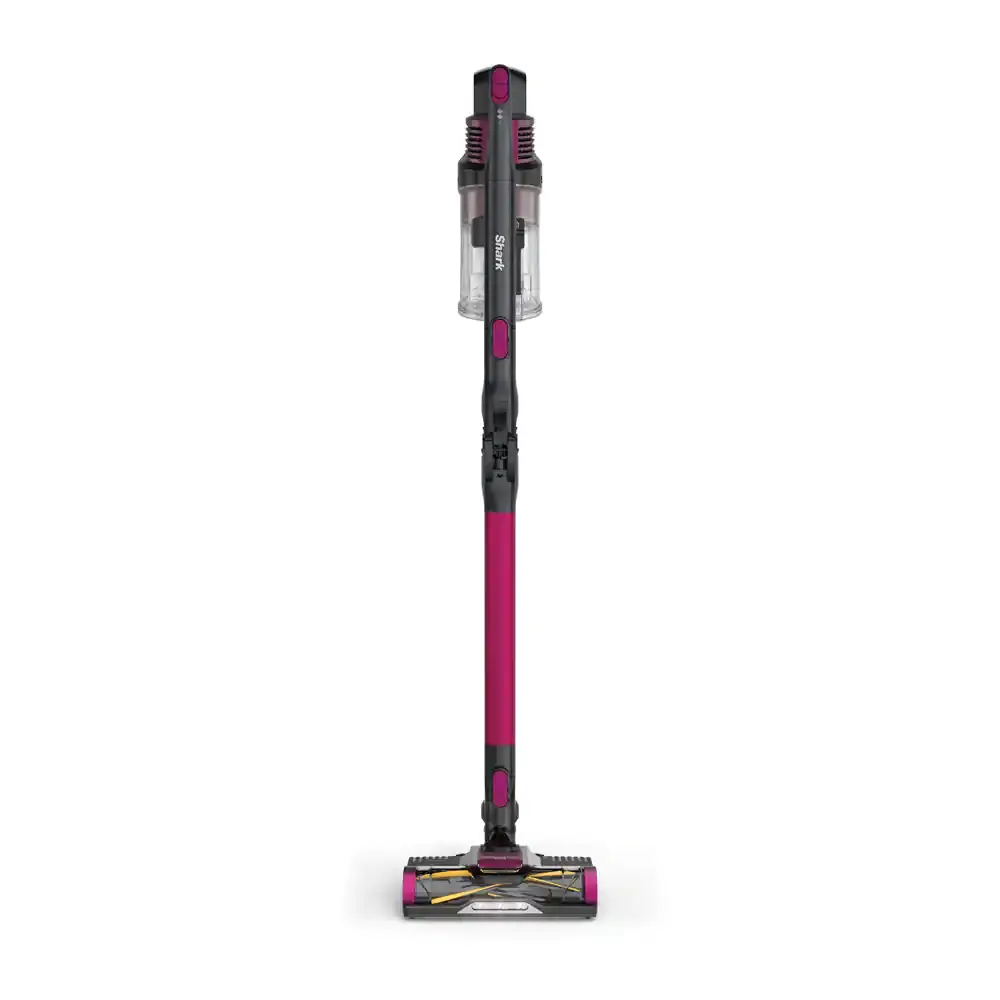
The Cordless 3-in-1 Cleaner is a versatile cleaning product that can be used on hard floors, area rugs, and carpets. It comes with a handle and pole, main body, charging dock, Shark HydrovacTM Multi-Surface Concentrate, owner’s guide, and an additional brushroll.
Assembly
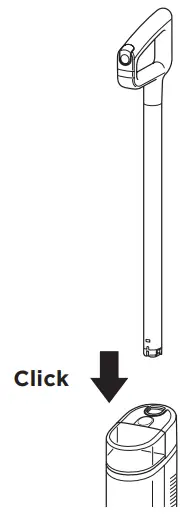
Align the pole with the opening in the main body and insert it firmly until it clicks into place.
Dock Charging
- Before first use, charge Shark HydroVacTM for 4 hours.
- To charge, place HydroVac on dock. Battery icon will illuminate when charging begins.
- Battery icon will turn off when unit is fully charged.
Filling the Clean Solution Tank
- Press the release button and lift off the tank.
- Remove cap from tank and add water, up to WATER line.
- Add cleaning concentrate*, up to HYDROVAC CONCENTRATE line.
- Replace cap and reinsert tank until it clicks into place.
Using the Hydrovac
- Press the Power button on the handle to turn on power.
- Tilt the handle back to start cleaning in Hard Floor Mode, the optimal setting for cleaning bare floors.
- To switch to the optimal setting for cleaning area rugs, press the Area Rug Mode button.
Activating Self-Clean Cycle
- Make sure Clean Solution Tank is at least half full.
- Make sure Dirty Water Tank is empty.
- Place Shark HydroVacTM on charging dock.
- Press Power button to start 2-minute self-clean cycle. The Self-Clean Mode icon will pulse.
- DO NOT remove unit from dock during cycle. Icon will turn off when complete.
*Only use Shark HydroVacTM Multi-Surface Concentrate, Shark HydroVacTM Disinfectant, and water with this product.
For questions or to register your product, contact us at: 800-798-7398 or visit us online at sharkclean.com @sharkcleaning
WHAT’S INSIDE
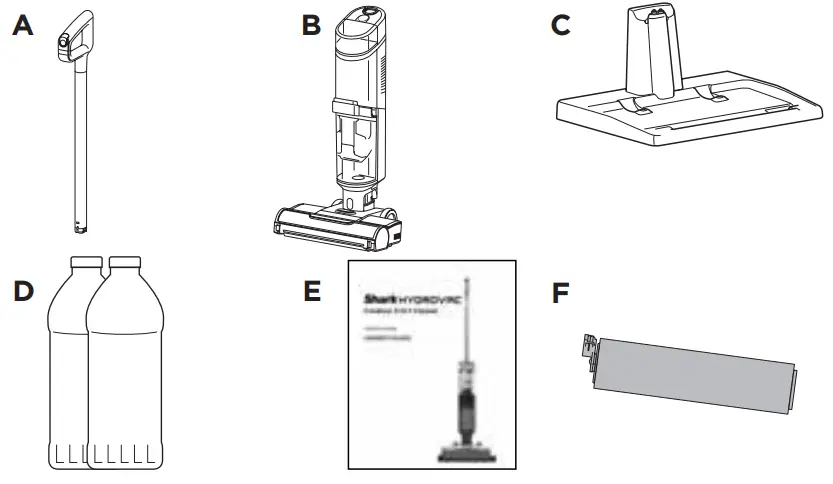
- A Handle and Pole
- B Main Body
- C Charging Dock
- D Shark Hydrovac™ Multi-Surface Concentrate
- E Owner’s Guide
- F Additional Brushroll
ASSEMBLY
Align the pole with the opening in the Main Body and insert firmly until it clicks into place.
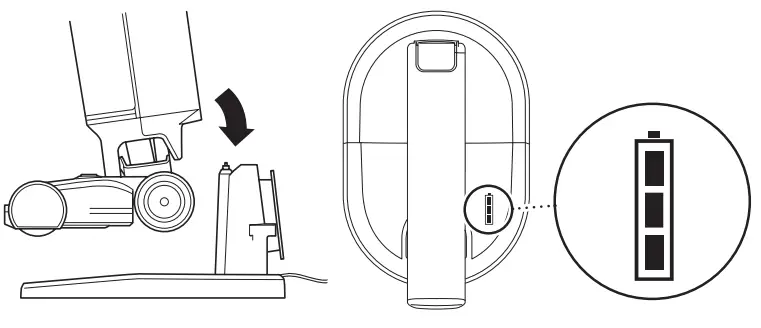
DOCK CHARGING
- Before first use, charge Shark HydroVacTM for 4 hours.
- To charge, place HydroVac on dock. Battery icon will illuminate when charging begins.
- Battery icon will turn off when unit is fully charged.

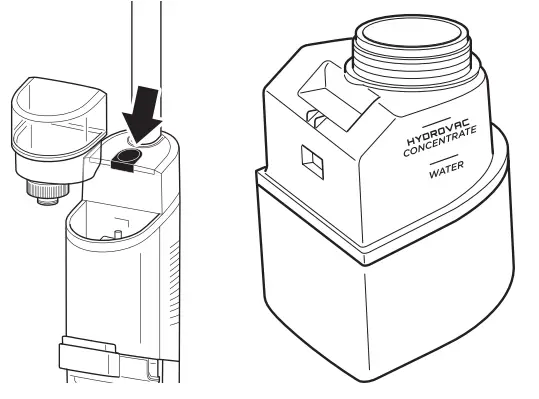
FILLING THE CLEAN SOLUTION TANK
- Press the release button and lift off the tank.
- Remove cap from tank and add water, up to WATER line.
- Add cleaning concentrate*, up to HYDROVAC CONCENTRATE line.
- Replace cap and reinsert tank until it clicks into place.

Only use Shark HydroVac™ Multi-Surface Concentrate, Shark HydroVac™ Disinfectant, and water with this product.
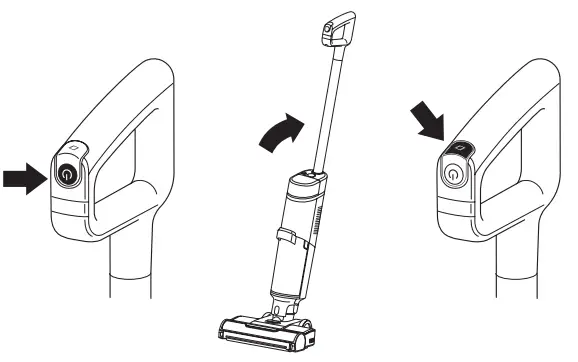
USING THE HYDROVAC
- Press the Power button on the handle to turn on power. Tilt the handle back to start cleaning in Hard Floor Mode, the optimal setting for cleaning bare floors.
- To switch to the optimal setting for cleaning area rugs, press the Area Rug Mode button.

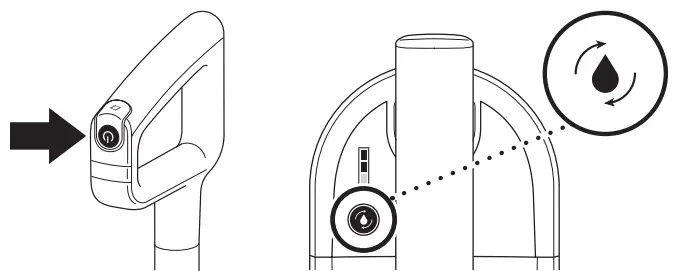
ACTIVATING SELF-CLEAN CYCLE
Recommended after every use.
- Make sure Clean Solution Tank is at least half full.
- Make sure Dirty Water Tank is empty.
- Place Shark HydroVacTM on charging dock.
- Press Power button to start 2-minute self-clean cycle. The Self-Clean Mode icon will pulse.
- DO NOT remove unit from dock during cycle. Icon will turn off when complete.

 Vacuum Cleaners, Steam Mops, Hair Care & Air Purifiers | Shark Home Cleaning