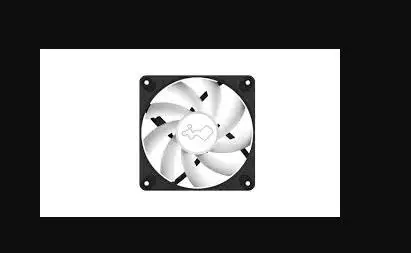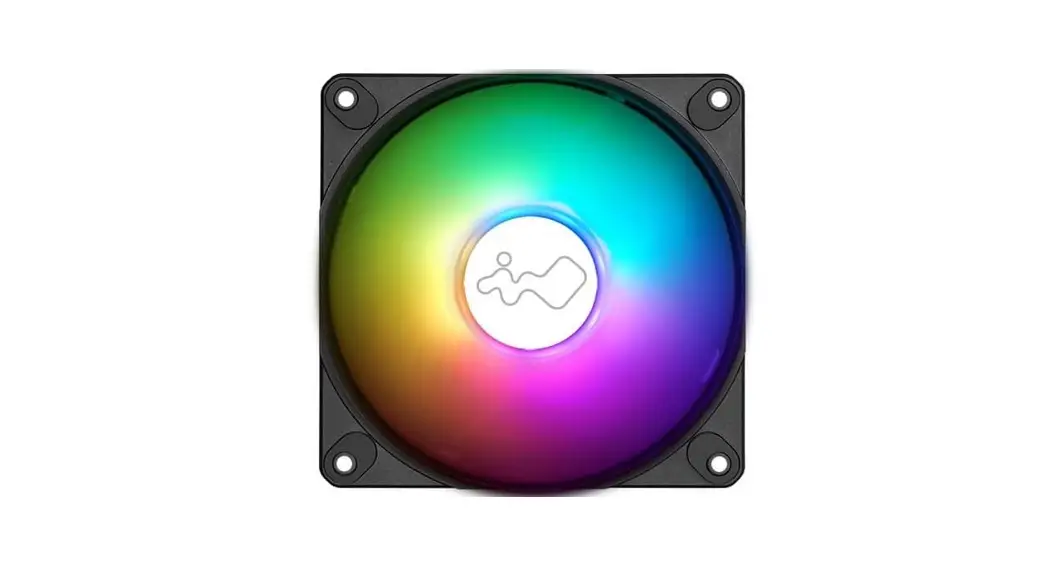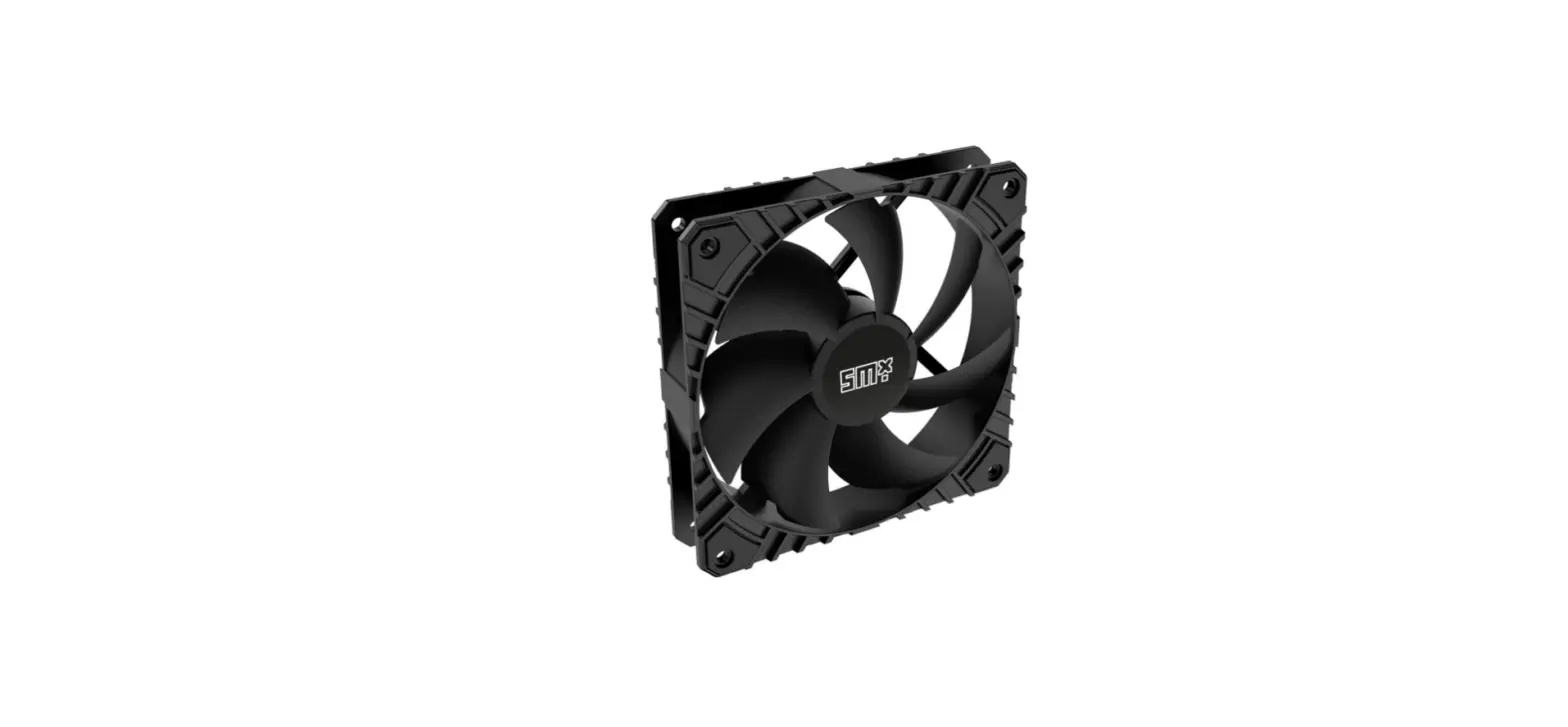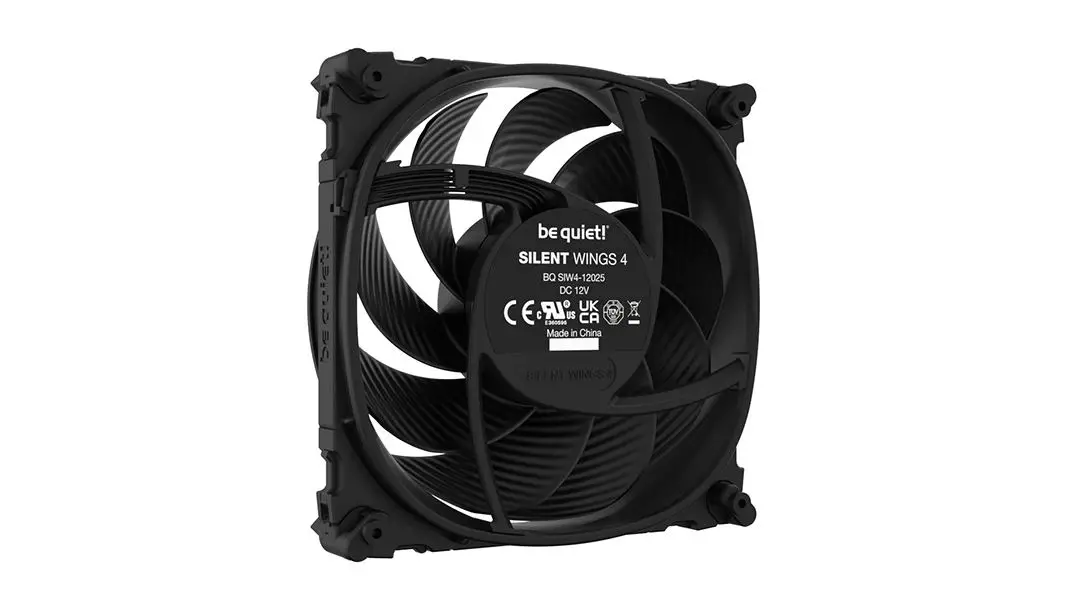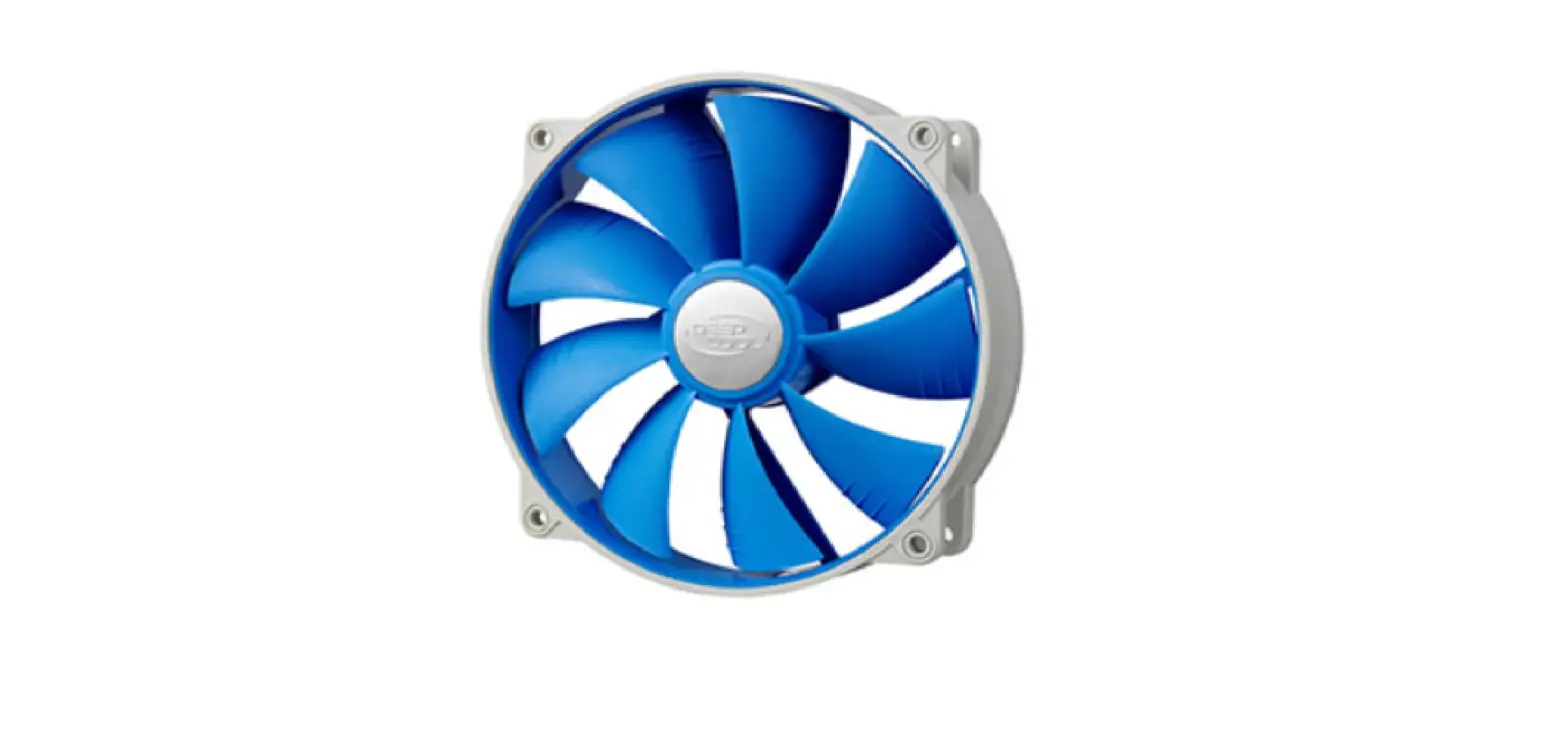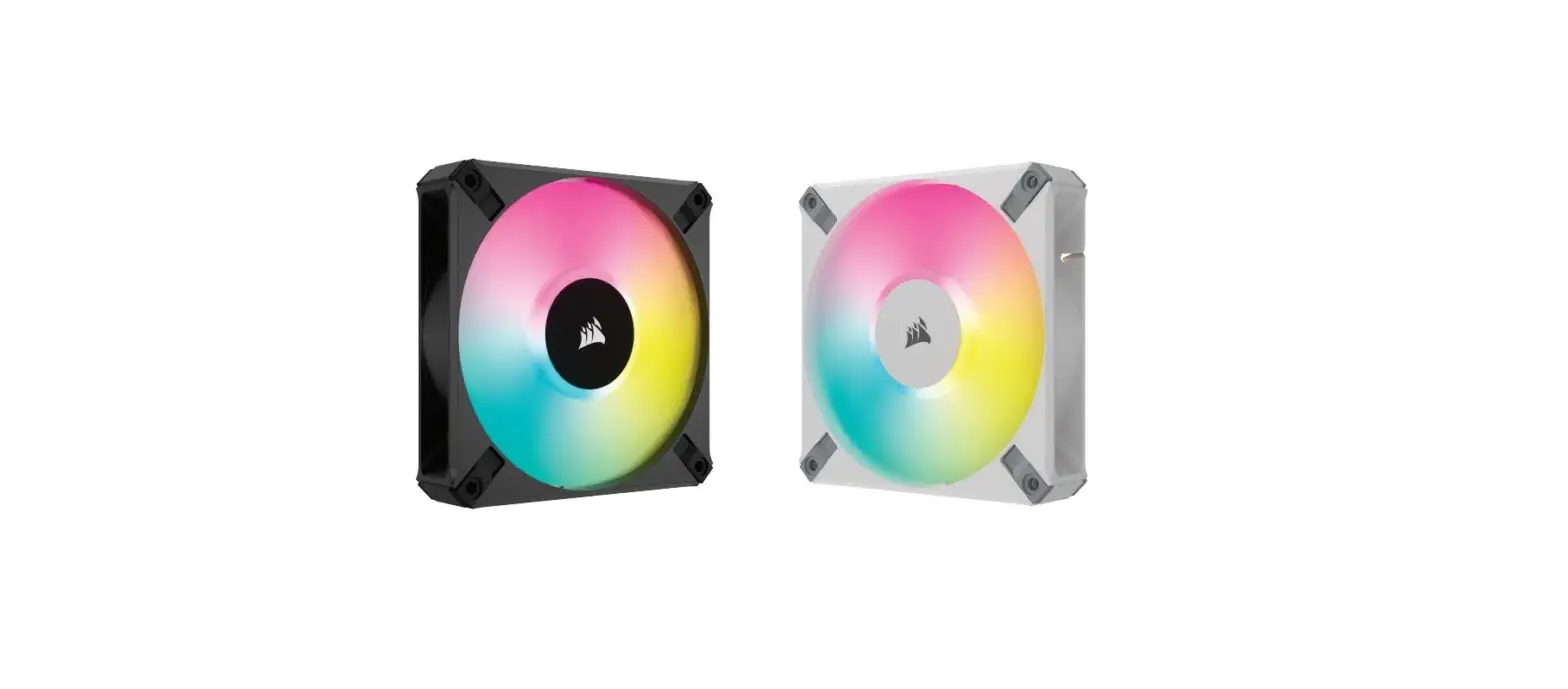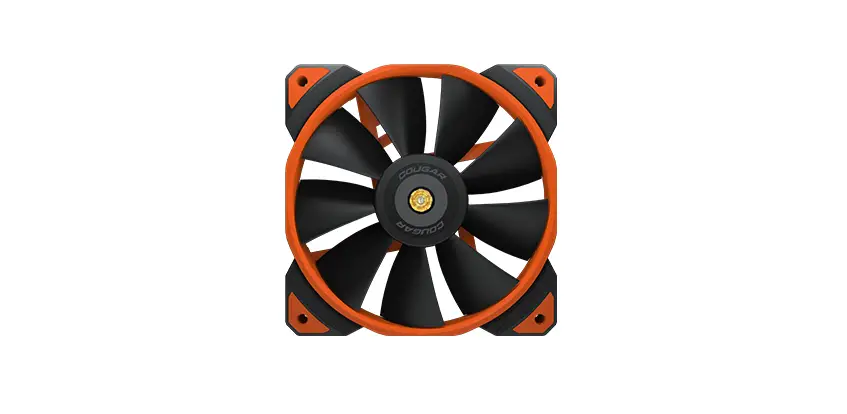
COUGAR MHPCOUGAR MHP120 High Performance 120mm Case Fan User Manual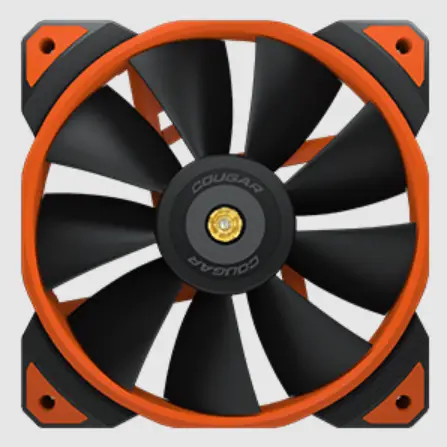
FAN SPECIFICATIONS
| Fan Model | MHP120 ARGB |
| Dimensions | 120 x 120 x 25 mm |
| Fan Speed | 600-2000 RPM±200RPM |
| Air Flow | 82.48 CFM / 143.53 m3/h (± 10%) |
| Air Pressure | 4.24 mm H2O±10% |
| Acoustic Noise | 31.68 dB(A) (Max.) |
| Rated Voltage | 12VDC (Fan) / 5VDC (LED) |
| Rated Current | 0.23 (Fan) / 0.45A (LED) |
| Power Consumption | 2.76W (Fan) / 2.25W (LED) |
| Bearing Type | HDB Hydro Dynamic Bearing |
| Cable Length | 200mm (Fan) / 450mm (ARGB) |
| Connector & Control | 4 Pin PWM / 3 Pin ARGB |
| Weight | 198g |
PACKAGE CONTAINS
SINGLE PACKING x1
| MHP120 ARGB x 1 | 300mm Extension Cable x 1 | 100mm Low-Noise Adaptor x 1 |
| Fan Screw Kit | User Manual |
TRIPLE FAN KIT x3
| MHP120 ARGB x 3 | 3 300mm Extension Cable x 3 | 100mm Low-Noise Adaptor x 3 |
| Fan Screw Kit | User Manual |
FEATURES
- Extremely hyper fan with 2000 rpm(max)
- Metalreinforced motor hub & shell
- Hdb bearing equipped & pwm control
- Anti-vibration damper
- More suitable for radiator / heatsink
- Useful components attached
- Perfectly sync with the ARGB software of motherboard manufacturer
INSTALL CONTENTS
SINGLE PACKING
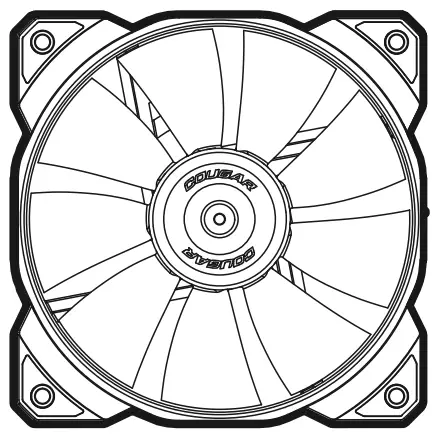 | x1 | 
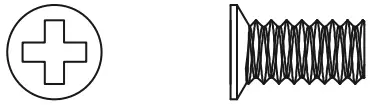
| 300mm Extension Cable 100mm Low-Noise Adaptor Fan Screw (for watercooling radiator) Fan Screw | x1 x1
x1 x1 x1 |


TRIPLE FAN KIT
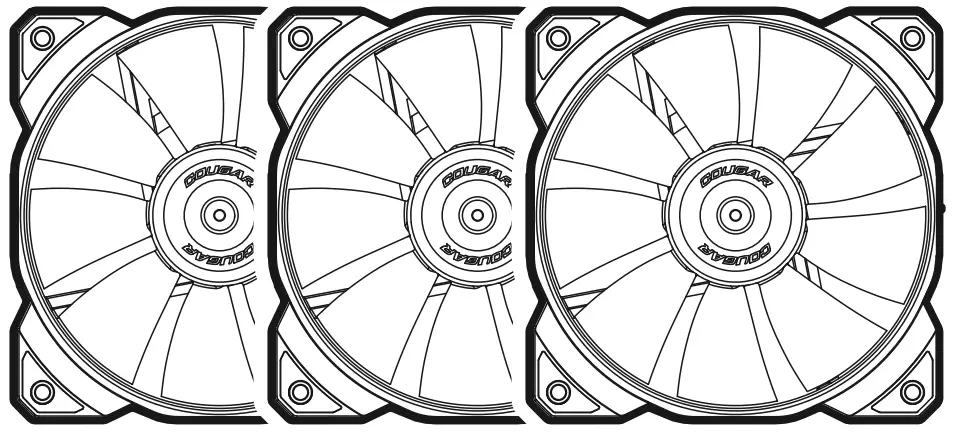 | x3 |
| 300mm Extension Cable 100mm Low-Noise Adaptor Fan Screw (for watercooling radiator) Fan Screw | x3 x3
x1 x12 x12 |
HOW TO INSTALL
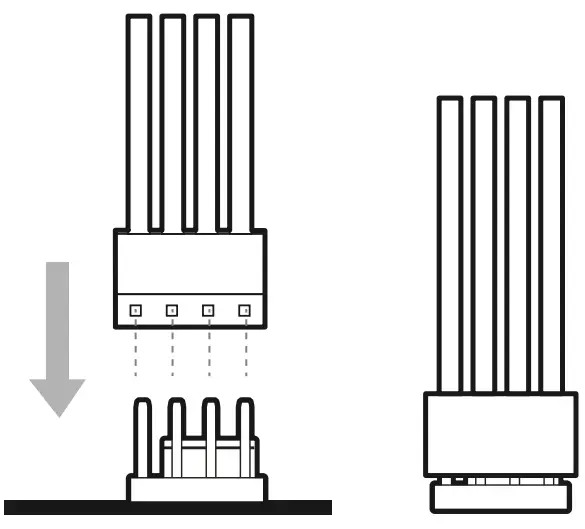
Connect the 4-pin cable into an available 4-pin or 3-pin fan header on your motherboard or fan controller.
W/PWM function
W/O PWM function
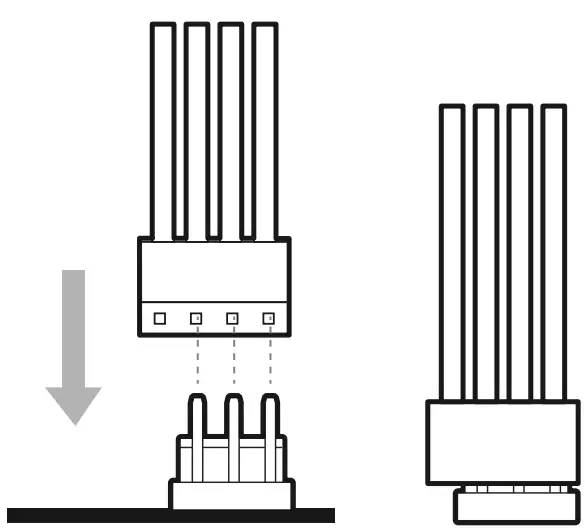
- Ensure that the fan connector guides line up with the guide on the fan header.
- Installing a 4-pin fan on a 3-pin header will no longer benefit from PWM control.
- Do not force the connector into the fan header. Installing the fan connector
- incorrectly will cause device malfunction.
- Refer to your motherboard manual for fan header location(s).
 Low-Noise adapter
(2000rpm adjust to 1500rpm for more silent operation)
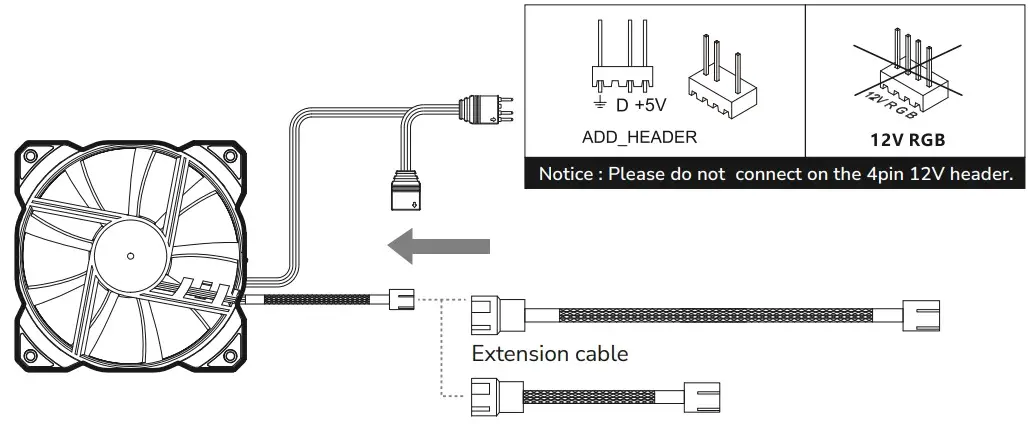 Low-Noise adapter
CAUTION
When using the Low-Noise adapter, check the temperature of your CPU using appropriate software (e.g. the respective applications of your motherboard manufacturer), in order to evade automatic throttling of the CPU due to the increased temperature. If the cooling performance is insufficient, please increase case ventilation or remove the
COSTUMER SUPPORT
COUGAR USA Technical Service
Mail: [email protected]
Website: www.cougargaming.com
Tel: (833) 256-3778
Official website