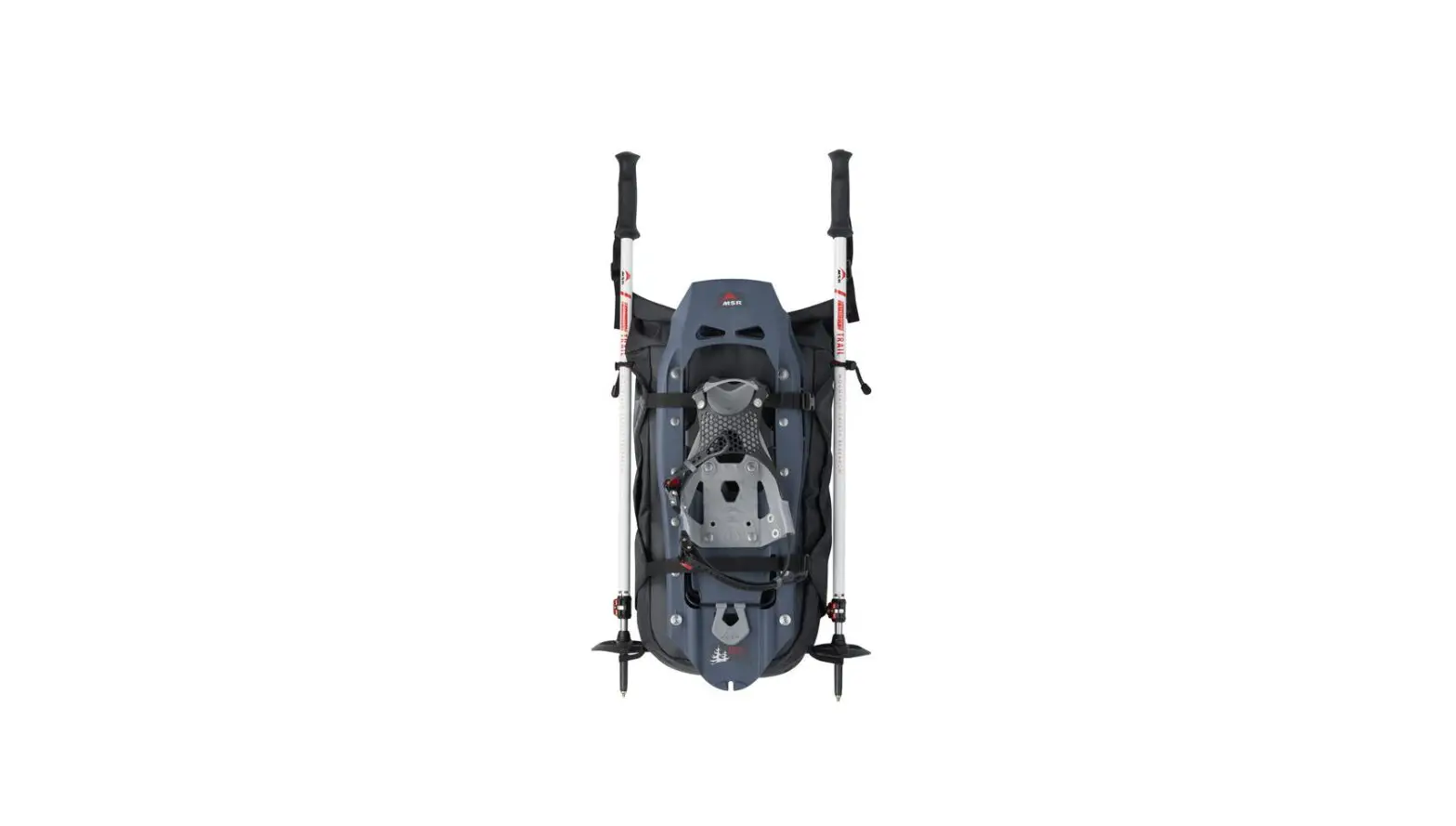

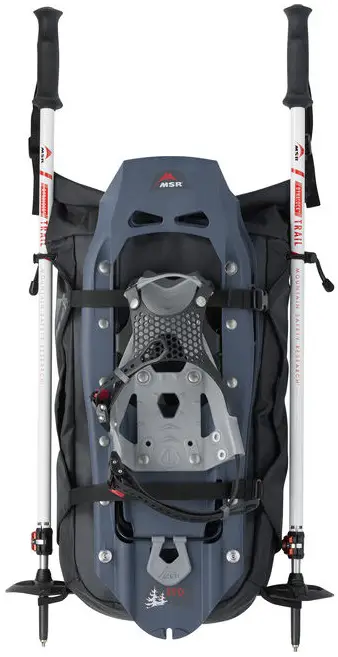
MSR Evo Trail Snowshoe Kit
PARAGLIDE BINDING INSTRUCTIONS
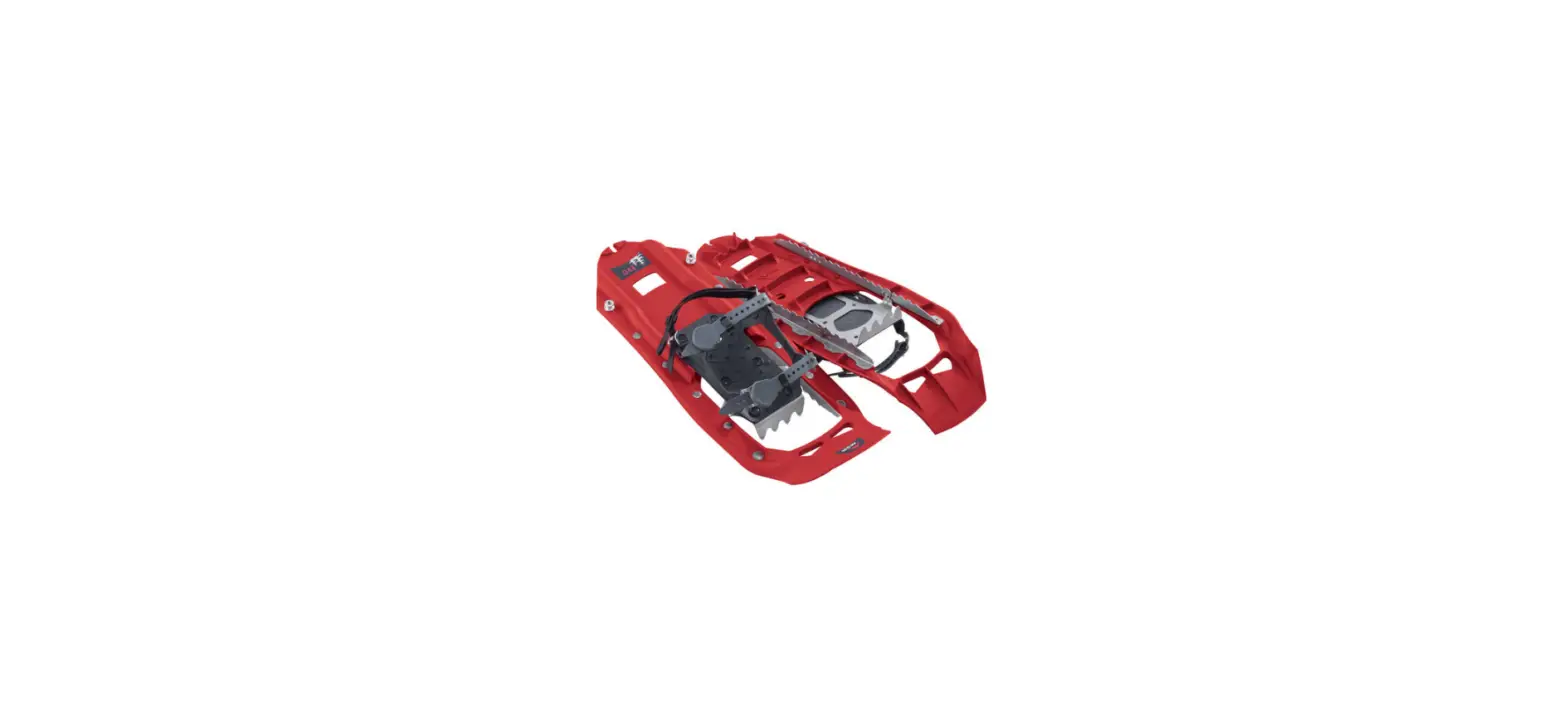
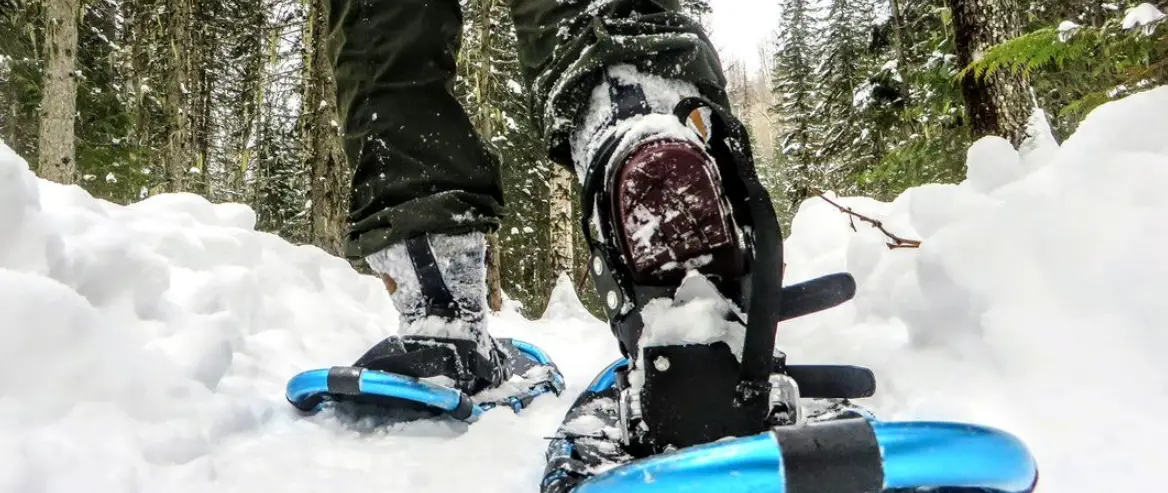
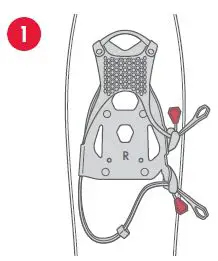
- Identify the left and right snowshoes by L and R on bindings. Pull red buckle tabs to loosen straps.

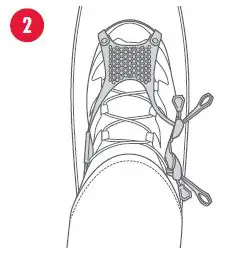
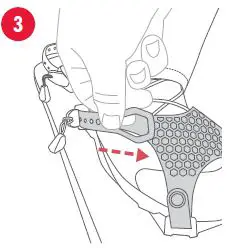
- Slide the correct foot in until the toes are fully up against the toe stop. Buckles should be on the outside of the foot.

- Pull the strap forward toward the front of the foot until snug.

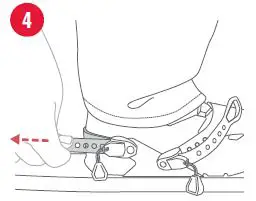
- Pull the heel strap backward toward the tail of the snowshoe until snug. Feed end of the strap through the keeper.

DYNALOCK EXPLORE POLES
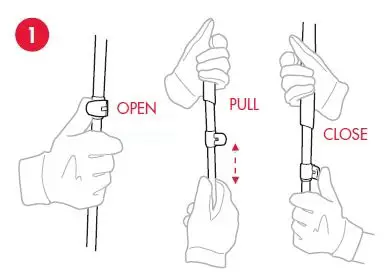
- Extend the pole and adjust the height.

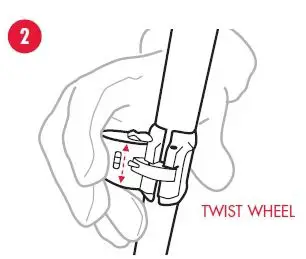
- If needed, twist the wheel to adjust the clamping force to prevent slippage.

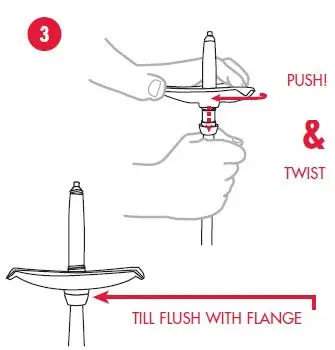
- To install baskets, turn the pole upside down. Slip the basket over the pole tip. Push down on the basket with force while twisting. Thread on basket until flush with flange.

CARRY BAG
ATTACH SNOWSHOES
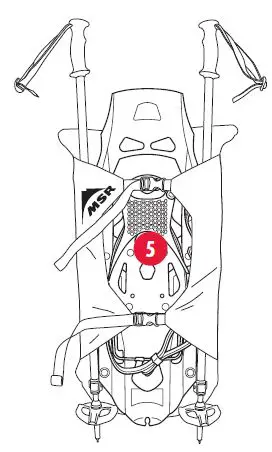
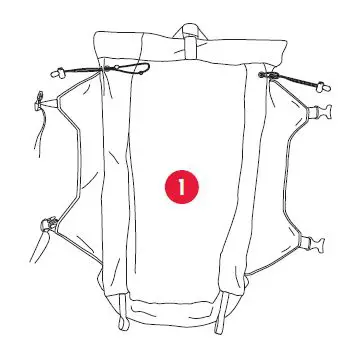
- Unbuckle straps.

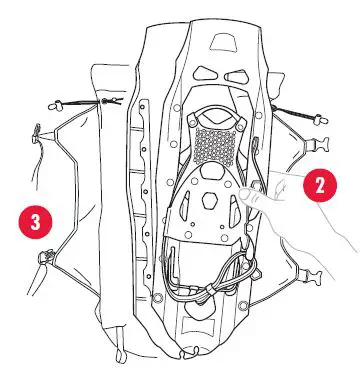
- Place snowshoes on the pack with crampons facing each other to prevent abrasion to the pack.
- Buckle straps; cinch to secure. May also be carried inside the pack.

ATTACH POLES
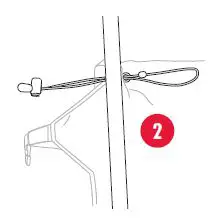
- Unbuckle the straps and slide the pole tip through the loop.

- Lay pole shaft over bungee.

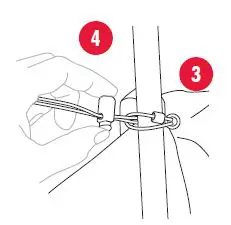
- Pass the end of the bungee with a tensioner over the shaft, through the bungee loop.
- Slide tensioner against a pole to secure.

- Buckle straps around poles.