
 USER MANUAL
Smart Leak Sensor
SM01-WS01
Safety precautions
- The device is intended for indoor use only.
- Do not expose the main module to moisture, which can cause permanent damage to the device.
- Do not use batteries other than those specified in the manual, as this may damage the device.
- A stable Wi-Fi connection – 2.4GHz band – is required for the sensor to work correctly.
- Do not install multiple SMART Wi-Fi devices very close to each other – it may cause signal interference.
- Contact your dealer/distributor for assistance if there is any problem with your product. Do not attempt to repair this product by yourself.
Package content
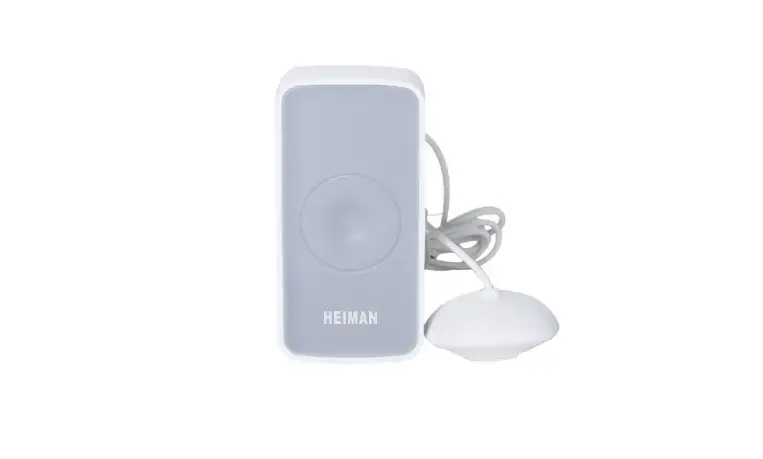
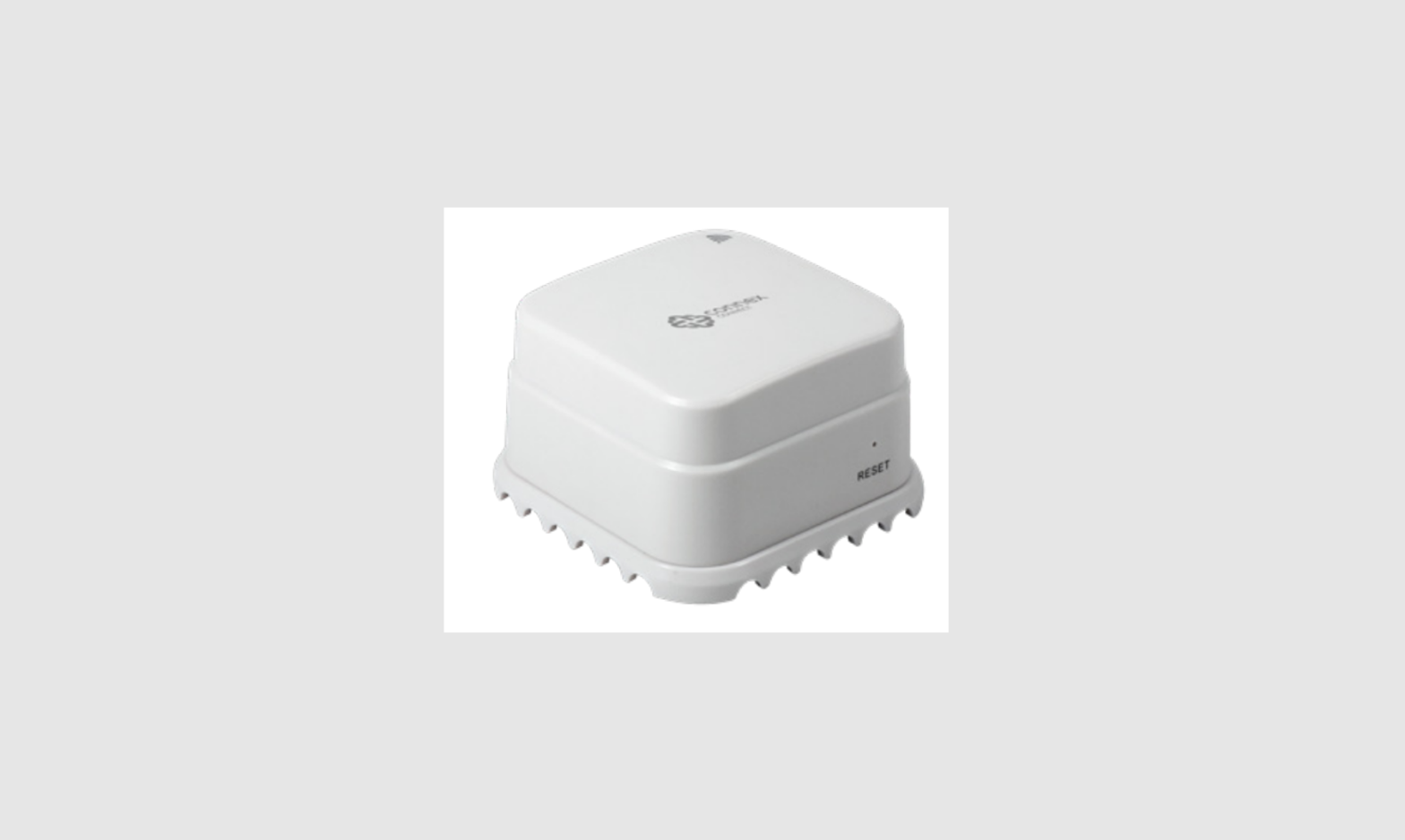
- Water sensor
- User manual
- Mounting accessories
- AAA batteries: 2 pcs
Product description
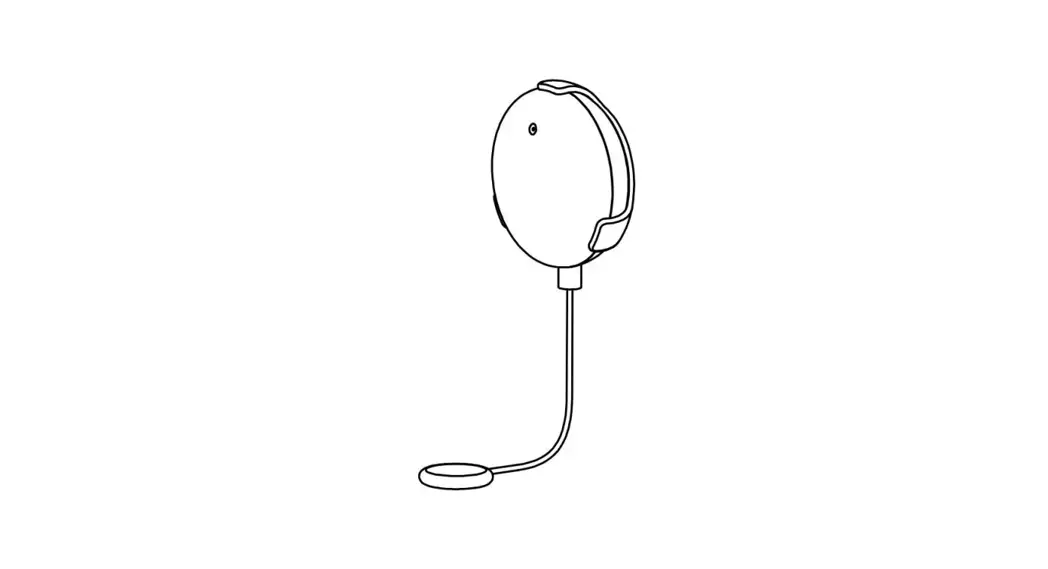
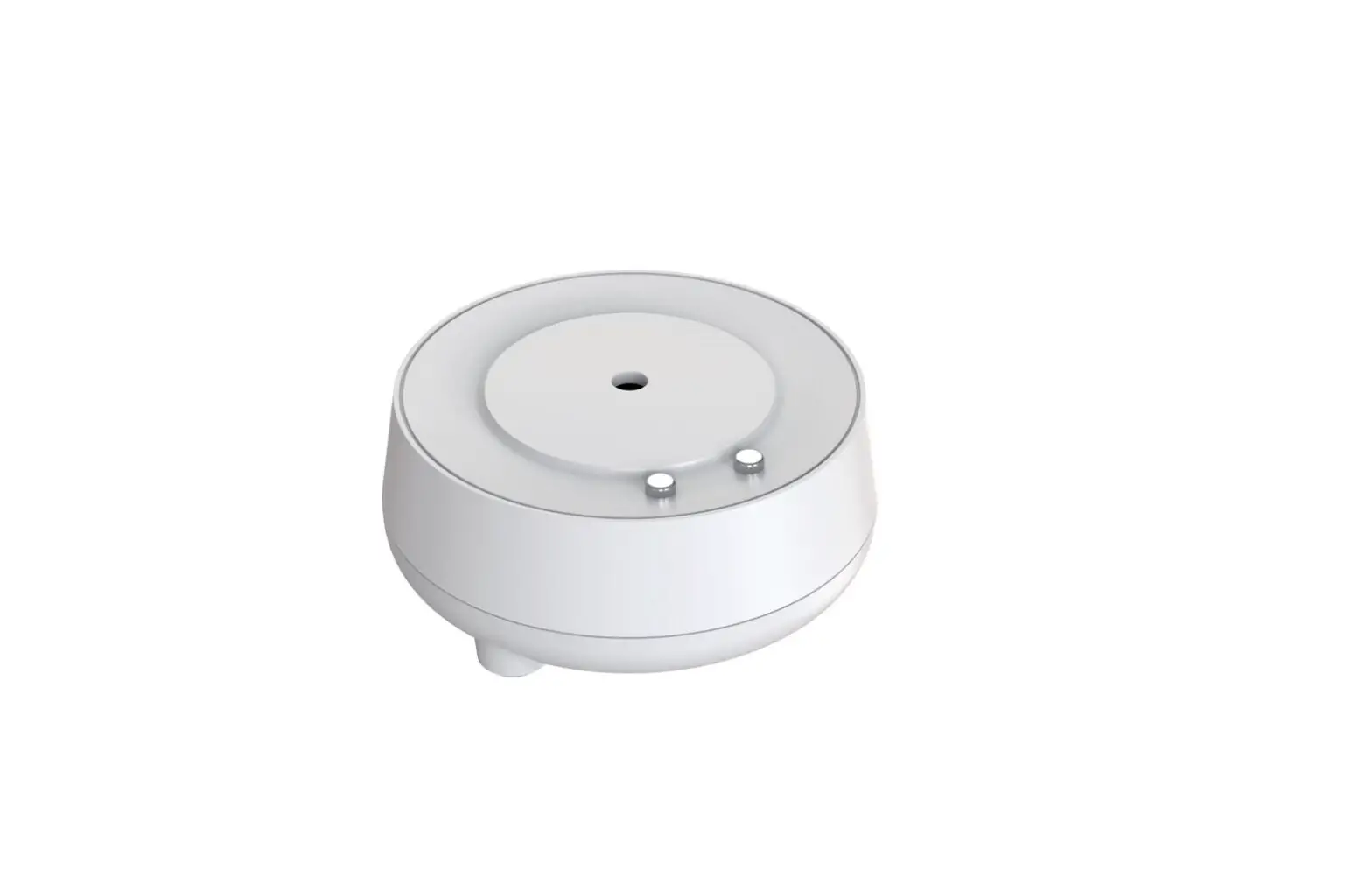
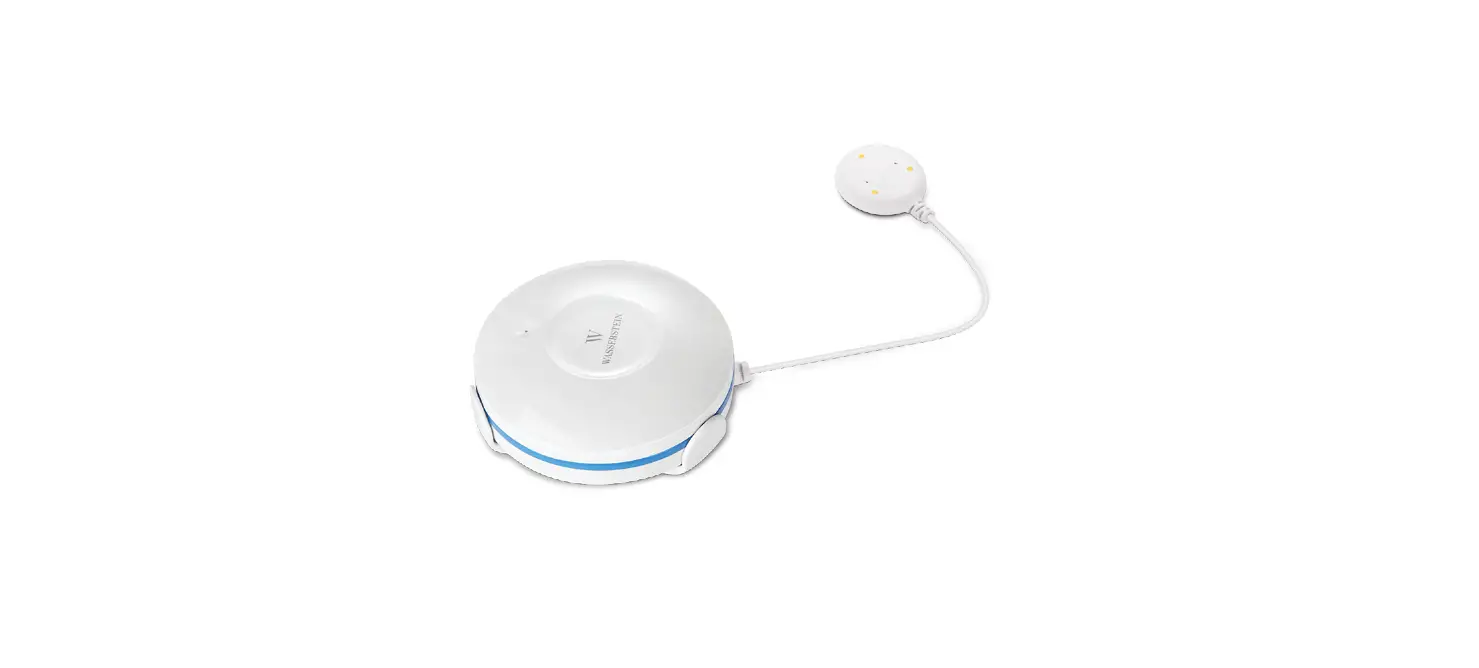
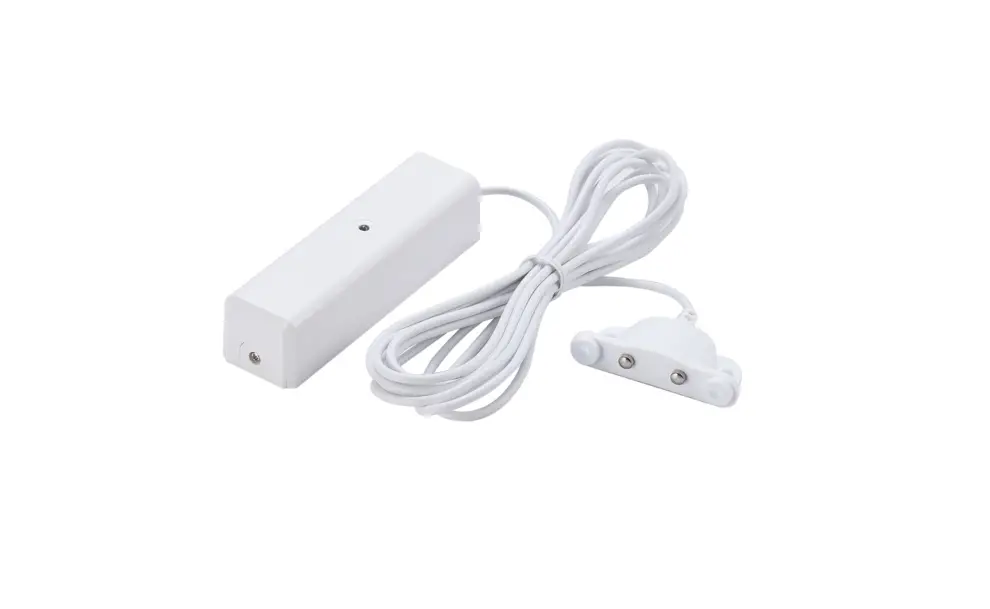
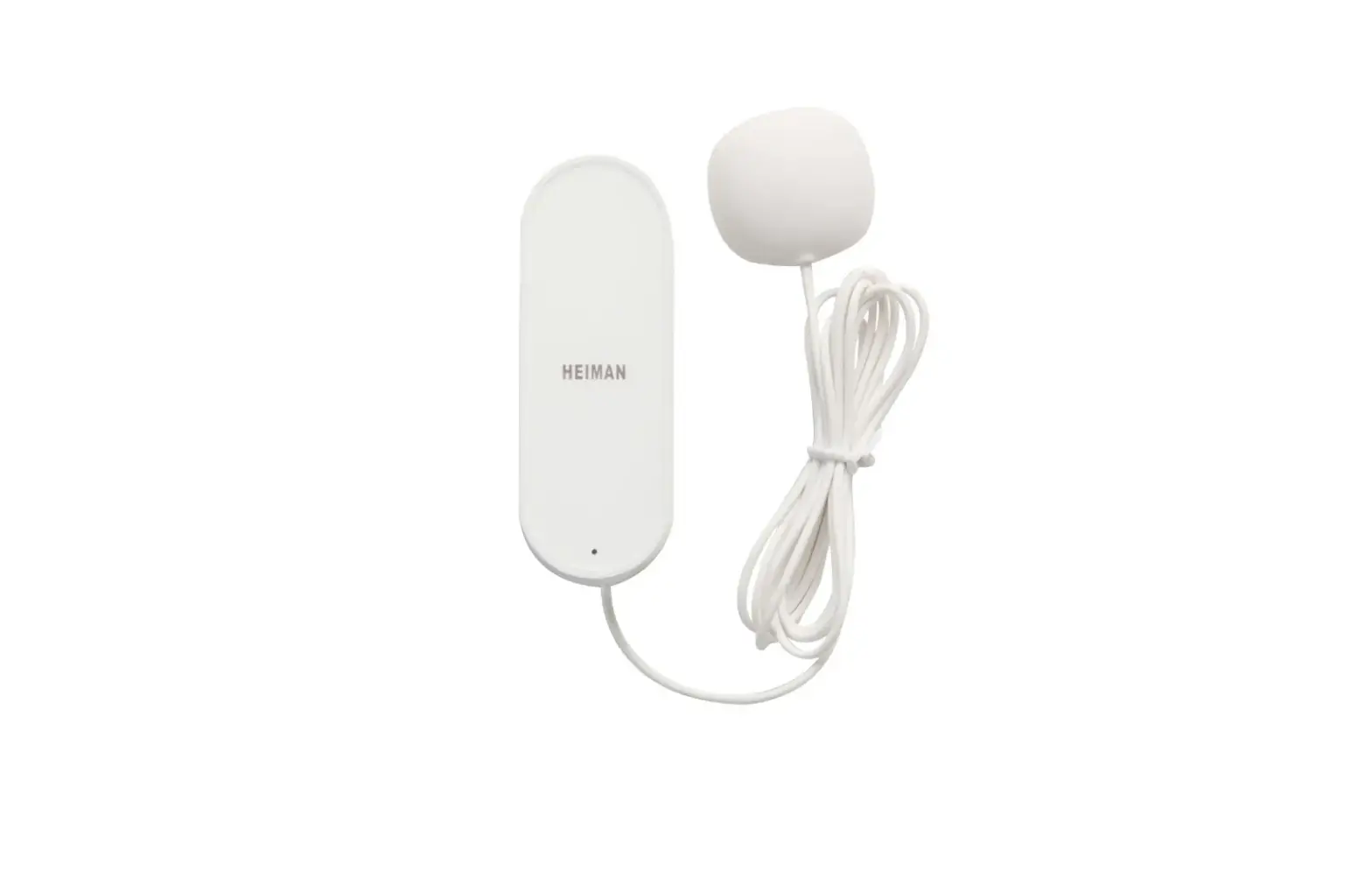
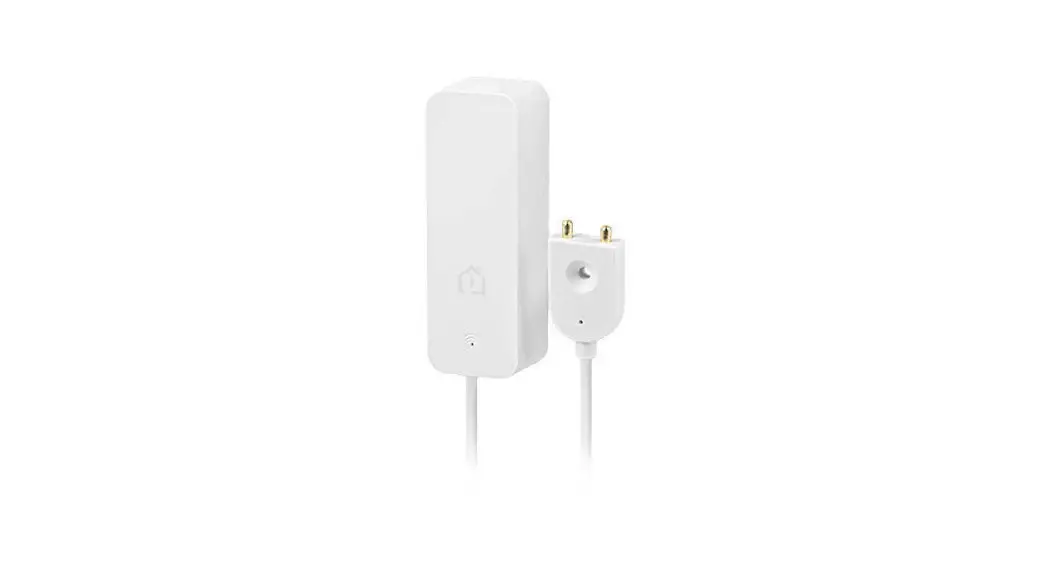
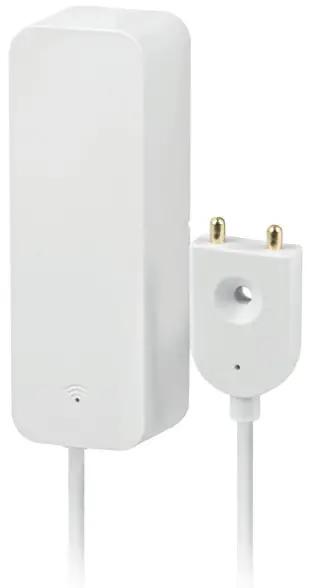
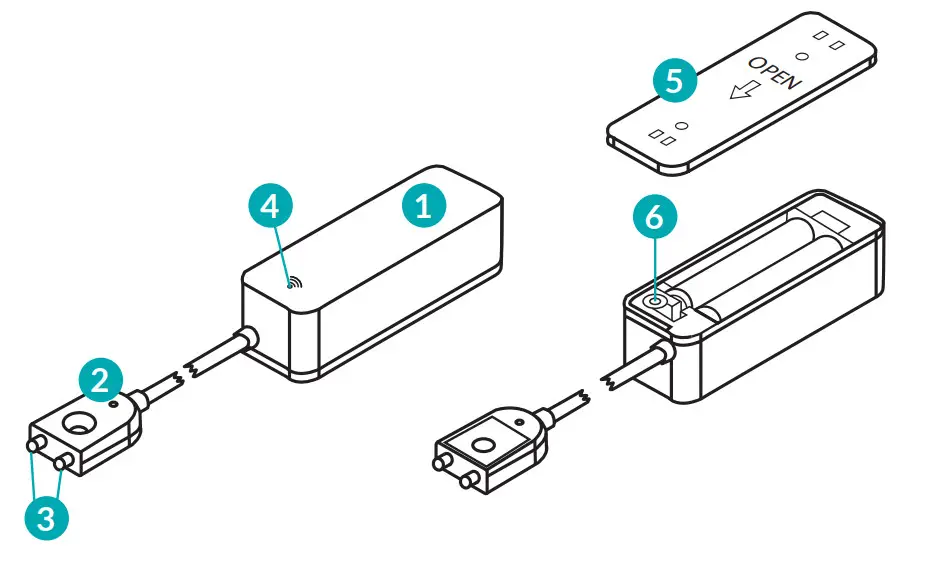
- Main module
- Sensor Probe
- Probe’s contacts
- LED
- Back cover
- Reset button
Mounting
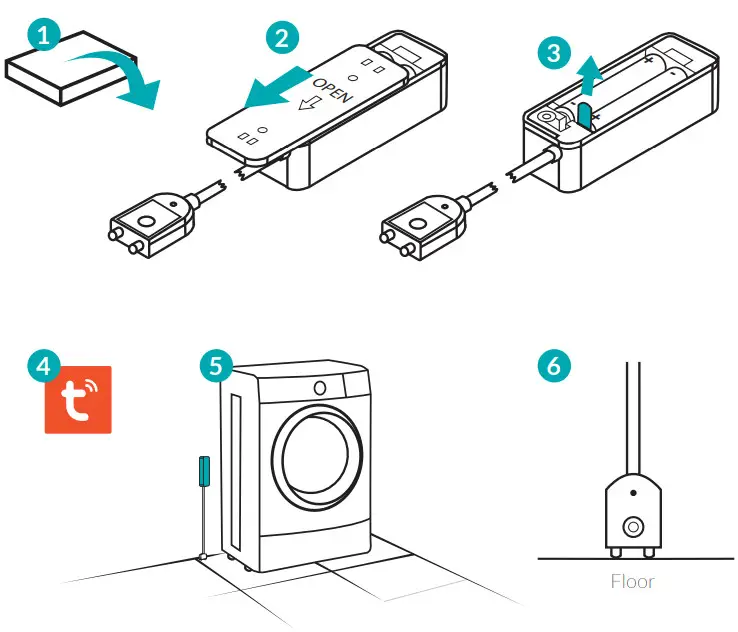
- Remove the product from the packaging.
- Remove the cover of the main module.
- Pull out the insulation sheet, the device should start up in pairing mode.
- Before installing the device at the intended location, we recommend connecting the device with the TUYA App (see section G).
- Attach the main module with mounting tape at the desired location (e.g., on bathroom tile, on side of the bathroom cabinet).
- The sensor probe should touch the floor or the surface where the leakage is expected to be observed (e.g. floor behind a washing machine). For proper functioning, it is required that the probe’s contacts are directly adjacent to the surface on which the leakage is expected.
How to download Tuya App
The App can be downloaded in two ways:
- Download the App from Google Play or App Store.
a. Android mobile device: Type and search “TuyaSmart” in Google Play.
b. iOS mobile devices: Type and search “TuyaSmart” in App Store. - Use the provided QR code, on the next page, available for devices with the iOS or Android operating systems
 | http://smart.tuya.com/download |
Important note: After scanning the QR code, the default browser window will open (e.g. Safari). In the newly opened window, click Download and then select the option to open using the App Store / Google Play to download the application.
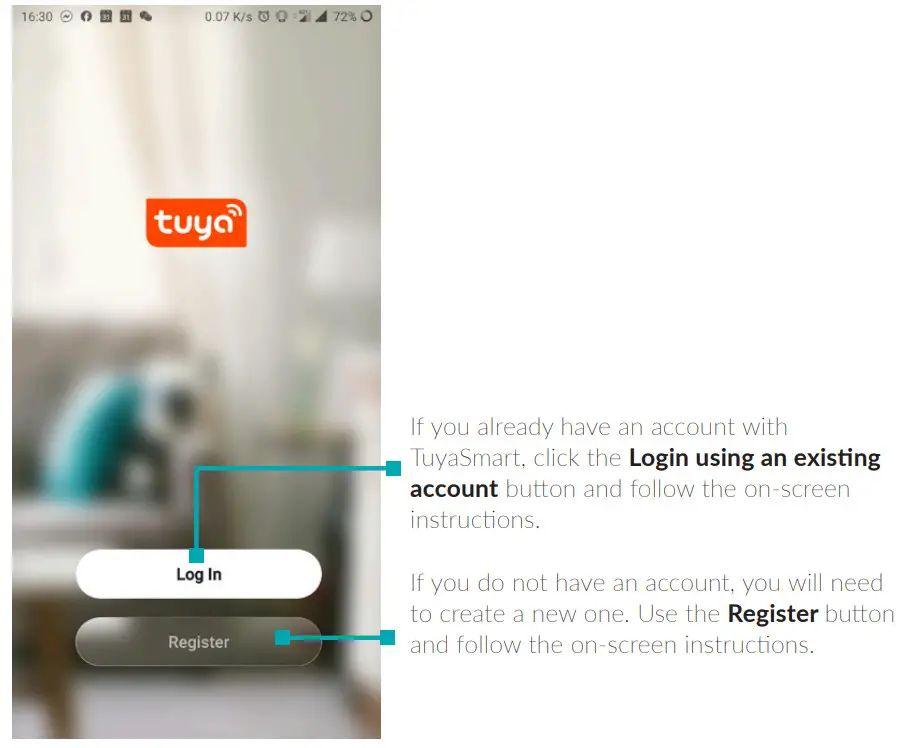
Login/Register using TuyaSmart App
Pairing with TuyaSmart App
• Powering and pairing the device
- Take the product out of the packaging.
- Remove the cover of the main module and pull out the insulation sheet.
- The device should start up immediately in pairing mode.
• Adding new devices
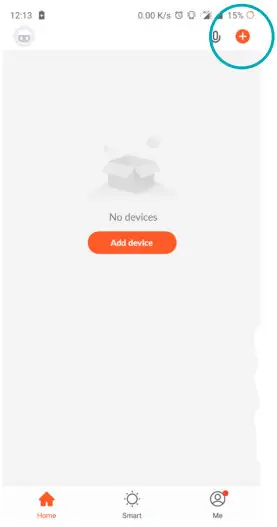
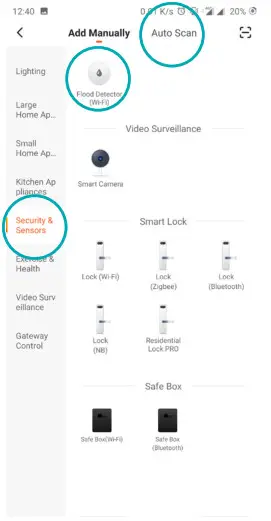
- Press the “+” symbol in the upper right corner of the application.
- Next, select the “Water Leak Sensor (WIFI)” from the “Security&Sensor” category, alternatively, you can use the “Auto Scan” function at the top of the window.

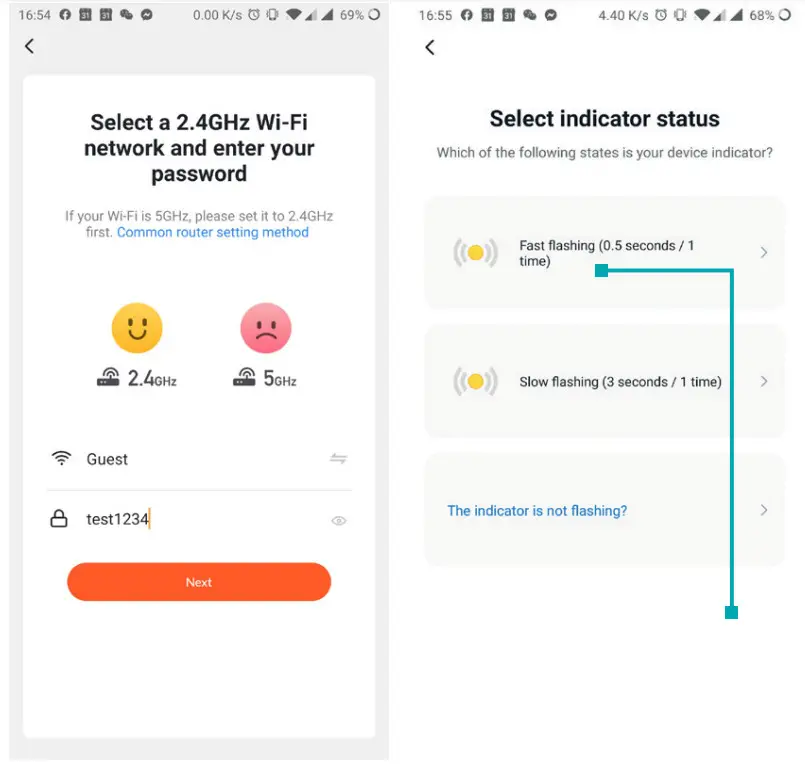
- Important note: Adding a new device will only be possible if the smartphone has Wi-Fi connection enabled and is connected to the network to which you want to connect the Smart Lanberg device.

- Enter the password for the currently connected Wi-Fi network and press “Next”.

- Next, select the “Fast flashing” option -after choosing it, the device search will commence
- Important note: If the LED on the device is not flashing, press the reset button for about 5 seconds. After that time, it should be flashing and the pairing process can be resumed.
- The App searches for devices to add, the sensor should be as close to the smartphone as possible.

- The device has been added successfully, we recommend that you test whether the device works correctly by exposing the sensor probe to water (e.g. place the sensor probe in the washbasin and gently pour water over the contacts).
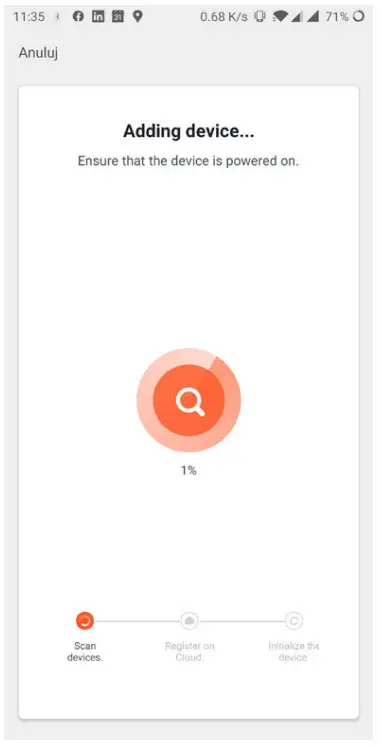
Important note: If the pairing process has failed, please repeat the whole process from the beginning by resetting the device as in point 6. During this procedure, it is recommended to bring the device as close to the phone as possible.
TuyaApp Features
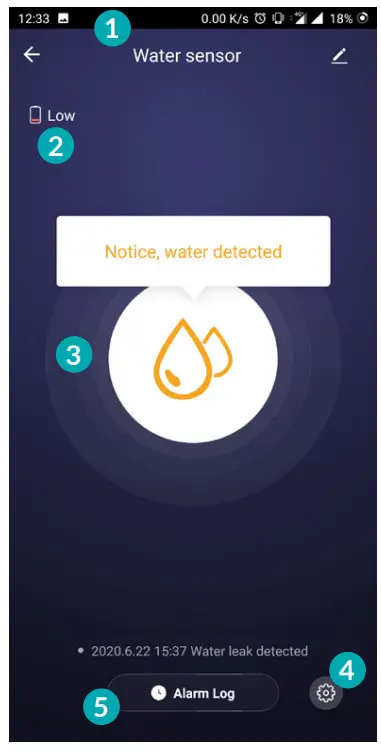
Main menu of the device:
- Device name
- Battery status
- Status
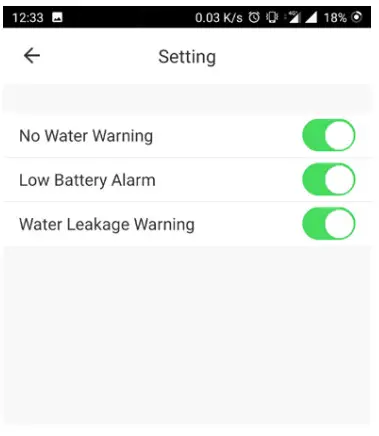
- Notification settings
- History

Notification settings
Technical specification
| Dimensions | Main module | 71 x 25 x 20 mm |
| Sensor probe | 36 x 10 x 17 mm | |
| Cable length | 1 meter | |
| Power | Battery type | LR03-1.5 V (AAA) |
| Supplied quantity | 2 pcs | |
| Battery lifecycle | Up to 6000 sensor notifications | |
| Wireless | Wi-Fi | 2.4 GHz, IEEE 802.11b/g/n |
| Management | Remote control | Via TuyaSmart App |
| Supported OS versions | iOS: 8.0 or newer Android: 4.4 or newer | |
| Housing | Material | ABS |
Troubleshooting
| Problem | Possible reason | Solution |
| The device does not startup | Insufficient power supply | Ensure that the batteries are inserted correctly or that they are not depleted |
| The device’s LED stopped flashing but the sensor has not been added to the TuyaSmart App | The pairing process was unsuccessful | Reset the sensor by pressing the reset button for at least 5 seconds and start the process of adding a new device in the application again |
| The device does not send notifications when water leak was detected | Inadequate Wi-Fi coverage | Ensure that Wi-Fi connectivity is available at the sensor’s location – Minimum 2 bars are required for proper operation |
| The device does not send notifications when water leak was detected | Hardware error | Remove the device from the target location, and then remove and re-insert the batteries |
| When adding a device, TuyaSmart continuously prompts you to enable Wi-Fi connection | No active Wi-Fi on the phone | The pairing of the device will only be possible if the smartphone is connected to a 2.4 GHz Wi-Fi network band |
Warranty
The following Lanberg product is covered by a 24-month warranty from the moment of the purchase. It does not apply in case of defects and faults resulting from improper use and handling (not in accordance with this manual). Mechanical damages are the basis for rejecting the warranty claim.
Symbol description
The use of the WEEE symbol (crossed-out wheelie bin symbol) means that this product cannot be treated as household waste. Proper disposal of used equipment avoids risks to human health and the environment, resulting from the possible presence of hazardous substances, mixtures, and components in the equipment, as well as, improper storage and processing of such equipment. The selective collection also allows you to recover materials and components, from which the device was manufactured. For more information about the recycling of this product, please contact the retail outlet, where the product was purchased, or request information from the local authority.

 Peryferia do rozbudowy sieci aktywnej i pasywnej | lanberg.pl