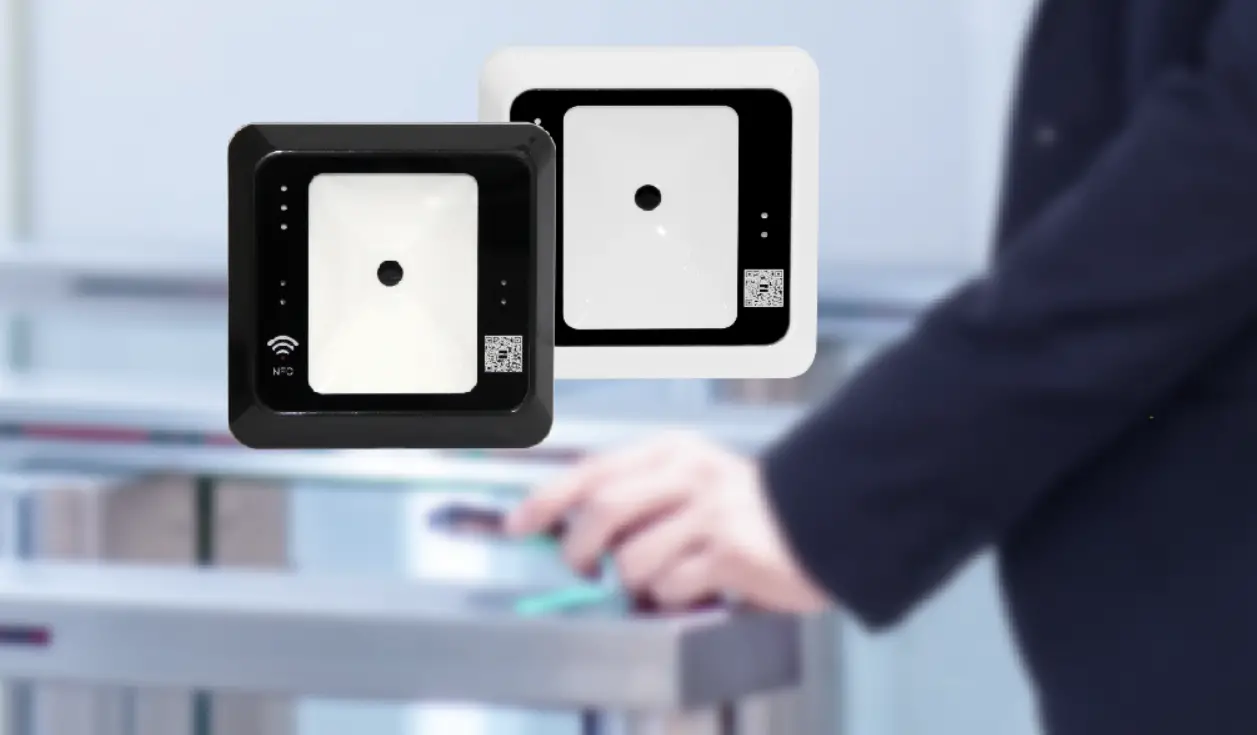
Q10-C/Q Dynamic QR Code Standalone Controller
Dynamic QR Code Standalone Controller
Product Introduction
The Q20-C/Q is a high-performance standalone controller that
uses advanced CMOS image recognition technology and an intelligent
image recognition system to achieve a high-speed scan code
recognition rate. It has a large storage capacity of up to 10,000
user card information and supports three ways to open the door –
dynamic QR code, RFID card, and password.
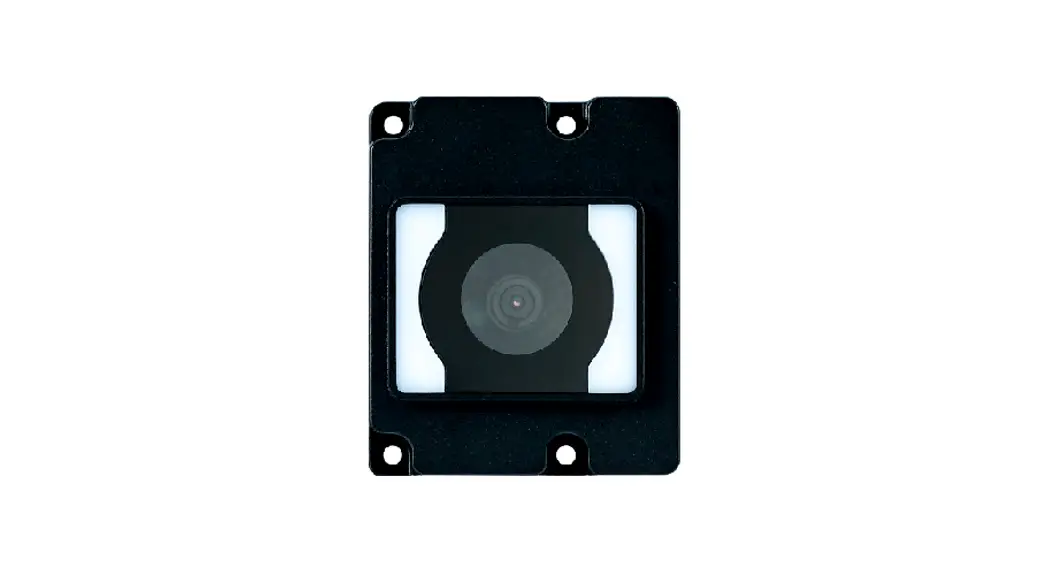
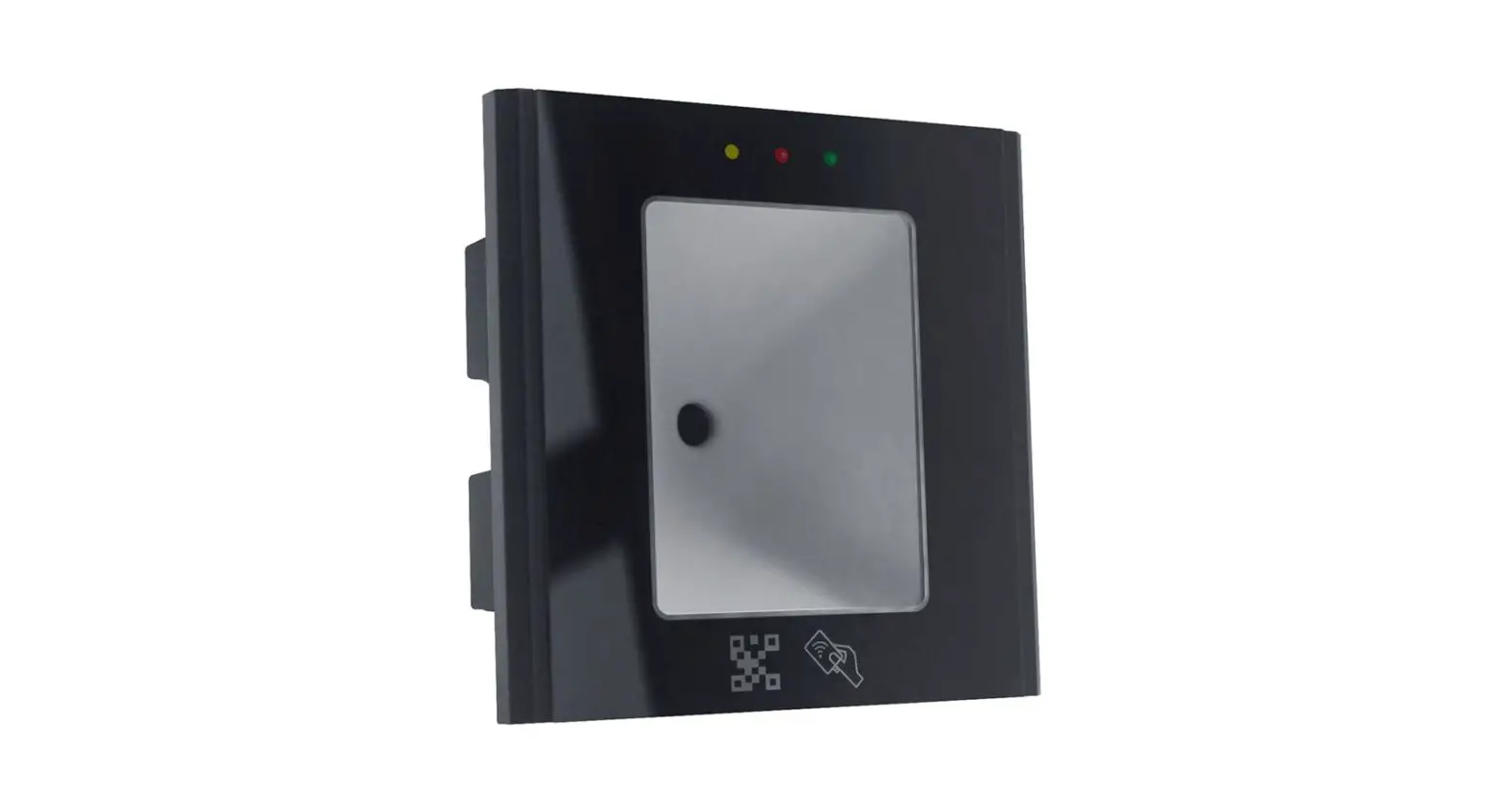
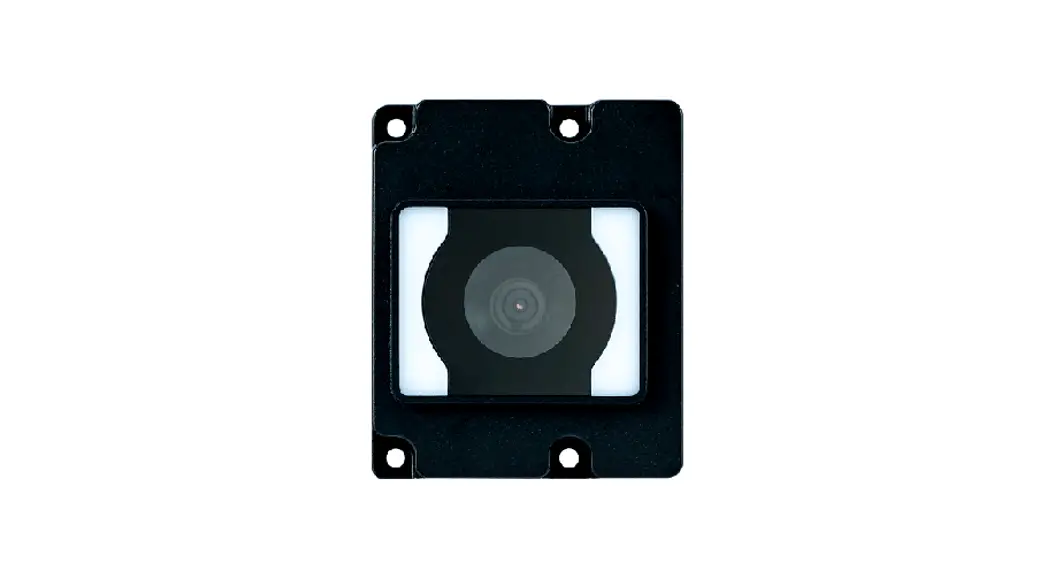
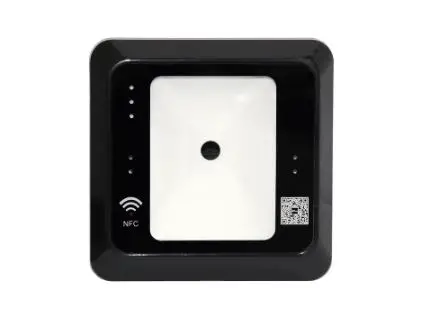
Product Picture

Parameter
| Communication | Offline |
|---|---|
| Management | 6 digit Password (Q10-C/Q non-keypad has no this function) |
| App | Quicklopen |
| Reading card type | MF Card |
| Reading Range | MF:13cm, QR Code:120cm |
| Card Capacity | 10000 cards |
| Door opening mode | App, Card, Password (Q10-C/Q non-keypad has no this function) |
| Prompt mode | Buzzer sound, Blue work light on, green light flashes |
| Camera pixel | 300000 pixels |
| Scan resolution | 640*480 |
| Reading angle | – |
| Keypad Type | Press (Q10-C/Q Non-keypad) |
| Open door time | 0-99s |
| Door bell function | With Doorbell button (Q10-C/Q no Doorbell keypad) |
| Electrical Work voltage parameters | DC12V |
| Work current | 100mA |
| Working environment | -10°C ~ 60°C, 5%-85% humidity |
| Color and material | – |
| Size | – |
| Install hole space | – |
| Packing list | 8P Socket Wire |
| Wire connection | Wire S/N 1 2 3 4 5 6 7 8 Color Red Black Yellow White Black Green Yellow Blue Interface DC12V GND NC COM NO OPNE BEEP BEEP Illustrate Cathode GND Relay NC COM Relay NO Exit button Doorbell |
Electric Lock Wire Diagram
We suggest using a dedicated access control power supply that
outputs a relay signal to directly drive electrical locks,
automatic doors, gates, etc.

QR Code Standalone Controller LED Status
| Work Status | Programming mode | Program mode sub-menu |
|---|---|---|
| Blue/Green on | Green light on | Scan unregistered card on |
| – | – | Scan registered card on |
| – | – | After scan card need input password open door Card+Password mode |
| – | Password mode | Press keypad Setting Successfully |
| Blue/Green Flash every 0.5 second | – | Blue light and green light are at interval flash |
| Blue/Green Flash every 0.5 second | – | Buzzer Long sound di 2 short sound di di short sound di 2 short sound di di |
| – | – | Setting failure Invalid input Alarm |
Appearance Structure Size
–
Product Usage Instructions
- Connect the controller to the power supply and electric lock
according to the wire connection diagram. - Install the controller in a suitable location near the door to
be controlled. - Synchronize the controller with the Quicklopen app by scanning
the QR code on the controller or entering the device ID
manually. - Add user card information to the controller through the app or
by scanning the card directly using the controller. - To open the door, users can either scan the dynamic QR code,
swipe their RFID card, or enter their password on the keypad (if
available). - If the doorbell function is available, press the doorbell
button to ring the bell.
Dynamic QR Code Standalone Controller
Q10-C/Q Q20-C/QManual
Note:Q20-C/Q and Q10-C/Q difference:Q20-C/Q with keypad,Q10-C/Q non-keypad. Q20-C/Q with keypad have password door opening function. Q20-C/Q and Q10-C/Q the Scanning QR code and RFID Card usages, installation, wire connection, size, packing completely the same, the following contents take Q20-C/Q as an example.
1.Products introduction
Q20-C/Q is our independent research and development production, good performance QR code+RFID Card Standalone controller .Advanced CMOS image recognition technology, intelligent image recognition system, scan code recognition rate of high speed, large capacity s torage (10,000 user card information), high security, simple operation, comple te functions, dynamic QR code APP+ card + password three ways to open the door
2.Products picture
3.Parameter
Dynamic QR Code Standalone Controller Q20-C/Q
communication
Offline
Management
6 digit Password Q10-C/Q non-keypad no this function
App
Quicklopen
Reading card type MF Card
Reading Range
MF:13cmQR Code:120cm
Card Capacity
10000 cards
Products Features
Door opening mode App,Card,PasswordQ10-C/Q non-keypad no this function
Prompt mode
Buzzer sound, Blue work light on, green light flashes
Camera pixel
300000 pixels
Scan resolution
640*480
Reading angle
Rotate 360 °, tilt ± 45 °, deflection ± 45 °
Keypad Type
Press
Q10-C/Q Non-keypad
Open door time
099s
Door ell function
with Doorbell buttonQ10-C/Q no Doorbell keypad
Electrical Work voltage parameters Work current
DC12V 100mA
Appearance and
packing
Working environment
Color and material Size Install hole space Packing list Working temperature Working humidity
Black Plastic ABS 120×80×18mm 60 mm Dynamic QR Code Standalone Controller 8P wiremanual×1
-10~60
5%-85%
8P Socket Wire
connection
Wire S/N 1 2 3 4 5 6 7 8
Color Red Black Yellow White Black Green Yellow Blue
Interface DC12V GND
NC COM NO OPNE BEEP BEEP
Illustrate Cathode
GND Relay NC
COM Relay NO Exit button
Doorbell
4.Electric lock wire diagram We suggest use dedicated access control power supply, output relay signal that directly drives electrical locks, automatic doors, gates, etc
5.QR Code Standalone Controller LED status
illustrate
Work Status Programming mode Program mode sub-menu
Blue/Green
on
Green light
on on
Scan unregistered card on
Scan registered card
on
After scan card need input password open door Card+Password mode
Password mode Press keypad Setting Successfully
Blue light and green light are at interval flash
Blue/Green Flash every 0.5 second Blue/Green Flash every 0.5 second
Buzzer
Long sound di 2 short sound “di di”
short sound di 2 short sound di di
Setting failure Invalid input Alarm
6.Appearance structure size
Long sound di Long sound di Continuous sound “di di di