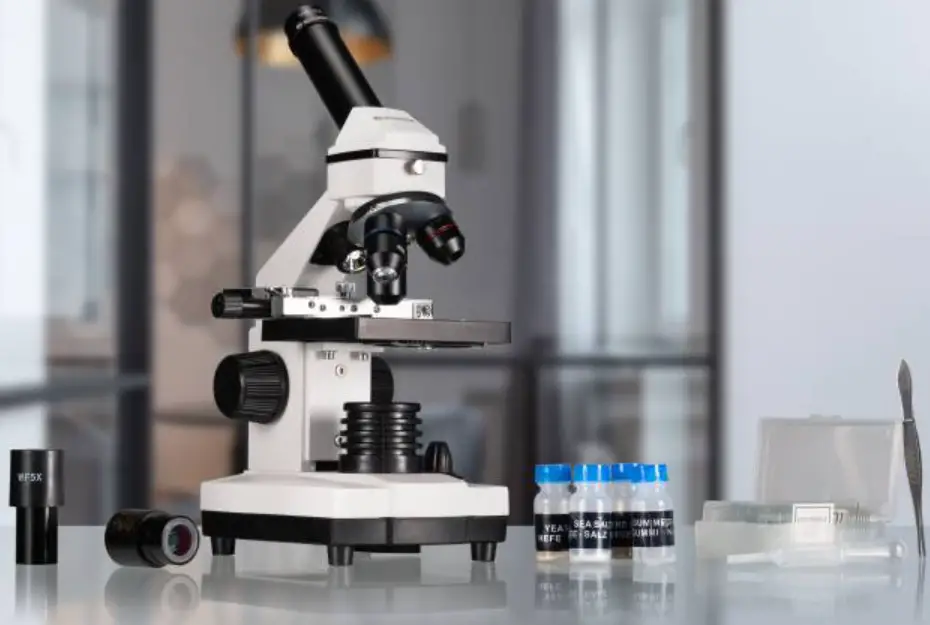

BRESSER 8852001 Biolux ICD Pro 20x/50x Microscope
Instruction
DISPOSAL
Dispose of the packaging materials properly, according to their type (paper, cardboard, etc). Contact your local waste disposal service or environmental authority for information on the proper disposal.
Do not dispose of electronic devices in the household garbage!
As per the Directive 2002/96/EC of the European Parliament on waste electrical and electronic equipment and its adaptation into German law, used electronic devices must be collected separately and recycled in an environ-mentally friendly manner.
Empty old batteries must be disposed of at battery collection points by the
consumer. You can find out more information about the disposal of devices or batteries produced after 01.06.2006 from your local waste disposal service or environmental authority.
In accordance with the regulations concerning batteries and recharge-able batteries, disposing of them in the normal household waste is explicitly forbidden. Please pay attention to dispose of your used batteries as required by law – at a local collection point or in the retail market (a disposal in domestic waste violates the Battery Directive).
Batteries that contain toxins are marked with a sign and a chemical symbol. „Cd“ = cadmium, „Hg“ = mer-cury, „Pb“ = lead.
- battery contains cadmium
- battery contains mercury
- battery contains lead
EC Declaration of Conformity
Bresser GmbH has issued a “Declaration of Conformity” in accordance with applicable guidelines and corresponding standards. The full text of the EU dec-laration of conformity is available at the following internet address: www.bresser.de/download/8852001/CE/8852001_CE.pdf
UKCA Declaration of Conformity
Bresser GmbH has issued a „Declaration of Conformity“ in accordance with applicable guidelines and corresponding standards. The full text of the UKCA declaration of conformity is avail-able at the following internet address: www.bresser.de/download/8852001/UKCA/8852001_UKCA.pdf
Bresser UK Ltd. • Suite 3G, Eden House, Enterprise Way, Edenbridge, Kent TN8 6HF, Great Britain
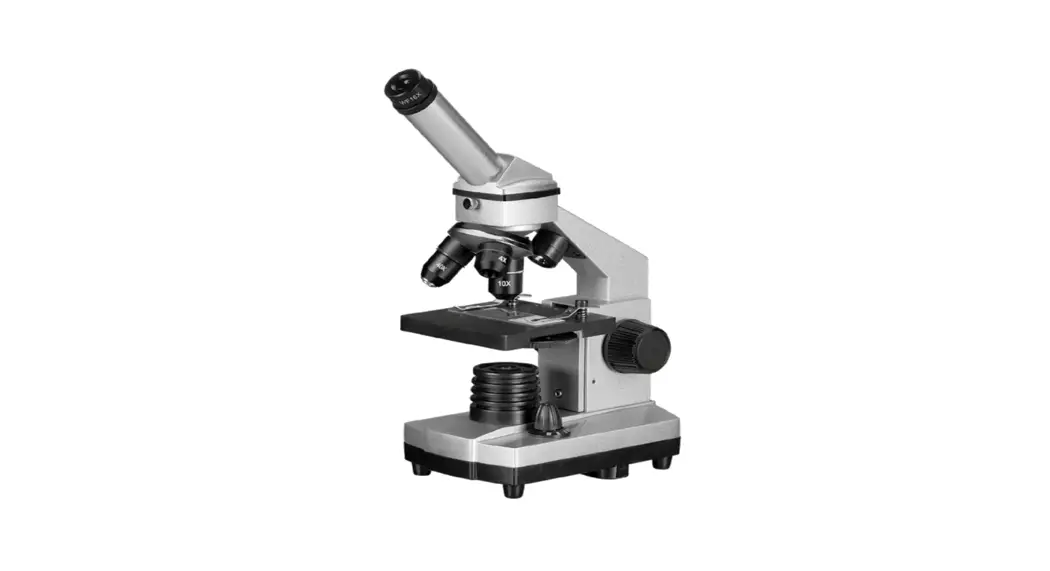
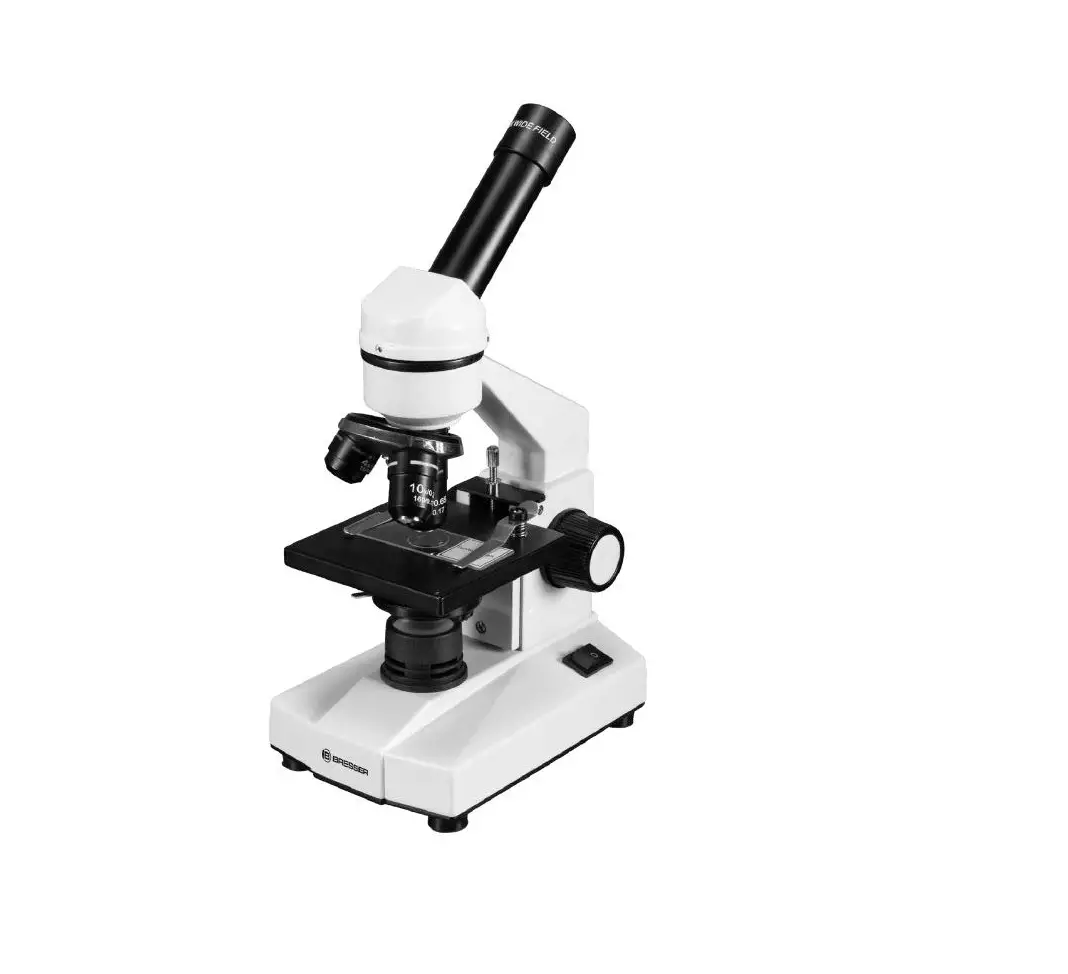
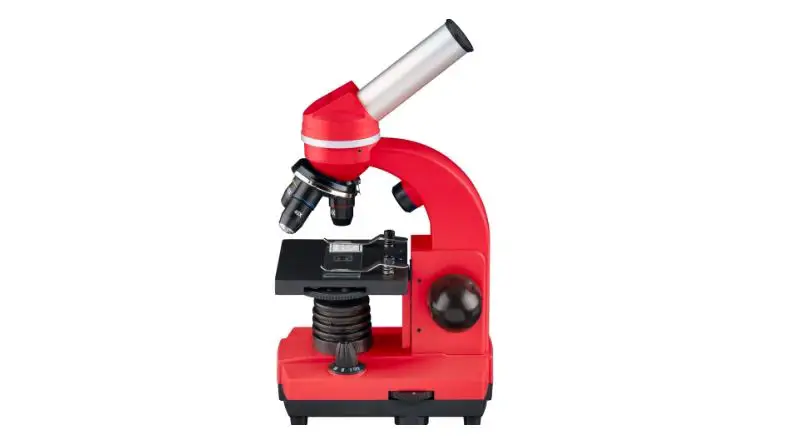
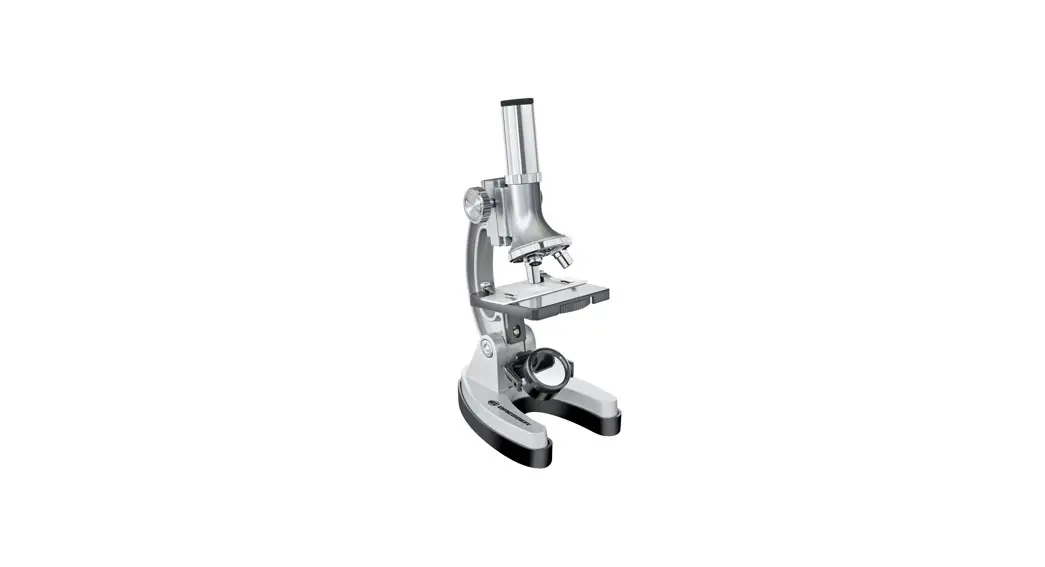
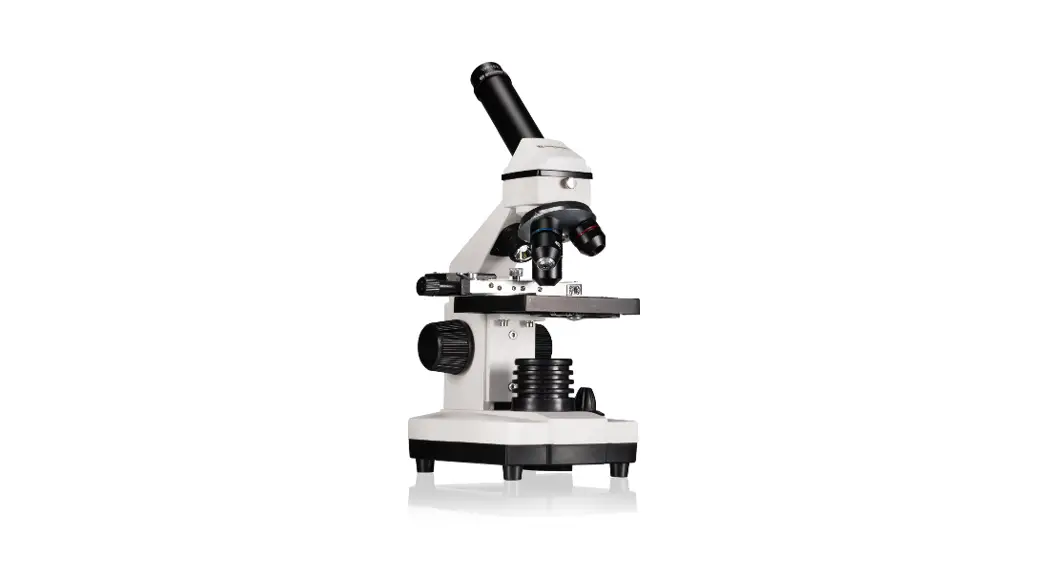
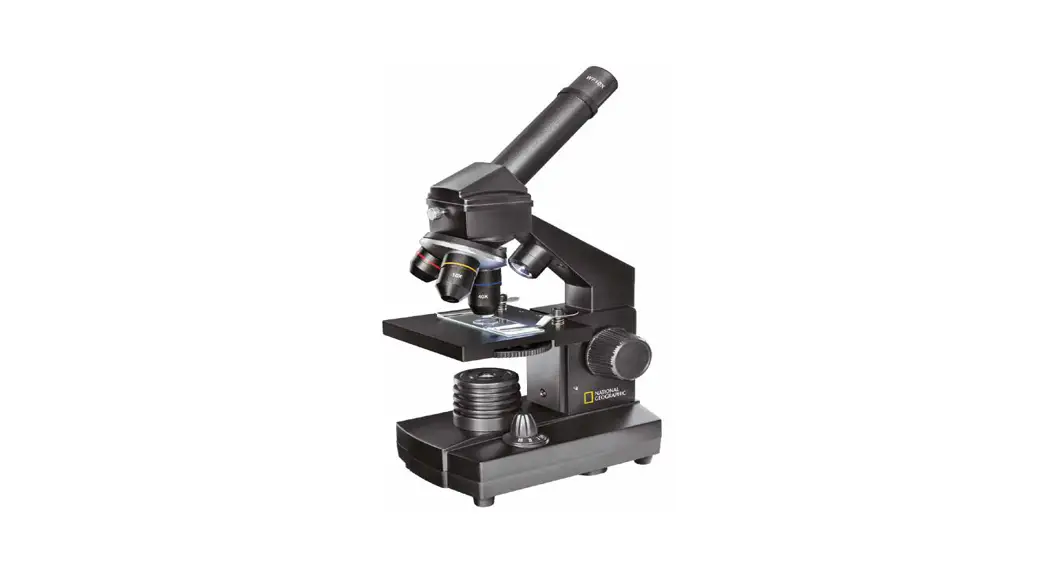
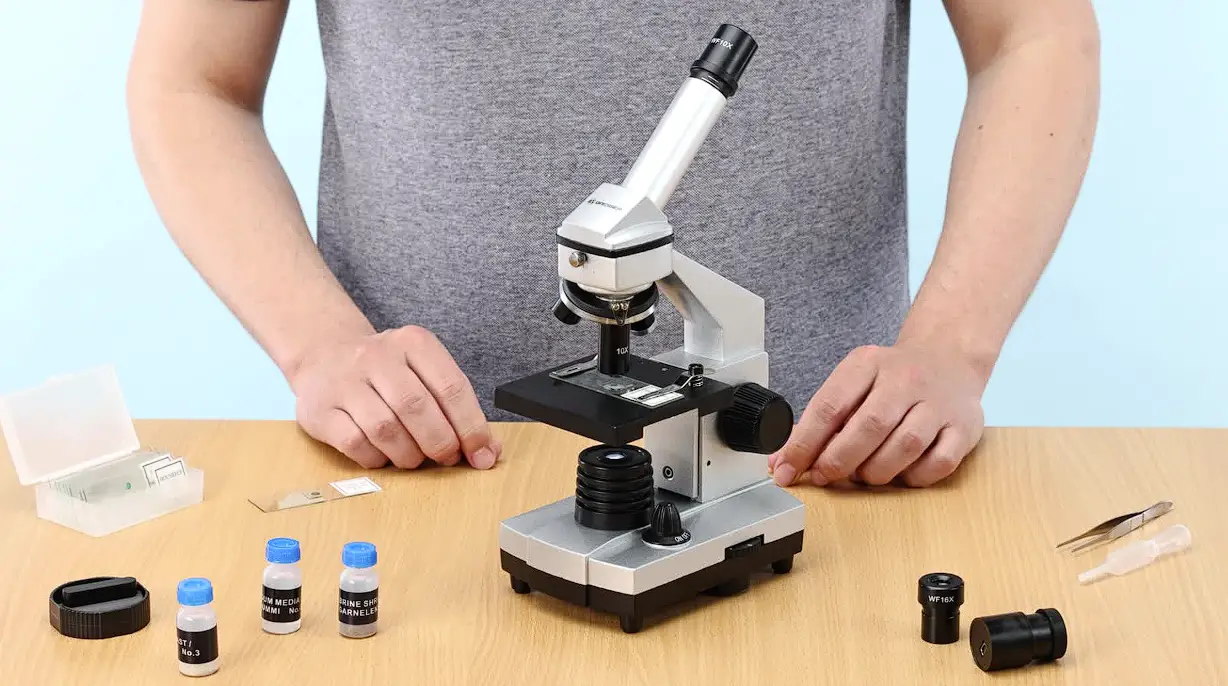
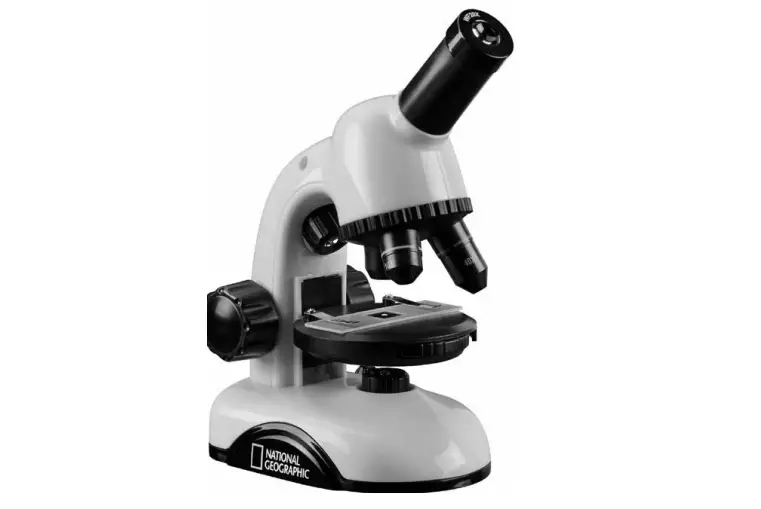
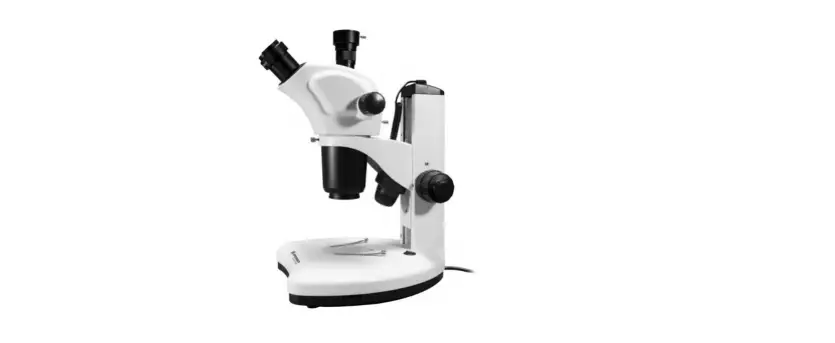
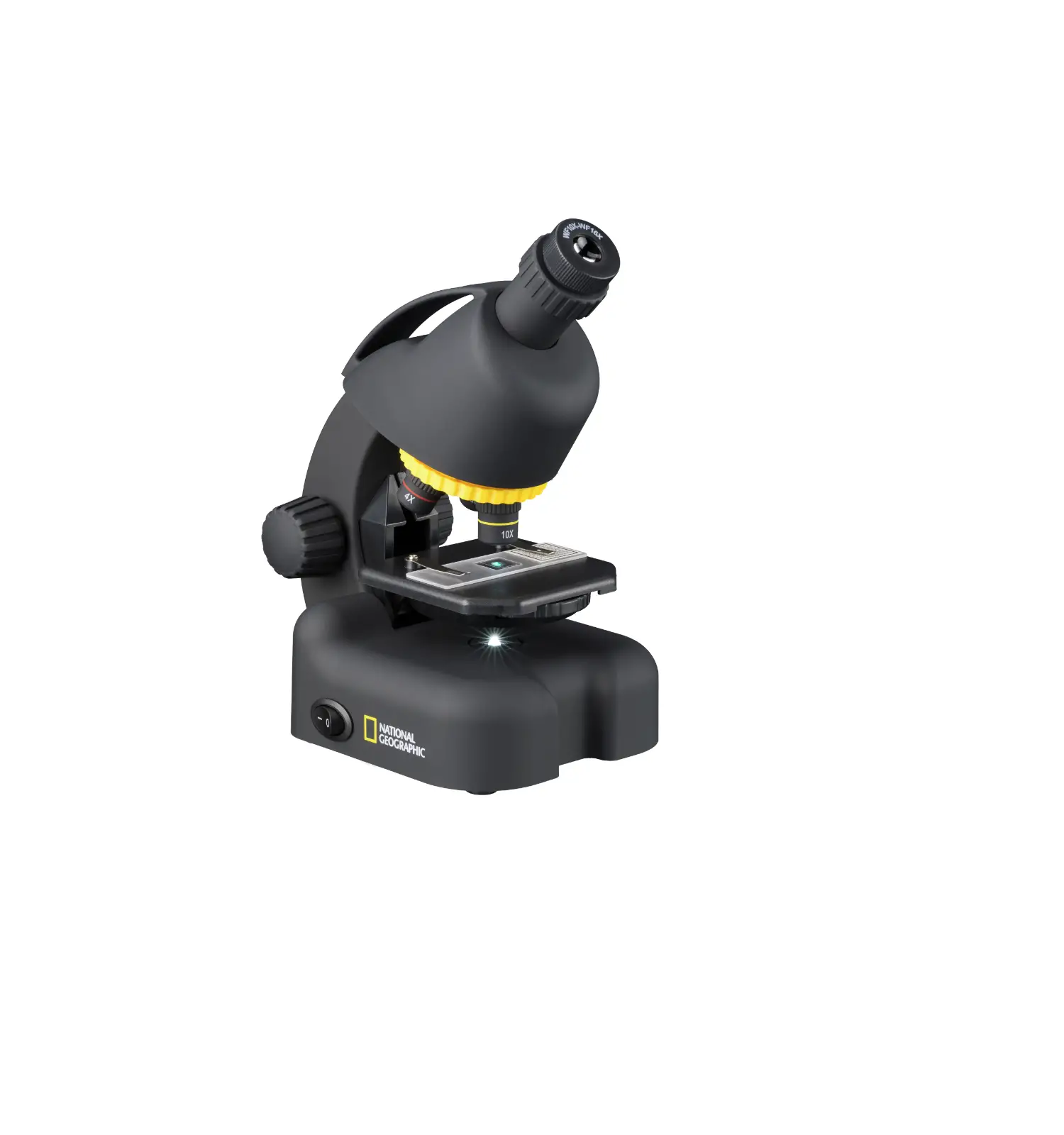
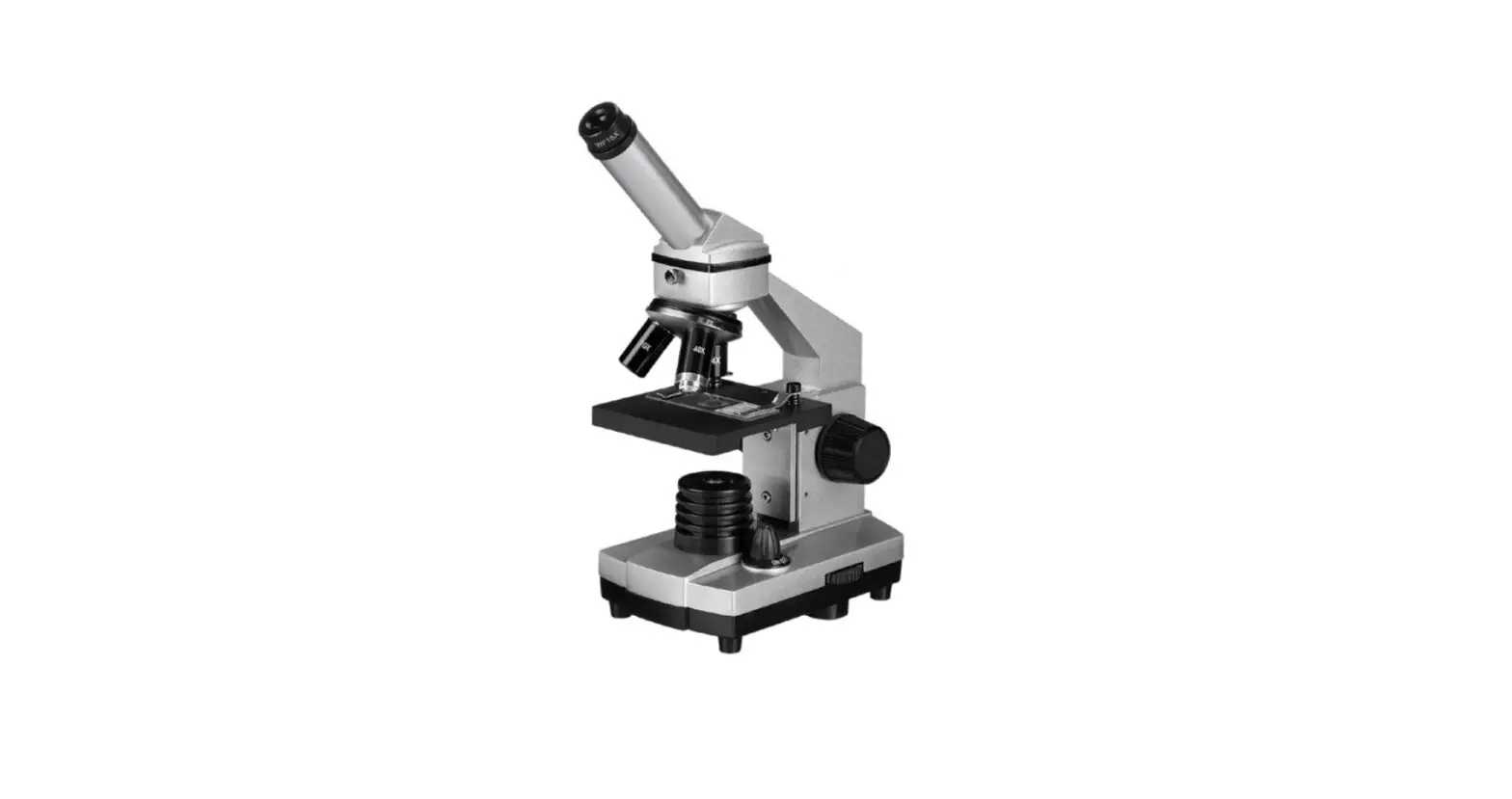
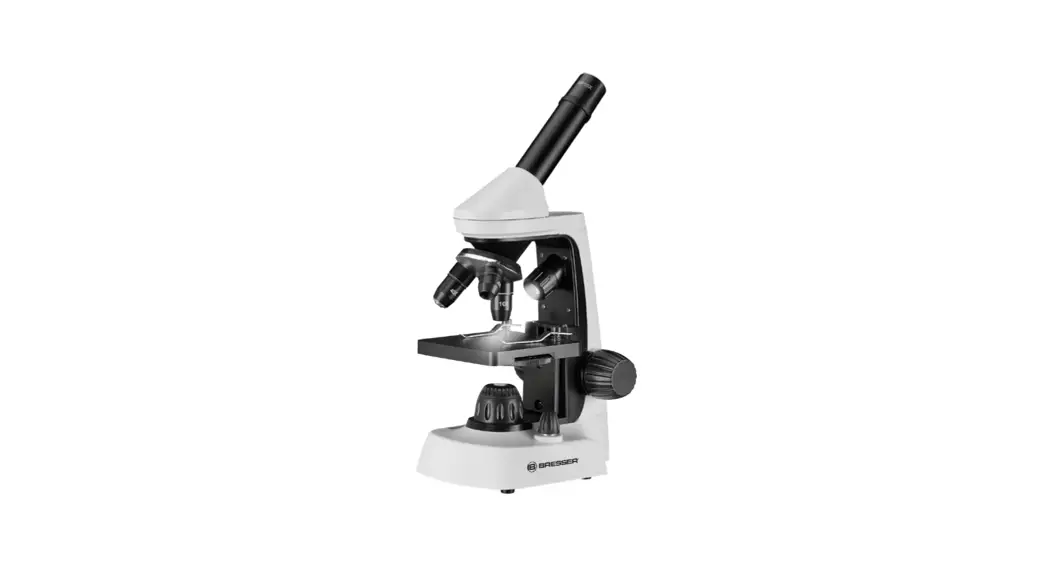
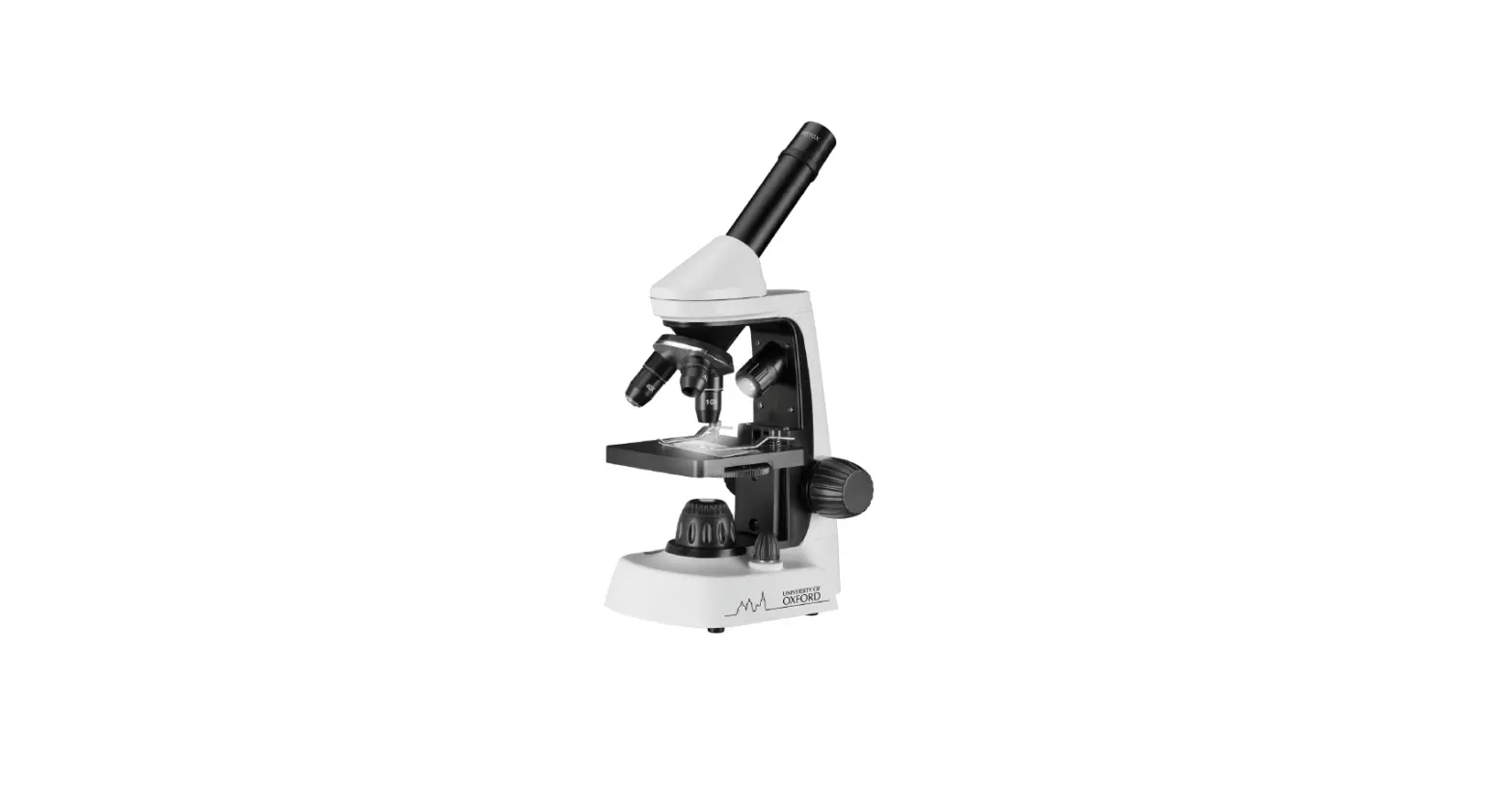
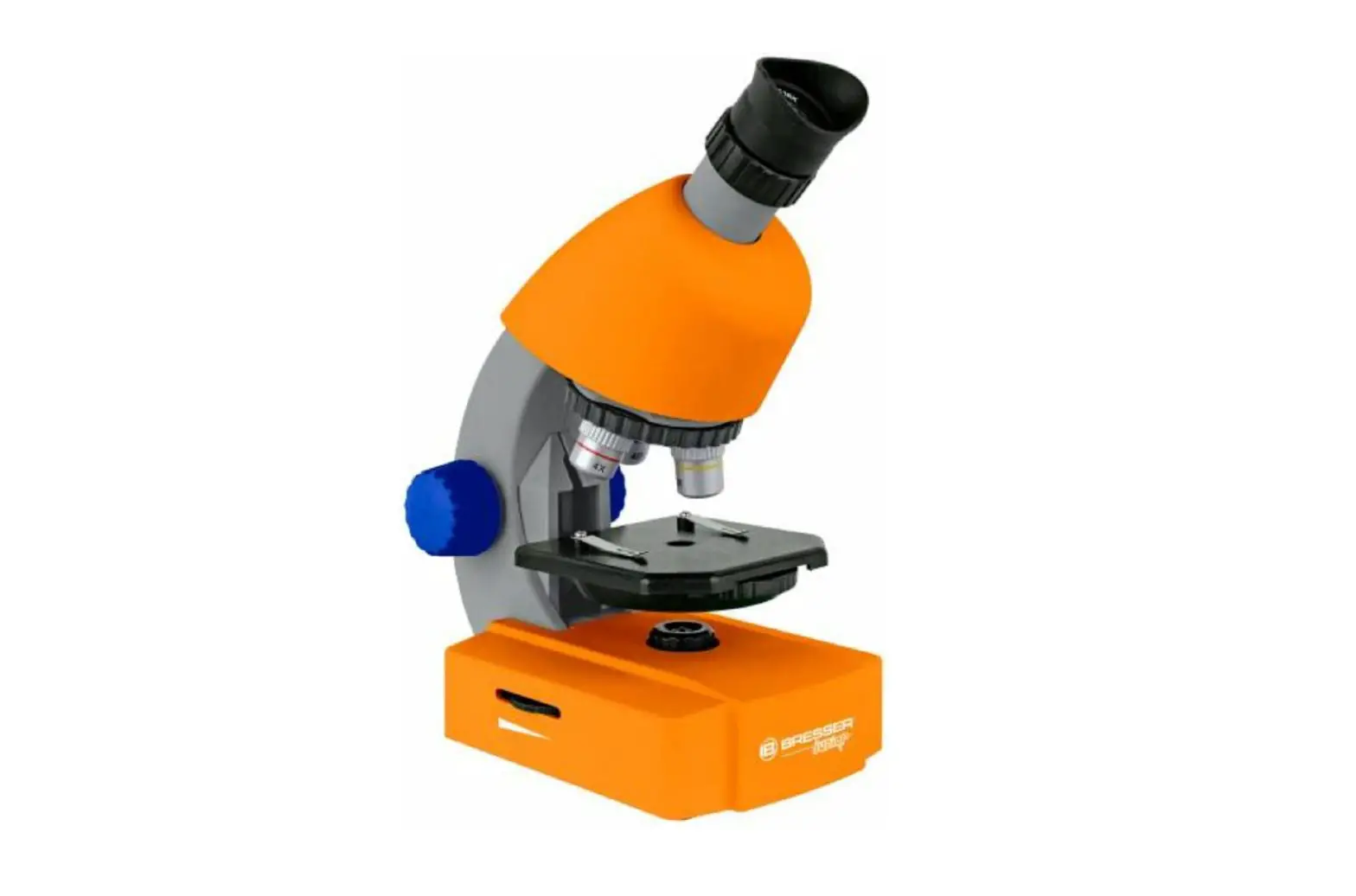
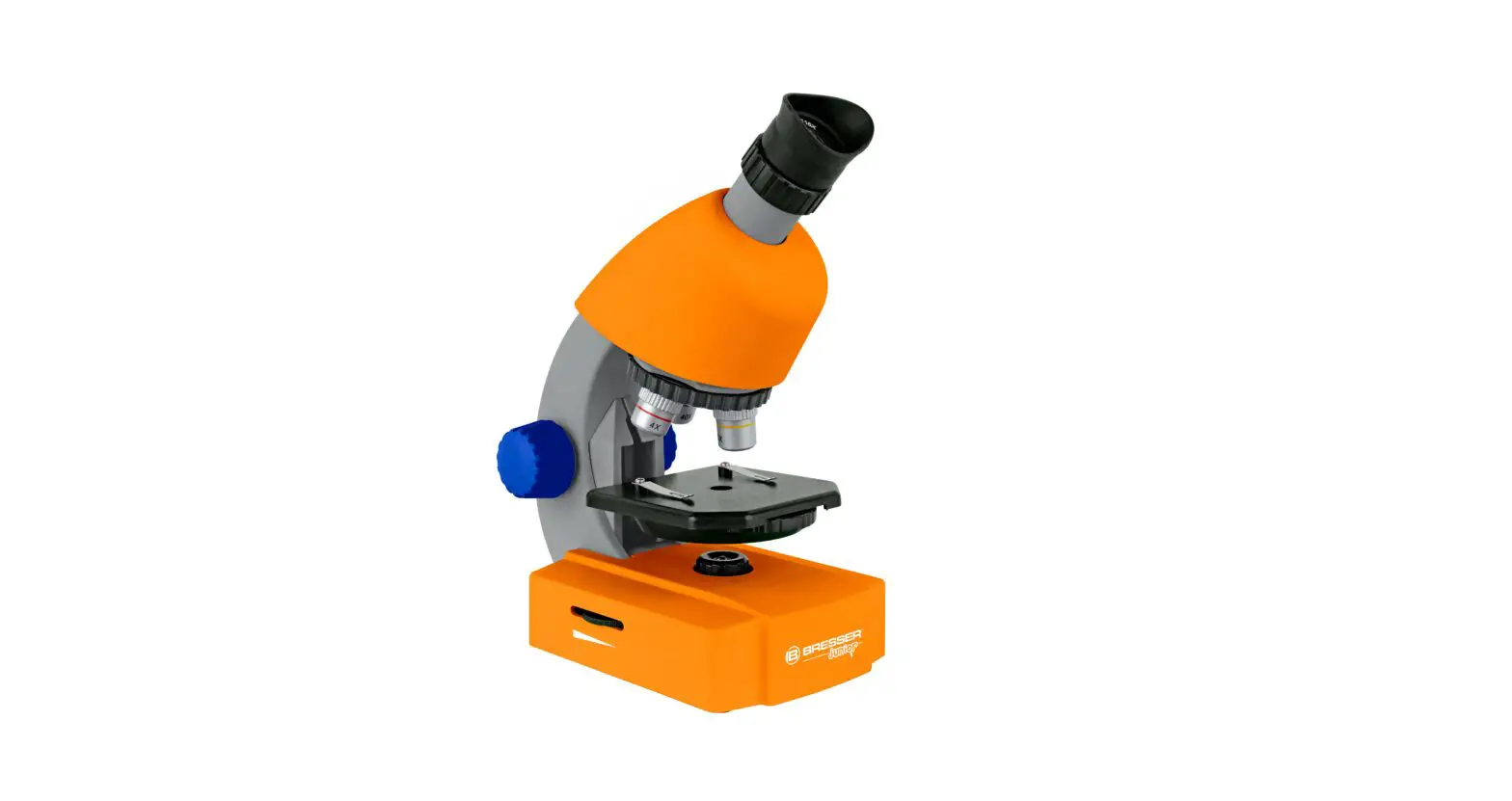
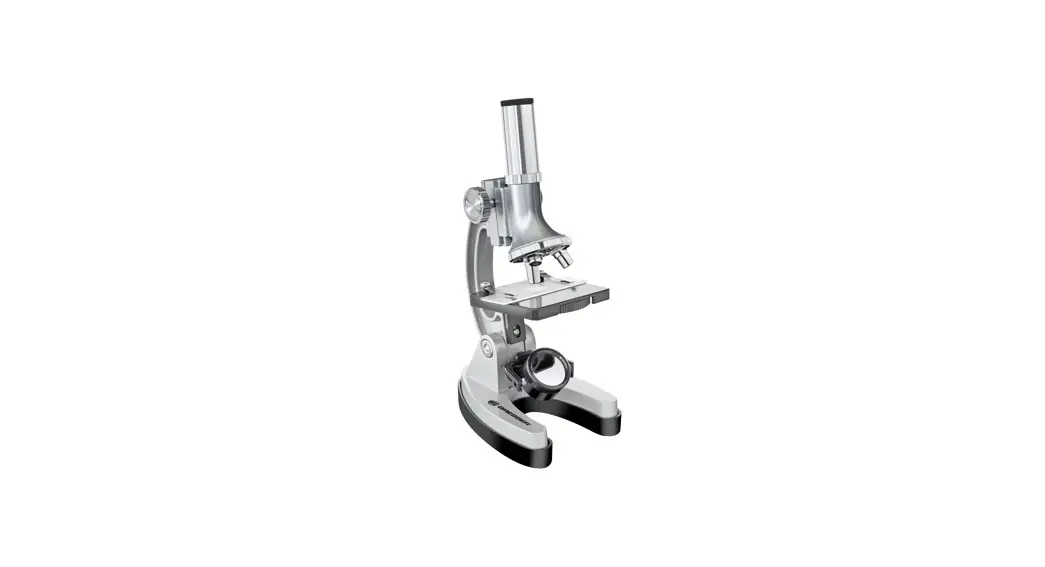
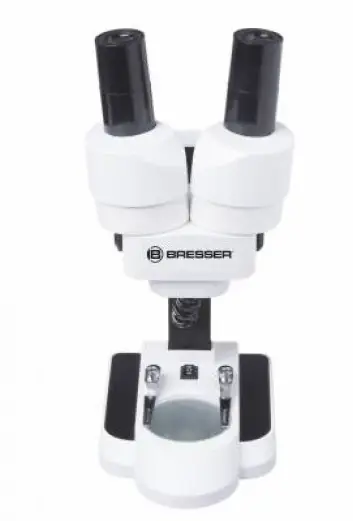
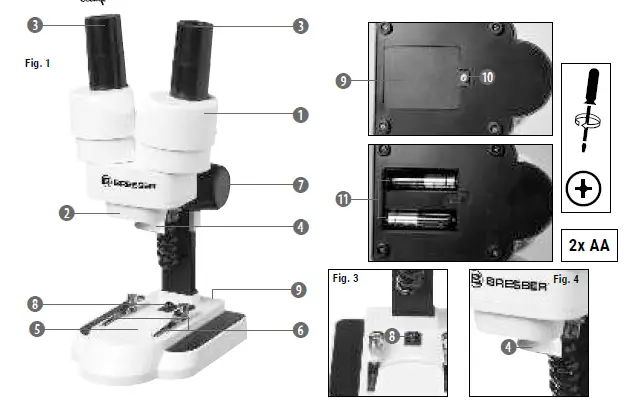
Your microscope is made up of the following parts (Fig. 1-4):
- Binocular view piece (with eye- piece supports)
- Stereo objective
- Eyepieces
- Illumination (LED)
- Microscope stage (with object plate)
- Stage clips
- Focus knob
- On/off switch
- Battery compartment
- Mounting screws
- Battery contacts (flat sheets and spring terminals)
- mineral samples Incident light microscopy
5 prepared slides Transmitted light microscopy
Object plate
Location
Before you start, choose an ideal location for using your microscope. It is important that you have enough light available (window, desk lamp).
Simple Observation
Place the object to be observed (for example, a rock) in the middle of the microscope stage (5). When the object is large enough, it is best to fix it in place with the stage clips (6).
Now, take a look through the binocular eye lens (1) and change the distance of the eyepiece (3), so that you have a circular, clear image. The sharpness is adjusted by slowly turning the focus knob (7).
Illumination
Remove both eyepieces (3) from the eyepiece supports (1) and turn the entire microscope over. In the base of the microscope there is a battery compartment (9). Loosen the fixing screw (10) of the battery compartment cover and remove the cover. Place the batteries (2x AA) in the compartment so that the flat minus poles (-) press against the spring terminal and the plus poles (+) are touching the flat contact sheets (11). Put on the cover and fix it with the screw (10). Turn the microscope over again. Place the eyepieces back on. You can not turn on the light (4) with the on/off switch (8) on the base of the microscope.
Experiments
Use the following web link to find interesting experiments you can try out: http://www.bresser.de/downloads
TIPS on cleaning
Remove the device from it’s energy source before cleaning (remove batteries).
Clean the exterior of device with a dry cloth. Do not use cleaning fluids so as to avoid causing damage to electronic components.
Protect the device from dust and moisture. Store the device in the bag supplied or in its original packaging. Batteries should be removed from the device if it is not going to be used for a long period of time.
Clean the lens (objective and eye-piece) only with a soft lint-free cleaning cloth (e.g. microfibre). Do not use excessive pressure – this may scratch the lens. Dampen the cleaning cloth with a spectacle cleaning fluid and use it on very dirty lenses.
References
 bresser.de/warranty_terms
 konsoleH :: Login
-
index · powered by h5ai 0.26.1 (http://larsjung.de/h5ai/)
-
Bresser | Downloads | Expand Your Horizon
-
Bresser | FAQ | Expand Your Horizon
-
bresser.de/garantiebedingungen
-
Bresser | Ratgeber | Expand Your Horizon
-
Bresser | BRESSER JUNIOR Auflicht- und Durchlichtmikroskop mit 20 und 50facher Vergrößerung | Expand Your Horizon
-
bresser.de/warranty_terms
 bresser.de/warranty_terms
 konsoleH :: Login
 index · powered by h5ai 0.26.1 (http://larsjung.de/h5ai/)