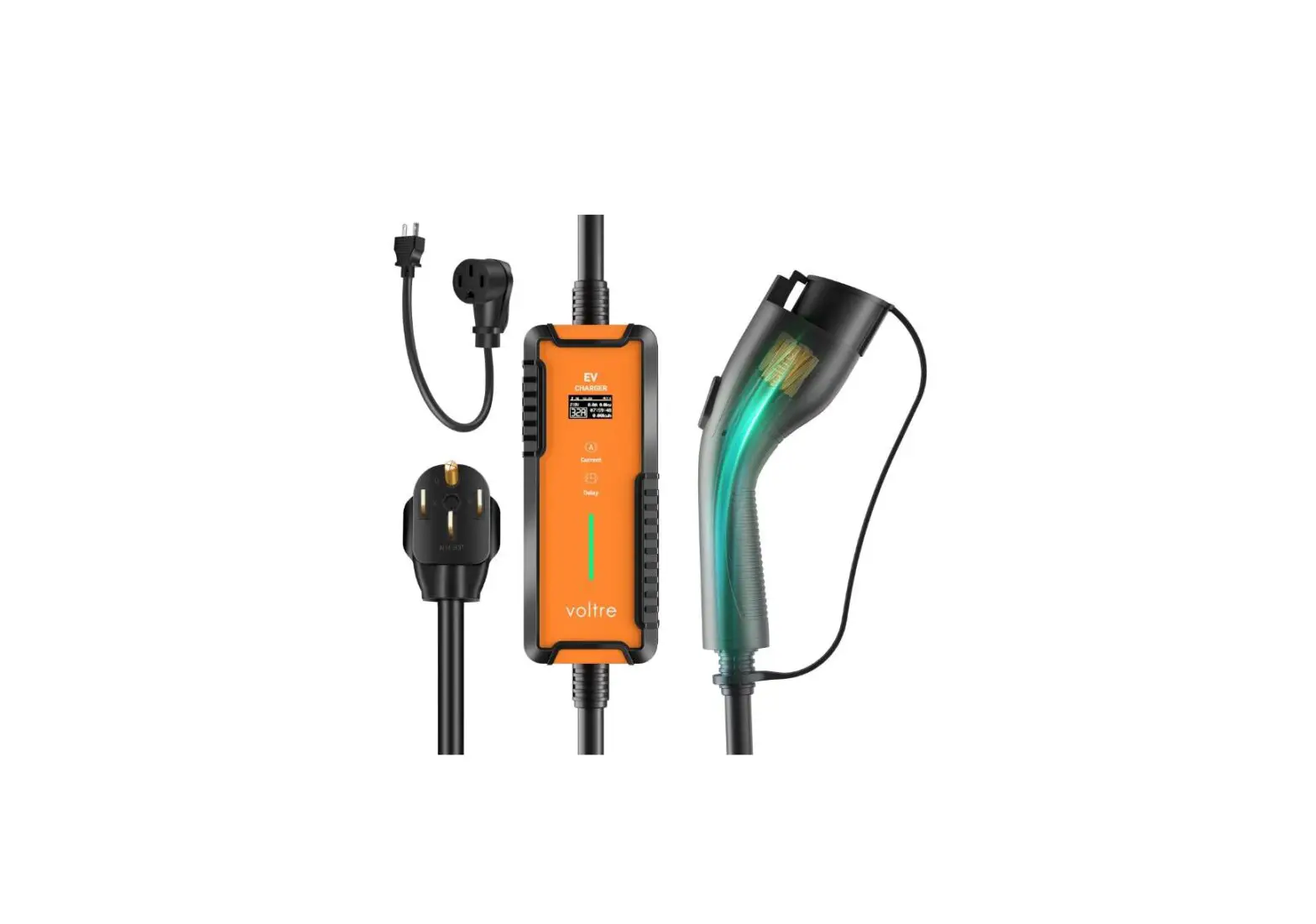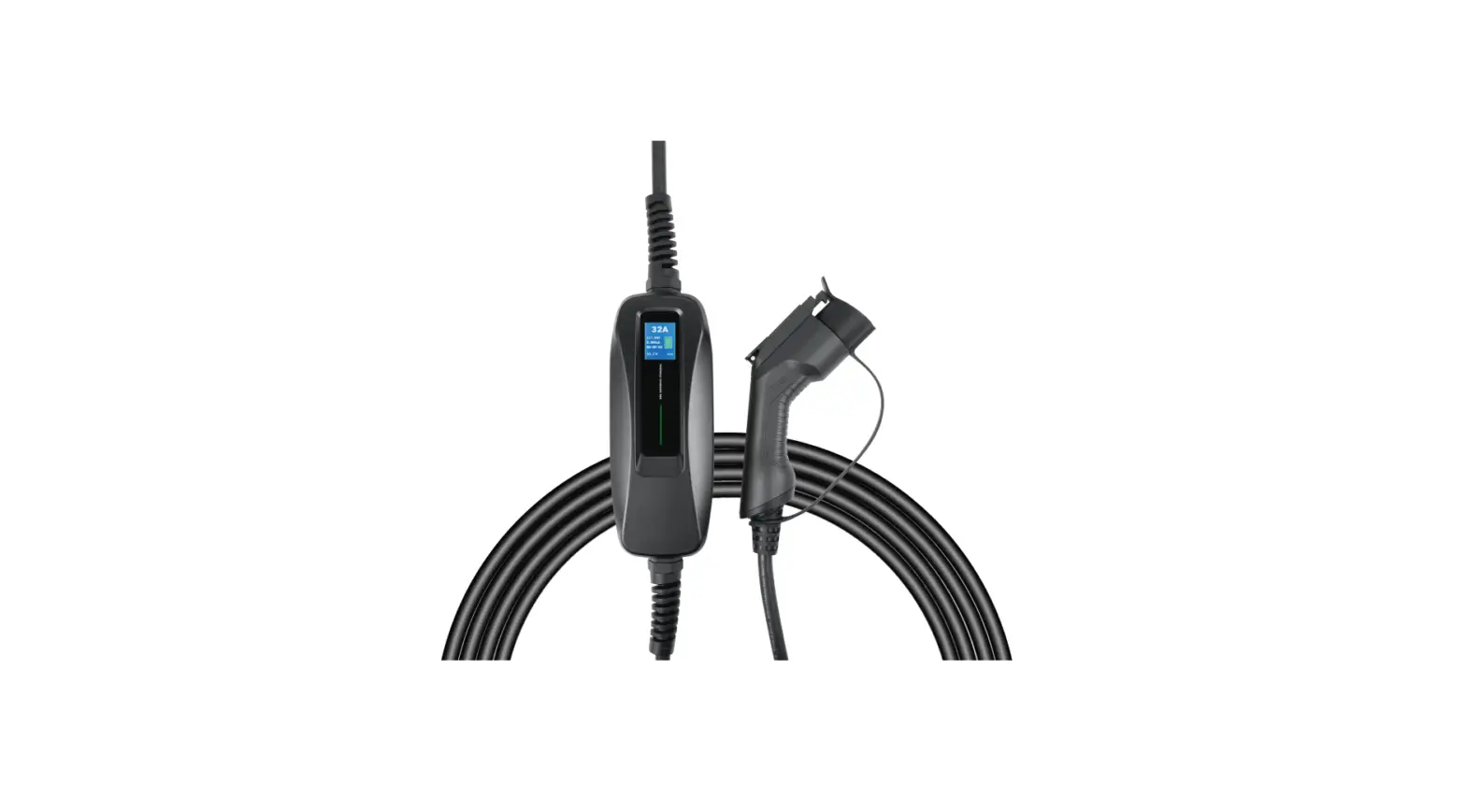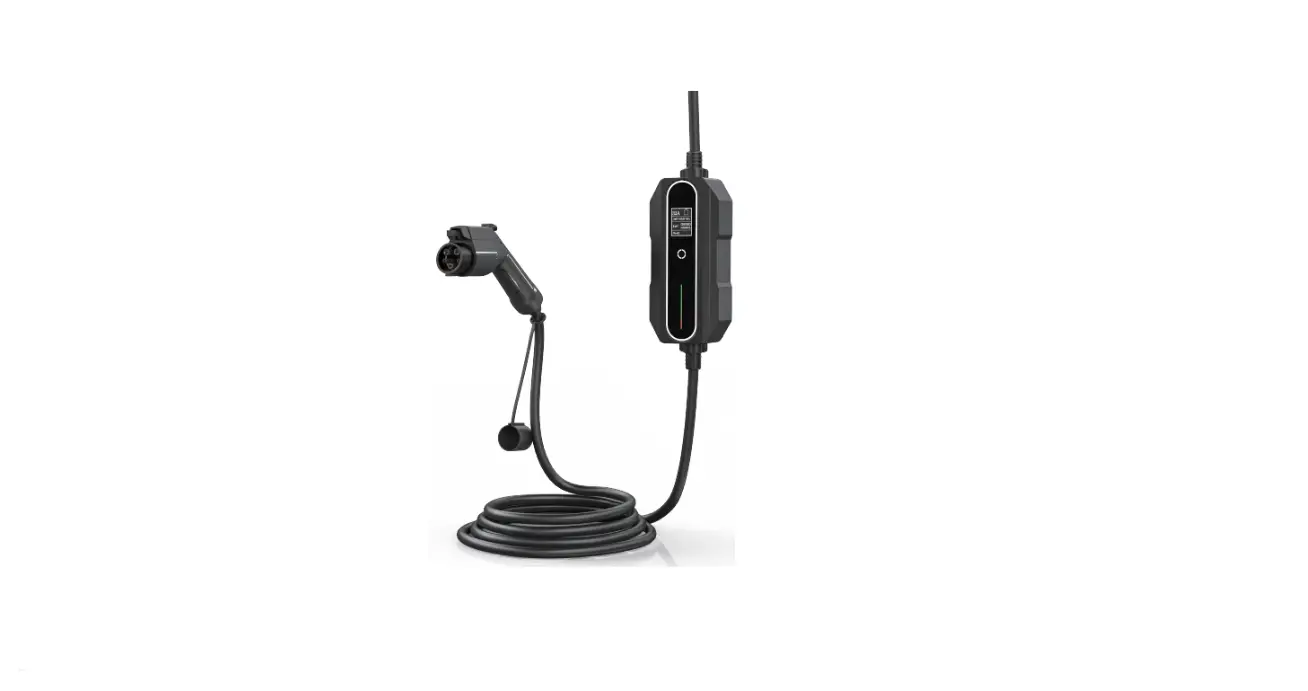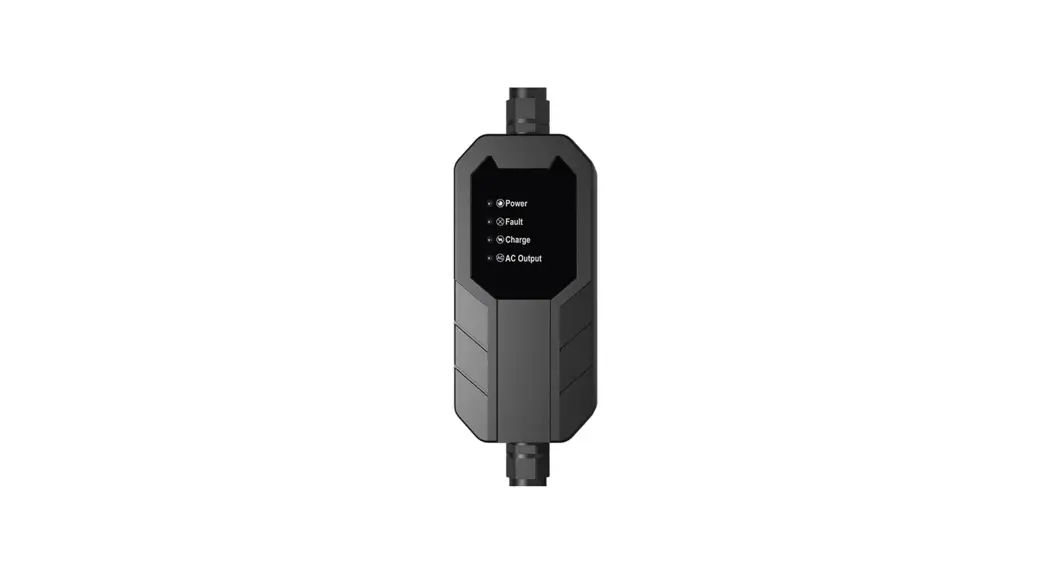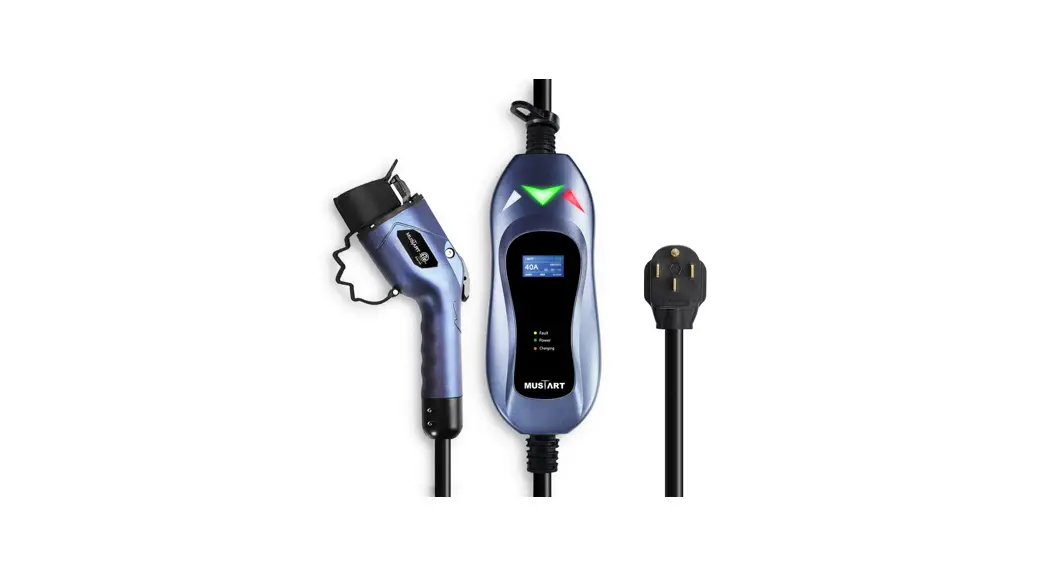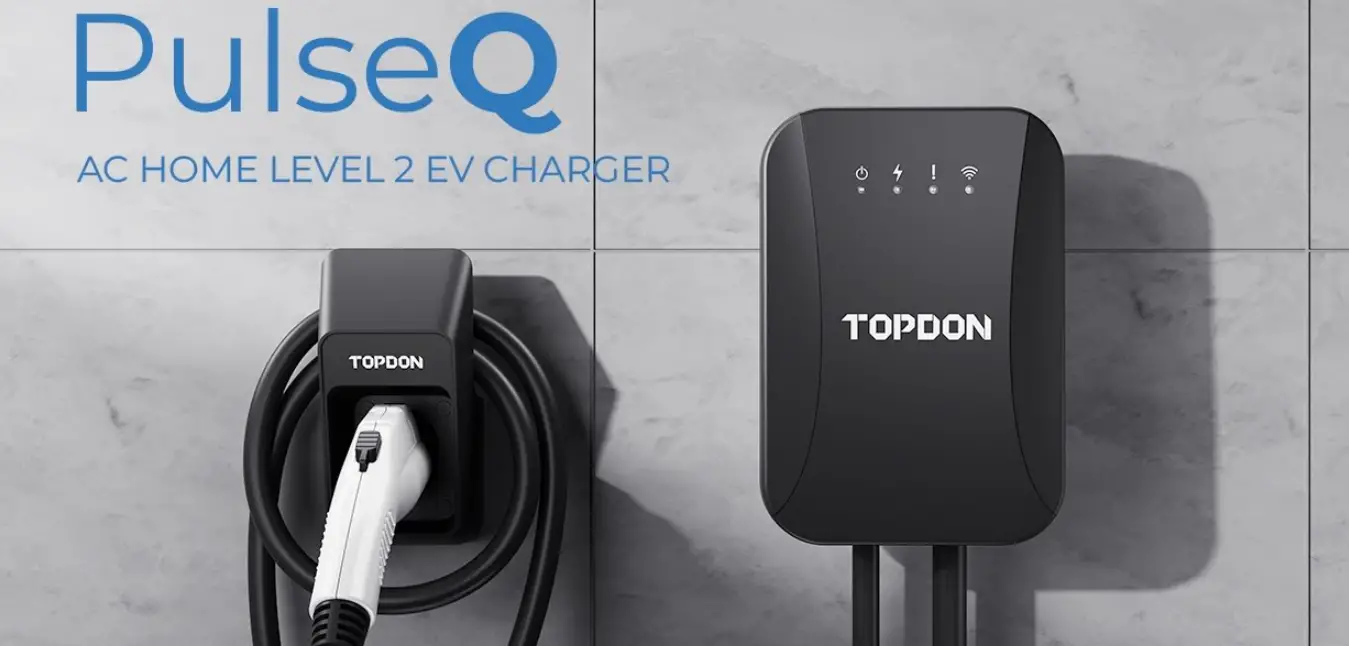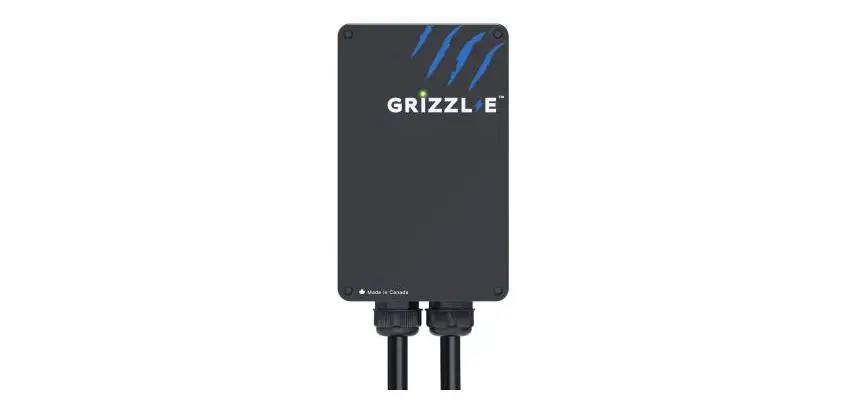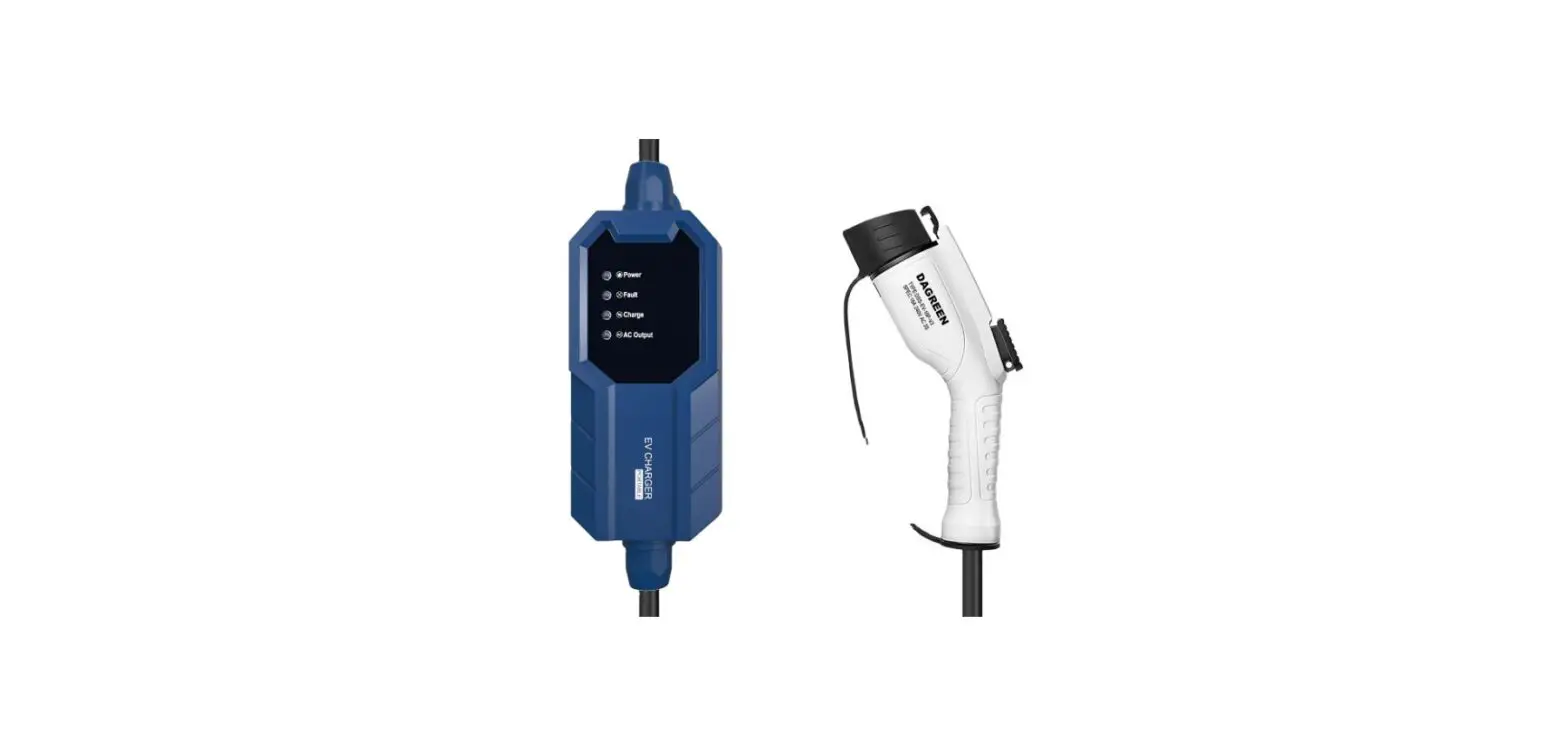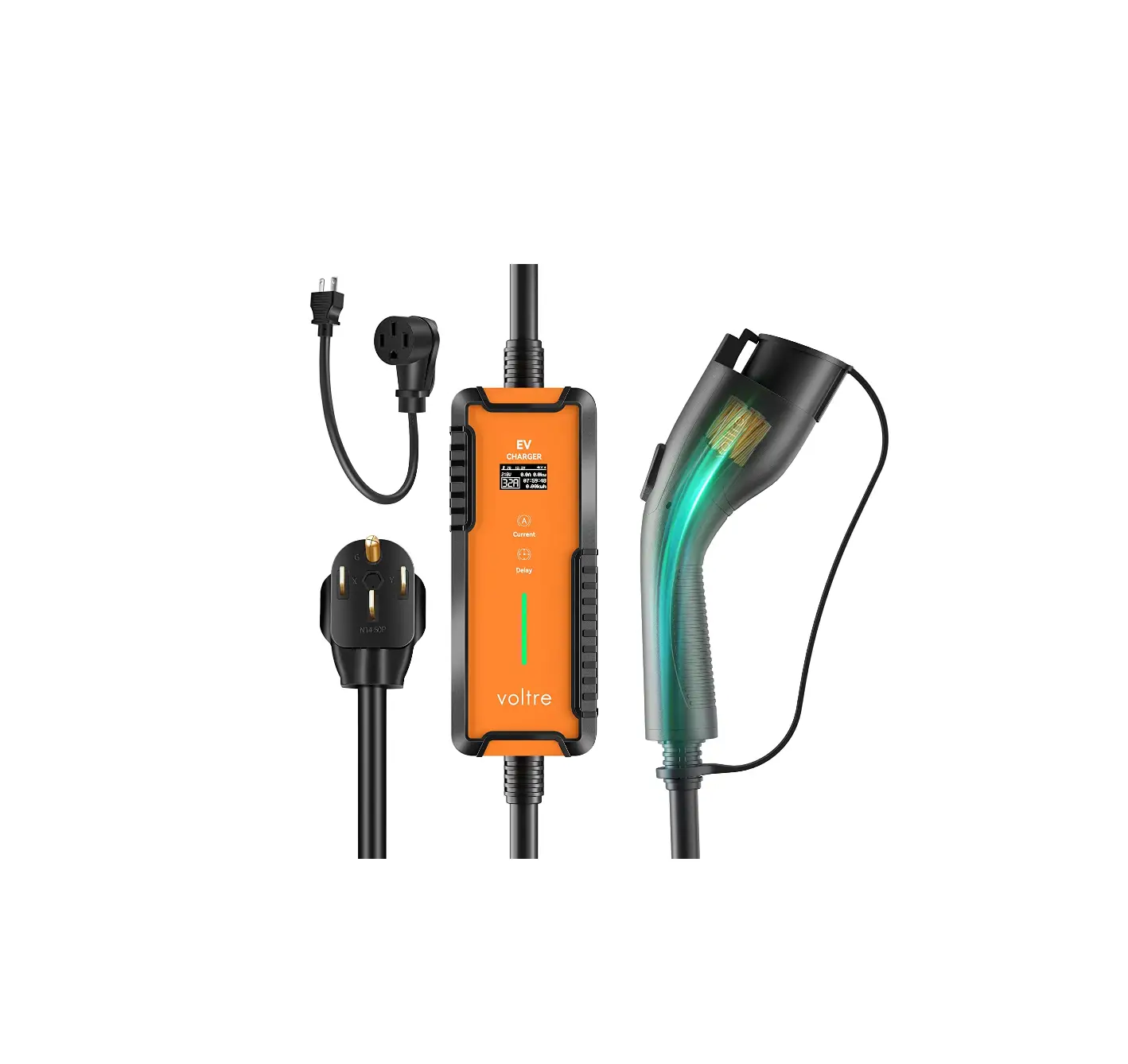
voltre M2-32A-ADJ-25FT-ORG M2 Level 1 and 2 EV Charger
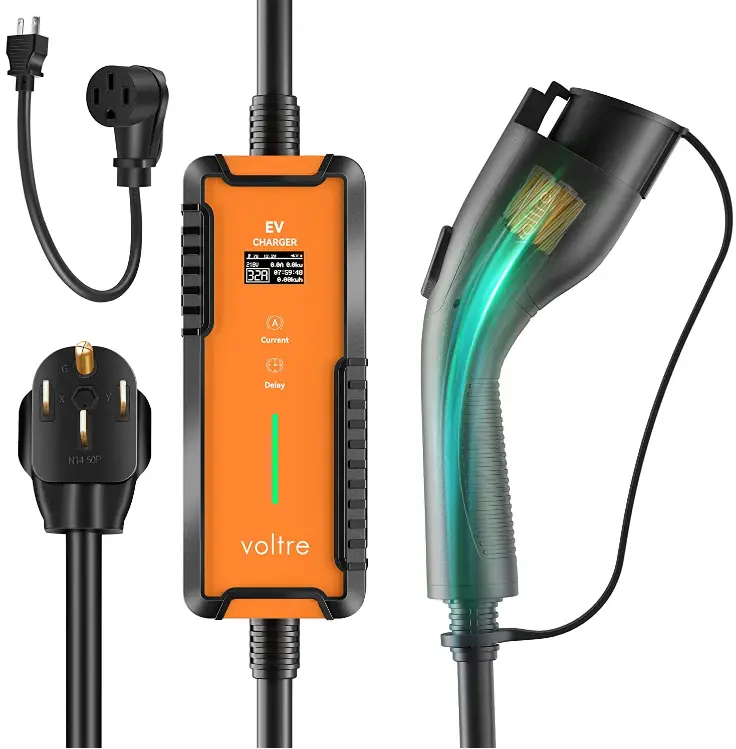
TURN ON/OFF GROUNDING MODE SETTINGS
If facing GROUNDING troubleshooting issues, try toggling between Yes/No Grounding Mode settings.
 To configure Settings: Plug in to wall outlet, and adjust Settings before connecting to charging vehicle.
If showing: Grounding Fault (4 red flashes)
Long press the DELAY button for 3 seconds to exit the grounding mode.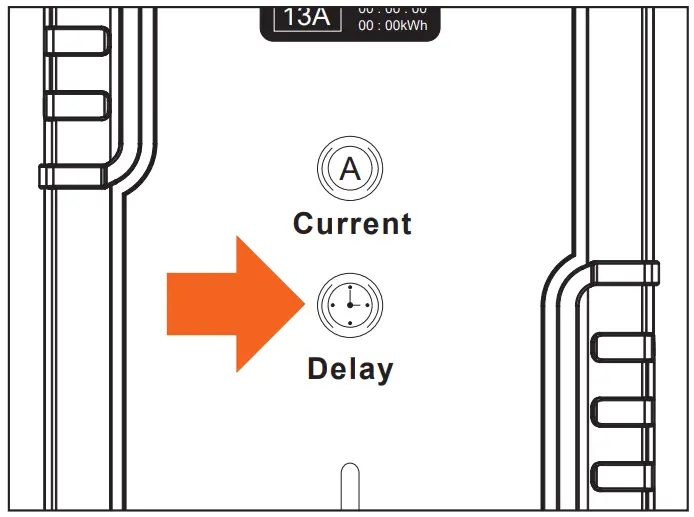
Grounding Mode Off.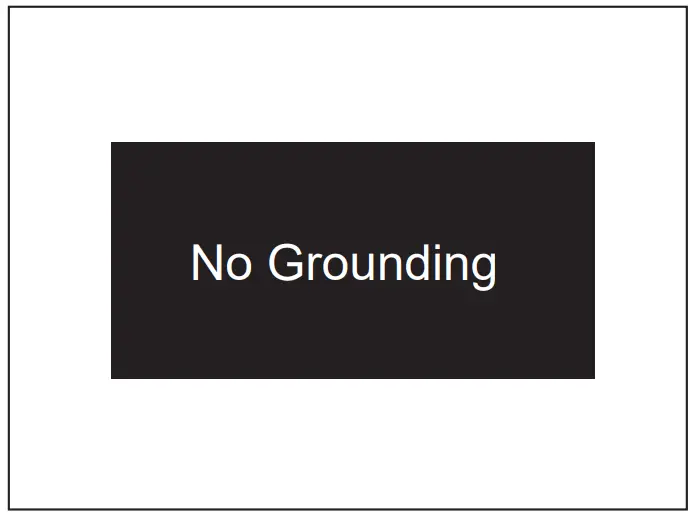
Long press the CURRENT button for 3 seconds to enter the grounding mode.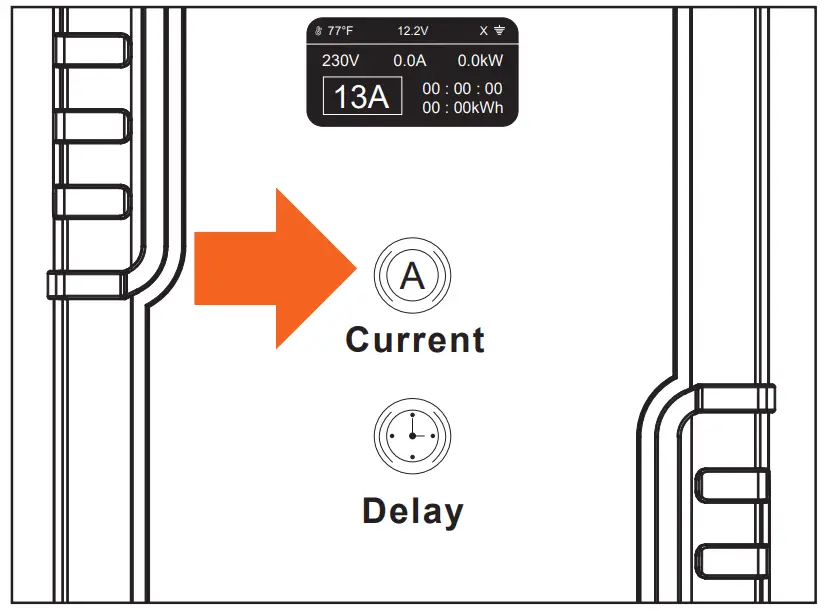
Grounding Mode ON.
|  Product Support Product Support |  Email Contact Email Contact |
|
 Warranty Register
Register and Submit your product warranty details: voltretech.com/support

 Home - Voltre Technologies