 Pet Microchip Reader
User Guide
Getting to know the reader.
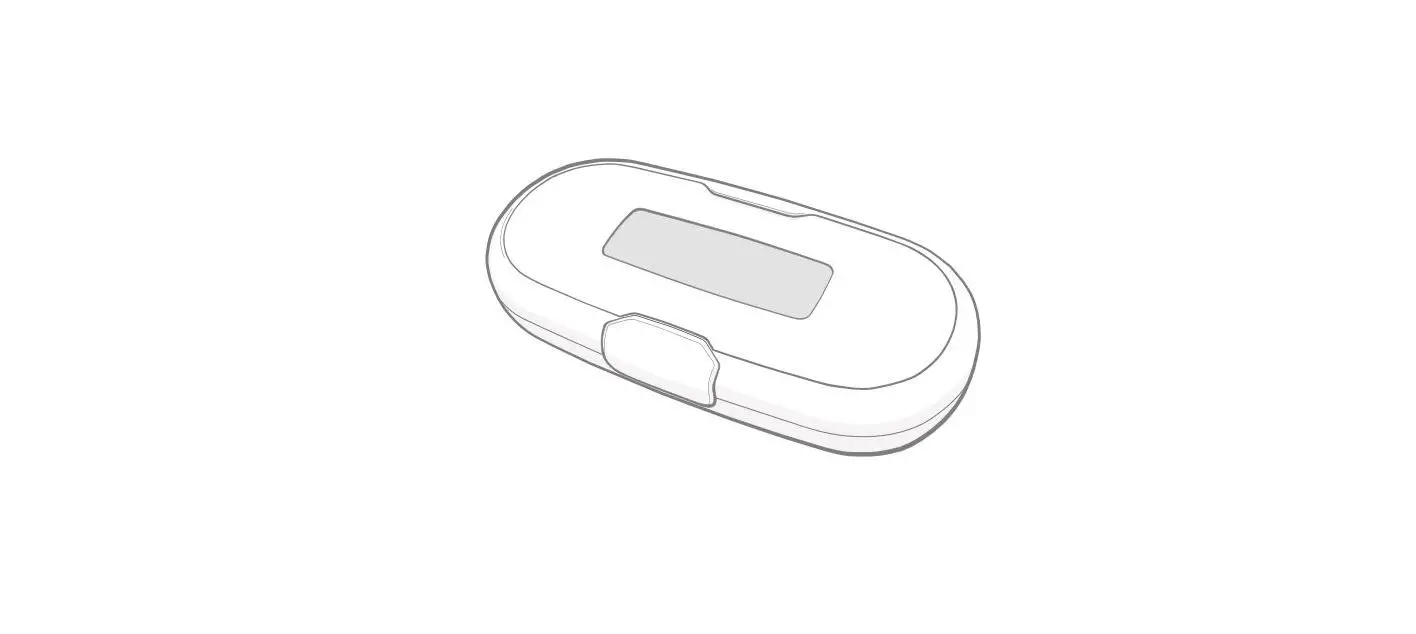
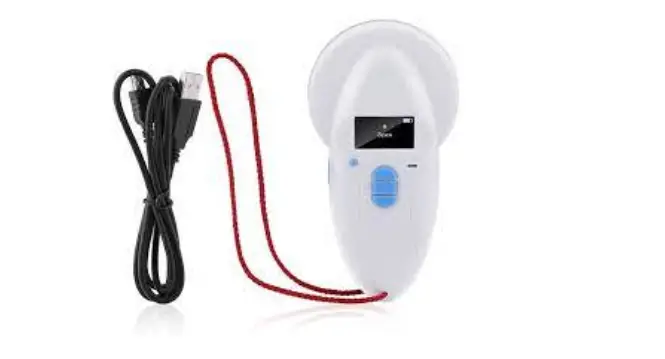
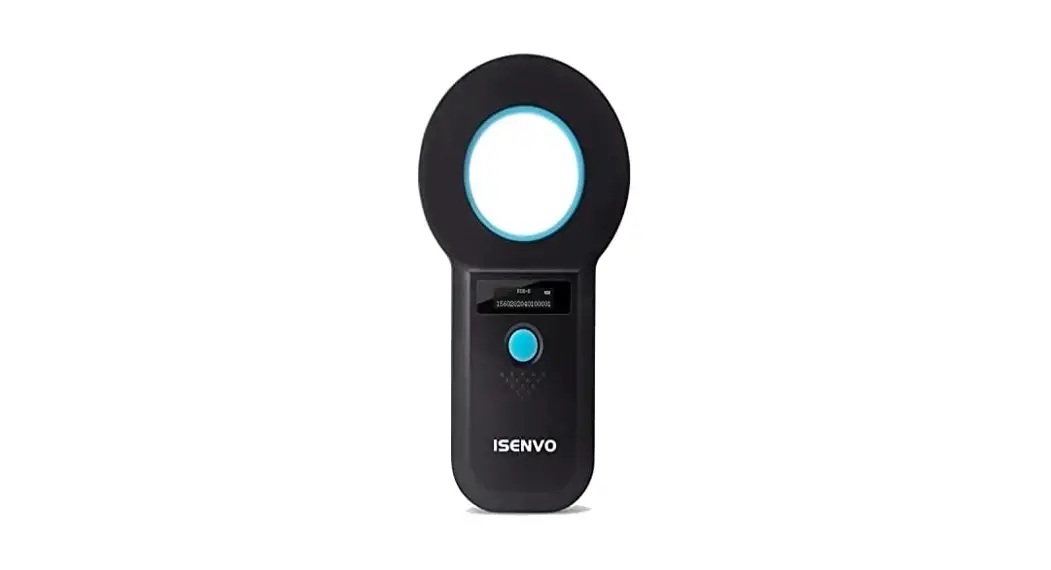
This item is a wireless handheld microchip reader that can read ISO FDX-B coded radio frequency identification tags. It has very simple controls and a high-brightness OLED display which allows you to read the numbers even in bright sunlight.
With built-in memory, it is able to store up to 30 ID tag codes, which can be downloaded to a computer via a USB cable connection
(Note: There must be a text field for the reader to input character in when downloading stored codes). Optimum performance delivers great animal traceability management.
Specifications
| Power | Built-in Rechargeable Battery (Charge it for 2 hours before the first use) |
| Battery Life | 4 hours (Work Continuously) |
| Operating Frequency | 134.2KHz |
| Tag Compatibility | ISO FDX-B(IS011784/85) |
| Interface | USB 2.0 |
| Display | OLED |
| Memory | 30 ID Numbers |
| Indicator | Audio Beeps and OLED |
| Read Distance | 10-15cm (Glass Tag, vary on Chip Sizes & Types) 20-22cm (Ear Tag, vary on Chip Sizes and Types) |
| Language | English |
| Accessory | USB Cable *1 |
| Operating Temperature | -10°C to 55°C |
| Storage Temperature | -30°C to 65°C |
| Relative Humidity | 5% to 90% non-condensing |
| Package Dimensions | 21.3cm*14.9cm*2.9cm |
| Weight | 90g |
Instructions:
- Hold down the button for 3s to power up the reader and the following sign appears on the screen.
- Hold the reader over the chip location. If the reader fails to detect any tags, it displays No Tag on the screen.
(Note: The reader will stop reading if no tags are detected within 20s) - If the reader detects a tag, it displays the number on the screen.
- Press the button once to continue scanning tags.
- To check scanned data, press the button twice while the screen shows the read sign.
- If there are no further inputs, the scanned data will remain displayed for 5s and the reader will turn off in 60s.