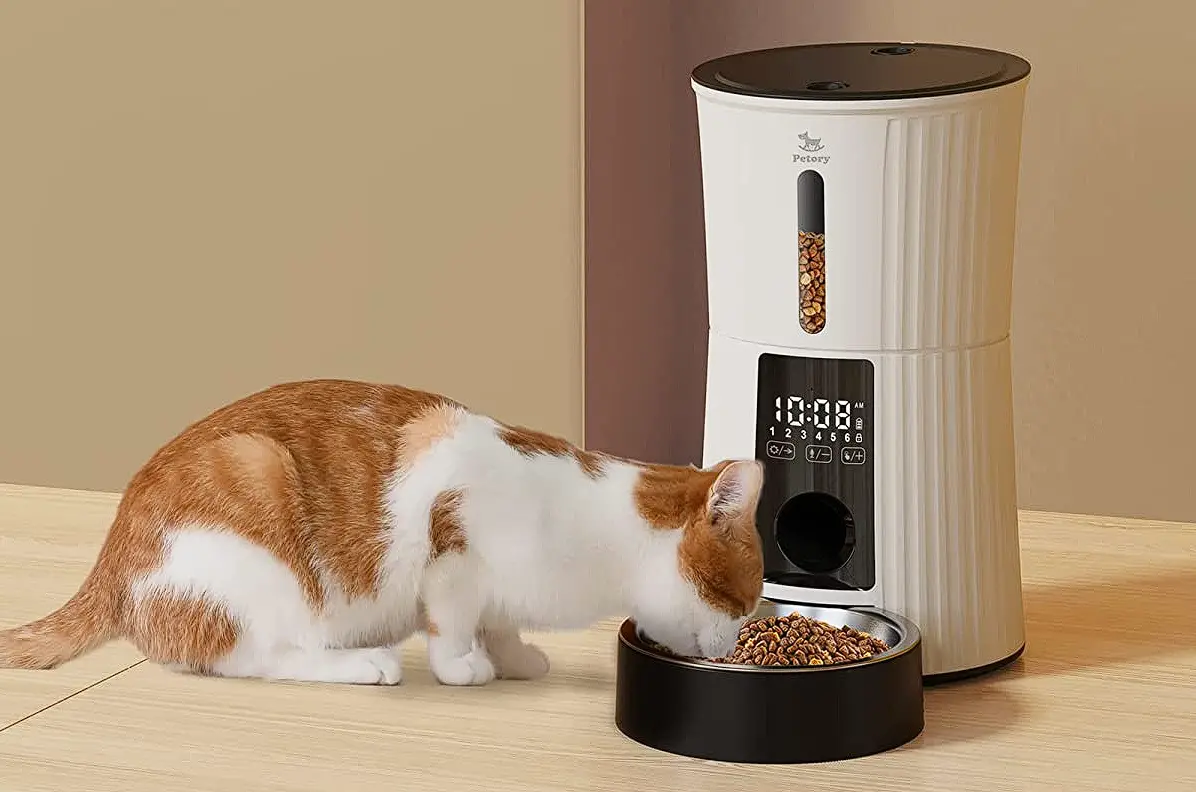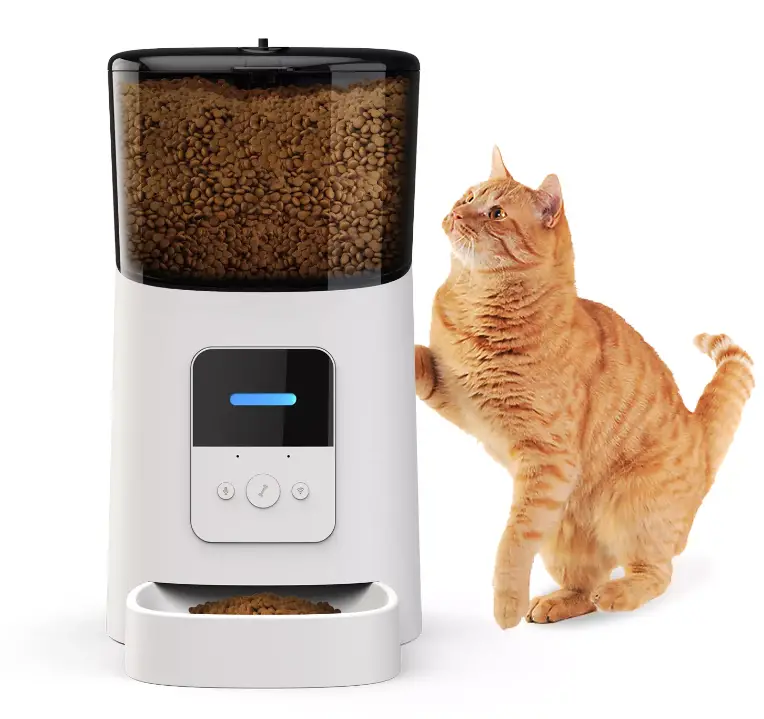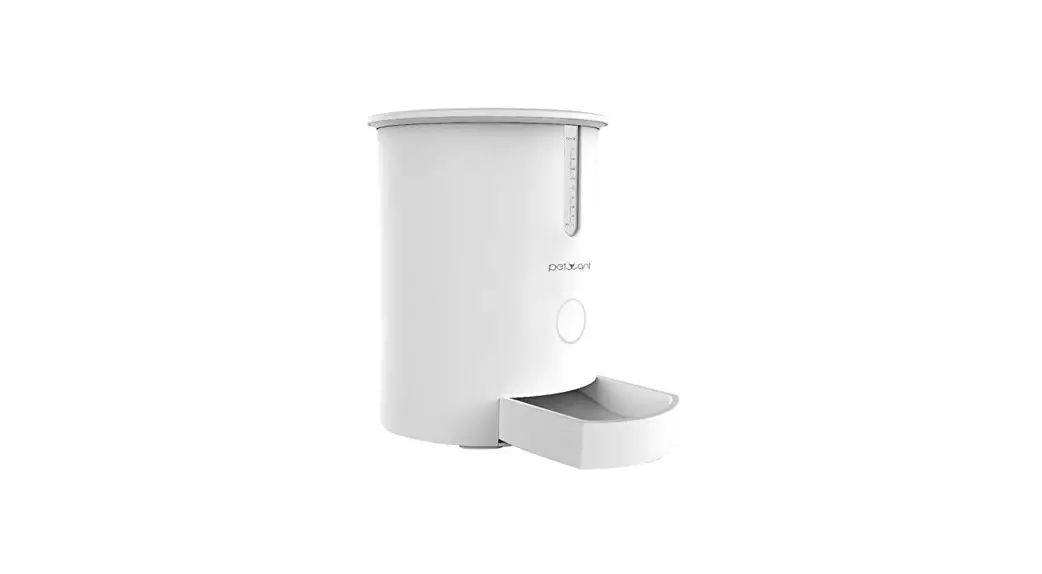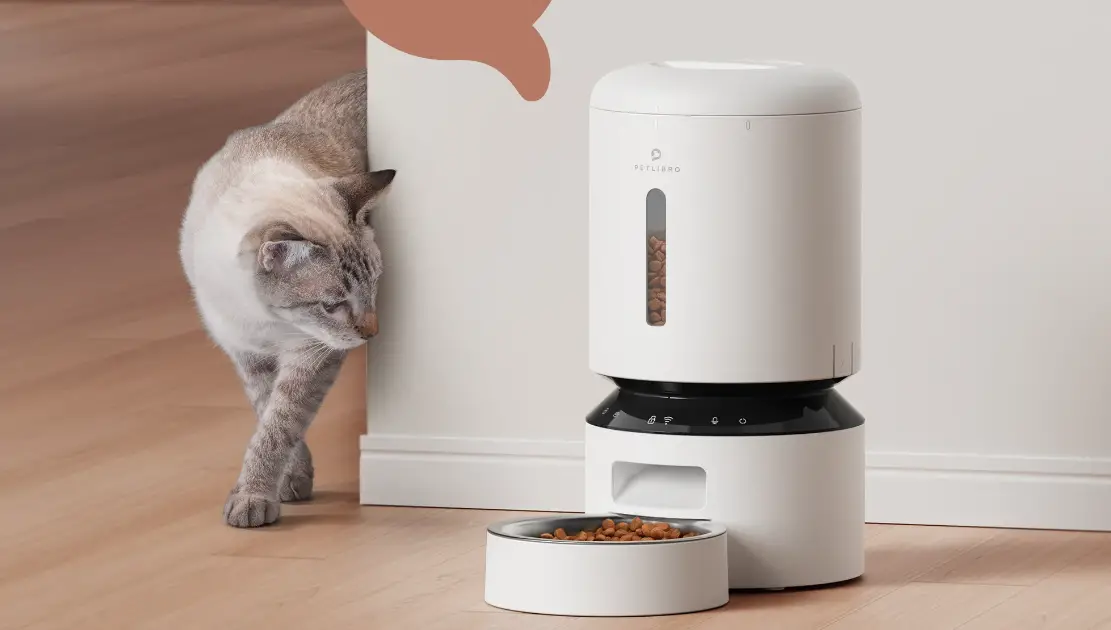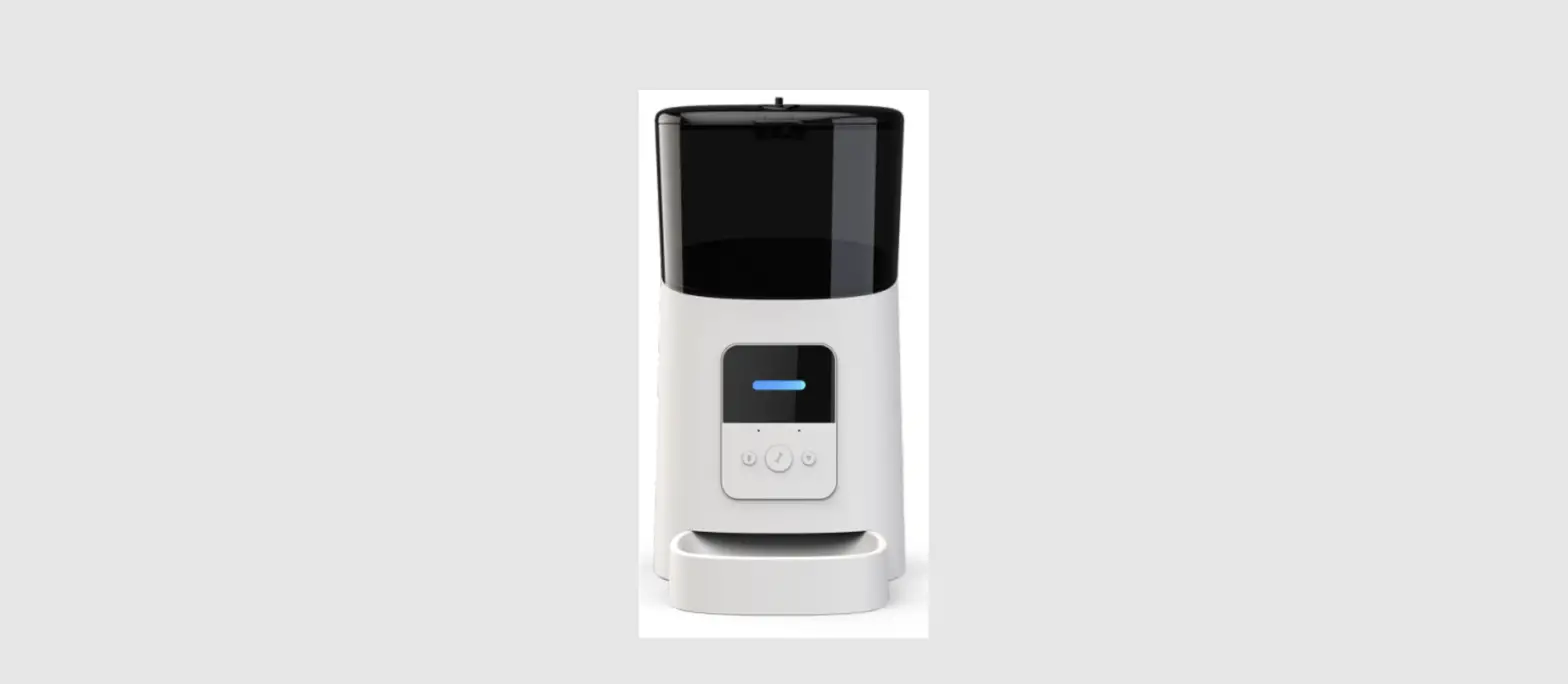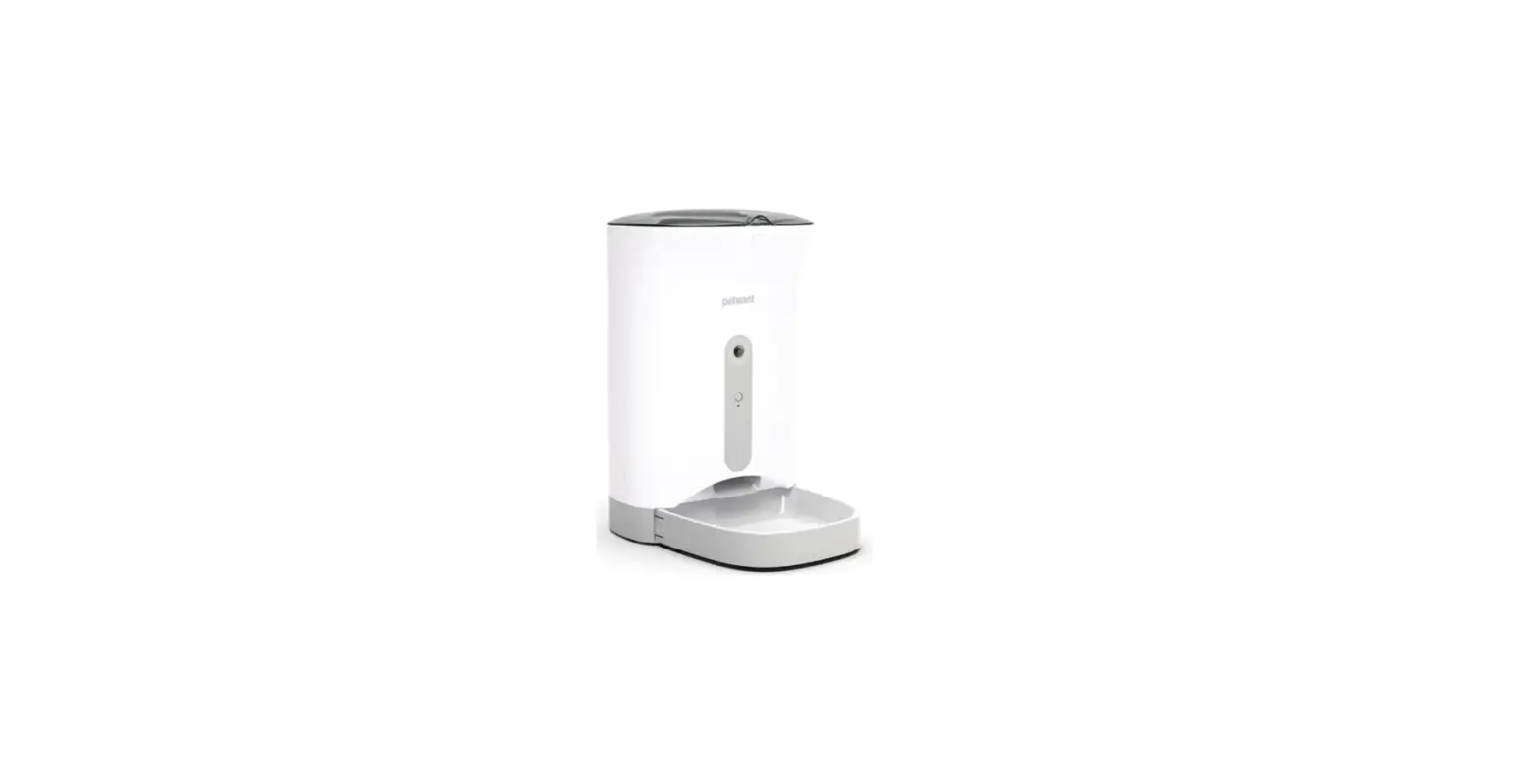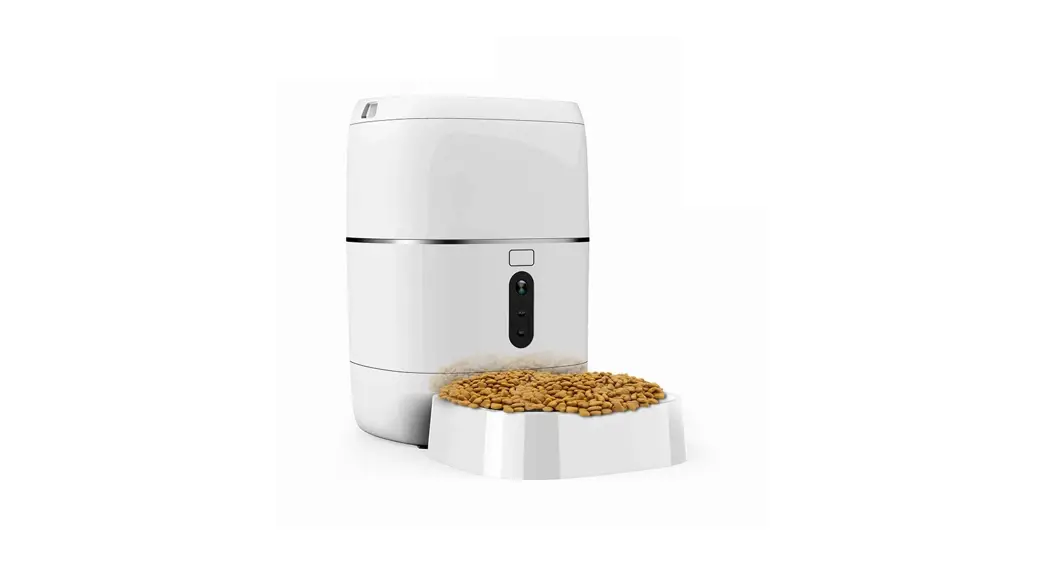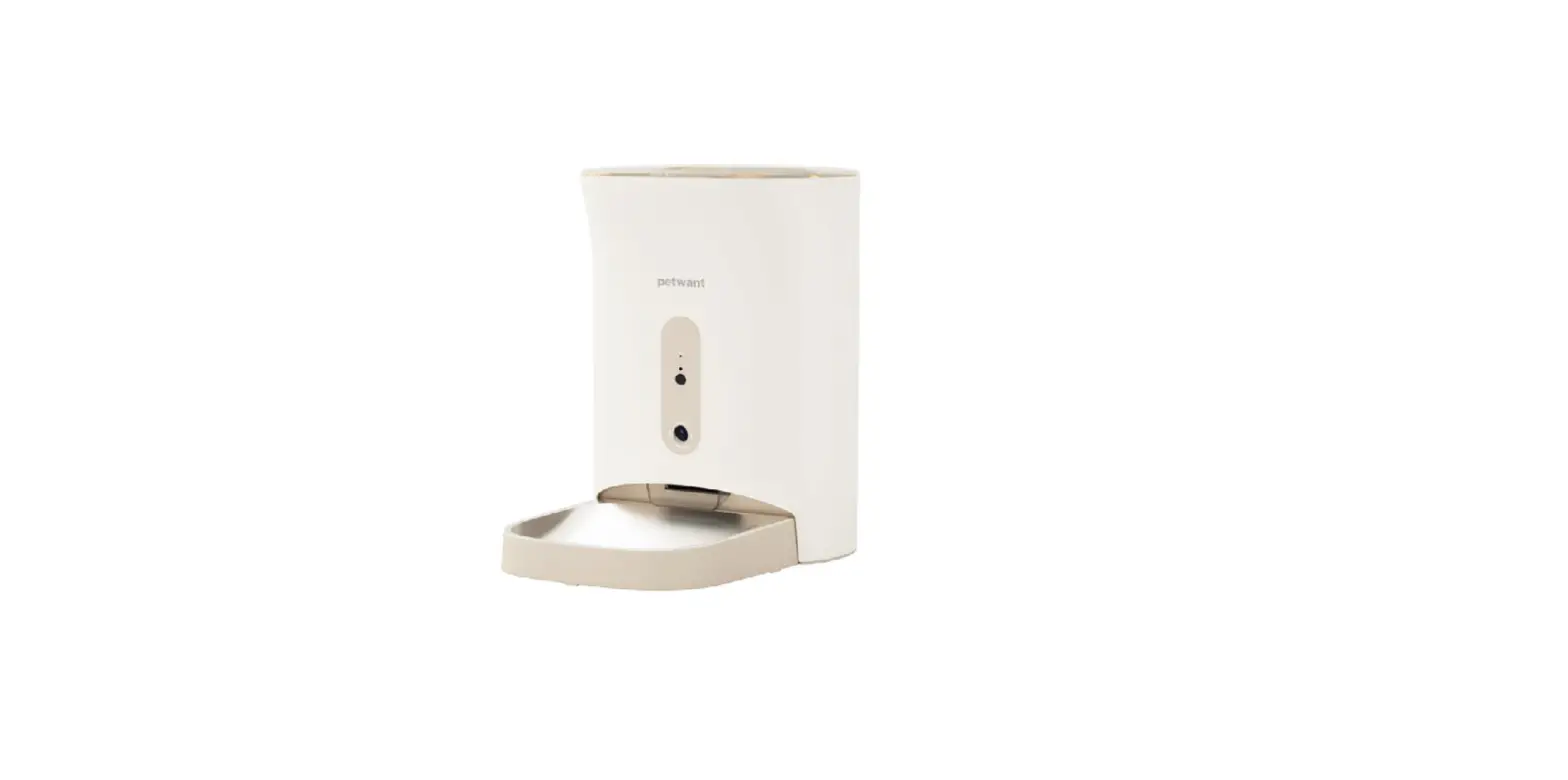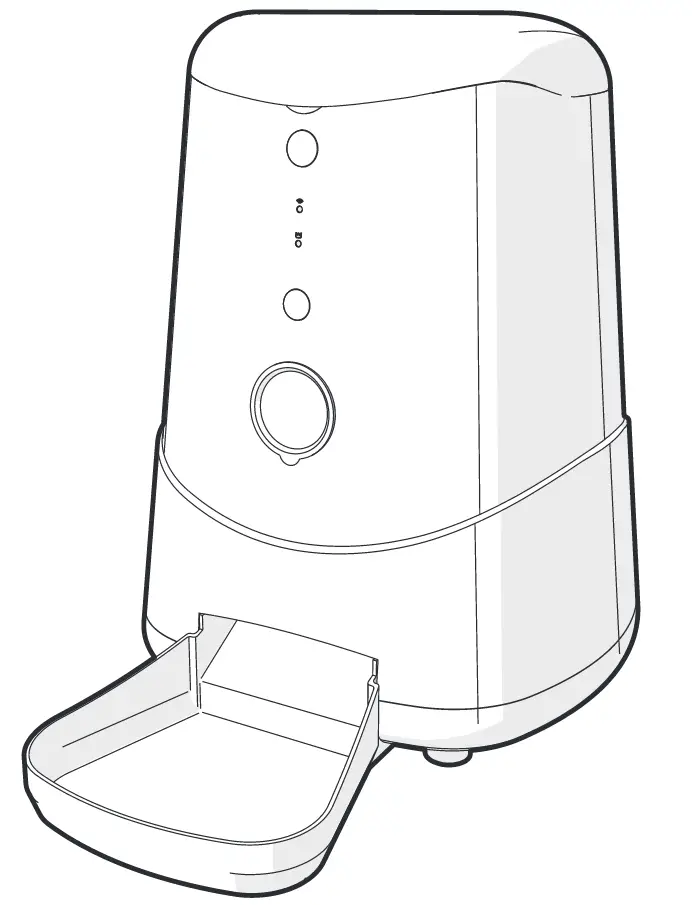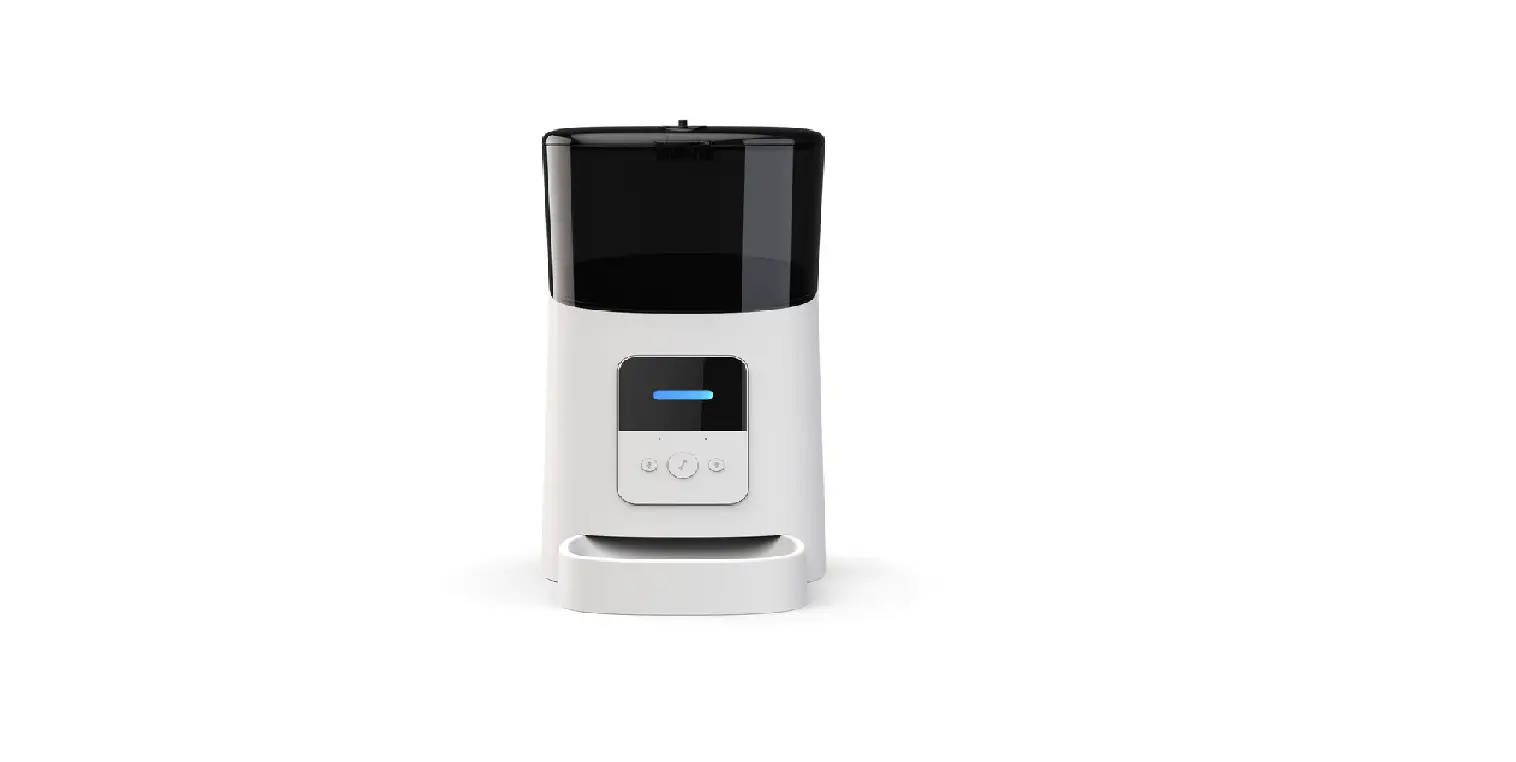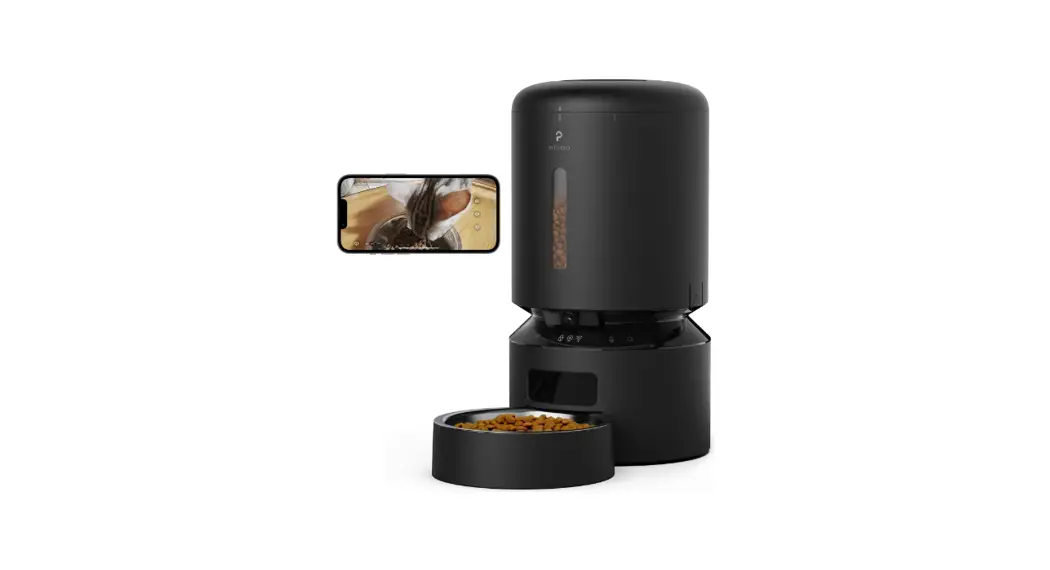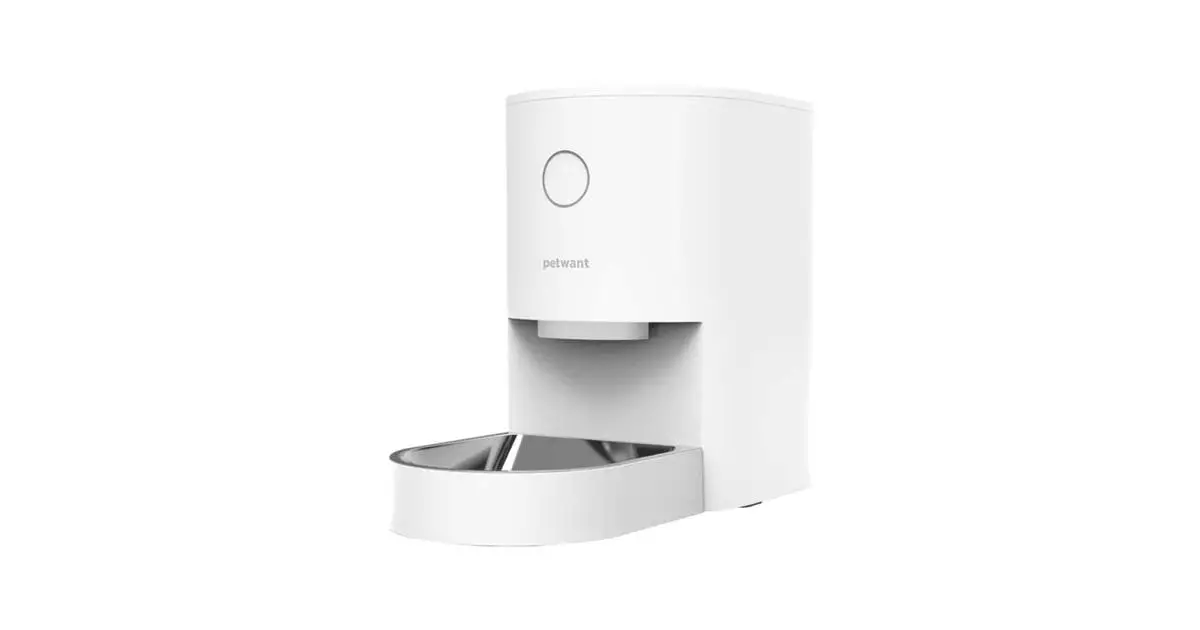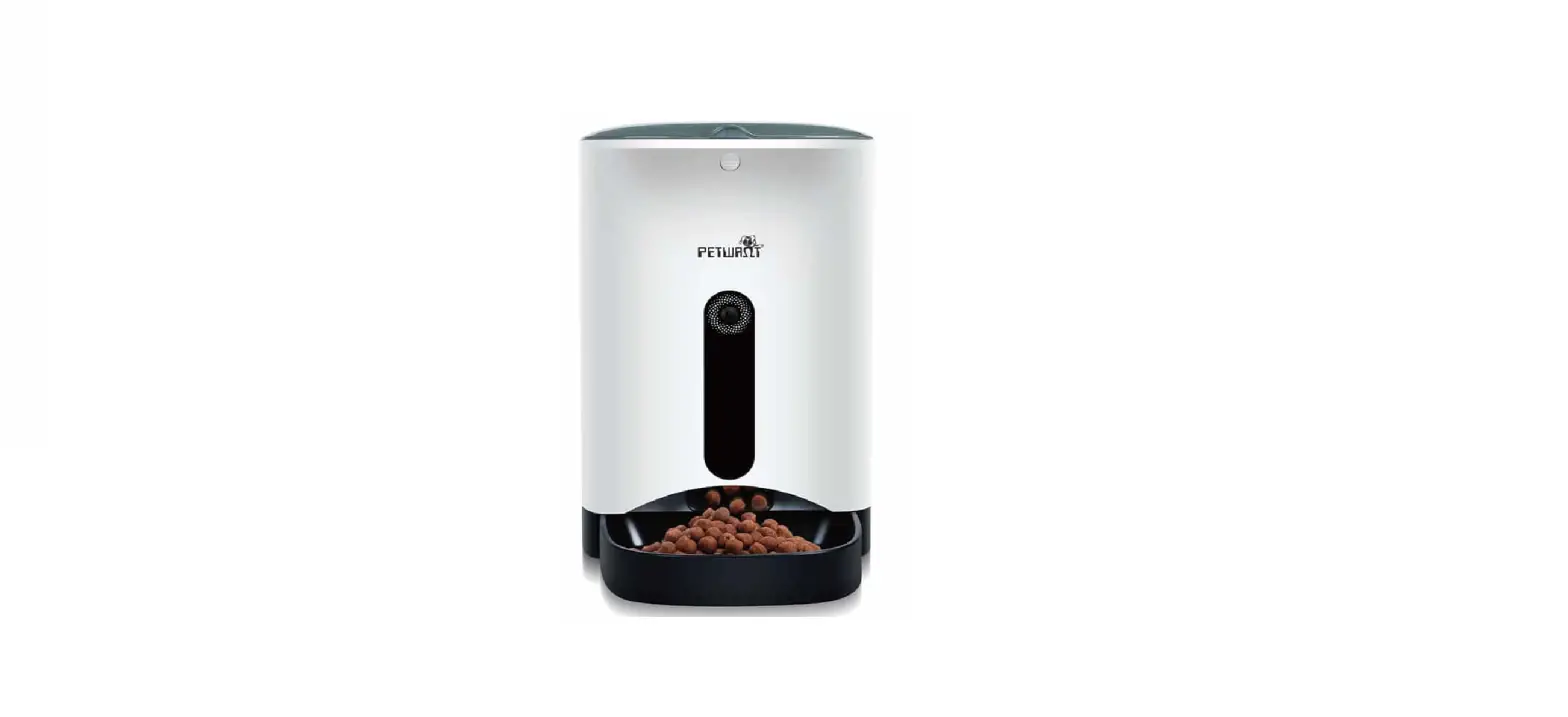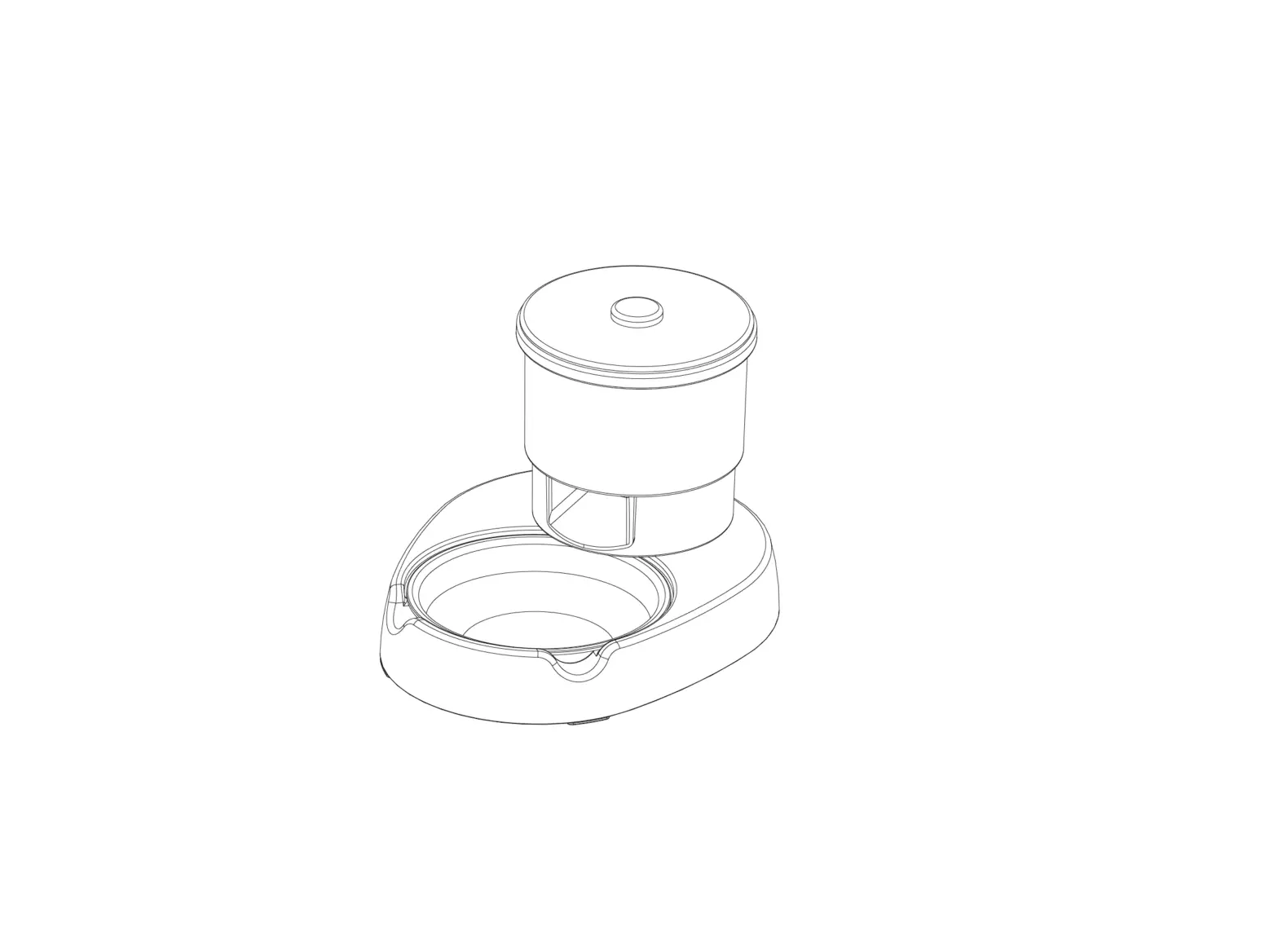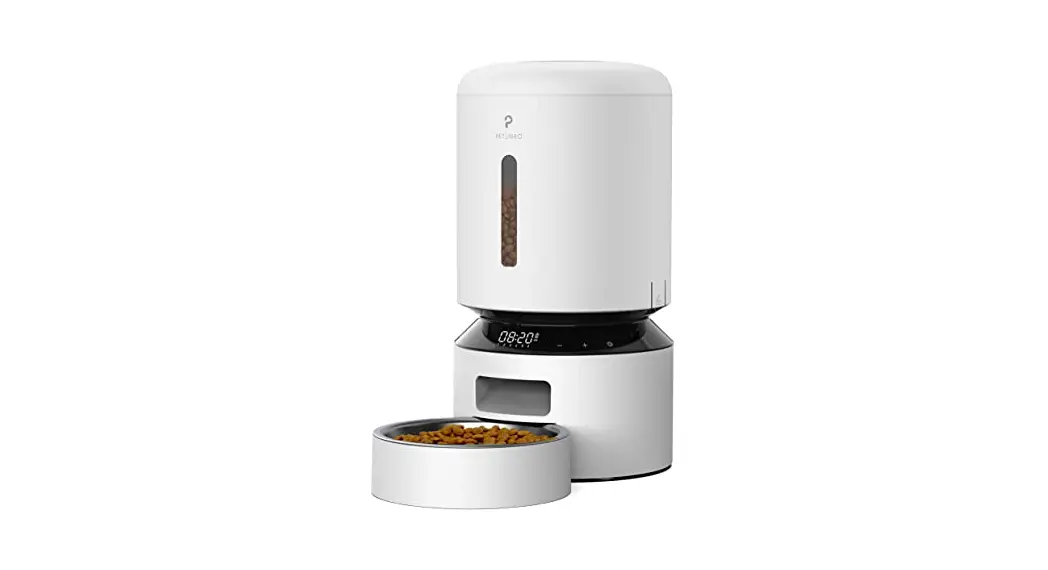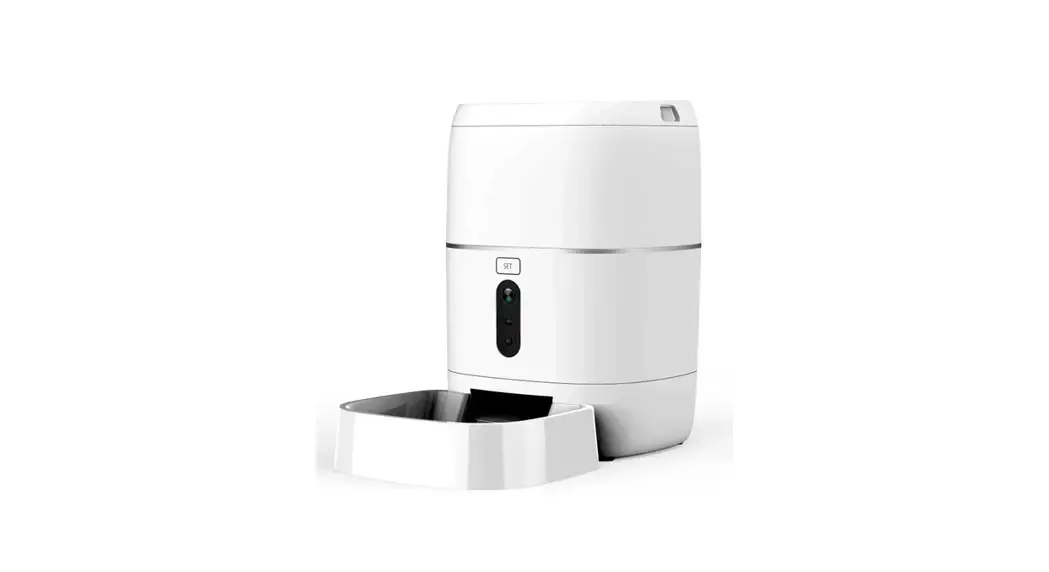

F01W Wi-Fi Pet Feeder
User Manual
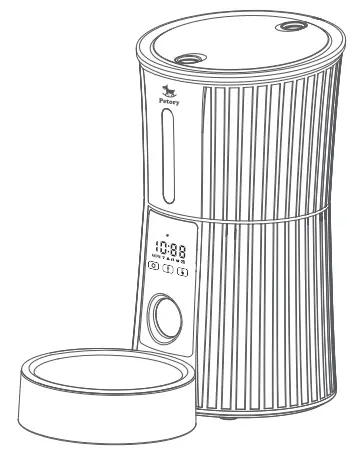
Please read this manual carefully before using.
0.3.0.02.PF1W00-PY-01
IMPORTANT SAFETY INFORMATION
Thank you for choosing Petry F01W Pet Feeder. Petry brand dedicated to using technology to create a better life for you and your pets.
WARNING
- Dispose of all packaging materials properly. Some items may be packed in plastic bags: these bags could cause suffocation; keep away from children and pets.
- Do NOT allow small children to play with, in or around the pet feeder.
- To reduce the risk of injury, please keep close supervision when an appliance is used near children.
- Do NOT use the feeder with pets not able to reach the food tray or with any physical disability.
- Do NOT immerse the base part in water at any time as it may damage electronic components like the control panel.
- Do NOT place any foreign object in the pet feeder
- Do NOT use outdoors. Check operation frequently to be sure the unit is dispensing properly.
- Do NOT use wet, canned or moist food.
- Do NOT disassemble the unit other than as instructed in this User Guide.
- Do NOT use the feeder for anything other than its intended use.
- Only use attachments recommended or sold by the manufacturer. The use of attachments not recommended or sold by the manufacturer may cause an unsafe condition. Do not modify the pet feeder.
- Do not operate any appliance if the unit is malfunctioning or has been damaged. Do not attempt repairs on the pet feeder yourself. Contact our customer service immediately for further instructions.
- Examine the feeder after installation. Do not plug in if there is water on the power cord or plug.
- To avoid tripping, always position the power cord out of the way of foot traffic.
CAUTION
- Do NOT allow pets to chew on or swallow any parts. If you are concerned about the power cord, purchase a cord conduit (a hard-plastic protector) at any hardware store to protect the power cord.
- If an extension cord is necessary, one unit with a proper rating should be used.
- Do NOT install or store the pet feeder where it will be exposed to weather or temperatures below 4°C/40°F.
- Use alkaline D batteries to power. Do NOT use rechargeable batteries.
- Check the batteries regularly. Before Leaving for an extended time, always replace batteries with new ones.
- Do NOT lift the pet feeder by the lid, food tank, or food tray. Lift and carry it using both hands and the base. while keeping the unit in an upright position.
- Suitable for dry food ONLY, with kibble size ranging from 5-18mm/0.2-0.7in diameter. Larger kibble may get stuck at the food outlet.
- Do not put your fingers into the food outlet or let your fingers touch the rotor.
- Read and observe all important notices listed on the pet feeder and in the packaging.
Product Overview
 Product Specifications
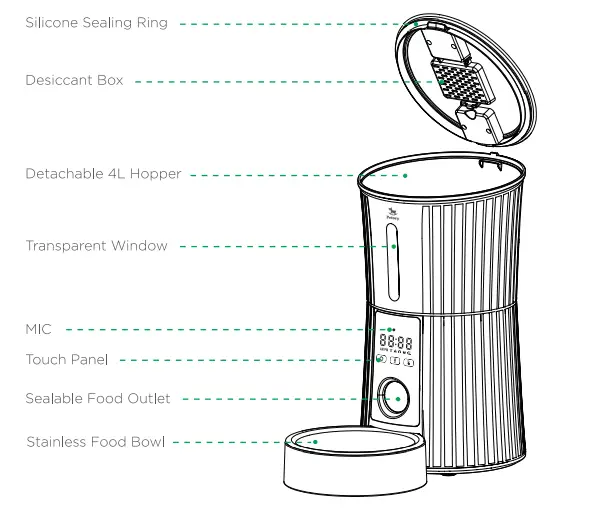 Product Specifications
| Product Model | FO1W |
| Input | DCSV |
| Dimensions | 13’7.7414 inches; 4.45 Pounds |
| Dual Power | Type-C/3 cell D batteries |
| Capacity | 16.9 Cups(only dry food) |
| Programmable | 1-50 portions: lOg per portion: 10 meals per day |
Prepare for setting
- Assemble the bowl. Plug in the power adaptor, and make sure the Power Switch at “I” location.

- Recommended to install a battery to ensure that the feeder works properly when the power is off.

- Press inward at the same time to open the lid.
•Recommended kibble size: 5-18mm/0.2-0.7 inch in diameter
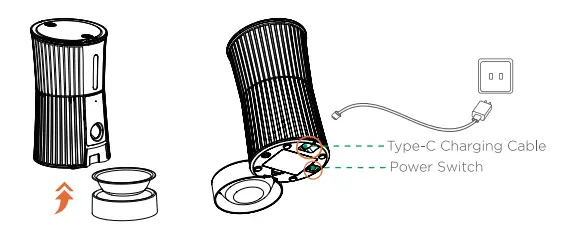
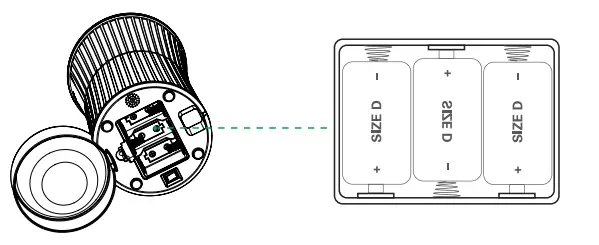
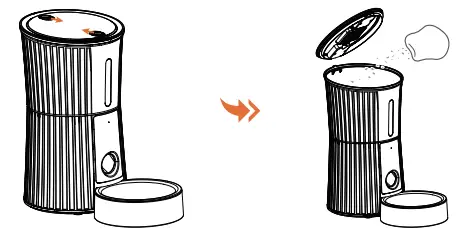
Operation Interface
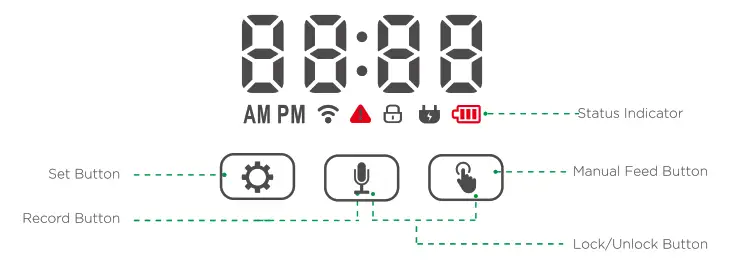
| Icon | Meaning |
 | The initial setting time is 10:08, which automatically synchronizes network time when connected to the network |
 | White blinking: Waiting to connect to network White solid: Connected to Wi-Fi Red blinking: Offline |
 | Red blinking: Mechanical error |
 | White solid: Button locked |
 | White solid: Connected external power |
 | Red blinking: No battery White solid: Batteries installed Red solid: Low battery |
 | Long press to switch Wi-Fi indicator status |
 | Long press to record or cancel audio. |
 | Press and hold 2s at the same time to unlock/lock the feeder |
Note: The screen will be locked automatically without operation for 90s.
Connect to APP
System Requirements:
* iPhone with iOS 11.0.0 or later or compatible Android smartphone 5.0.0 or later
* Not suitable for iPad
* Wireless router 2.4GHz
Install the APP and Log in
- Search for “Petry” in your phone’s app store or scan the QR code to download the app.
 https://a.smart321.com/petorysmart
 - Sign up and log in to your account

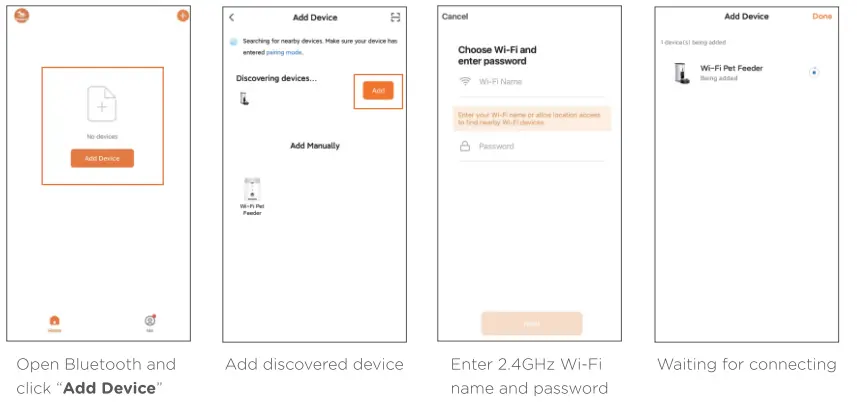
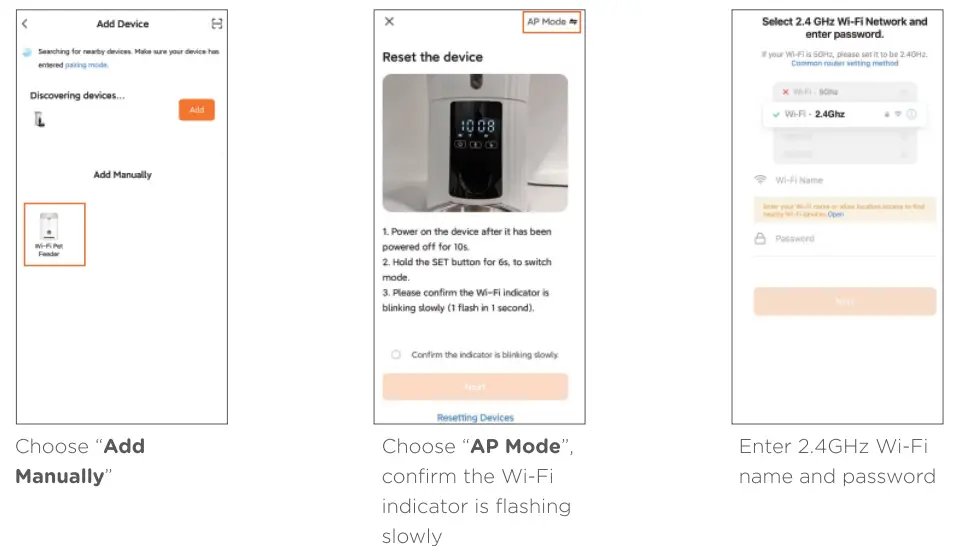
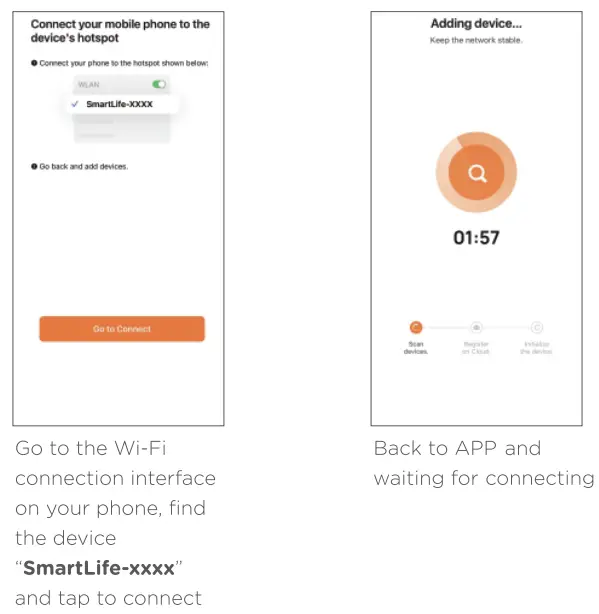
Add Device
A: Add the feeder via Bluetooth mode
B: Add the feeder Manually
Manual Feeding
Choose “Feed Portion” -> “Manual Feed” (For reference: 1 portion about 1/10 cup)
 Set Meal Schedule
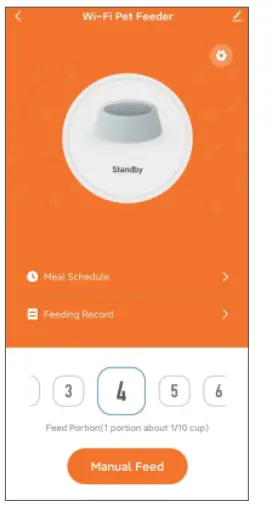 Set Meal Schedule
“Meal Schedule” >”Add”->Set feeding time, feeding days, feeding portions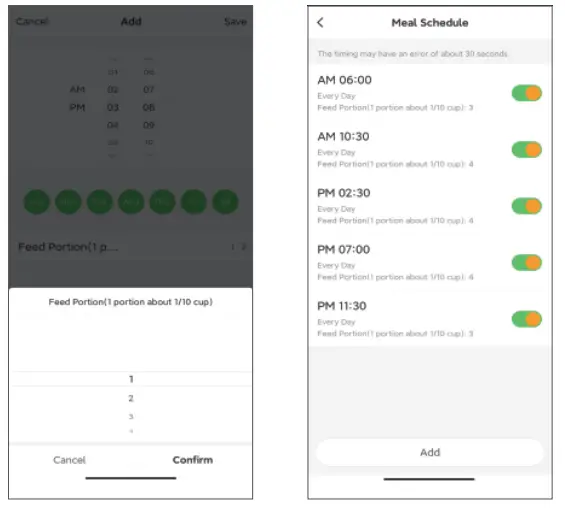
Feeding Record & Alarm Notification
After feeding, there will be feeding records in the APR The feeding records for the last 7 days will be shown. When an error occurs, the number of portions will show 0. You can click “ME”->”Message Center” to view the alarm notification.
Setting Page Guide
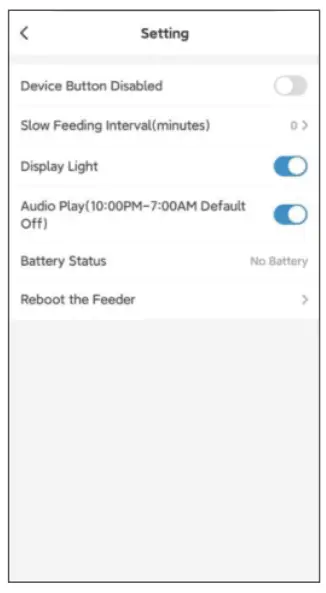 Device Button Disabled: Turn on this, all feeder buttons are disabled, and the screen displays “LLLL” when the button is pressed.
Slow Feeding Interval(minutes) Set interval time between each portion
Display Light Turn on/off the indicators on the display (If the power is supplied by the adaptor only, the display will always be lit. If it’s supported by 3*D batteries only without operation for 2 min, the screen will turn off automatically. Pressing any button can awake it. )
Audio Play The recording is played 3 times during each feeding and not from 10:00 pm to 7:00 am.
Battery Status Show battery level, low battery, and no battery
Reboot the feeder Reboot feeder, the feeding set that has been set will not be changed.
About Cleaning
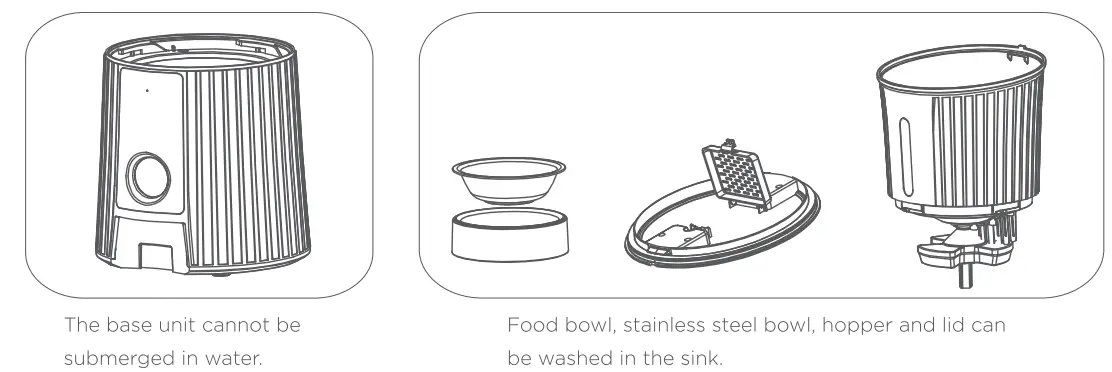
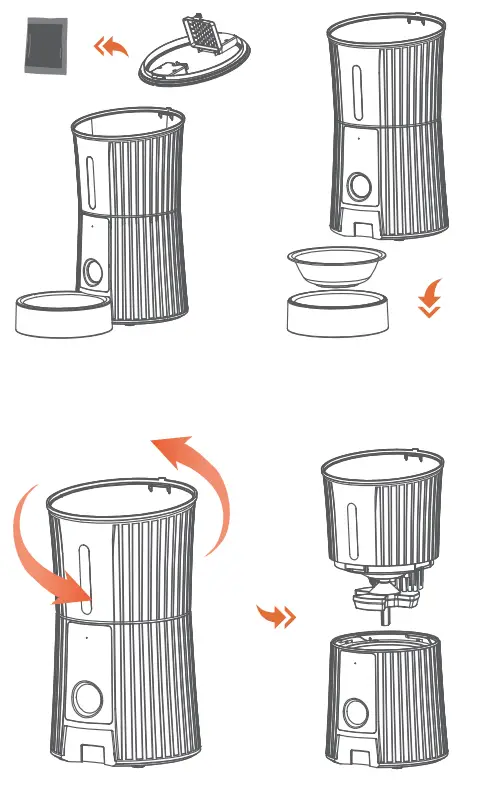
- Open the lid and take out the desiccant.
- Remove the feeding bowl and empty the grain in the hopper
- Counterclockwise rotate the hopper to separate the hopper from the base.
Troubleshooting
| Question | Solution |
| Fail to connect to the network | 1. Please use the USB power adapter to supply power. 2. Make sure the phone and router are as close to the device as possible. 3. Please select 2.4GHz network or multi-band network. 4. Please make sure the Wi-Fi name and password are correct and do not contain special characters or spaces. |
| How to check the MAC address of the feeder | For online status, click  “Device Information”, to check the MAC address. “Device Information”, to check the MAC address. |
| The feeder is offline/ Red Wi-Fi indicator light on | 1. When the router signal is disconnected, the red Wi-Fi indicator flashes fast. 2. Power by batteries only, the feeder will automatically disconnect from the network to save power. Red Wi-Fi indicator is solid. |
| Offline status, does feeder dispenser food on schedule? | Of course, the display time on the feeder will be saved even if the feeder is offline, it can dispense food on a schedule. |
| The fault indicator is light on | E-1:Food outlet is blocking E-2:Food jam or motor does not turn E-3:Food is run out |
| How to factory reset the feeder? | unlocked state, press 39d hold the setting button for 6 seconds until you hear the beep. |
| The display time is not correct | 1. Check network connect status, and automatically synchronize network time when connected to the network. 2. Check the time zone. “Me”—>click profile photo—>gime Zone” |
| Display screen dimmed | 1.10:00 pm-7:00 am the display screen dimmed automatically 2. Low battery status, the display screen will dim |
FCC WARNING
This device complies with part 15 of the FCC Rules. Operation is subject to the following two conditions: (1) this device may not cause harmful interference, and (2) this device must accept any interference received, including interference that may cause undesired operation. Any changes or modifications not expressly approved by the party responsible for compliance could void the user’s authority to operate the equipment.
NOTE: This equipment has been tested and found to comply with the limits for a Class B digital device, pursuant to Part 15 of the FCC Rules. These limits are designed to provide reasonable protection against harmful interference in a residential installation. This equipment generates, uses and can radiate radio frequency energy and, if not installed and used in accordance with the instructions, may cause harmful interference to radio communications. However, there is no guarantee that interference will not occur in a particular installation. If this equipment does cause harmful interference to radio or television reception, which can be determined by turning the equipment off and on, the user is encouraged to try to correct the interference by one or more of the following measures:
- Reorient or relocate the receiving antenna.
- Increase the separation between the equipment and receiver.
- Connect the equipment into an outlet on a circuit different from that to which the receiver is connected.
- Consult the dealer or an experienced radio/TV technician for help.
To maintain compliance with FCC’s RF Exposure guidelines, This equipment should be installed and operated with a minimum distance of 20cm between the radiator and your body: Use only the supplied antenna.
Warranty
Petry offered ONE YEAR WARRANTY for FO1W, please email our support team via [email protected] or 1-855-888-9922 if you have any issues, and attach your order ID in your mail. We will get back to you in 24 hours.
 @PetoryStore
 Petory Official
 [email protected]
 1-855-888-9922
 https://www.youtube.com/playlist?list=PL1-k4Lfb6b5O0pxz78yTlOx7WVyA1RMlw
 Get Operation Guide
 Made in China