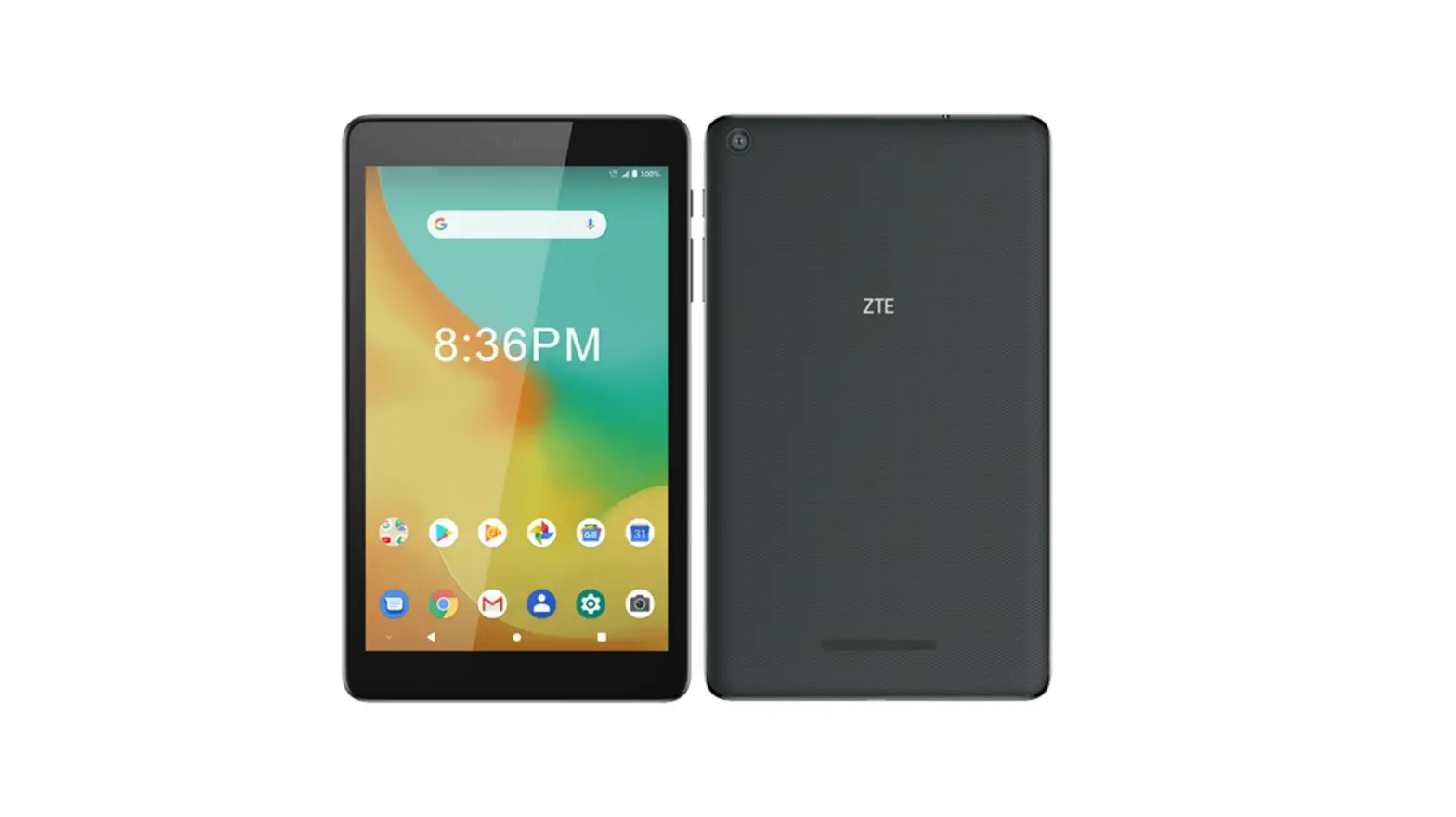
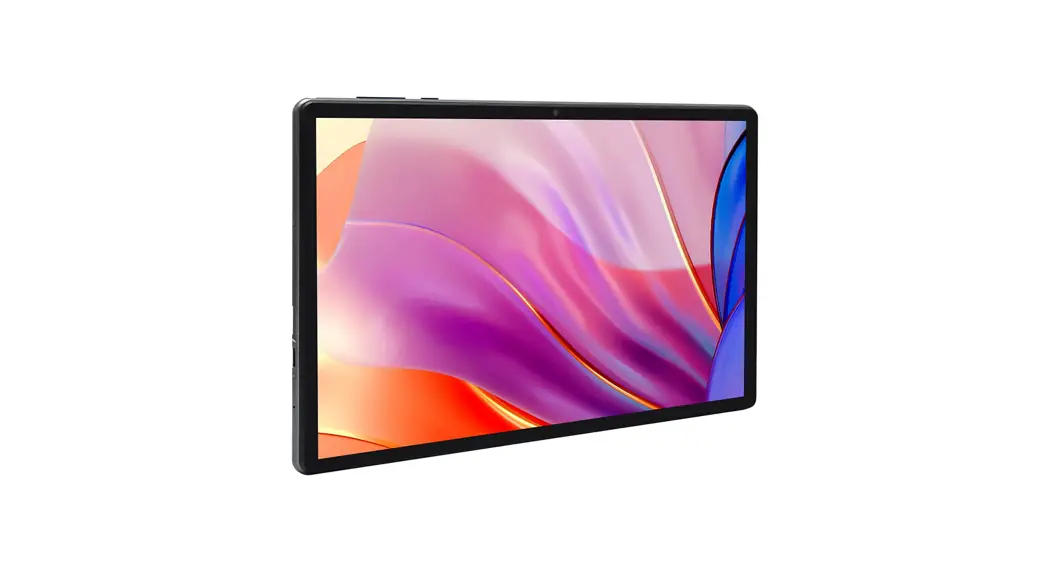
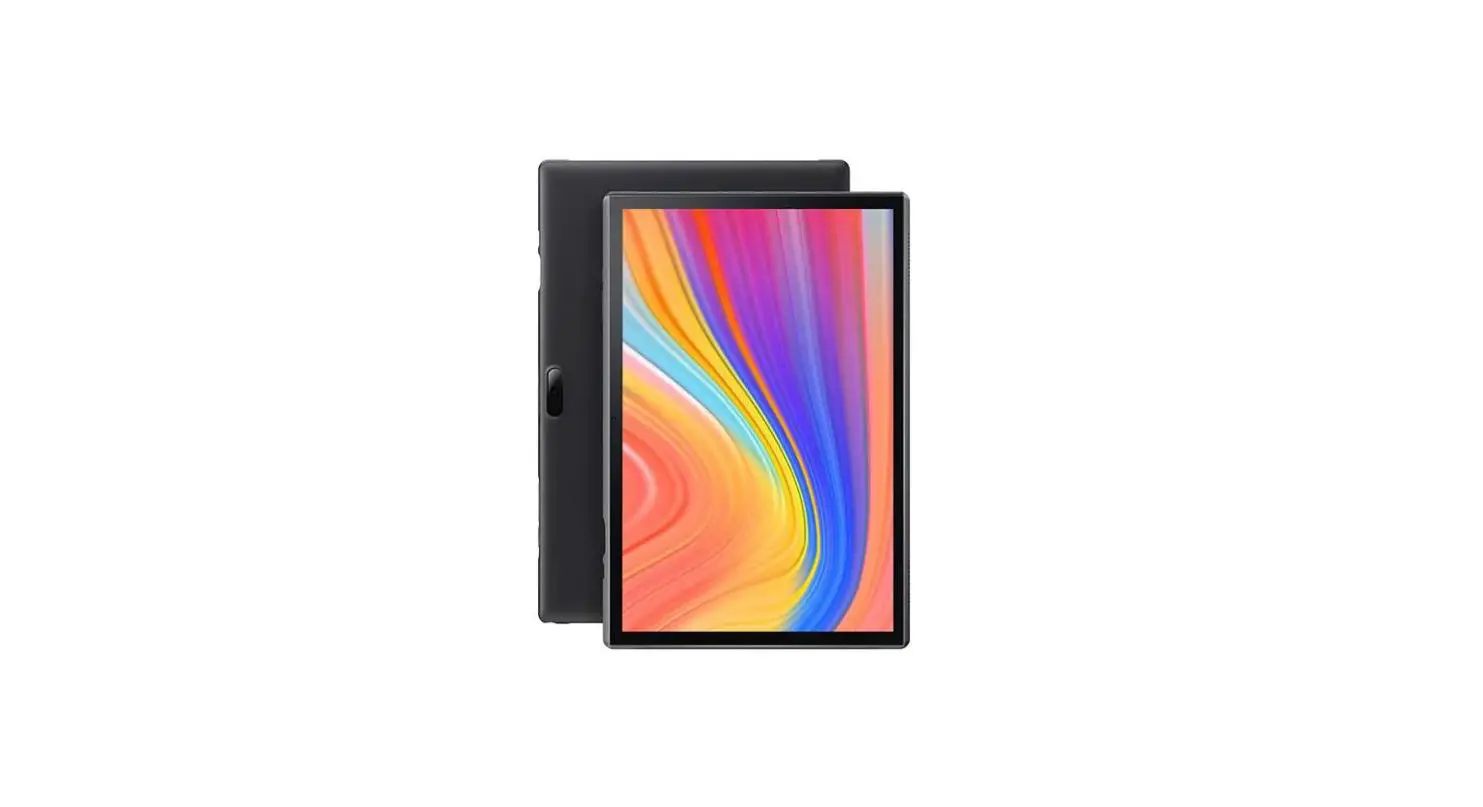
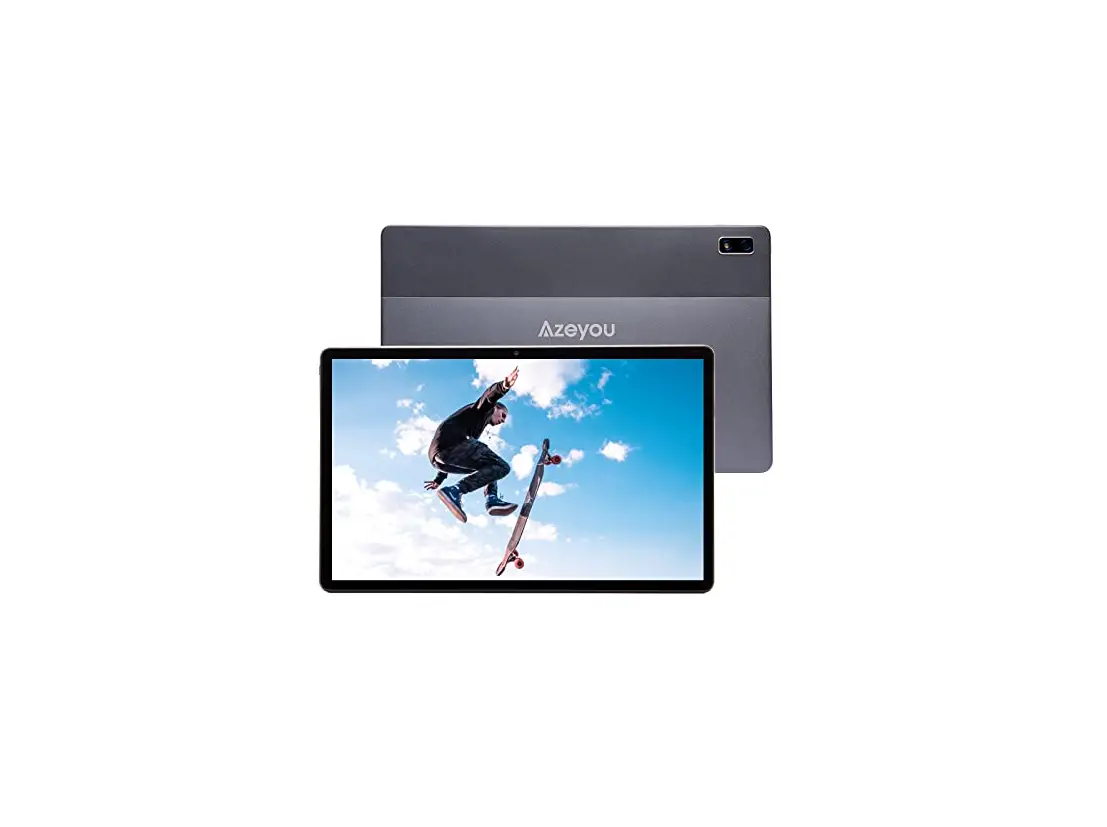
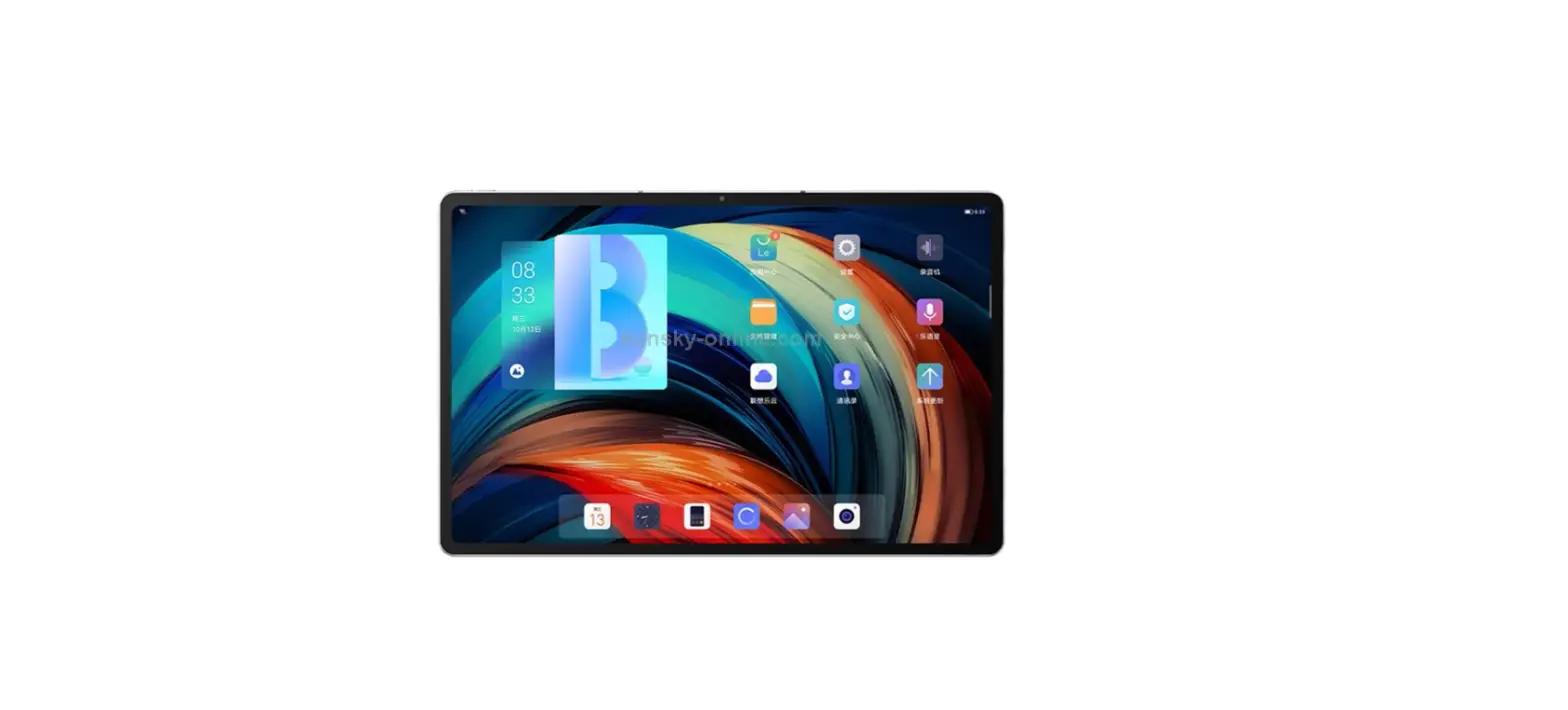
G105U Pad
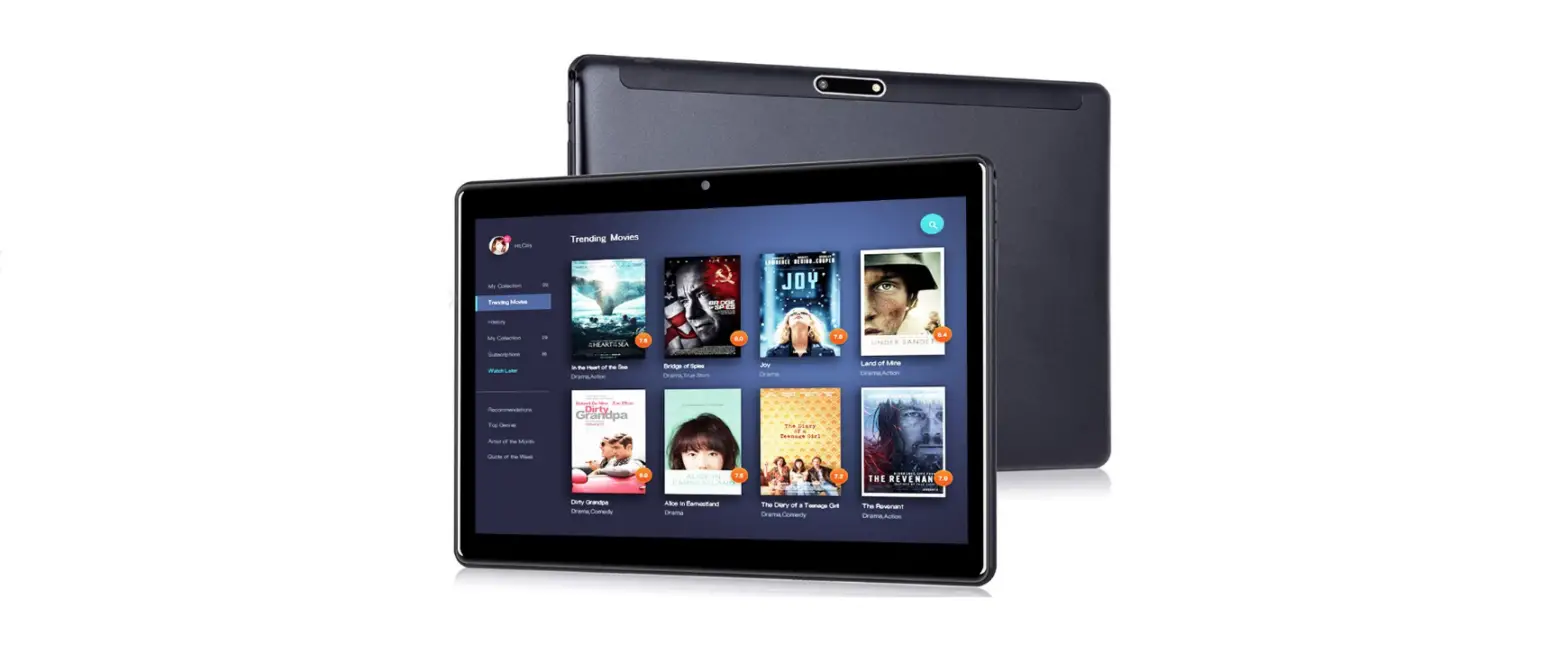
Product Information: – Brand: Zwide – Model: G105U – System:
Windows 11, Professional, Multiple Language – CPU: Intel Celeron
Gemini Lake Refresh 8th N4120, Quad Core – Display: 10.5 Incell,
87% NTSC 1920×1200 Pixels, IPS 16:10 – RAM: 8GB – Stylus: Supports
Microsoft Pen Protocol, 4096 Pressure Levels – Network: Wi-Fi
2.4GHz&5GHz IEEE 802.11 a/ac/b/g/n – Bluetooth: v4.2 – Gravity
Sensor – Hall Sensor – Battery: 7.6V, 3500mAh – Adapter:
AC100-240V~50/60Hz DC12V2A, 24W – Dimension: 260.5×161.5×9.8mm –
Weight: 580g Product Usage Instructions: 1. Power ON/OFF: – Power
ON: Hold the Power Key for 2 seconds. – Power OFF: Tap “Shut down”
in the OS. – Power OFF by force: Hold the Power Key for several
seconds until the device turns off. This should only be used in
special circumstances as frequent force power off may cause system
files missing or tablet crashes. 2. Frequently Asked Questions: 1.
Tablet can’t boot? – Check if the battery is fully charged. – Check
the power adapter before starting the machine again. – If it is
still unable to boot after charging, please contact your local
distributor or our customer service center directly. 2. Wi-Fi can’t
work? – Confirm whether there is a Wi-Fi hotspot available. – Make
sure the tablet is connected to the Wi-Fi (enter the settings to
check). – Confirm the Wi-Fi signal strength and link permission. 3.
Technical Specifications: – Brand: Zwide – Model: G105U – System:
Windows 11, Professional, Multiple Language – CPU: Intel Celeron
Gemini Lake Refresh 8th N4120, Quad Core – Display: 10.5 Incell,
87% NTSC 1920×1200 Pixels, IPS 16:10 – RAM: 8GB – Stylus: Supports
Microsoft Pen Protocol, 4096 Pressure Levels – Network: Wi-Fi
2.4GHz&5GHz IEEE 802.11 a/ac/b/g/n Note: For detailed
information on other specifications, please refer to the user
manual.
G105U-v23.01
01
G105U
English
05
11
USERMANUAL
15
Deutsch
19
BENUTZERHANDBÜCHER
GUIDESD’UTILISATION
Français
21
GUÍASDEUSUARIO
P
25
GUIDEDELL’UTENTE
Español
29
Italiano
33
ZwidePad /
1. 2. 3. 4. 5.
· · · · · · · · · ·
01
G105U
1
2
3 4 5 6 7
10
8 9
12
13
12
15
11 14
16
(1). (2).+/- (3).3.5mmTRRS (4).USB-C(USB3.2Gen1+PD+DP) (5). (6).USB-(12V2A+USB3.2Gen1) (7).MicroHD (8).MicroSD/TF(256GB)
02
(9). () (10).:200 (11). () (12). (13). (14).:500 (15).(WindowsHello) (16).SATA3M.22242SSD(1TB)
/
“”2 “” “”
1. a. b. c. 2.Wi-Fi a.Wi-Fi b.Wi-Fi c.Wi-Fi
Wi-Fi
Zwide G105U Windows11,, IntelCeleronGeminiLakeRefresh8thN4120, 10.5″Incell,87%NTSC 1920×1200,IPS 16:10 8GB MPP2.0,4096 Wi-Fi 2.4GHz&5GHz
03
Wi-Fi
IEEE802.11a/ac/b/g /n
v4.2 7.6V,3500mAh AC100-240V~50/60Hz DC12V2A,24W 260.5×161.5×9.8mm 580g AAC,AMR,APE,AWB,FLAC,M4A,MP3,OGG,WAV 3GP,AVI,M4V,MKV,MP4(MPEG4),WEBM
04
Introduction
Dear users, thanks for choosing Zwide Pad. This is a product elaborately developed by Zwide Inc. For freely surfing on the Internet and office work. In order to know more about the product, please read this USER MANUAL carefully before using, and keep it for future using. Having a good experience.
Disclaimer
1. Please make sure to use the original Adapter for charging. For problems or faults caused by any third part adapter, the company does not undertake responsibility. 2. Users can use the music, video, pictures and other software which provide by third part, but we don’t take any responsibility for the copyright issue or software fault. 3. If the product fails, we will strictly comply with the warranty terms, but in the process of use may cause property losses or economic losses, we will not be responsible. 4. The device comes with factory-built software that can be used after actual testing. However, if you delete or do not delete yourself while looking for compatibility or other issues, there will be no impact on the machine. Please note that it is not a product quality problem. 5. The company reserves the right to improve the product, product specifications and design are subject to change without prior notice! Please refer to the real product.
Attentions
· Computers are precision electronic instruments, please do not disassemble by yourself. · Avoid throwing collision. · Avoid using device in high temperature, low temperature, humidity, dust, strong magnetic field and long time exposure to sunlight. · Wipe gently the device by wrung-out wet cotton cloth, avoid contact with other chemicals. · This device can’t survive drip and splash water, and can’t place it beside such as a full glass of liquid. · Please use appropriate volume to avoid damaging your hearing. · Please use original battery, charger and other accessories. The use of any other type of accessories will violate the warranty and may cause the equipment to malfunction. · Do not disconnect the device during formatting or ongoing uploads and downloads, or you may cause application errors. · Dispose of waste machinery and accessories in accordance with local environmental regulations. · If you have any questions during the use of the equipment, please contact your local distributor or contact our customer service center directly.
05
G105U
1
2
3 4 5 6 7
10
8 9
12
13
12
15
11 14
(1). Power Key (2). Volume+/- Key (3). 3.5mm TRRS Earphone Port (4). USB-C Full Function (Data USB 3.2 Gen 1 +
PD Quick Charging + DP Display) (5). Mic (6). USB- (12V2A Power + Data USB 3.2 Gen 1) (7). Micro HD Display Port (8). Micro SD/TF Card Slot (Max to 256GB)
06
16
(9). Speaker (Left Channel) (10). Front Camera (2.0 MP) (11). Speaker (Right Channel) (12). Keyboard Support Hole (13). Keyboard Connecting Pad (14). Rear Camera (5.0 MP) (15). FingerPrint Sensor (Support Windows
Hello Biometric) (16). SATA3 M.2 2242 SSD (Max to 1TB)
(1). Power ON/OFF
Power ON: Hold the “Power Key” 2s; Power OFF: Tap “Shut down” in the OS; Hold the “Power Key” for several seconds until device OFF by force to Power OFF the tablet can be used in special circumstances; What customers need to pay attention to is that frequent Power OFF by force may cause system files missing or crash of the tablet.
(2). The solution of frequently asked questions
1. Tablet can’t boot? a. Check if the battery is fully charged; b. Check the power Adapter before starting the machine again; c. lf it is still unable to boot after charging, please contact your local distributor or contact our customer service center directly. 2. Wi-Fi can’t work? a. Please confirm whether there is a Wi-Fi hotspot; b. Make sure that the tablet is connected to the Wi-Fi (enter the settings to check); C. Please confirm the Wi-Fi signal strength and link permission.
(3). Technical Specification
Brand Model System
CPU Display Resolution Screen Scale
RAM Stylus Network Style Wi-Fi Frequency Wi-Fi Protocol
Zwide G105U Windows 11, Professional, Multiple Language Intel Celeron Gemini Lake Refresh 8th N4120, Quad Core 10.5″ Incell, 87% NTSC 1920×1200 Pixels, IPS 16:10 8GB Supports Microsoft Pen Protocol, 4096 Pressure Levels Wi-Fi 2.4GHz&5GHz IEEE 802.11 a/ac/b/g/n
07
Hot Function Sensor Battery
Bluetooth v4.2 Gravity Sensor Hall Sensor 7.6V, 3500mAh
Adapter
Dimension Weight
Input: AC 100-240V~50/60Hz Output: DC 12V 2A, 24W 260.5×161.5×9.8mm 580g
Multimedia Format
Voice: AAC, AMR, APE, AWB, FLAC, M4A, MP3, OGG, WAV etc Video: 3GP, AVI, M4V, MKV, MP4(MPEG4), WEBM etc
08
G105U
ZwidePad /
1
2
3
1. 2. 3. 4. 5.
4 5 6 7
10
8 9
15
12
13
12
11 14
· · · · · · · · · ·
09
16
(1).
(9). ()
(2).+/-
(10).(200)
(3).3.5mmTRRS
(11). ()
(4).USB-C(USB3.2Gen1+PD+DP) (12).
(5).
(13).
(6).USB-(12V2A+USB3.2Gen1)
(14).(500)
(7).MicroHD
(15).(WindowsHello)
(8).MicroSD/TF(256GB)
(16).SATA3M.22242SSD(1TB) 10
/
“”2; “”;
1. a.; b.; c. 2.Wi-Fi a.Wi-Fi; b.Wi-Fi ; c.Wi-Fi
Zwide G105U Windows11,, IntelCeleronGeminiLakeRefresh8thN4120, 10.5″Incell,87%NTSC 1920×1200,IPS 16:10 8GB MPP2.0,4096 Wi-Fi
11
Wi-Fi Wi-Fi
2.4GHz&5GHz IEEE802.11a/ac/b/g /n v4.2 7.6V,3500mAh AC100-240V~50/60Hz DC12V2A,24W 260.5×161.5×9.8mm 580g AAC,AMR,APE,AWB,FLAC,M4A,MP3,OGG,WAV 3GP,AVI,M4V,MKV,MP4(MPEG4),WEBM
12
ZwidePad,
1. 2- 3. 4. 5.
· · · · · · · · ·
13
G105U
1
2
3 4 5 6 7
10
8 9
12
13
12
15
11 14
(1).
(2). +/-
(3). 3.5TRRS
(4).
USB-CUSB3.2Gen1 PDDP
(5).
(6). USB-12V2AUSB3.2Gen1
(7). MicroHD
(8). MicroSD/TF(256GB) 14
16
(9). (10).:(2.0MP) ( 11 ) . (12). (13). (14).(5.0MP) ( 1 5 ) . ( W i n d ow s ) ( 1 6 ) . SATA3M.22242SSD(1TB)
:2 :OS 10
1. a. b. C.
2. aWi-Fi b.Wi-Fi C.Wi-Fi
Zwide
G105U
OS
Windows11
CPU
IntelCeleronGeminiLakeRefresh8thN4120,QuadCore
10.587%NTSC 1920×1200 16:10 8GB
MPP2.0,4096 Wi-Fi(2.4GHz/5GHzIEEE802.11//b/g /n)
15
Bluetooth(R) Bluetoothv4.2
7.6V,3500mAh
AC100-240V~50/60Hz DC12V2A,24W
260.5×161.5×9.8mm
580g AACAMRAPEAWBFLACM4AMP3OGGWAV
3GP,AVI,M4V,MKV,MP4(MPEG4),WEBM
16
Einführung
Sehr geehrte Benutzer, vielen Dank, dass Sie sich für Zwide Pad entschieden haben. Dies ist ein von Zwide Inc. aufwendig entwickeltes Produkt. Für freies Surfen im Internet und Büroarbeiten. Um mehr über das Produkt zu erfahren, lesen Sie bitte diese BENUTZERHANDBÜCHER vor der Verwendung sorgfältig durch und bewahren Sie sie für eine spätere Verwendung auf. Eine gute Erfahrung machen.
Haftungsausschluss
1. Bitte stellen Sie sicher, dass Sie den Originaladapter zum Aufladen verwenden. Für Probleme oder Fehler, die durch Adapter von Drittanbietern verursacht werden, übernimmt das Unternehmen keine Verantwortung. 2. Benutzer können Musik, Videos, Bilder und andere Software verwenden, die von Dritten bereitgestellt werden, aber wir übernehmen keine Verantwortung für Urheberrechtsprobleme oder Softwarefehler. 3. Wenn das Produkt ausfällt, werden wir die Garantiebedingungen strikt einhalten, aber im Laufe der Verwendung können Sachschäden oder wirtschaftliche Verluste entstehen, für die wir nicht verantwortlich sind. 4. Das Gerät wird mit werkseitig erstellter Software geliefert, die nach dem eigentlichen Testen verwendet werden kann. Wenn Sie sich jedoch selbst löschen oder nicht löschen, während Sie nach Kompatibilitäts- oder anderen Problemen suchen, hat dies keine Auswirkungen auf den Computer. Bitte beachten Sie, dass es sich nicht um ein Produktqualitätsproblem handelt. 5. Das Unternehmen behält sich das Recht vor, das Produkt zu verbessern, Produktspezifikationen und Design können ohne vorherige Ankündigung geändert werden! Bitte beziehen Sie sich auf das echte Produkt.
Aufmerksamkeiten
·Computer sind elektronische Präzisionsinstrumente, bitte nicht selbst zerlegen. · Wurfkollision vermeiden. · Vermeiden Sie die Verwendung des Geräts bei hohen Temperaturen, niedrigen Temperaturen, Feuchtigkeit, Staub, starken Magnetfeldern und längerer Sonneneinstrahlung. · Wischen Sie das Gerät vorsichtig mit einem ausgewrungenen feuchten Baumwolltuch ab, vermeiden Sie den Kontakt mit anderen Chemikalien. · Dieses Gerät übersteht kein Tropf- und Spritzwasser und kann nicht neben ein volles Glas mit Flüssigkeit gestellt werden. · Bitte verwenden Sie eine angemessene Lautstärke, um Gehörschäden zu vermeiden. · Bitte verwenden Sie Originalakku, Ladegerät und sonstiges Zubehör. Die Verwendung anderer Zubehörteile verstößt gegen die Garantie und kann zu Fehlfunktionen des Geräts führen. · Trennen Sie das Gerät nicht während des Formatierens oder laufender Uploads und Downloads, da Sie sonst Anwendungsfehler verursachen können. · Entsorgen Sie Altgeräte und Zubehör gemäß den örtlichen Umweltvorschriften. · Wenn Sie während der Verwendung des Geräts Fragen haben, wenden Sie sich bitte an Ihren Händler vor Ort oder direkt an unser Kundendienstzentrum.
17
G105U
1
2
3 4 5 6 7
10
8 9
12
13
12
15
11 14
(1). Power Taste
(2). Lautstärke+/- Taste
(3).
Ander Kopfh
e Schnittstelle öreranschluss
3.5-mm-T
RRS-
(4).
USB-C Volle Funktion (Daten USB 3.2 + PD-Schnellladung + DP-Anzeige)
Gen
1
(5). Mikrofon
(6).USB-C (12V2A Strom + Daten USB 3.2 Gen 1)
(7).Micro HD Anzeigeport
(8).Micro SD/TF Karte (Max 256GB) 18
16
(9). Lautsprecher (Linker Kanal)
(10). Frontkamera (2.0 MP)
(11). Lautsprecher (Rechter Kanal)
(12). Tastatur-Stützloch
(13). Tastatur-Verbindungspad
(14). Rückfahrkamera (5.0 MP)
(
15).
Fingerab Hello Bio
druck Sens metrisch)
or
(Support
Wi
ndows
(16). SATA3 M.2 2242 SSD (Max 1TB)
(1). Einschalten / Ausschalten
Einschalten: Halten Sie die “Power Taste” 2s lang gedrückt; Ausschalten: Tippen Sie im Betriebssystem auf “Herunterfahren”; Halten Sie die “Power Taste” einige Sekunden lang gedrückt, bis das Gerät zwangsweise ausgeschaltet wird. Dadurch kann das Tablet unter besonderen Umständen verwendet warden; Was Kunden beachten müssen, ist, dass häufiges gewaltsames Ausschalten dazu führen kann, dass Systemdateien fehlen oder das Tablet abstürzt;
(2). Die Lösung häufig gestellter Fragen
1. Tablet kann nicht booten? a. Überprüfen Sie, ob der Akku vollständig aufgeladen ist; b. Überprüfen Sie das Netzteil, bevor Sie die Maschine erneut starten; c. Wenn es nach dem Aufladen immer noch nicht booten kann, wenden Sie sich bitte an Ihren Händler vor Ort oder direkt an unser Kundendienstzentrum. 2. Wi-Fi funktioniert nicht? a. Bitte bestätigen Sie, ob es einen WLAN-Hotspot gibt; b. Stellen Sie sicher, dass das Tablet mit dem WLAN verbunden ist (geben Sie die Einstellungen zur Überprüfung ein); c. Bitte bestätigen Sie die WLAN-Signalstärke und die Verbindungserlaubnis.
(3). Technische Spezifikation
Marke
Zwide
Modell
G105U
System
Windows 11, Professional, Mehrere Sprachen
CPU
Intel Celeron Gemini Lake Refresh 8th N4120, Quad Core
Display
10.5″ Incell, 87% NTSC
Auflösung
1920 x 1200 Pixel, IPS
Bildschirmmaßstab 16:10
Arbeitsspeicher 8GB
Stylus
Unterstützt Microsoft Pen Protocol, 4096 Druckstufen
Netzwerkstil
Wi-Fi
Wi-Fi Frequenz
2.4GHz & 5GHz 19
WLAN-Protokoll IEEE 802.11 a/ac/b/g/n
Hot-Funktion
Bluetooth v4.2
Sensor
Schwerkraft Sensor Hall Sensor
Batterie
7.6V, 3500mAh
Netzteil
Eingang: AC 100-240V~50/60Hz Ausgang: DC 12V 2A, 24W
Abmessungen
260.5×161.5×9.8mm
Gewicht
580g
Multimedia-Format
Audio: AAC, AMR, APE, AWB, FLAC, M4A, MP3, OGG, WAV usw Video: 3GP, AVI, M4V, MKV, MP4 (MPEG4), WEBM usw
20
Introduction
Chers utilisateurs, merci d’avoir choisi Zwide Pad. Il s’agit d’un produit minutieusement développé par Zwide Inc. Pour surfer librement sur Internet et travailler au bureau. Afin d’en savoir plus sur le produit, veuillez lire attentivement ce GUIDES D’UTILISATION avant de l’utiliser et conservez-le pour une utilisation future. Avoir une bonne expérience.
Clause de non-responsabilité
1. Veuillez vous assurer d’utiliser l’adaptateur d’origine pour le chargement. Pour les problèmes ou défauts causés par un adaptateur tiers, la société n’assume aucune responsabilité. 2. Les utilisateurs peuvent utiliser la musique, la vidéo, les images et d’autres logiciels fournis par des tiers, mais nous déclinons toute responsabilité en cas de problème de droit d’auteur ou de défaut logiciel. 3. Si le produit tombe en panne, nous respecterons strictement les conditions de garantie, mais l’utilisation peut entraîner des pertes matérielles ou des pertes économiques, nous ne serons pas responsables. 4. L’appareil est livré avec un logiciel fabriqué en usine qui peut être utilisé après des tests réels. Cependant, si vous vous supprimez ou ne vous supprimez pas tout en recherchant la compatibilité ou d’autres problèmes, il n’y aura aucun impact sur la machine. Veuillez noter qu’il ne s’agit pas d’un problème de qualité du produit. 5. La société se réserve le droit d’améliorer le produit, les spécifications et la conception du produit sont susceptibles d’être modifiées sans préavis ! Veuillez vous référer au produit réel.
Attention
·Les ordinateurs sont des instruments électroniques de précision, veuillez ne pas les démonter vous-même. · Évitez de lancer une collision. · Évitez d’utiliser l’appareil à haute température, basse température, humidité, poussière, champ magnétique puissant et exposition prolongée au soleil. · Essuyez délicatement l’appareil avec un chiffon en coton humide essoré, évitez tout contact avec d’autres produits chimiques. · Cet appareil ne peut pas survivre aux gouttes et aux éclaboussures d’eau, et ne peut pas être placé à côté d’un verre plein de liquide par exemple. · Veuillez utiliser un volume approprié pour éviter d’endommager votre ouïe. · Veuillez utiliser la batterie, le chargeur et les autres accessoires d’origine. L’utilisation de tout autre type d’accessoire enfreint la garantie et peut entraîner un dysfonctionnement de l’équipement. · Ne déconnectez pas l’appareil pendant le formatage ou les chargements et téléchargements en cours, ou vous risquez de provoquer des erreurs d’application. · Éliminer les machines et accessoires usagés conformément aux réglementations environnementales locales. · Si vous avez des questions pendant l’utilisation de l’équipement, veuillez contacter votre distributeur local ou contacter directement notre centre de service client.
21
G105U
1
2
3 4 5 6 7
10
8 9
12
13
12
15
11 14
(1).Clé D’alimentation
16
(9). Haut-Parleur (Canal Gauche)
(2). Clé de Volume +/-
(10). Caméra Frontale (2.0 MP)
(3).Port Pour écouteurs TRRS 3.5mm
(11). Haut-Parleur (Canal Droit)
(4
).
Fonction Complète USB-C (Données + Chargement Rapide PD + Affichage
USB DP)
3.2
Gen
1
(12). Trou De Support De Clavier
(5). Mic
(13). Pad De Connexion Clavier
(6). USB-C (Alimentation 12V2A + Données USB 3.2 Gen 1) (14). Caméra Arrière (5.0 MP)
(7).Port D’affichage Micro HD (8).Fente Pour Carte Micro SD/TF (Max à 256GB)
22
(1
5).
Détecteur D’empreintes En Charge De Windows
Digitales (Prise Hello Biométrique)
(16). SATA3 M.2 2242 SSD (Max à 1TB)
(1). Marche / Arrêt
Mise Sous Tension: Maintenez la “Clé D’alimentation” enfoncée pendant 2s; Mise Hors Tension: Appuyez sur “Arrêter” dans le système d’exploitation; Maintenez la “Clé D’alimentation” pendant plusieurs secondes jusqu’à ce que l’appareil s’éteigne de force pour Arrêt la tablette peut être utilisée dans des circonstances particulières ; Ce à quoi les clients doivent prêter attention, c’est que de fréquentes Mises Hors Tension par la force peuvent entraîner la disparition de fichiers système ou le blocage de la tablette.
(2). La Solution Des Questions Fréquemment Posées
1. La tablette ne démarre pas ? a. Vérifiez si la batterie est complètement chargée ; b. Vérifiez l’adaptateur secteur avant de redémarrer la machine ; c. S’il ne parvient toujours pas à démarrer après le chargement, veuillez contacter votre distributeur local ou contacter directement notre centre de service client. 2. Le Wi-Fi ne fonctionne pas ? a. Veuillez confirmer s’il existe un point d’accès Wi-Fi ; b. Assurez-vous que la tablette est connectée au Wi-Fi (entrez les paramètres à vérifier) ; c. Veuillez confirmer la force du signal Wi-Fi et l’autorisation de liaison.
(3). Spécifications Techniques
Marque Modèle Système Processeur Écran Résolution Échelle D’écran
RAM Style Style De Réseau Fréquence Wi-Fi
Zwide G105U Windows 11, Professionnel, Plusieurs Langues Intel Celeron Gemini Lake Refresh 8th N4120, Quad Core 10.5″ Incell, 87 % NTSC 1920×1200 Pixels, IPS 16:10 8GB Prend En Charge Le Protocole Microsoft Pen, 4096 Niveaux De Pression Wi-Fi 2.4GHz & 5GHz
23
Protocole Wi-Fi IEEE 802.11 a/ac/b/g/n
Fonction Chaude Bluetooth v4.2
Capteur
Détecteur De Gravité Capteur à Effet Hall
Batterie
7.6V, 3500mAh
Adaptateur Secteur
D’entrée: AC 100-240V~50/60Hz Sortir: DC 12V 2A, 24W
Dimension
260.5×161.5×9.8mm
Poids
580g
Format Multimédia
Audio: AAC, AMR, APE, AWB, FLAC, M4A, MP3, OGG, WAV etc; Vidéo: 3GP, AVI, M4V, MKV, MP4 (MPEG4), WEBM etc.
24
,,ZwidePad., ZwideInc.. ,, ..
1.. , .
2.,, ,, .
3.,, ,.
4. ,. , ,., .
5., !,.
·, . ·. ·, ,,, . ·, . ·, ,,. ·,,. ·,, . . · ,. · . ·-, .
25
G105U
1
2
3 4 5 6 7
10
8 9
12
13
12
15
11 14
16
(1).
(9). ()
(2). +/-
(10). (2.0MP)
(3). 3.5TRRS
(11). ()
(4). USB-C(USB3.2Gen1 (12). +PD+DP)
(5).
(13).
(6). USB-C(12,2+USB3.2Gen1) (14). (5.0MP)
(7). MicroHD
(15). O( WindowsHello)
(8). KMicroSD/TF(M.256) (16). SATA3M.22242SSD(M.1T)
26
(1)./B
:” “2; :”eeepa”. ” “, ,, ; ,, .
(2).B
1.? .,; .; .-, . 2.Wi-Fi? .,,Wi-Fi; .,Wi-Fi( ); .Wi-Fi.
(3).C
Zwide
G105U
Windows11,,
IntelCeleronGeminiLakeRefresh8thN4120,
10.5″Incell,87%NTSC
1920×1200,IPS
16:10
8
MicrosoftPen,4096 YH
C
Wi-Fi
27
Wi-Fi 2.4&5 Wi-Fi IEEE802.11a/ac/b/g /n Bluetoothv4.2
7.6B,3500
:CA100-240~50/60 :CC122,24
260.5×161.5×9.8mm
580
:AAC,AMR,APE,AWB,FLAC,M4A,MP3,OGG,WAV.;
:3GP,AVI,M4V,MKV,MP4(MPEG4),WEBM..
28
Introduction
Estimados usuarios, gracias por elegir Zwide Pad. Este es un producto elaboradamente desarrollado por Zwide Inc. Para navegar libremente en Internet y trabajar en la oficina. Para saber más sobre el producto, lea atentamente este GUÍAS DE USUARIO antes de usarlo y guárdelo para usarlo en el futuro. Tener una buena experiencia.
Descargo de responsabilidad
1. Asegúrate de utilizar el adaptador original para cargar. Por problemas o fallas causadas por cualquier adaptador de terceros, la empresa no se hace responsable. 2. Los usuarios pueden usar la música, el video, las imágenes y otro software proporcionado por terceros, pero no asumimos ninguna responsabilidad por el problema de los derechos de autor o la falla del software. 3. Si el producto falla, cumpliremos estrictamente con los términos de la garantía, pero en el proceso de uso puede causar pérdidas materiales o pérdidas económicas, no seremos responsables. 4. El dispositivo viene con un software integrado de fábrica que se puede usar después de la prueba real. Sin embargo, si elimina o no elimina usted mismo mientras busca compatibilidad u otros problemas, no habrá impacto en la máquina. Tenga en cuenta que no es un problema de calidad del producto. 5. La empresa se reserva el derecho de mejorar el producto, las especificaciones y el diseño del producto están sujetos a cambios sin previo aviso. Por favor, consulte el producto real.
Atenciones
· Las computadoras son instrumentos electrónicos de precisión, por favor no las desarme usted mismo. · Evite la colisión de lanzamiento. · Evite usar el dispositivo a alta temperatura, baja temperatura, humedad, polvo, fuerte campo magnético y exposición prolongada a la luz solar. · Limpie suavemente el dispositivo con un paño de algodón húmedo y escurrido, evite el contacto con otros productos químicos. · Este dispositivo no resiste el goteo y las salpicaduras de agua, y no puede colocarse junto a un vaso lleno de líquido, como por ejemplo. · Utilice el volumen adecuado para evitar dañar su audición. · Utilice la batería, el cargador y otros accesorios originales. El uso de cualquier otro tipo de accesorios violará la garantía y puede ocasionar un mal funcionamiento del equipo. · No desconecte el dispositivo durante el formateo o las cargas y descargas en curso, ya que podría provocar errores en la aplicación. · Deseche la maquinaria y los accesorios de desecho de acuerdo con las reglamentaciones ambientales locales. · Si tiene alguna pregunta durante el uso del equipo, comuníquese con su distribuidor local o comuníquese directamente con nuestro centro de atención al cliente.
29
G105U
1
2
3 4 5 6 7
10
8 9
12
13
12
15
11 14
16
(1). Tecla De Encendido
(9). Altavoz (Canal Izquierdo)
(2). Volumen +/- Tecla
(10). Cámara Frontal (2.0 MP)
(3). Puerto De Auriculares TRRS De 3.5mm (4). Función Completa De USB-C (Datos USB
3.2 Gen 1 + Carga Rápida PD + Pantalla DP) (5). Micrófono
(11). Altavoz (Canal Derecho) (12). Orificio De Soporte Del Teclado (13). Almohadilla De Conexión Del Teclado
(6). USB-C (12V2AAlimentación + Datos USB 3.2 Gen 1) (14). Cámara Trasera (5.0 MP)
(7). Micro HD Display Port
(15).
Sensor De Huellas Dactilares (Compatible Con Windows Hello Biométrico)
(8). Ranura Para Tarjeta Micro SD/TF (Máx. a 256GB) (16). SSD SATA3 M.2 2242 (Máx. a 1TB)
30
(1). Encendido / Apagado
Encendido: Mantenga presionada la “Tecla De Encendido” 2s; Apagado: Toque “Apagar” en el sistema operativo; Mantenga presionada la “Tecla De Encendido” durante varios segundos hasta que el dispositivo se apague por la fuerza para Apagar la tableta se puede usar en circunstancias especiales; A lo que los clientes deben prestar atención es que el Apagado frecuente a la fuerza puede causar la pérdida de archivos del sistema o el bloqueo de la tableta.
(2). La solución De Las Preguntas Más Frecuentes.
1. ¿La tableta no puede arrancar? a. Compruebe si la batería está completamente cargada; b. Verifique el adaptador de corriente antes de volver a encender la máquina; c. Si aún no puede arrancar después de la carga, comuníquese con su distribuidor
local o comuníquese directamente con nuestro centro de atención al cliente. 2. ¿El Wi-Fi no funciona? a. Confirme si hay un punto de acceso Wi-Fi; b. Asegúrese de que la tableta esté conectada al Wi-Fi (ingrese la configuración
para verificar); c. Confirme la intensidad de la señal Wi-Fi y el permiso de enlace.
(3). Especificación técnica
Marca
Zwide
Modelo Sistema
G105U Windows 11, Profesional, Múltiples Idiomas
CPU
Intel Celeron Gemini Lake Refresh 8th N4120, Cuatro Núcleos
Pantalla
10.5″ Incell, 87% NTSC
Resolución
1920×1200 Píxeles, IPS
Escala De Pantalla 16:10
RAM
8GB
Stylus
Admite el Protocolo Microsoft Pen, 4096 Niveles de Presión
Estilo De Red Wi-Fi
Frecuencia Wi-Fi 2.4GHz&5GHz
Protocolo Wi-Fi IEEE 802.11 a/ac/b/g/n
Función Caliente Bluetooth v4.2
Sensor Batería
Sensor de Gravedad Sensor de Pasillo 7.6V, 3500mAh
Adaptador
Dimensión Peso
Aporte: CA 100-240V~50/60Hz Salida: CC 12V 2A, 24W 260.5×161.5×9.8mm 580g
Audio: AAC, AMR, APE, AWB, FLAC, M4A, MP3, OGG, WAV, etc; Formato De Multimedia
Vídeo: 3GP, AVI, M4V, MKV, MP4 (MPEG4), WEBM, etc.
31
32
Introduzione
Gentili utenti, grazie per aver scelto Zwide Pad. Questo è un prodotto sviluppato in modo elaborato da Zwide Inc. Per navigare liberamente su Internet e lavorare d’ufficio. Per saperne di più sul prodotto, leggere attentamente questo GUIDE DELL’ UTENTE prima dell’uso e conservarlo per un utilizzo futuro. Avere una buona esperienza.
Disclaimer
1. Assicurarsi di utilizzare l’adattatore originale per la ricarica. Per problemi o guasti causati da qualsiasi adattatore di terze parti, l’azienda non si assume alcuna responsabilità. 2. Gli utenti possono utilizzare musica, video, immagini e altri software forniti da terze parti, ma non ci assumiamo alcuna responsabilità per problemi di copyright o guasti del software. 3. Se il prodotto non funziona, rispetteremo rigorosamente i termini di garanzia, ma durante il processo di utilizzo potrebbero verificarsi perdite di proprietà o perdite economiche, non saremo responsabili. 4. Il dispositivo viene fornito con un software costruito in fabbrica che può essere utilizzato dopo il test effettivo. Tuttavia, se elimini o non elimini te stesso mentre cerchi compatibilità o altri problemi, non ci sarà alcun impatto sulla macchina. Si prega di notare che non si tratta di un problema di qualità del prodotto. 5. L’azienda si riserva il diritto di migliorare il prodotto, le specifiche del prodotto e il design sono soggetti a modifiche senza preavviso! Si prega di fare riferimento al prodotto reale.
Attenzioni
·I computer sono strumenti elettronici di precisione, si prega di non smontarli da soli. · Evitare di lanciare la collisione. · Evitare di utilizzare il dispositivo ad alta temperatura, bassa temperatura, umidità, polvere, forte campo magnetico ed esposizione prolungata alla luce solare. · Pulire delicatamente il dispositivo con un panno di cotone bagnato strizzato, evitare il contatto con altri prodotti chimici. · Questo dispositivo non può resistere a gocciolamenti e spruzzi d’acqua e non può essere posizionato accanto, ad esempio, a un bicchiere pieno di liquido. · Utilizzare un volume appropriato per evitare danni all’udito. · Utilizzare batterie, caricabatterie e altri accessori originali. L’uso di qualsiasi altro tipo di accessorio violerà la garanzia e potrebbe causare il malfunzionamento dell’apparecchiatura. · Non scollegare il dispositivo durante la formattazione oi caricamenti e i download in corso, altrimenti si potrebbero causare errori dell’applicazione. · Smaltire i macchinari e gli accessori di scarto in conformità con le normative ambientali locali. · In caso di domande durante l’utilizzo dell’apparecchiatura, contattare il distributore locale o contattare direttamente il nostro centro di assistenza clienti.
33
G105U
1
2
3 4 5 6 7
10
8 9
12
13
12
15
11 14
16
(1). Tasto D’accensione
(9). Altoparlante (Canale Sinistro)
(2). Tasto Volume +/-
(10). Fotocamera Frontale (2.0 MP)
(3). Porta Per Auricolari TRRS Da 3.5mm
(11). Altoparlante (Canale Destro)
(4). Funzione Completa USB-C (Dati USB 3.2 Gen (12). Foro Per il Supporto Della Tastiera
1+ Ricarica Rapida PD + Display DP)
(5). Microfono
(13). Tappetino di Connessione Per Tastiera
(6). USB-C (Alimentazione 12V2A + Dati USB 3.2 Gen 1) (14). Fotocamera Posteriore (5.0 MP)
(7). Porta Display Micro HD
(15).
Sensore di Impronte Digitali Windows Hello Biometrico)
(Supporta
(8). Slot Per Schede Micro SD/TF (Massimo 256GB SSD) (16). SATA3 M.2 2242 SSD (Massimo 1TB)
34
(1). Accensione/Spegnimento
Accensione: Tieni premuto il “Tasto D’accensione” per 2 secondi; Spegnimento: Tocca “Spegni” nel sistema operative; Tenere premuto il “Tasto D’accensione” per alcuni secondi fino allo spegnimento forzato del dispositivo per Spegnimento il tablet può essere utilizzato in circostanze speciali; Ciò a cui i clienti devono prestare attenzione è che il frequente Spegnimento forzato può causare la mancanza di file di sistema o l’arresto anomalo del tablet.
(2). La Soluzione Delle Domande Più Frequenti
1. Il tablet non si avvia? a. Controllare se la batteria è completamente carica; b. Controllare l’alimentatore prima di riavviare la macchina; c. Se non è ancora possibile avviarsi dopo la ricarica, contattare il distributore locale o contattare direttamente il nostro centro di assistenza clienti. 2. Il Wi-Fi non funziona? a. Conferma se è presente un hotspot Wi-Fi; b. Assicurati che il tablet sia connesso al Wi-Fi (accedi alle impostazioni per verificare); c. Confermare la potenza del segnale Wi-Fi e l’autorizzazione al collegamento.
(3). Specifica Tecnica
Marca
Zwide
Modello
G105U
Sistema CPU
Windows 11, Professional, Multilingue Intel Celeron Gemini Lake Refresh 8th N4120, Quad Core
Schermo
Incell da 10.5″, 87% NTSC
Risoluzione
1920×1200 Pixel, IPS
Scala Dello Schermo 16:10
RAM
8GB
Stilo
Supporta Microsoft Pen Protocol, 4096 Livelli di Pressione
Stile Di Rete
Wi-Fi
Frequenza Wi-Fi 2.4GHz&5GHz
35
Protocollo Wi-Fi IEEE 802.11 a/ac/b/g/n
Funzione Calda Bluetooth v4.2
Sensore
Sensore di Gravità Sensore Hall
Batteria
7.6V, 3500mAh
Adattatore
Ingresso: CA 100-240V~50/60Hz Uscita: CC 12V 2A, 24W
Dimensione
260.5×161.5×9.8mm
Peso
580g
Audio: AAC, AMR, APE, AWB, FLAC, M4A, MP3, OGG, WAV ecc; Formato Multimediale
Video: 3GP, AVI, M4V, MKV, MP4 (MPEG4), WEBM ecc.
36
Compliance Information
FCC Compliance Notice
Supplier’s Declaration of Conformity Product Name: 2 in1 Computer Tablet Model Number: G105U FCC ID: 2A8SQ-G105U Responsible Party: Zwide Inc.
We, Zwide Inc., being the responsible party, declares that the above mentioned model was tested to demonstrate complying with all applicable FCC rules and regulations.
FCC Statement
This equipment has been tested and found to comply with the limits for a Class B digital device, pursuant to Part 15 of the FCC Rules. These limits are designed to provide reasonable protection against harmful interference in a residential installation. This equipment generates uses and can radiate radio frequency energy and, if not installed and used in accordance with the instructions, may cause harmful interference to radio communications. However, there is no guarantee that interference will not occur in a particular installation. If this equipment does cause harmful interference to radio or television reception, which can be determined by turning the equipment off and on, the user is encouraged to try to correct the interference by one or more of the following measures: — Reorient or relocate the receiving antenna. — Increase the separation between the equipment and receiver.
37
— Connect the equipment into an outlet on a circuit different from that to which the receiver is connected. — Consult the dealer or an experienced radio/TV technician for help.
This device complies with part 15 of the FCC Rules. Operation is subject to the following two conditions: (1) This device may not cause harmful interference, and (2) this device must accept any interference received, including interference that may cause undesired operation.
Changes or modifications not expressly approved by the party responsible for compliance could void the user’s authority to operate the equipment. Specific Absorption Rate (SAR) information: This Device meets the government’s requirements for exposure to radio waves. The guidelines are based on standards that were developed by independent scientific organizations through periodic and thorough evaluation of scientific studies. The standards include a substantial safety margin designed to assure the safety of all persons regardless of age or health. FCC RF Exposure Information and Statement the SAR limit of USA (FCC) is 1.6 W/kg averaged over one gram of tissue. Device types: Device has also been tested against this SAR limit. This device was tested for typical body-worn operations with the back of the device kept 0mm from the body. To maintain compliance with FCC RF exposure requirements, use accessories that maintain an 0mm separation distance between the user’s body and the back of the device. The use of belt clips, holsters and similar accessories should not contain metallic components in its assembly. The use of accessories that do not satisfy these requirements may not comply with FCC RF exposure requirements, and should be avoided.
38
IC STATEMENT
This device complies with Industry Canada’s licenceexempt RSSs. Operation is subject to the following two conditions: (1) This device may not cause interference; and (2) This device must accept any interference, including interference that may cause undesired operation of the device. Le présent appareil est conforme aux CNR d’Industrie Canada applicables aux appareils radio exempts de licence. L’exploitation est autorisée aux deux conditions suivantes : (1) l’appareil ne doit pas produire de brouillage, et (2) l’utilisateur de l’appareil doit accepter tout brouillage radioélectrique subi, même si le brouillage est susceptible d’en compromettre le fonctionnement.
QualifiedCertificate
39
Zwide is a trademark of SHENZHEN ZHIWEI TECHNOLOGY CO., LTD
Copyright©2023Zwide Inc. All Rights Reserved.
Zwide
Copyright©2023
Made in China
Intel and the Intel logo are trademarks of Intel Corporation in the U.S. and other countries. Microsoft, Windows and the Windows logo are registered trademarks of Microsoft Corporation. The Apple logo, iPhone, iPad and Lightning are trademarks of Apple Inc, registered in the U.S. and other countries. The trademark of “iPhone” is used in Japan with a license from Aiphone K.K. Android is a trademark of Google LLC, registered in the U.S. and other countries. USB-C and USB Type-C are registered trademarks of USB Implementers Forum. Bluetooth logo and bluetooth are trademarks of Bluetooth SIG, Inc., registered in the U.S. and other countries. All other company names, product names and logos are the trademarks or registered trademarks of their respective owners.
40
15365
Warranty Card
Warranty scope:In case of product failure, you can get a replacement within 15 days and free repair service for 365 days, with inspection report issued by authorized service center.
G105U
41
42
336#
Address:4th~5th Floor,Bld 6 and East side of 3rd Floor Bld3, Lijincheng Industrial Park,Yousong Community,Longhua Street, Longhua District,Shenzhen,China 518109
FCC Caution: This device complies with part 15 of the FCC Rules. Operation is subject to the following two conditions: (1) This device may not cause harmful interference, and (2) this device must accept any interference received, including interference that may cause undesired operation. Any changes or modifications not expressly approved by the party responsible for compliance could void the user’s authority to operate the equipment. NOTE: This equipment has been tested and found to comply with the limits for a Class B digital device, pursuant to Part 15 of the FCC Rules. These limits are designed to provide reasonable protection against harmful interference in a residential installation. This equipment generates, uses and can radiate radio frequency energy and, if not installed and used in accordance with the instructions, may cause harmful interference to radio communications. However, there is no guarantee that interference will not occur in a particular installation. If this equipment does cause harmful interference to radio or television reception, which can be determined by turning the equipment off and on, the user is encouraged to try to correct the interference by one or more of the following measures: — Reorient or relocate the receiving antenna. — Increase the separation between the equipment and receiver. — Connect the equipment into an outlet on a circuit different from that to which the receiver is connected. — Consult the dealer or an experienced radio/TV technician for help. The device has been evaluated to meet general RF exposure requirement. The device can be used in portable exposure condition without restriction.
Specific Absorption Rate (SAR) information: This device meets the government’s requirements for exposure to radio waves. The guidelines are based on standards that were developed by independent scientific organizations through periodic and thorough evaluation of scientific studies. The standards include a substantial safety margin designed to assure the safety of all persons regardless of age or health. FCC RF Exposure Information and Statement the SAR limit of USA (FCC) is 1.6 W/kg averaged over one gram of tissue. Device types: This device has also been tested against this SAR limit. This device was tested for typical body-worn operations with the back of the This device kept 0mm from the body. To maintain compliance with FCC RF exposure requirements, use accessories that maintain an 0mm separation distance between the user’s body and the back of This device. The use of belt clips, holsters and similar accessories should not contain metallic components in its assembly. The use of accessories that do not satisfy these requirements may not comply with FCC RF exposure requirements, and should be avoided.