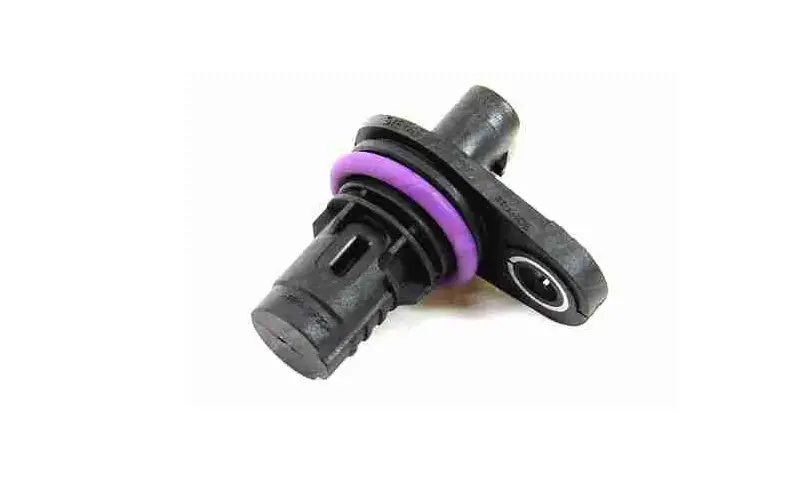
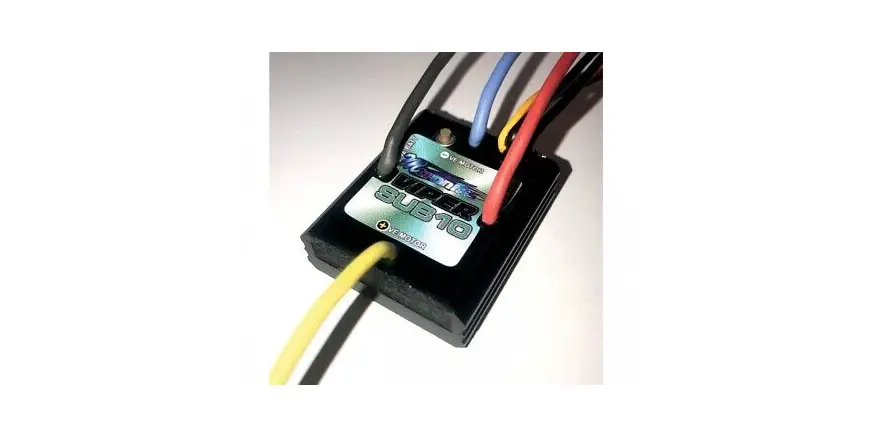
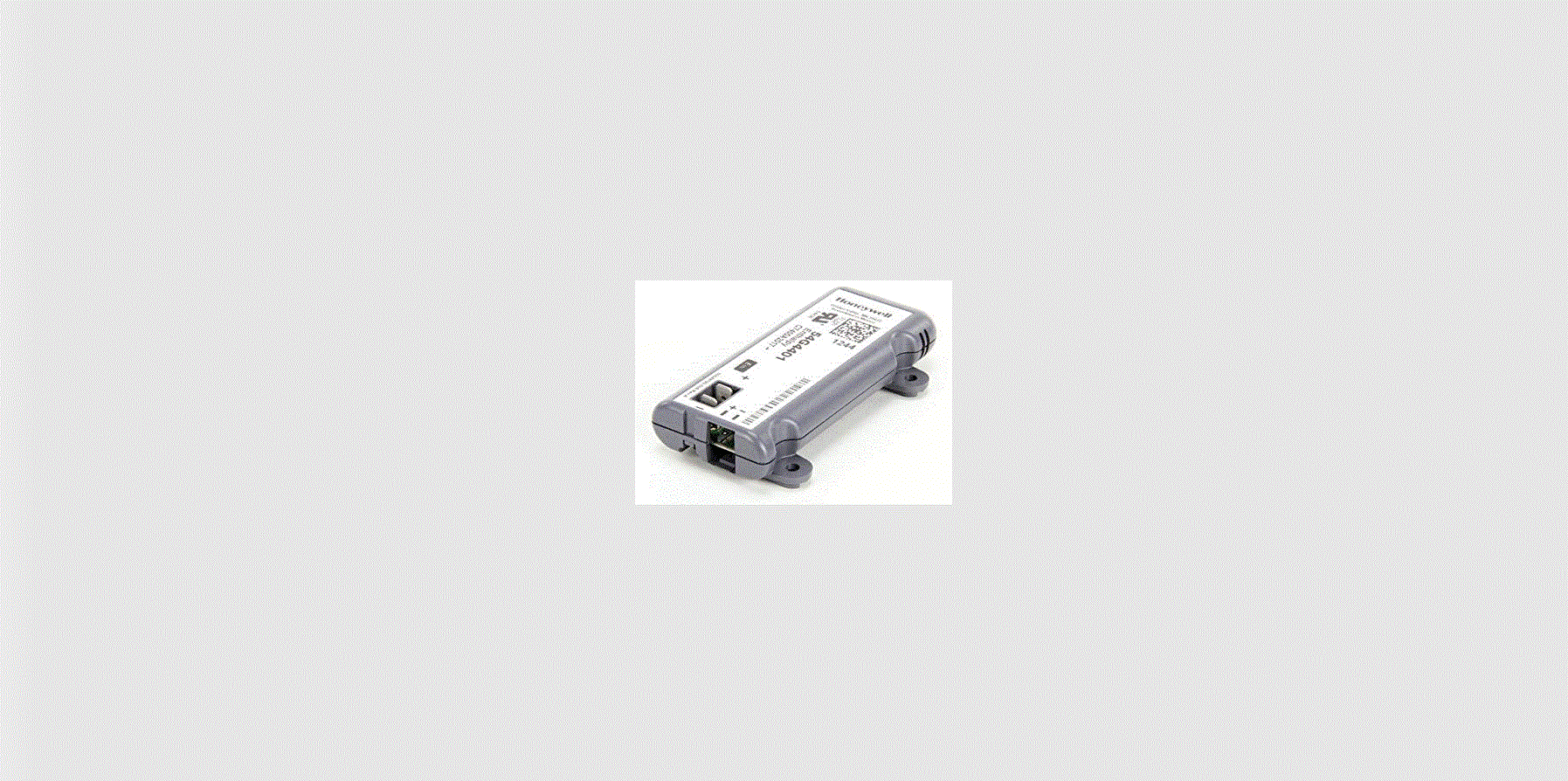
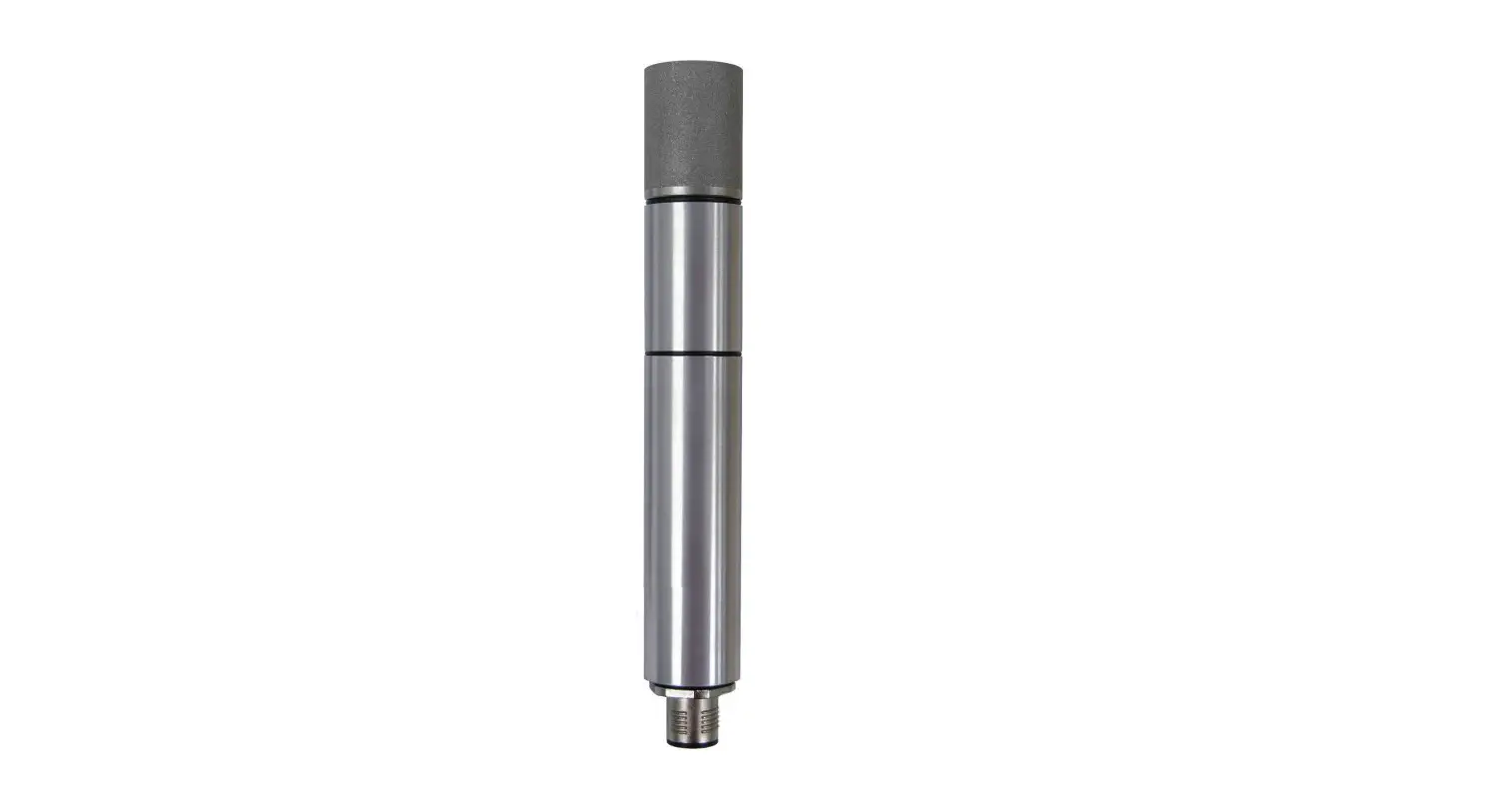
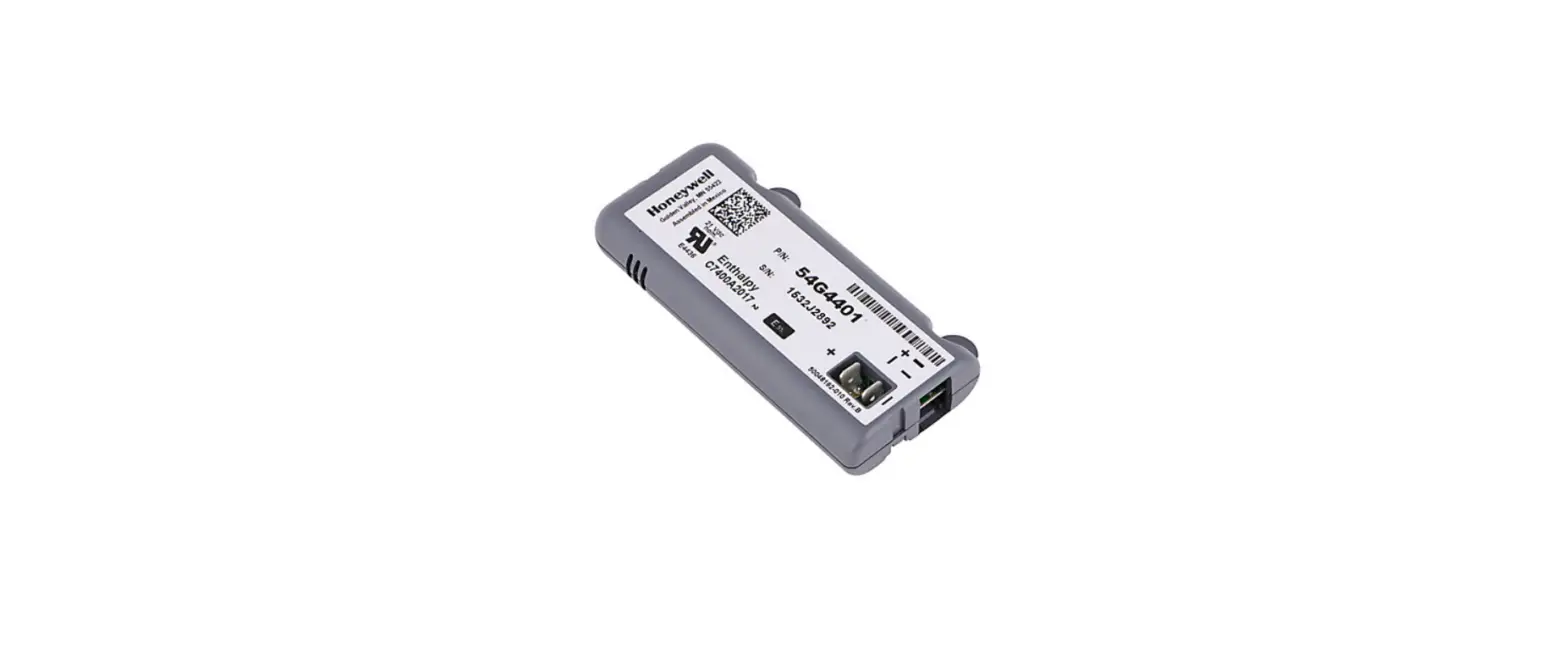
625-08881 Throttle Position Sensor (TPS) Generation 2 VCM
Product Information
Product Name: Throttle Position Sensor (TPS) Generation 2
VCM (625-08881)
Models Included: Super Bronco 42E XP (33ABA7KS766)
Index: GEN 2 Vehicle Control Module (VCM) (625-08881)
Instruction Sheet Number: 769-26786/00
Product Usage Instructions
- Ensure that the brake is released and do not touch the brake
pedal during any part of the calibration procedure. - If an error code appears on the screen during the calibration
procedure, remove the key and start the calibration procedure over
from Step 1. - Press and hold the RMC and HEADLIGHT buttons simultaneously for
7 seconds until the F N R icons appear on the screen. - The appearance of the F N R icons indicates that the
calibration has been updated. Refer to Figure 4 for reference. - Note that the GEN 2 VCM will not save the calibration input if
the brake pedal is depressed. - If the PTO button is held longer than 7 seconds, an E107 error
code will appear. Restart the calibration process from Step 1. - Start the rider and test all operating features to ensure they
work properly and as designed. - Once confirmed, return the rider back into service.
Note: The instruction images in the manual are on a table and do
not include the presence of a key.
Calibration of the Throttle Position Sensor (TPS) Generation 2 VCM (625-08881)
Models Included:
Super Bronco 42E XP (33ABA7KS766)
INDEX: GEN 2 Vehicle Control Module (VCM) (625-08881)
Buttons: Page 1. Calibration Steps: Page 2.
2.10.23
Instruction Sheet
1 of 2
769-26786/00
IMPORTANT: The brake must be released. DO NOT touch the brake pedal during any part of the calibration procedure. NOTE: If during the calibration procedure an error code shows up on the screen; remove the key, start the calibration
procedure over at Step 1.
NOTE: Our Instruction images are on a table and the Key is not present.
1. Begin Calibration of the Gen 2 VCM · Chock the rear wheels. · Insert the key into the VCM. · A new VCM is shipped in calibration mode as seen in
Figure 1. · To place a VCM in Calibration mode, press and hold the
RMC and HEADLIGHT buttons for 7 seconds until the F N R icons show on the screen as in Figure 1.
3. Release the Forward Throttle Pedal. NOTE: Both Pedals must be released and in the neutral position. · Press the Start Button and release.
· “N” will now have a box around it. See Figure 3.
RMC
HEADLIGHT
Figure 1 NOTE: The following sequence MUST be met for correct calibration. 2. Slowly press the Forward Throttle Pedal until it stops. · Press the Cruise Button. · “F” will be boxed in. See Figure 2.
Start
Figure 3 4. Slowly press the Reverse Throttle Pedal until it stops. · Press the PTO button and release. · The VCM screen will change to the start screen. This
indicates the calibration has been updated. See Figure 4. This completes the calibration process.
PTO
Cruise
Figure 4
Figure 2 NOTE: The GEN 2 VCM will not save the calibration input if the brake pedal is depressed.
NOTE: If the PTO button is held longer than 7 seconds and E107 error code will appear. Restart the calibration
process from Step 1. 5. Start the rider, test and confirm all operating features work
properly and as designed. Return the rider back into service.
Instruction Sheet
2 of 2
769-26786/00