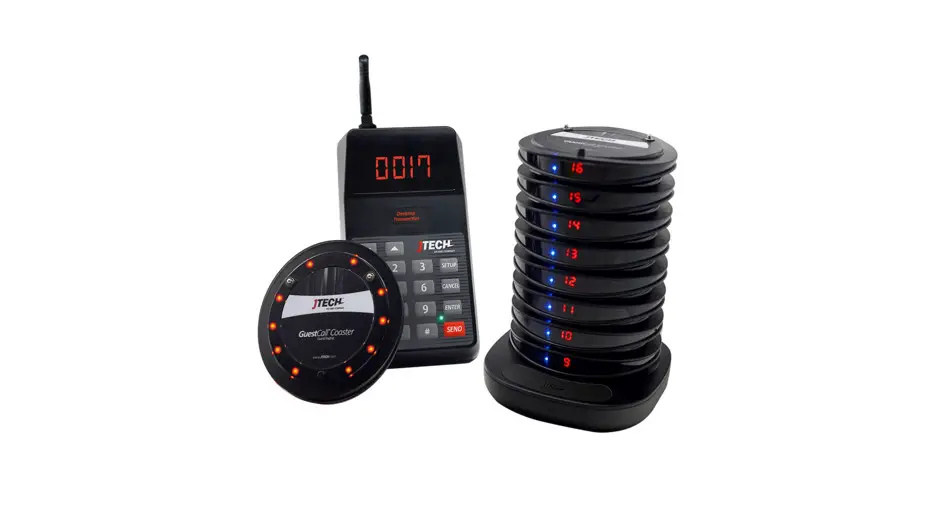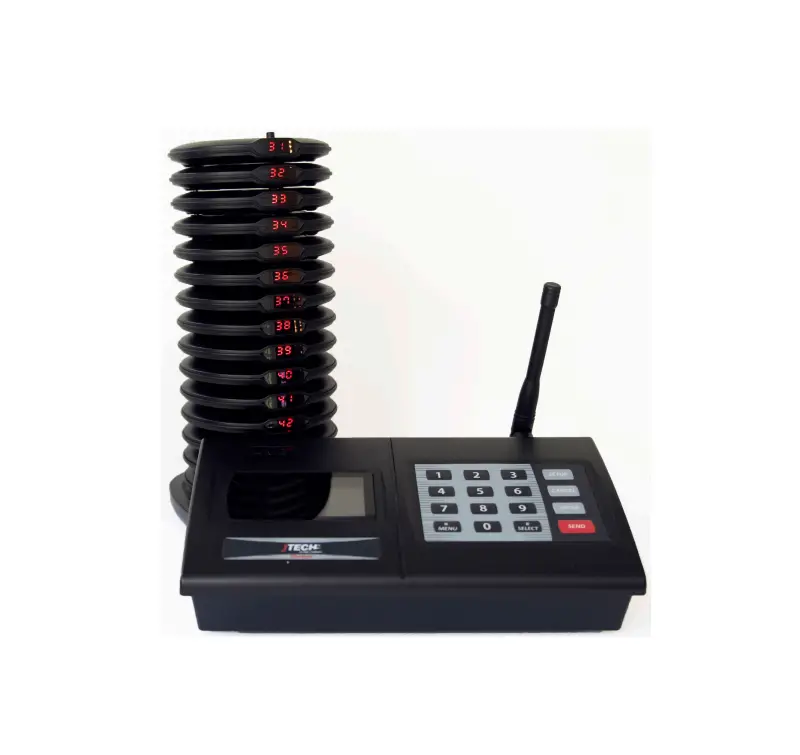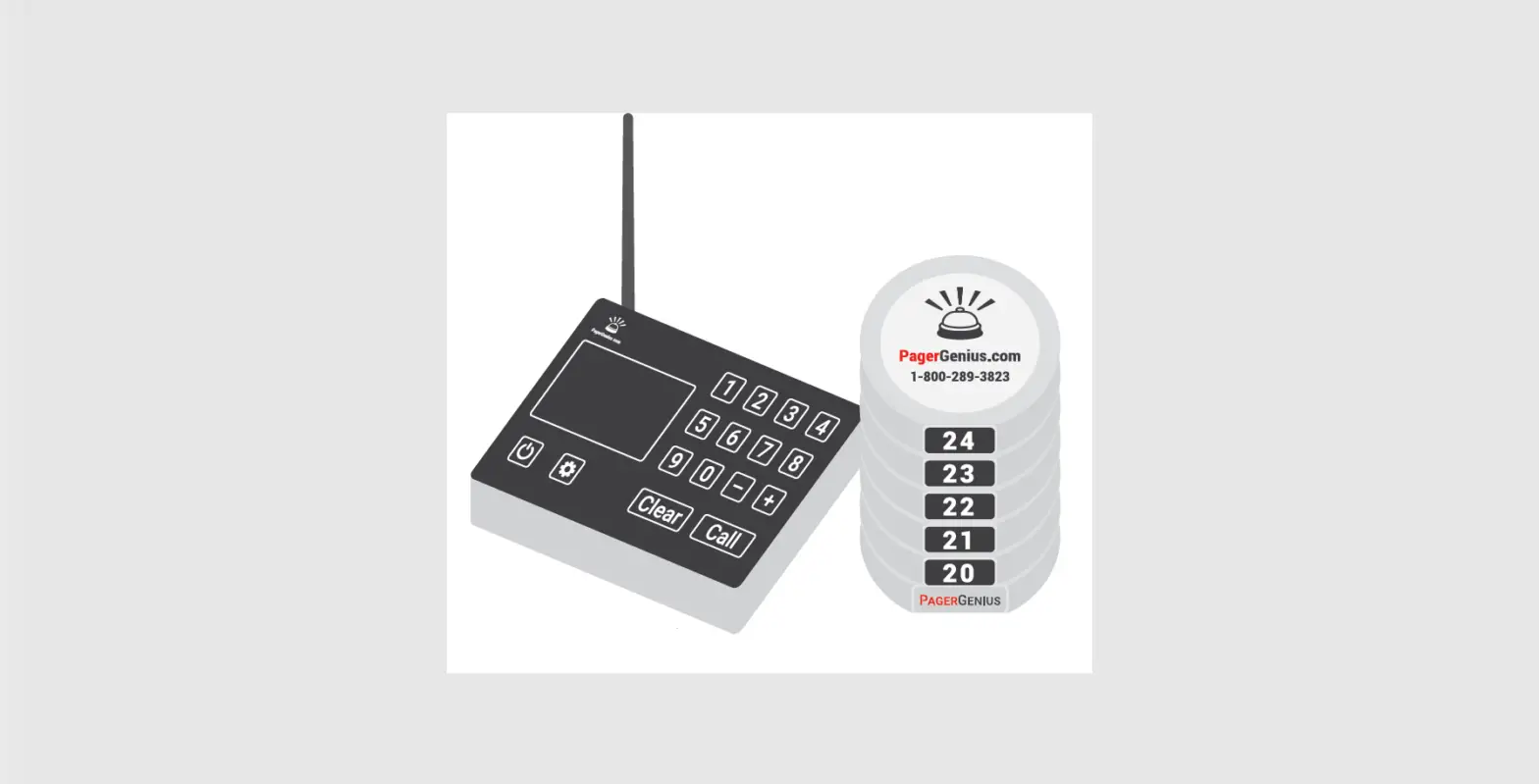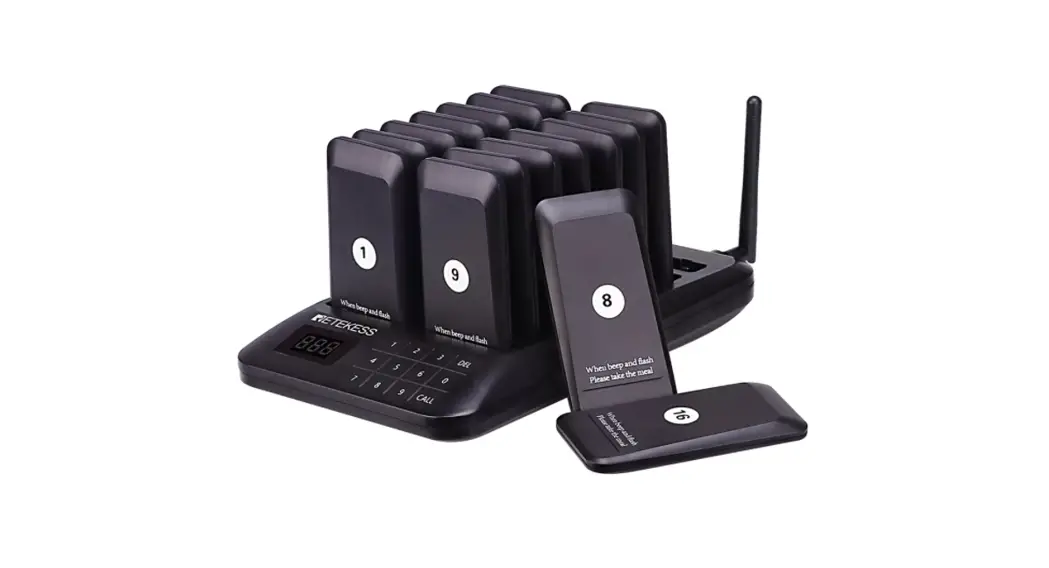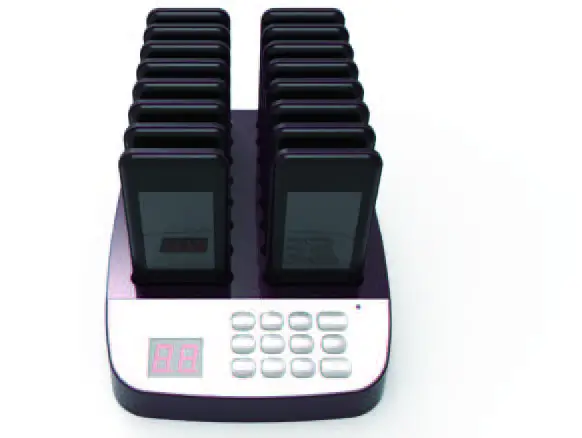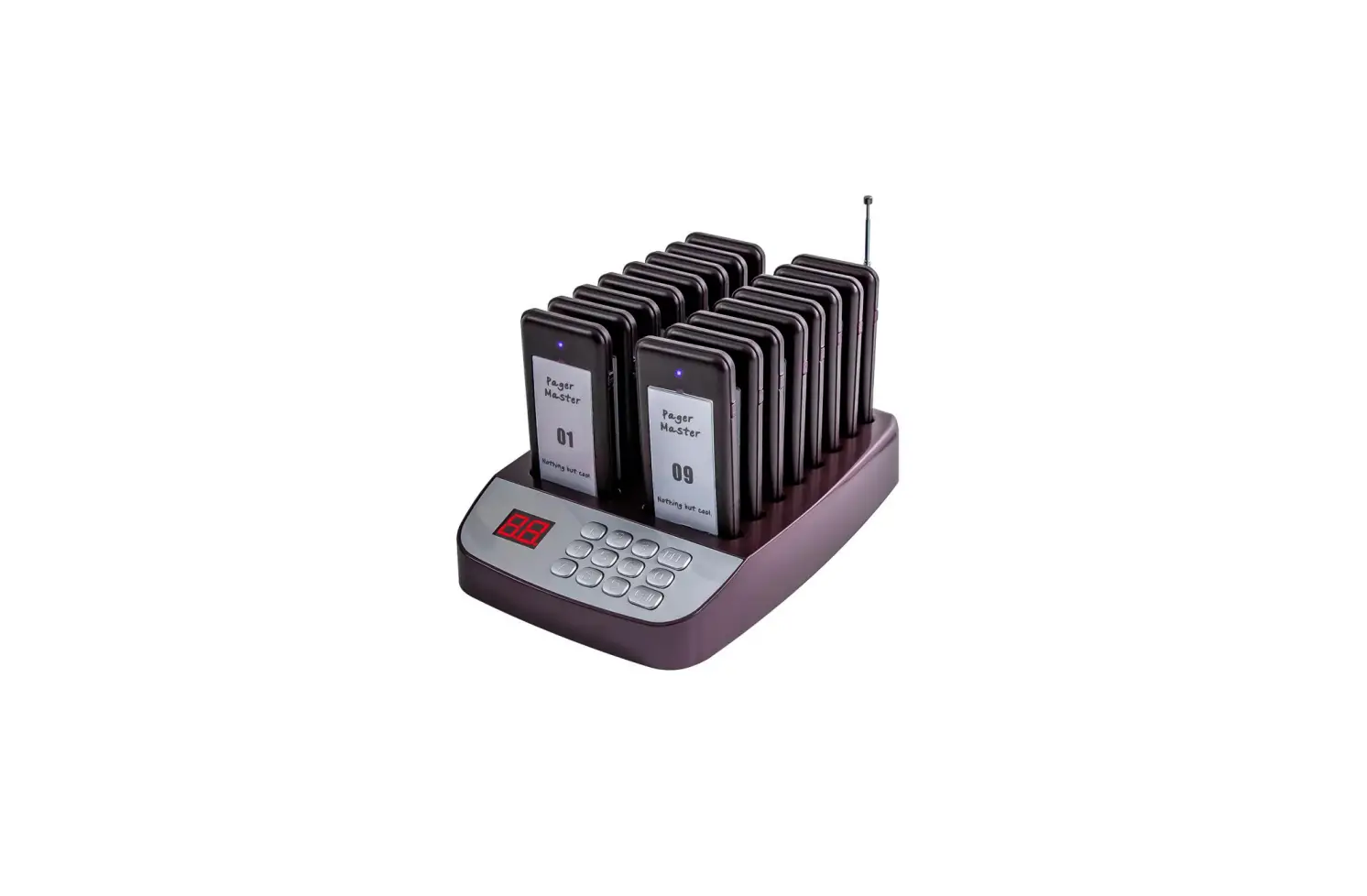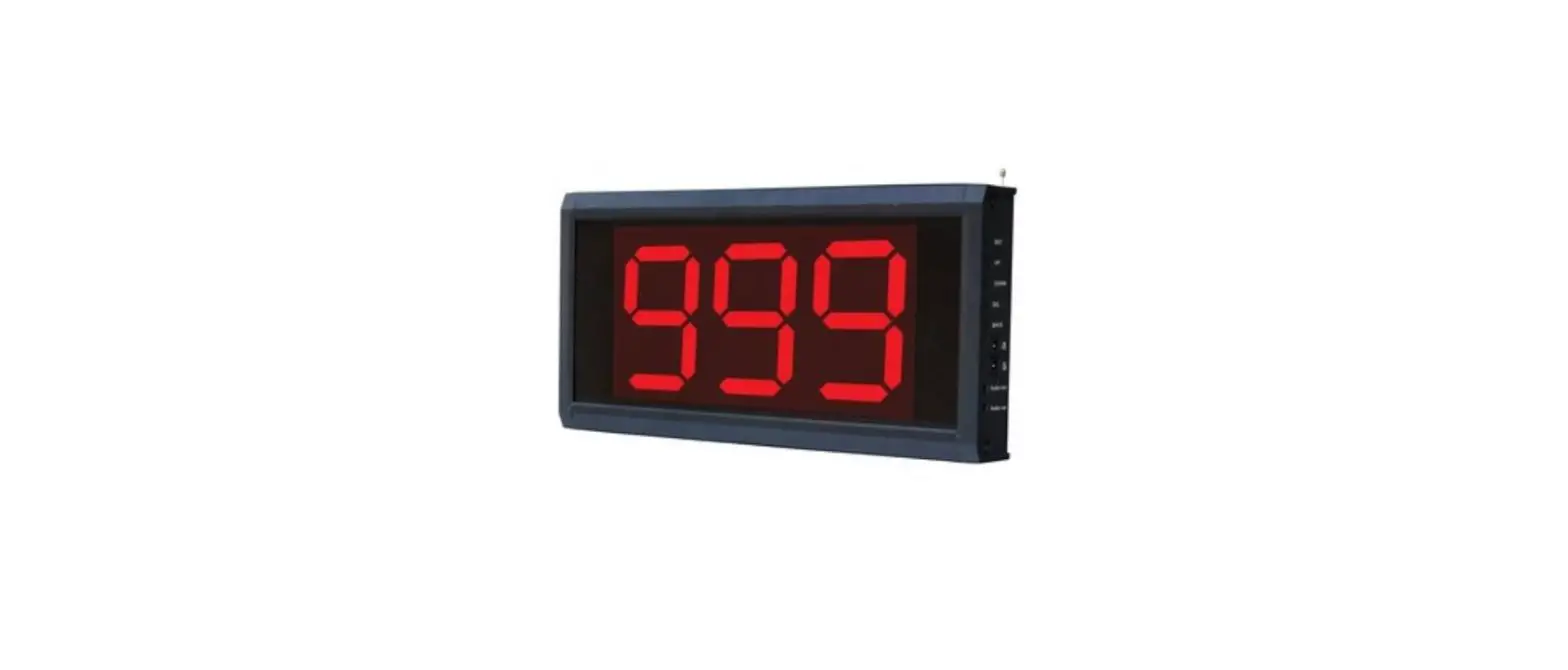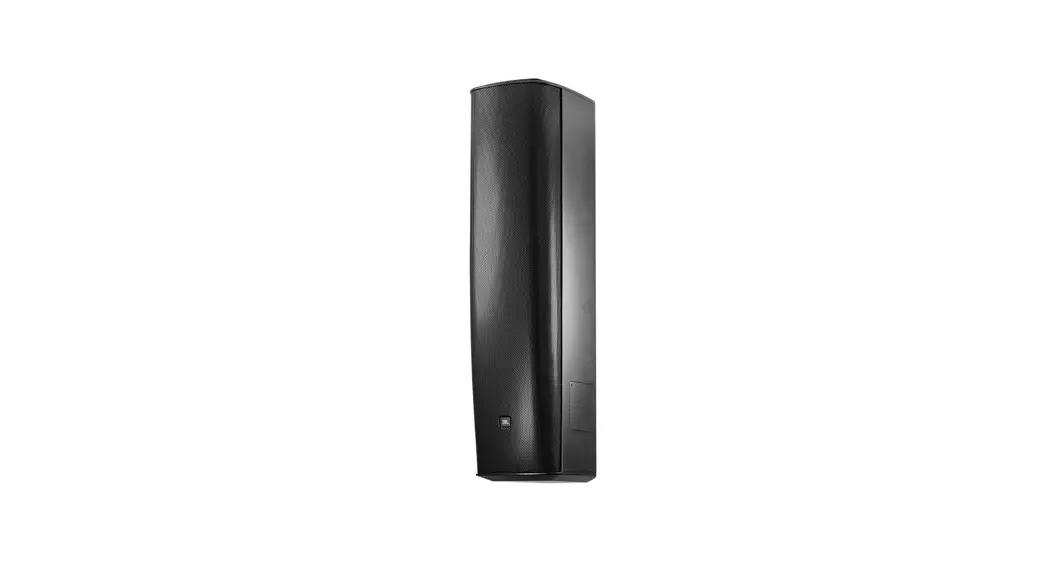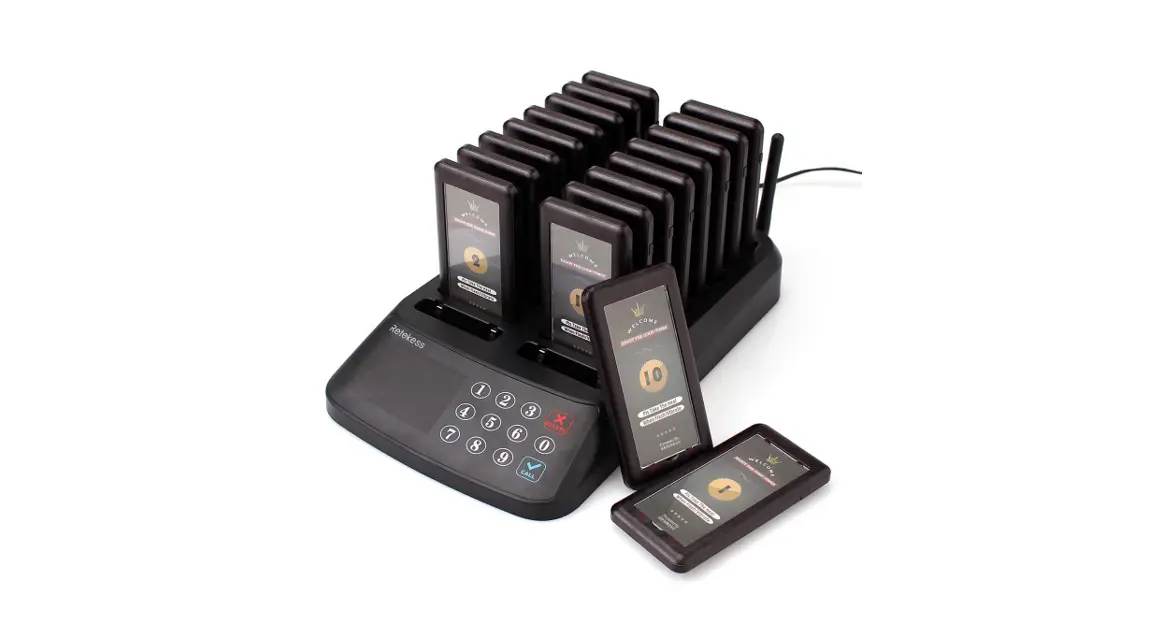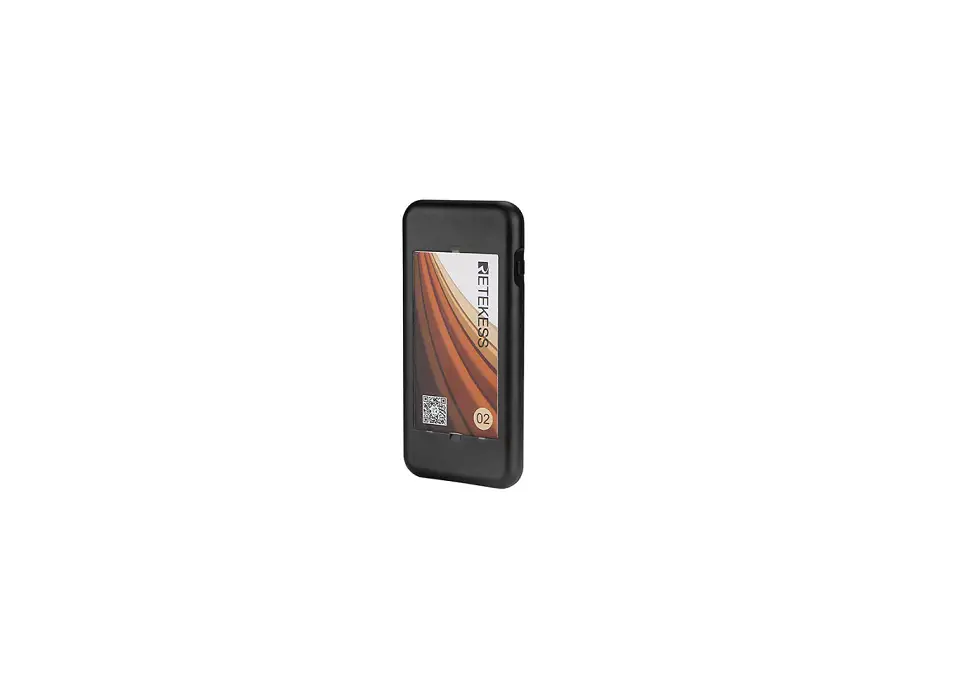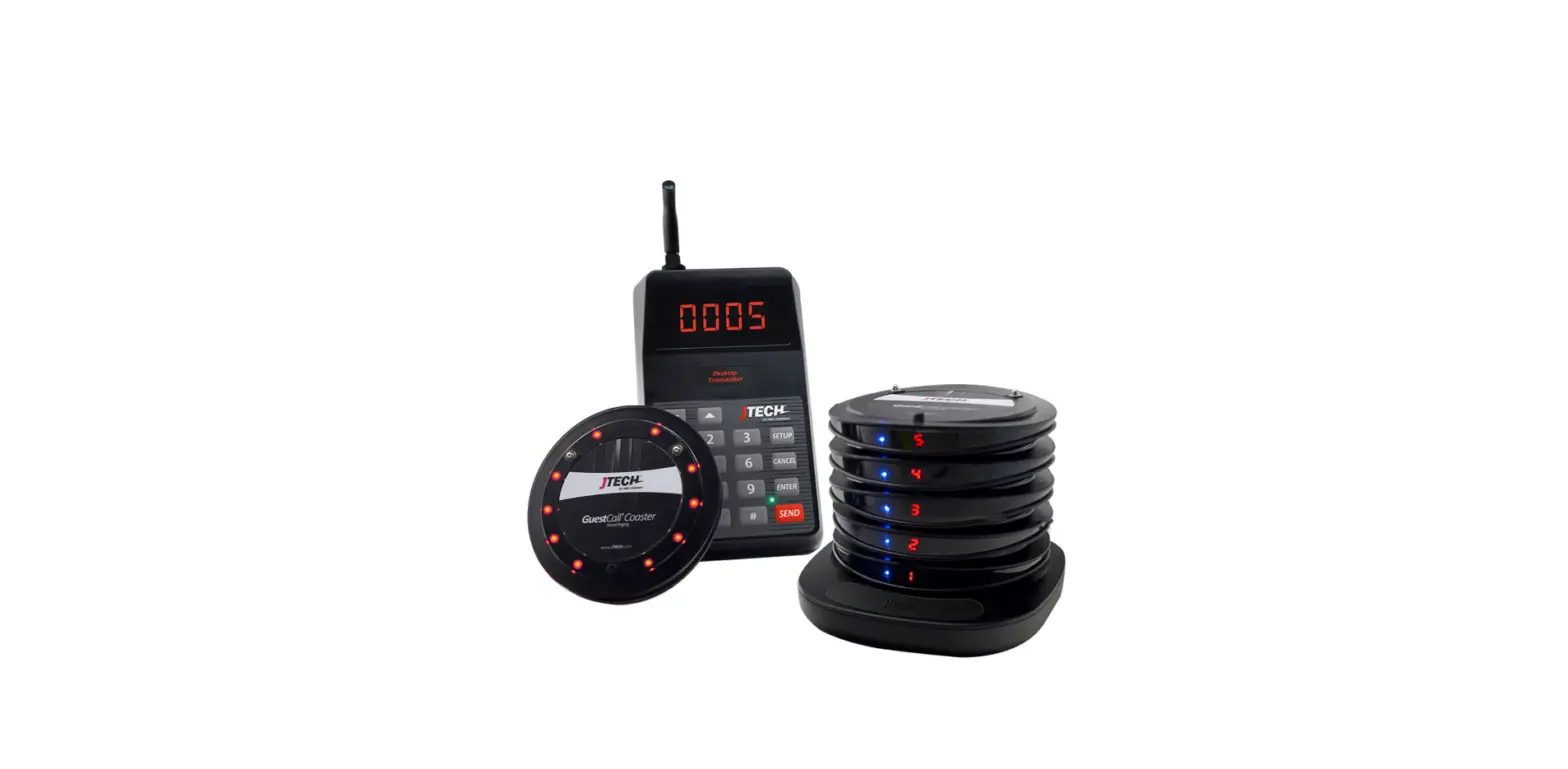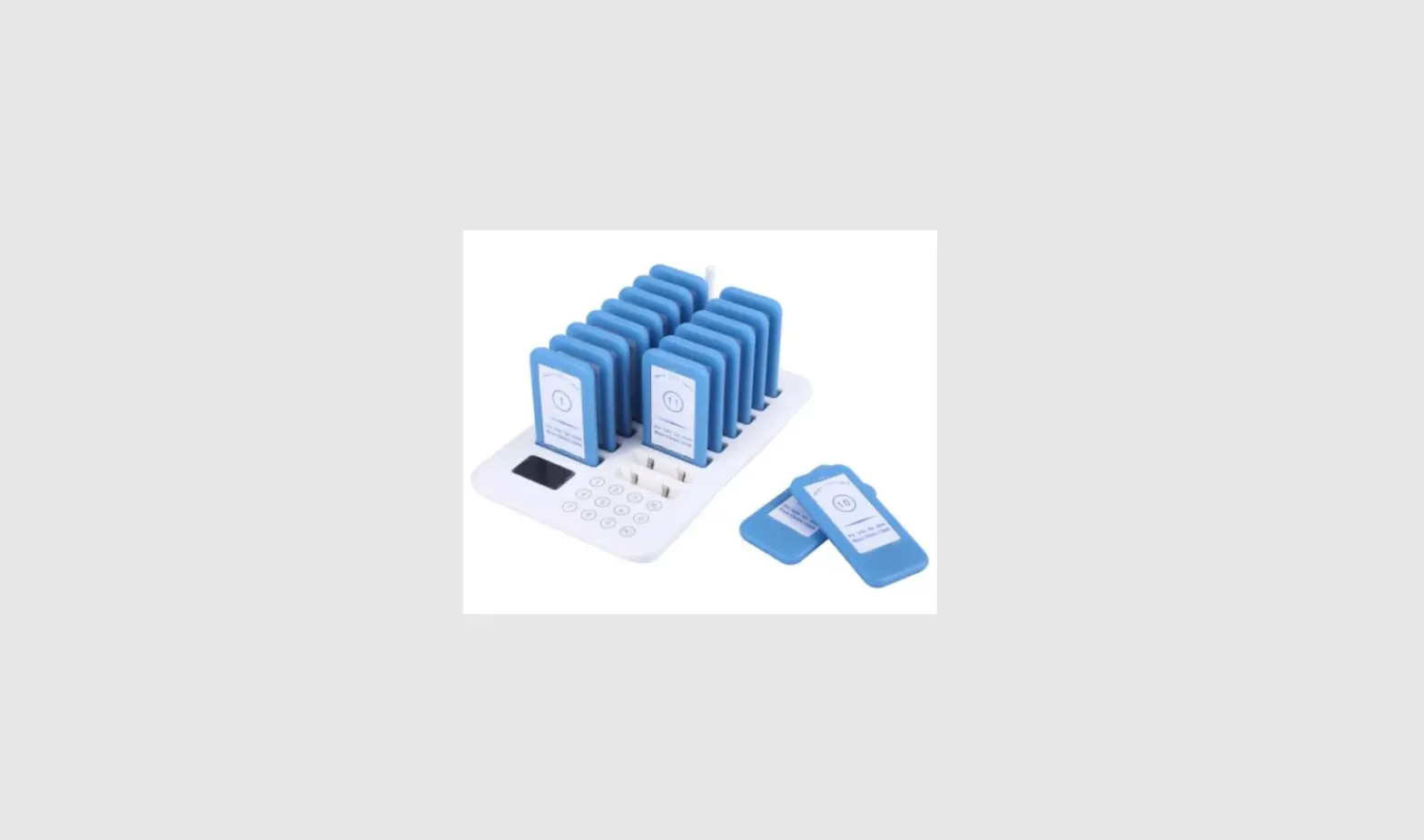

Shanghai Biancheng Electronic Technology BCT-6980 Guest Paging System
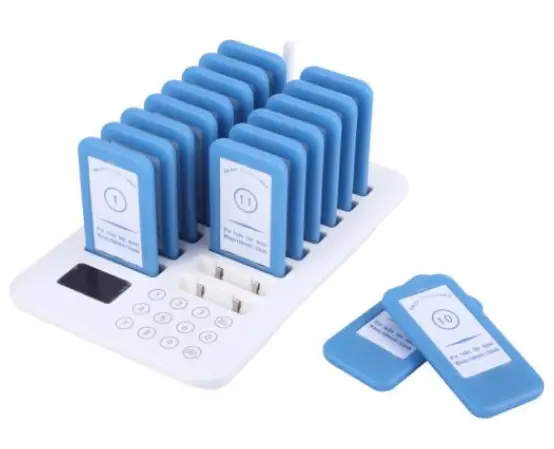
Diagram
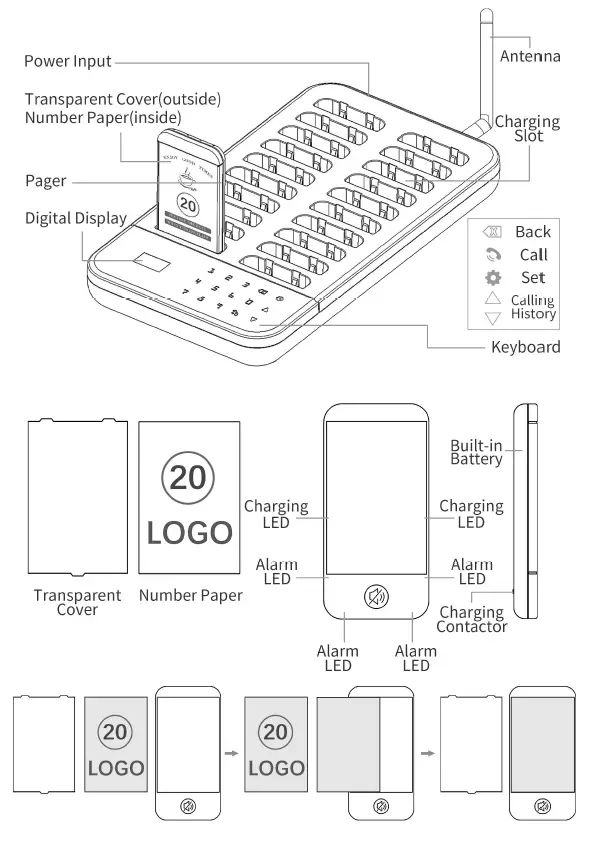
Parameter
| Transmitter | Pager | ||
| Input Power | DC12V/1.5A | Working voltage | Li-ion 3.7V 200mAh |
| Frequency | 433.92MHz | Frequency | 433.92MHz |
| Transmit Power | +23dBm | Standby Current | <12mA |
| Standby Power | <600mW | Standby Duration | 24h |
| Modulation Type | OOK | Sensitivity | -108dBm |
| Charging Pagers | 20pcs | Max Distance | 500m |
| Max Capacity | 998pcs | Alarm Mode | Vibration/Buzzer/Flashing |
| Keyboard | Touching Pad | Alarm Time | 1-999s settable |
| Material | ABS | Material | ABS |
| Dimensions | 290*155*32mm | Dimensions | 100*50*10mm |
The parameters were measured in the laboratory. They may vary depending on using cycles and the environment.
Instructions
Before using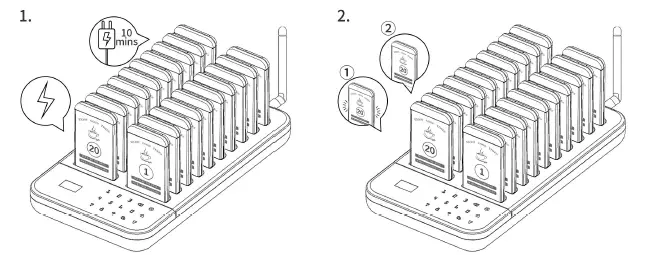
- Please charge for more than 10 mins before using
- LEDs fast flash during charging, while stay on when fully charged.
Programing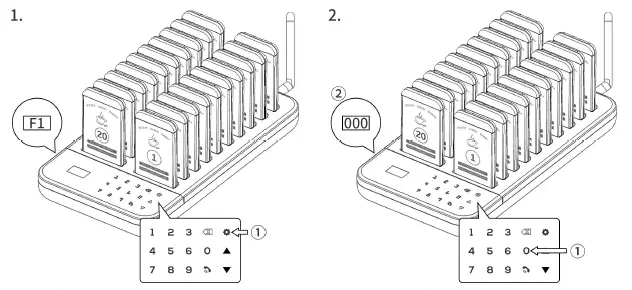
- Press “SET”, “F1” is displayed.
- Press CALL, charging indicators on pagers] turn off, and other indicators turn on. 000 flashes on the transmitter.

- Pick up a pager, and input numbers (1-998). Then press CALL to confirm.
- The pager long beeps. Programming is done. Repeat the above steps to program other pagers.
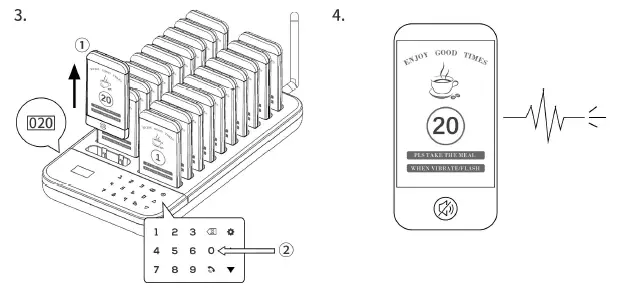
Calling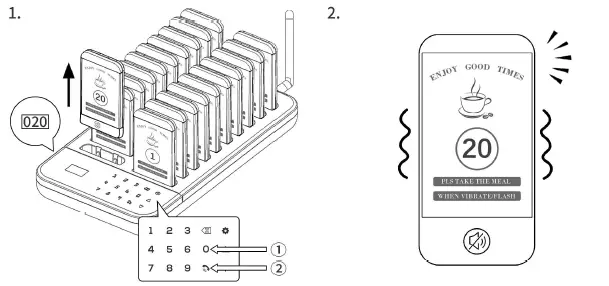
- Input the number and press CALL.
- The called pager starts an alarm.

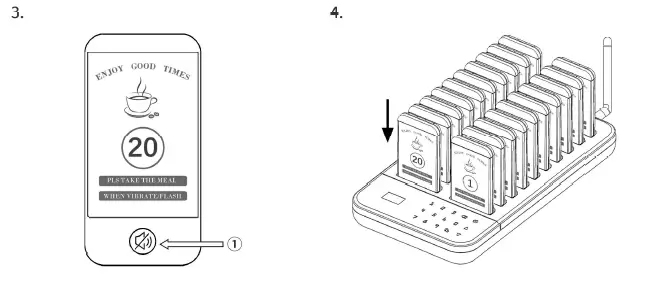
- Press here to stop the alarm.
- Putting back the pager to the charging slot can stop alarm, too.

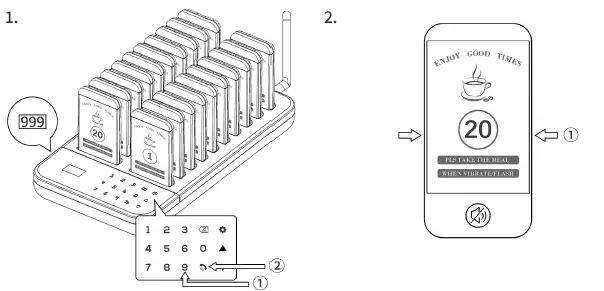
- Call 999, all charging pagers will be off.
- All LEDS are off if taking out the pager.Re-charge pagers Will turn on again. This instruction is invalid to the pagers not being charged.
Settings
Note
- 1. Press SET / Gear button to enter F1.
 : Return to the previous menu & Cancel the operation.
 : In working state, they are used to check recent 10 called numbers. The showing number can be re-called by pressing CALL. In setting mode, they are used to switch from F1 to F4.
- In F2, use UP or DOWN buttons to choose from 000 to 010 settings. All pagers must be in the charging slot,
 : Return to the previous menu & Cancel the operation.
 : In working state, they are used to check recent 10 called numbers. The showing number can be re-called by pressing CALL. In setting mode, they are used to switch from F1 to F4.
So functions from 004 to 010 can be changed on the pager.
| Menu | Instructions | Function | Operation |
| F1 | Pairing | As shown in B part of instructions. | |
|
F2 | 000 | Keyboard, feedback disabled | In 000 and press call, no beep or vibration on keyboard when touching. |
| 001 | Keyboard, beep feedback | In 001 and press call, only beep on keyboard when touching | |
| 002 | Keyboard, vibration feedback | In 002 and press call, only vibration on keyboard when touching | |
| 003 | Keyboard, beep & vibration feedback | In 003 and press call, keyboard will beep & vibrate when touching | |
| 004 | Pager, beep alarm mode | In 004 and press call, pager alarms by beep only. | |
| 005 | Pager, vibration alarm mode | In 005 and press call, pager alarms by vibration only. | |
| 006 | Pager, LED alarm mode | In 006 and press call, pager alarms by flashing LED only. | |
| 007 | Pager, beep + vibration alarm | In 007 and press call, pager alarms by beep & vibration both. | |
| 008 | Pager, vibration + LED alarm | In 008 and press call, pager alarms by vibration & LED both. | |
| 009 | Pager, beep + LED alarm | In 009 and press call, pager alarms by beep & LED both. | |
| 010 | Pager, beep + vibration + LED alarm | In 010 and press call, pager alarms by beep & vibration & LED. | |
| F3 | Prompt Time | In F3, 000 is displayed. Input number(1-999) and press CALL. The prompt time can be set from 1 to 999 seconds. | |
| F4 | Transmitter ID | In F4 mode, press CALL, the original ID is displayed. Input number from 1 to 999 can set a new ID. |
FCC STATEMENT
This device complies with part 15 of the FCC rules. Operation is subject to the following two conditions: (1) this device may not cause harmful interference, and (2) this device must accept any interference received, including interference that may cause undesired operation. Changes or modifications not expressly approved by the party responsible for compliance could void the user’s authority to operate the equipment.
NOTE: This equipment has been tested and found to comply with the limits for a Class B digital device, pursuant to part 15 of the FCC Rules. These limits are designed to provide reasonable protection against harmful interference in a residential installation. This equipment generates uses and can radiate radio frequency energy and, if not installed and used in accordance with the instructions, may cause harmful interference to radio communications. However, there is no guarantee that interference will not occur in a particular installation. If this equipment does cause harmful interference to radio or television reception, which can be determined by turning] the equipment off and on, the user is encouraged to try to correct the interference by one or more of the following measures:
- Reorient or relocate the receiving antenna.
- Increase the separation between the equipment and receiver.
- Connect the equipment into an outlet on a circuit different from that to which the receiver is connected.
- Consult the dealer or an experienced radio/TV technician for help.