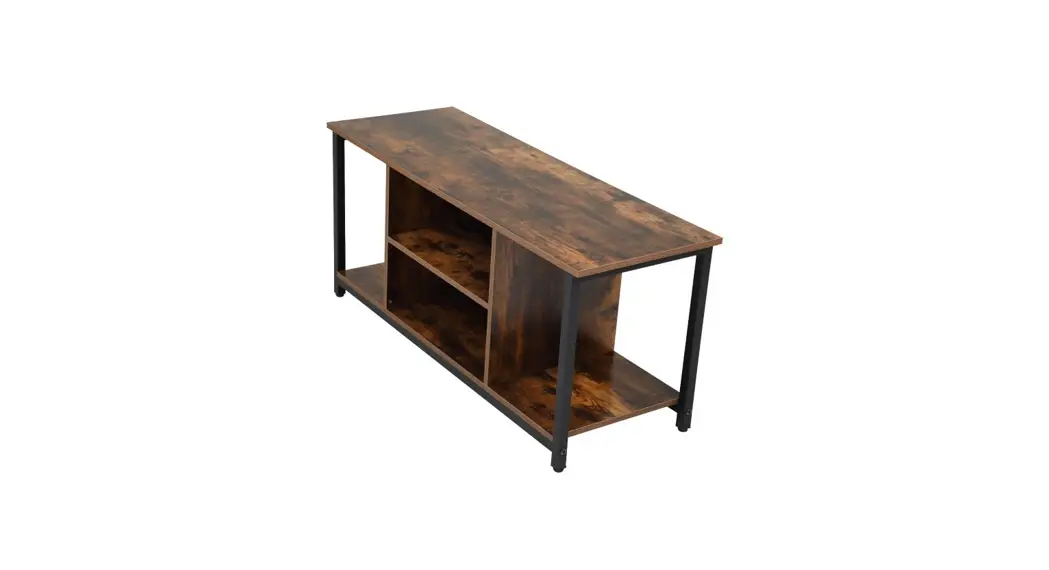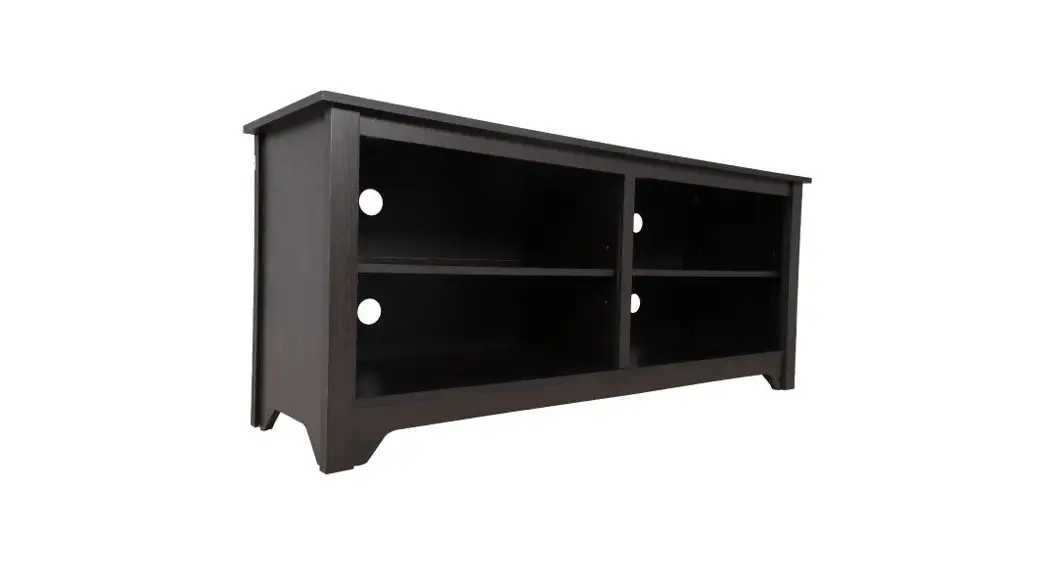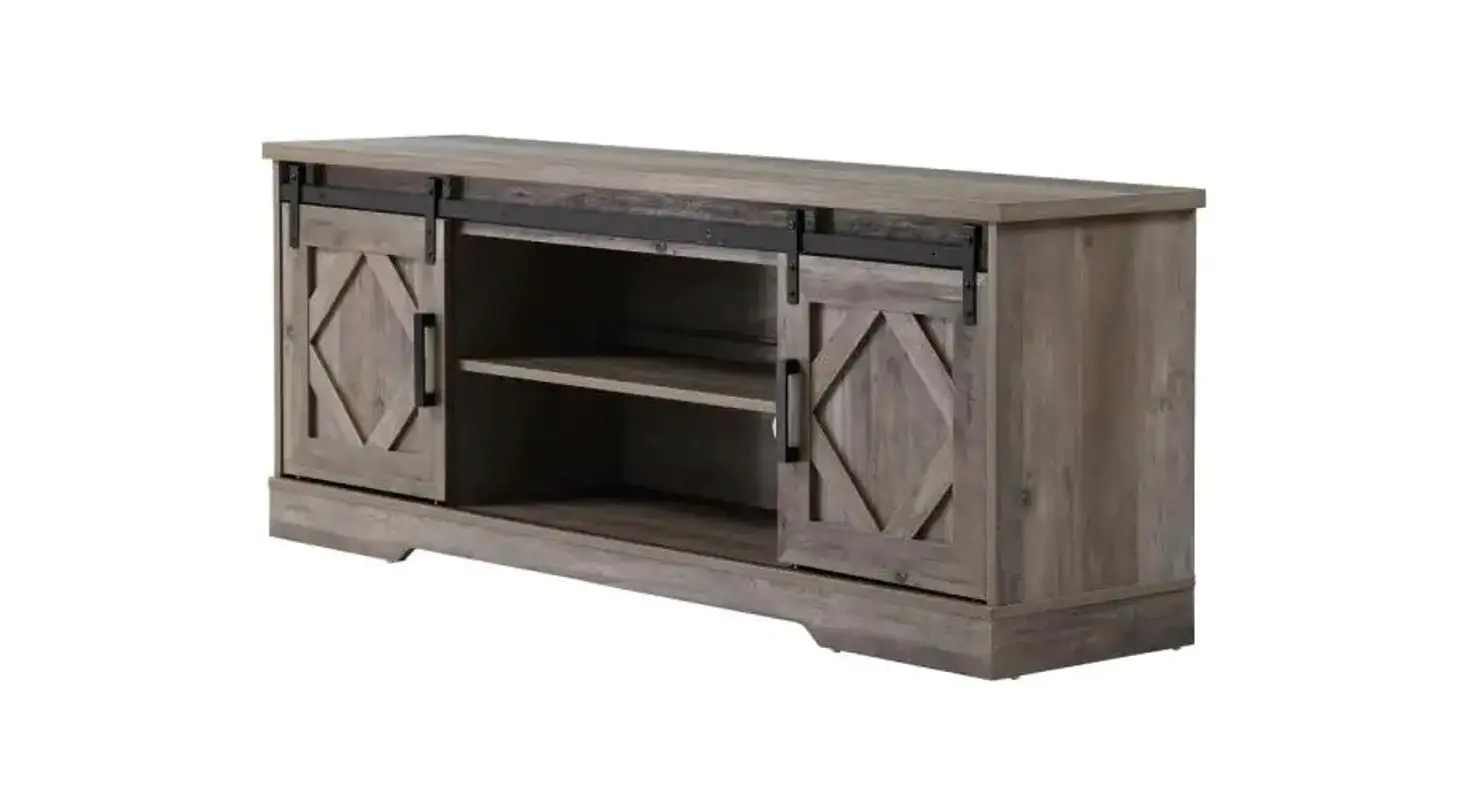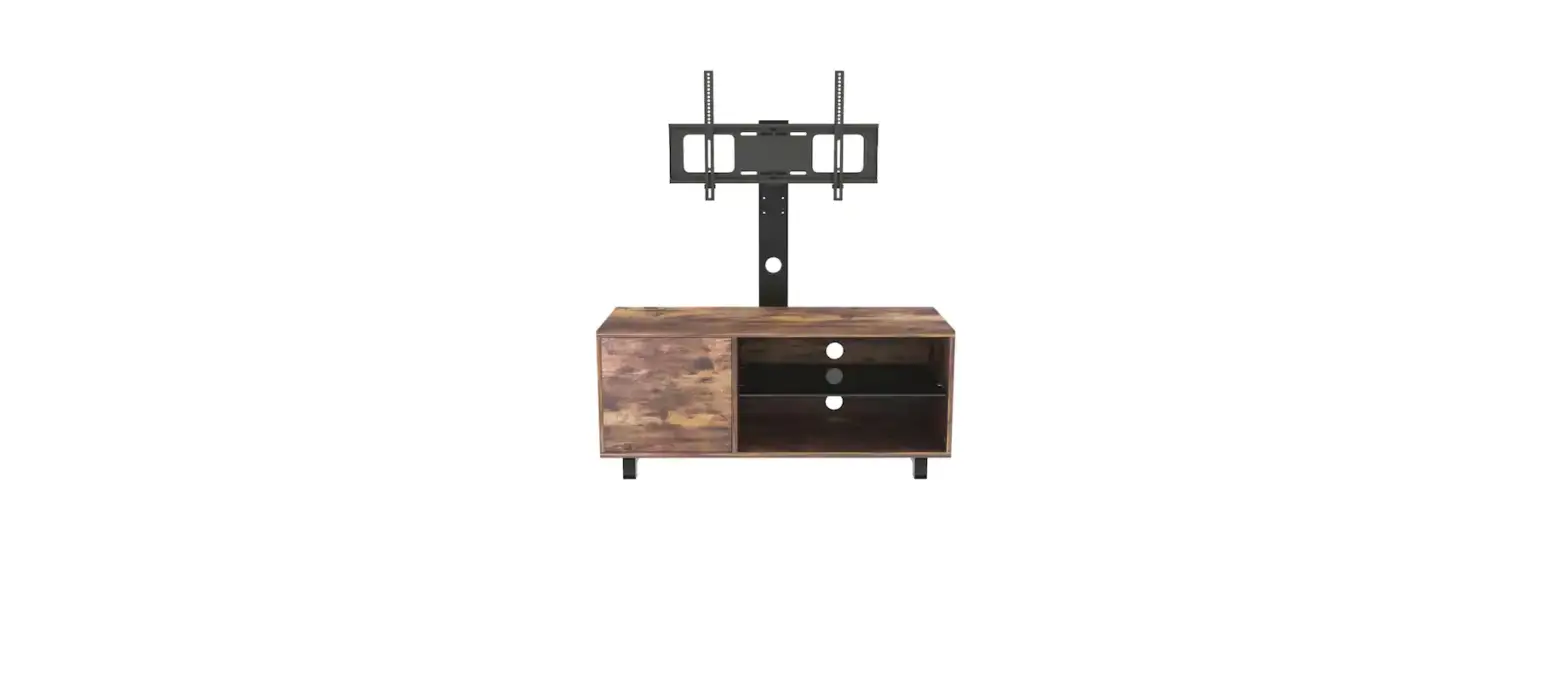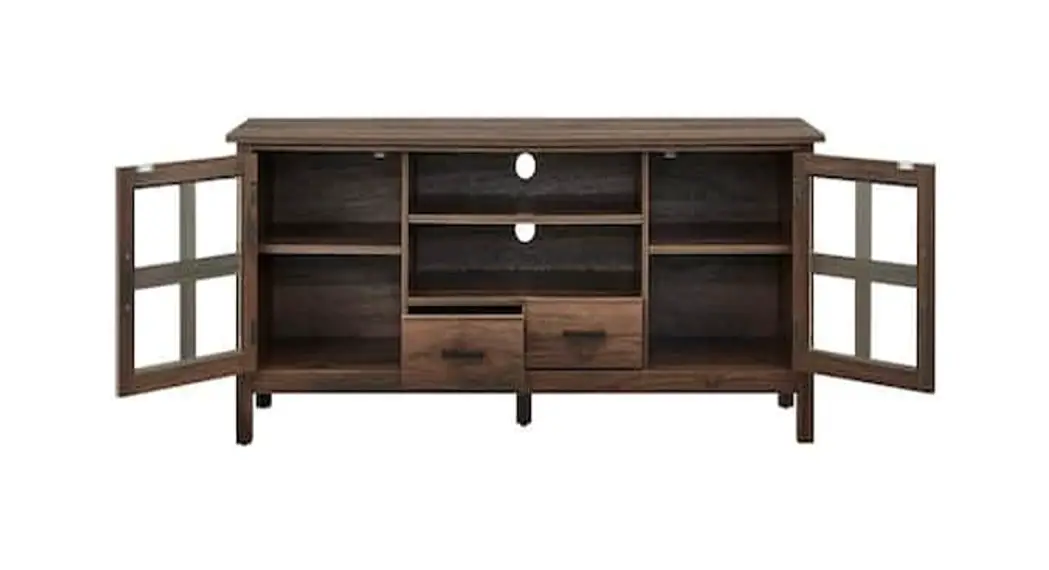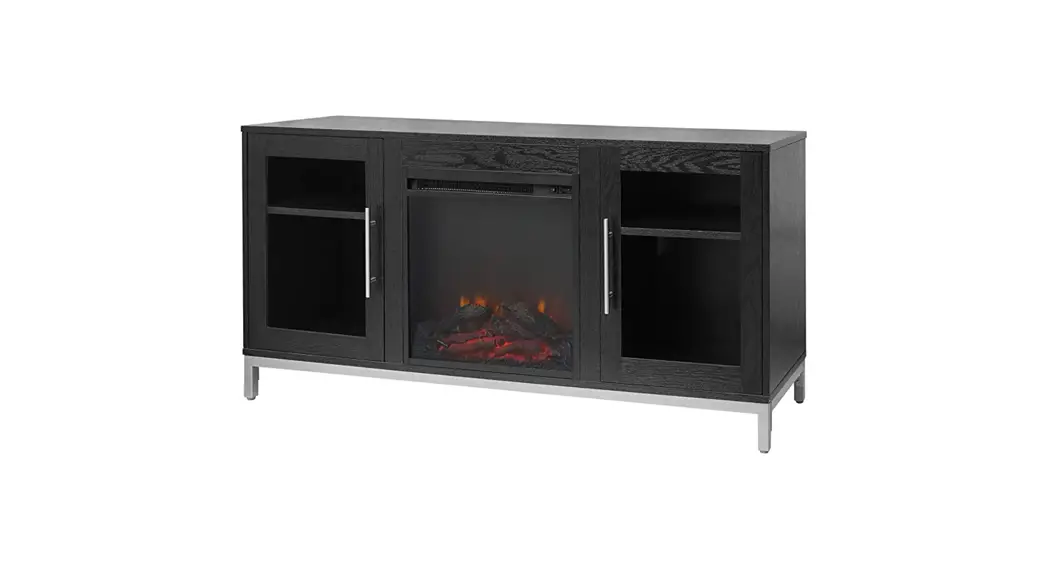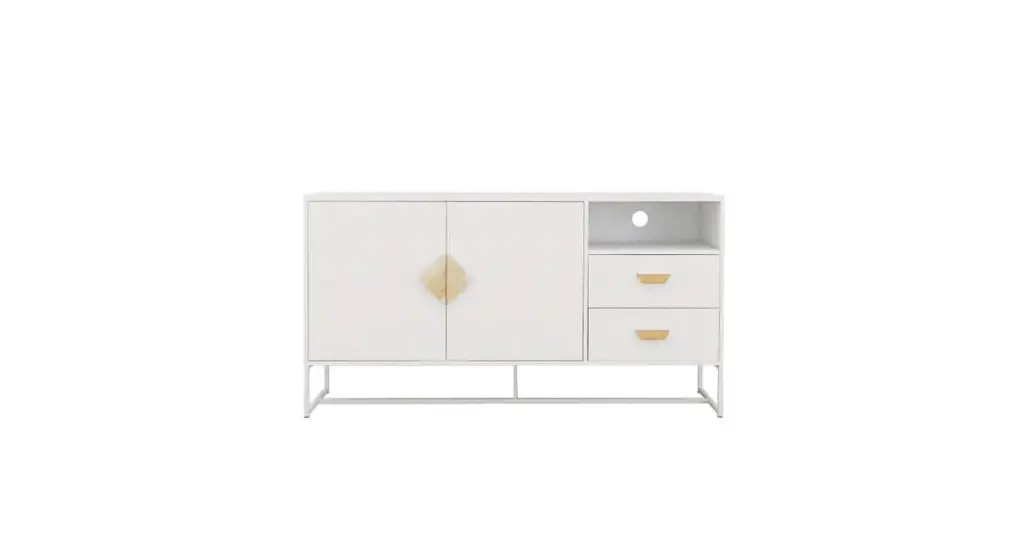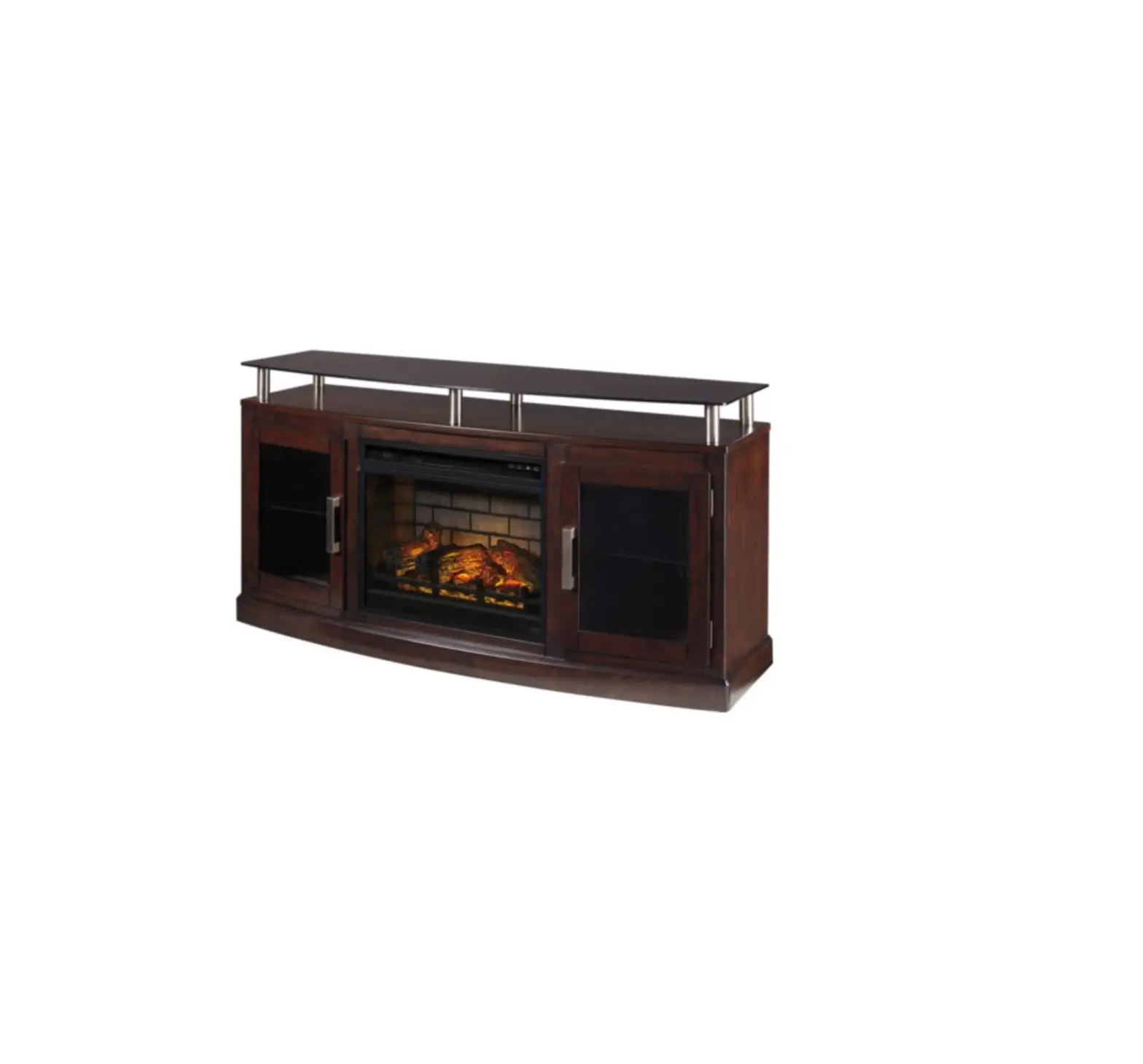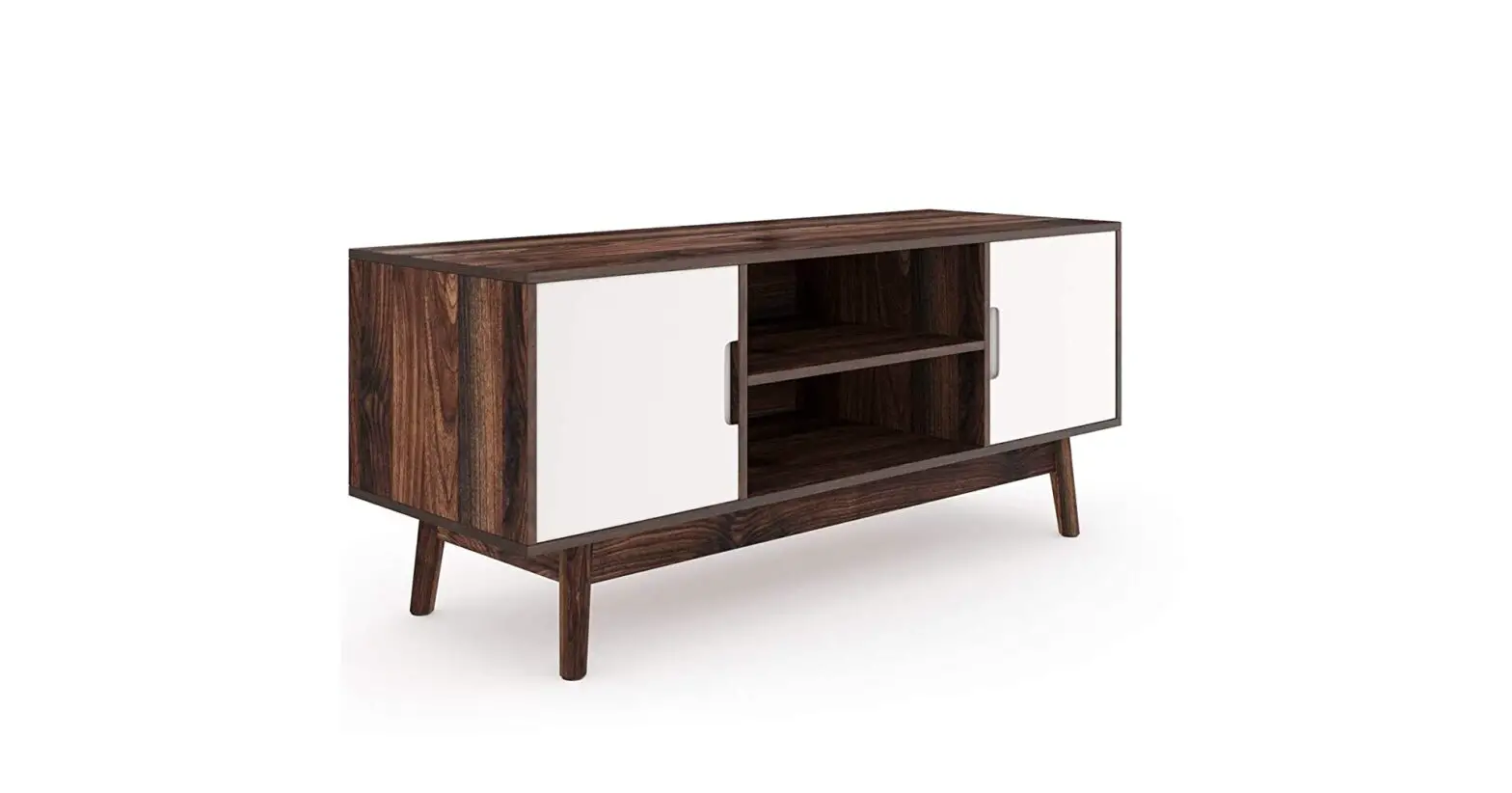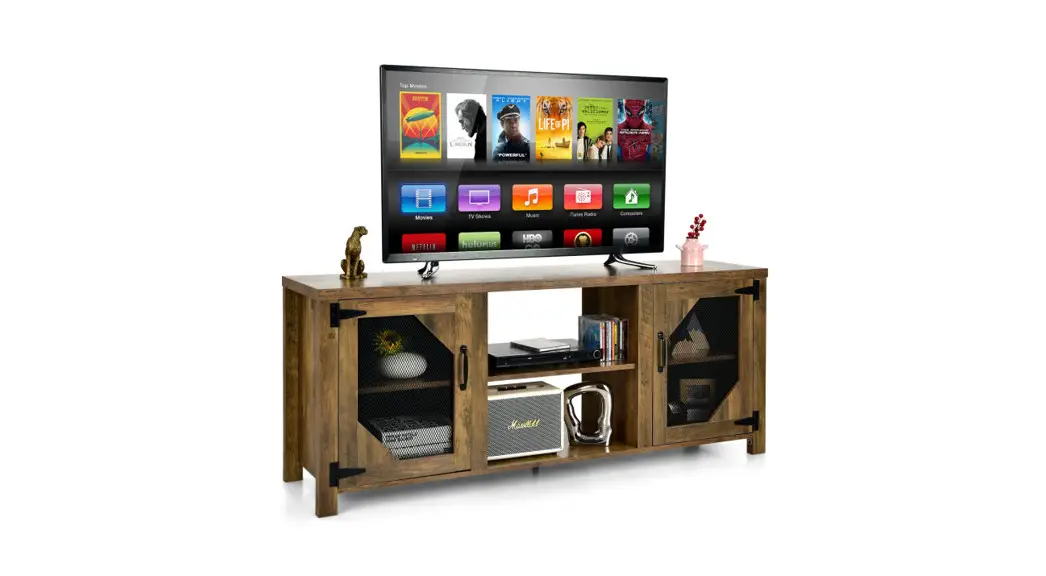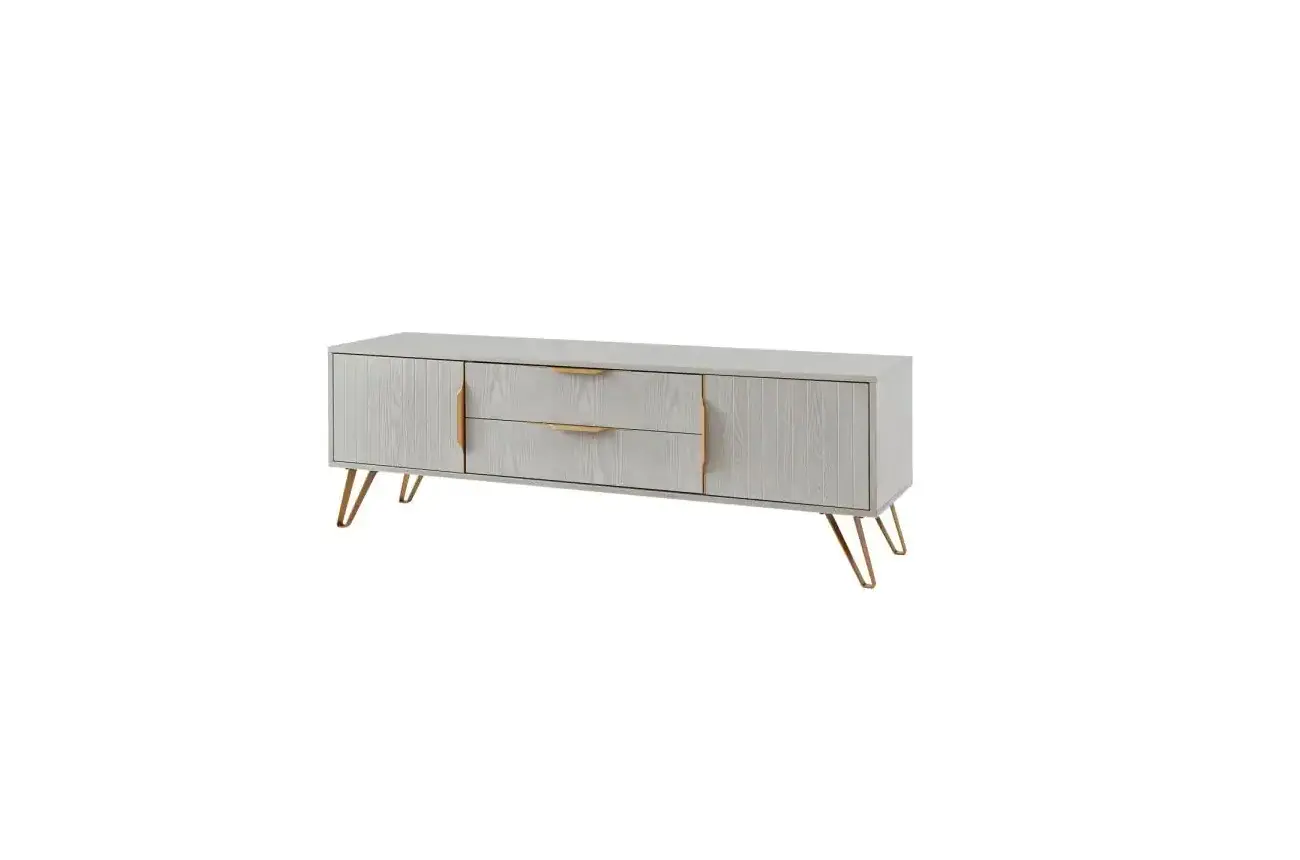

Thdstatic Wood White Tv Stand With 2 Storage Doors Fits User Manual

Thdstatic Wood White Tv Stand With 2 Storage Doors Fits User Manual

thdstatic-Wood-White-TV-Stand-with-2-Storage-Doors-Fits-logo

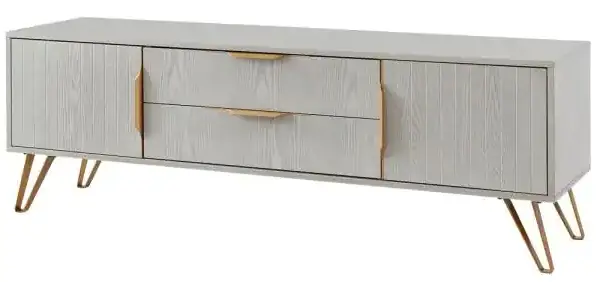
thdstatic Wood White TV Stand with 2 Storage Doors Fitsthdstatic-Wood-White-TV-Stand-with-2-Storage-Doors-Fits-product

Overview

thdstatic-Wood-White-TV-Stand-with-2-Storage-Doors-Fits-fig-1

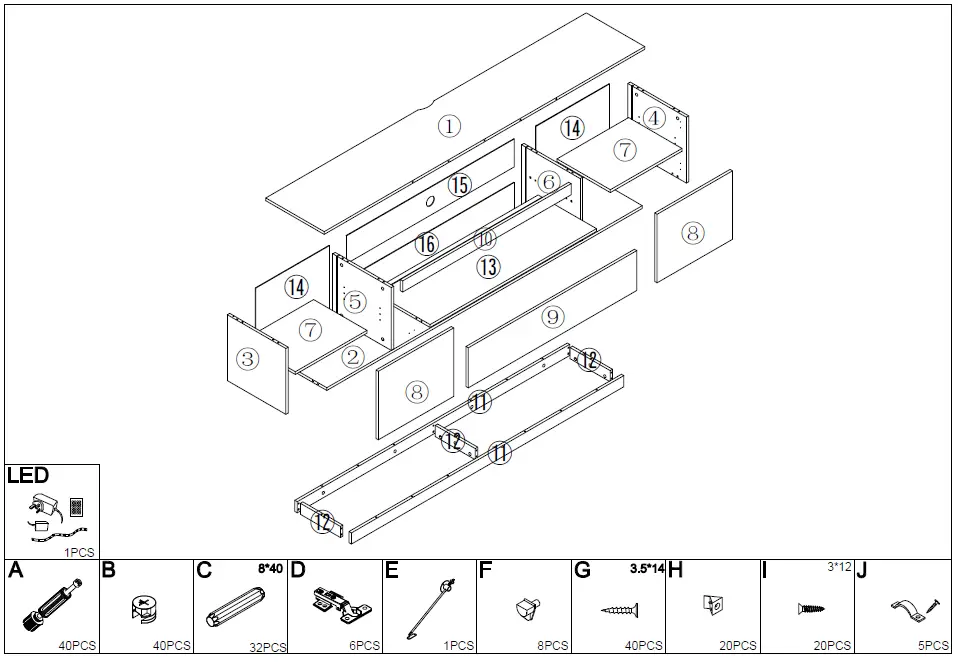
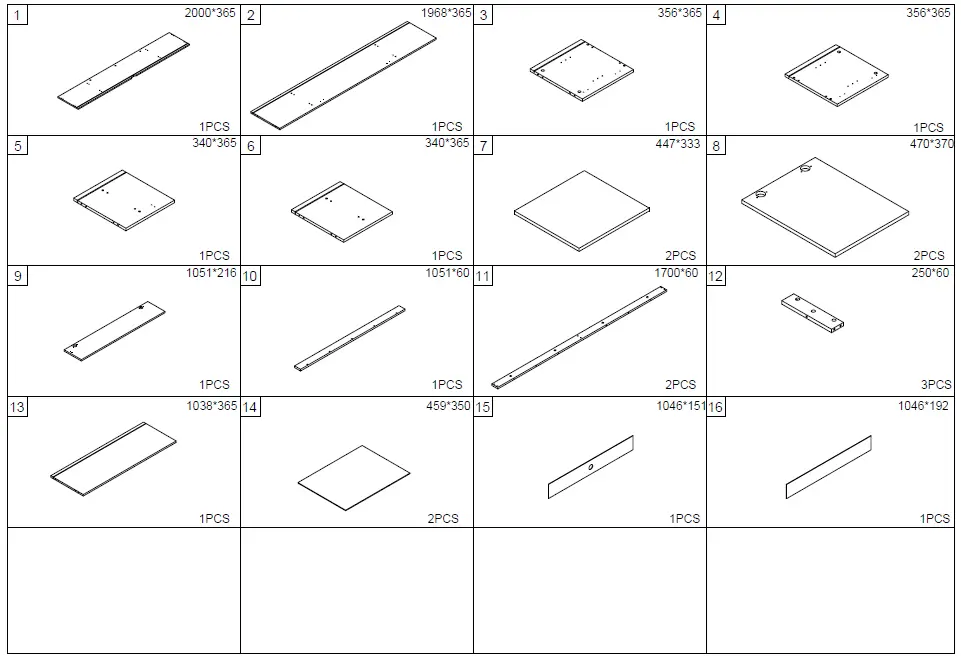
Partsthdstatic-Wood-White-TV-Stand-with-2-Storage-Doors-Fits-fig-2

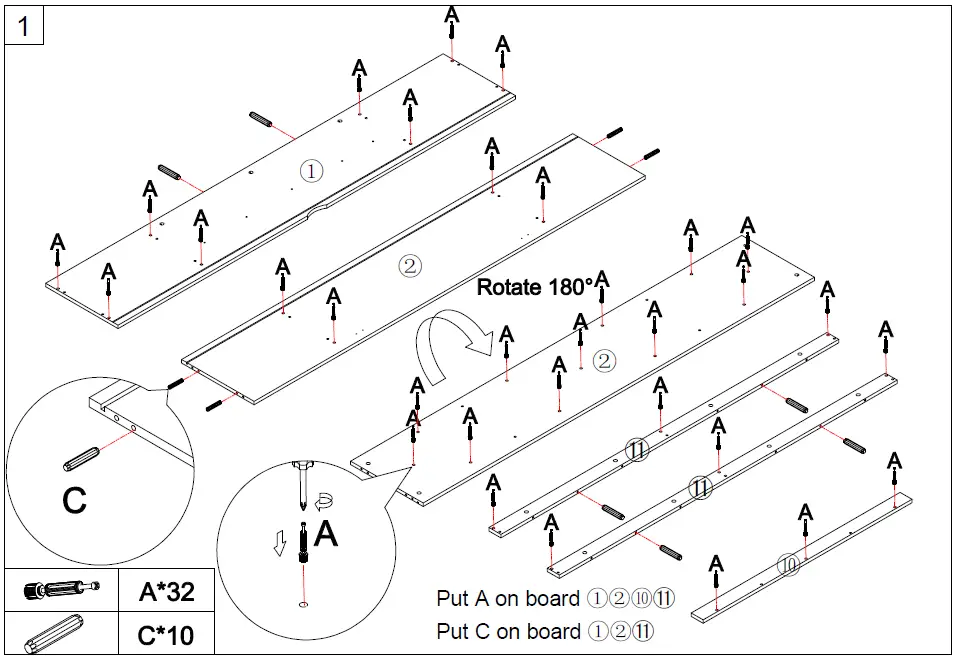
Installation

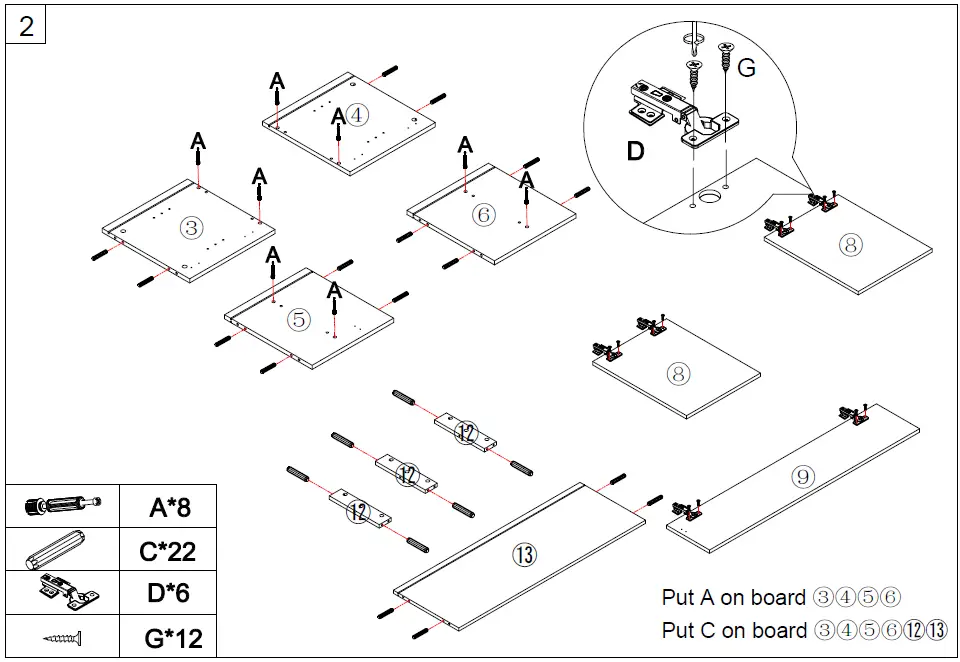
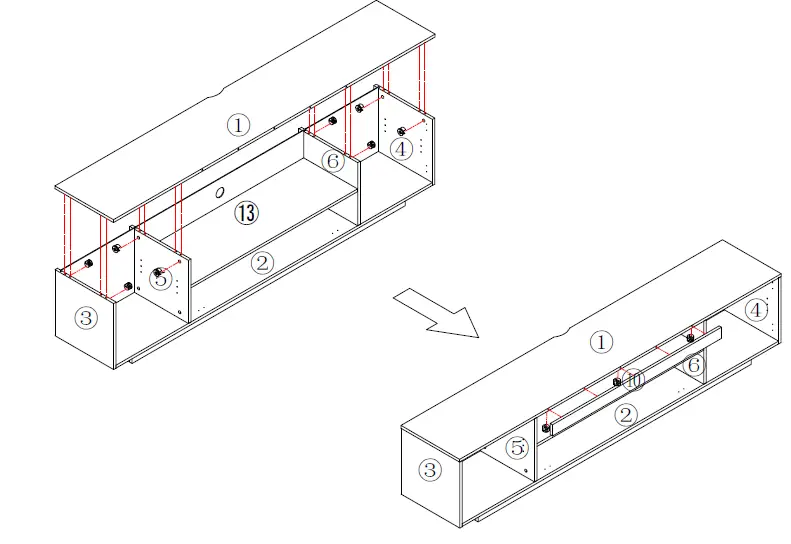
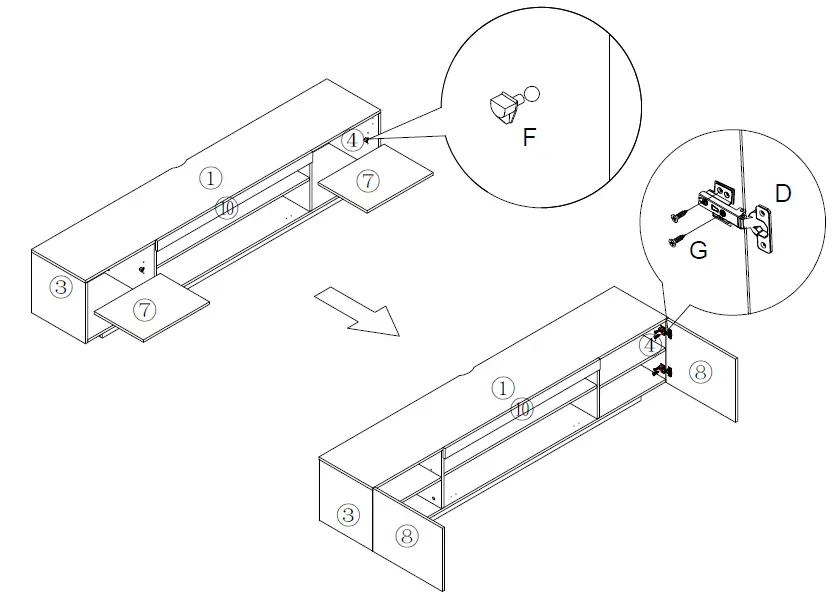
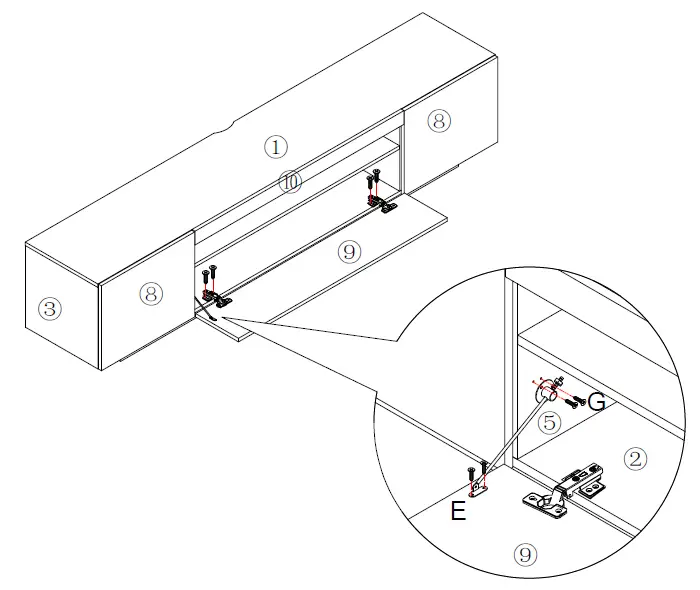
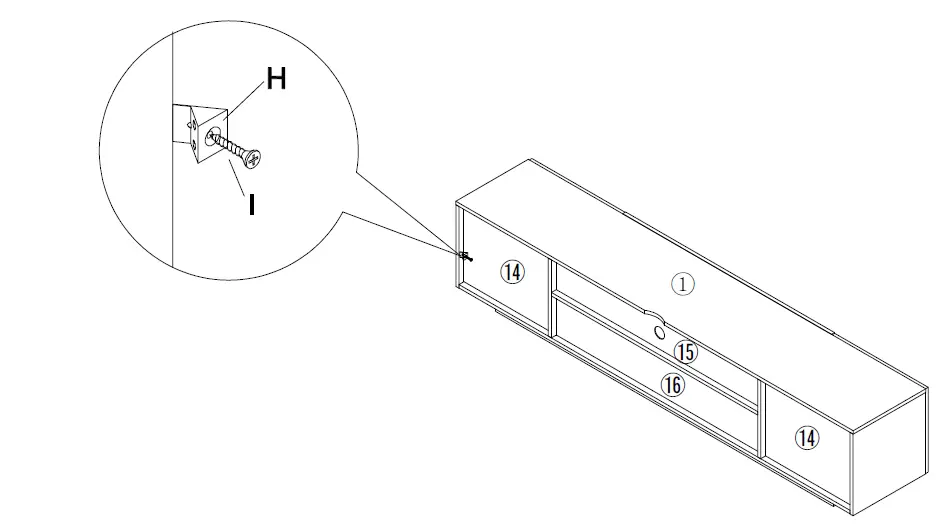
NOTE: Please make sure “A” hardware is tightened and can’t be pulled out!thdstatic-Wood-White-TV-Stand-with-2-Storage-Doors-Fits-fig-3thdstatic-Wood-White-TV-Stand-with-2-Storage-Doors-Fits-fig-4thdstatic-Wood-White-TV-Stand-with-2-Storage-Doors-Fits-fig-5thdstatic-Wood-White-TV-Stand-with-2-Storage-Doors-Fits-fig-6
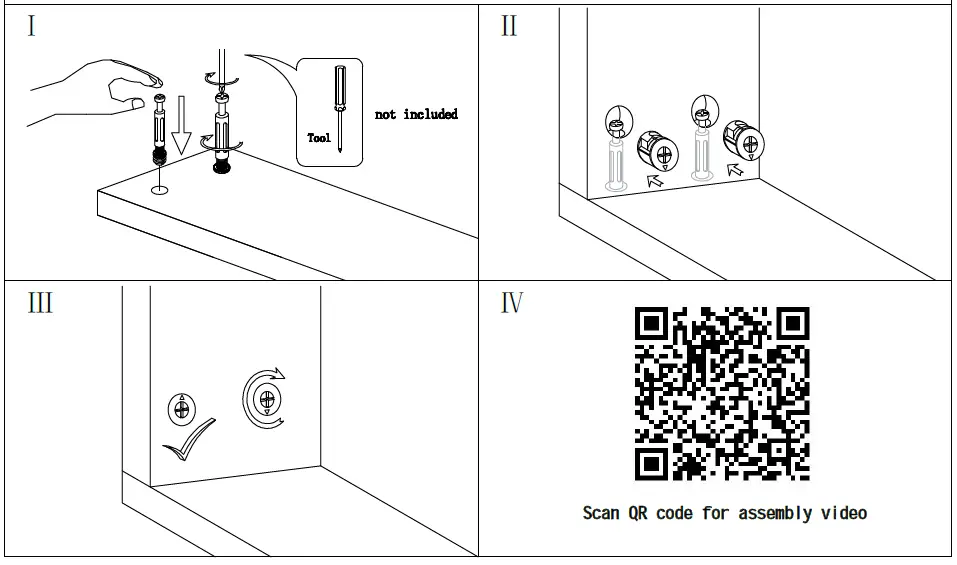
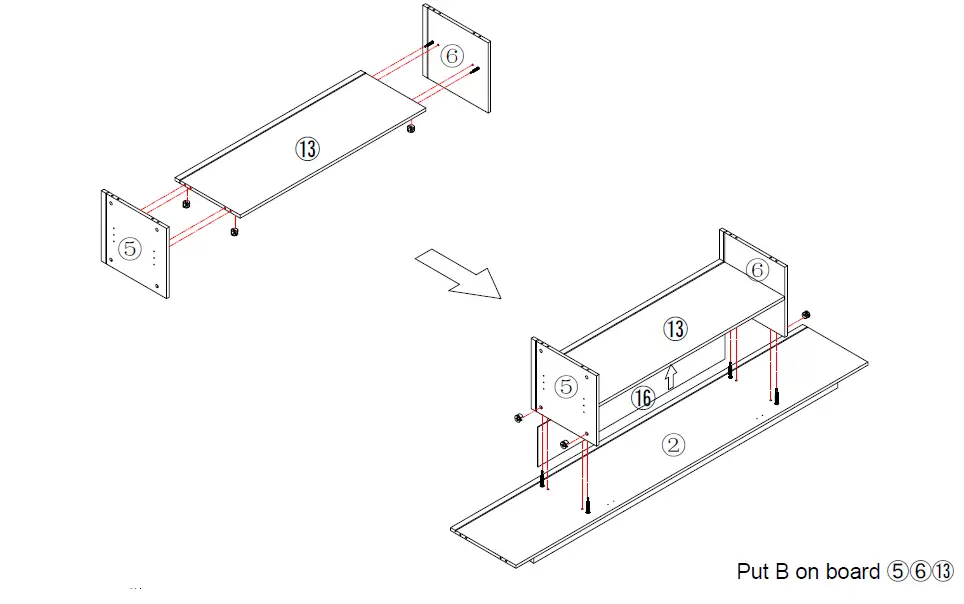
Make sure the arrow on the screw aligns with the hole on the sidethdstatic-Wood-White-TV-Stand-with-2-Storage-Doors-Fits-fig-7thdstatic-Wood-White-TV-Stand-with-2-Storage-Doors-Fits-fig-8thdstatic-Wood-White-TV-Stand-with-2-Storage-Doors-Fits-fig-9thdstatic-Wood-White-TV-Stand-with-2-Storage-Doors-Fits-fig-10
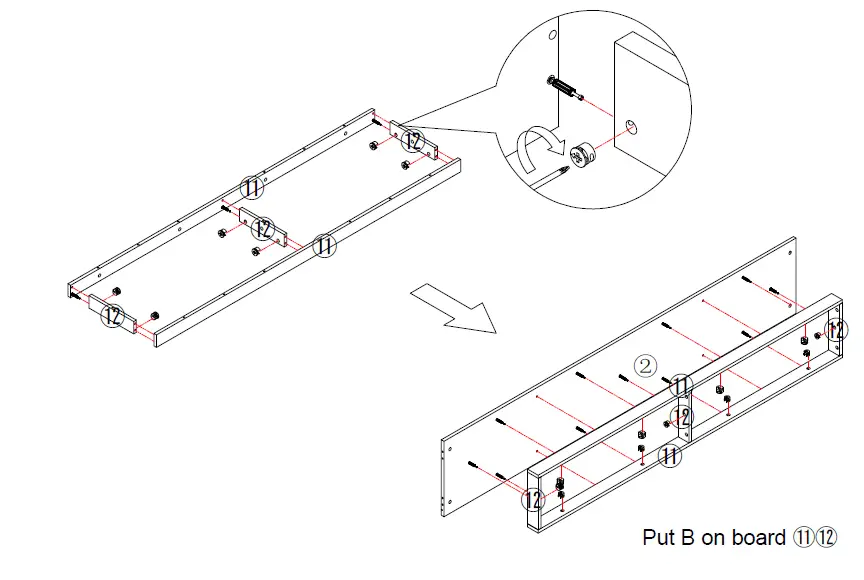
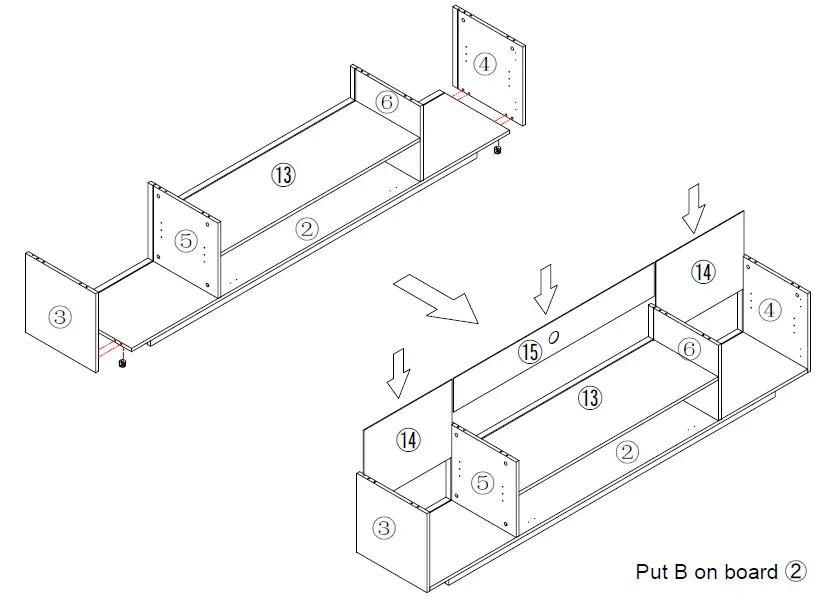
Put B on board ①③④⑤⑥thdstatic-Wood-White-TV-Stand-with-2-Storage-Doors-Fits-fig-11thdstatic-Wood-White-TV-Stand-with-2-Storage-Doors-Fits-fig-12thdstatic-Wood-White-TV-Stand-with-2-Storage-Doors-Fits-fig-13

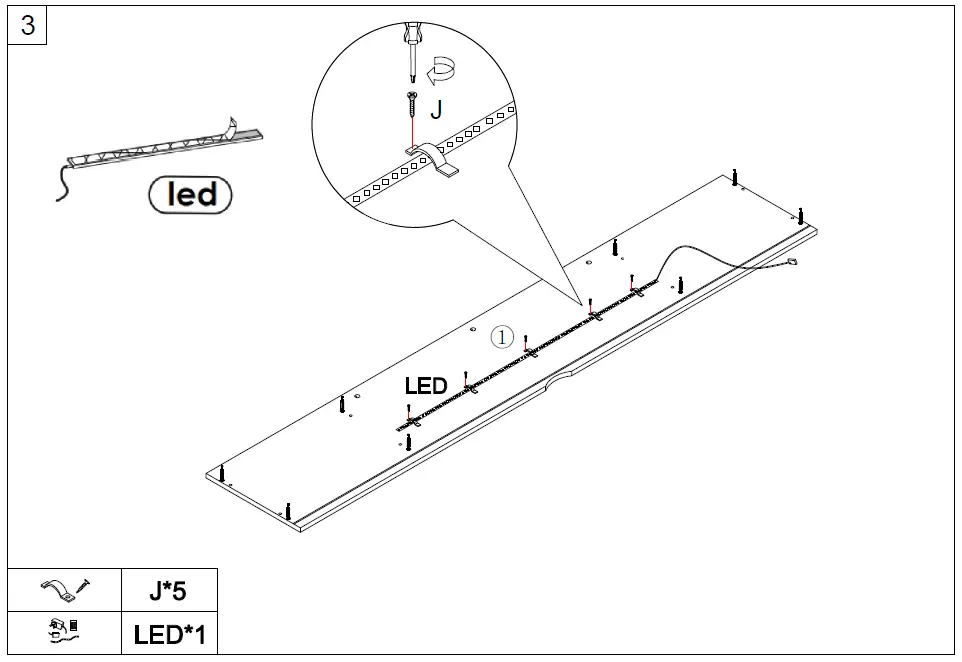
LED Light

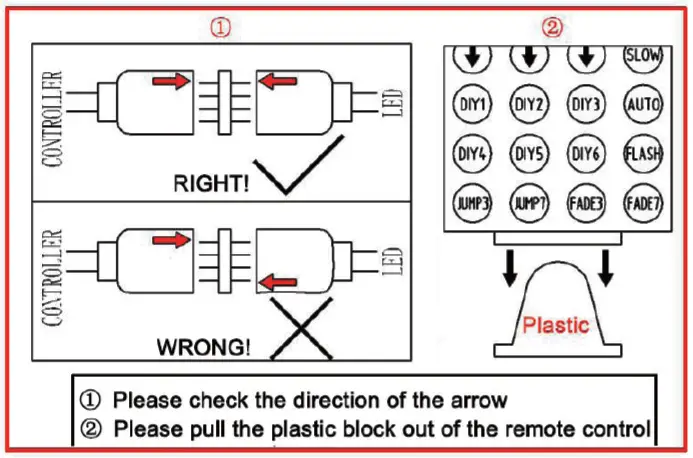
If you can’t let the lights work successfully, please check the following:

  1. Please check the direction of the connection, and try it in the opposite direction, according to the following picture.
  2. Please check the remote control, it needs you to tear down the plastic septum before using it.
  3. Don’t let the remote control too far from the receiver, make sure there is no obstruction between them.thdstatic-Wood-White-TV-Stand-with-2-Storage-Doors-Fits-fig-14

Documents / Resouces

Download manual
Here you can download full pdf version of manual, it may contain additional safety instructions, warranty information, FCC rules, etc.


Related Manuals