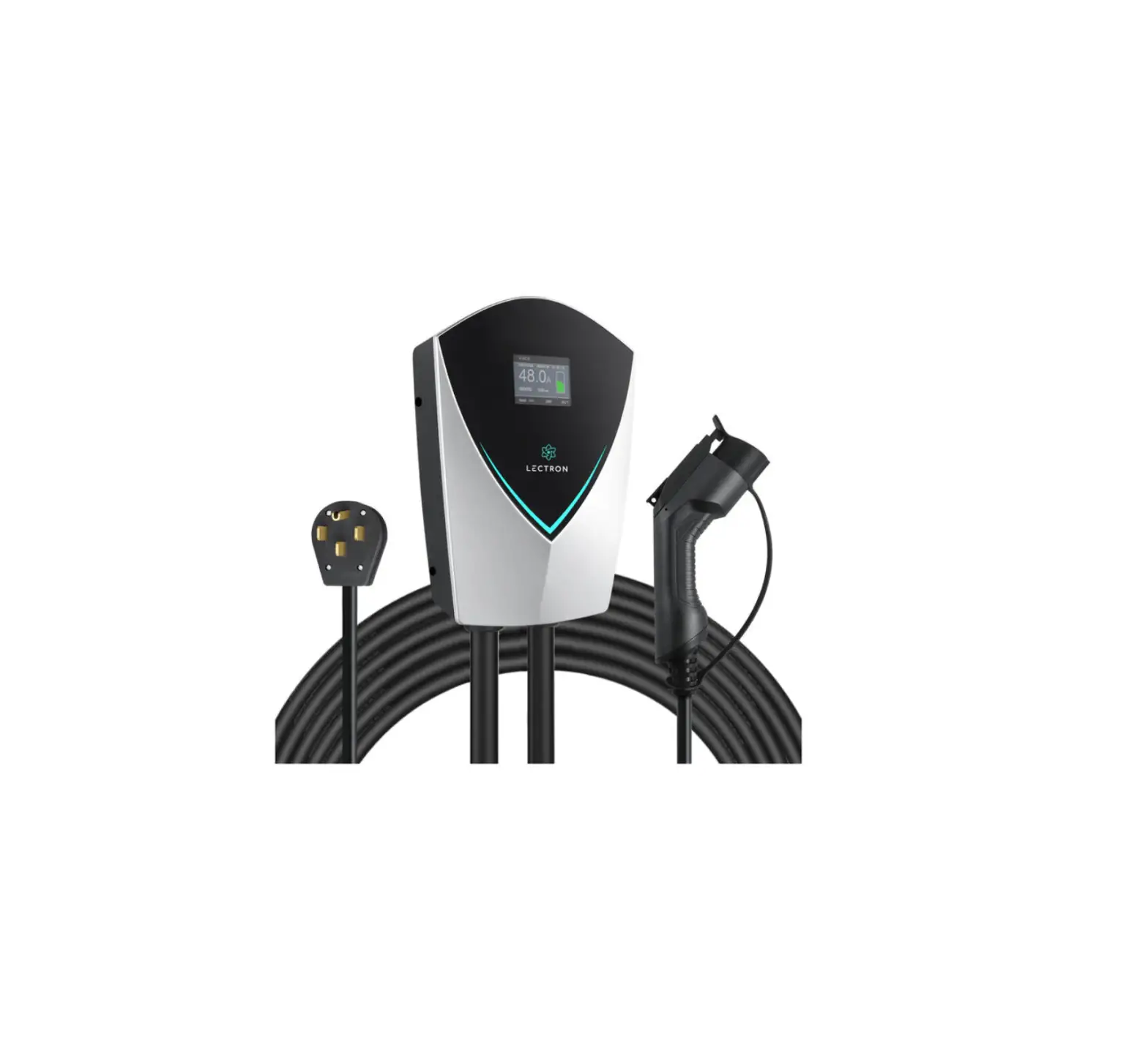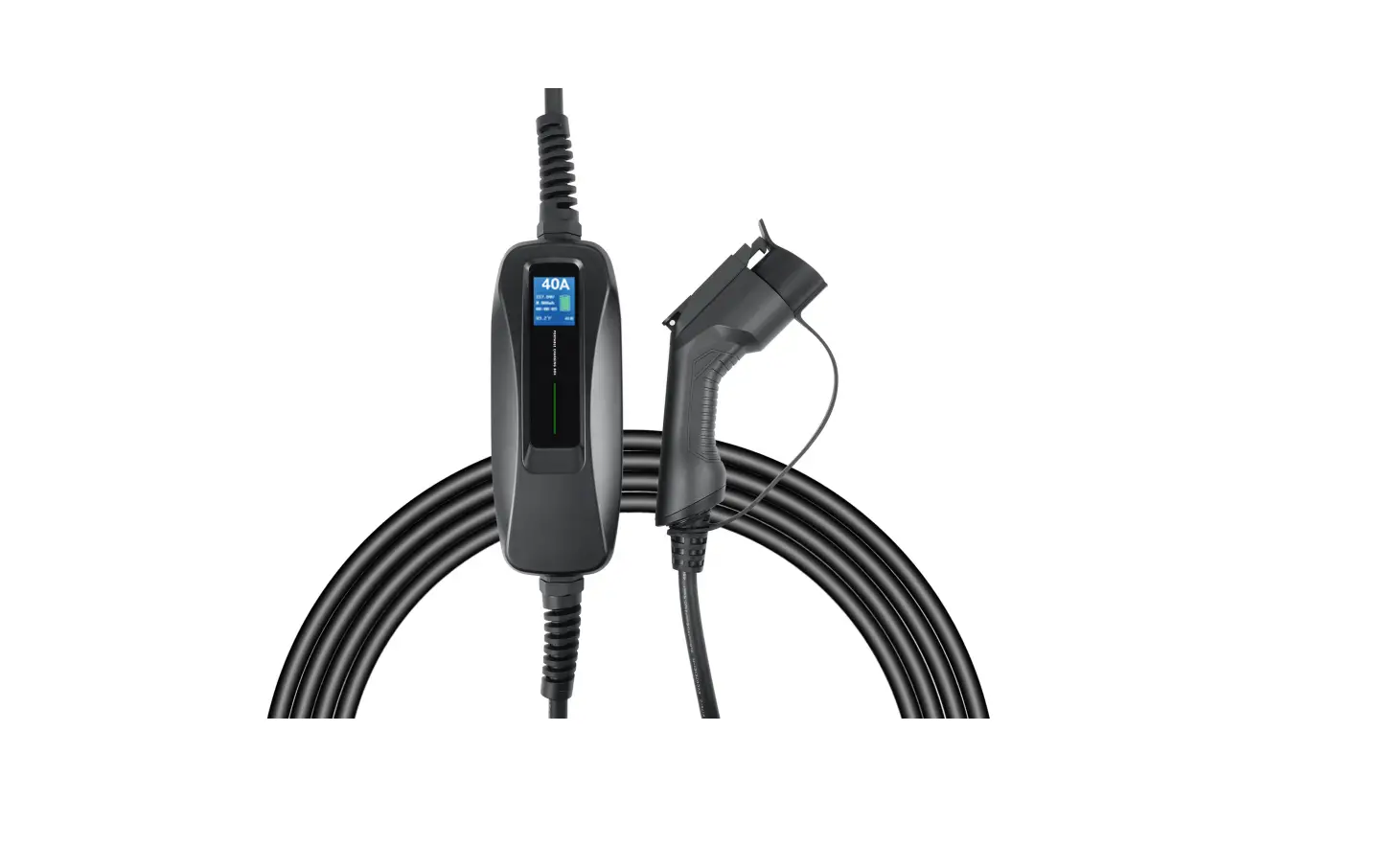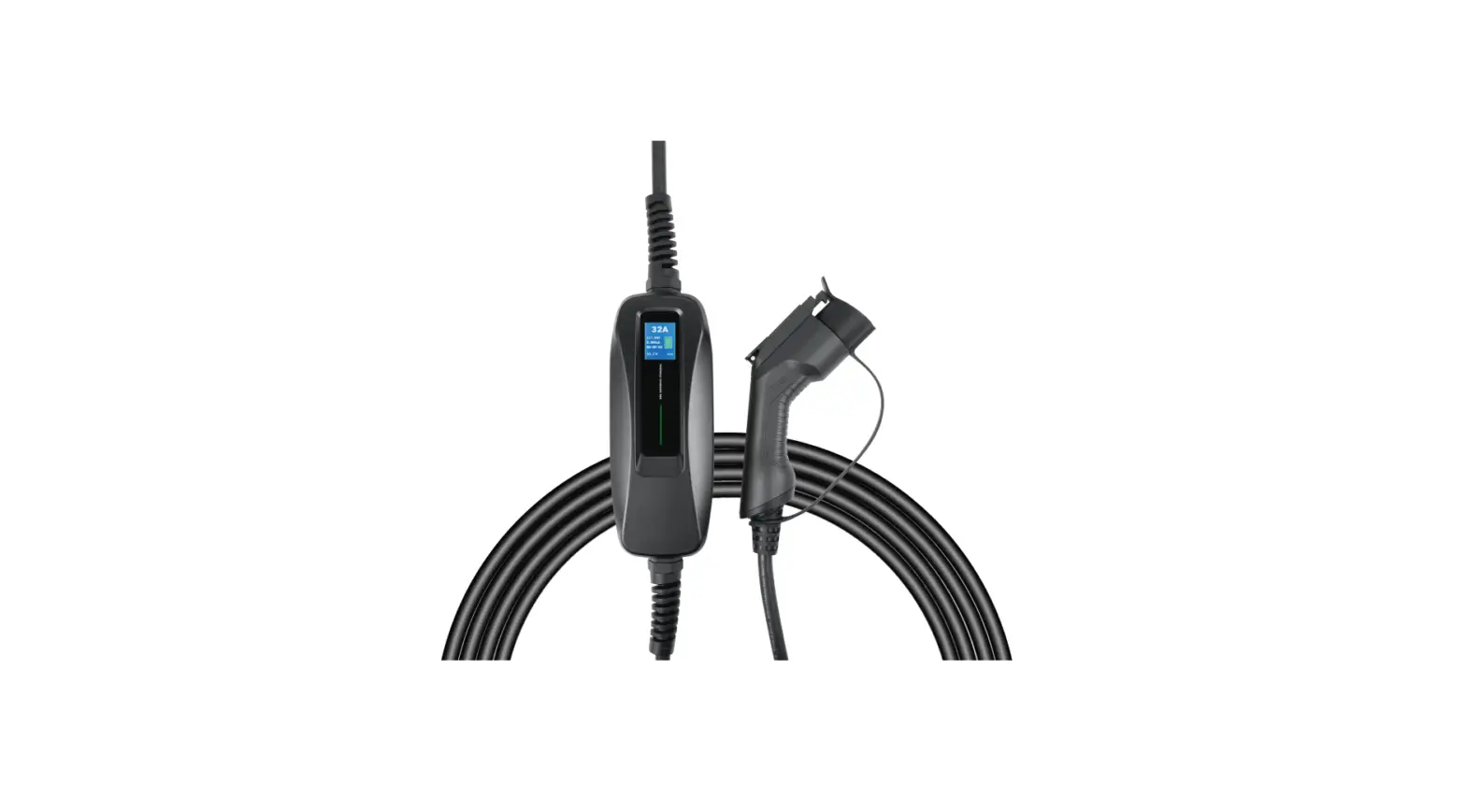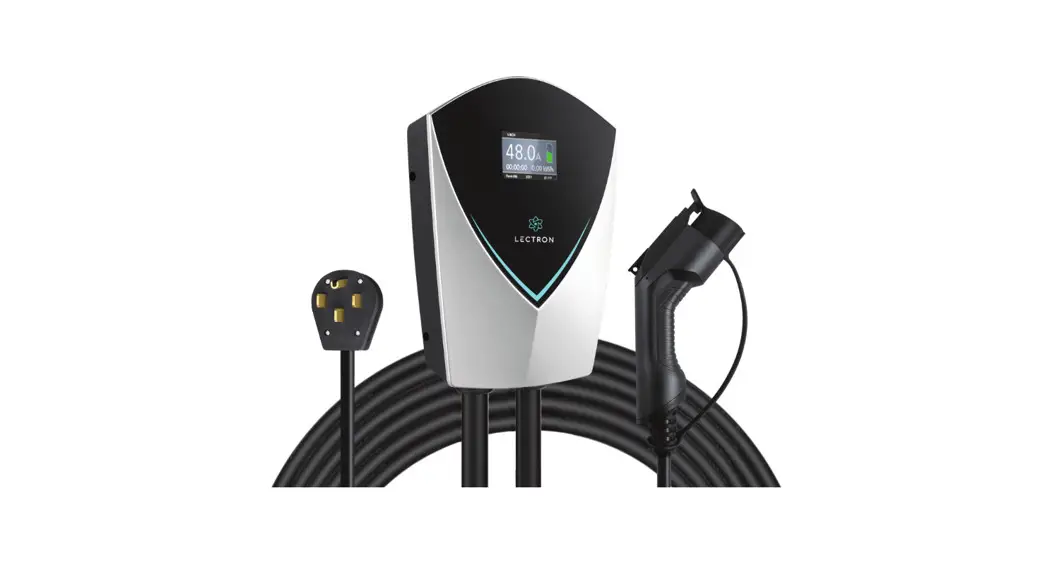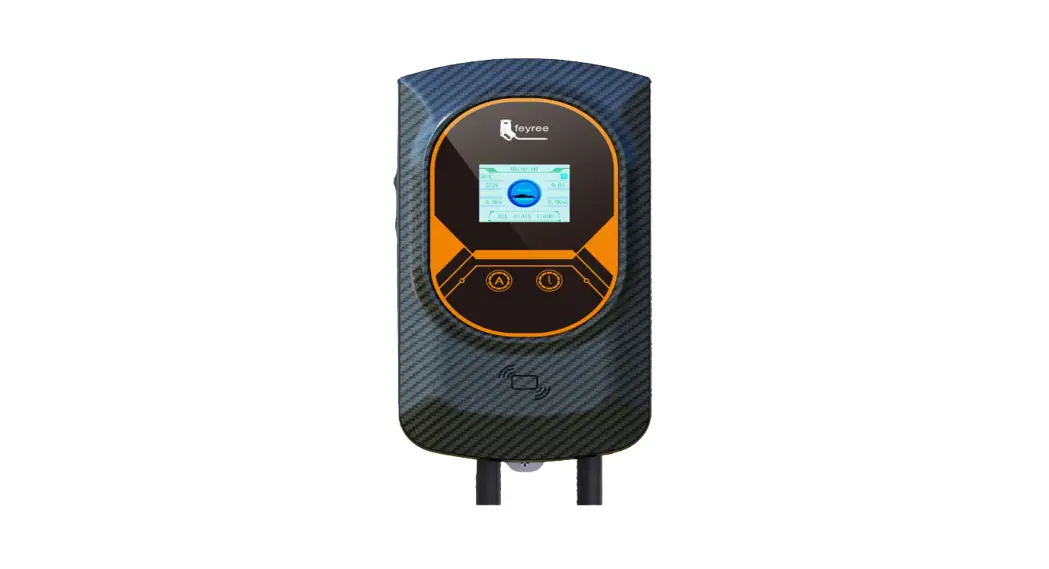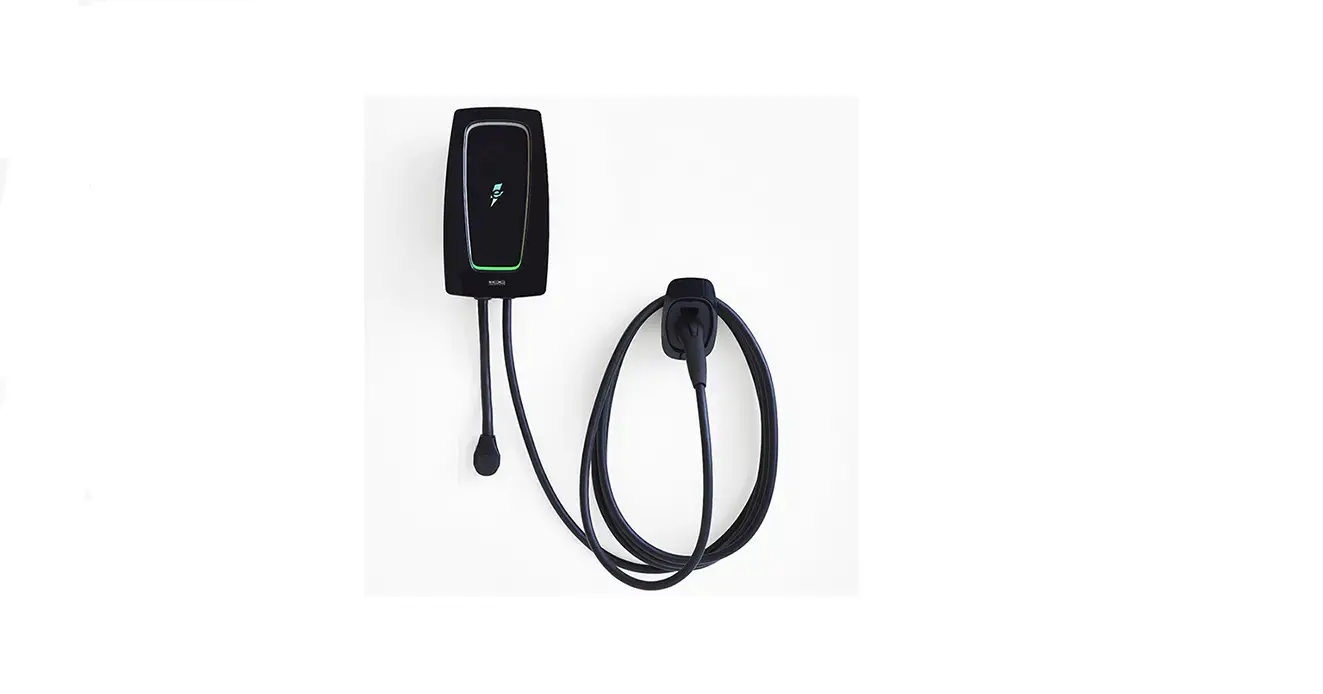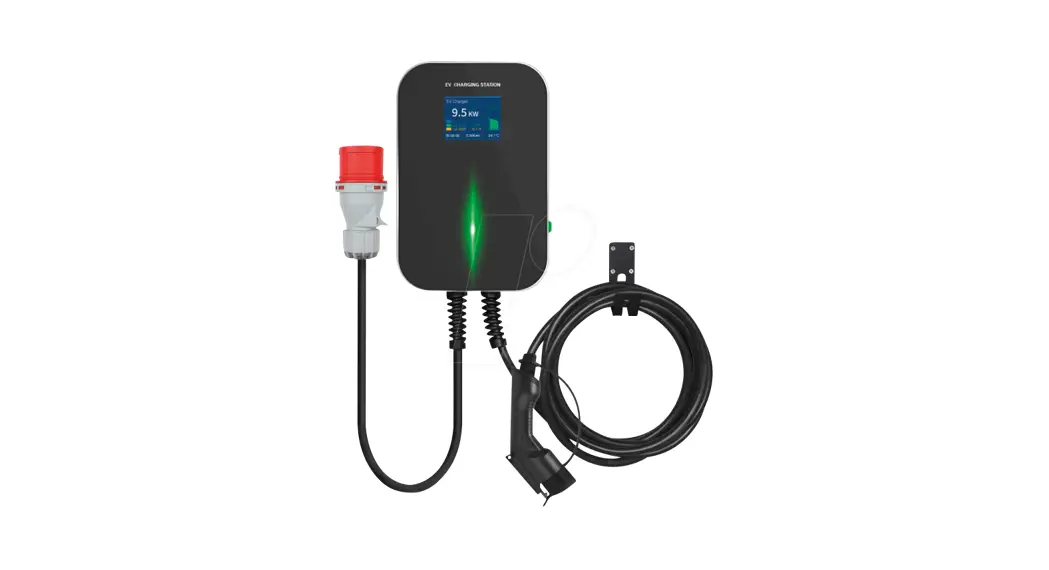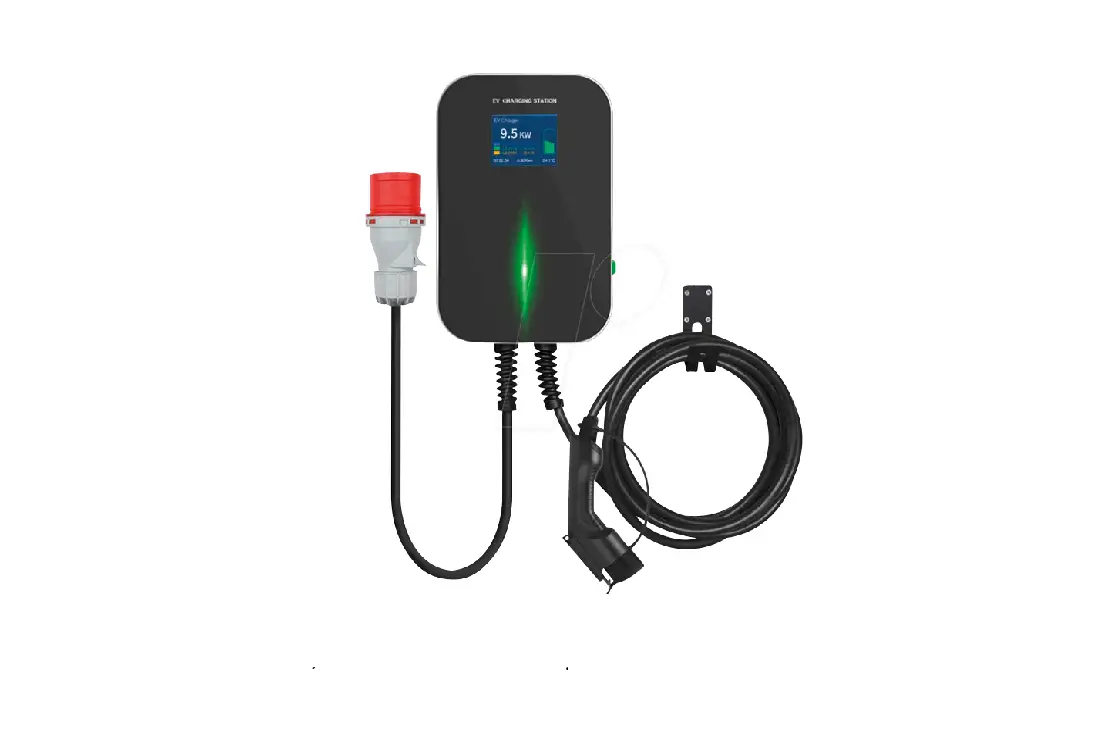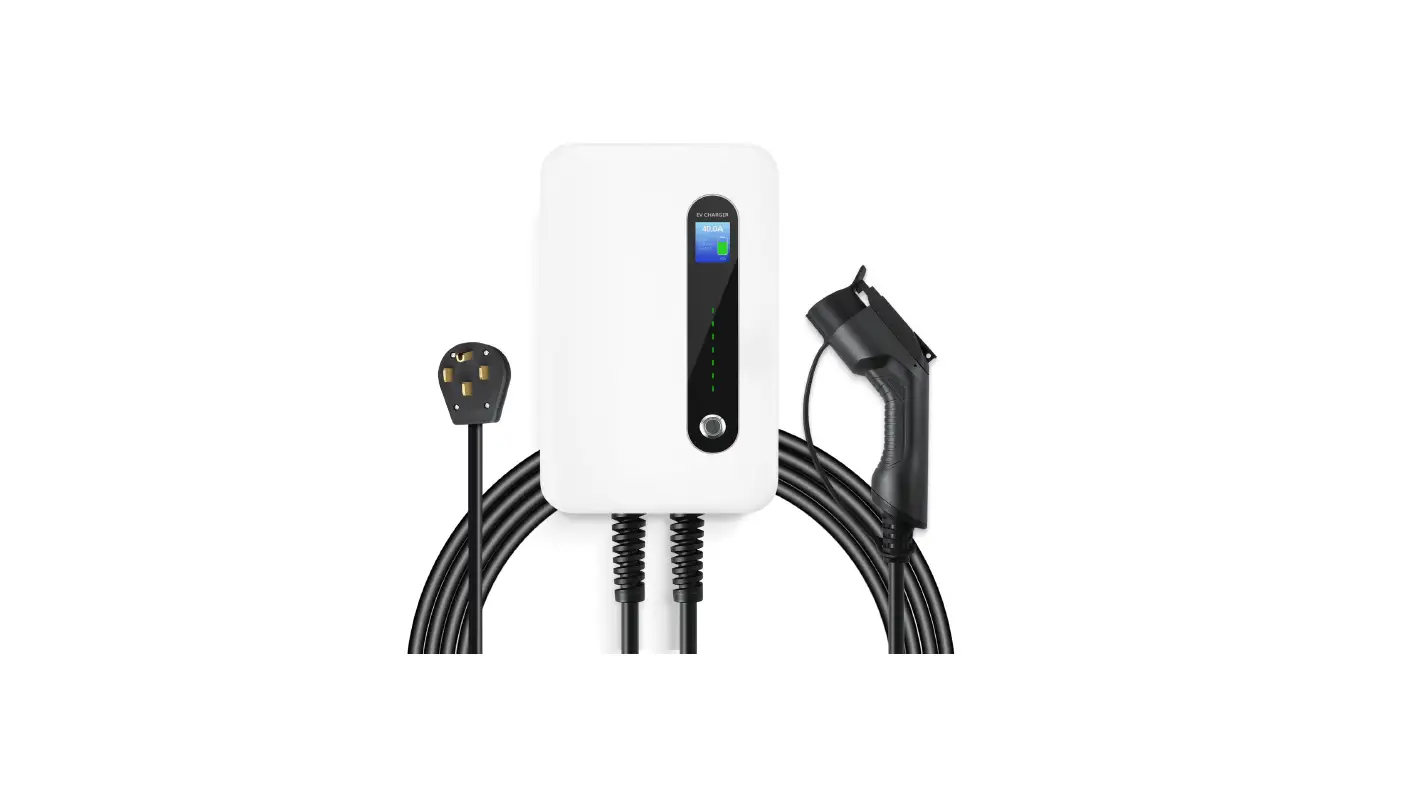

LECTRON Level 2 Charging Station
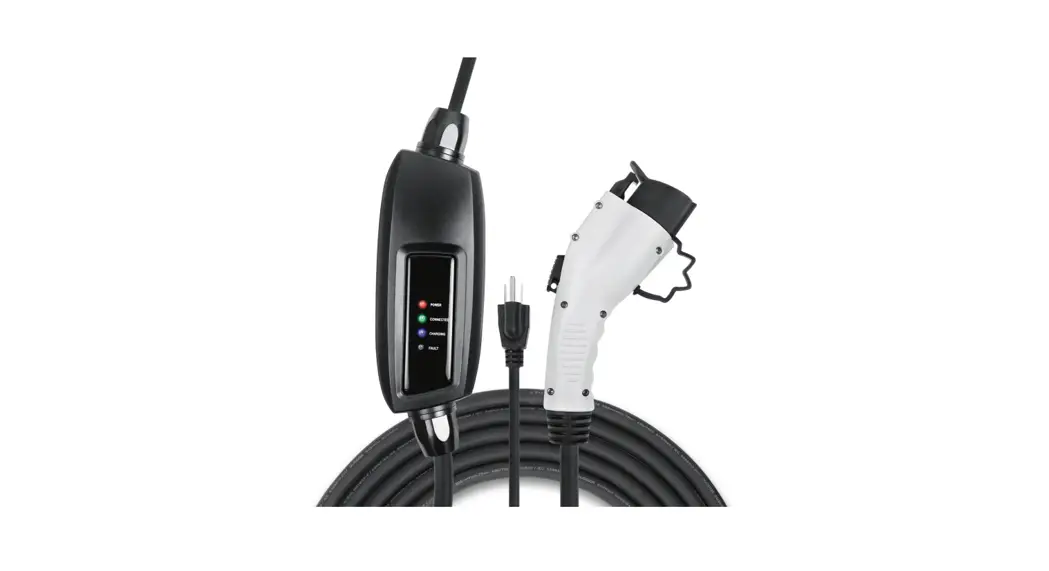
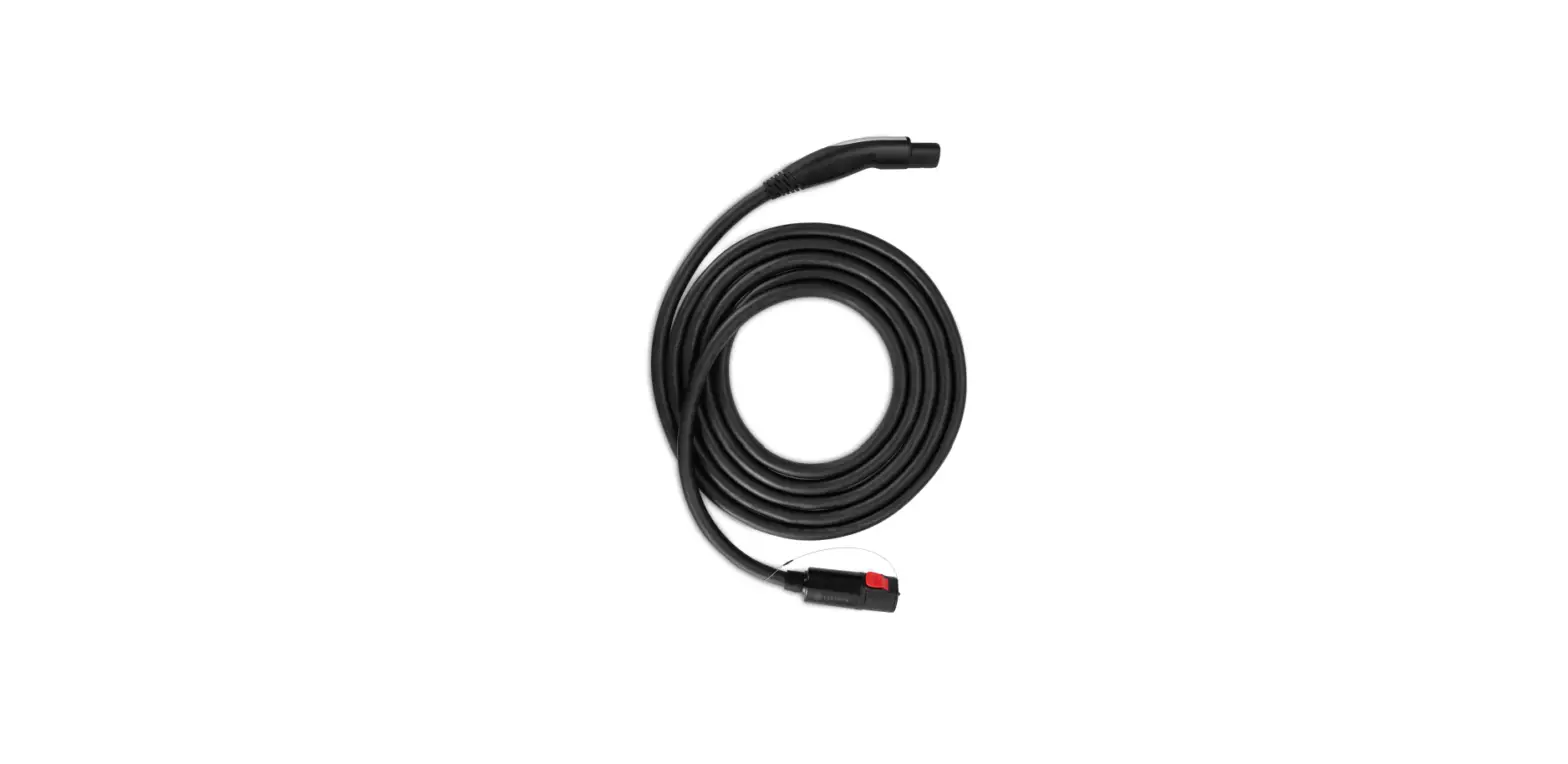
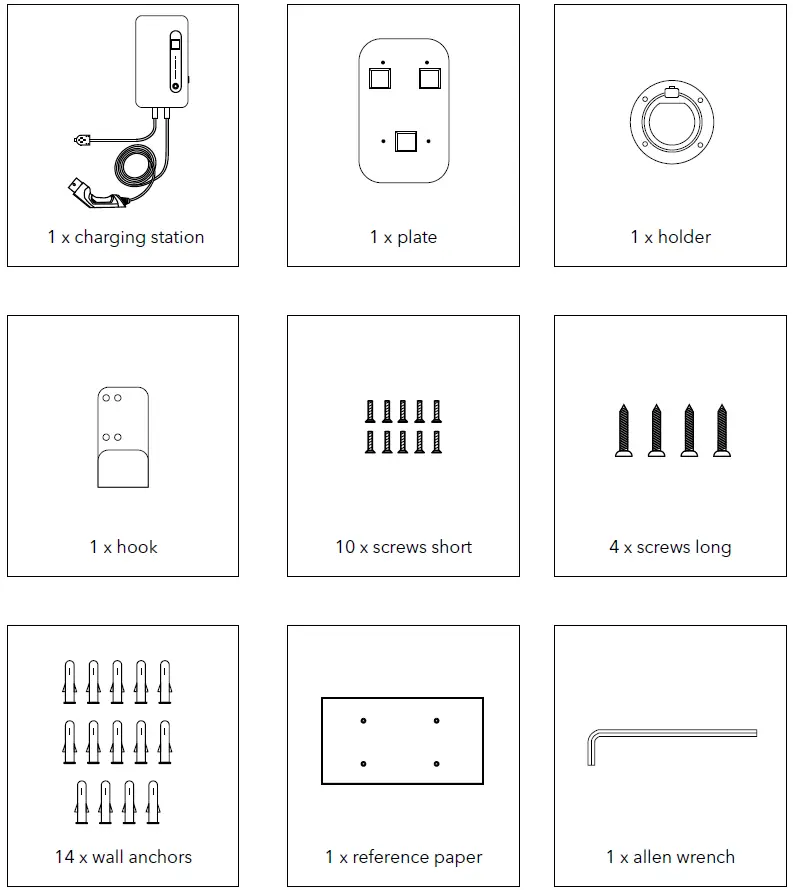
In the Box
Safety Information
- Failure to read and follow instructions could result in injury or death.
- Do not disassemble the charging station.
- Install the charging station away from heat sources, as well as dusty or corrosive places.
- The charging station produces a high voltage output. You must pay attention to personal safety when using it.
- If a malfunction occurs, it may cause an electric shock or even death.
- Regularly check whether the charging station has visible damage. An electric shock may occur when operating a damaged charging station.
- If a ground fault occurs, it must be assumed that the cable still carries voltage. Make sure to shut down any high voltage power before inspecting the charging station.
- Before powering the charging station, please confirm that the device is properly grounded.
- Do not modify, retrofit, or change any part by yourself under any circumstances.
- To ensure the service life and stable operation of the charging station, the operating environment should be kept as clean as possible with a relatively stable temperature and humidity. The charging station must not be used in a flammable environment.
- Make sure that the input voltage, frequency, circuit breakers, and other conditions of the charging station meet the specifications before powering it on.
- This charging station is compatible with the SAE-J1772 charging standard. Charging a Tesla requires an adapter.
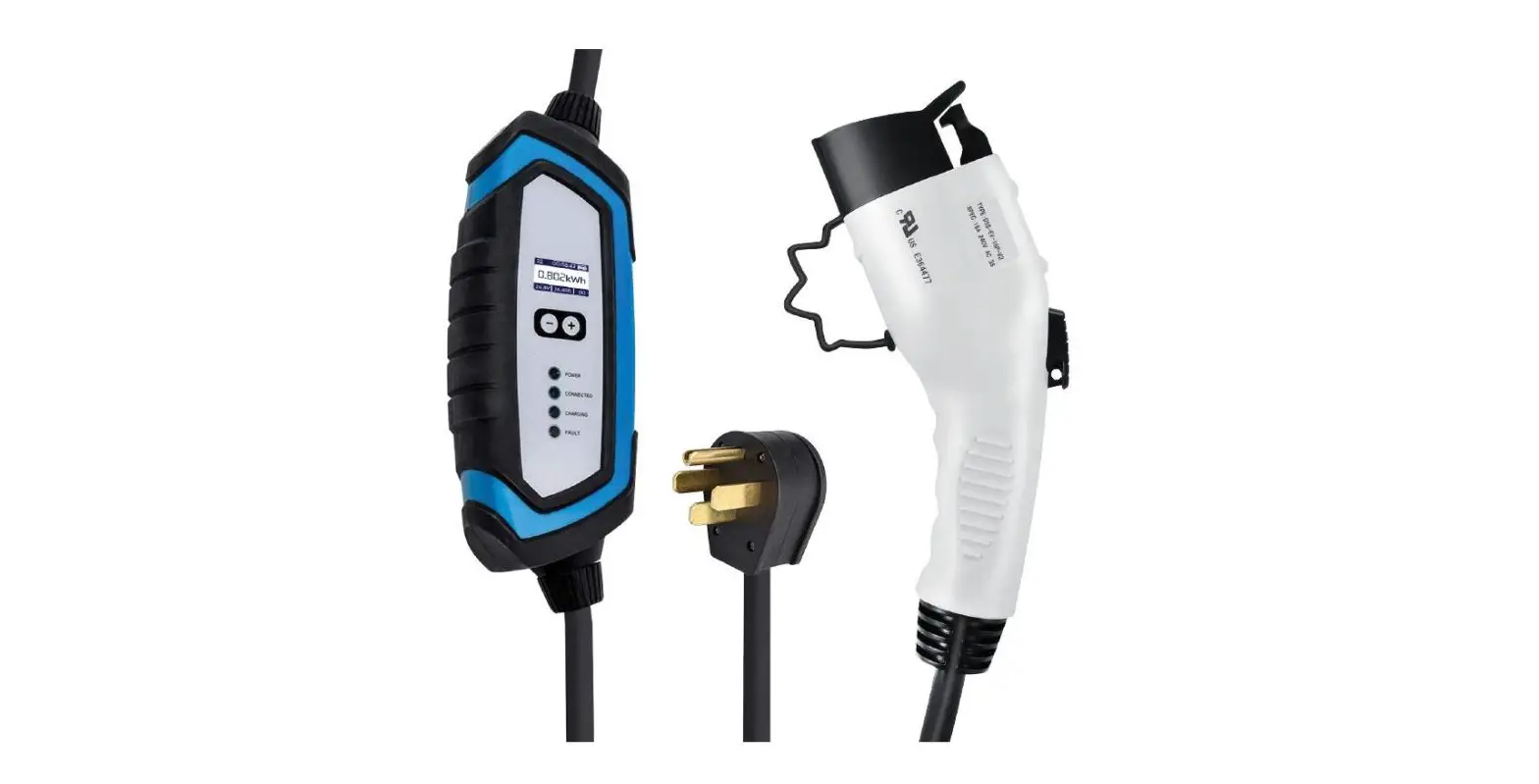
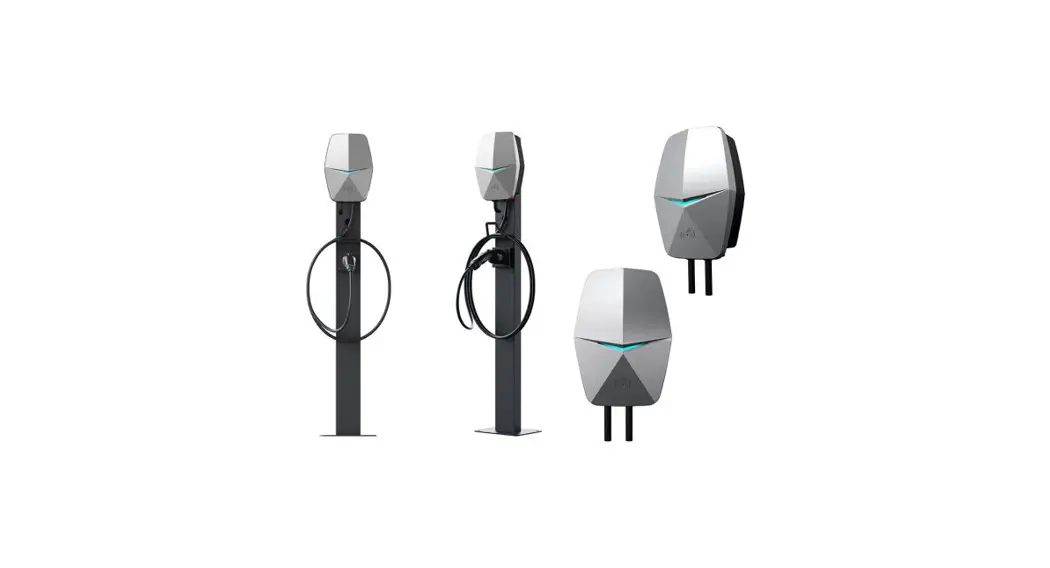
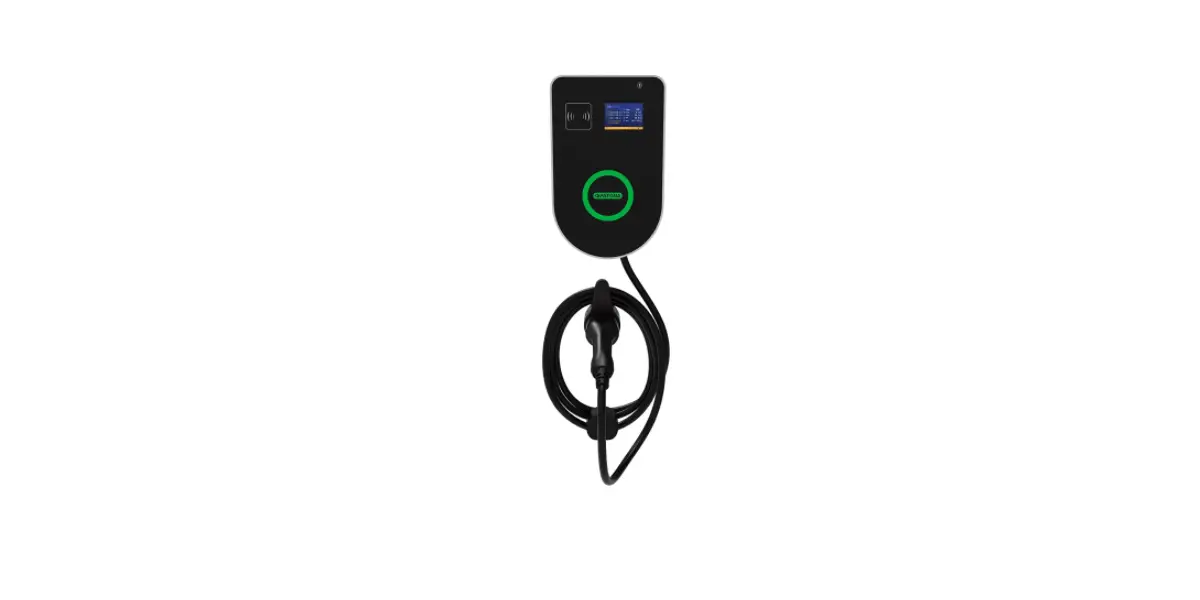
Charging Station Overview
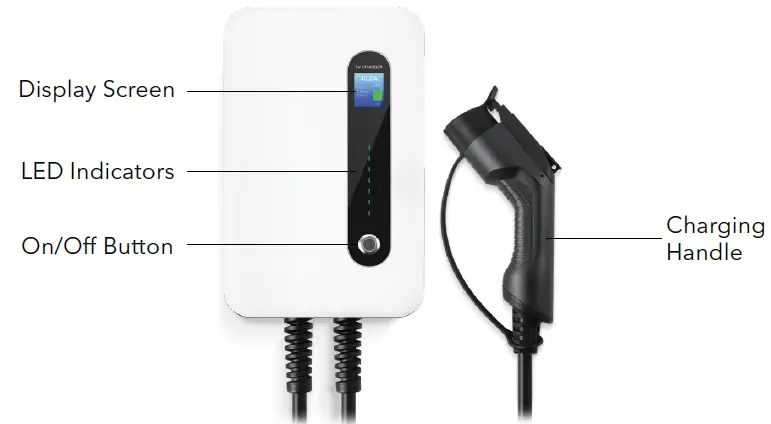
Charging Display Overview
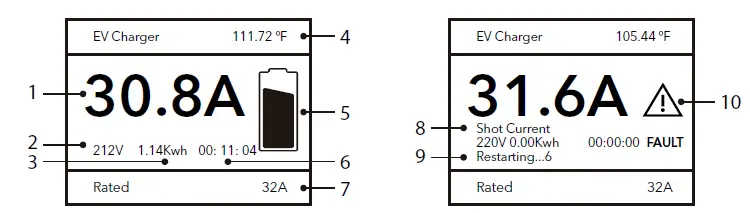
- Real-time current
- Real-time voltage
- Power consumed
- Temperature
- Charging icon
- Charging time
- Rated current
- Cause of fault
- Automatic restart
- Fault icon
Note: If any problem such as a short current occurs, the charging station will automatically restart and continue charging.
How to Install
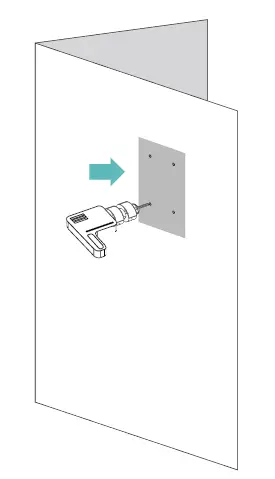
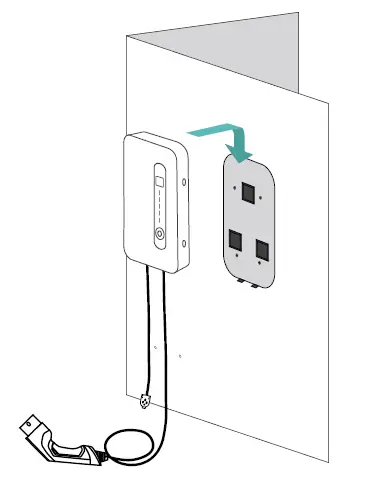
- Drill four holes according to the reference paper.

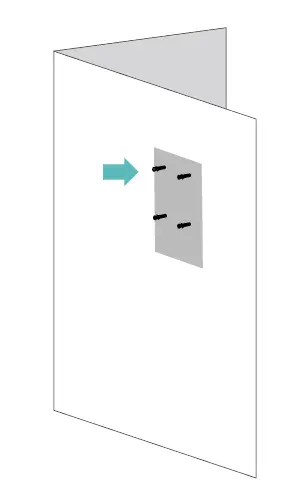
- Insert the wall anchors into the holes.

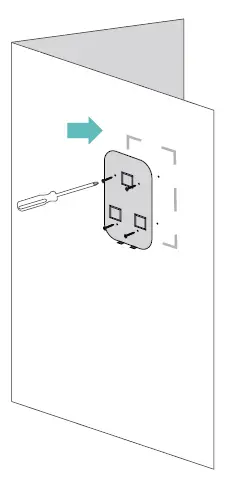
- Attach the plate to the wall using the long screws provided.

- Remove the rubber covers from the side of the charging station, then mount it to the wall plate using the four short screws provided.

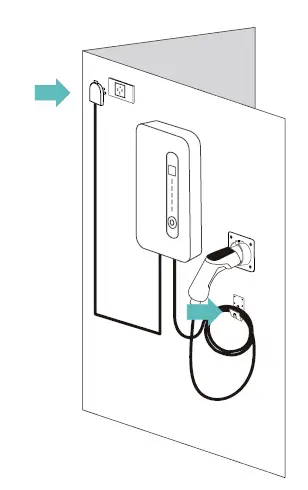
- Install the holder and hook onto the wall. Plug the charging station into a NEMA 14-50 outlet.

How to Use
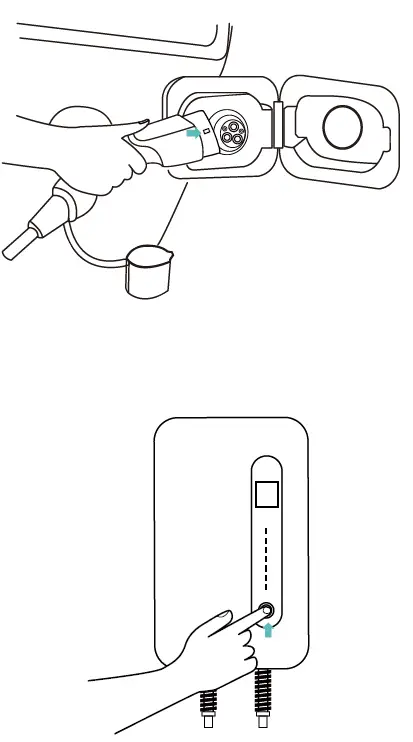
- Insert the charging handle into your EV charging port.

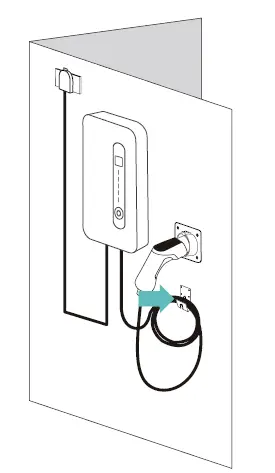
- Plug the handle into the holster and hang the cable on the hook when not in use.

Specifications
- Installation Method: Wall / stand
- Certificate: TUV, CE
- IP Rating: IP66
- Rated Voltage: 230 VAC ± 10%
- Rated Current: 32A / 40A
- Plug: NEMA 14-50
- Maximum Power: 7.36 kw / 9.2 kw
- Phase Mode: Single phase
- Operating Temperature: -40 °F to 131 °F (-40 °C to 55 °C)
- Enclosed Material: ABS + PC alloy
Get More Support
Scan the QR code below or email us at [email protected].

www.ev-lectron.com Made in China
 Full Stack Metaverse Solutions - Lectron
 Lectron Electric Vehicle Charging — Lectron EV