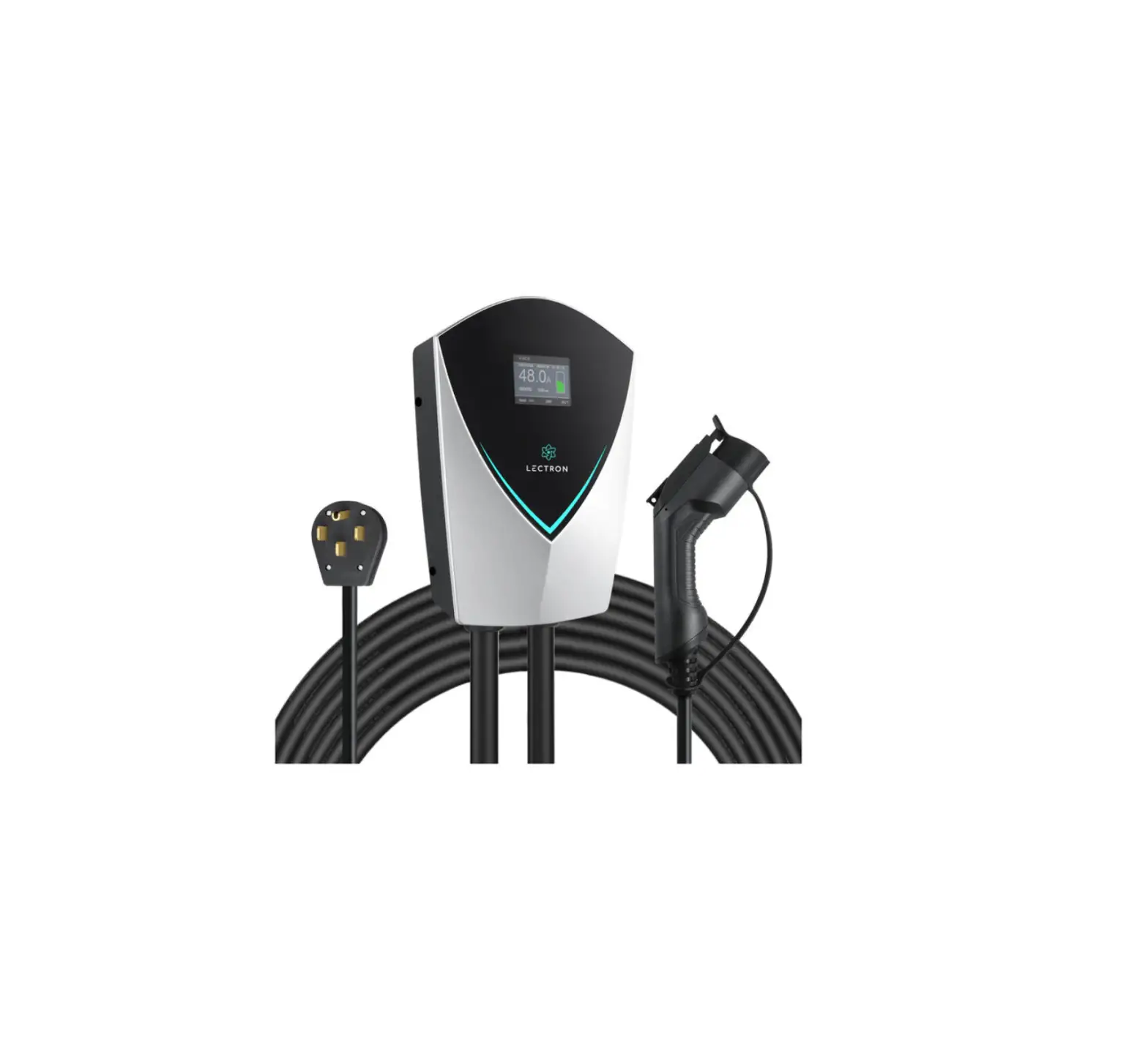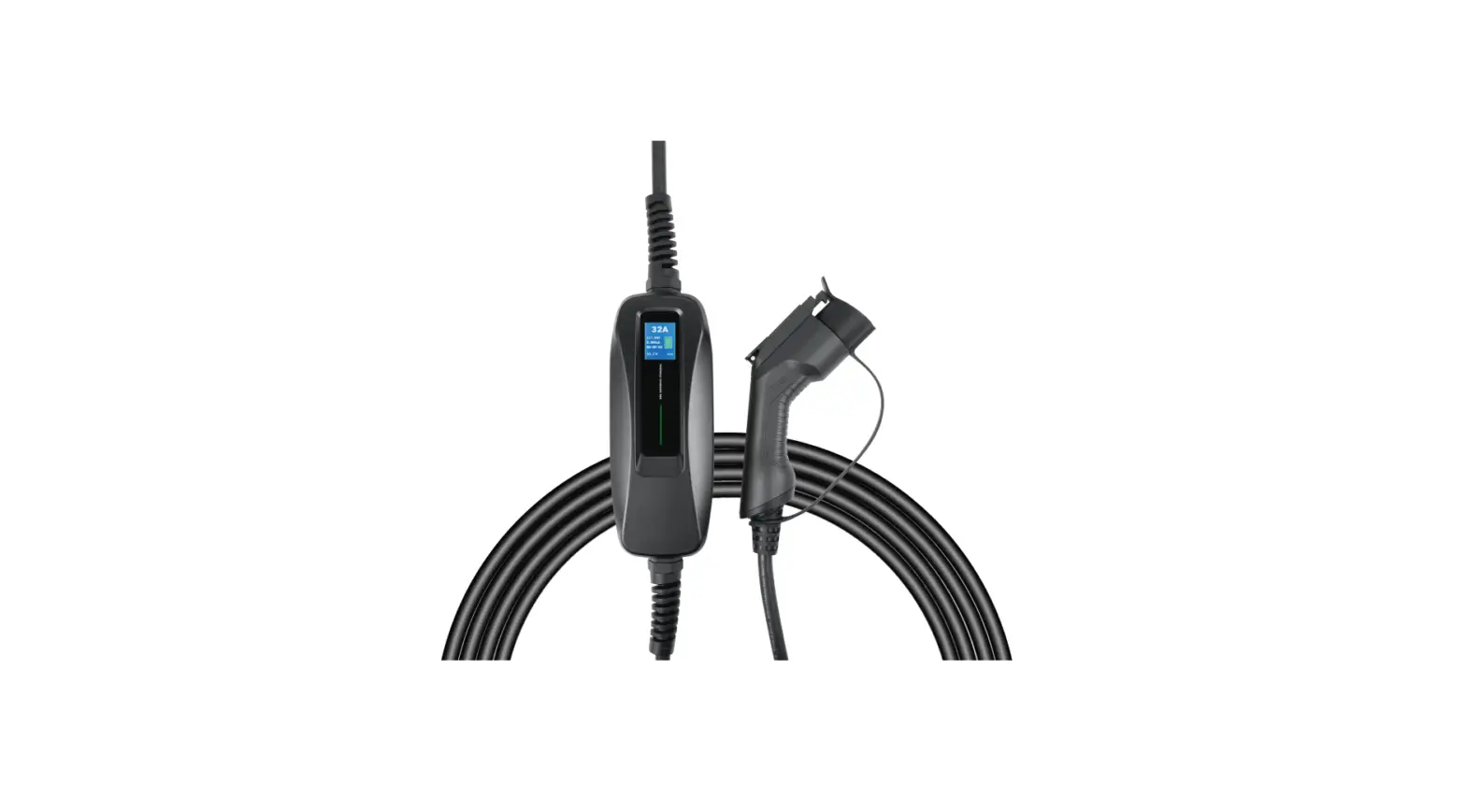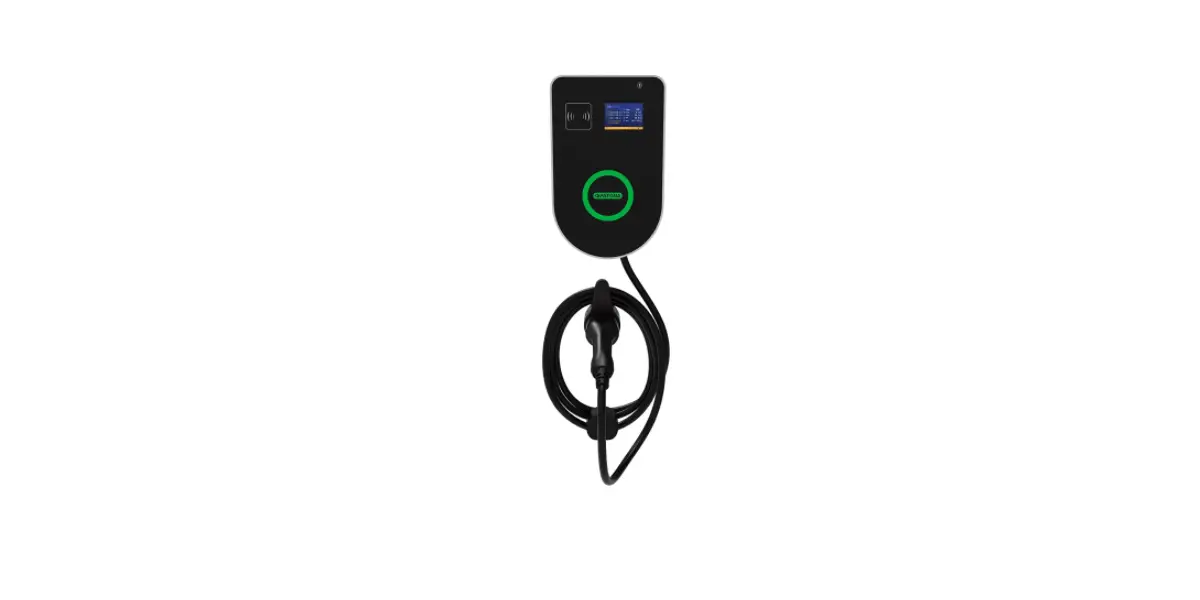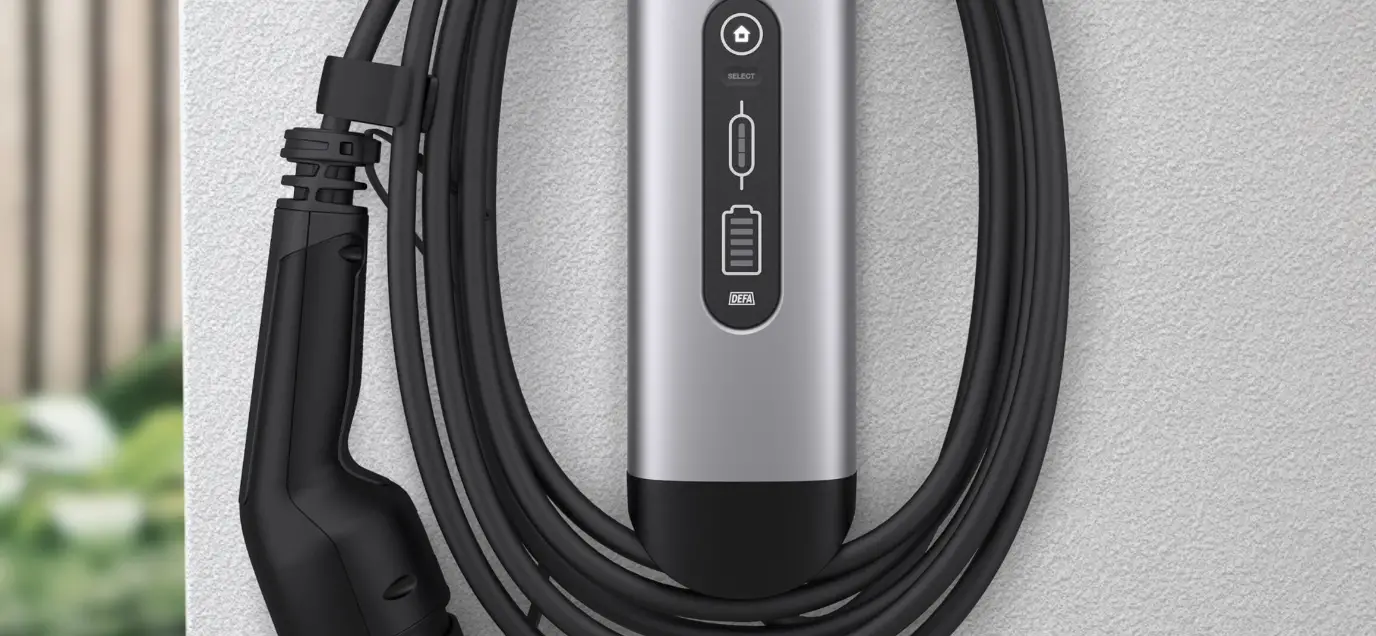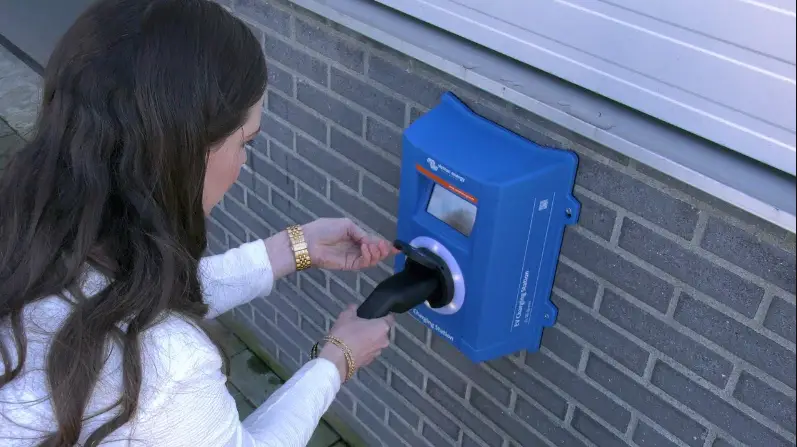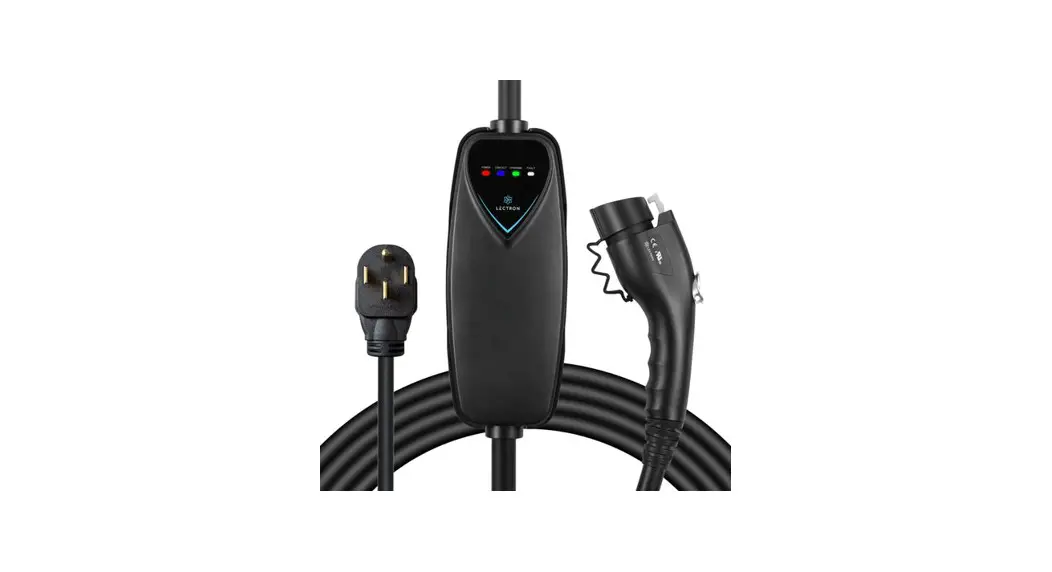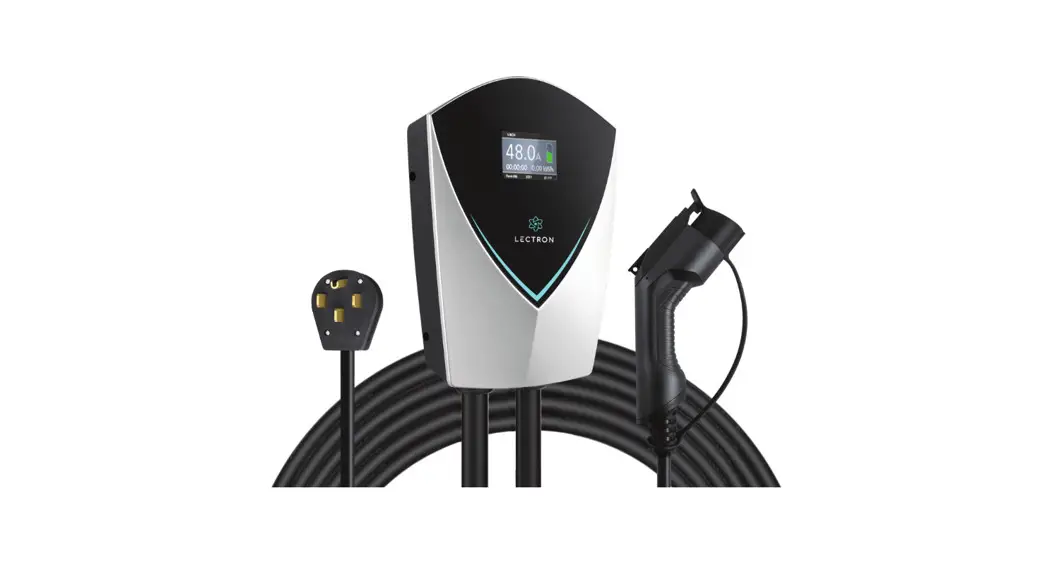
 V-BOX 48A
EV Charging Station
USER MANUAL
Contents hide
V-Box 48A EV Charging Station
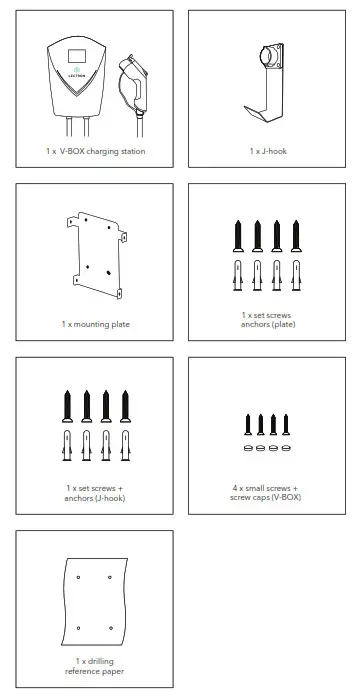
In the Box
Safety Information
- We recommend that electrical outlets for your charging station be installed by a licensed and qualified electrician. To avoid serious injury or death, the installation must comply with the provisions of the National Electric Code (NEC) and all local codes. In cases of any conflict between the local codes and the NEC, local codes shall take precedence.
- This product must be grounded. If it malfunctions or breaks down, grounding provides a path of least resistance for electric current to help reduce the risk of electric shock. This product includes a cord equipped with a grounding conductor and a grounding plug. The plug must be inserted into an appropriate outlet that is properly installed and grounded in accordance with all local codes and ordinances.
- Do NOT DROP the charging station or handle.
- Do not attempt to repair the cable on your own. Contact customer support: [email protected] – for assistance.
- When using your charging station, basic precautions should always be followed:
• Never use the charging station with an extension cord.
• Never use the charging station with any AC adapter.
• Shock hazard – make sure the plug is fully inserted into the wall outlet so that there are no exposed blade surfaces.
• Children should be supervised in the vicinity of the charging station while plugged in.
• To reduce the risk of fire, connect only to a circuit provided with 50 amps maximum branch circuit overcurrent protection.
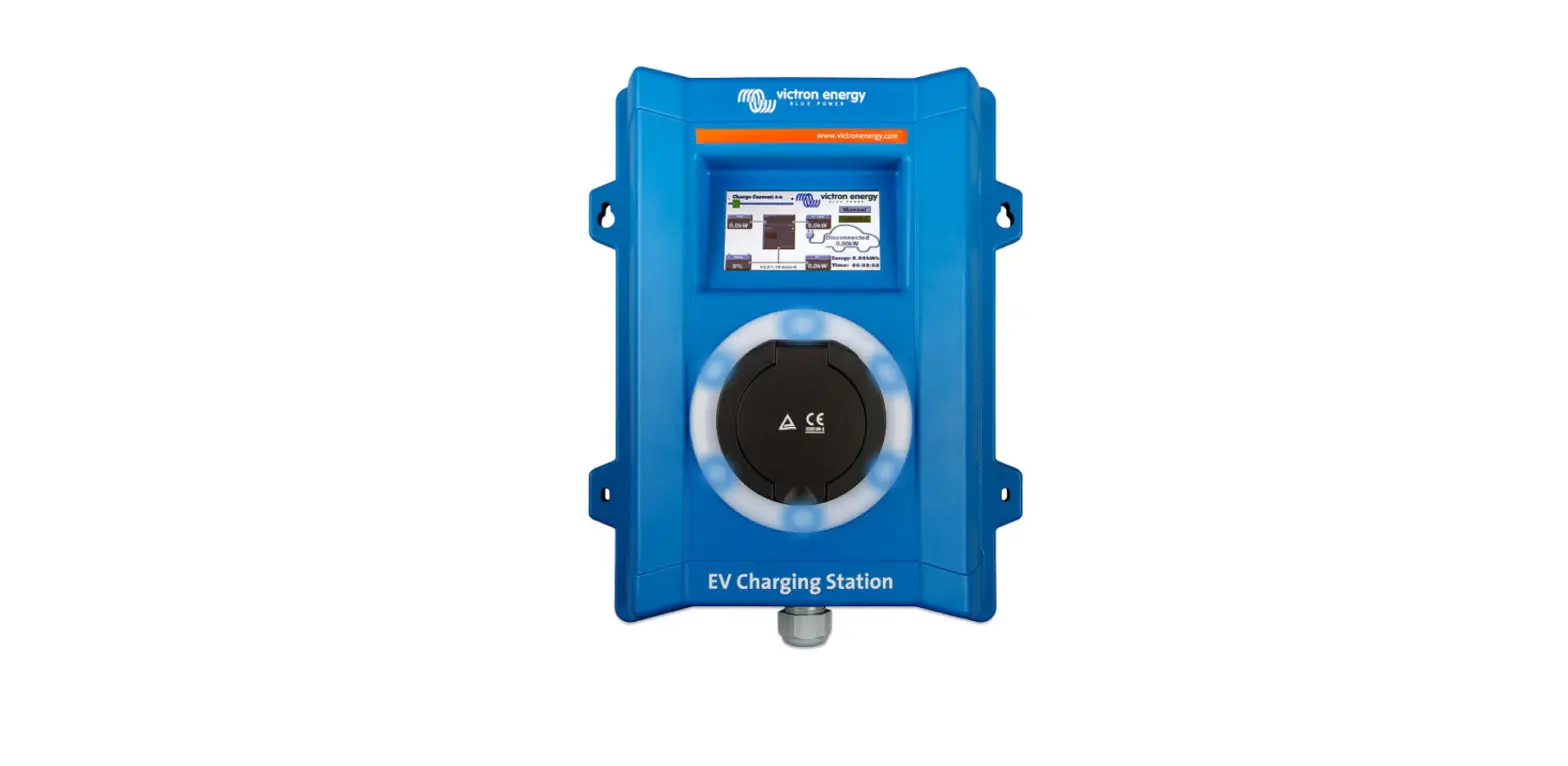
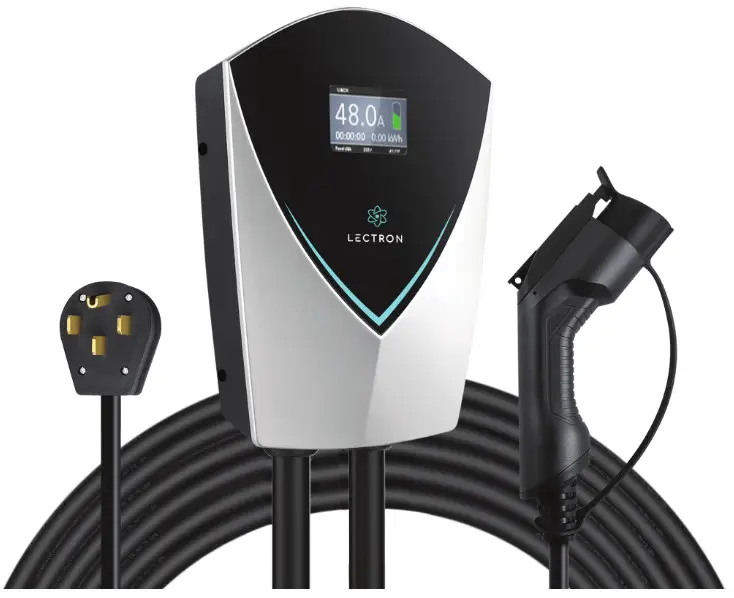
Charging Display
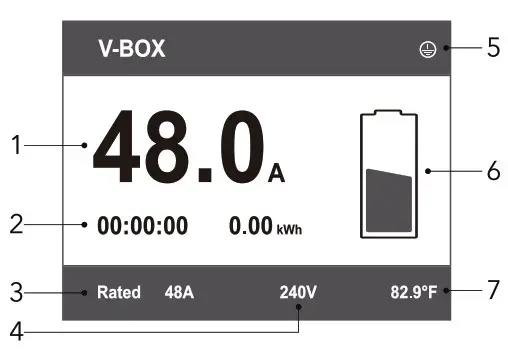
- Real-time current
- Charging time / charging capacity
- Rated current
- Real-time voltage
- No grounding connection indicator
- State of charge
- Temperature
Charging Status
| Status | Disconnected | Connected | Charging | Charge Complete | Fault |
| LED |  Solid blue Solid blue |  Rolling blue Rolling blue |  Rolling green Rolling green |  Solid green Solid green |  Solid red Solid red |
Pre-Installation
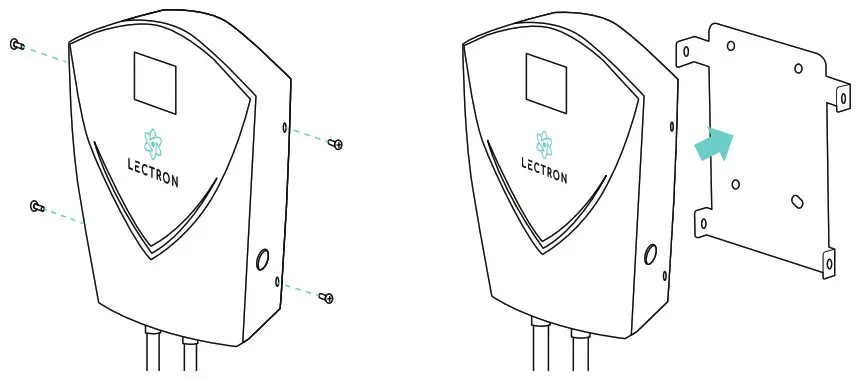
Remove the short screws and lift up on the mounting plate.
By default, the V-BOX has been set to 4 (48A). To adjust the amps, unscrew and remove the plastic cover from the back of the V-BOX, and turn the dial on the inside to your preferred setting.
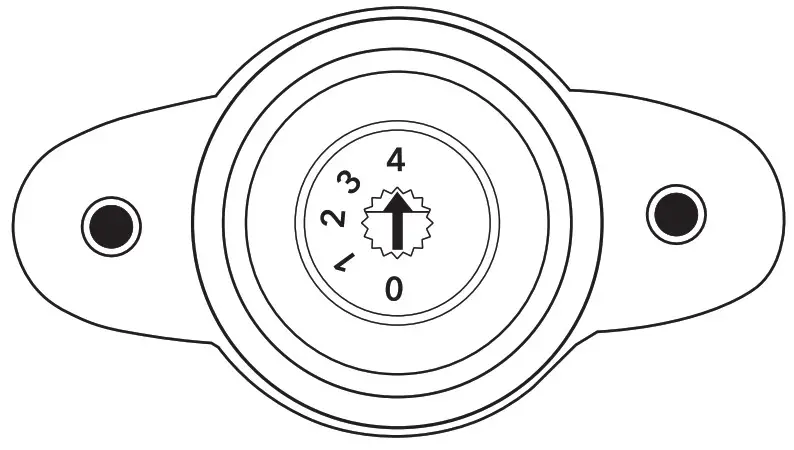
| Dial Position | Current (A) |
| 0 | 16 A |
| 1 | 24 A |
| 2 | 32 A |
| 3 | 40 A |
| 4 | 48 A |
How to Install
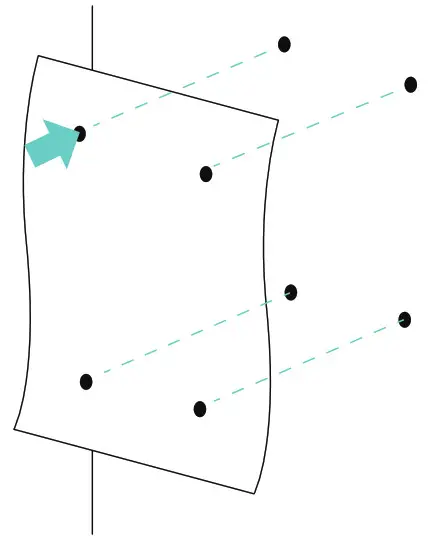
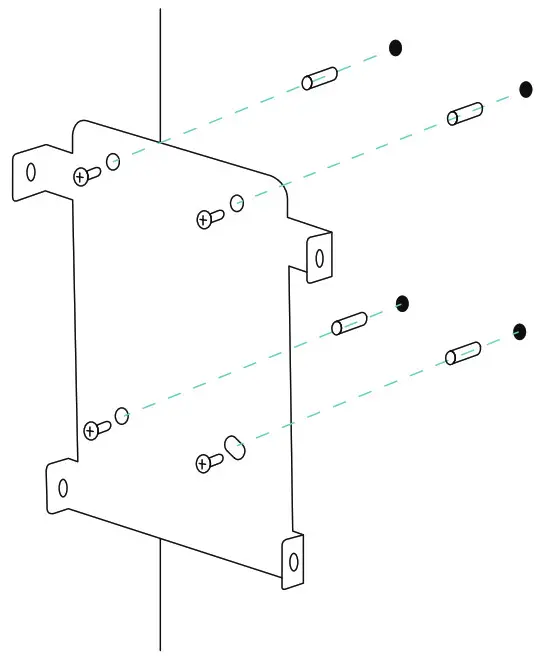
- Using the drilling reference paper for guidance, mark the wall where you plan to install the mounting plate. Then, drill the holes.

- Insert the wall anchors. Then, align the mounting plate with the holes and fix it to the wall using the screws provided.

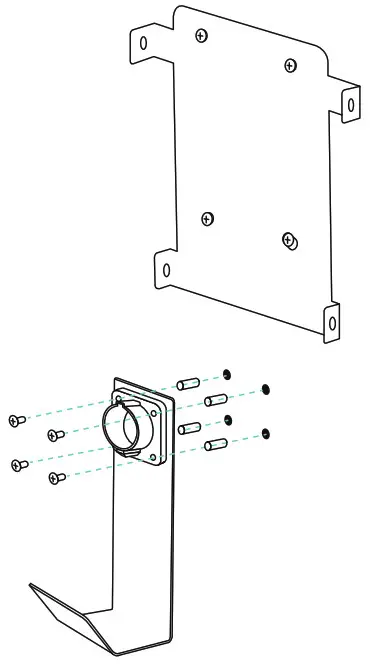
- Fix the J-hook to the wall, approximately 8 inches from the mounting plate.

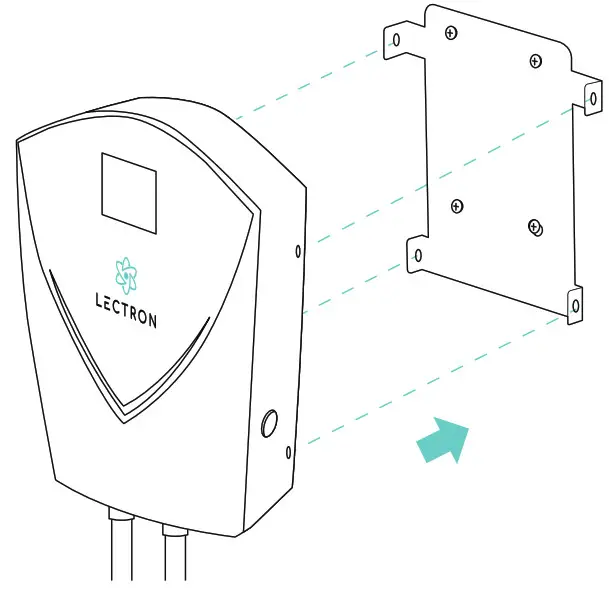
- Attach the V-BOX by lining up the slots at the back with the tabs on the mounting plate.
Note: Adjust the the amp setting on the back of the V-BOX prior to mounting.
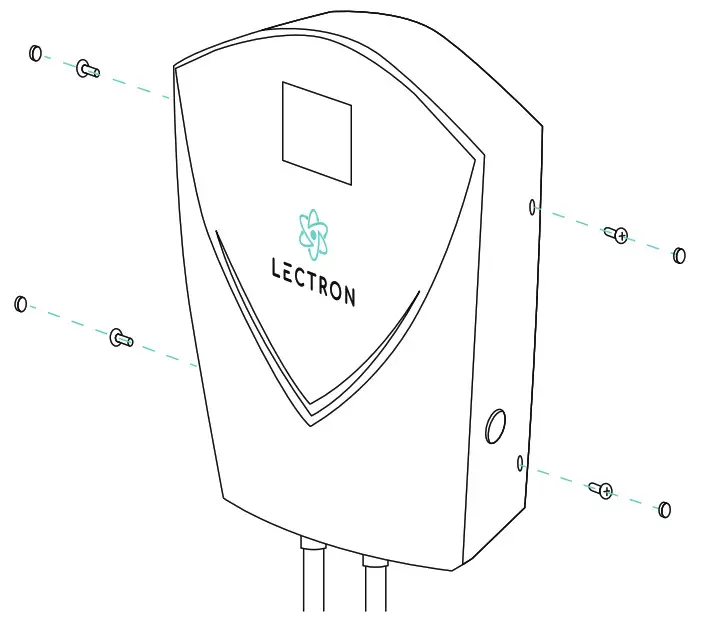
- Insert the short screws into the holes at the sides of the V-BOX, and place the screw caps on top.

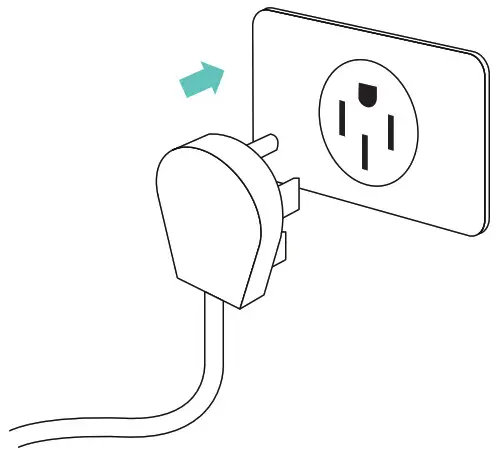
- Plug the power cable into a NEMA 14-50 outlet.

Charging Your Vehicle
Note: Before you begin charging, make sure that your vehicle is parked and the engine is turned off.
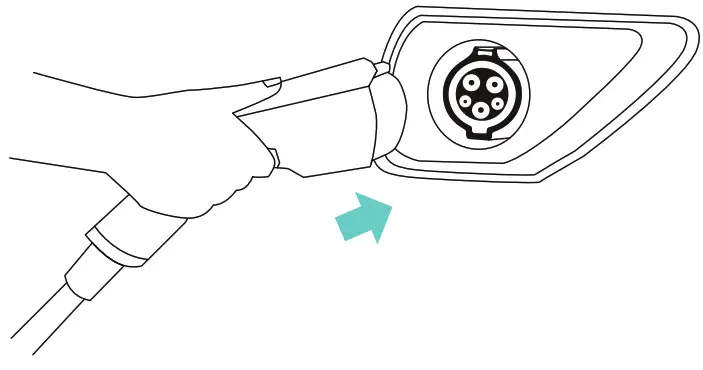
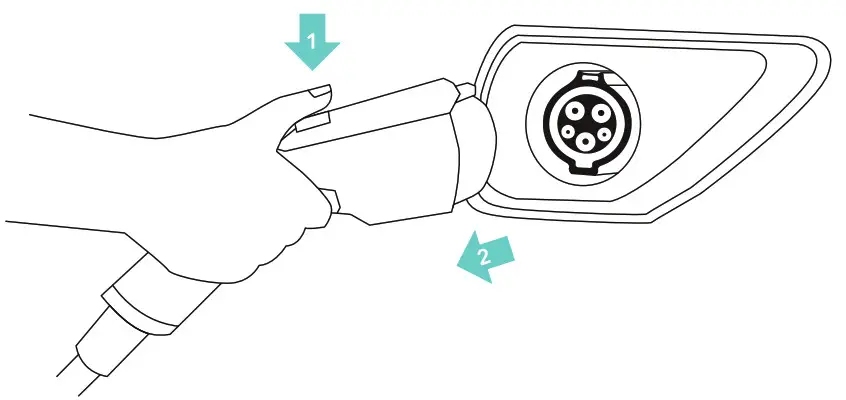
- Plug the charging handle into your vehicle’s charging port.

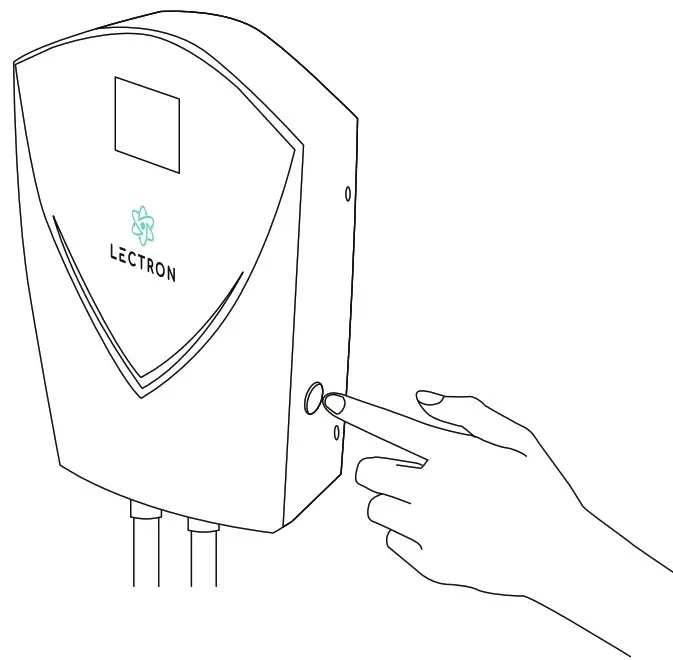
- Press the power button on the side of the V-BOX to turn it on/off.
 3. The LEDs on the V-BOX will display a ‘rolling green’ status to indicate that your vehicle is successfully charging. You can also verify the charging status by checking your vehicle dashboard.
 3. The LEDs on the V-BOX will display a ‘rolling green’ status to indicate that your vehicle is successfully charging. You can also verify the charging status by checking your vehicle dashboard.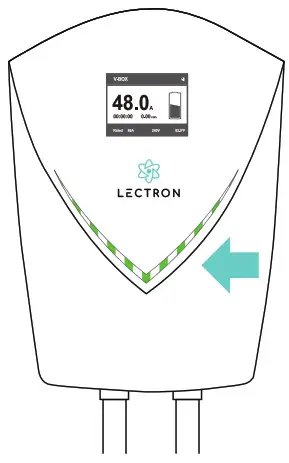
Disconnecting from Your Vehicle
- The LEDs turn solid green when charging is complete. Eject the handle by pressing the button at the top and pulling it out.

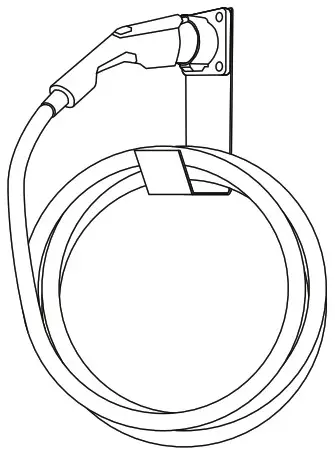
- Neatly wrap up your charging cable and hang it on the J-hook. Place the handle in the holster at the top.

Hardwiring the V-BOX
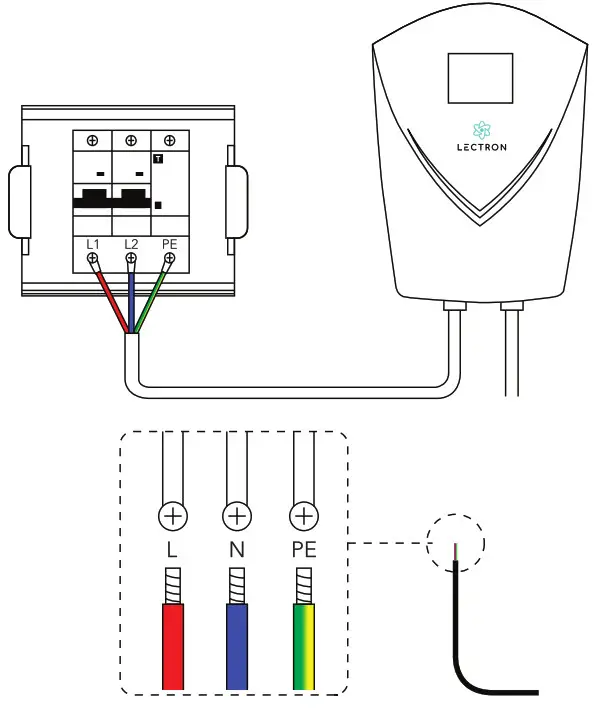
Important: Always shut off your circuit breaker before any hardwire installation.
Hardwiring should only be done by a qualified electrician.
Specifications
| Input / output: | 200 V – 240 V |
| Frequency: | 50 / 60 Hz |
| Maximum current: | 48 A |
| Cable length: | 20 ft |
| Plug: | NEMA 14-50 |
| EV connector: | SAE – J1772 |
| Dimensions: | 13.4 x 9.6 x 4 in |
| Weight: | 12.8 lb |
| Operating temperature: | -22 °F to 122 °F |
| Materials: | ABS + PC alloy |
Get More Support
Scan the QR code below or email us at [email protected].
www.ev-lectron.com
Made in China
 Full Stack Metaverse Solutions - Lectron
 Lectron Electric Vehicle Charging — Lectron EV