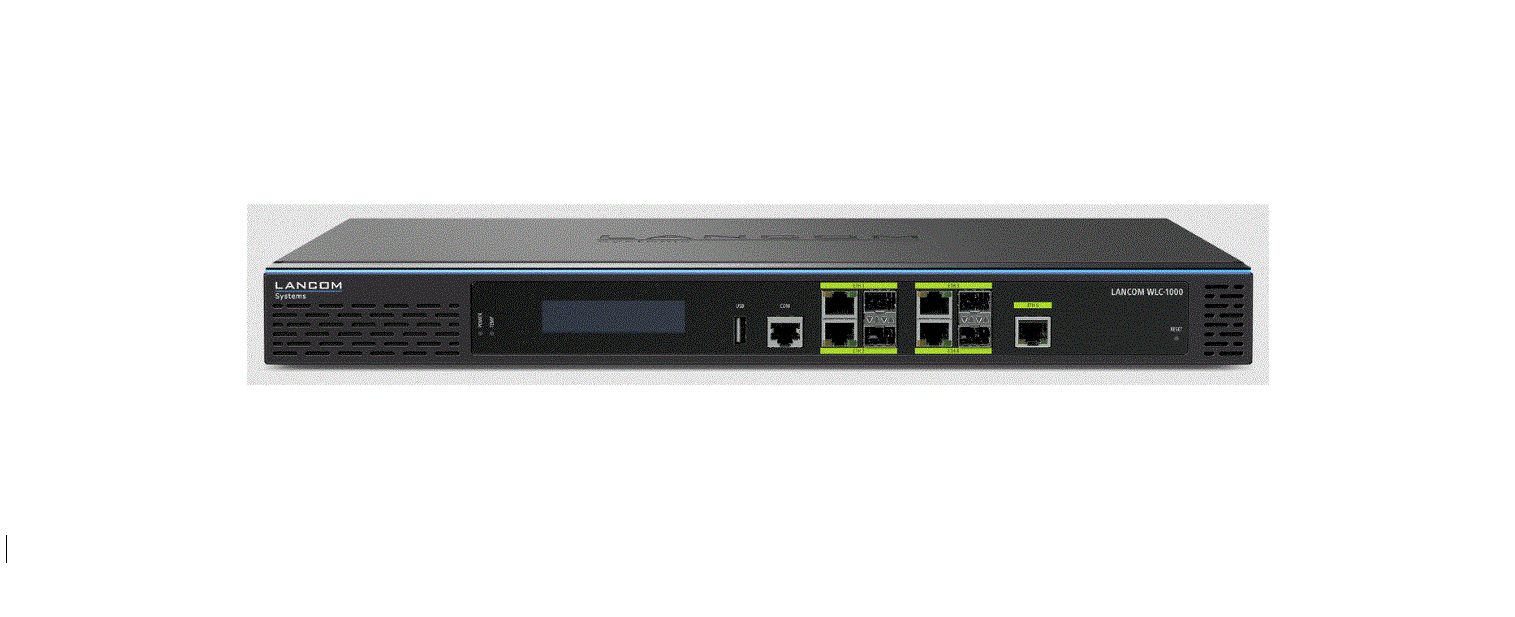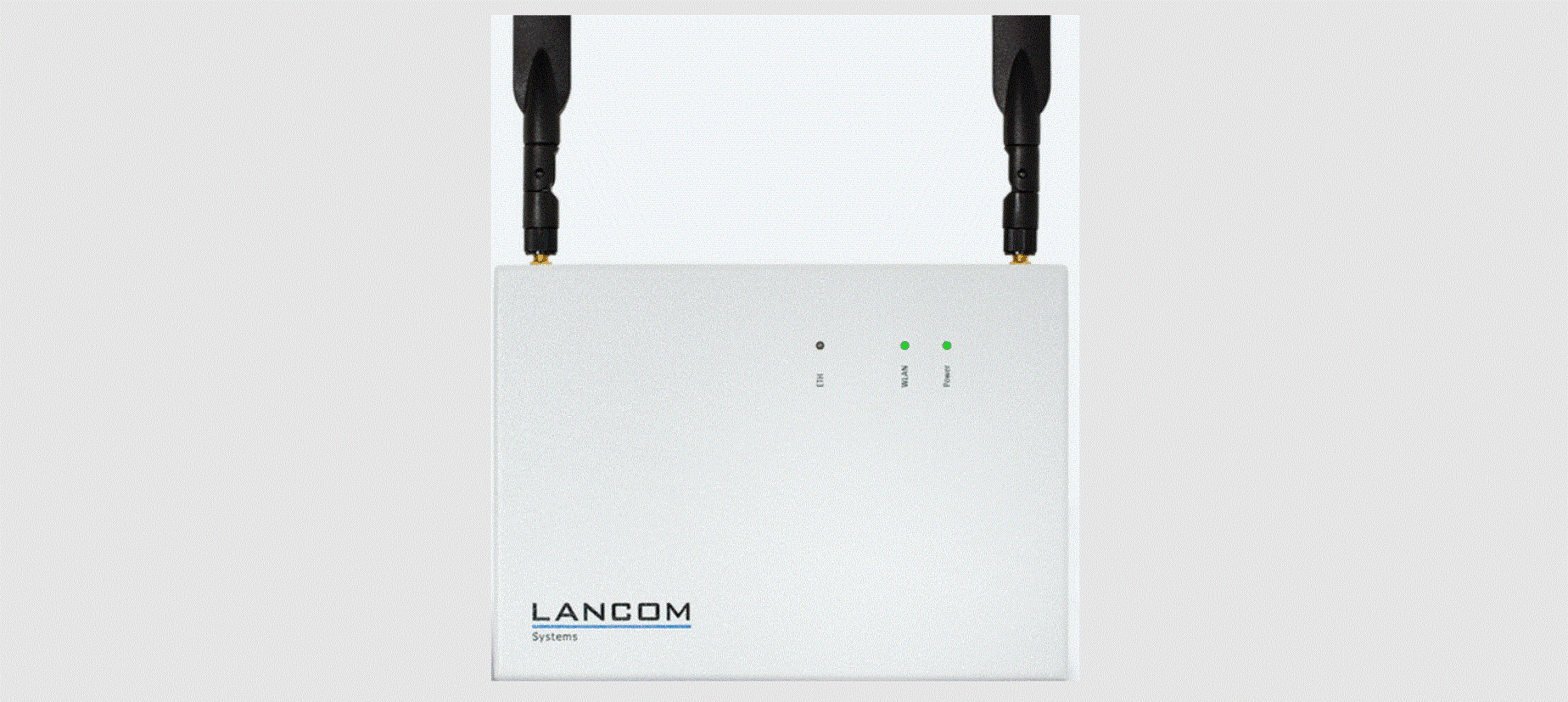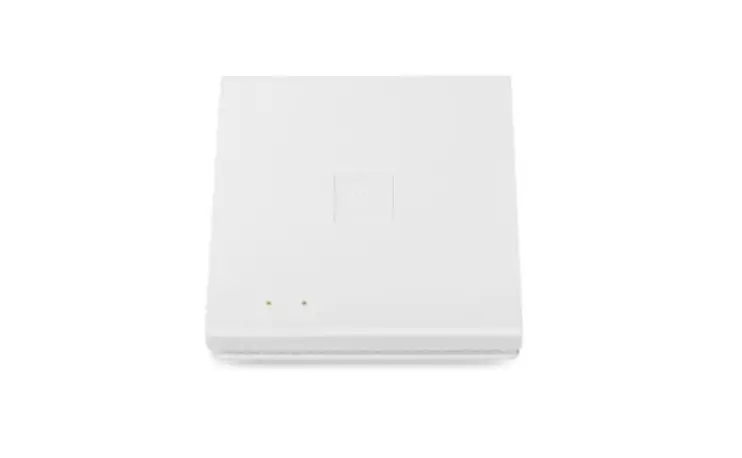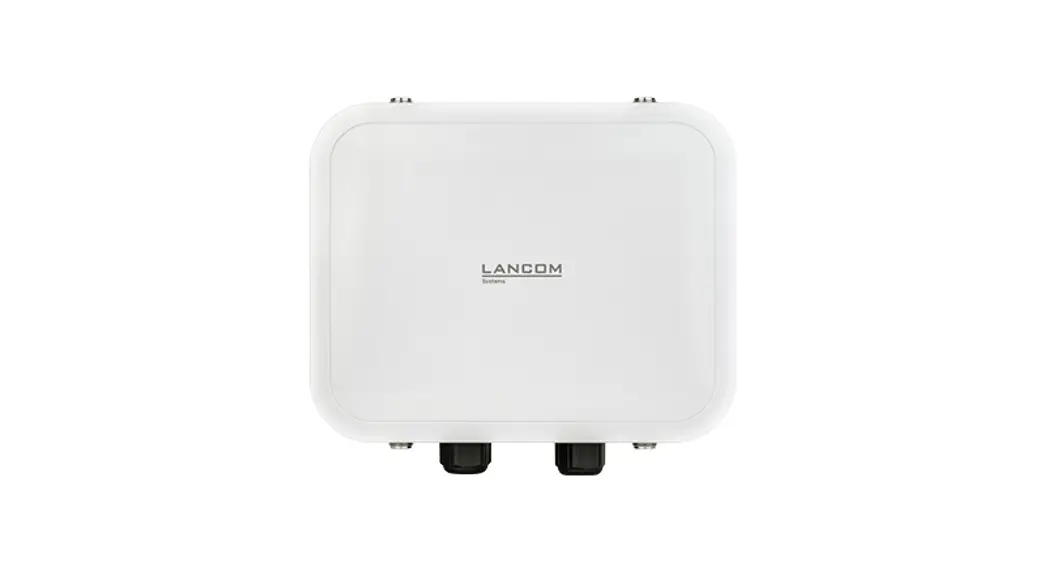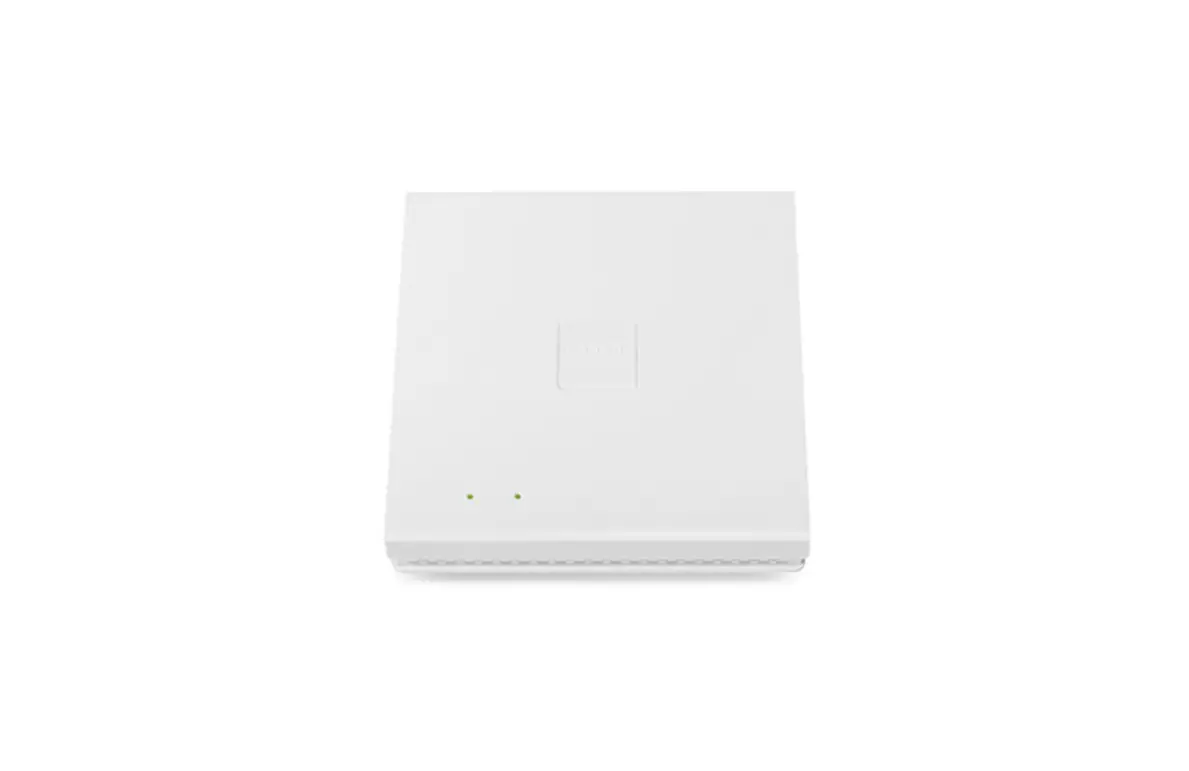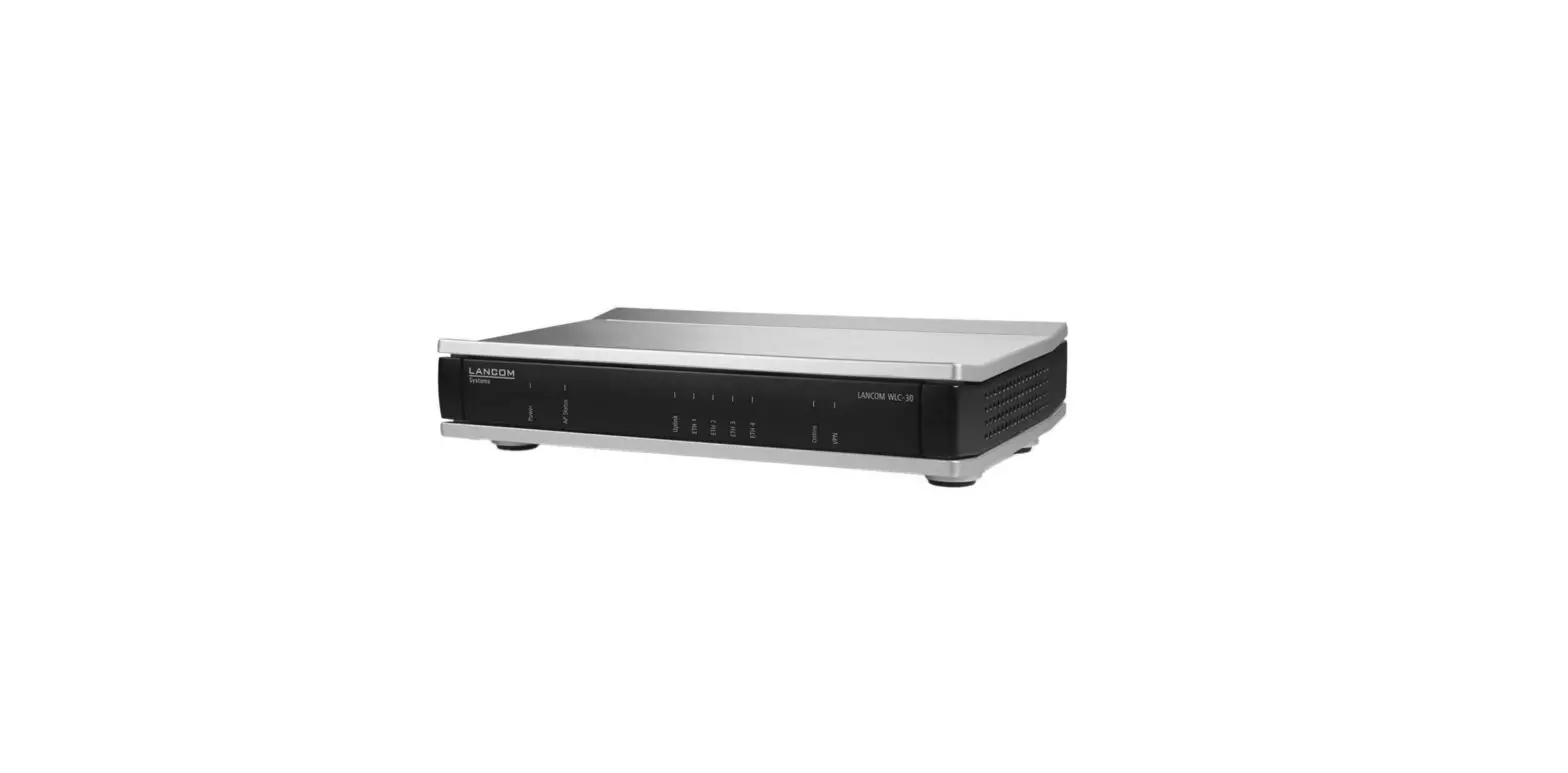
LANCOM SYSTEMS WLC-30 WIFI Access Point User Guide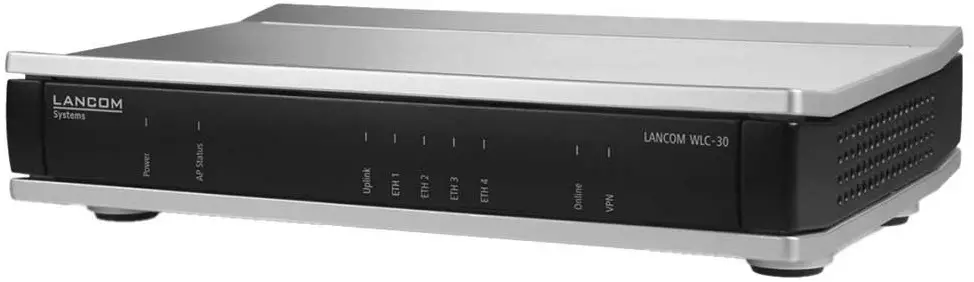
Safety Information
- Before initial startup, please make sure to take notice of the information regarding the intended use in the enclosed installation guide!
- Operate the device only with a professionally installed power supply at a nearby power socket that is freely accessible at all times.
 Please observe the following when setting up the device
- The mains plug of the device must be freely accessible.
- For devices to be operated on the desktop, please attach the adhesive rubber footpads
- Do not rest any objects on top of the device and do not stack multiple devices
- Keep all ventilation slots of the device clear of obstruction
Product Overview
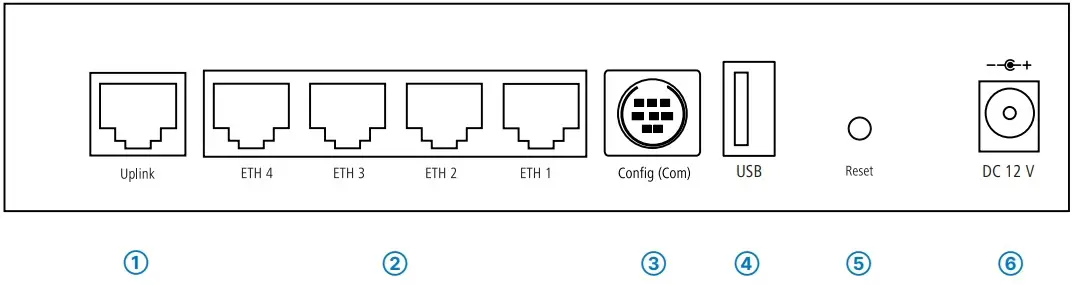
- ➀ TP Ethernet interface (Uplink)
Connect the Uplink interface to a LAN switch or a WAN modem with a suitable cable.
- ➁ TP Ethernet interfaces
Use one of the enclosed cables with the kiwi-colored connectors to connect the interface ETH 1 to ETH 4 to your PC or a LAN switch. - ➂ Serial configuration interface
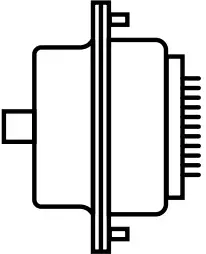
For configuration, connect the device and a PC with a configuration cable (cable sold separately).
- ➃ USB interface
You can use the USB interface to connect a USB printer or a USB flash drive for device configuration
- ➄ Reset button
Pressed up to 5 seconds: device restart
Pressed until first flashing up of all LEDs: configuration reset and device restart
- ➅ Power
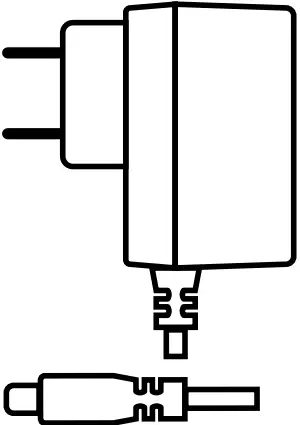
After connecting the cable to the device, turn the bayonet connector 90° clockwise until it clicks into place.
Use only the supplied power adapter.




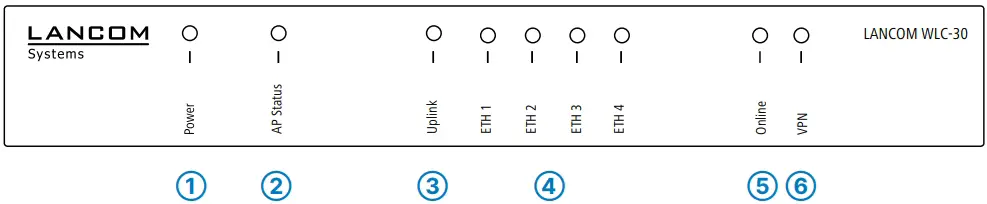
| ➀ Power | |
| Green, permanently* | Device operational, resp. device paired / claimed and LANCOM Management Cloud (LMC) accessible |
| Green/orange, blinking | Configuration password not set Without a configuration password, the configuration data in the device is unprotected. |
| Red, blinking | Charge or time limit reached |
| 1x green inverse blinking* | Connection to the LMC active, pairing OK, device not claimed |
| 2x green inverse blinking* | Pairing error, resp. LMC activation code not available |
| 3x green inverse blinking* | LMC not accessible, resp. communication error |
*) The additional power LED statuses are displayed in 5-seconds rotation if the device is configured to be managed by the LANCOM Management Cloud.
| ➁ AP Status | |
| Green, permanently | At least one active access point is connected and authenticated; no new and no missing access point. |
| Green/orange, blinking | At least one new access point. |
| Red, permanently | The LANCOM Wi-Fi controller is not yet operational; one of the following elements is missing:
|
| Red, blinking | At least one of the expected access points is missing. |
| ➂ Uplink | |
| Off | No networking device attached |
| Green, permanently | Connection to network device operational, no data traffic |
| Green, flickering | Data transmission |
| ➃ ETH | |
| Off | No networking device attached |
| Green, permanently | Connection to network device operational, no data traffic |
| Green, flickering | Data transmission |
| ➄ Online | |
| Off | WAN connection inactive |
| Green, permanently | WAN connection active |
| Red, permanently | WAN connection error |
| ➅ VPN | |
| Off | No VPN connection active |
| Green, permanently | VPN connection active |
| Green, blinking | Establishing VPN connections |
Hardware
| Power supply | 12 V DC, external power adapter (110 or 230 V) with bayonet connector to secure against disconnection |
| Power consumption | Max. 8.5 W |
| Environment | Temperature range 0–40 °C; humidity 0 95 %; non-condensing |
| Housing | Robust synthetic housing, rear connectors, ready for wall mounting, Kensington lock; measures 210 x 45 x 140 mm (W x H x D) |
| Number of fans | None; fanless design, no rotating parts, high MTBF |
Interfaces
| Uplink | 10 / 100 / 1000 Mbps Gigabit Ethernet |
| ETH | 4 individual ports, 10 / 100 / 1000 Mbps Gigabit Ethernet. Each Ethernet port can be freely configured (LAN, WAN, monitor port, off). LAN ports operate in switch mode or isolated. Additionally, external DSL modems or termination routers can be operated at the Uplink port together with policy-based routing. |
| USB | USB 2.0 Hi-Speed host port for connecting USB printers (USB print server) or USB data media (FAT file system) |
| Config (Com) | Serial configuration interface / COM port (8-pin Mini-DIN): 9,600 – 115,000 baud, suitable for optional connection of analog / GPRS modems. Supports the internal COM-port server. |
WAN protocols
| Ethernet | PPPoE, Multi-PPPoE, ML-PPP, PPTP (PAC or PNS) and plain Ethernet (with or without DHCP), RIP-1, RIP-2, VLAN, IP, GRE, L2TPv2 (LAC or LNS), IPv6 over PPP (IPv6 and IPv4/ IPv6 Dual Stack Session), IP(v6)oE (autoconfiguration, DHCPv6 or static) |
Package content
| Cable | Ethernet cable, 3m (kiwi-colored connectors) |
| WLC Public Spot | Function included in firmware |
| Power adapter | External power adapter, 12 V / 2 A DC, barrel connector 2.1 / 5.5 mm bayonet, LANCOM item no. 111303 (not for WW devices) |
Declaration of Conformity
Hereby, LANCOM Systems GmbH | Adenauerstrasse 20/B2 | D-52146 Wuerselen, declares that this device is in compliance with Directives 2014/30/EU, 2014/35/EU, 2011/65/EU, and Regulation (EC) No. 1907/2006. The full text of the EU Declaration of Conformity is available at the following Internet address: www.lancom systems.com/doc/
 DoC - LANCOM Systems GmbH