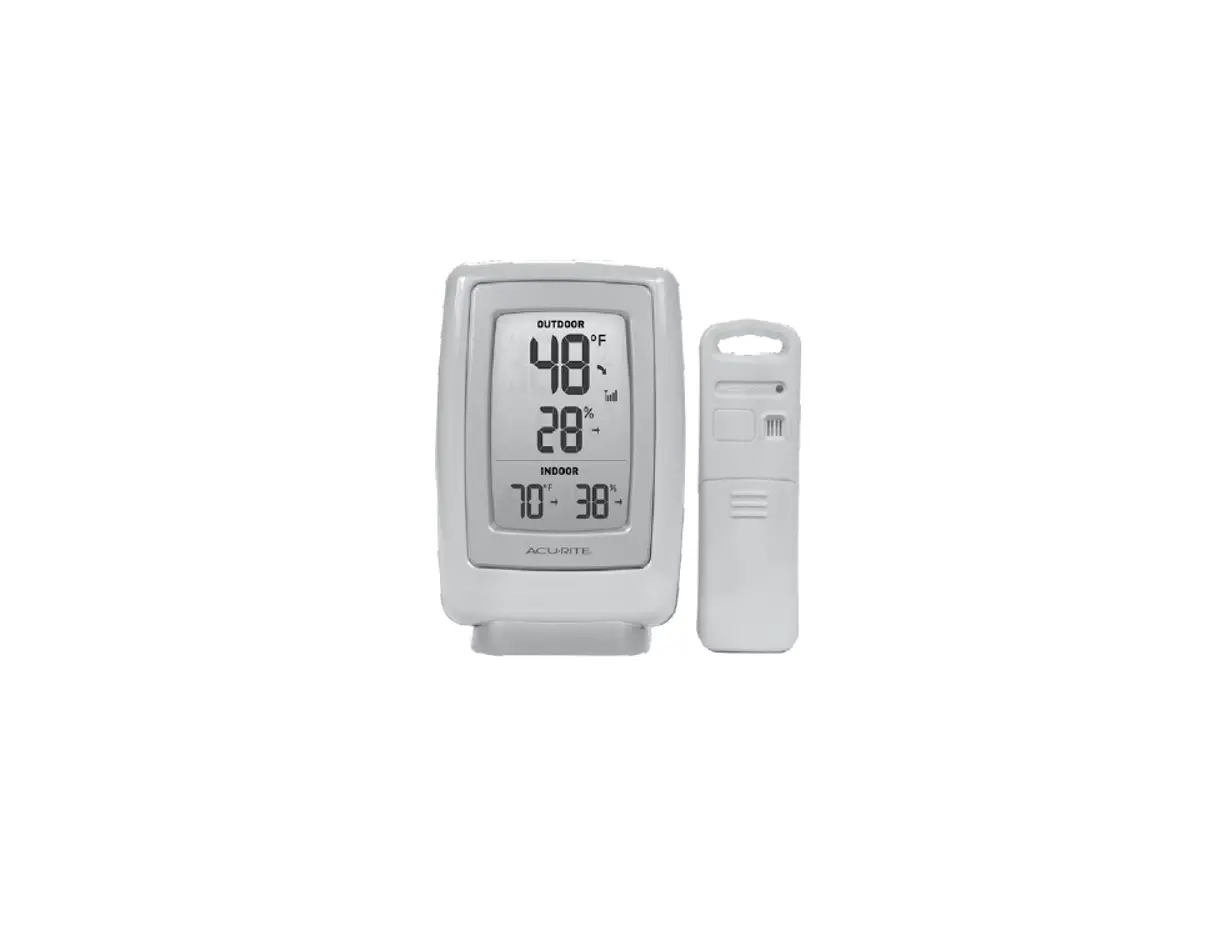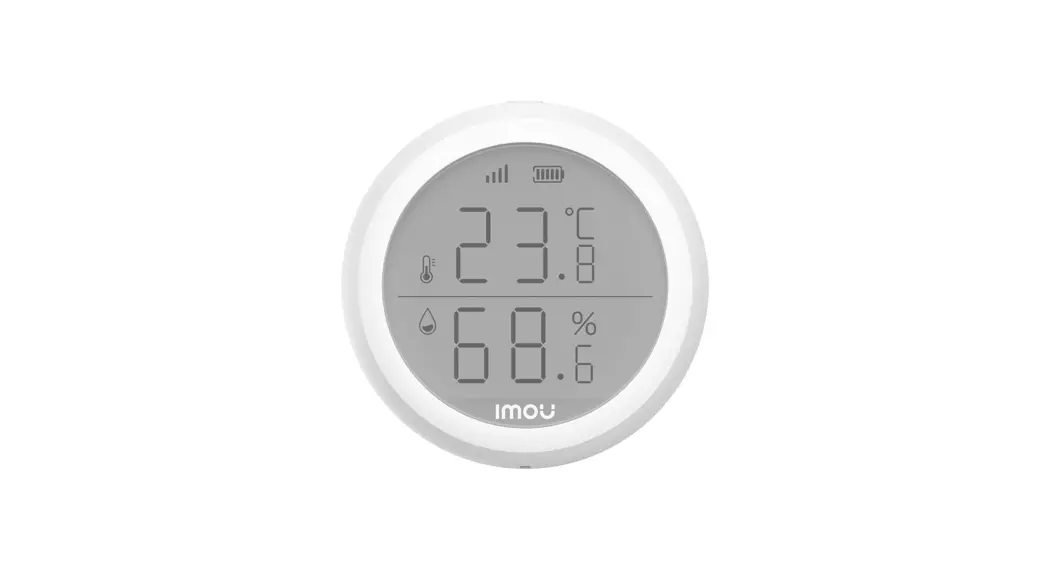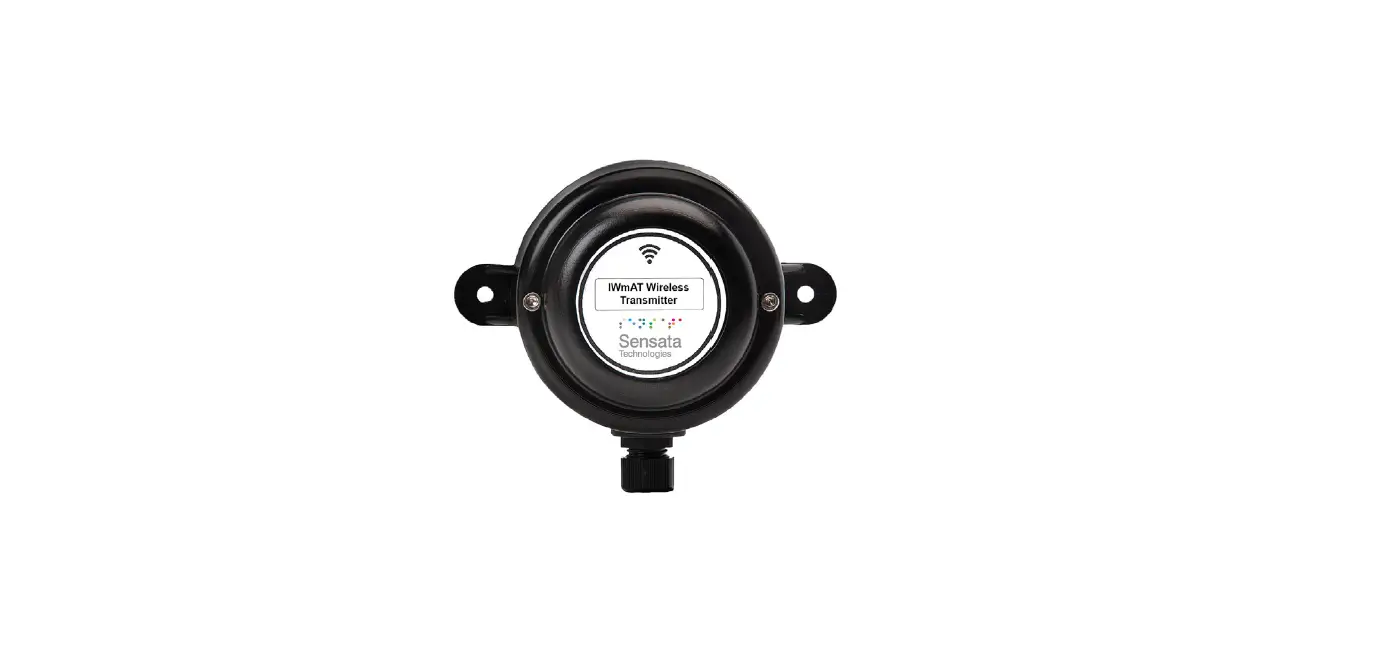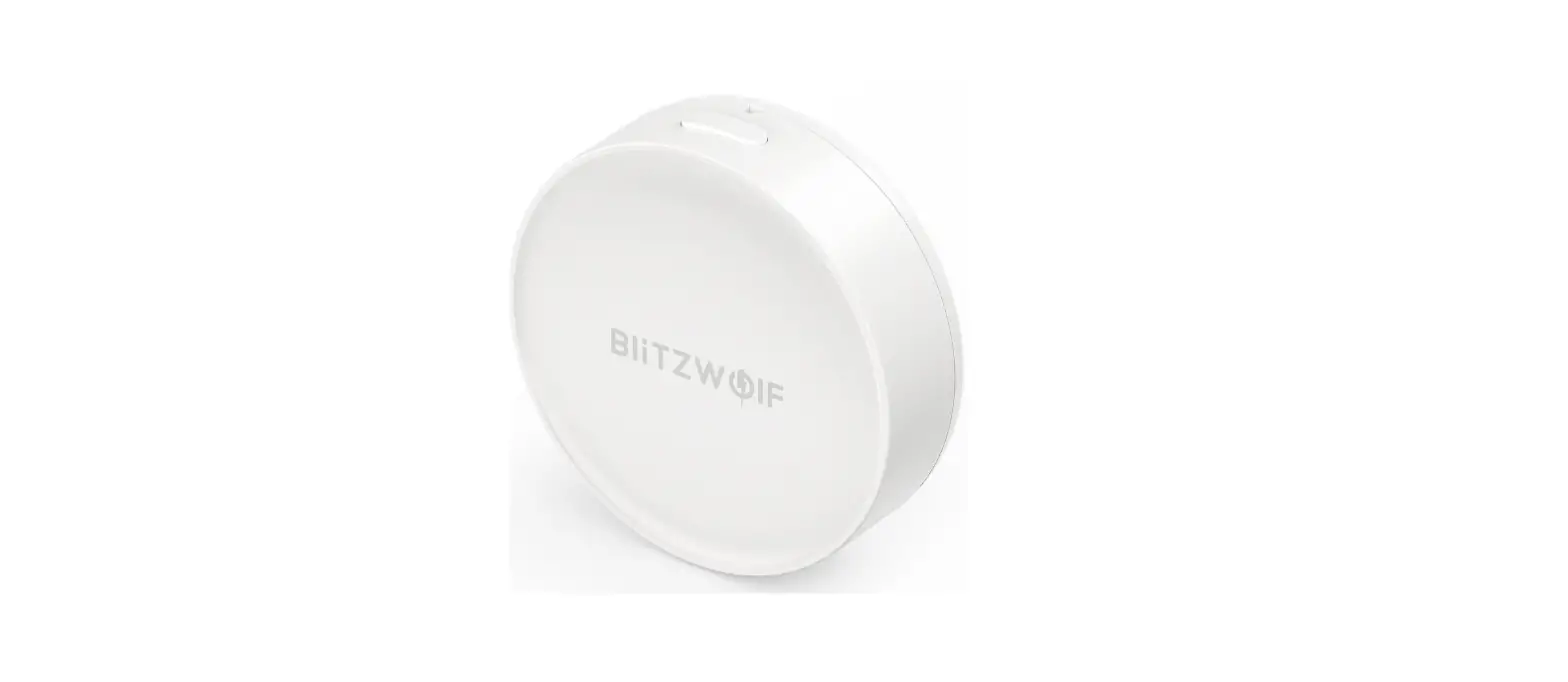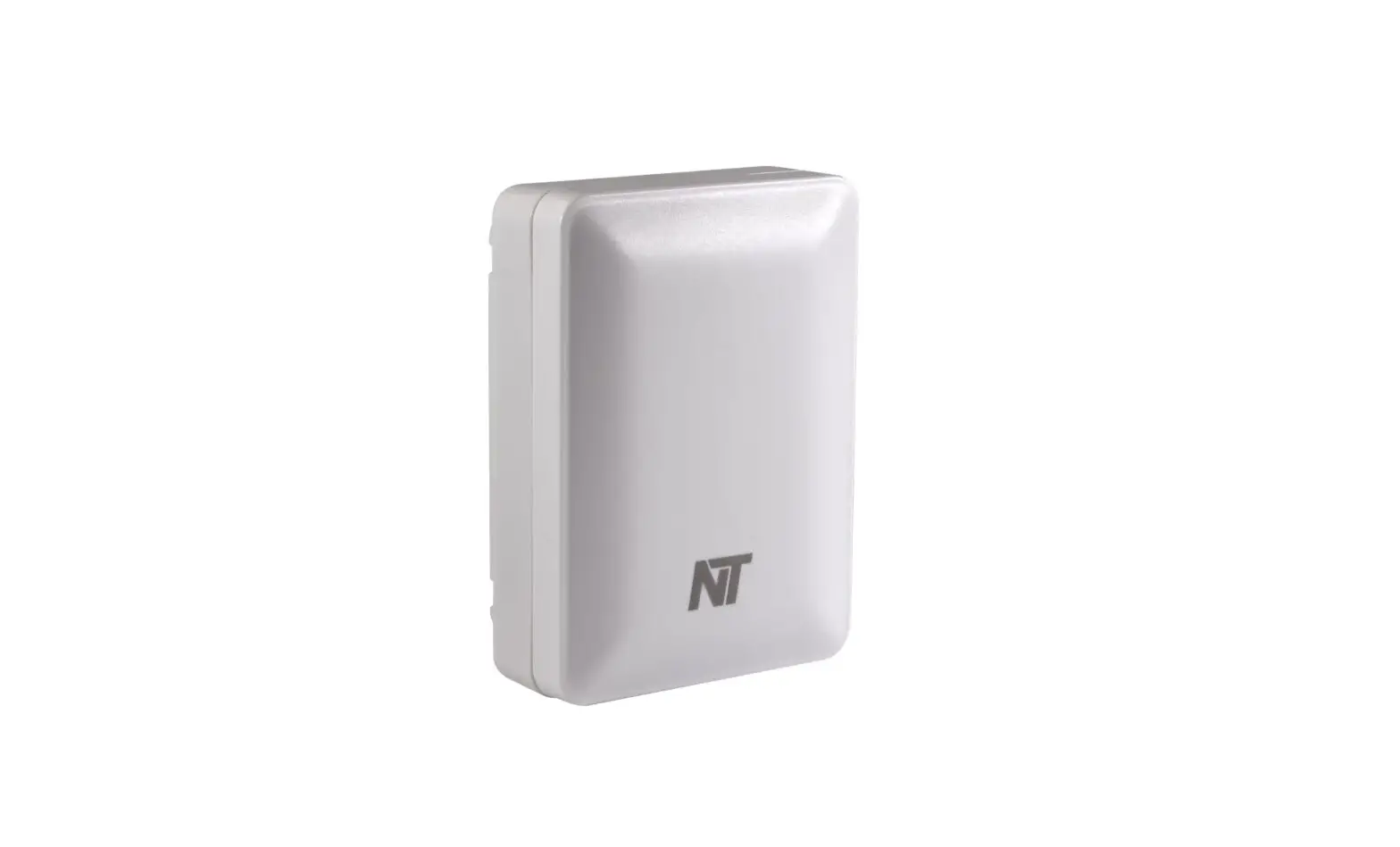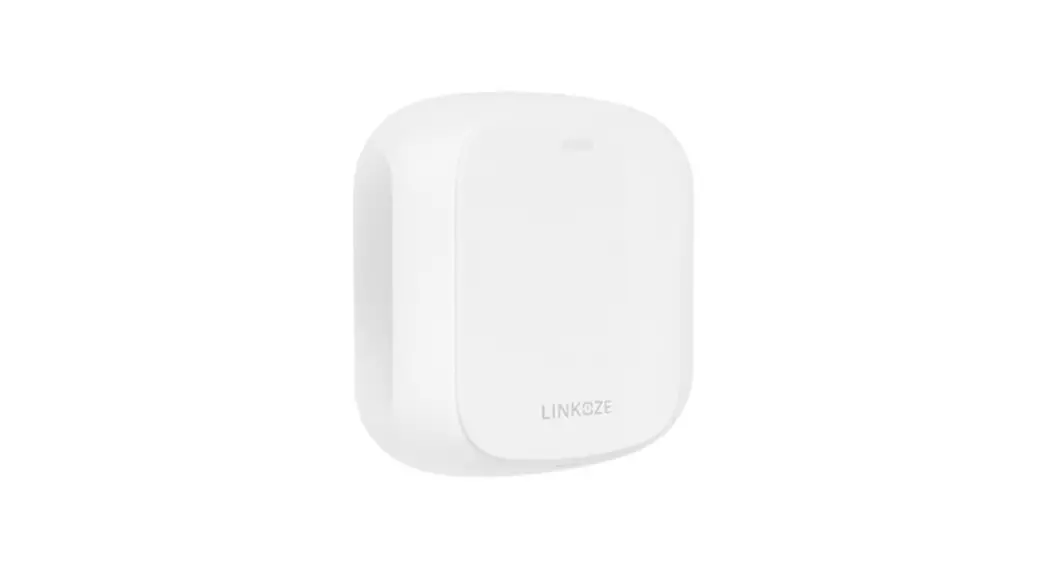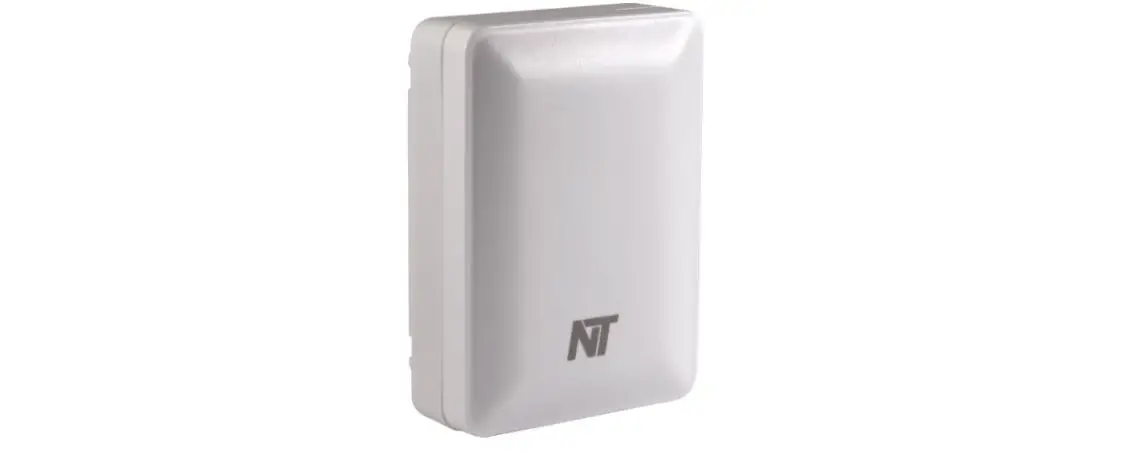
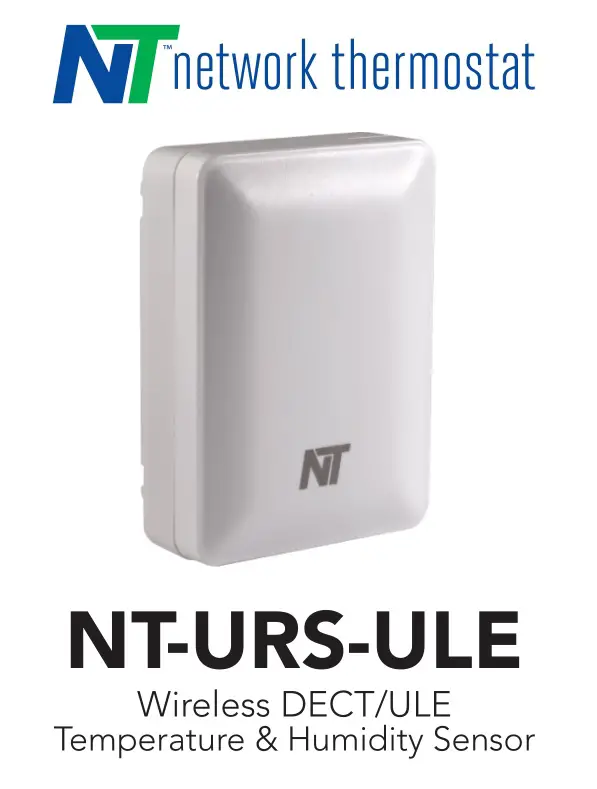
Network Thermostat NT-URS-ULE Wireless DECT/ULE
Temperature and Humidity Sensor User Guide
For more information, details about the products FCC/IC registration, and complete installation documents, see the URL below or use the QR code.

Quick Start Guide
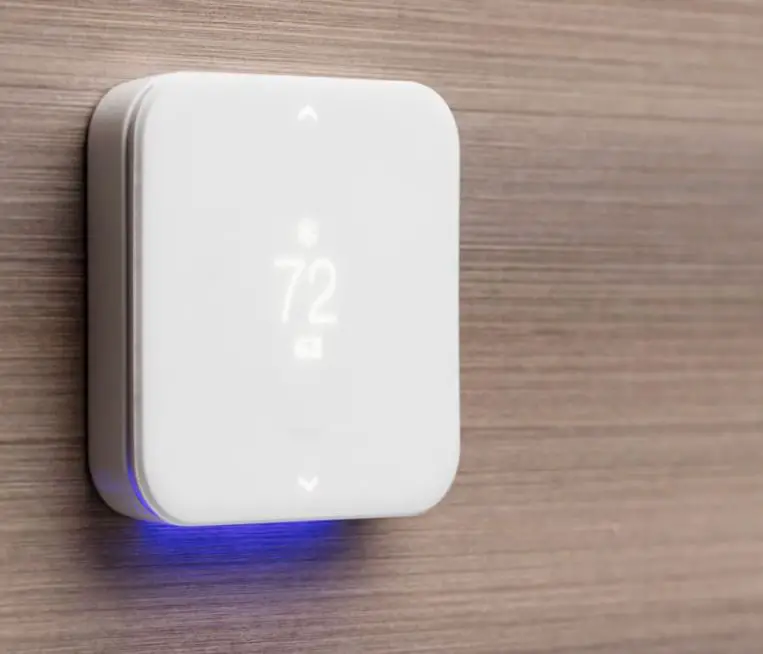
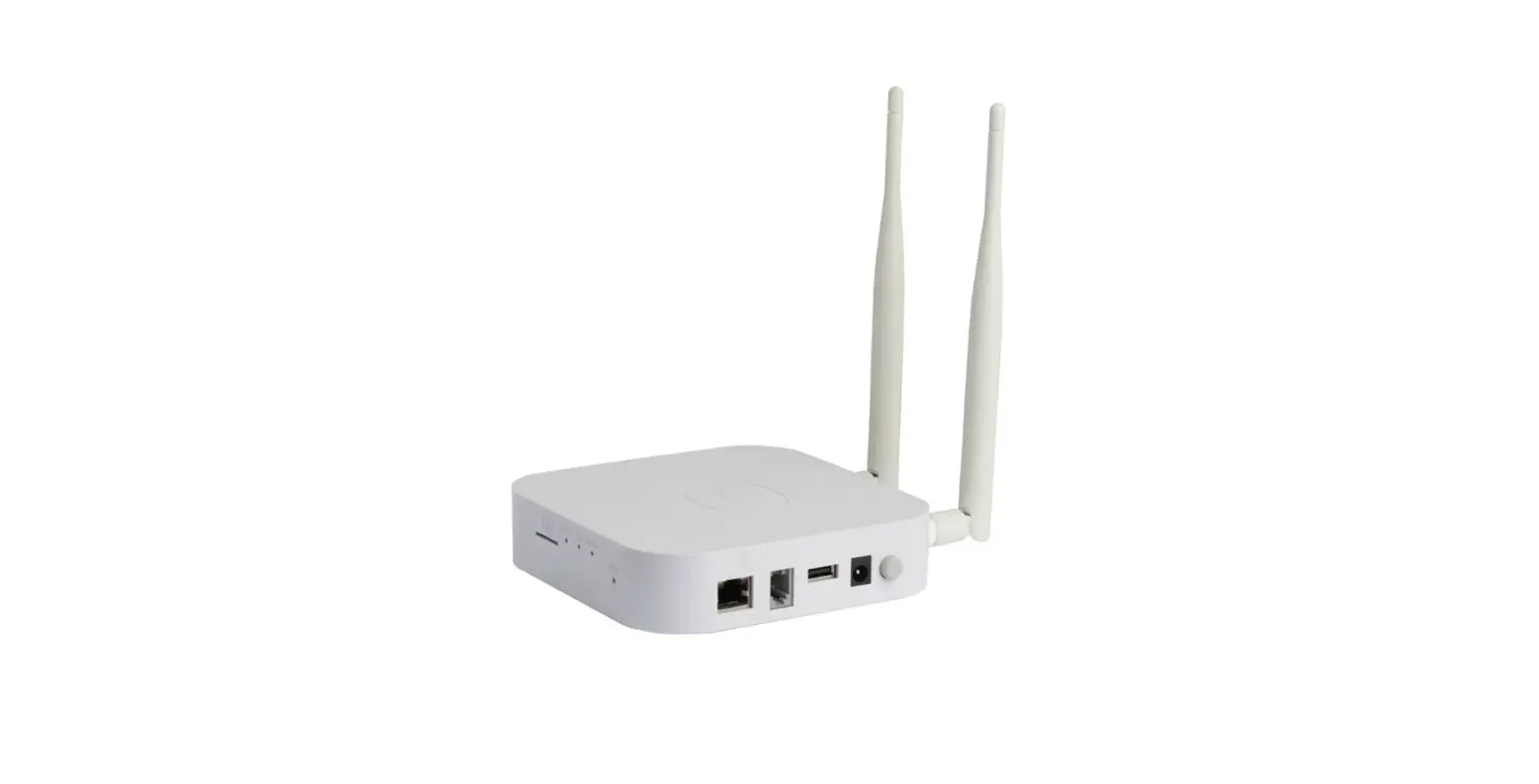
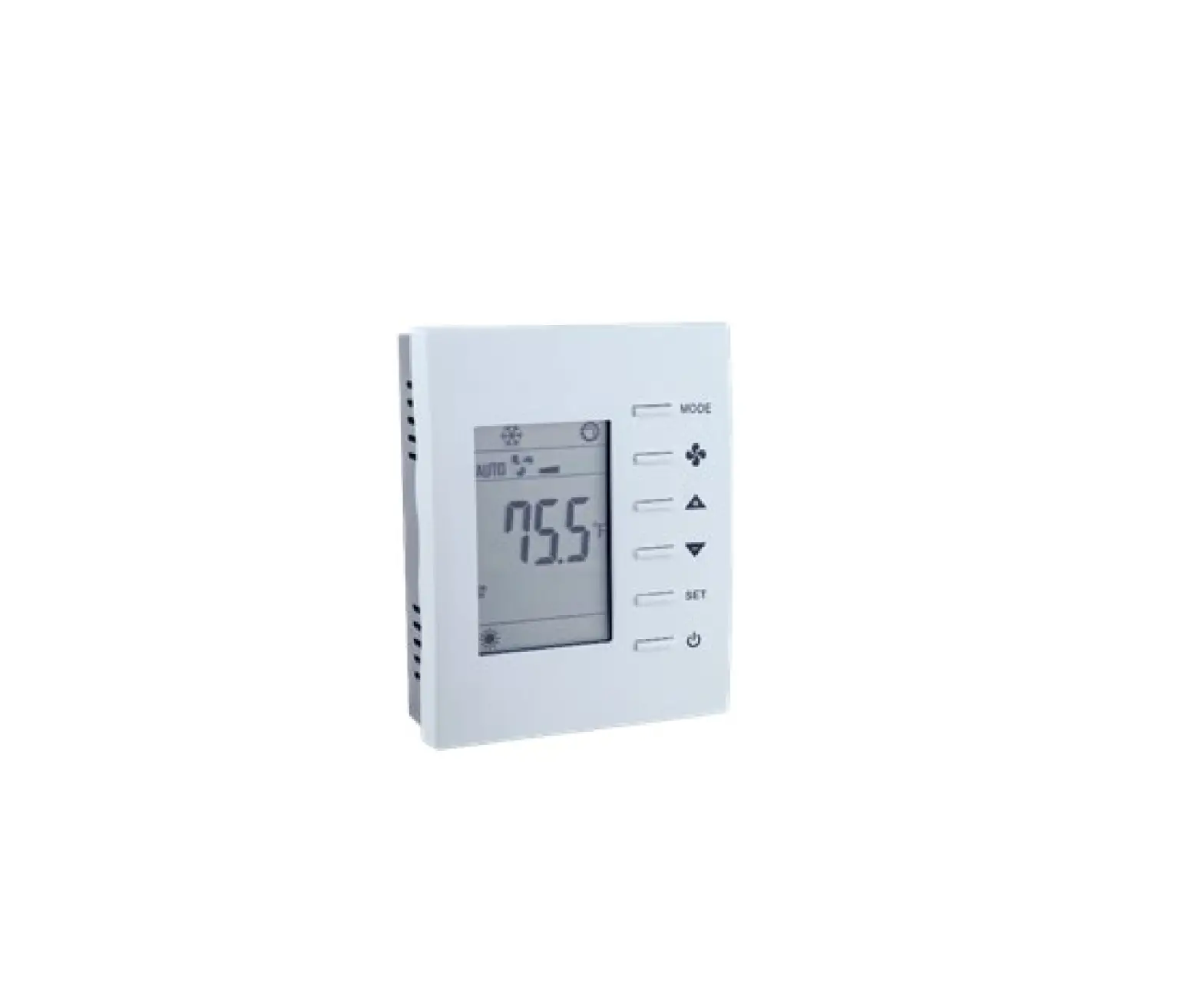
Before mounting the sensor, configure DIP switches and pair the sensor. Have the NT-URS-ULE less than 10 feet (3 meters) from the NetX X-Series ULE thermostat or DECT/ULE hub.
Step 1: Open the Case of the NT-URS-ULE.
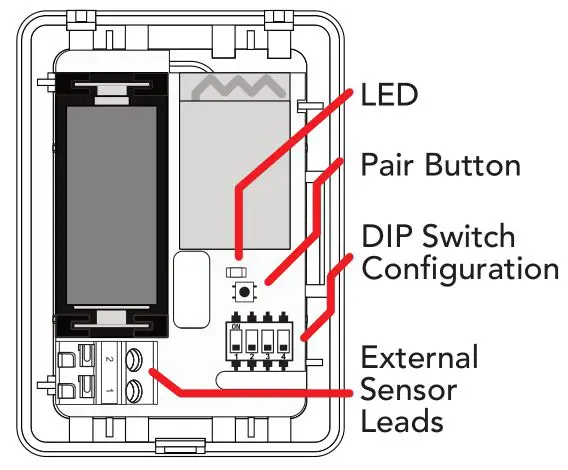
Step 2: Configure sensor DIP switches. See Sensor Type Configuration for proper settings.
Step 3: Activate Battery. Remove the battery saver tab to connect the included internal battery. The NT-URS-ULE uses a standard CR123A battery
Step 4: Set thermostat into discovery mode. Follow instructions provided in the NetX X-Series ULE thermostat or DECT/ULE third party hub.
Step 5: Press and hold the Pair Button for 5 seconds until the LED blinks. When a successful link has been made, the LED will stay on for 10 seconds, and then turn off. The sensor is paired.
Sensor Type Configuration
Indoor Temperature and Humidity: Uses Internal Temperature and Humidity Sensor
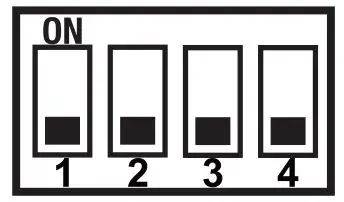
Outdoor Temperature: Use NT-OUTDOOR*
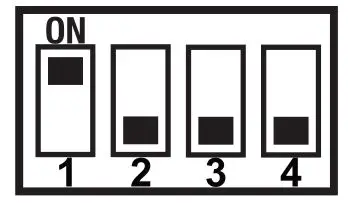
Indoor Humidity Only: Uses Internal Humidity Sensor
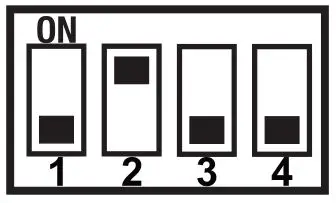
AUX 1 Temperature: Uses NT-PROBE-SS8*
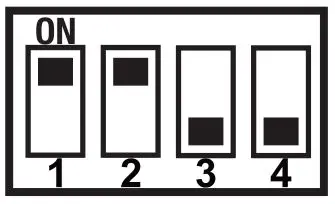
AUX 2 Temperature: Uses NT-PROBE-SS8*
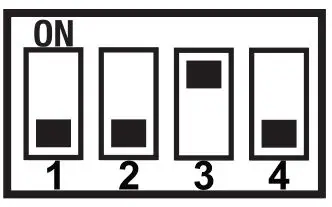
AUX 3 Temperature: Uses NT-PROBE-SS8*

*Probe connects to the two terminals. Other models available.
DECT/ULE Standard Temperature: Uses Internal Temperature Sensor.**
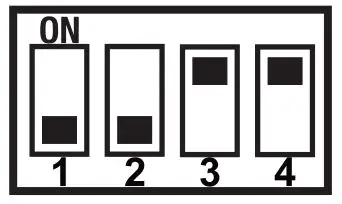
DECT/ULE Standard Humidity: Uses Internal Humidity Sensor.**
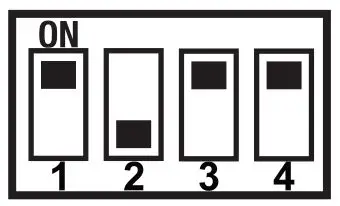
DECT/ULE Standard Environment: Uses Internal Temperature and Humidity Sensor.**
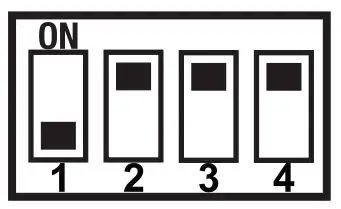 **Configurations for ULE Standard Sensors
Specifications
Battery Type:
3V Lithium CR123A (included) Up to 2-Year battery life
Internal Temp Sensor Range:
+32°F to 119°F in 1° steps (0°C to 48°C in 1° steps)
Outdoor Temp Sensor Range:
-40°F to +119°F (-40°C to +48°C)
Auxiliary Temp Sensor Range:
AUX1, AUX2 and AUX3:
-40°F to +200°F (-40°C to +93°C)
Internal Humidity Sensor Range:
5% to 95% RH, non-condensing
Measurement Accuracy:
Temperature: ± 1.0°F (±0.5°C); Humidity: 0-90%RH (±3%) ; 20-80% RH (±2%)
Wireless Protocol:
DECT/ULE 1.9GHz Dedicated, Non-Shared Band
Wireless Range:
Up to 2,500 ft (760 meters) open air Typical indoor usable range up to 150ft-200ft (45m to 60m)
Dimensions:
2.1”H x 2.85”W x 1.0”D (53mm x 73mm x 25.4mm)
Made in China
240311-03
 NT-URS-ULE | Network Thermostat